You don't need a casting director, a film crew, or a six-figure production budget to look like a movie star. In 2027, a single photo and the right AI model can place you on a red carpet, inside a dramatic cinematic scene, or even into a talking avatar video that looks like it came out of a professional studio. The technology has reached a point where the gap between an everyday person and a Hollywood-quality visual is simply a well-crafted prompt and 60 seconds of compute time.
This is not about novelty filters. This is not about slapping a preset on your selfie. The models available right now reconstruct lighting physics, simulate skin subsurface scattering, and apply camera-specific depth of field with the kind of precision that was previously reserved for visual effects departments with seven-figure budgets. The results look real because they are built with the same principles that make real photography look real.
What This Technology Actually Does
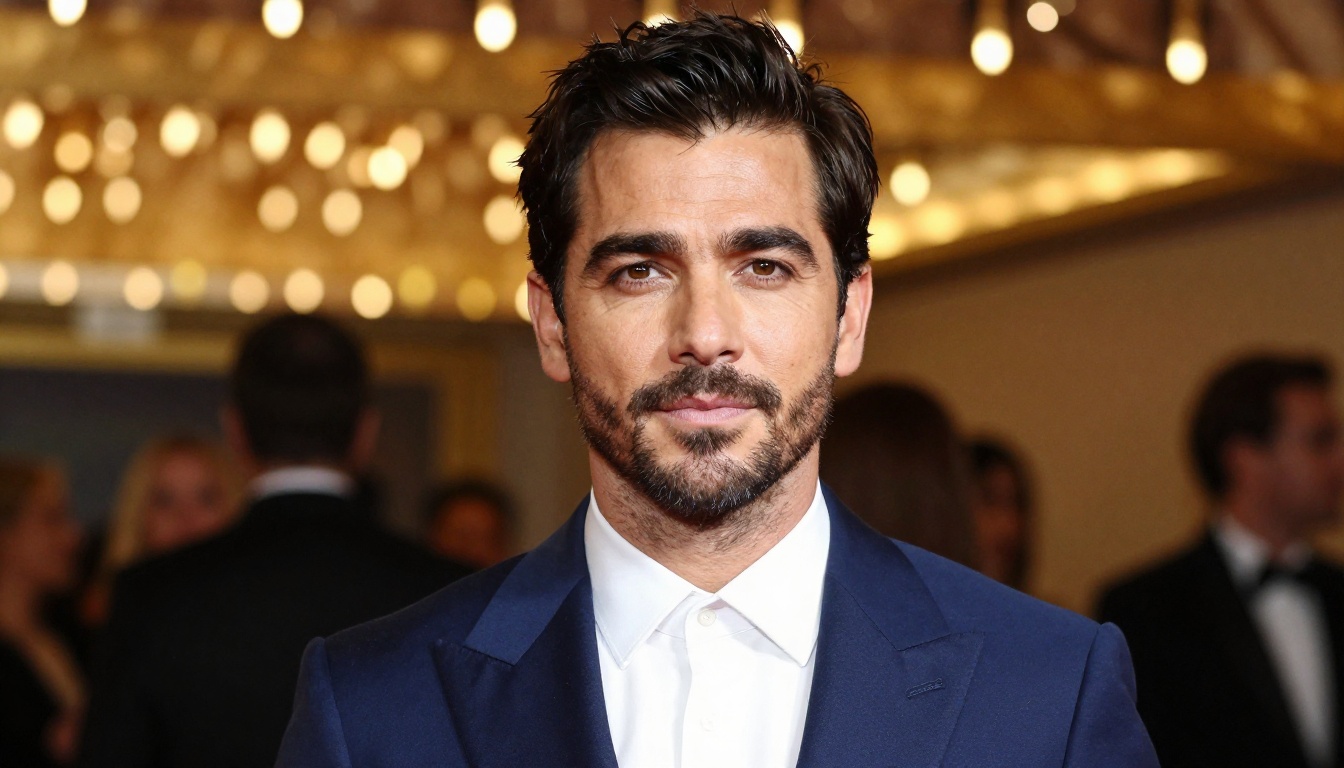
The phrase "AI movie star generator" sounds like marketing, but the actual mechanics are more interesting than the pitch. These models are trained on billions of image-text pairs, many of them sourced from professional photography, cinema, and editorial work. They have internalized not just what things look like, but how things are photographed: the lighting ratios used in portraiture, the depth-of-field behavior of specific lenses, the grain structure of different film stocks, the way velvet absorbs light differently than satin.
From a phone photo to a cinematic still
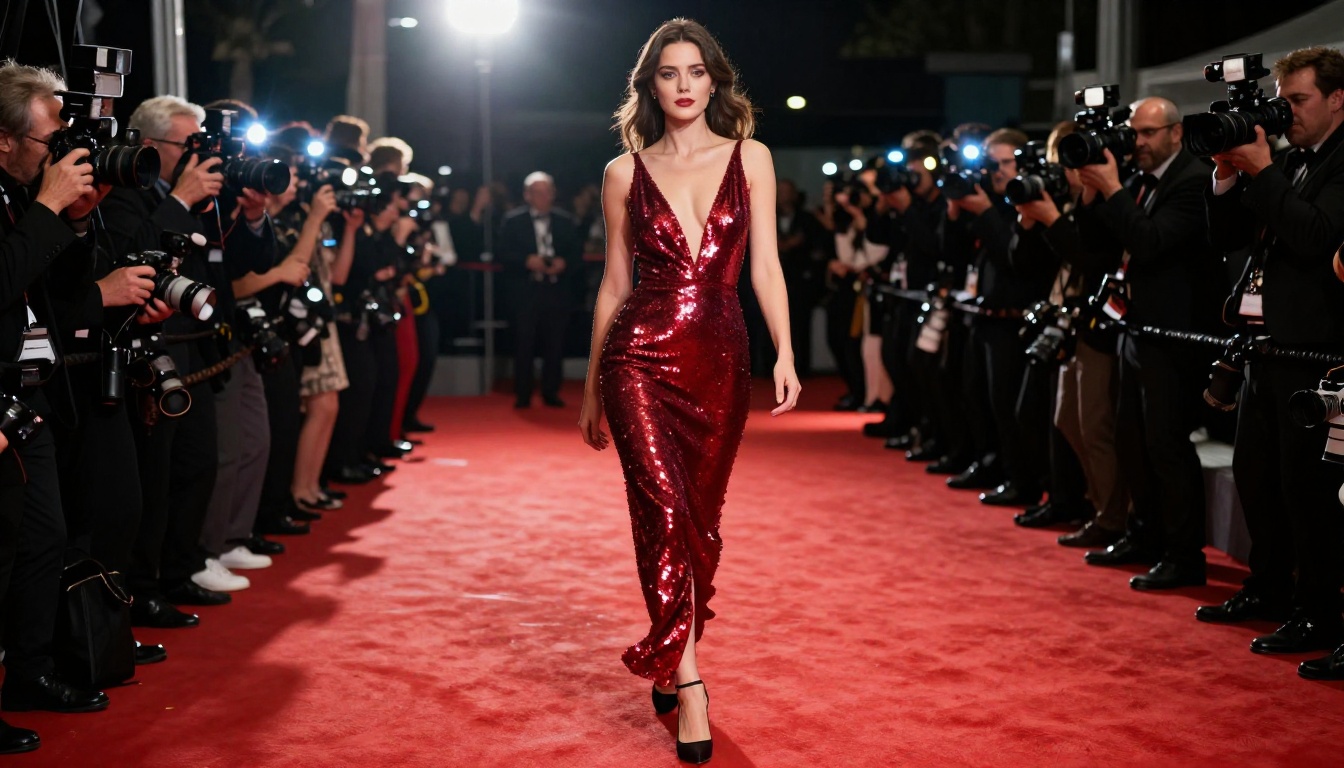
The core process works like this: the model takes your text description, including details about your appearance, the scene, the lighting, and the camera, and generates an image that satisfies all of those constraints simultaneously. When you describe "a woman in a floor-length gold gown, standing on a red carpet at night, 85mm lens, Kodak Portra 400 film grain, volumetric golden spotlight from the left," the model generates that image with physically plausible lighting, realistic fabric texture, and a background blur that matches how an 85mm lens actually behaves at wide aperture.
The result is not a composite or a filter. It is a fully synthesized photograph, built pixel by pixel according to the model's learned understanding of what photorealistic cinema looks like.
It's not a filter, it's a full production
This distinction matters practically. A filter from a phone app adjusts the existing pixels in your photo. An AI generation model creates a new image from scratch. That means you are not limited by what was in your original photo: the background, the lighting, the costume, the camera angle, the depth of field can all be completely different from the source image. You upload a selfie and get back a photograph that was never taken, of a version of you that was never in that location, wearing clothes you don't own, lit by lights that don't exist in your home.
💡 Why this matters: The output is content you can actually publish. For social media, for press kits, for music covers, for actor headshots, the quality clears the bar for professional use. That changes who can afford to produce high-end visual content, which is essentially everyone now.
The Best Models for the Job
The choice of model determines the quality ceiling of your result. Different tools specialize in different outputs: stills, animated clips, or talking-head videos. Here is how to match the right tool to what you are trying to create.
For face animation
If you want to go beyond a still image and see yourself actually moving in a cinematic scene, photo-to-video models are what you need. These take a photo of your face and animate it with realistic motion, consistent facial geometry, and cinematic camera movement.
Kling Avatar v2 is particularly powerful: upload your photo, provide a motion prompt or reference video, and it outputs a realistic animated clip where your face stays consistent with your actual features. The facial expressions, head movements, and eye behavior are all naturalistic, not cartoonish.
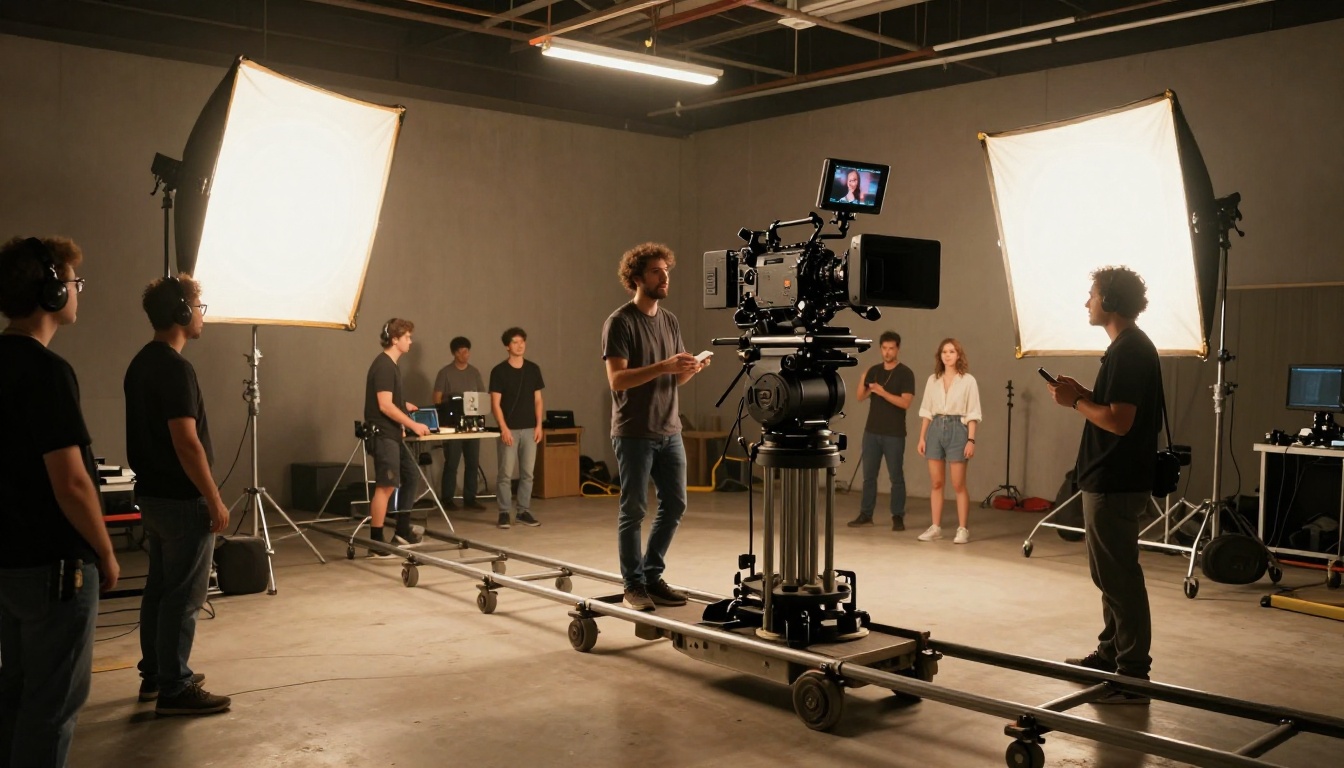
Dreamactor M2.0 approaches the problem differently: you provide a reference motion (another video), and it transfers that movement to your face and body. This is useful when you want a specific type of cinematic gesture or walk cycle applied to your likeness.
For talking videos
This is where the technology becomes genuinely surprising. Lipsync and talking avatar models take a static photo and a piece of audio, and generate a video of that person speaking, with mouth movements that match the audio precisely and head movements that look natural.
- Omni Human 1.5: Takes a single photo and generates a full-body talking video synced to any audio you provide. The body language, facial expressions, and lip sync all work together for a remarkably lifelike result.
- Kling Lip Sync: Takes an existing video and matches the mouth movements precisely to a new audio track. Ideal when you have a cinematic clip and want to change what the character is saying.
- Lipsync Precision: Built specifically for accuracy. When a speech or cinematic monologue needs to land perfectly, this model delivers the tightest sync.
💡 The combo that works: Generate a cinematic still image of yourself, then feed it into Omni Human 1.5 with an audio clip. Two tools, one output that looks like a short film clip.
For full-scene video generation
When you want to generate a complete cinematic scene from a text prompt, without needing a source photo, these models produce the highest quality output:
- Kling v3 Omni Video: Text to 1080p AI video with cinematic motion, strong prompt adherence, and natural lighting physics.
- Seedance 1.5 Pro: Text to video with built-in audio generation. One of the strongest models for full-scene production.
- Sora 2: High-fidelity text-to-video with excellent prompt understanding for complex cinematic scenarios.
Your Red Carpet Moment in 3 Steps
The workflow is simpler than most people expect. Here is the process from a regular phone photo to a cinematic movie-star result.
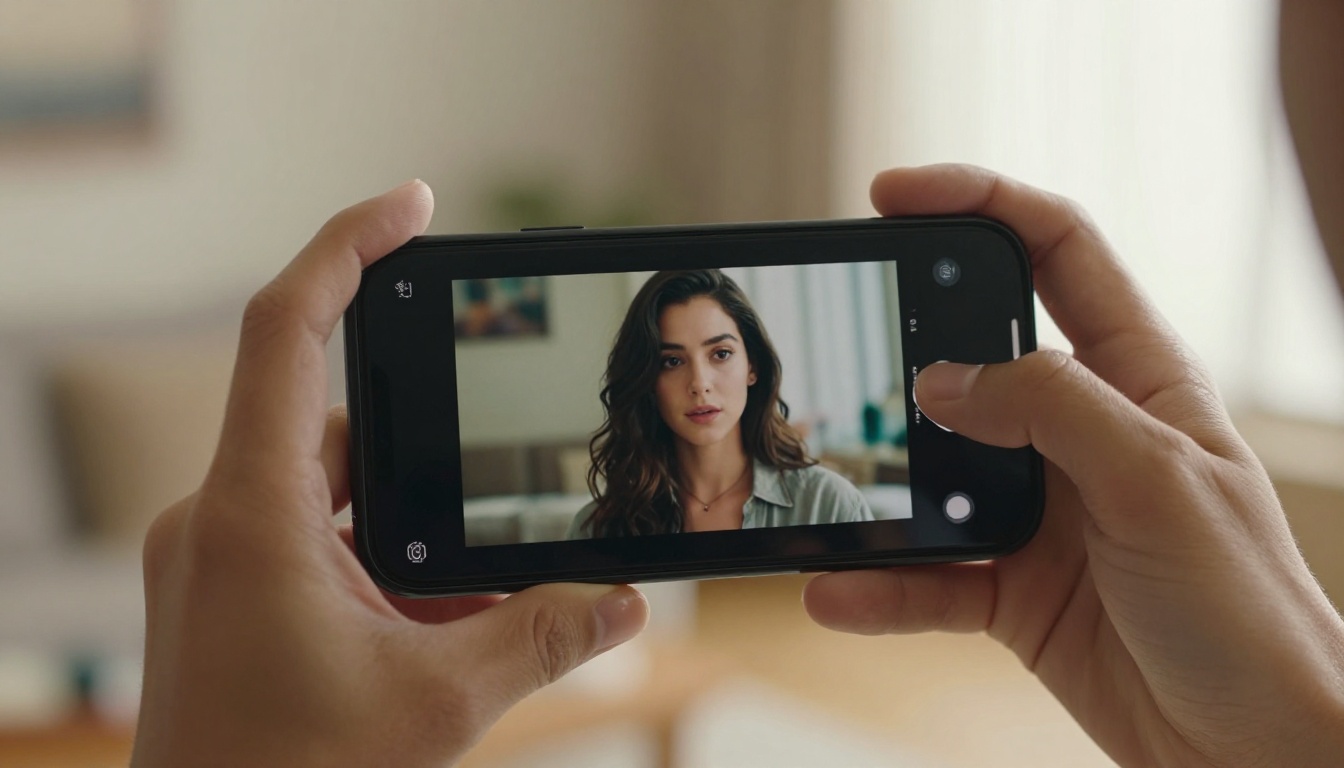
Step 1: Start with the right photo
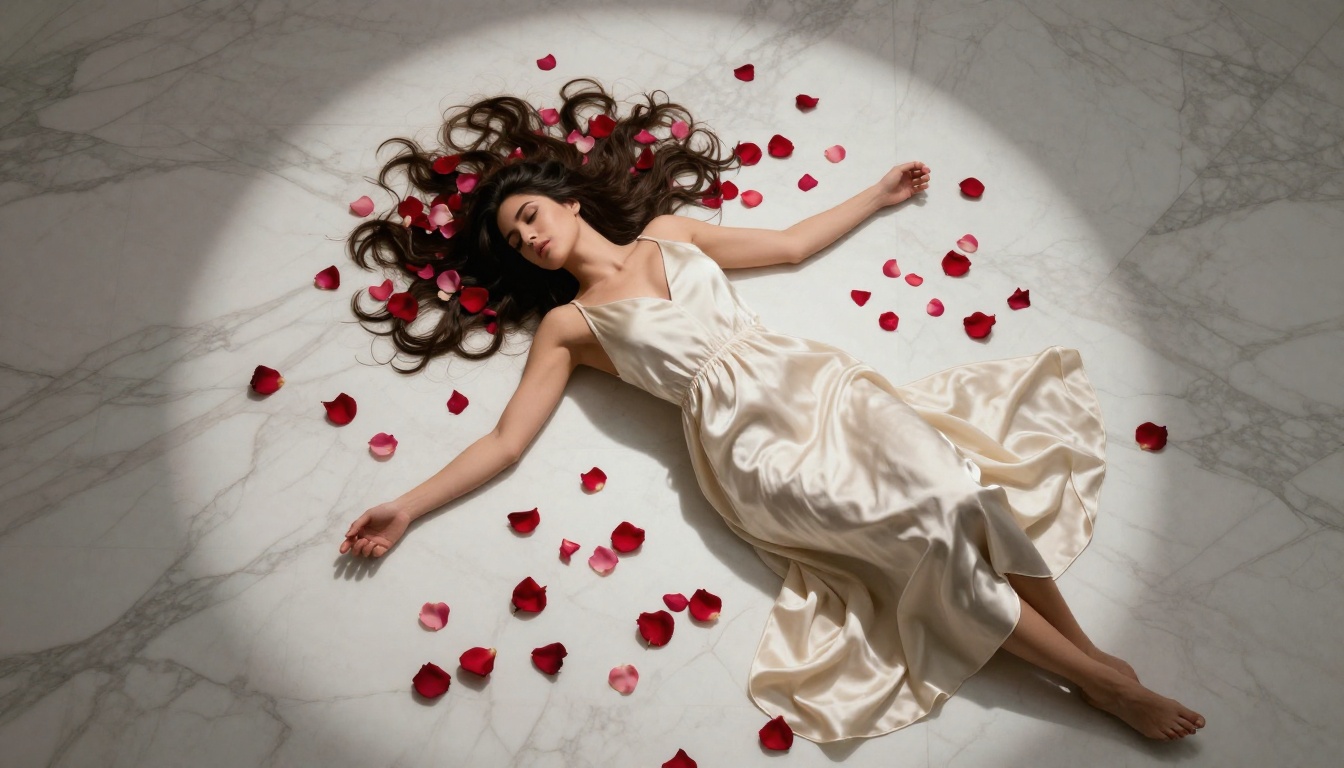
Not all source photos work equally well. The input quality shapes the output quality. For the best results:
- Use a well-lit photo where your face is clearly visible with no heavy shadows
- Choose a neutral or simple background so the model focuses on your facial features
- Prefer a 3/4 or straight-on angle rather than extreme profile shots
- Avoid heavy filters or edits on the source photo, the AI needs your real features
- Higher resolution is better, but a sharp smartphone photo at normal resolution works fine
A plain selfie in good natural light consistently outperforms a heavily retouched studio photo as a source image.
Step 2: Choose your output format
Decide what you actually want to create before choosing the tool:
Step 3: Write a real prompt
This is where most people lose quality. A vague prompt returns a generic result. A specific, detailed prompt returns exactly what you imagined.
Weak: "Make me look like a movie star on the red carpet"
Strong: "A woman in her 30s with dark wavy hair, wearing a floor-length deep burgundy velvet gown with off-shoulder neckline, standing on a red carpet at night, crowd of photographers visible in soft bokeh background, volumetric golden spotlights from left and right creating warm highlights on her cheekbones, 85mm f/1.4 lens with natural background blur, film grain Kodak Portra 400, photorealistic RAW 8K photography"
The strong version tells the model: who, what they're wearing, where, what the lighting is doing, what lens is being used, and what aesthetic style to match. Each of those details pushes the output closer to your vision.
Why the Results Look So Real
The realism in modern AI-generated portraits comes from several compounding technical factors that work together to produce images the human eye accepts as photographs.
Light simulation, not light painting
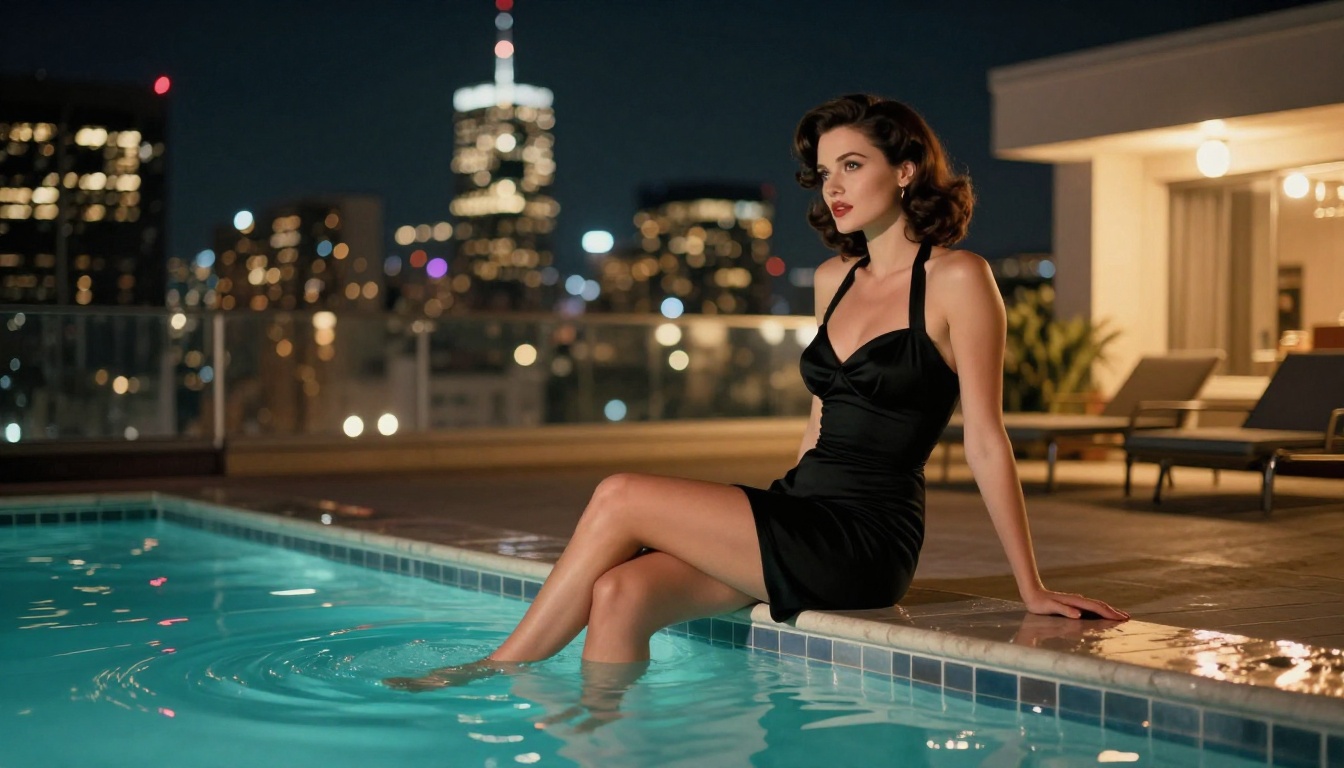
Current models simulate light rather than drawing it. Subsurface scattering is the phenomenon where light passes through the surface of skin and bounces around inside before exiting, giving skin its warm glow rather than a flat opaque look. Models trained on high-quality photographic data have internalized this behavior and apply it correctly to portrait outputs. The result is skin that looks like skin.
Specular highlights work the same way. The model knows that silk reflects differently than matte cotton, that a wet surface has sharper highlights than a dry one, that metal jewelry reflects the environment around it. These distinctions are computed implicitly from the training data, not hand-coded.
Texture and micro-detail
The tells that expose a fake image are usually in the micro-details. Current generation models get most of these right:
- Skin pores: Visible at appropriate scales depending on focal length
- Fine hair strands: Including individual hairs, baby hairs, and natural variation in color
- Fabric weave: The thread structure of clothing is visible at close range
- Realistic depth-of-field: Background blur that accurately matches the specified lens and aperture
- Film grain: Analog grain structure rather than digital noise, which the eye reads as "real photography"
Camera language
Models trained on cinema data understand camera language as a system. An 85mm lens produces a specific background compression. A low-angle shot changes the power dynamic of the subject. Rim lighting from behind creates a separation halo that reads as cinematic. When you specify these elements in your prompt, the model replicates them with the same internal logic that a cinematographer would use.
Real Use Cases (Not Just for Fun)
The most practical thing about this technology is how immediately applicable it is. These workflows are being used right now by real people for real professional purposes.
Content creators and influencers
YouTubers, podcasters, and social creators are using AI cinematic portraits for:
- Video thumbnails styled like movie posters, which consistently outperform standard screenshots
- Profile photos that create an immediate, polished first impression
- Promotional banners for courses, merchandise, and paid communities
- Press kit photography for brand partnerships and media features
A professional photo shoot costs between $300 and $3,000 depending on the photographer. A set of AI-generated cinematic portraits costs a fraction of that and produces results in minutes, not days.
Personal branding professionals
Anyone building a personal brand online needs consistent, high-quality visuals across platforms. AI cinematic generation lets you:
- Create a unified visual identity that looks expensive and intentional
- Generate scenario-specific images for different contexts: conference speaker, thought leader, casual expert
- Refresh your look without rebooking a photographer every time a platform updates its recommended dimensions
Musicians and visual artists
Album covers, press photos, and music video stills all benefit from cinematic AI generation. Kling v2.6 and Seedance 1.5 Pro can produce short cinematic clips from a photo or prompt, which work as music video teasers, social reels, and promotional content without requiring a video production team.
How Good Can It Actually Get?
Honest answer: very good, with specific limitations worth knowing.
What current AI handles extremely well
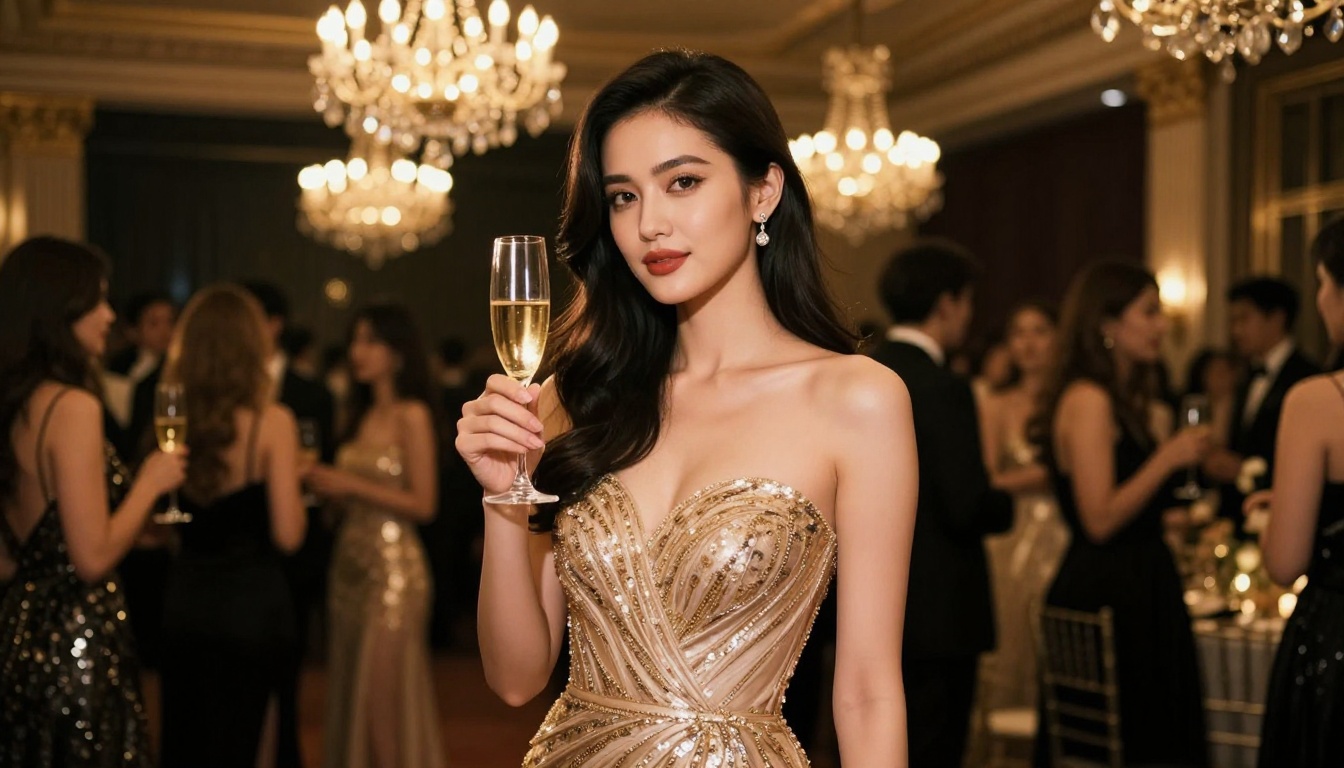
- Lighting and atmosphere: Cinematic moods, golden hour light, complex studio setups
- Clothing and fashion: Fabric texture, realistic drape, material rendering at a high level
- Environmental storytelling: Red carpets, galas, studio sets, outdoor locations
- Skin quality: Natural tone variation, lifelike subsurface glow, realistic pore detail
- Composition: Rule of thirds, leading lines, cinematic framing all emerge naturally from good prompts
Where it still has gaps
| Challenge | Current Status |
|---|
| Exact likeness from a source photo | Strong but not always perfect |
| Hands in complex positions | Occasional errors, retry usually fixes them |
| Consistent face across multiple shots | Requires seed control and detailed prompts |
| Text rendering within images | Unreliable without specific techniques |
| Extreme lighting scenarios | Very dark or very bright scenes can lose detail |
For professional use, generated images benefit from a quick review. The right model, a strong prompt, and occasionally a second generation at a different seed solves most issues.
💡 Consistency across shots: If you need multiple images with the same face, lock in a seed number and describe the face identically in every prompt. This produces the most consistent results across a set of images.
Create Your Own Cinematic Look
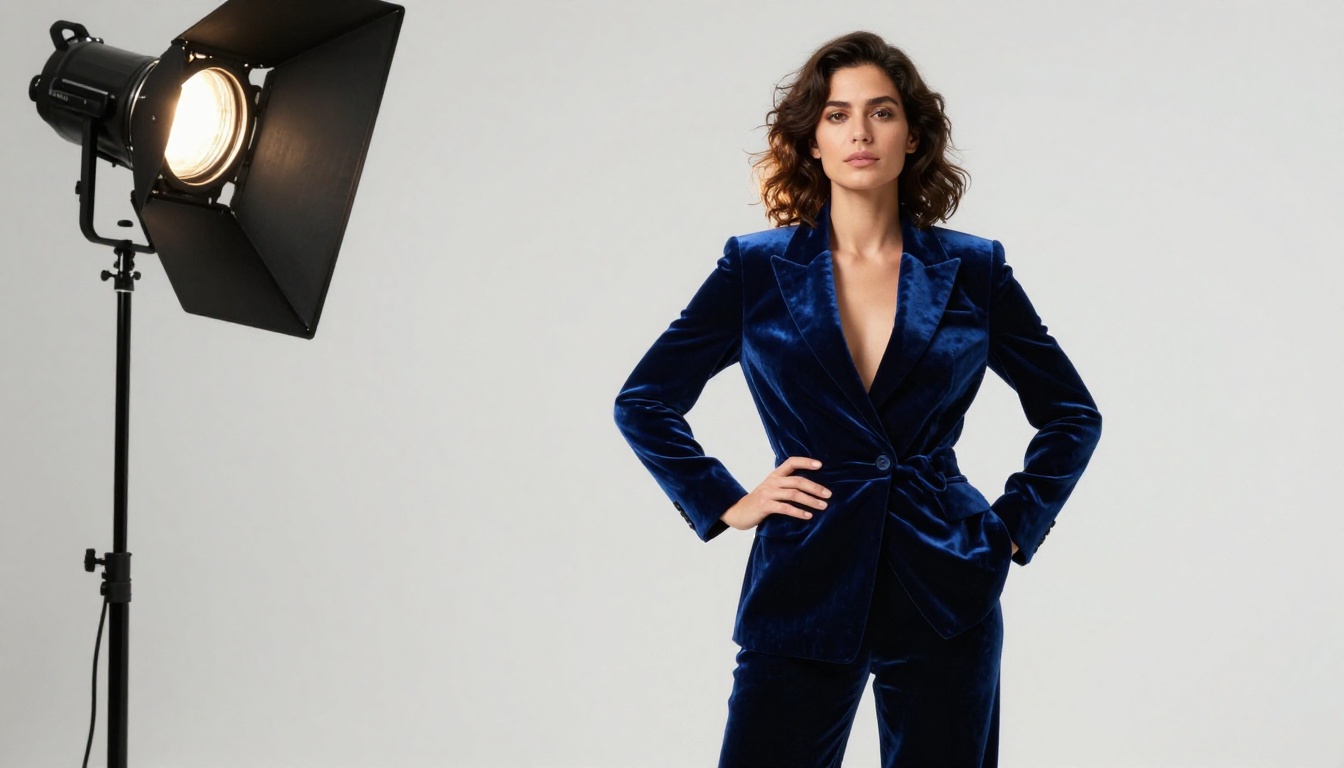
The barrier to looking like a movie star has never been lower. A single photo and a well-crafted prompt are all it takes to produce cinematic content that would have required a full production team and serious budget just a few years ago.
The models on Picasso IA are ready to use right now, and the range of what you can create is wide: a stunning red carpet portrait, an animated talking avatar with your face, a cinematic video scene built entirely from a text description. The tools are there across every format:
Pick the scenario that fits what you want to create. Write the most specific prompt you can manage. Run it. The AI handles everything else. Your cinematic moment is one generation away, and it takes less time than it takes to book a photographer.


