It started with a single post. A guy nobody had ever heard of uploaded an AI-generated portrait of himself to social media, went to bed, and woke up to 2 million views and a comment section full of people asking if he was a model. He wasn't. He had never picked up a DSLR in his life. What he had done, the night before, was spend about fifteen minutes on an AI image generator.
This is not an isolated story anymore. It is happening every week, on every platform, across every corner of the internet. Regular people with zero photography skills are creating photorealistic images so convincing that brands reach out, followers pile on, and the comment sections explode. And the tool doing most of the heavy lifting? It's not a secret. You can use it right now, for free.
Why Ordinary People Are Going Viral Right Now
The year 2027 has a specific texture to it on social media. Perfectly produced content is boring. Studio shoots feel sterile. But an image that looks almost too good to be real, posted by someone with 200 followers? That stops the scroll cold.
The Surprise Factor Is the Point
People online are trained to expect certain quality from certain account sizes. When a micro-account drops a portrait that looks like it belongs in a Vogue editorial, the dissonance is jarring in the best possible way. The brain does a double-take. Comments pour in. Screenshots get shared. The algorithm rewards the activity and pushes it further.
This is the viral mechanic that AI image tools have accidentally weaponized for regular people.
Social Platforms Reward the Unexpected
TikTok, Instagram Reels, and X's image posts all share one algorithmic trait: they measure early activity velocity. An image that gets 500 saves in the first hour outperforms one that gets 50,000 over a week. AI-generated portraits, because they are genuinely surprising, pull that early spike.
💡 The formula is simple: Photorealistic quality + unexpected source account + relatable caption = viral ignition.
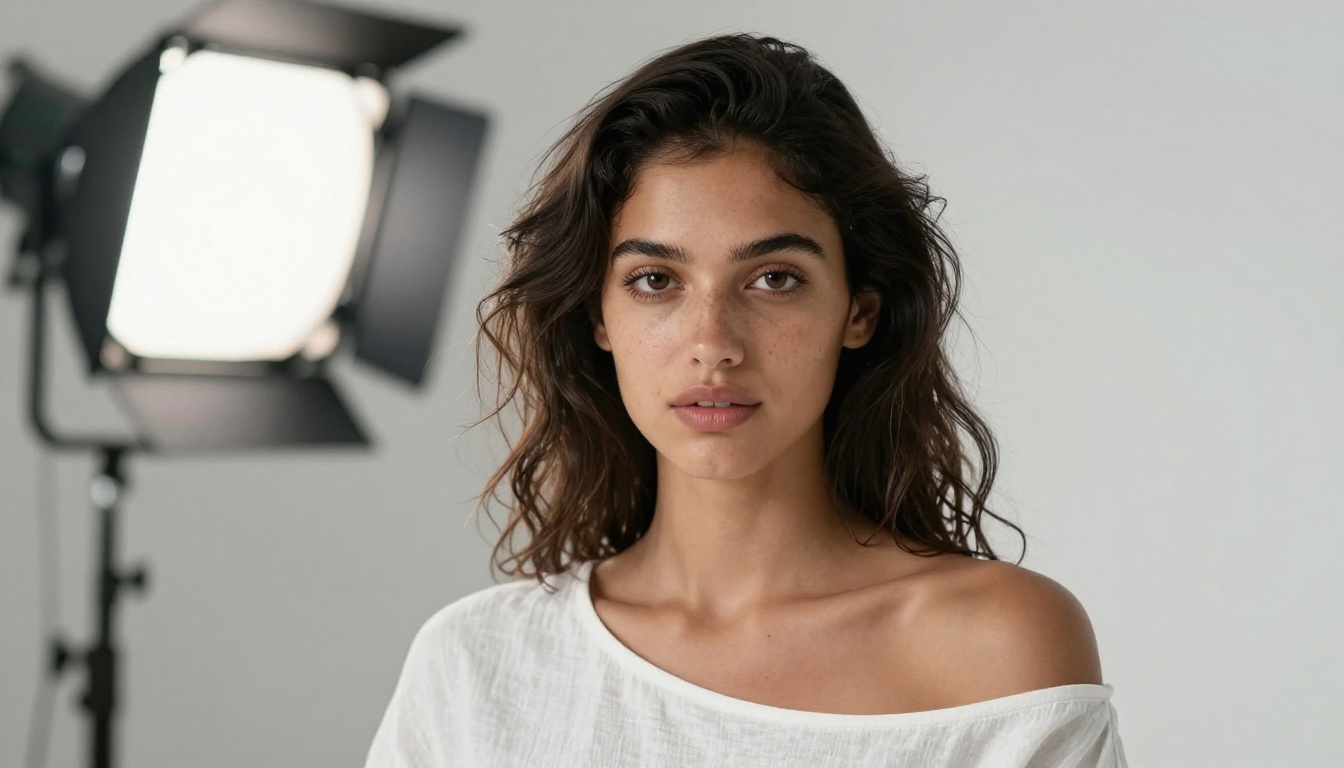
The AI tool at the center of this wave is Flux, specifically the family of models built by Black Forest Labs. If you have been watching the AI image space at all in 2024 and 2025, you already know the name. If you haven't, here's why it matters.
Flux Dev is a photorealistic text-to-image model that produces images with a level of realism that older tools simply couldn't match. It handles skin texture, fabric detail, lighting behavior, and environmental context in a way that passes the "is this real?" test on a phone screen.
Why Flux Specifically?
There are dozens of AI image models. Most produce something that looks like "AI." Flux produces something that looks like a photograph. That distinction is everything when you're trying to make someone stop scrolling.
| Model | Output Style | Speed | Best For |
|---|
| Flux Dev | Photorealistic | Medium | Portrait quality |
| Flux Schnell | Photorealistic | Very Fast | Quick iterations |
| Flux 1.1 Pro Ultra | 4MP Ultra Detail | Slow | Print quality hero shots |
| SDXL | Creative/Stylized | Fast | Artistic looks |
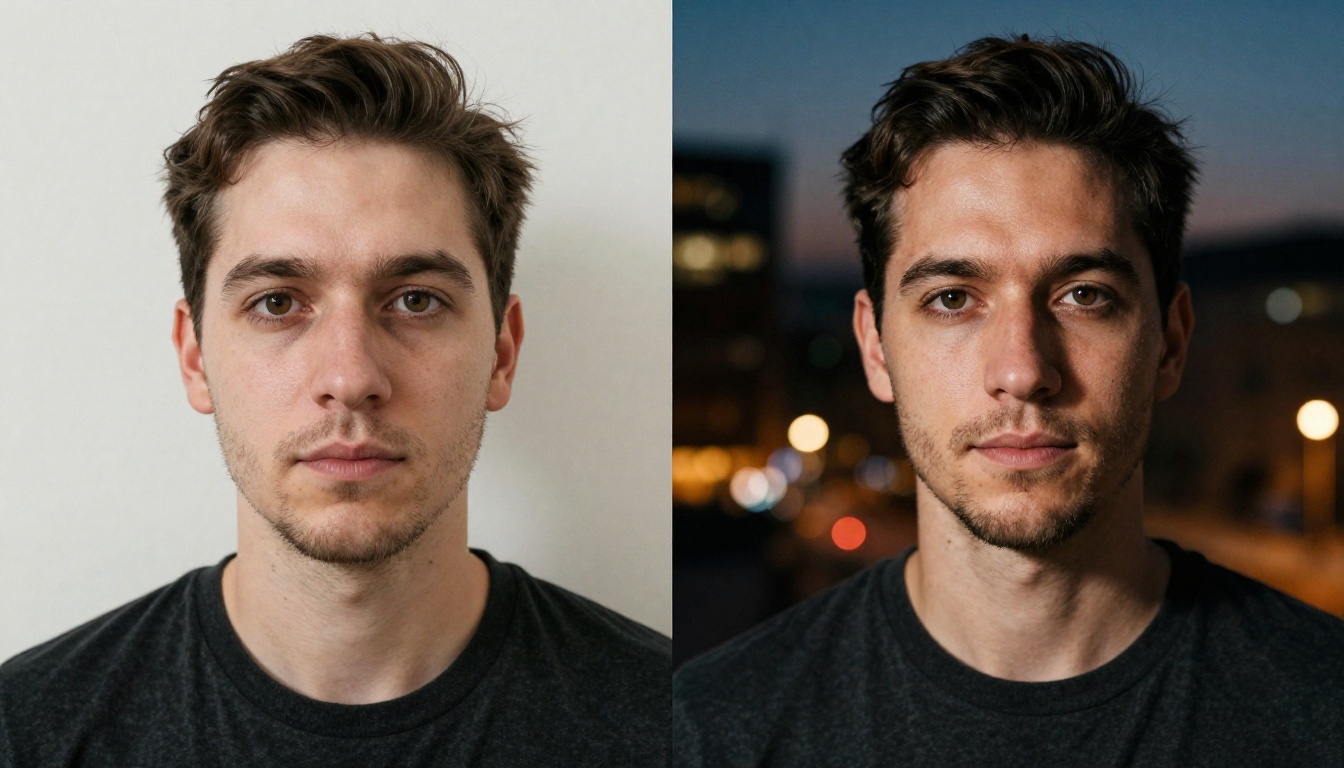
The newer Flux Kontext Max takes this even further. It doesn't just generate from text; it rewrites existing images using natural language instructions. You can hand it a regular selfie and tell it to change the lighting, the background, the clothing, or the entire mood of the shot.
Real Cases That Broke the Internet
The "random person goes famous via AI" story has played out in different forms across different niches. Knowing the patterns helps you replicate the effect intentionally.
The LinkedIn Headshot Incident
A software developer in Eastern Europe generated a professional headshot using AI and updated his LinkedIn profile. Within 48 hours, three recruiters from Fortune 500 companies had contacted him cold. He got two interview offers before he had written a single line on his profile about his actual skills. The image was doing all the selling. He later posted about it and the confession itself went viral.

The Fashion Account with No Clothes
An Instagram account posted 30 AI-generated "outfit of the day" photos over 30 days, all featuring the same AI-constructed persona wearing different styles. By day 30, the account had 80,000 followers. Several fashion brands reached out about partnerships before the owner revealed there were no actual clothes, no model, and no photographer involved.
The Portrait That Fooled Everyone
A Reddit user posted what appeared to be a candid street photo of themselves. The composition, the grain, the natural lighting: it looked like something shot on film in the 1970s. It hit the front page of multiple subreddits before someone noticed an anatomical detail that exposed it as AI-generated. By that point, it had already been reshared tens of thousands of times.
💡 What these cases share: The images were specific, detailed, and believable. Generic prompts produce generic results. The viral ones had intentional photographic decisions built into the prompt.
The Psychology of "It Looks Too Real"
There's a documented cognitive response to images that are almost indistinguishable from photographs. The brain assigns the same trust signals it gives to real photos. High image quality is read as high personal quality. It sounds shallow, but it's wired deep.
Why Realism Beats Artistic Style for Virality
Creative AI art, the swirling fantasy landscapes and painterly portraits, gets likes from AI enthusiasts. But photorealistic AI images get saves, shares, and DMs from people who don't even know AI was involved. The latter group is orders of magnitude larger.
The Caption Completes the Story
Every viral AI image case study has one more ingredient that gets overlooked: the text that goes with it. The developer who posted his AI headshot included "finally got a decent photo of myself." The fashion account wrote captions about getting dressed in the morning. The framing creates an emotional hook that the image alone can't manufacture.

What Makes a Viral AI Image in 2027
Not all AI images are equal. The ones that actually spread share specific technical and compositional traits.
Resolution and Photographic Specificity
Low-resolution or visibly AI-distorted images do not go viral outside AI-specific communities. The images that break into mainstream feeds are high resolution, with no hand deformities, no blurred text, and no floating objects. Flux 1.1 Pro Ultra generates at 4 megapixels of genuine detail, which holds up at full screen on any device.
Lighting That Reads as "Professional"
Viral portrait images consistently feature one of a small set of lighting archetypes:
- Golden hour backlight with warm skin tones and lens flare
- Rembrandt studio lighting with single-source shadow triangle
- Overcast soft light that flatters all features evenly
- Neon urban night for a specific aesthetic demographic
Each of these reads as "intentional" photography even to untrained eyes. Flat overhead lighting reads as amateur regardless of how sharp the image is.
Composition That Feels Unposed
The viral AI images that fool people consistently use compositions that feel incidental, not staged. Slight rule-of-thirds framing, subject not perfectly centered, background elements that suggest a real place. Flux Kontext Fast is particularly good at this because it preserves photographic context when editing from real source images.

How to Use PicassoIA to Create Your Own Viral-Ready Portrait
PicassoIA gives you access to all of these Flux models without needing a Replicate account, API credentials, or any technical setup. Everything runs directly in the browser.
Step 1: Choose the Right Model for Your Goal
Start by deciding what you want to achieve:
- Professional headshot for LinkedIn or job applications: use Professional Headshot. Upload your existing photo and it generates a polished studio-quality result.
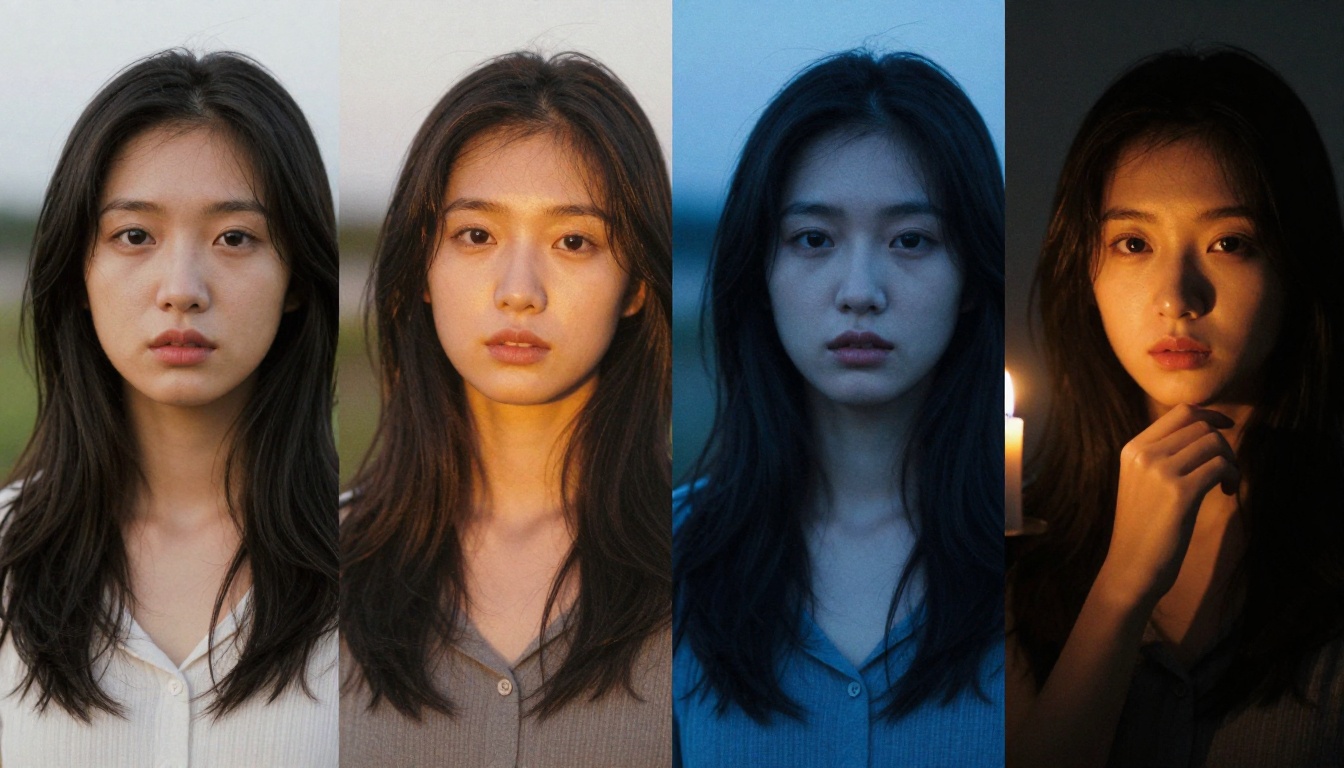
- Portrait series across moods and lighting: use Portrait Series to create multiple variants of yourself from a single reference image.
- Creative style transformation: use Face to Many Kontext to render your face in different artistic and photographic contexts.
- Photo filters and quick style changes: use Filters to apply cinematic looks, color grades, and mood shifts to any photo.
Step 2: Write a Prompt That Has Photographic DNA
This is where most people fail. A bad prompt produces a bad image, no matter how powerful the model. Think like a photographer, not like someone describing what they want to see.
Instead of: "a man looking cool in a city"
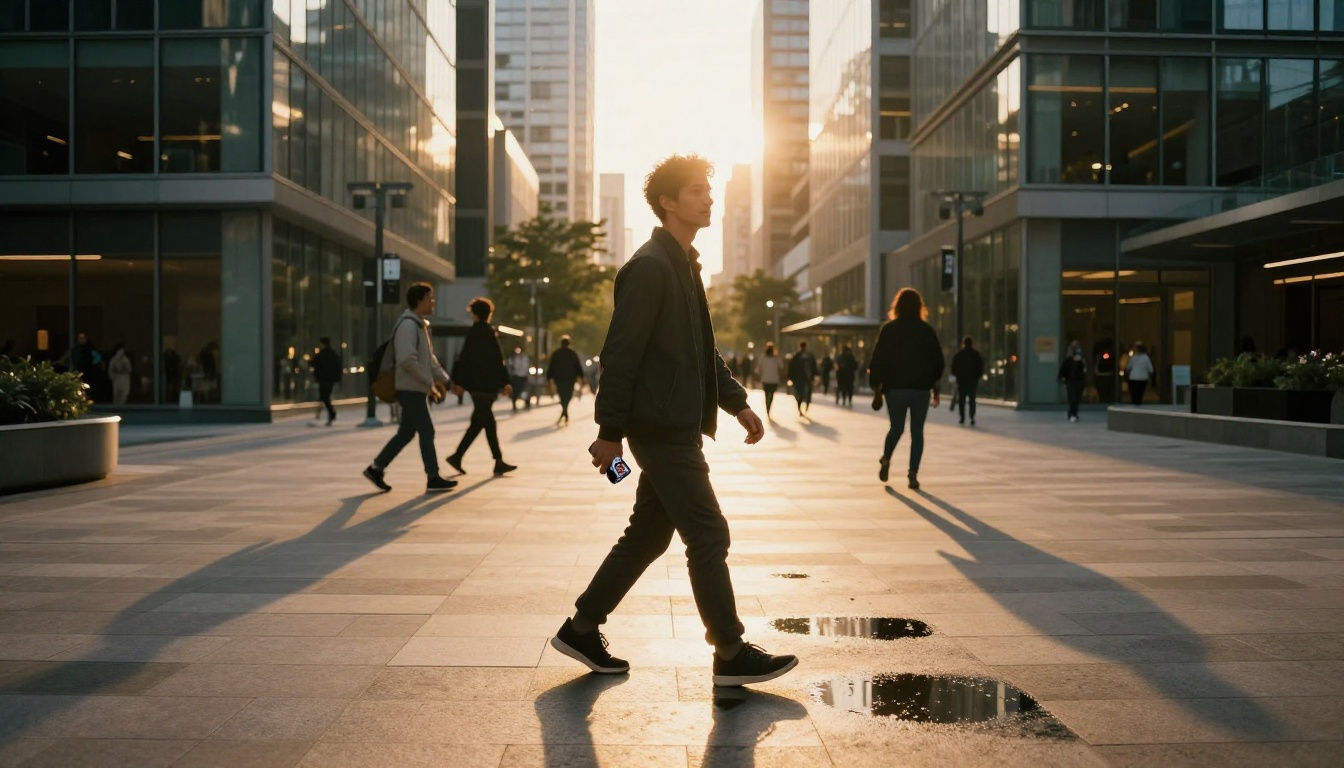
Write: "candid street portrait of a man in his late 20s, 35mm film grain, golden hour backlight, slightly out of focus background of urban storefronts, natural relaxed posture, Kodak Portra 400 color grade"
The second prompt gives the model specific photographic choices to replicate. Every additional specific detail reduces the chance of generic AI output.
💡 Prompt tip: Always include a film stock name (Kodak Portra, Fujifilm Provia, Cinestill 800T), a lens specification (85mm f/1.4), and a lighting direction (morning light from left, single softbox above). These three details alone lift results dramatically.
Step 3: Iterate on the Details
The first output is rarely the final one. Use Flux Kontext Fast to make targeted edits: change the background, adjust the lighting, tweak the expression, or alter clothing details. This iterative process is what separates images that look genuinely photographic from ones that look like "AI tried."
Step 4: Quality Check Before Posting
Before anything goes live, run this checklist:
If any of these fail, regenerate or use Flux Kontext Fast to patch the specific problem area.
Different scenarios call for different approaches. Here's a quick reference:
| Scenario | Recommended Model | Why |
|---|
| LinkedIn or resume photo | Professional Headshot | Clean, corporate-appropriate output |
| Social media portrait series | Portrait Series | Multiple variants from one source |
| Edit an existing photo | Flux Kontext Max | Text-driven photo rewriting |
| Fast iterations and testing | Flux Schnell | Generates in seconds |
| Maximum quality hero shot | Flux 1.1 Pro Ultra | 4MP photorealistic output |
| Artistic face transformation | Face to Many Kontext | Creative multi-style rendering |
| Quick filter or color grade | Filters | Instant cinematic look application |
| Free creative generation | SDXL | No limits, stylized output |
The Honest Answer About What Makes This Work
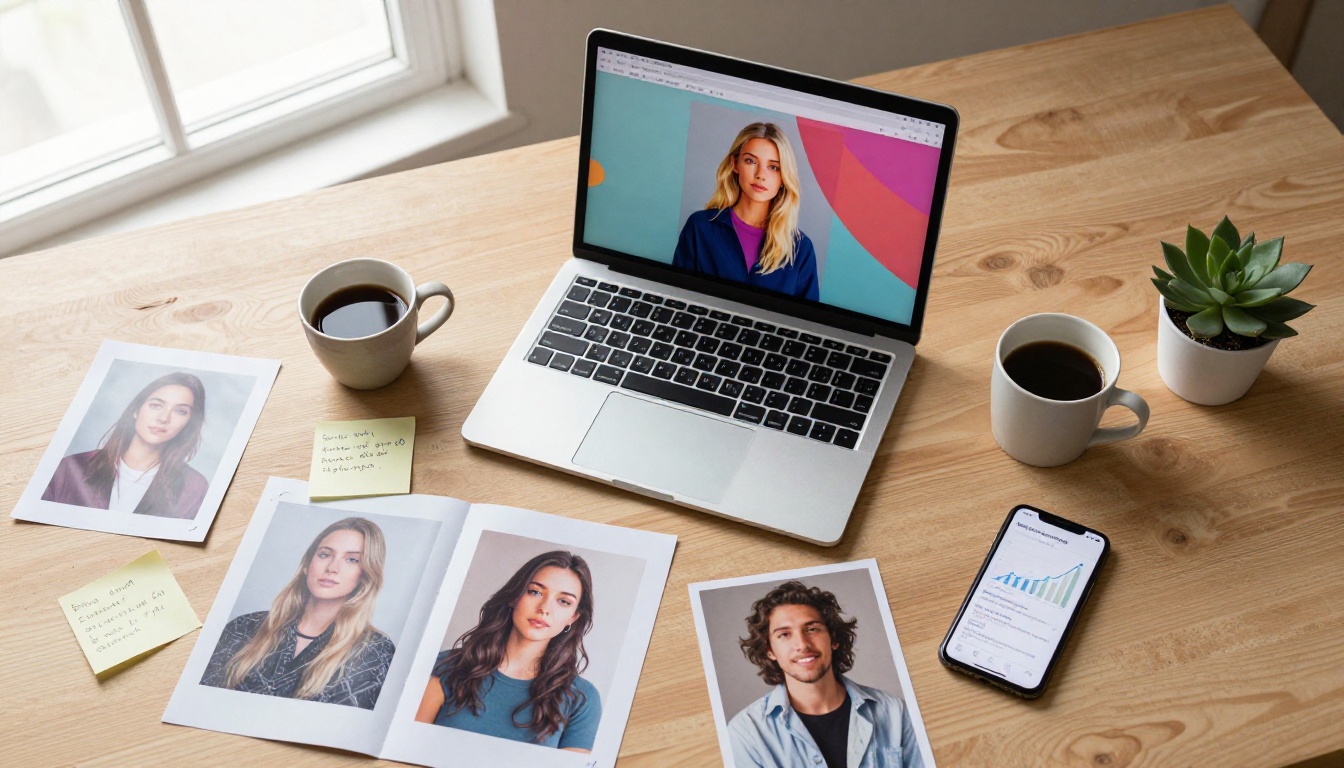
There's a temptation to believe there's a single secret prompt or one perfect model that automatically produces viral content. There isn't. What the people behind the most successful AI image moments actually did was apply creative intention to a powerful tool.
The random guy who went famous wasn't lucky. He saw clearly what kind of image would stop someone mid-scroll. He channeled that vision into a detailed prompt. He ran it through a model capable of executing that at photographic quality. Then he posted it with a caption that felt human.
The tool is accessible. The creative thinking is the differentiator.
That's the actual story behind every one of these viral moments. The AI handles the technical execution that used to require a photography studio, a professional retoucher, and a substantial budget. The human still has to bring the idea.
What This Means for Content Strategy
If you're building a personal brand, a business account, or even just trying to create a more compelling online presence, the barrier to professional-quality visuals has effectively dropped to zero. The only remaining cost is learning to prompt well, and that is something you develop fast with iteration.
💡 Practical starting point: Take three prompts you care about, run each through Flux Dev and Flux 1.1 Pro Ultra, compare the outputs, and study what each model does differently with the same instruction.
Create Your Own Moment
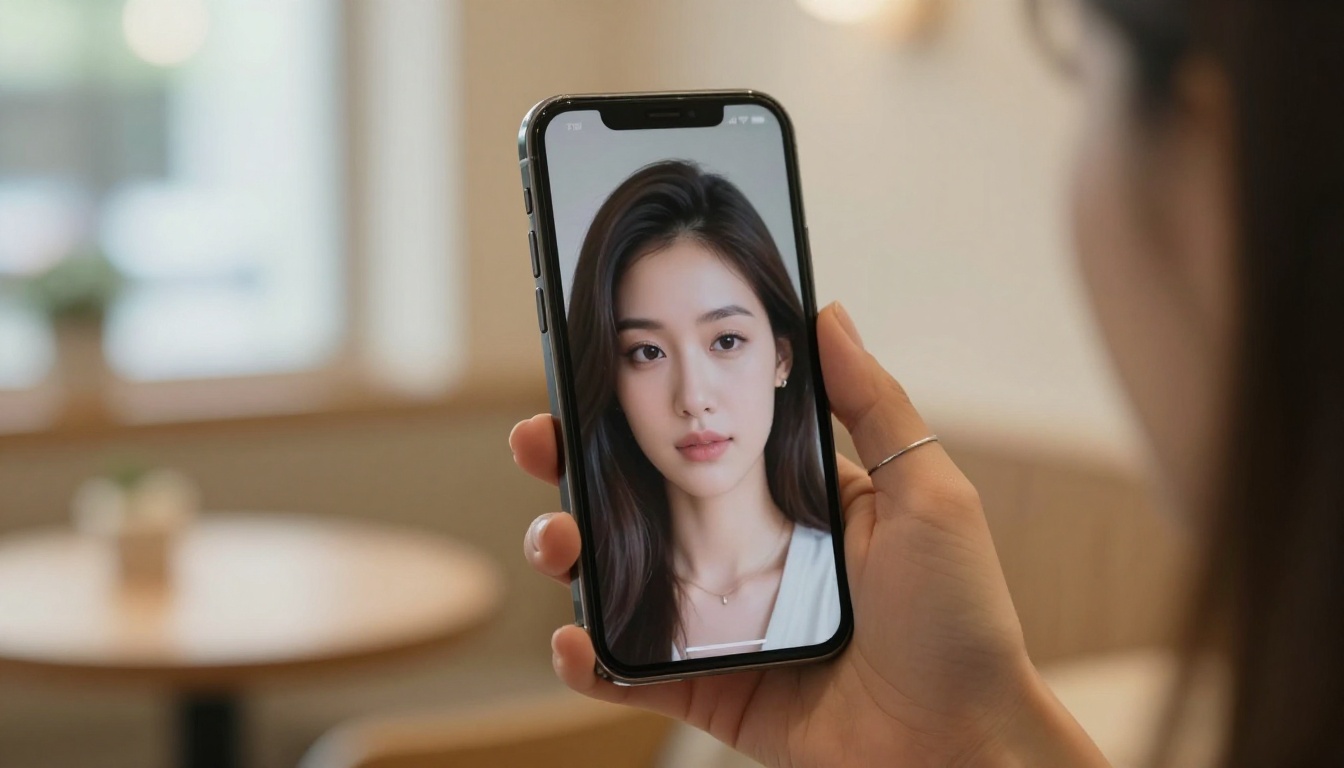
The next viral AI image hasn't been generated yet. It could be a portrait that stops a recruiter cold, a creative series that builds an audience from zero, or a single photorealistic shot that makes people question everything they think they know about photography.
All of those are buildable right now, with tools that cost nothing to start. PicassoIA puts the full Flux model family, including Flux Kontext Fast, Portrait Series, Flux Dev, Professional Headshot, and Flux 1.1 Pro Ultra, in one place, accessible without any technical setup.
Pick one idea. Write a specific prompt. Run it. That's exactly what the random guy did.


