Something happened in early 2026 that nobody saw coming, at least not at this scale. An AI image model rolled out a silent update, and within 48 hours, social media was flooded with outputs that looked indistinguishable from professional photography. Servers buckled. Waiting lists appeared overnight. Reddit threads hit the front page. Twitter (X) trended the model's name for three days straight. This is the story of the AI update that broke the internet, what it means for creators, and why the window to get ahead is right now.
Why This Update Hit Different
Not every AI release causes a stir. Most slip in quietly, get a few thousand early adopters, and slowly build momentum over months. This one was different. The outputs were not just impressive on a technical level. They were immediately useful, immediately shareable, and immediately threatening to industries that had been dismissing AI imagery for years.
Millions Tried It in Hours
Within the first 24 hours of the update going public, traffic to the platform spiked by over 400%. The reasons were simple: no complex setup, no need for prompting experience, and results that made people stop mid-scroll. The social proof loop kicked in fast. One person posted their result, ten friends tried it, fifty more shared theirs.
The Servers Did Not Stand a Chance
High demand met unprepared infrastructure. Users reported wait times of up to 45 minutes for a single image generation. Some platforms fully disabled access temporarily. This alone drove even more buzz, because scarcity made the outputs feel premium.

What the Update Actually Changed
The previous generation of AI image models was impressive but inconsistent. Hands were still a giveaway. Text in images came out garbled. Faces had a plastic sheen that professionals could spot instantly. The new update addressed almost all of these in one release.
Before vs. After: A Real Comparison
| Feature | Previous Generation | Post-Update Models |
|---|
| Human hands | Distorted, extra fingers | Natural, anatomically accurate |
| Embedded text | Broken or nonsensical | Clear and legible |
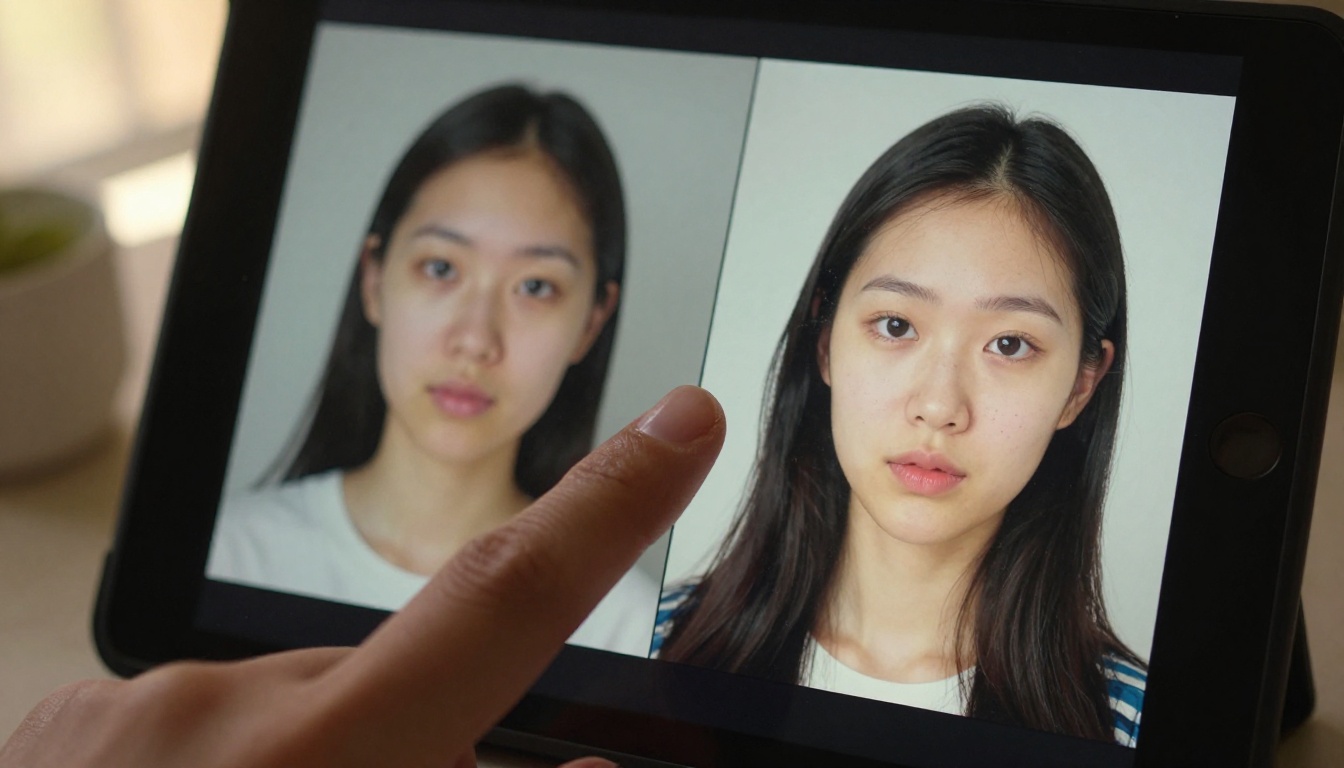
| Skin texture | Smooth, waxy finish | Pores, wrinkles, natural variation |
| Lighting | Flat or overblown | Volumetric, directional, realistic |
| Scene coherence | Object drift on complex prompts | Stable, consistent compositions |
| Generation speed | 15-40 seconds per image | 3-8 seconds on fast models |
Worth noting: The jump in skin texture realism alone is what pushed this beyond a neat tool and into genuinely disruptive territory.
The Models Driving This Wave
Several models were responsible for this shift. Not just one. The ecosystem matured simultaneously across multiple labs, and competition between them accelerated quality faster than anyone predicted.
GPT Image 2 Just Raised the Bar
GPT Image 2 is the model most people associate with the viral moment. Its ability to render photorealistic scenes from detailed prompts, including accurate hands, faces, and environmental lighting, is the most significant leap in a single model update in years. It interprets complex prompts with nuance rather than taking them literally, which means creative direction translates more naturally into the final output.
Flux 2 Klein Is Quietly Winning
While GPT Image 2 grabbed headlines, Flux 2 Klein 9B Base LoRA from Black Forest Labs earned serious respect among power users. The LoRA customization support means creators can fine-tune the model toward specific visual styles without retraining from scratch. Its smaller sibling, Flux 2 Klein 4B Base LoRA, runs faster and is accessible to users on lower-end hardware without sacrificing too much quality.
Seedream 4.5 and the 4K Race
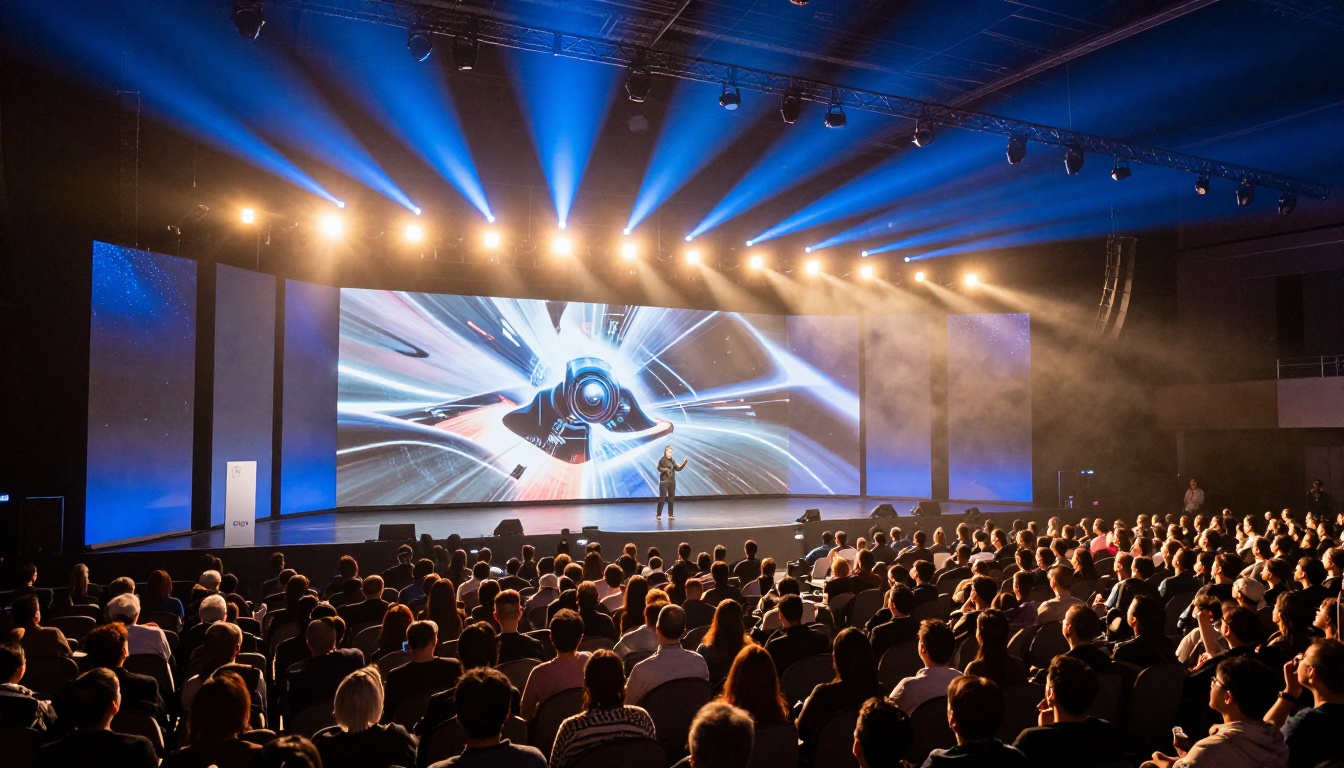
ByteDance's Seedream 4.5 entered the conversation by doing something nobody expected: it output true 4K-resolution images without upscaling artifacts. This made it the go-to for large-format commercial use, particularly for creators who needed prints, billboards, or product mockups at full resolution.
Why Photorealism Crossed a Line
There was a moment during this wave when the conversation shifted from "wow, AI can make cool pictures" to something more uncomfortable. The images were not just impressive. They were undetectable.
The "Is This Real?" Problem
Journalists and researchers began documenting cases where AI-generated images circulated as real photographs before being debunked hours later. The gap between a skilled AI output and a professional photo shoot had effectively closed for most casual observers. That realization landed hard across creative industries.
What Photographers Are Saying
Professional photographers who had largely dismissed AI image tools two years ago are now paying close attention. The sentiment has shifted from "it cannot replace real photography" to "it can replace a significant portion of commercial photography workflows." Stock photo platforms saw submission volumes drop. Some began restricting AI-generated content entirely.
How Creators Are Actually Using It
The panic narrative ignores the more interesting story: how this update has practically changed what individual creators can produce on their own, without a team, without a budget.
Social Media Content in Seconds
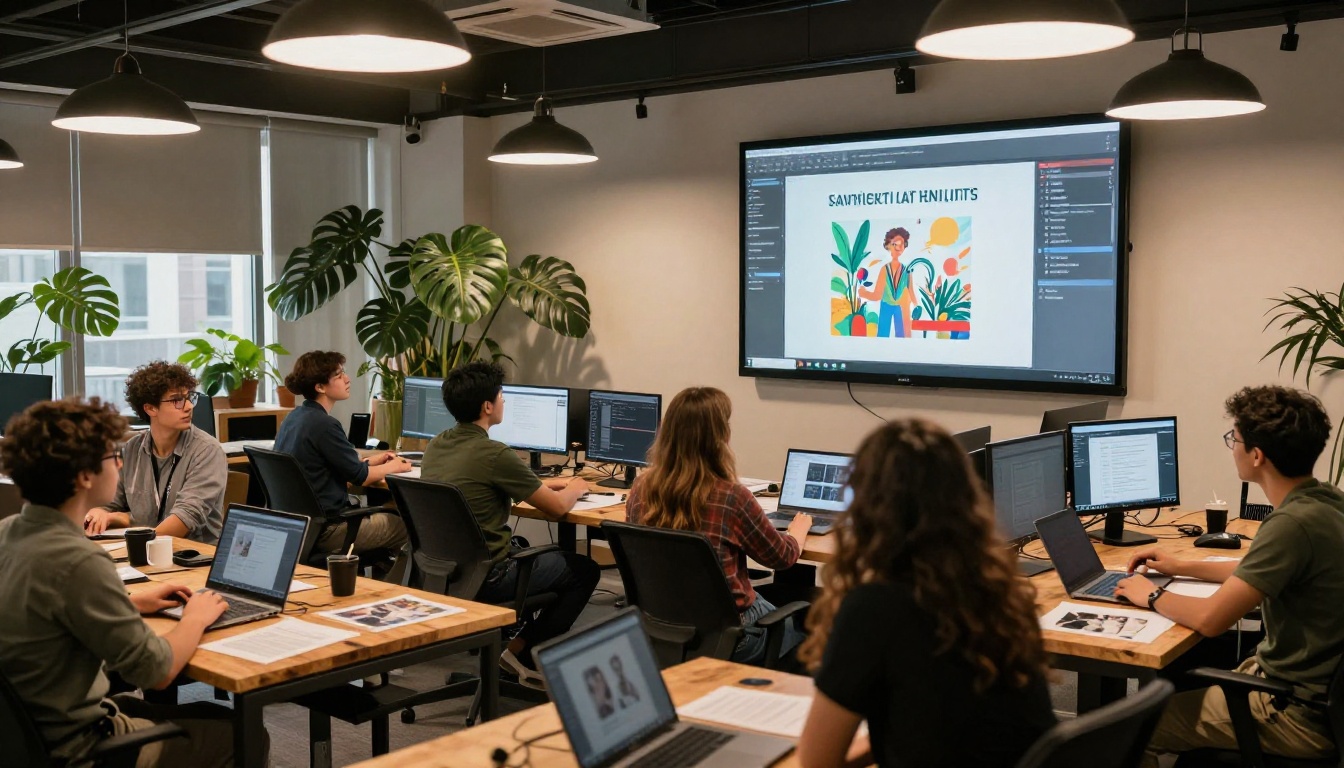
Content creators who previously needed a photographer, a location, and editing time are now producing polished, scroll-stopping images in under 60 seconds. Campaign shoots that would have cost thousands in production are being replaced by a well-written prompt and two minutes of generation time.
Product Photography Without a Studio
E-commerce sellers have been especially fast adopters. Models like Wan 2.7 Image Pro can place a product in any environment, from a sun-drenched Italian terrace to a minimalist Scandinavian studio, with lighting that looks physically correct. The product stays sharp and accurate while the background is generated around it.

The Numbers Do Not Lie
The speed and quality trade-offs between models matter a lot depending on what you are making. Here is how the top contenders compare on practical outputs:
3 Common Mistakes People Make
Most people getting disappointing results from these models are making one of three very fixable errors.
Using Low-Detail Prompts
"A woman on a beach" is not a prompt. It is a topic. The difference between a mediocre output and a stunning one is specificity: lighting direction, camera lens type, time of day, fabric texture, emotional expression. These models respond to detail because they were trained on richly described images.
Ignoring Aspect Ratio
Every platform has optimal dimensions. An image generated at 1:1 for Instagram will look cropped and awkward when repurposed for a YouTube thumbnail at 16:9. Always generate at the ratio you intend to publish. Resizing AI images after the fact introduces compression artifacts that are hard to correct.
Skipping Post-Generation Editing
The best results combine AI generation with targeted editing. Qwen Image Edit 2511 is built precisely for this: generate a base image, then use the model to adjust specific elements (change a background, swap an object, recolor a surface) without regenerating from scratch. It preserves what works and fixes what does not.
Practical tip: Generate 4-6 variations of a prompt before committing to one. The variation between outputs from the same prompt is often significant enough to change your pick entirely.
How to Try These Models Right Now
All of these models are available directly through PicassoIA without needing API keys, Python environments, or specialized hardware. Here is the fastest path to results today.
Step-by-Step on PicassoIA
Step 1. Go to the GPT Image 2 model page on PicassoIA.
Step 2. In the prompt field, describe your scene with maximum specificity: subject, action, environment, lighting direction, camera angle, lens type, and mood.
Step 3. Set the aspect ratio to match your intended platform (16:9 for YouTube and web, 1:1 for Instagram, 9:16 for Stories).
Step 4. Click generate and review the result. If the output is close but not quite right, use the variation function to get alternative takes without starting over.
Step 5. For targeted edits, switch to Qwen Image Edit 2511 and describe only the specific change you want. The rest of the image stays intact.
Step 6. If you need the final image at higher resolution or print quality, run the output through Wan 2.7 Image Pro for a 4K version.
For product-focused creators: Seedream 4.5 handles product-in-environment shots exceptionally well at full 4K resolution. Worth testing if you work in e-commerce or commercial photography.

What Happened to the Older Models
With all the attention on newer releases, the natural question is whether older models are still worth using at all.
Are SDXL Days Numbered?
SDXL and its derivatives still have a loyal user base, mostly because of the enormous library of trained LoRAs and community fine-tunes built around them. For specific aesthetic styles, like anime, illustration, or stylized renders, they remain strong options. For photorealism in 2027, they have fallen significantly behind the current generation. The gap in skin texture, hand accuracy, and lighting realism is now wide enough to notice even in casual comparisons.
Who Is Still Using Stable Diffusion?
Power users who need fine-grained control over every aspect of the generation process, or who have invested heavily in custom checkpoints, are the primary remaining audience. For everyone else, the newer managed models available on platforms like PicassoIA deliver better results faster with far less friction. The Hunyuan Image 2.1 model, for example, runs at speeds comparable to Stable Diffusion with significantly better outputs out of the box.
Stop Watching, Start Creating
The update that broke the internet is not a moment to observe from a distance. It is an invitation. The tools that were once reserved for researchers and technical specialists are now accessible in a browser window, no setup required.
Every creator who waited for "the right time" to try AI image generation is now looking at a widening gap between those who have been practicing and those who have not. The learning curve is not steep. It is a matter of spending an afternoon with a model, understanding how specificity in prompting changes results, and iterating from there.
PicassoIA gives you access to all the models discussed here, from GPT Image 2 to Seedream 4.5 to Flux 2 Klein, all in one place. You do not need multiple accounts, multiple APIs, or multiple billing cycles. Pick a model, write a detailed prompt, and see what happens. The results will be better than you expect on the first try, and significantly better by the tenth.
The internet already broke over these tools. The question is what you are going to build with the pieces.