Most platforms that promise "NSFW AI" deliver exactly two things: a blurry result and a content policy violation notice. The few that actually work are either paywalled behind per-image fees that stack up fast, or they run outdated architectures producing outputs that look like they belong in 2021. The models worth using are out there. They just are not obvious.
This article cuts through the noise. Below is a ranked breakdown of the best NSFW AI models available today, what makes each one worth your time, and where to access them without running into walls.
Why Most AI Platforms Block Adult Content
The censorship problem
Every major AI lab ships their image models with safety filters on by default. That is not a moral position, it is a liability position. OpenAI, Google, Adobe, Canva — they all face the same pressure: they serve millions of general users and cannot afford the brand risk of appearing to enable explicit content creation at scale. So filters go up, prompts get flagged, and entire creative categories become inaccessible.
For creators doing legitimate work in glamour photography, boudoir portraiture, fashion, adult entertainment, or artistic nudity, this is a genuine problem. The tools simply do not work for your use case.

What "uncensored" actually means
An uncensored model is not automatically an explicit model. Removing safety filters means the model generates what you describe, within the technical limits of its training data. Many models in this list produce strikingly realistic glamour and boudoir imagery without being pornographic. The removal of the filter gives you creative control, not a one-way trip to explicit content. That distinction matters when you are building a professional workflow.
💡 The real value of uncensored models: Creative freedom in professional contexts, including fashion, glamour, boudoir, and artistic portraiture, without constant prompt rejections interrupting your workflow.
Seedream 4.5: The Best Overall NSFW Model
Seedream 4.5 is the top recommendation, full stop.
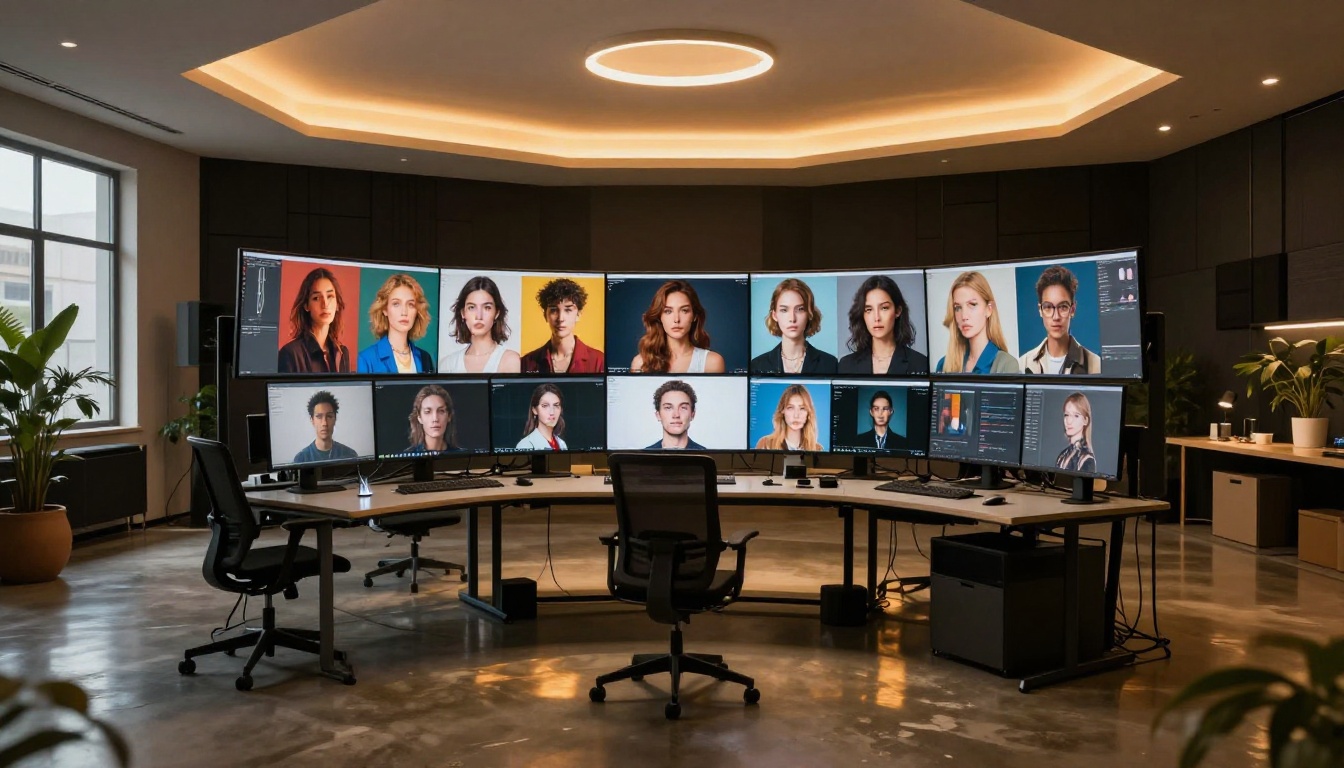
Under 3 seconds, every time
The speed is the first thing you notice. Most high-quality image models take 15 to 45 seconds to return a result. Seedream 4.5 consistently delivers in under 3 seconds. For iterative creative work where you are adjusting prompts, trying compositions, and refining results, that speed difference is the difference between a productive session and a frustrating one.
The outputs are photorealistic in a way that feels genuinely current. Skin texture, lighting interaction, fabric physics: they hold up at close inspection in a way that older models simply do not.
Image editing built in
What separates Seedream 4.5 from most competitors is the built-in image editing capability. You are not just generating from text. You can take an existing image and use the model to edit specific elements, reframe compositions, or shift the stylistic direction of the image. This makes it both a generation tool and a refinement tool, which doubles its practical value in a production workflow.
💡 Important: Seedream 5 Lite, the newer model from the same team, does not support NSFW content. Stick with Seedream 4.5 for adult content work.
The math on most AI platforms is brutal. If you need 500 variations of a concept to find the best one, you are paying per generation. At even $0.10 per image, that is $50 for a single exploratory session. At models like Nano Banana 2, 1,000 images would cost approximately $100.
PicassoIA Image Editor Pro changes that equation entirely.
The real cost advantage
With an Elite or Infinite subscription, generations are unlimited. That means 1,000 images cost the same as 10 images. For anyone doing high-volume creative work including content creation, artistic exploration, and iterative portfolio building, this pricing model is substantially better than any per-credit alternative on the market.
The model delivers results in under 1 second. It accepts NSFW content and works as an image-to-image tool, meaning you bring a reference image and guide the output from there. It also offers a free trial of 3 generations without requiring a credit card, so you can evaluate it before committing to a plan.
When to use it over Seedream 4.5
Use Seedream 4.5 when you need text-to-image and want the highest photorealism. Use Image Editor Pro when you have a reference image and need to iterate heavily or produce high volumes. The two tools complement each other well in a production workflow.
Hidden Gems Most Users Skip
Qwen Image 2
Qwen Image 2 is an open-source model that most casual users scroll past. That is a mistake.
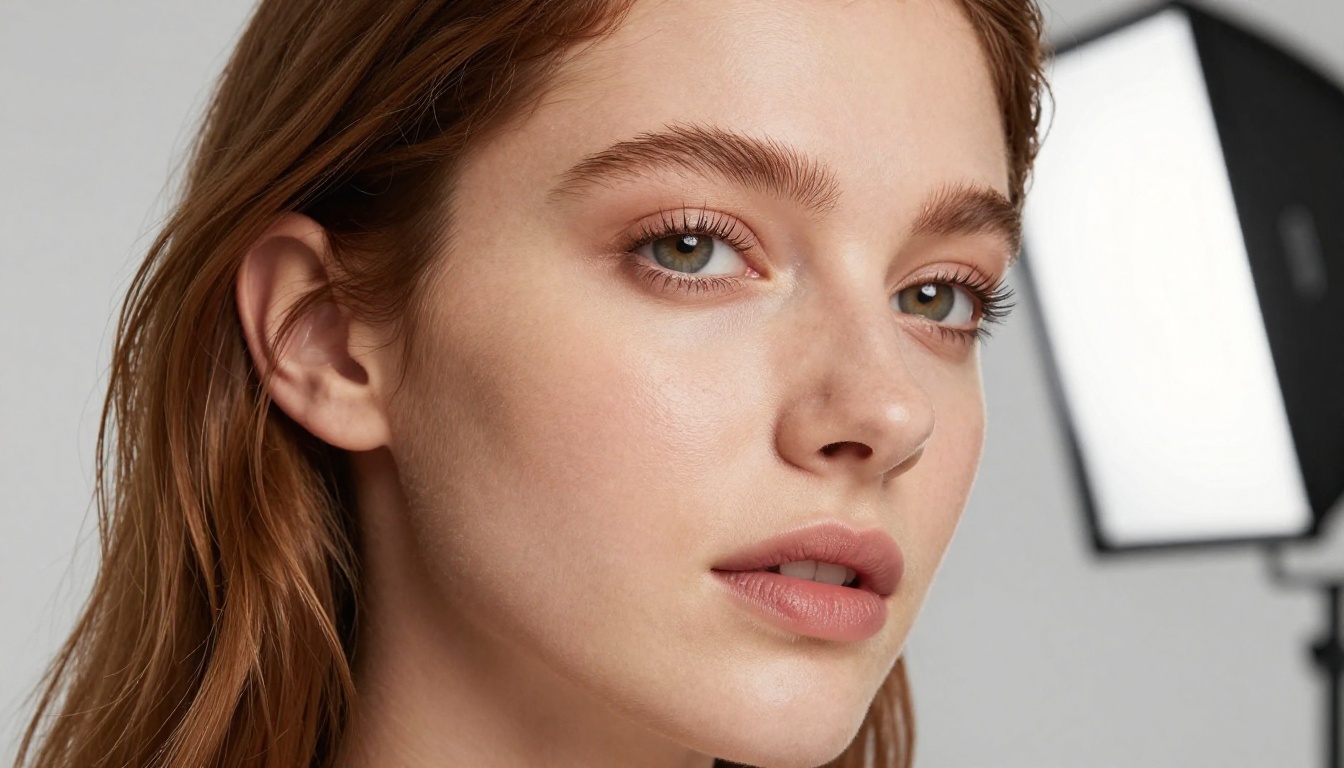
Being open-source means the weights are publicly available and the model was not trained with the restrictive commercial filters that most proprietary models carry. It edits or creates images in seconds with very detailed realism, and it handles complex instructions with precision. Portraits, environments, specific poses, lighting setups: Qwen Image 2 follows detailed prompts reliably.
For creators who want fine-grained control over their output and who write long, specific prompts, this model often outperforms flashier alternatives.
Grok Imagine Image
Grok Imagine Image has one specific capability that makes it irreplaceable in certain workflows: it realistically converts any image to a bikini format.
That sounds narrow, but in practice it opens a wide range of use cases. Fashion, swimwear content, lifestyle photography — when you need a specific output from an existing photo rather than generating from scratch, Grok Imagine Image is the fastest path there. The conversions are photorealistic, meaning the skin tone, lighting, and proportions of the source image carry over naturally.
Recraft V4
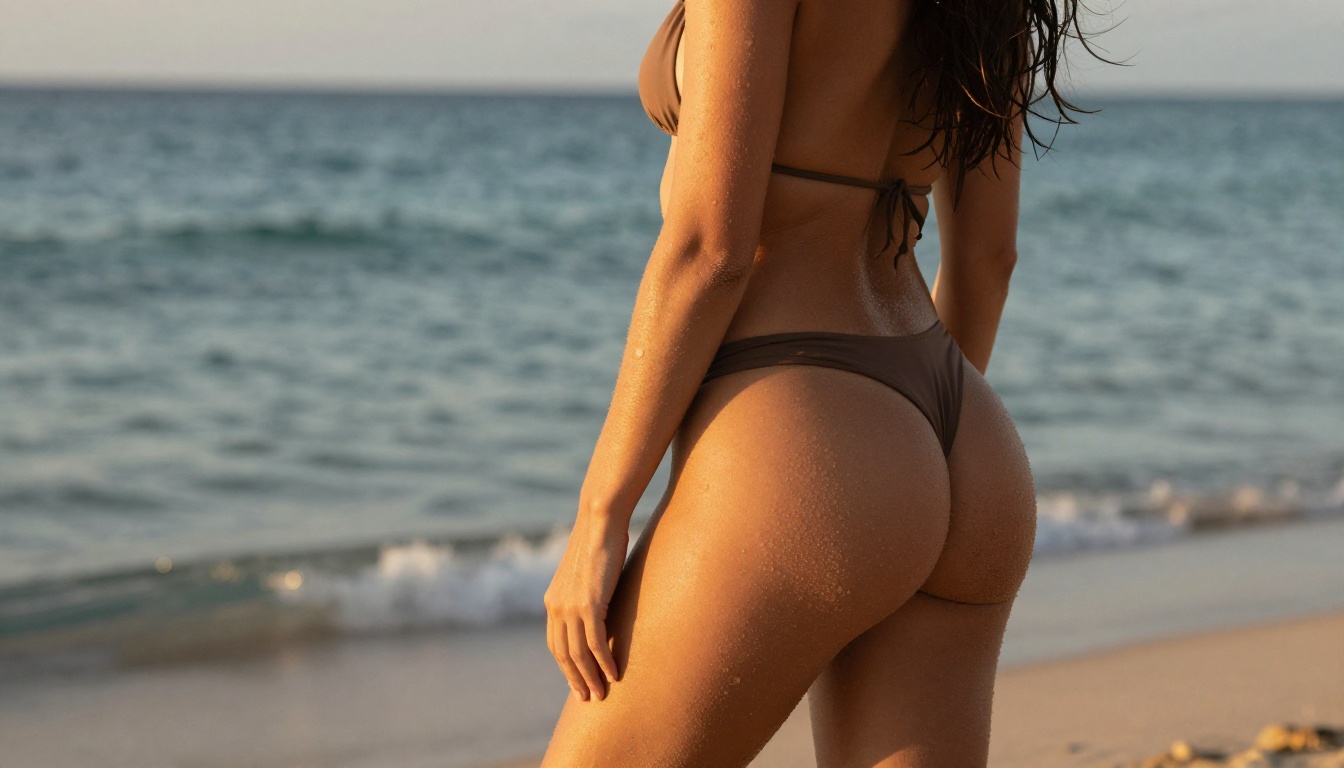
Recraft V4 is text-to-image only, with no image editing capability. What it does have is exceptionally realistic output quality for text prompts.
If your workflow is primarily prompt-to-image and you want results that hold up to scrutiny, Recraft V4 belongs in your rotation. It accepts NSFW content and produces portraits and scenes that feel genuinely photographic rather than AI-generated. The lighting in particular tends to be more naturalistic than competing models.
P-Image by PrunaAI
P-Image is built for speed. NSFW text-to-image in under 1 second.
When you need to iterate extremely fast, testing dozens of prompt variations to identify a creative direction or producing quick reference images for a project, P-Image is the right tool. The quality is solid given the generation speed, and the absence of content filters makes it dependable for adult content work.
💡 Workflow tip: Use P-Image for rapid exploration and concept validation, then switch to Seedream 4.5 or Recraft V4 to produce your final high-quality outputs.
The Video Models That Handle NSFW
Static images are one thing. Several platforms also offer video models with NSFW capability, and the gap in quality between the leaders and the rest is significant.
PicassoIA Video
PicassoIA Video generates video directly from text prompts. The standout feature is unlimited video generation included with Elite and Infinite subscriptions. Clips run at up to 720p and 5 seconds in length, with no per-clip charges. For content creators who need video assets in volume, this pricing model is genuinely different from every per-generation alternative on the market.
P-Video and Grok Imagine Video
P-Video from PrunaAI supports text, image, or audio as input and outputs clips at up to 1080p. The safety filter is disabled by default, which means prompts are not screened before generation. Duration is adjustable from 1 to 10 seconds across seven aspect ratios. A draft mode gives you an instant low-resolution preview before committing to the full render.
Grok Imagine Video generates clips up to 15 seconds long with no watermarks. It works from text, reference images, or existing video clips you want to re-edit. Image-to-video mode automatically matches the source photo's proportions, keeping your aspect ratios consistent without manual adjustment.
LTX 2.3 Pro
LTX 2.3 Pro from Lightricks is the highest-fidelity option available. It exports at up to 4K at 50fps, which is client-ready quality for professional work. Five operational modes cover the full production workflow: text-to-video, image-to-video, audio-to-video, retake (replace specific segments without re-rendering), and extend (add footage to the start or end of an existing clip). Camera motion presets handle dolly, jib, and focus-shift movements. For professional video production involving mature or adult content, this is the ceiling.
Full Model Comparison
How to Use These Models
Access every model listed above through picassoia.com. The platform consolidates them in a single interface, so you are not managing accounts across multiple tools. Here is the practical workflow:
- Pick your model based on whether you are generating from text (Seedream 4.5, Recraft V4, P-Image) or editing from an existing image (Image Editor Pro, Qwen Image 2, Grok Imagine Image).
- Write a specific prompt. Uncensored models follow detailed instructions well. Describe lighting, angle, composition, clothing, and mood explicitly rather than relying on vague terms.
- Iterate fast. Use P-Image for initial concept testing at under-1-second generation speed, then move to your preferred high-quality model once you have a clear direction.
- Animate your best results. Wan 2.2 I2v Fast converts static images into smooth video clips with natural motion.

💡 For Elite and Infinite subscribers: PicassoIA Image Editor Pro gives you unlimited NSFW generations. If you are doing any kind of high-volume work, the math is straightforward. Subscribe once and stop counting credits.
Best Models for NSFW AI Generation on PicassoIA
PicassoIA offers the most complete lineup of unrestricted, realistic content creation tools in one place:
- Seedream 4.5 — The best all-around NSFW model. Accepts adult content, supports image editing, and generates ultra-realistic results in under 3 seconds.
- PicassoIA Image Editor Pro — Img2img with unlimited generations. Need 1,000 images? They are free with your Elite or Infinite plan. Same volume would cost around $100 on models like Nano Banana 2. Accepts NSFW, returns results in under a second, and includes a 3-generation free trial with no credit card required.
- Qwen Image 2 — Open-source model that edits or creates any image in seconds with very detailed realism.
- Grok Imagine Image — Realistically converts any image to a bikini format.
- Recraft V4 — Very realistic results from text prompts only.
- P-Image — NSFW text-to-image generation in under 1 second.
- prunaai-wan-2.2-image — Generate highly realistic images from text without content filters.
- Wan 2.2 I2v Fast — Turn your static images into dynamic videos with smooth, natural animations.
- PicassoIA Video — Unlimited video generation from text prompts at up to 720p and 5 seconds per clip.
- P-Video — Text, image, or audio to video at up to 1080p, with the safety filter off by default and a draft mode for instant previews.
- Grok Imagine Video — Clips up to 15 seconds from text, an image, or an existing video. No watermarks.
- LTX 2.3 Pro — Highest fidelity at up to 4K/50fps, with retake and extend editing for precise control.
Unlike many mainstream AI platforms, PicassoIA gives creators full creative freedom with uncensored, high-performance models.
Explore the full lineup and generate without limits at picassoia.com/en/all-models.
Start Creating Without Limits
The models are there. The platform is there. The only thing between you and high-quality NSFW AI output is the first prompt.
Start with Seedream 4.5 for your first test. Run the same prompt you have tried on restricted platforms before. The difference in what comes back will make the decision obvious.
When you are ready to scale up, switch to PicassoIA Image Editor Pro and stop worrying about per-image costs. Want to turn your best images into video? PicassoIA Video handles unlimited clips. For the highest fidelity video work, LTX 2.3 Pro delivers 4K at 50fps with professional editing controls.

Your creative output should not be limited by a platform's marketing strategy. These tools exist specifically so that it is not. The complete lineup is at picassoia.com/en/all-models.


