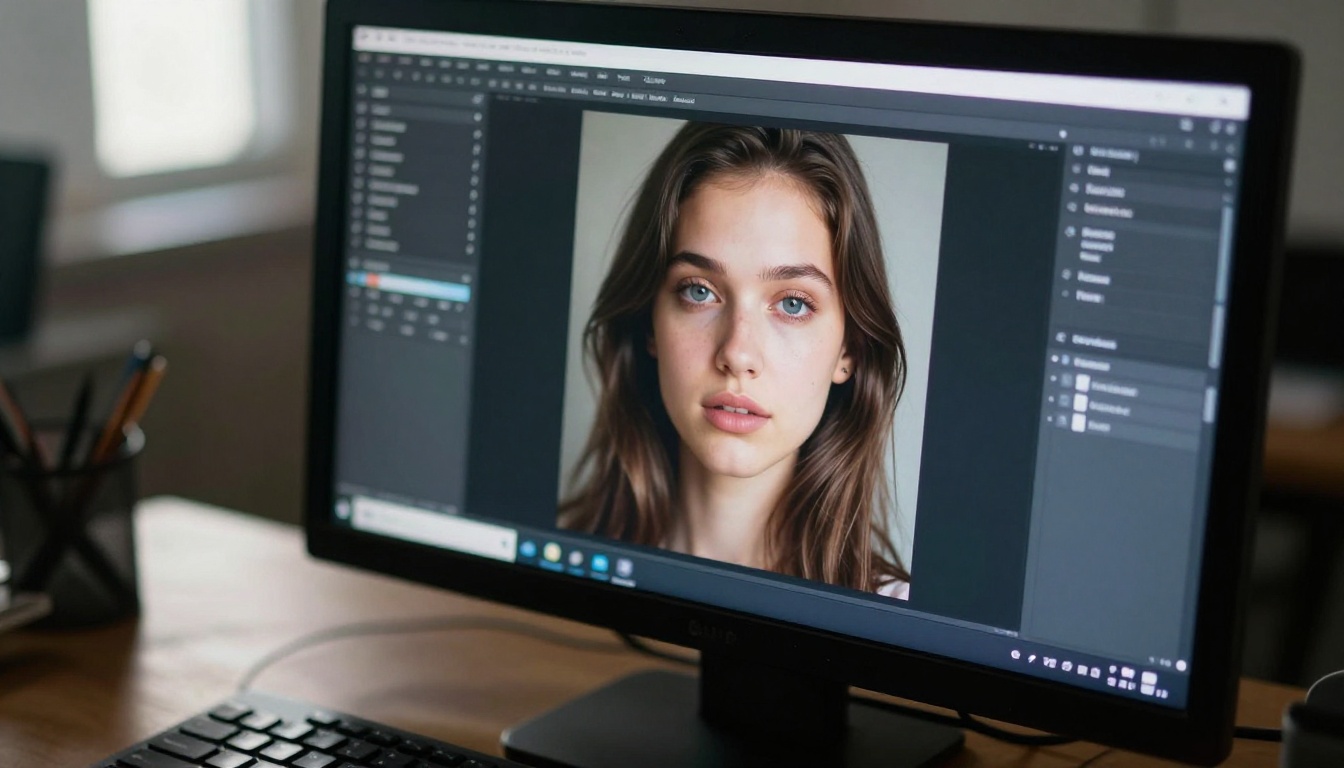
The first time I watched it, I replayed it three times before my brain accepted what it was seeing. The face moved. The lips synced perfectly. The eyes blinked. And yet, somewhere between the frames, something was profoundly, viscerally wrong. Not glitch-wrong. Not obviously-fake-wrong. Something deeper. Something that made the hair on my arms stand up before I could name why.
That is the creepiest AI video experience in a nutshell: a face that your conscious brain wants to accept and your nervous system refuses to. The space between real and synthetic has narrowed to the point where the only thing detecting the difference is something old and animal and pre-linguistic in you.
This is how it actually works.
That Moment You Cannot Look Away
The brain's betrayal
Your brain processes faces differently from every other type of visual input. A specialized neural pathway called the fusiform face area fires the instant it detects anything face-shaped. It happens before you consciously register the image. This is why babies stare at faces from the first days of life, why you see faces in clouds, in wood grain, in power outlets.
When that circuit fires on an AI-generated face, the initial recognition response triggers normally. But the verification pass, the deep comparison your visual cortex runs against millions of stored memory templates of how real faces move and feel, returns a mismatch. High confidence input. High confidence mismatch. Your brain generates a signal it does not have a clean category for.
That is the chill. That is the thing that makes you feel watched by something that has no eyes.
Why it spreads so fast
Unsettling content performs. Psychological research on content virality consistently shows that high-arousal negative material, things that produce feelings you cannot quite name, gets shared at dramatically higher rates than neutral or positive content. When you watch the creepiest AI video you have ever seen, your first instinct is to send it to someone else. "Tell me I am not the only one seeing this."
Social validation seeking meets visceral discomfort. The clip reaches five million views in 48 hours. The platforms reward it without anyone intending to. The algorithm reads the engagement, not the reason for the engagement.
What Is the Uncanny Valley
Robotics to synthetic video
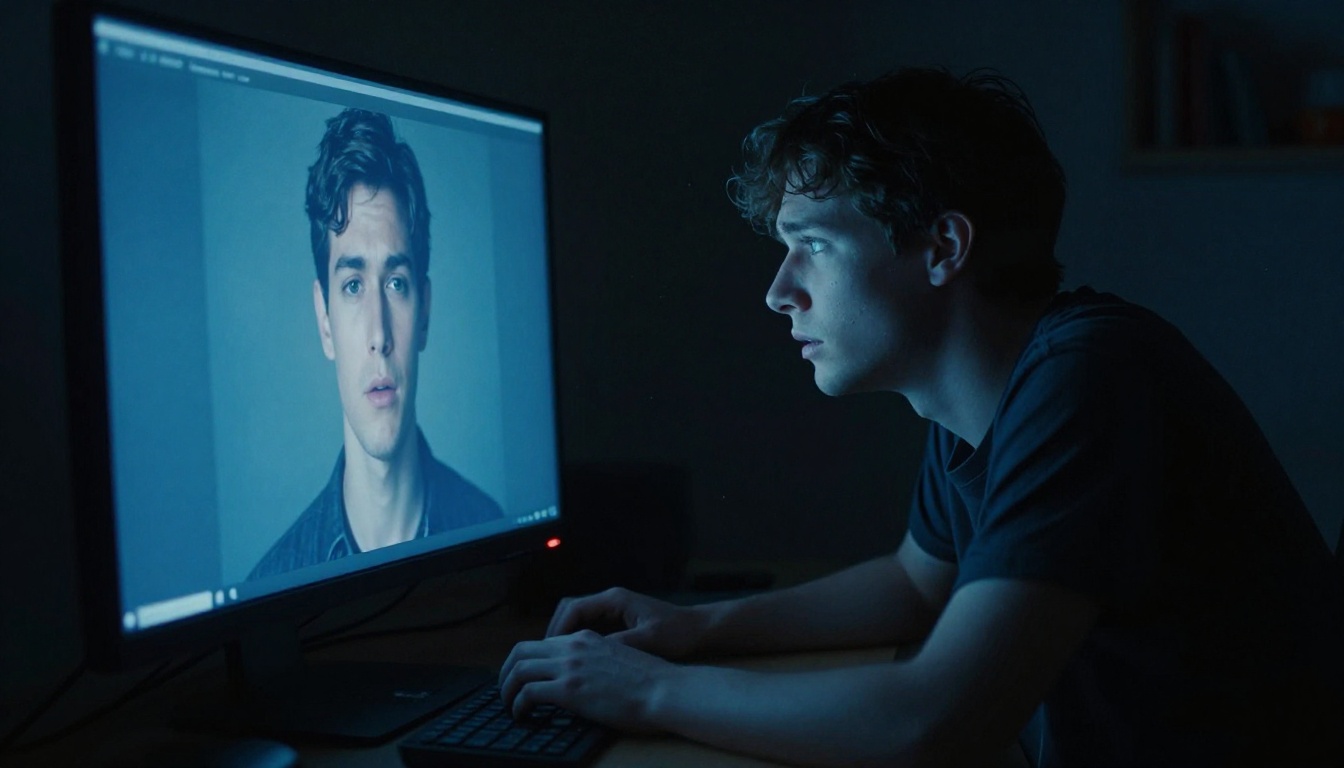
The term was coined by robotics researcher Masahiro Mori in 1970. He observed that as robots became more human-like in appearance, people's comfort and affinity with them increased steadily, right up until a specific threshold. At that point, comfort dropped sharply into something closer to revulsion. He called that threshold the uncanny valley.
The x-axis is human likeness. The y-axis is emotional response. A cartoon character sits at low human-likeness and we feel fine. A clearly mechanical robot sits at medium human-likeness and we find it charming. A highly realistic humanoid face sits near the top of the human-likeness scale and we feel deeply wrong. A real, living human face sits at 100% and we feel normal again.
Modern AI video has landed in that valley with surgical precision. The gap between what AI generates and what a real human looks like is now smaller than the gap between what we can consciously identify. The creepiest AI-generated video is never the one with obvious glitches. It is the one where you genuinely cannot find the flaw but your body already knows it is there.
The specific triggers
Research on uncanny valley responses in synthetic media consistently points to a cluster of perceptual triggers that work below conscious detection:
| Trigger | What Goes Wrong |
|---|
| Micro-expressions | Absent between major expression shifts |
| Eye movement | Saccades too smooth, too perfectly timed |
| Skin texture | Uniform luminance, no subsurface scatter |
| Hair physics | Moves as a single mass, not individual strands |
| Blink timing | Intervals too regular, duration too short |
| Lip sync offset | Audio leads or lags by 30 to 80 milliseconds |
Any single one of these in isolation might not register consciously. All of them together, even at low intensity, produce that distinctive sense of wrongness that circulates as the creepiest AI video content online.
The Tech Creating These Clips
How text-to-video models work
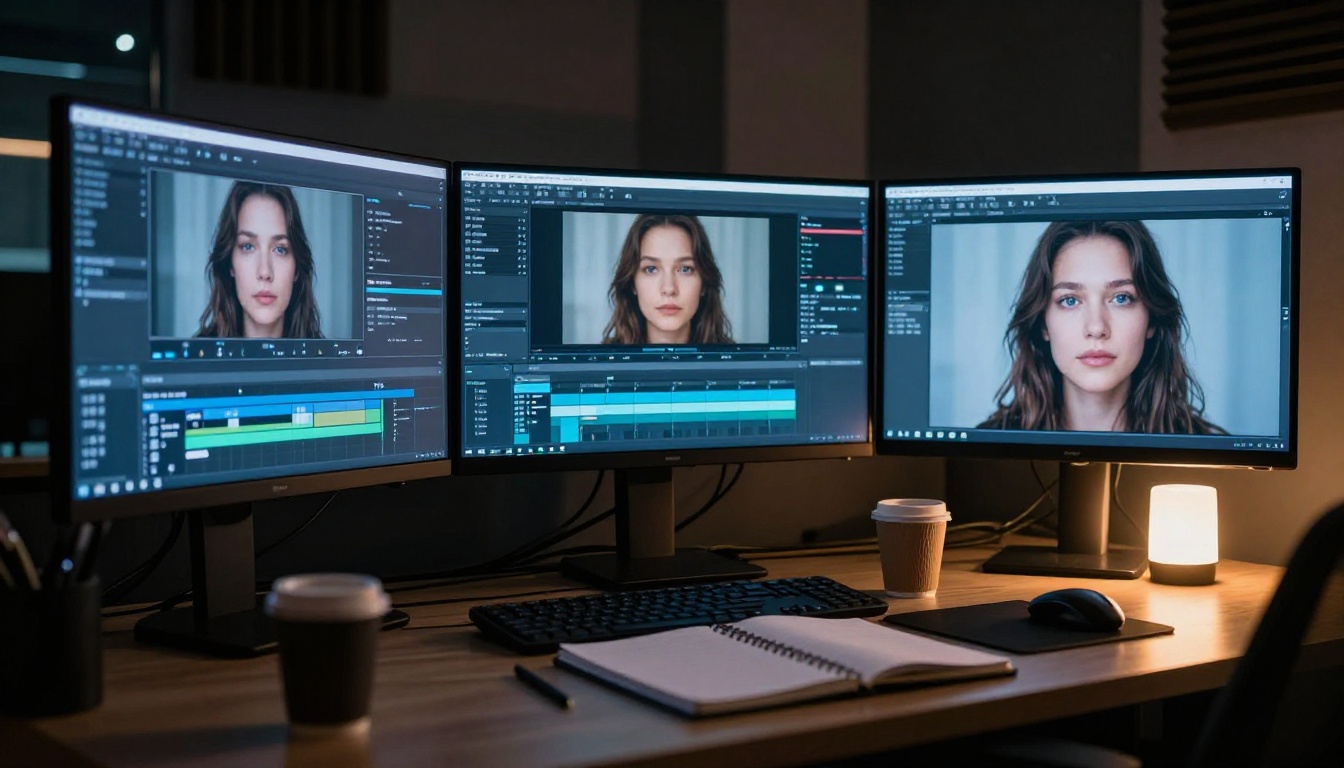
Modern AI video generation runs on diffusion models trained on billions of video frames. The model learns statistical relationships between text descriptions and visual sequences, between "a woman slowly turns to look at the camera" and the specific pixel distributions, lighting changes, and motion patterns that describe that action.
At generation time, the model starts with structured noise and iteratively removes it, guided by your text prompt and learned priors about how video is supposed to look. The result is a clip that matches your description without sourcing any actual footage from anywhere.
The catch is that these models learn averages. Real human faces are not averages. They are specific, asymmetric, worn in particular ways by particular lives. AI-generated faces tend toward an idealized mean, which produces that unsettling perfection. Beautiful in the way a wax figure is beautiful. Right from a distance. Wrong up close.
Models pushing the boundary
The gap between synthetic and real is closing at a rate that surprised even the researchers working on it. The best text-to-video tools available right now produce clips that hold up to casual viewing under normal conditions. On PicassoIA, several models sit at the cutting edge of this technology.
Veo 3 from Google generates video with native synchronized audio, handling lip sync and ambient sound simultaneously. The face movement quality in Veo 3 outputs has been noted as some of the most convincingly human motion produced by any generative system to date.
Kling v3 Video produces cinematic footage with notably improved micro-expression handling compared to earlier versions. The temporal consistency, meaning how reliably the face reads as the same person from frame to frame, is substantially stronger than what was possible 12 months ago.
Wan 2.7 T2V turns text prompts into 1080p video with strong motion coherence. Feed it a detailed prompt about a specific person type in specific lighting conditions and you will get results that genuinely challenge your perception at first viewing.
Sora 2 from OpenAI delivers text-to-video with synced audio and physics-aware motion. The way fabric moves, the way hair interacts with motion and light, these are the details where Sora 2 separates itself from earlier generation tools.
Hailuo 02 generates 1080p AI video with cinematic frame quality. Its face rendering handles the transition between neutral expression and emotional expression in a way that earlier models struggled to achieve without visible artifacts.
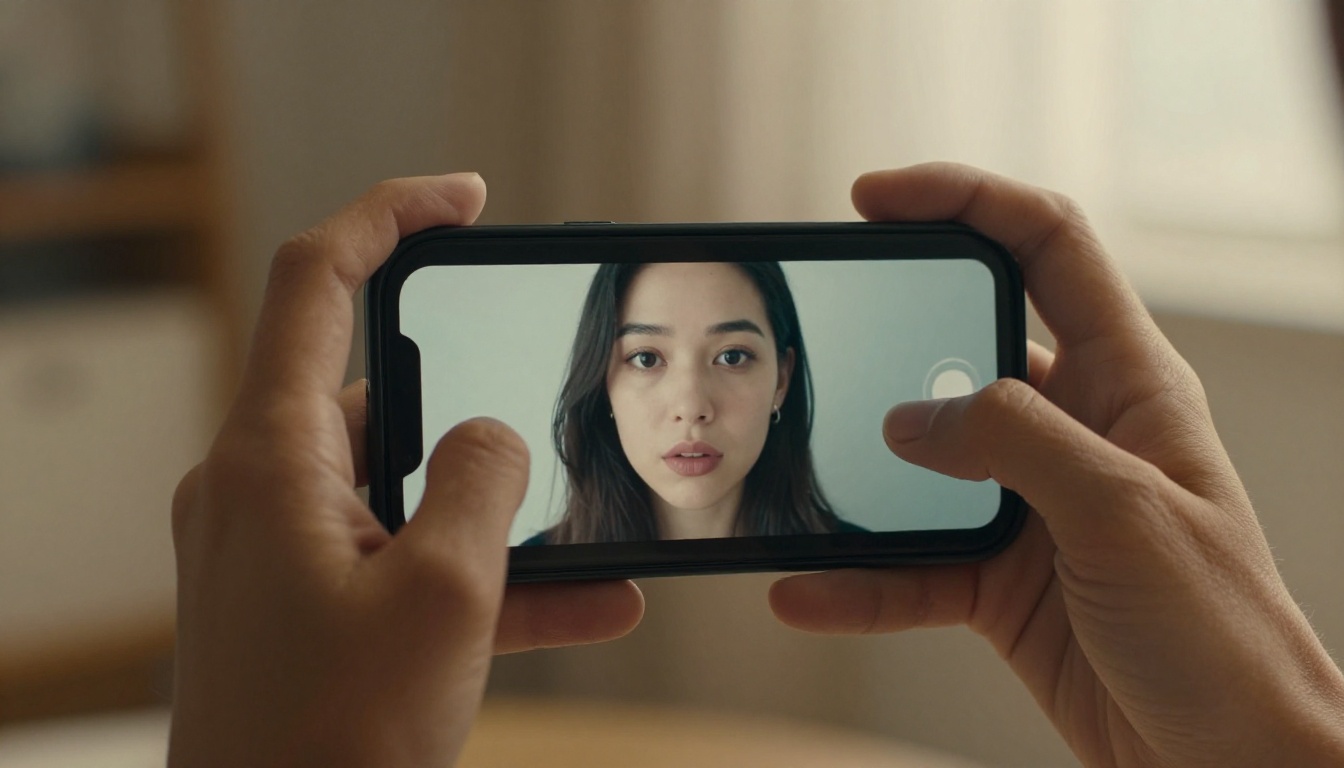
Why Faces Are the Hardest Part
Eyes that don't quite blink right
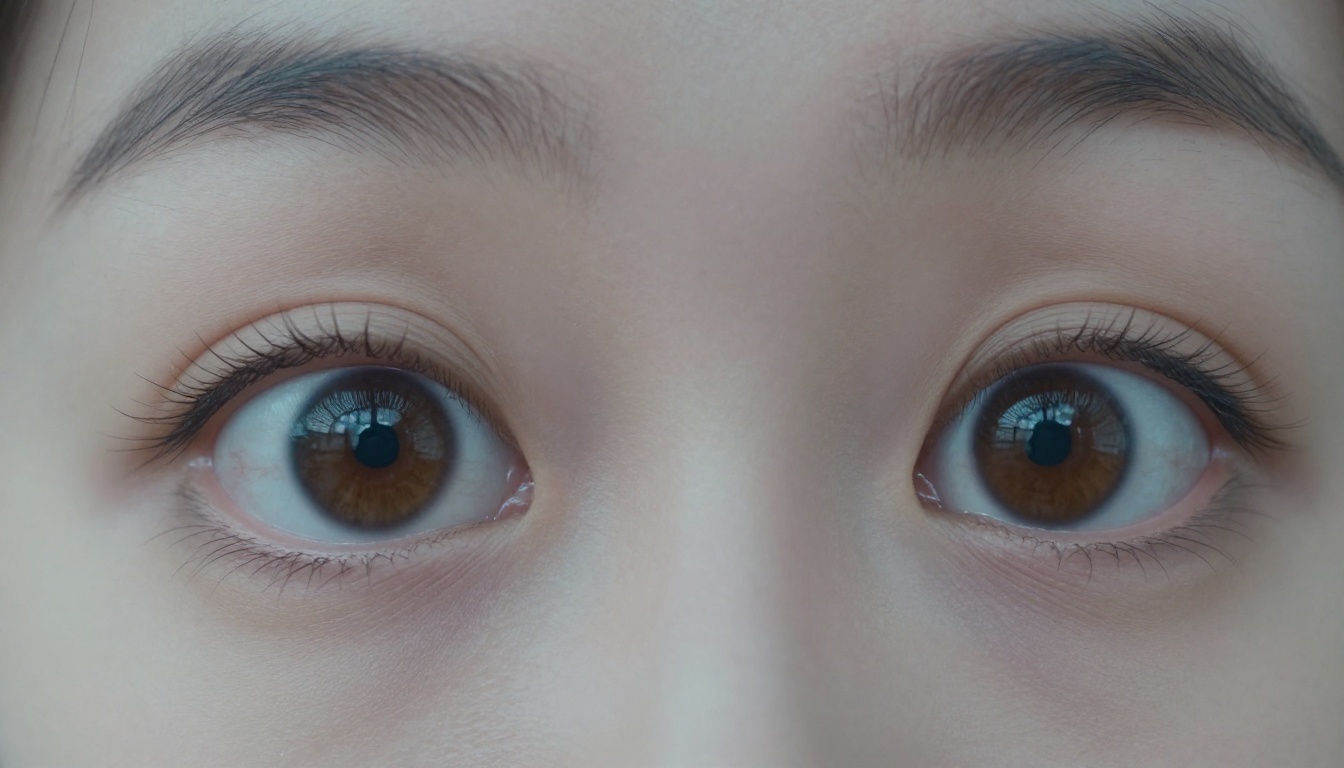
Humans blink involuntarily every four to six seconds. The blink itself takes roughly 300 to 400 milliseconds. More importantly, blink rate varies significantly with emotional state and cognitive load. People blink far less when concentrating intensely, more frequently when anxious or tired.
AI video models often generate blinks at statistically correct average rates but miss the contextual variation entirely. A face delivering an intense monologue might not blink for 20 seconds. An AI face delivering the same monologue blinks every five seconds like a metronome. Your brain catches this even when you do not consciously register it. It files the clip under "wrong" before you finish watching.
The eyes also move differently. Natural eye movement includes microsaccades, tiny involuntary movements occurring several times per second. These are essentially invisible but their absence creates a subtle static quality in AI-generated eyes that trained viewers consistently describe as "dead" or "glassy." That description is the uncanny valley compressed into two words.
Skin that's too perfect
Real human skin has subsurface scattering, where light penetrates slightly below the surface and bounces back out, creating the warm translucency visible in cheeks and ears under direct light. It has pores, each one creating a microscopic shadow contributing to overall texture. It has fine hair that reacts to air movement. It has the accumulated physical history of the person wearing it: sun damage, capillary patterns, asymmetries built up over years.
AI-generated skin renders as a surface rather than a volume. The luminance is too even. The texture is too consistent from centimeter to centimeter. The skin looks like professional photo retouching by someone who did not know when to stop. Beautiful, technically. Deeply wrong, instinctively.
💡 The tell: Look at the jaw and throat transition in AI video. Real people show inconsistent skin tone and texture at that boundary. AI faces often blend unnaturally uniformly from face to neck, with none of the shadow variation or color shift that real anatomy produces.

The Deepfake Distinction
Deepfakes vs. AI-generated video
These terms get used interchangeably but they describe fundamentally different processes.
Deepfakes use a source face and map it onto a target video. There is a real person's face at the source, and a real video at the target. The AI learns to translate the appearance of face A into the pose and expression of face B. The person exists. Only the video is fabricated.
AI-generated video produces synthetic faces from scratch. No source person. No original footage. The face is statistically constructed from learned priors about what human faces look like in aggregate across millions of training examples.
The creepiest AI video content often comes from the second category because there is no original to compare against. With deepfakes, detection sometimes involves finding the original. With fully synthetic video, there is no original. The person has never existed.
| Type | Source | Detection Approach |
|---|
| Deepfake | Real person's face mapped to target | Compare against known original |
| Face Swap | Two real people swapped | Texture and boundary artifacts |
| AI-Generated | No source person at all | Statistical analysis only |
| Voice Clone | Real voice recording | Spectrogram pattern analysis |
How to spot the difference
No single detection method is reliable against the best current models. A combination of signals gives you better odds:
- Background consistency: Does the background maintain realistic spatial depth and detail throughout the clip?
- Object interaction: Do hands actually interact with objects physically, or hover near them without contact?
- Lighting continuity: Does the lighting on the face match the implied light sources in the scene?
- Audio-visual sync: With eyes closed, does the audio feel native to the video or placed on top of it after the fact?
- Expression transitions: Do emotions pass through intermediate states, or cut between them with no in-between frames?
Kling Avatar v2 on PicassoIA animates faces with enough realism that studying its outputs lets you train your own eye for exactly where the tells appear in practice. Generating clips and then looking for the artifacts is genuinely one of the most effective ways to get calibrated for detection.
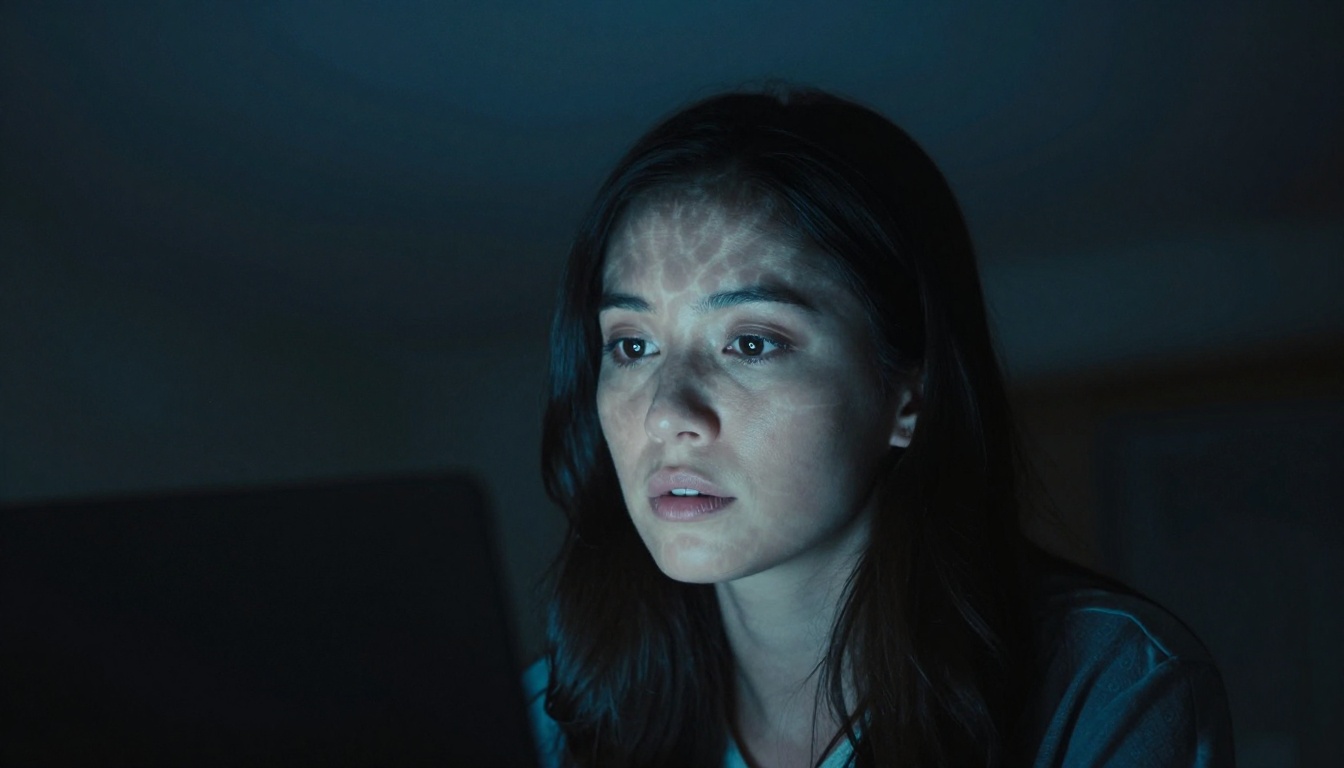
Making Your Own Eerie AI Clips
Using Kling v3 Video on PicassoIA
The models producing the creepiest AI video content are freely accessible. If you want to see exactly how this technology works from the inside, or create your own atmospheric cinematic clips, here is the process using Kling v3 Video on PicassoIA:
Step 1: Access the model
Open Kling v3 Video on PicassoIA. The interface gives you a prompt field, duration settings, and resolution controls.
Step 2: Write a specific prompt
Output quality correlates directly with prompt specificity. Include:
- Subject description (approximate age, hair color, emotional state)
- Camera angle and distance (tight close-up, medium shot, low angle looking up)
- Lighting (overcast diffuse, single directional side-light, screen-light only)
- Movement (slowly turns to face camera, speaks directly to lens, looks just past frame left)
- Atmosphere (clinical isolation, late-night room, empty corridor)
Step 3: Set duration and resolution
For cinematic output, choose the highest resolution available. Clips of five to six seconds maintain better temporal face consistency than longer durations at current generation quality levels.
Step 4: Add negative prompts
Exclude: "cartoon, illustrated, CGI, animation, low quality, blurry, distorted"
Step 5: Iterate across generations
Your first output is rarely the best one available. Each generation samples a different region of the probability space. Run three to five generations and select the one that matches your intent most closely.
💡 Prompt tip: Emotional state descriptions ("someone who has just heard something they were not supposed to hear") produce more interesting micro-expression behavior than purely physical descriptions of appearance. The model has learned associations between emotional states and the fine muscle movements that convey them.
Tips for cinematic realism
Working with Veo 3, Wan 2.7 T2V, or Pixverse v5 for atmospheric results:
- Specify lighting precisely: "single desk lamp from camera-right casting hard shadow left" produces more distinctive atmosphere than "indoor lighting"
- Use camera language: "medium close-up", "slight handheld movement", "rack focus from background to face"
- Reference film stock aesthetics: "Kodak film grain", "anamorphic lens subtle flare", "documentary handheld feel"
- Work with single subjects: Crowd scenes and multiple faces reduce coherence significantly at current quality levels
- Describe the setting, not just the subject: "empty fluorescent-lit office hallway at 3am" provides context the model uses to inform face lighting and overall mood
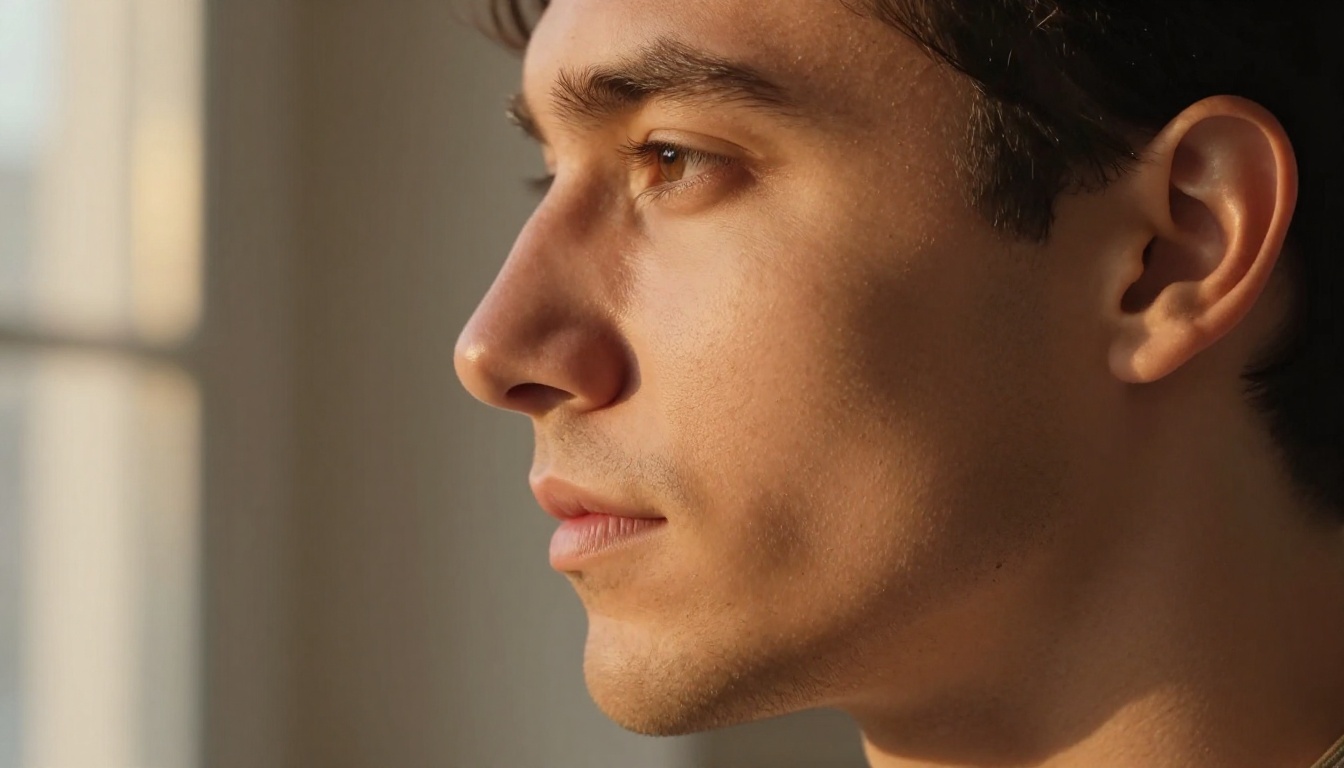
What This Means for How We Watch Video
The creepiest AI video you have ever seen is not an endpoint. It is a waypoint. The models generating this content are improving at a rate that made last year's outputs look like early prototypes. The temporal consistency, the micro-expression handling, the skin rendering and subsurface lighting simulation, all of it is moving toward a threshold where visual detection becomes unreliable for the average viewer.
This creates real, practical questions for how we consume and relate to video content. The same way that accessible photo editing software changed how we relate to still images over the past 30 years, AI video generation is changing how we relate to moving images right now, in real time.
The creepy feeling you get watching a synthetic face is not just a curiosity or a novelty reaction. It is your visual system running its last reliable detection pass before the signal becomes indistinguishable from noise. That instinct is worth paying attention to while it still works consistently.
The viral AI clips, the deepfake content, the synthetic media that circulates in group chats and recommendation feeds, all of it is produced by the same category of tools. Knowing how these tools work is not an abstract concern. It is the basic literacy for watching video in 2027 and beyond.
💡 What remains distinctly human: Context, intent, the specific reason someone makes a specific expression at a specific moment in a specific conversation. AI can generate a face. It cannot yet generate the accumulated personal history behind why that face looks exactly that way in exactly that moment. That specificity, for now, is still the clearest signal available without running a detection algorithm.
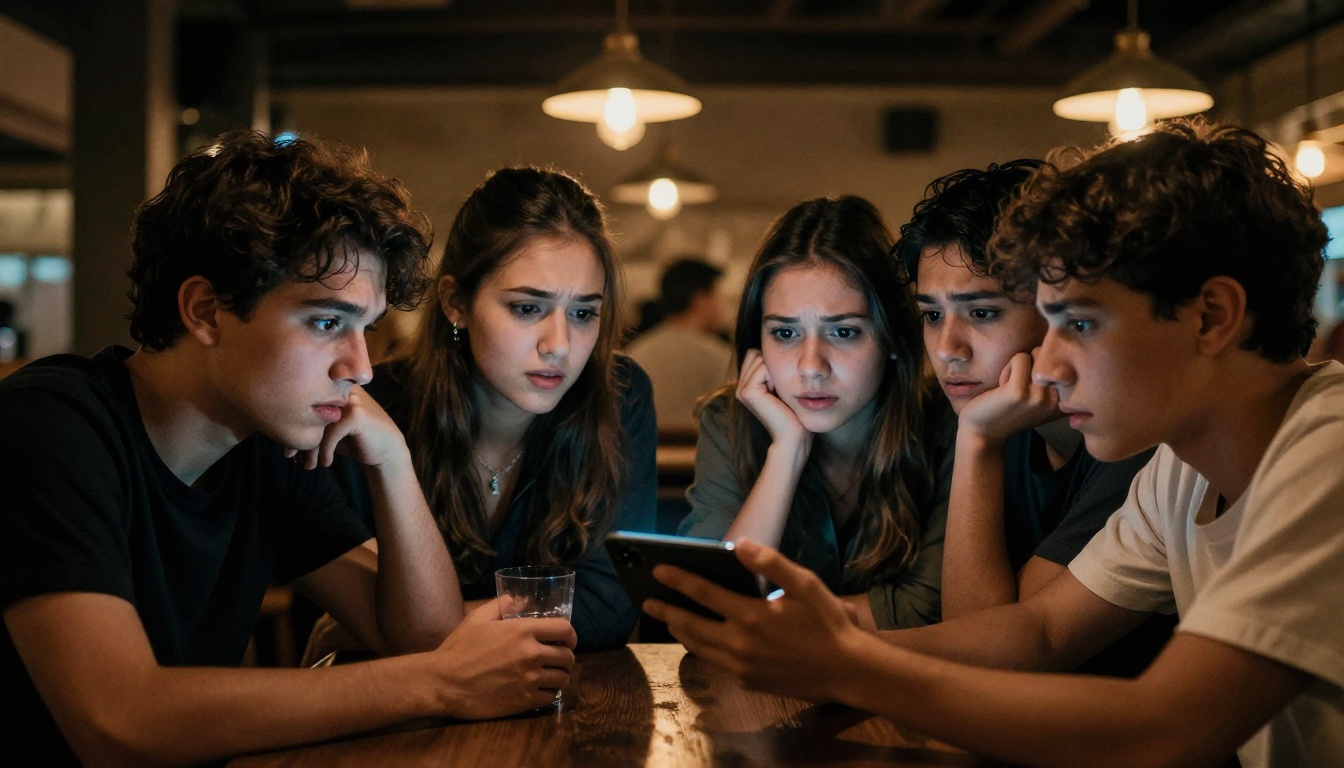
Make Something That Unsettles
The same technology producing the most disturbing clips online is exactly what makes AI video creation so worth experimenting with. The line between creepy and cinematic is mostly a matter of intent and craft, and both are available to anyone with a browser and a precise prompt.
PicassoIA puts the full stack in front of you without requiring any technical setup: Kling v3 Video for cinematic face animation with strong temporal consistency, Veo 3 for audio-synced narrative clips where the voice and face move together naturally, Wan 2.7 T2V for high-resolution atmospheric 1080p footage, Sora 2 for physics-aware motion where fabric and hair behave like the real thing, and Pixverse v5 for fast iteration when you are testing prompt variations quickly.
You do not need a studio, a camera, or a cast. You need a precise description of what you want to see and the patience to iterate until what you imagined and what the model generates find each other.
The creepiest AI video you have ever seen was made by someone sitting exactly where you are sitting right now.