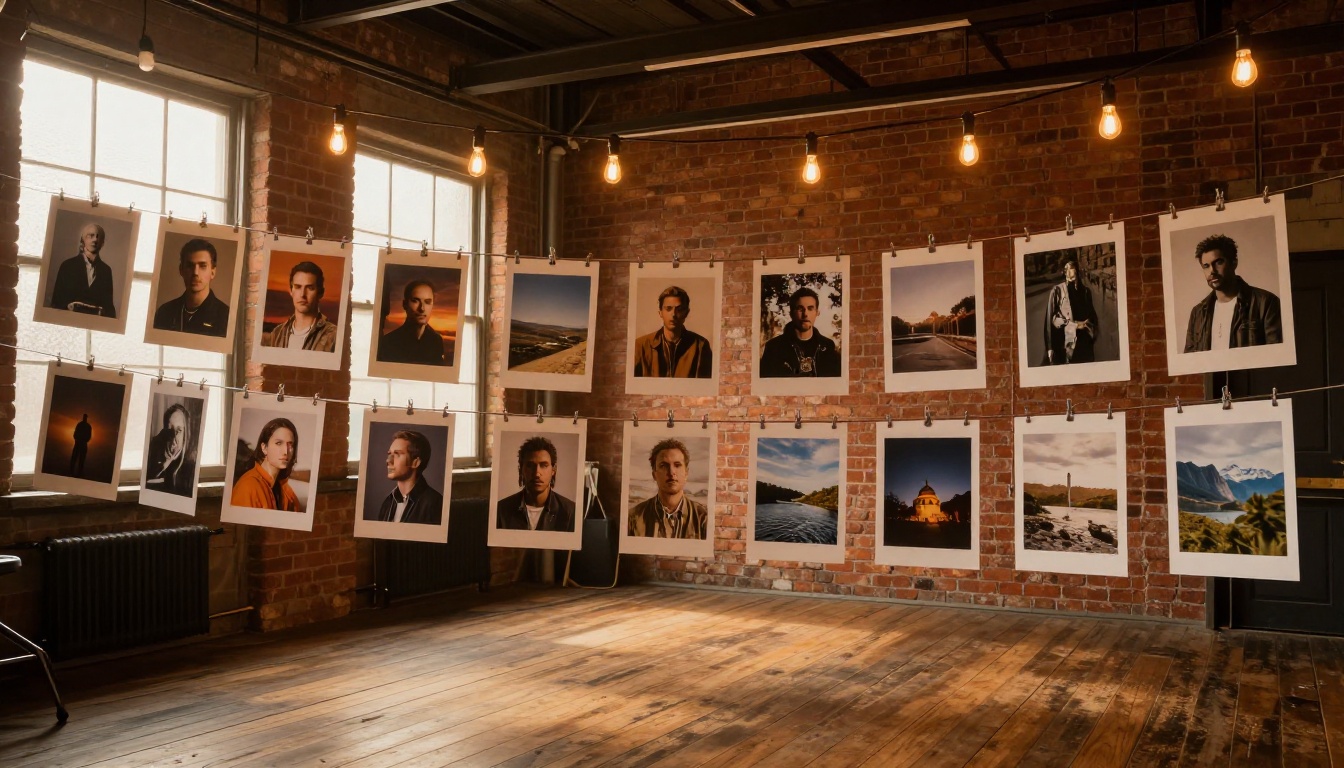
Something strange happened on Reddit in early 2025. A single post in r/artificial, showing a grid of four photorealistic images generated entirely from text, collected over 47,000 upvotes in less than 48 hours. The comments went from skeptical to stunned to borderline philosophical. People weren't just impressed, they were rattled. And the feature behind that post? GPT Image 2, an AI image generation model so sharp it's blurring the line between photograph and prompt.
This wasn't a one-off. The thread triggered a cascade across r/midjourney, r/StableDiffusion, r/AIArt, r/pics, and dozens of smaller communities. Screenshots of the outputs were reshared, dissected, and debated. Photographers asked if their careers were over. Marketers started calculating what this meant for stock photo budgets. And a lot of ordinary people just wanted to know: how do I try this?
What Actually Happened on Reddit
The Thread That Started It
The original post was deceptively simple. No marketing copy, no branded watermarks, no studio setup. Just a user who wrote: "I typed a sentence. This is what came out." Beneath that, four images. A woman laughing on a rainy street in Tokyo. A close-up of a weathered fisherman's hands on a dock. A golden retriever mid-leap in a field of wildflowers. A candlelit dinner for two at a small Parisian bistro.
Every single one looked like it was pulled from a professional photographer's portfolio.
The subreddit collectively lost it. Within six hours, the post had crossed 10,000 upvotes. Within a day, it had been crossposted to seventeen different communities. Within 48 hours, it was on the front page.
Why the Reaction Was Different This Time
Reddit has seen AI images before. What made this moment different wasn't just image quality, it was the combination of speed, accessibility, and realism arriving at the same time. Previous generations of AI image tools produced results that had a "tell": weird hands, distorted faces, plastic-looking skin. This was different. The skin had pores. The lighting had physics. The bokeh looked like an actual 85mm lens.
What accelerated the spread was that anyone could replicate the results. No waitlist, no expensive subscription, no technical knowledge required. The barrier between seeing something impressive and being able to reproduce it had essentially vanished.
The Feature Everyone's Talking About
GPT Image 2 and What It Changes
GPT Image 2 represents a significant jump in photorealistic text-to-image output. Where earlier models struggled with coherence across a full scene, GPT Image 2 handles contextual lighting, material texture, and spatial relationships with a level of accuracy that previously required significant post-processing, if it was achievable at all.
The model reads prompts in natural language. You don't need to memorize trigger words or engineer complex syntax. "A tired barista at 6am, warm overhead lights, steam rising from the espresso machine, 35mm film look" is enough. It reads intent, not just instruction. That's the detail that made Reddit users stop scrolling.
💡 Tip: The more specific your scene details (time of day, light source direction, lens type), the more cinematic your output becomes. GPT Image 2 responds exceptionally well to photography-style language.
How the Results Stack Up
| Feature | Earlier AI Models | GPT Image 2 |
|---|
| Skin texture | Often plastic or waxy | Pores, micro-detail visible |
| Hands and fingers | Frequent anatomy errors | Accurate in most scenes |
| Lighting realism | Flat or inconsistent | Directional, physically accurate |
| Prompt reading | Keyword-dependent | Natural language fluent |
| Output resolution | Variable | High fidelity, print-ready |
The gap isn't incremental. It's the kind of jump that changes what people believe is possible, and that's exactly what Reddit reacted to.
The Models Behind the Viral Moment
GPT Image 2 on PicassoIA
You can access GPT Image 2 directly through PicassoIA without any API setup or technical overhead. Type a prompt, adjust the aspect ratio, and the model handles the rest. The results that shocked Reddit are accessible through the same interface within seconds.
What sets this apart from using the model through a raw API is the surrounding ecosystem. PicassoIA lets you immediately pipe output from GPT Image 2 into editing workflows, upscaling tools like P Image Upscale, or targeted image editing with Fibo Edit to make precise changes to specific areas of the generated image without touching the rest.
Flux Models and Why They Matter
While GPT Image 2 grabbed the Reddit spotlight, the Flux 2 Klein 9B Base LoRA and Flux 2 Klein 4B Base LoRA models running on PicassoIA are quietly delivering exceptional stylized results that many professional creators prefer for specific use cases.
Flux models excel at consistent character rendering, complex compositional scenes, and LoRA-based style customization. If you want a specific aesthetic applied consistently across a series of images, Flux is frequently the stronger choice. The difference comes down to style control versus pure photorealism.
💡 Tip: For documentary-style photorealism, reach for GPT Image 2. For stylized editorial work or consistent brand visuals, Flux models give you more granular control over the output.
Seedream 4.5 in the Mix
Seedream 4.5 is worth knowing about if 4K output matters to your workflow. It delivers exceptionally high-resolution photorealistic results from text prompts, and it's particularly strong with architectural interiors, product photography, and detailed environmental scenes.
The model's strength is resolution and surface detail at scale. Where other models soften textures at full zoom, Seedream 4.5 holds its sharpness across the entire frame, making it useful for print-ready work where pixel-level detail matters.
What Reddit Actually Said
The Comments That Stood Out
The viral thread collected thousands of comments. A few clear patterns emerged from the noise:
- "I can't tell if this is AI" appeared in various forms across hundreds of replies, and not as a question. As a statement of genuine uncertainty.
- Photographers were split. Some were alarmed. Others immediately started experimenting with the tool themselves, then came back to the thread to share their own outputs.
- The r/StableDiffusion community ran immediate comparisons against their own established workflows and acknowledged the quality gap without much argument.
- Multiple users asked for the prompt used to generate the images. When it was revealed to be a simple, plain-English sentence, the disbelief cycle restarted all over again.
The Skeptics Were Wrong
The usual pushback appeared on schedule: "It'll get the hands wrong." It didn't. "It can't do night scenes convincingly." It could. "Fine detail like individual hairs or fabric weave will fall apart." It held.
None of the typical failure modes materialized in the samples people were sharing. That's what made this moment different from previous AI image milestones. The criticisms that had been valid for years simply stopped applying, and people on Reddit noticed.
3 Things That Make This Different
These aren't incremental improvements. Three specific things separated this moment from previous AI image milestones, and all three arrived at the same time:
-
Prompt fluency: You can write how you think. No keyword engineering, no negative prompt lists, no arcane syntax. Just describe the image you want in the same way you'd describe it to a photographer.
-
Physical accuracy: Light behaves correctly. Reflections, shadows, and depth of field render with real-world physics. The images don't just look good, they look correct in a way that reads as believable without conscious analysis.
-
Accessible at scale: No GPU rental, no local installation, no waitlist. Platforms like PicassoIA make this generation of models available immediately, to anyone, through a browser.
When all three of those things are true simultaneously, the user experience changes entirely. It stops being a tool that requires expertise and becomes one that rewards imagination.
How to Use GPT Image 2 on PicassoIA
This is the step-by-step workflow that Reddit users were asking for after the viral post. Here's exactly how to replicate those results using GPT Image 2 on PicassoIA.
Step 1 - Define Your Scene
Open GPT Image 2 on PicassoIA. Before writing your prompt, decide on three elements:
- Subject: Who or what is in the scene?
- Environment: Where is it? Interior, exterior, what time of day?
- Mood: What feeling should the image convey?
Getting these three elements clear before writing will produce dramatically better outputs than open-ended prompts. The model rewards intentionality.
Step 2 - Write a Strong Prompt
Don't overthink the technical side. Write it the way you'd brief a photographer. Include specific details about:
- Light source and direction: "warm morning light from the left window" or "overcast diffused daylight"
- Camera lens character: "85mm shallow depth of field" or "28mm wide shot with distortion"
- Surface details: "worn leather jacket", "wet cobblestone street reflecting neon signs"
- Emotional tone: "quiet and reflective" or "chaotic and energetic"
💡 Example prompt: "A woman in her thirties sitting in a sun-drenched cafe, reading a paperback book, early morning light from large windows warming the left side of her face, shallow depth of field on her expression, Kodak Portra 400 film look, photorealistic."
That's it. No magic words. No negative prompts required.
Step 3 - Refine With Connected Tools
Once you have an output you like, PicassoIA's connected tools let you take it further without starting over:
- Upscale for print: Run the result through P Image Upscale to get a print-ready resolution without losing sharpness.
- Fix specific areas: Use Fibo Edit to refine any detail in the image without regenerating the whole scene.
- Add font-embedded text: For branded outputs or social graphics, Riverflow 2.0 Pro lets you embed typographic elements directly into the generated image.
- Restore older imagery: If you're working with archival material alongside AI outputs, Dust and Scratch v2 can restore photographic quality to worn source material.
The Broader Shift in AI Image Quality
Before vs. Now
Two years ago, the standard AI image criticism was "you can always tell." Hands were wrong. Text was garbled. Faces had uncanny valley problems. Lighting ignored the laws of physics. The output was impressive for what it was, but it wasn't useful for anything requiring genuine realism.
That criticism no longer holds for the current generation of models. The shift isn't a tweak. It's a reclassification of what these tools can actually produce.
| What Changed | 2023 State | 2025 State |
|---|
| Hands | 6-7 fingers, distorted joints | Accurate anatomy, natural pose |
| Faces | Uncanny valley artifacts | Photorealistic with micro-detail |
| Text in images | Garbled symbols | Clean with Riverflow 2.0 Pro |
| Background coherence | Objects floating or merging | Physically accurate spatial depth |
| Lighting | Flat or internally contradictory | Directional and consistent across scene |
What This Means for Creators
The shift matters most for people who create visual content for work. Marketing teams now have a rapid prototyping tool that produces campaign-quality images in minutes. Small businesses can create custom product photography without a studio budget. Content creators can produce consistent visual assets at a pace that wasn't physically possible before.
The Reddit thread wasn't really about AI. It was about the moment when a creative tool stops being a curiosity and starts being genuinely useful to people who don't care about the technology itself, only the output.
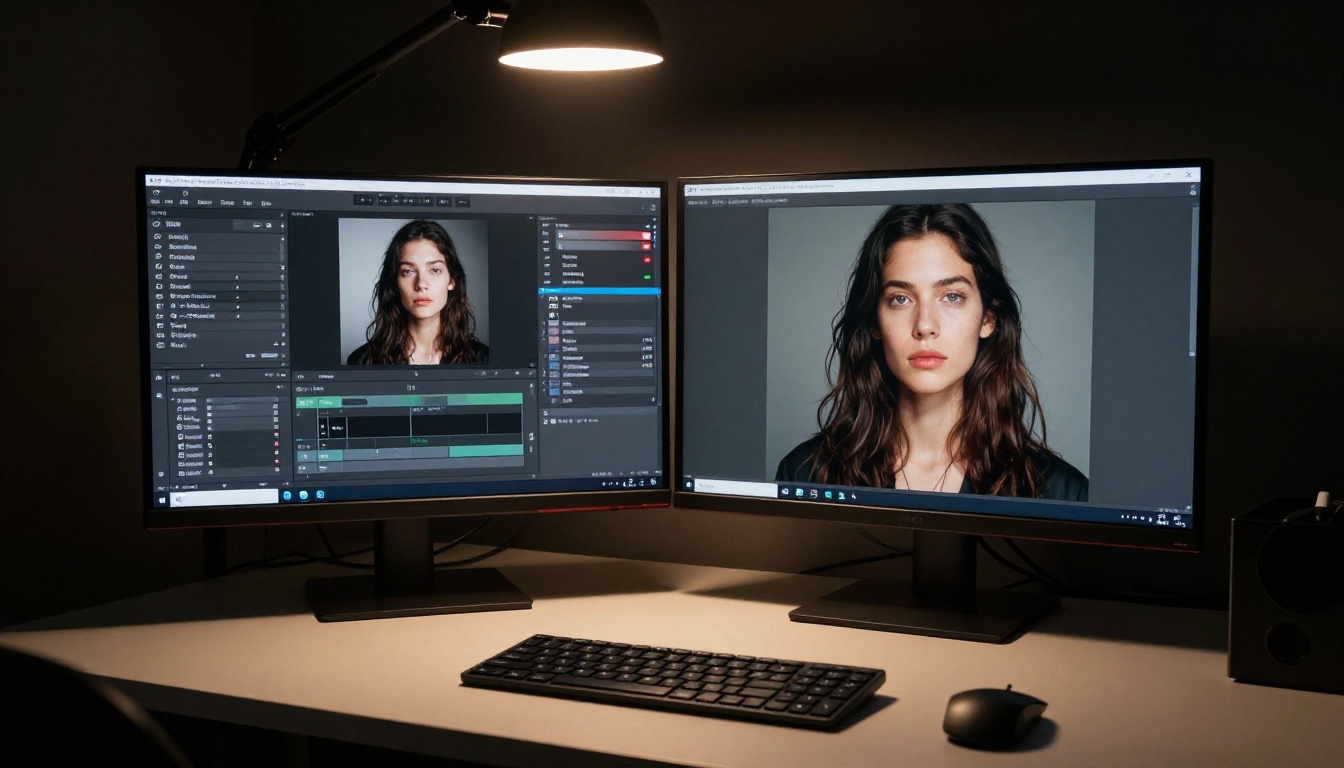
What You Can Start Creating Right Now
The images that sent Reddit into a spiral are accessible to you today. Not through a waitlist. Not with a GPU. Not with any technical knowledge beyond being able to describe what you want to see.
GPT Image 2 is live on PicassoIA alongside Seedream 4.5 for 4K output, Flux 2 Klein 9B Base LoRA for stylized series, and Wan 2.7 Image Pro for ultra-detailed scene rendering. Every model that Reddit has been talking about is in one place, with no friction between having an idea and seeing what it looks like.
The reaction on Reddit was outsized because people weren't expecting to be surprised anymore. They thought they'd seen what AI images could do. They were wrong. And the best part is that surprise is now repeatable, on demand, starting from a single sentence.
Open PicassoIA, type a scene you've been imagining, and see what comes back. The moment that shocked 47,000 people on Reddit is waiting for you on the other side of a text box.