If you're creating anything in 2026 - images, videos, music, writing, or code - there's a good chance you're using tools that didn't exist two years ago. The pace has accelerated to the point where what was experimental in 2024 is now standard practice. These aren't just incremental improvements; they're tools that change how entire professions approach their work.

💡 The biggest shift isn't in capability, but in reliability. Tools that generated inconsistent results in 2024 now produce professional-grade output consistently. This reliability makes them usable for actual work, not just experimentation.
The change started with compute architecture. Models run faster with less memory, allowing real-time interaction rather than batch processing. You see results as you type, adjust parameters with sliders that give immediate feedback, and iterate faster than ever.
Three critical improvements:
- Consistency across generations - Same prompt yields similar quality every time
- Real-time parameter adjustment - Sliders and controls update output immediately
- Native integration workflows - Tools work within existing software ecosystems
| 2024 Limitations | 2026 Improvements |
|---|
| Batch processing only | Real-time generation |
| Inconsistent quality | Professional-grade consistency |
| Separate toolchains | Integrated workflows |
| High memory requirements | Efficient local operation |
Photorealistic Images That Don't Look Fake

The phrase "AI-generated" used to mean obvious tells: strange hands, floating objects, unnatural lighting. That's changed. Tools like Flux, Qwen Image, and GPT Image 1.5 generate images indistinguishable from professional photography.
What makes 2027 image generation different:
- Physics-aware rendering - Light behaves like light, shadows cast properly
- Material accuracy - Metal looks metallic, fabric has texture
- Anatomical correctness - Hands with five fingers, proper proportions
- Contextual awareness - Objects relate logically to their environment
💡 The secret sauce: These tools understand not just objects, but relationships between objects. A coffee cup on a table casts appropriate shadows. A person's clothing wrinkles where it should. Window reflections show what's outside.
Professional use cases that work today:
- Product photography - Generate marketing images without photo shoots
- Architectural visualization - Create interior/exterior renders in minutes
- Concept art - Iterate designs faster than traditional sketching
- Social media content - Produce consistent brand imagery at scale
The barrier has shifted from "can it generate an image?" to "does it match my specific style requirements?" Tools like P-Image Edit let you edit existing images with AI, maintaining consistency across a visual brand.
Video Generation That Actually Works
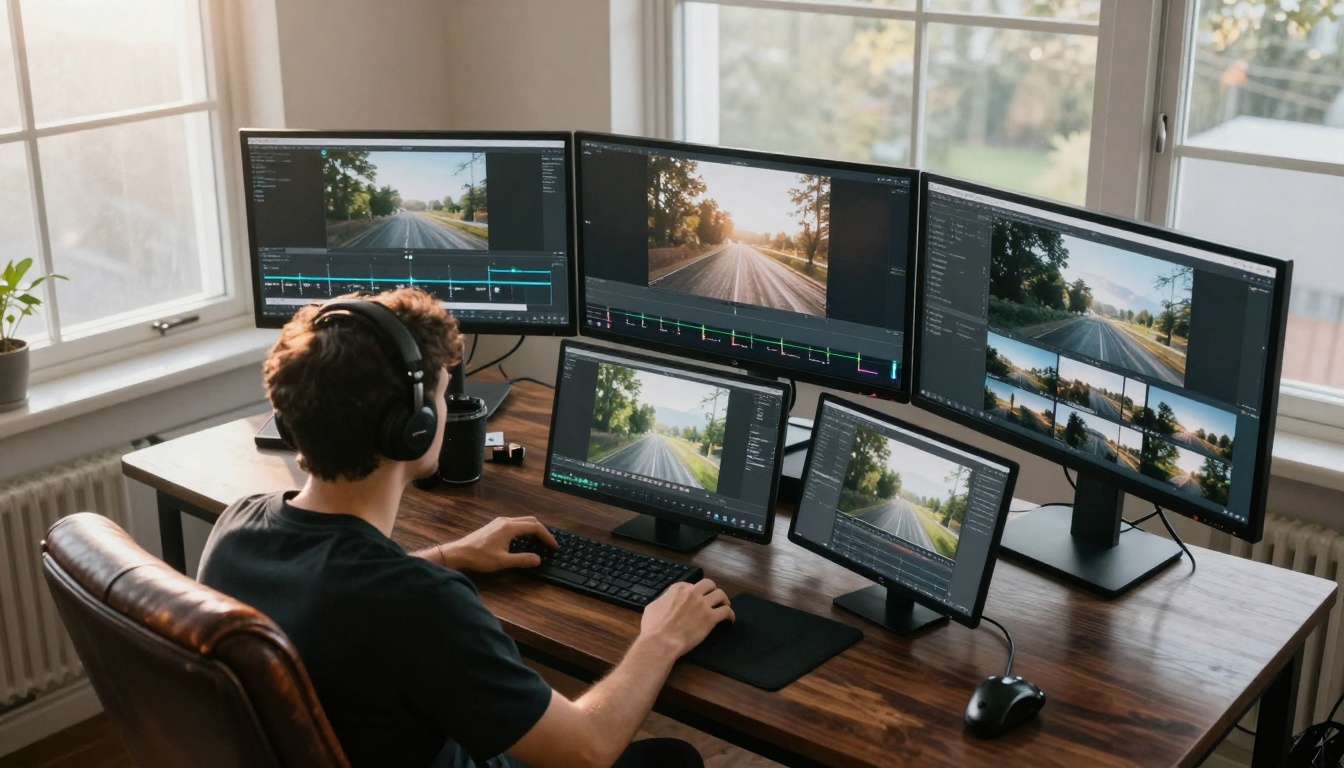
Video was the last frontier, but 2027 tools have crossed the threshold. Sora 2 Pro, Veo 3.1, and Kling v2.6 produce videos with consistent motion, proper pacing, and cinematic quality.
The practical differences:
- Temporal consistency - Objects move predictably frame-to-frame
- Camera motion control - Specify pans, zooms, dollies like a director
- Lighting continuity - Shadows and highlights maintain across sequences
- Audio synchronization - Sound matches visual events naturally
Where professionals are using AI video:
- Social media clips - 15-30 second content for Instagram, TikTok
- Product demonstrations - Show features without live filming
- Educational content - Animate concepts that are hard to film
- Marketing teasers - Create hype with cinematic sequences
💡 Cost comparison: Traditional 30-second commercial: $5,000-$50,000. AI-generated equivalent: minutes of generation time plus minor edits. The economics have shifted fundamentally.
Tools like WAN 2.6 I2V convert still images to videos, while Seedance 1.5 Pro specializes in text-to-video with artistic control. The choice depends on whether you're starting from existing assets or creating from scratch.
AI Music That Sounds Human
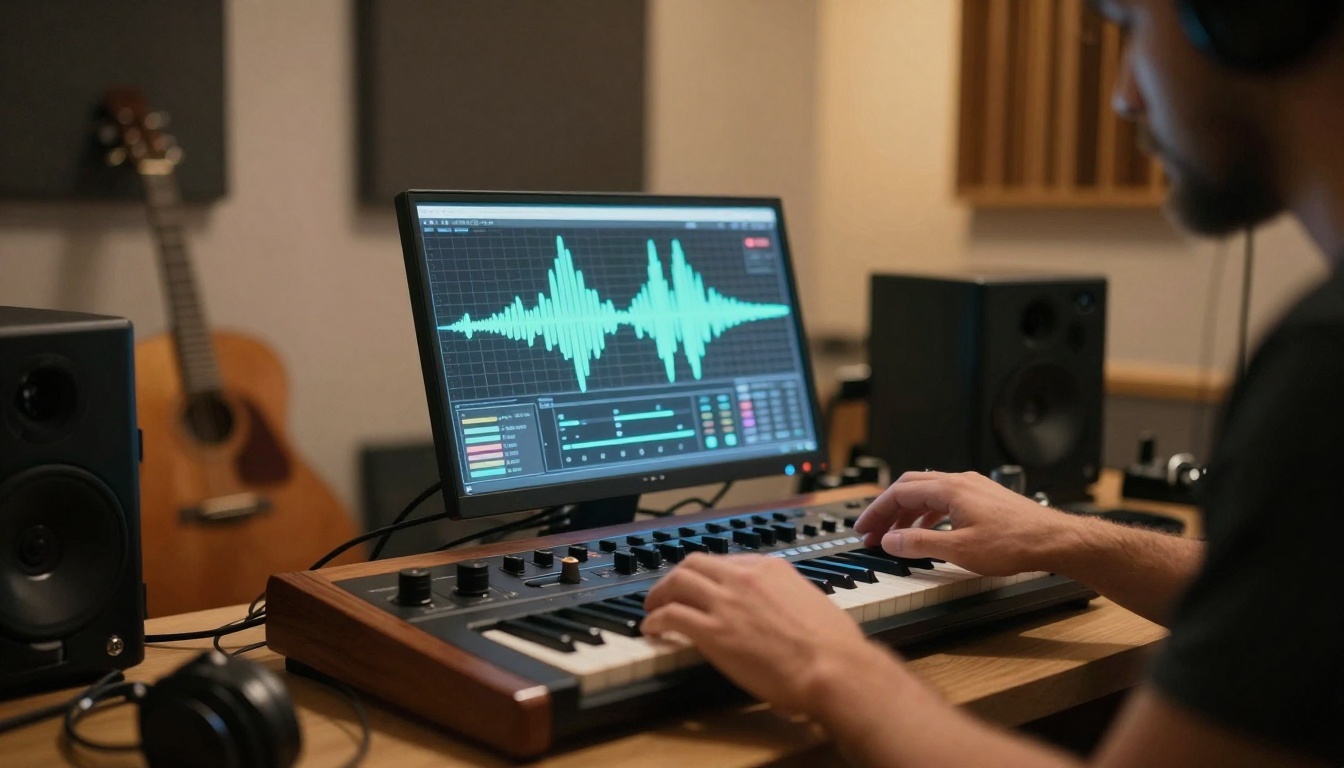
Music generation tools have moved beyond simple melody loops. Stable Audio 2.5, Music 01, and Lyria 2 produce full compositions with arrangement, instrumentation, and emotional arc.
What's changed in music generation:
- Genre accuracy - Tools understand genre conventions and instrumentation
- Dynamic range - Volume swells, crescendos, and decrescendos
- Instrument separation - Clear distinction between parts in the mix
- Structural awareness - Verse/chorus/bridge arrangements that make sense
Practical applications working right now:
- Background scoring - Generate custom music for videos, games, apps
- Sound design - Create unique sound effects and ambient textures
- Mood setting - Produce music that matches specific emotional tones
- Prototyping - Test musical ideas before bringing in musicians
💡 The licensing advantage: Many AI music tools provide clear commercial rights, eliminating complex royalty negotiations. For business use, this simplifies what was traditionally a legal minefield.
The interface matters. Tools that provide musical parameter controls (tempo, key, instrumentation) rather than just text prompts yield more usable results. This reflects a shift from "generate something musical" to "generate music that fits my specific need."
3D Generation Without The Learning Curve
Traditional 3D modeling requires months of learning complex software. 2027 tools generate 3D assets from text or images, ready for use in games, VR, or product visualization. The time from idea to usable asset has collapsed from weeks to minutes.
Key capabilities that work:
- Mesh generation - Clean, manifold geometry that's actually printable
- UV unwrapping - Proper texture coordinates without manual work
- Material assignment - Physically-based rendering materials that look right
- LOD generation - Multiple detail levels for real-time applications
Where this changes workflows:
- Game development - Generate props, environments, characters rapidly
- Product design - Visualize concepts before physical prototyping
- Architecture - Create detailed models from sketches or descriptions
- Education - Generate 3D models for interactive learning
The economics: A freelance 3D artist might charge $500-$5,000 per model. AI generation produces comparable quality in minutes, with iteration costing essentially nothing. This doesn't eliminate artists, but changes their role to directing and refining AI output.
💡 Quality check: The best 3D tools provide metrics like polygon count, manifold status, and texture resolution. This professional data matters for actual use, not just visual appeal.
Voice Synthesis You Can't Distinguish
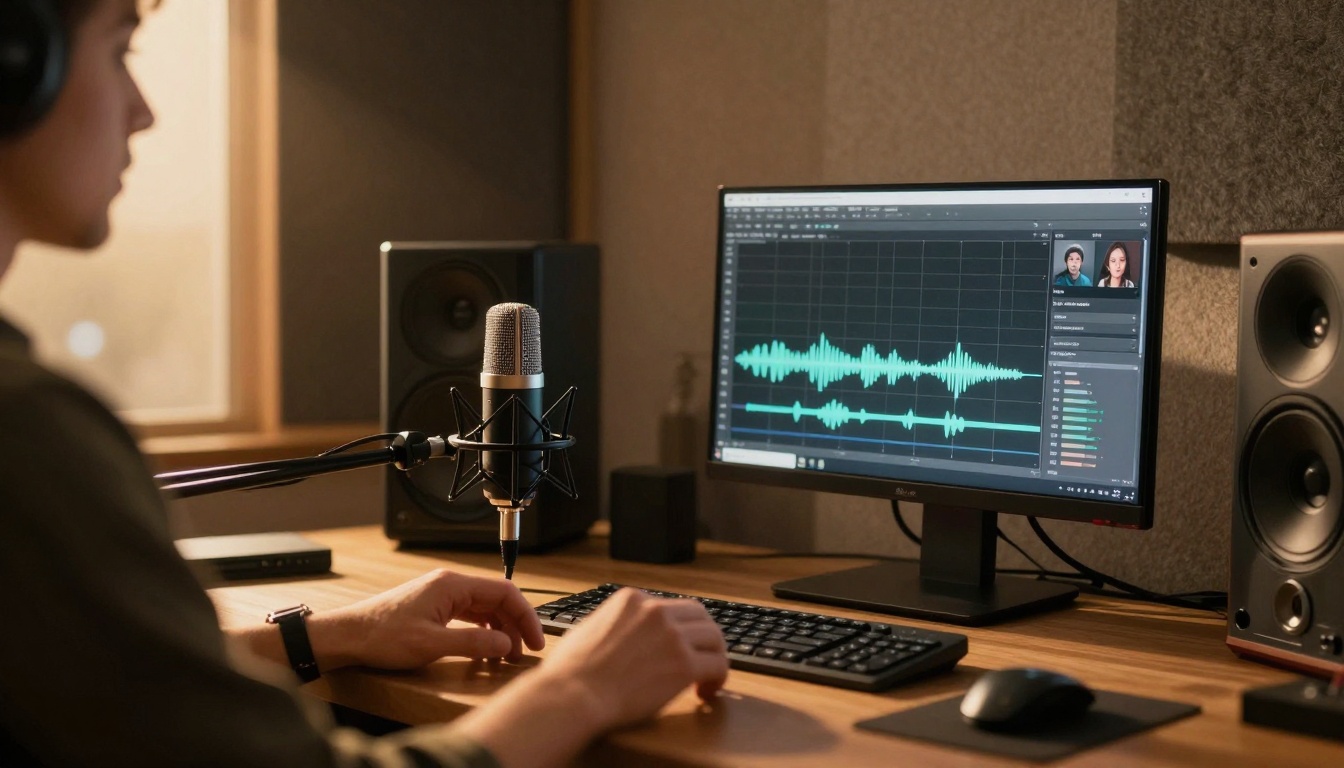
Voice cloning and synthesis have reached the point where most people can't tell AI from human recording. Speech 2.6 HD, Voice Cloning, and similar tools produce voices with natural breath, emotion, and timing.
The improvements that matter:
- Emotional range - Voices convey happiness, urgency, calm, excitement
- Natural pacing - Variable speed within sentences, not robotic consistency
- Breath sounds - Subtle inhales and exhales at appropriate points
- Mouth sounds - Lip smacks, tongue clicks that occur naturally
Applications already in production:
- Audiobook narration - Generate entire books with consistent voice
- Video voiceover - Replace expensive recording sessions
- Accessibility - Generate audio versions of written content
- Multilingual content - Same voice speaking different languages
Cost comparison: Professional voice actor: $200-$2,000 per finished minute. AI voice: generate unlimited variations for the cost of compute time. For projects needing consistency across large volumes, the economics are compelling.
💡 Ethical note: Responsible use includes clear disclosure when content uses AI voices, especially in journalism or educational contexts. The technology works; ethical application requires human judgment.
Early AI writing tools produced generic, repetitive text. 2027 models like GPT 5, Claude 4.5 Sonnet, and Gemini 2.5 Flash write with specific voice, tone, and style matching human authors.
What separates current tools from predecessors:
- Style adaptation - Mimics specific authors or publication styles
- Fact consistency - Maintains accuracy across long documents
- Argument structure - Builds logical cases with evidence
- Audience awareness - Adjusts complexity for different readers
Professional writing applications:
- Marketing copy - Generate ad copy, product descriptions, email campaigns
- Technical documentation - Create user manuals, API documentation, tutorials
- Content marketing - Produce blog posts, articles, whitepapers
- Business writing - Draft reports, proposals, meeting summaries
The human role shifts: Instead of writing from scratch, professionals now edit, refine, and direct AI output. The time savings allow focusing on strategy, creativity, and quality control rather than raw production.
💡 Quality control: The best results come from providing clear examples of desired style, specific audience details, and concrete requirements. Vague prompts yield generic output; specific direction yields professional writing.
Data Analysis Made Visual
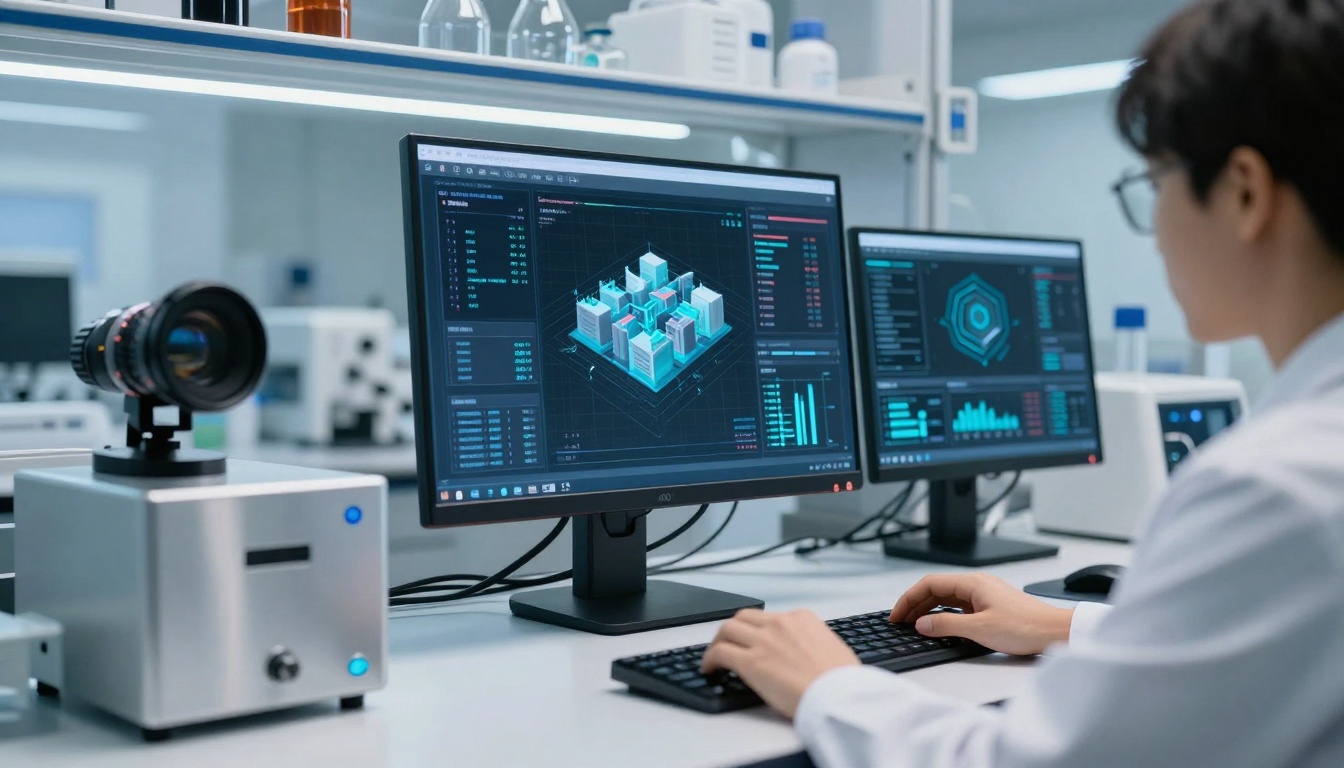
Data visualization tools have evolved from simple charts to interactive, insight-driven dashboards. AI analyzes patterns, suggests visualizations, and highlights what matters in complex datasets.
Capabilities that work in practice:
- Pattern recognition - Identifies trends, outliers, correlations automatically
- Visualization suggestion - Recommends the right chart type for your data
- Narrative generation - Creates explanatory text about what the data shows
- Interactive exploration - Lets users drill down through natural language
Business applications already deployed:
- Sales analytics - Visualize performance, identify opportunities
- Customer behavior - Understand patterns across user segments
- Operational metrics - Monitor efficiency, identify bottlenecks
- Financial analysis - Track metrics, forecast trends
The time savings: What took data analysts days to prepare now happens in minutes. The focus shifts from data preparation to insight interpretation and action planning.
💡 Key insight: The most effective tools don't just visualize data; they explain what it means in business context. This bridges the gap between raw numbers and strategic decisions.
Image Enhancement That Preserves Authenticity
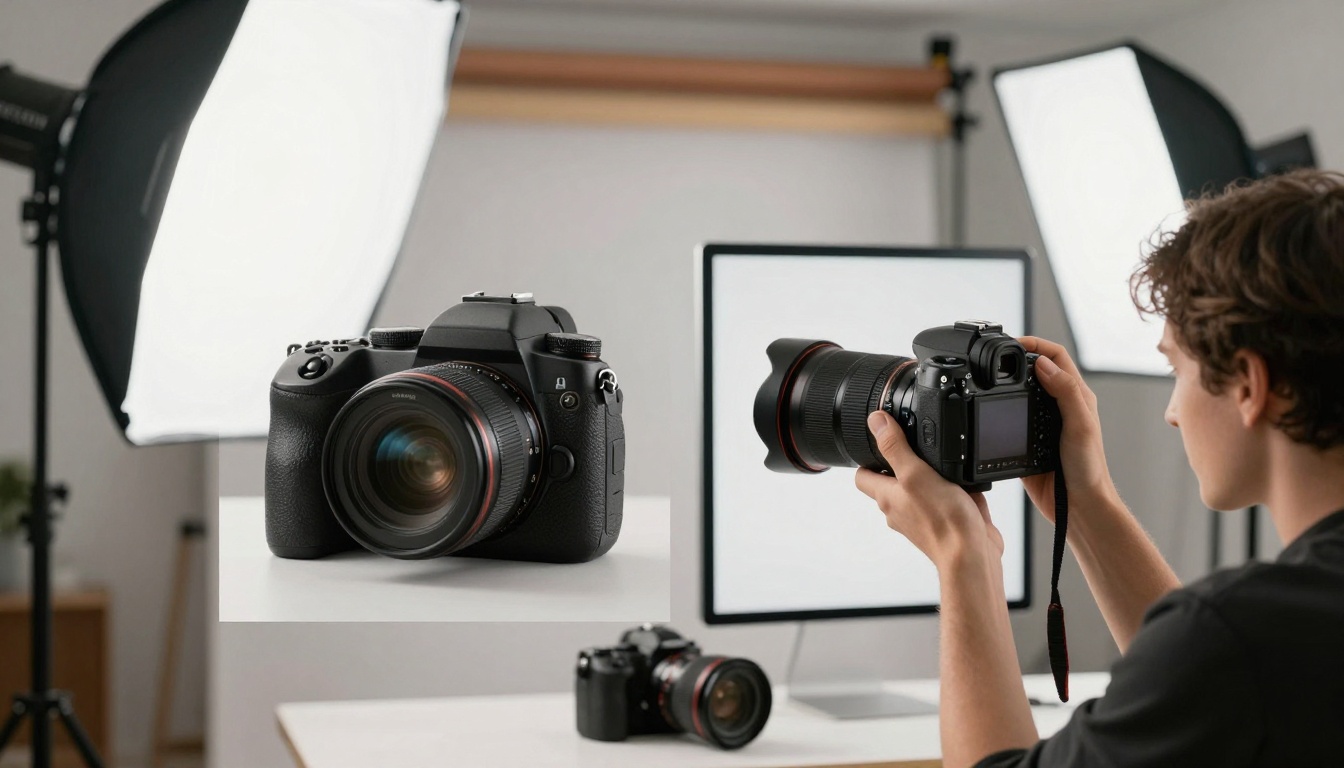
AI image enhancement tools like Real-ESRGAN, Increase Resolution, and Upscaler improve quality without creating that "AI look" where enhancement becomes obvious.
Professional-grade enhancements:
- Resolution increase - 4x upscaling with preserved detail
- Noise reduction - Remove grain while keeping texture
- Color correction - Adjust white balance, saturation, contrast
- Detail enhancement - Sharpen without creating halos
Photography workflows transformed:
- Archive restoration - Enhance old photos for digital use
- Low-light improvement - Salvage usable images from challenging conditions
- Print preparation - Increase resolution for large-format printing
- Social media optimization - Prepare images for different platforms
The quality standard: Professional photographers judge enhancement by whether it preserves the image's authentic feel while improving technical quality. The best tools enhance without distorting the photographer's original vision.
💡 Technical note: Look for tools that provide control over enhancement strength. Sometimes subtle improvement works better than maximum enhancement, especially for artistic photography.
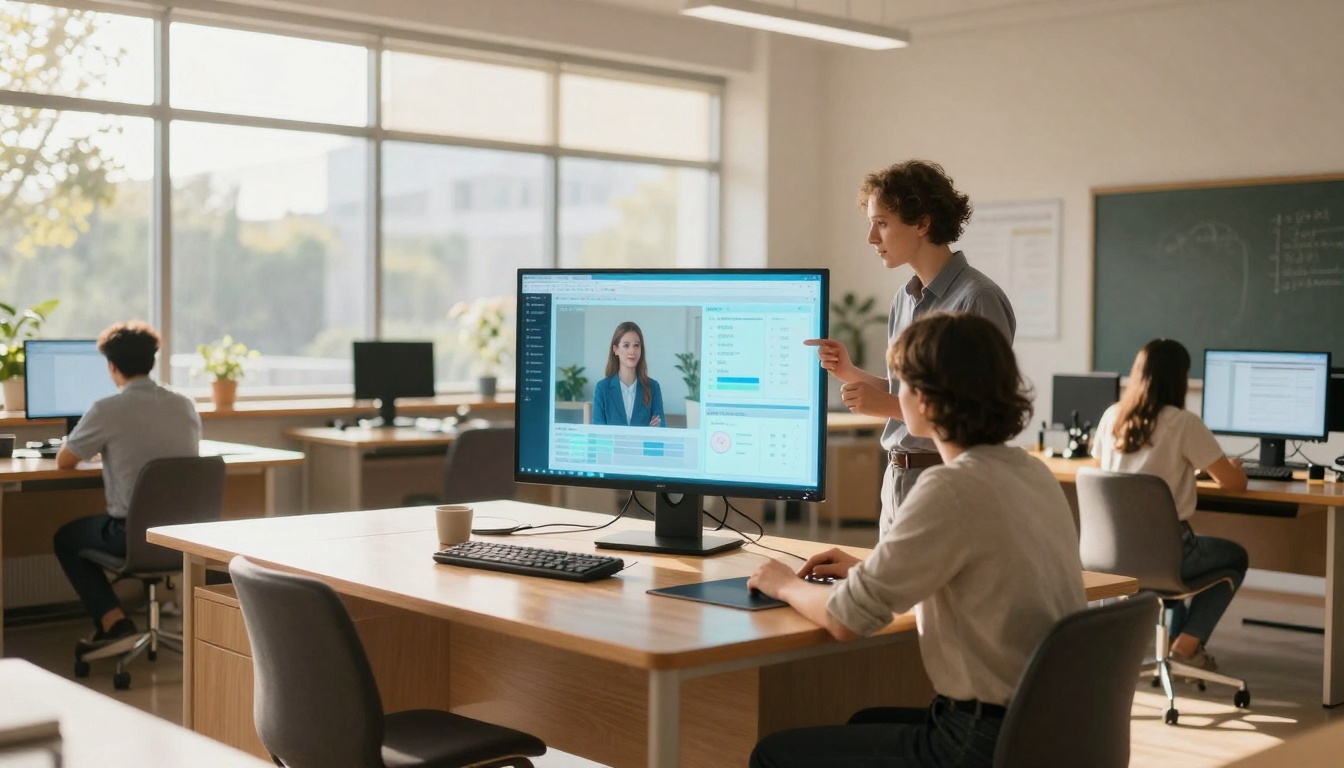
Educational AI tools adapt content to individual student needs, generating explanations, examples, and practice problems matched to each learner's level and progress.
What works in education:
- Difficulty adjustment - Content adapts based on student performance
- Multiple explanations - Different approaches for different learning styles
- Interactive examples - Generate practice problems with immediate feedback
- Progress tracking - Identify concepts needing reinforcement
Classroom applications already in use:
- Differentiated instruction - Provide appropriate challenge for each student
- Homework assistance - Generate practice aligned with lesson objectives
- Assessment creation - Develop quizzes and tests automatically
- Remediation materials - Create targeted review for struggling concepts
The educator's role evolves: Instead of creating all materials manually, teachers curate, refine, and personalize AI-generated content. This allows more time for individual student interaction and less time on material preparation.
💡 Important distinction: These tools supplement human teaching, don't replace it. The value comes from combining AI efficiency with human empathy, experience, and judgment.
What You Should Try First
With so many options, starting points matter. Based on what professionals actually use successfully:
For visual creators: Begin with Flux or Qwen Image for image generation. The learning curve is gentle, results are consistent, and they integrate with existing design workflows.
For video producers: Veo 3.1 or Kling v2.6 provide the most cinematic results with reasonable generation times. Start with short sequences (5-10 seconds) to understand pacing and motion control.
For musicians and audio creators: Stable Audio 2.5 offers the best balance of quality and control. Specify genre, mood, and instrumentation rather than trying to describe musical details with words.
For writers and content creators: GPT 5 or Claude 4.5 Sonnet work best when you provide clear examples of the style you want. Don't just prompt; show what good looks like.
The common pattern: Start small, iterate fast, and focus on tools that integrate with your existing workflow rather than requiring completely new processes. The most successful adopters treat AI as enhancement, not replacement.
The tools exist, they work at professional quality, and they're changing how creative work happens. The question isn't whether to use them, but which ones fit your specific needs and how to integrate them effectively into your workflow. Try one category that matches your work, start with practical projects rather than experiments, and build from there.
Your turn: Pick one tool category that aligns with your work, generate something practical (not experimental), and see how it changes your process. The difference between reading about these tools and using them is the difference between understanding conceptually and knowing practically.


