Some AI models produce images that look like stock photos. A few produce images that look like they were shot on a professional camera. And then there is a small, exclusive tier that produces images so realistic, so detailed in skin pores, hair strands, and lighting, that you genuinely have to pause and question whether you are looking at a photograph.
This article is about that tier. Specifically about the NSFW AI models that have crossed the line from "impressive" into "indistinguishable" and where you can access them without hitting content walls, credit limits, or watermarks.
When AI Realism Became Uncomfortable
The standard complaint about AI images used to be simple: they do not look real enough. Hands were wrong. Eyes were glassy. Lighting was obviously synthetic. That era is over.
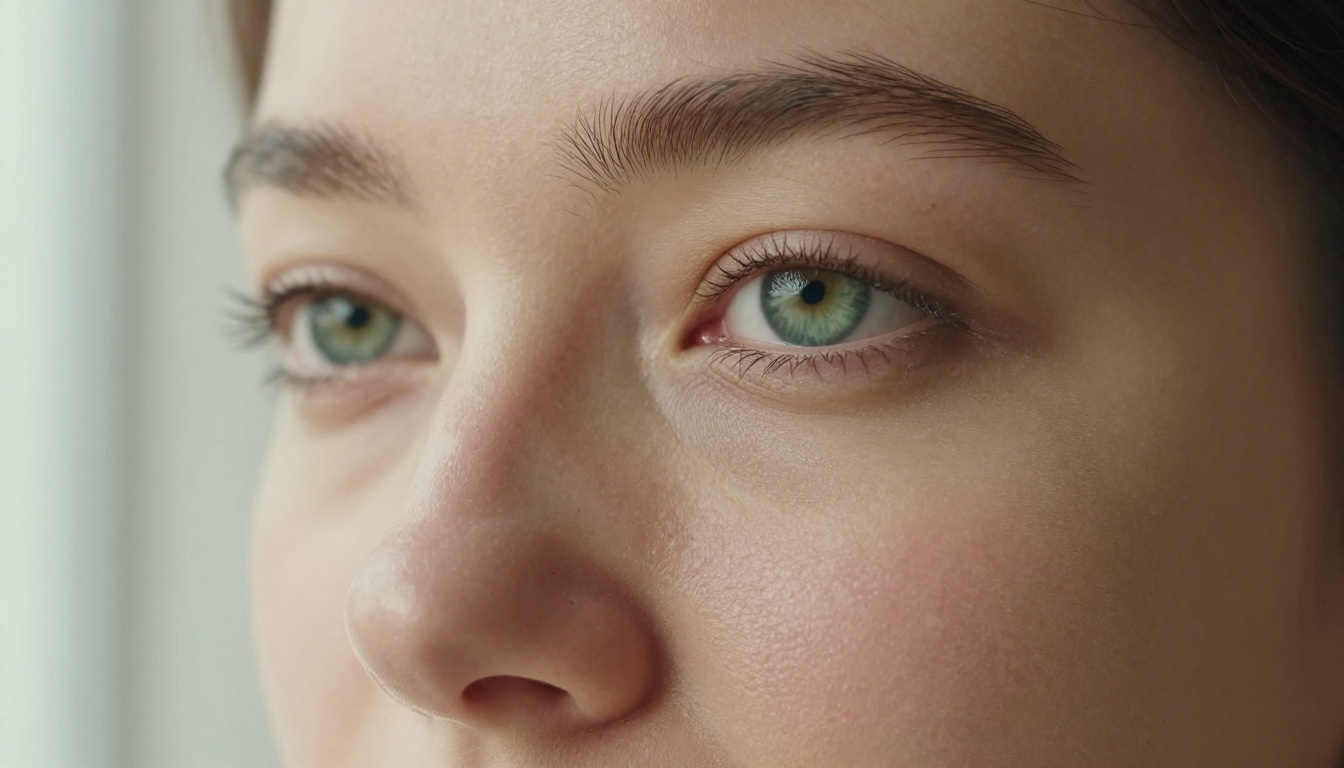
The latest generation of NSFW AI models produces human faces with individually defined eyelashes, skin with micro-pore texture, and lighting that follows the physics of natural photons hitting organic surfaces. The shift happened fast, and it caught a lot of people off guard.
The Quality Jump Nobody Expected
Three years ago, generating a photorealistic portrait required careful prompt engineering and extensive cherry-picking across dozens of outputs. Today, models like Seedream 4.5 produce that quality in under 3 seconds on the first attempt.
The difference is not incremental. It is categorical. These models were trained on massive curated datasets of actual photography, not on other AI images, which means they have internalized the subtle imperfections that make photographs look real: the slight asymmetry of a face, the way fabric folds under gravity, the way sunlight scatters across skin versus synthetic fabric.
Why NSFW Content Requires Higher Realism Standards
For standard content like landscapes, objects, and abstract art, "close enough" is acceptable. Nobody verifies whether the grass in an AI landscape has the correct chlorophyll saturation.
NSFW content is different. The human brain is extraordinarily good at detecting when a human body does not look right. It is the same principle behind the uncanny valley in robotics: we accept obviously artificial representations and we accept obviously realistic ones, but the in-between zone creates immediate unease.
The NSFW AI models that actually work are the ones that have cleared the uncanny valley entirely, delivering photographic fidelity that does not trigger the brain's "this is wrong" detector.
Seedream 4.5 Is the One to Beat
If you are asking which NSFW AI model looks most real right now, the answer is Seedream 4.5 by ByteDance. It is the top recommendation for a specific set of reasons that go beyond marketing claims.
It generates in under 3 seconds. Not "fast for an NSFW model." Fast, period. Most professional image generation workflows, even with caching optimizations, take longer than that.
It accepts both text-to-image and image editing inputs. You can describe a scene from scratch, or feed it a reference image and refine specific elements. This makes it genuinely versatile for iterative creative work.
It runs uncensored on PicassoIA. On many platforms, Seedream 4.5 runs behind filters that reject or water down NSFW prompts. On PicassoIA, it operates without those restrictions.
💡 Important: The newer Seedream 5 Lite does not support NSFW content. If you want suggestive or adult results, use Seedream 4.5 specifically.
Speed That Redefines the Workflow
The 3-second generation time is not just a convenience. It changes how you work. Instead of submitting a prompt, waiting, and returning to evaluate, you iterate in real time. You can try five variations in 15 seconds and compare them side by side.
For NSFW creative work specifically, this matters because lighting, pose, and framing adjustments that require multiple attempts are no longer expensive in time. You can find the exact angle, expression, and atmosphere you need without patience as a bottleneck.
Image Editing Built Into the Same Model
Most image generation and image editing workflows are separate. You generate with one model, import into another tool for edits, and lose quality at every export step.
Seedream 4.5 handles both in a single model, maintaining full quality through the editing pass. You can take an output you like 80% and nudge specific elements, the lighting direction, the background, the expression, without regenerating the entire composition from scratch.
The Full Lineup of NSFW AI Models on PicassoIA
Seedream 4.5 is the flagship, but PicassoIA runs a full catalog of uncensored models. Here is the complete ranking, ordered by performance for realistic NSFW output:
| Rank | Model | Speed | Type | Standout Feature |
|---|
| 1 | Seedream 4.5 ⭐ | Under 3s | Text + Edit | Best overall realism, ultra-fast |
| 2 | PicassoIA Image Editor Pro | Under 1s | Img2Img | Unlimited generations |
| 3 | Qwen Image 2 | Seconds | Text + Edit | Open source, very detailed realism |
| 4 | Grok Imagine Image | Fast | Img2Img | Realistic outfit conversion |
| 5 | Recraft V4 | Fast | Text only | Highest fidelity text-to-image |
| 6 | P-Image | Under 1s | Text | Sub-second NSFW generation |
| 7 | Wan 2.2 Image | Fast | Text | No content filters at all |
Qwen Image 2: Open Source Without Limits
Qwen Image 2 is notable for being open source, meaning its weights are publicly available and it has no hidden safety filters baked into the architecture. On PicassoIA, this translates to unrestricted creative freedom with detailed realism that matches its closed-source competitors. You can edit or create any image with very precise results in seconds.
Grok Imagine Image: The Conversion Specialist
Grok Imagine Image has a specific capability that makes it unique: it excels at taking an existing image, including a portrait, and converting the outfit or context in a photorealistic way. If you have a reference photo and want to see the subject in beachwear, this is the model built for that specific task. The bikini-format conversion it produces is consistently one of the most realistic results in the category.
P-Image: When Speed Is Everything
P-Image by PrunaAI generates in under one second. That is faster than the human blink reflex. For workflows that require high-volume output, where you need 50+ variations to find the right composition, P-Image's speed advantage compounds into serious time savings. NSFW prompts are accepted and results are delivered at photorealistic quality.

PicassoIA Image Editor Pro: The Unlimited Generations Argument
PicassoIA Image Editor Pro deserves its own section because its business model is completely different from every other model on this list.
Every other model charges per generation, either directly through credits or indirectly through usage caps. PicassoIA Image Editor Pro, for Elite and Infinite subscribers, is unlimited. You can generate 1,000 images and pay exactly what you paid for your subscription, nothing more.
Why Unlimited Matters for NSFW Work
This matters more for NSFW creative work than for any other content category. Here is why: NSFW generation typically requires more iteration than other content types.
The brain's sensitivity to human realism means you will reject more outputs. Lighting that looks slightly wrong, proportions that are slightly off, an expression that reads as artificial. These are all reasons to regenerate. With per-credit models, every rejected output costs money. With unlimited generation, rejection is free.
The math is stark. Generating 1,000 images with a per-credit model like Nano Banana 2 costs roughly $100. With PicassoIA Image Editor Pro on an Elite or Infinite plan, that same 1,000 images costs nothing extra. You can start with a free 3-generation trial without providing a credit card.
💡 Practical workflow: Use Seedream 4.5 for your base composition at maximum quality, then run dozens of Image Editor Pro variations to refine the output without accumulating credit costs.
Results in Under a Second
Beyond the cost structure, PicassoIA Image Editor Pro is fast: under one second per generation. For a tool built for iterative refinement, speed and unlimited volume together create a genuinely different creative workflow than anything else available.
How to Use Seedream 4.5 on PicassoIA
If you want to try the model that produces the most realistic NSFW outputs available today, here is the exact workflow:
Step 1: Go to Seedream 4.5
Navigate to picassoia.com/en/collection/text-to-image/bytedance-seedream-45. You will see the text input and aspect ratio options immediately.
Step 2: Write a Photographic Prompt
The secret to realistic output is describing the image the way a photographer would describe a shot. Instead of "beautiful woman in bikini," try:
"A 26-year-old woman in a white bikini standing on a sun-lit beach at golden hour, photographed at 85mm f/1.4, natural golden light from the left, wet sand beneath her feet, waves in the soft background. Photorealistic, Kodak Portra 400, skin texture visible, film grain."
The difference in output quality between generic prompts and photographic prompts is dramatic.
Step 3: Set Your Aspect Ratio
For portraits, use 9:16 (portrait orientation). For editorial-style shots with environmental context, use 16:9. For social media square formats, use 1:1.
Step 4: Generate and Compare
At under 3 seconds per generation, run the same prompt 3 to 5 times before evaluating. The model has natural variation, and outputs can differ in small but significant ways. Select the strongest result from the batch.
Step 5: Refine with Built-In Editing
If the base composition is right but specific details need adjustment, use Seedream 4.5's editing mode. Describe what element you want to change. The model modifies it while preserving the rest of the image.
Making Your AI Images Even Sharper
Once you have a strong output from Seedream 4.5 or any other model, upscaling adds a final layer of quality that makes the image print-ready or suitable for large-format use.
PicassoIA's upscaling tools cover every use case:
For NSFW portraits specifically, Clarity Pro Upscaler and Crystal Upscaler are the strongest choices. Both are tuned for photorealistic human subjects and preserve the skin texture detail that makes the output convincing.
Topaz Image Upscale goes up to 6x and is the right choice if you need large-format output, a file that holds quality when printed at poster size.
The Upscaling Workflow
- Generate your base image at standard resolution
- Select the output you want to finalize
- Upload to your chosen upscaler on PicassoIA
- Download the upscaled version
The process adds less than 30 seconds and the quality difference at 4x is substantial: skin pores sharpen, individual hair strands become distinct, and the overall image gains the crispness that separates professional photography from consumer snapshots.
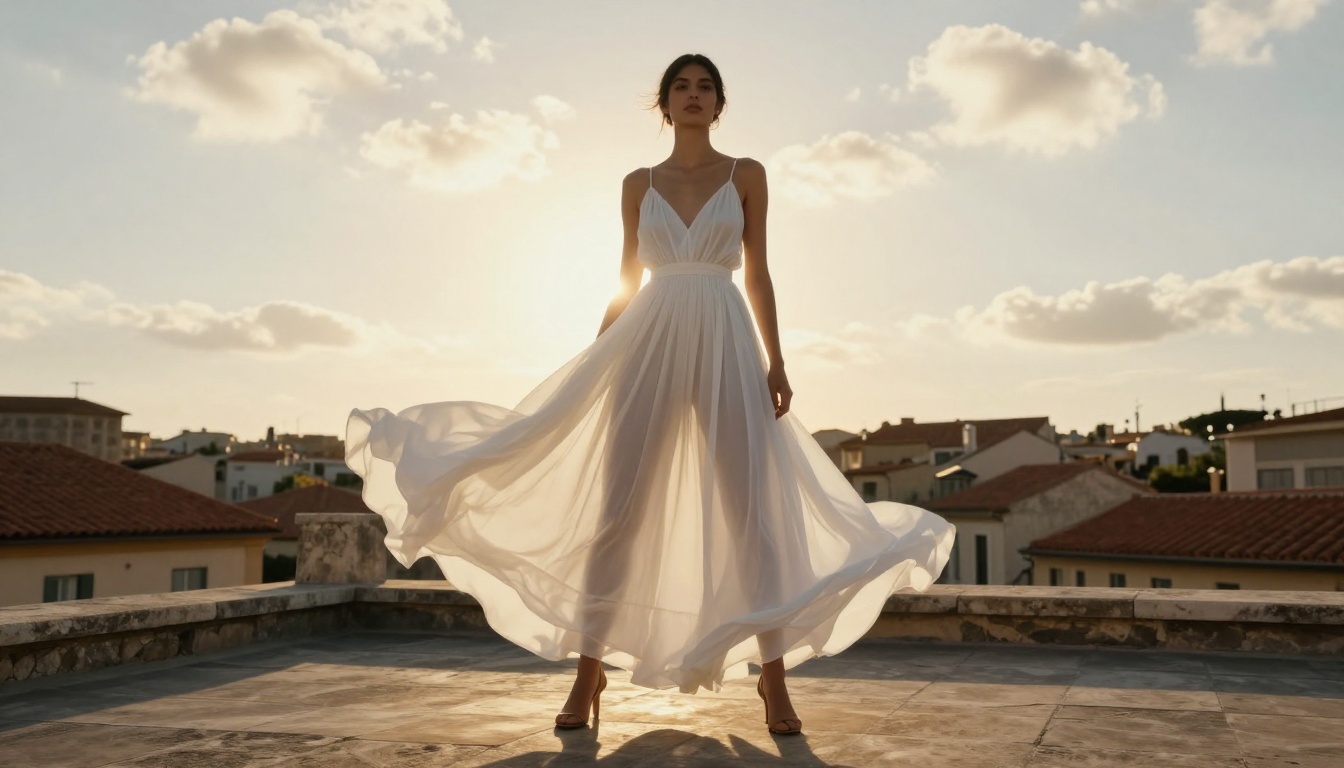
What the Best NSFW AI Outputs Actually Look Like
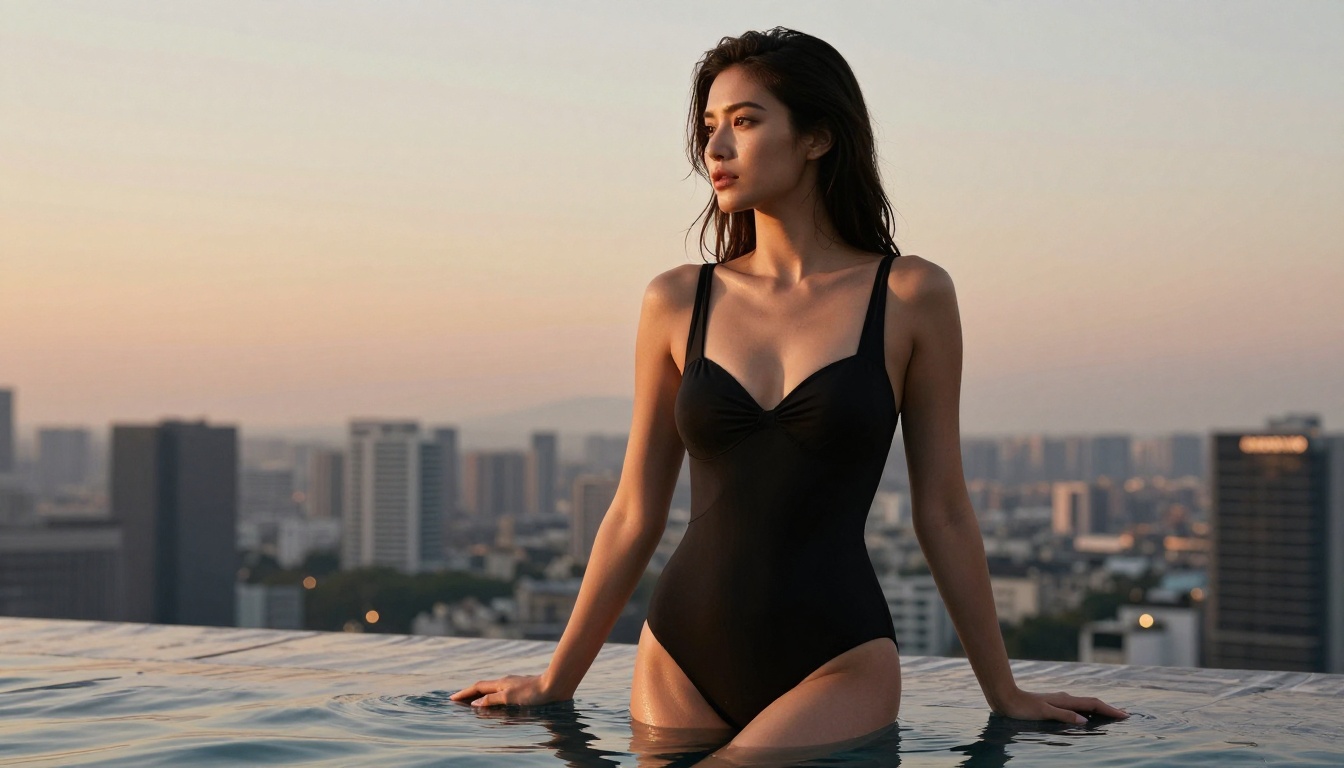
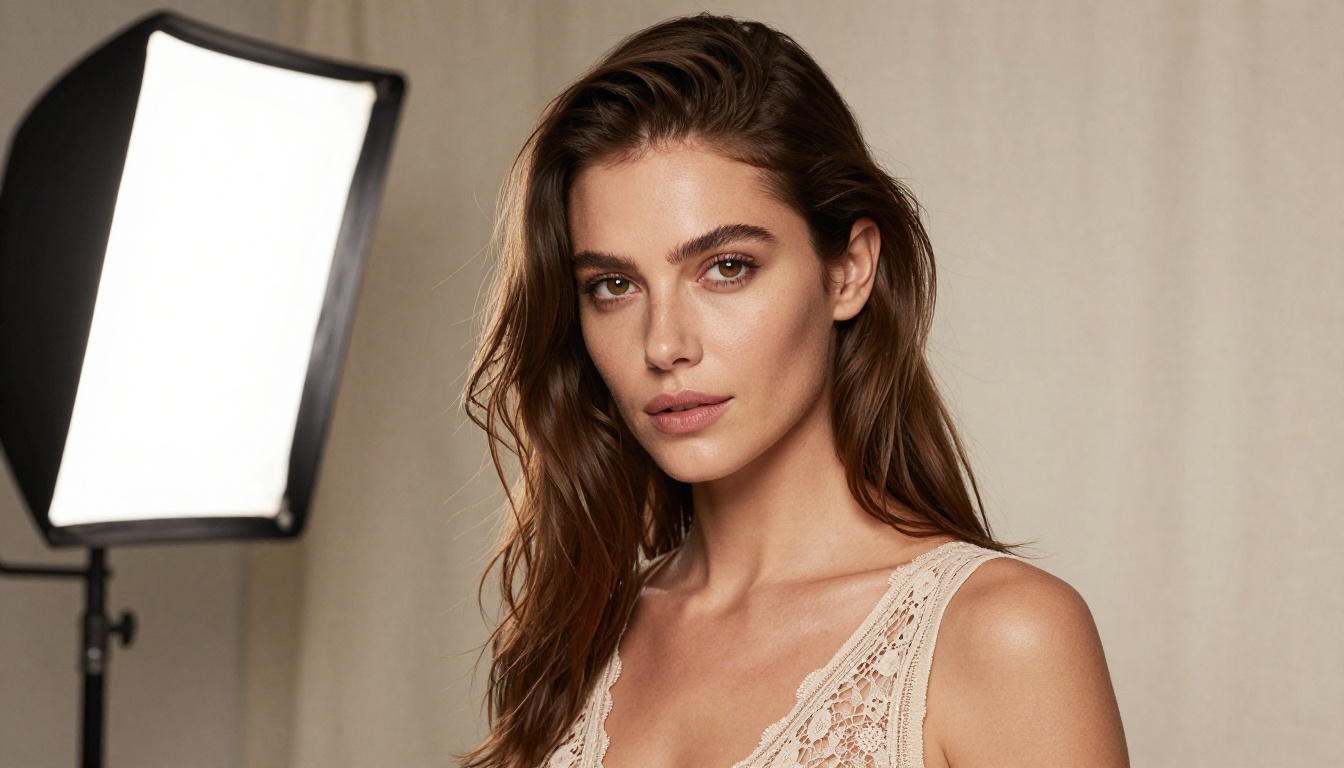
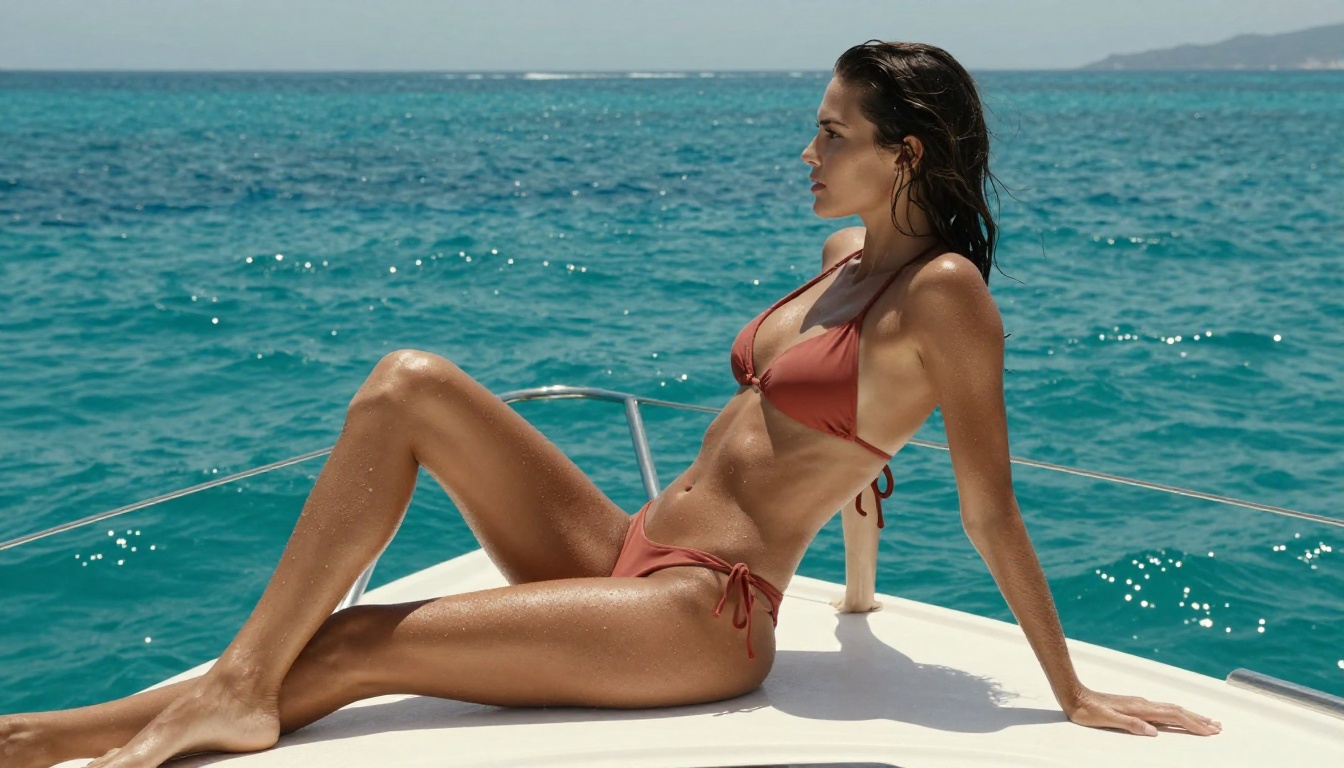
Words can only describe so much. The images in this article were generated using PicassoIA's photorealistic models and show what current-generation NSFW AI produces at peak output.
The key markers of genuine AI photorealism:
Skin micro-texture: Visible pores, fine hair on forearms, subtle color variation that makes skin look three-dimensional rather than plastic.
Eye realism: Individual iris fibers, correct catchlight placement, natural moisture reflection, realistic eyelash separation rather than uniform painted strokes.
Lighting physics: Shadows that follow the actual behavior of light, with correct fall-off, correct color temperature shift in shadow areas versus highlights, and the characteristic qualities of real camera glass.
Natural imperfections: Slight facial asymmetry, natural hair variation, the small inconsistencies that photographs have and that older AI models smooth into uniformity.
When all four markers are present, the result is what generates the "too real" reaction: that moment of genuine uncertainty about whether you are looking at a photograph or an AI output.
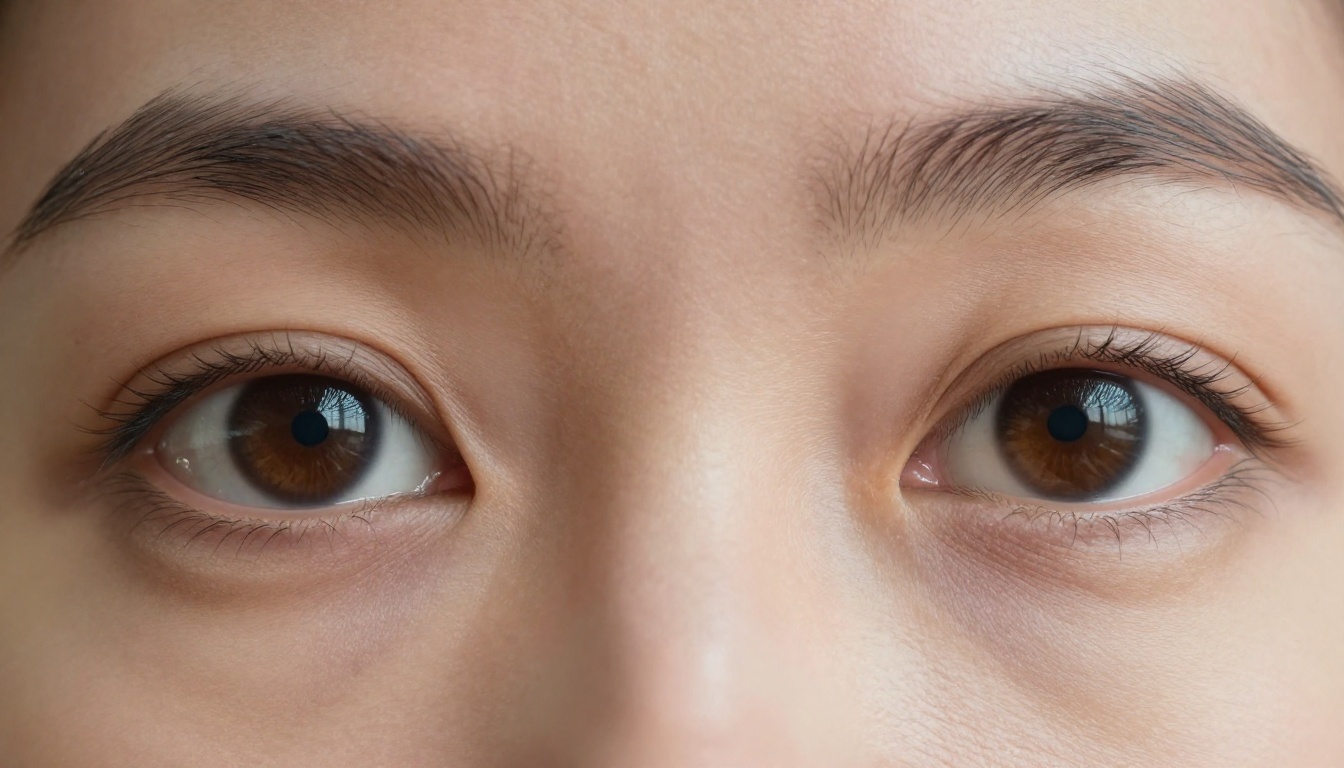
The Models That Handle Video Too
The realism conversation does not stop at images. For video content, PicassoIA offers several uncensored options that extend the same photorealistic quality into motion:
- PicassoIA Video generates video from text prompts with unlimited generation included in Elite and Infinite plans, at up to 720p and 5 seconds per clip.
- P-Video by PrunaAI accepts text, image, or audio as input and outputs at up to 1080p at 24 or 48fps with the safety filter disabled by default. Draft mode delivers an instant low-res preview before the full render.
- Grok Imagine Video generates clips up to 15 seconds from text or a reference image at 720p or 480p, with no watermarks across eight aspect ratios.
- LTX 2.3 Pro by Lightricks is the highest-fidelity option, exporting up to 4K at 50fps with five generation modes including retake and extend for precise segment-level editing.
For static AI images converted to video, Wan 2.2 I2v Fast turns your photorealistic portraits into dynamic clips with smooth, natural animations.
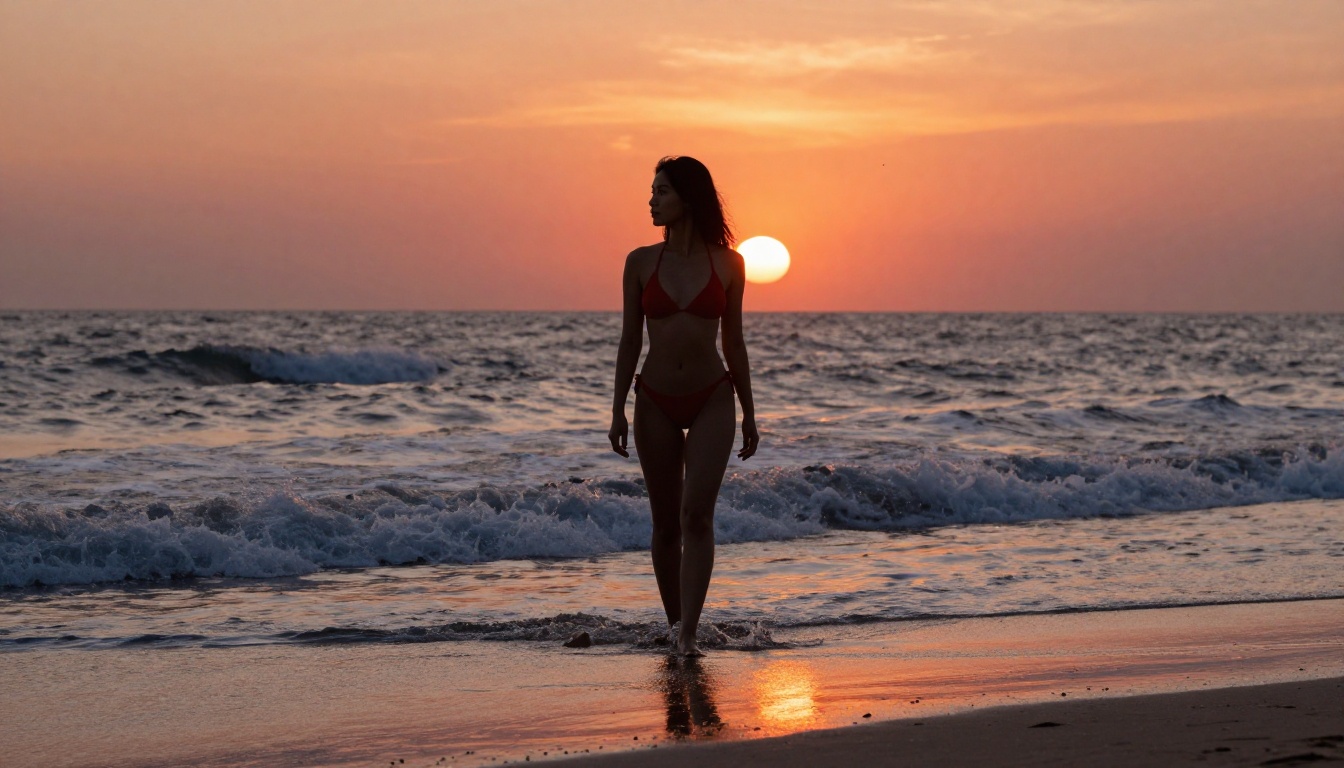
PicassoIA Puts the Full Stack in One Place
One practical advantage of working within PicassoIA is that the entire workflow lives in one ecosystem. You do not need a separate generation platform, a separate editing tool, a separate upscaler, and a separate video generator with different login credentials and different quality inconsistencies. All of these exist within the same platform with consistent quality levels and no re-upload quality loss.
The catalog currently includes over 91 text-to-image models, 87 text-to-video models, multiple upscalers, ControlNet for pose and structure control, face swap AI, inpainting, outpainting, and object replacement tools. All accessible under a single subscription.
For NSFW creative work specifically, the combination that performs best is:
- Seedream 4.5 for primary generation, quality, speed, and built-in editing
- PicassoIA Image Editor Pro for high-volume refinement with unlimited generations
- Clarity Pro Upscaler or Crystal Upscaler for final output quality
- P-Video or PicassoIA Video if you want video output from your best stills
💡 The entire pipeline above operates under a single PicassoIA subscription with no per-image overage charges on the unlimited-generation tools.
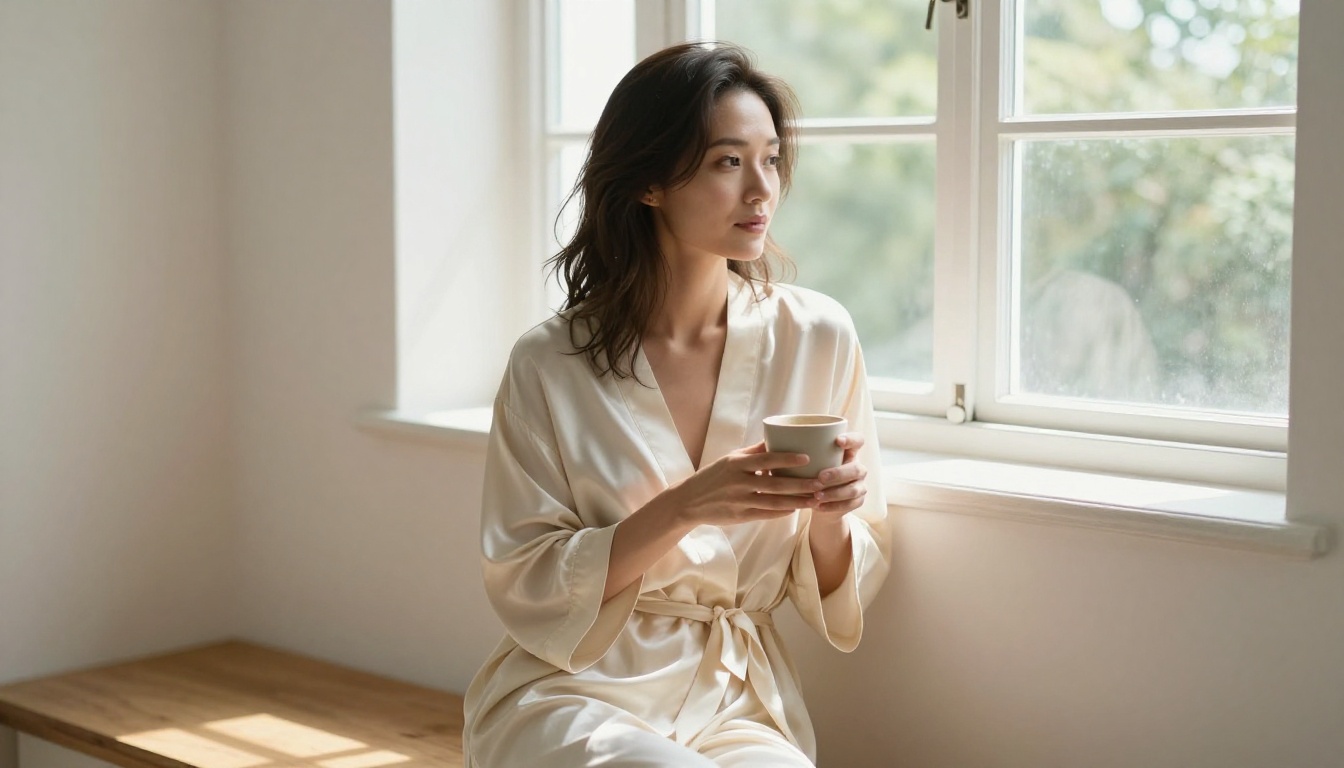
See It Yourself
The models in this article are not theoretical. They are live, accessible right now, and producing results in under 3 seconds. If you have not seen what current-generation photorealistic NSFW AI looks like in practice, the only way to understand what "too real" actually means is to generate it yourself.
Start with Seedream 4.5 for your first generation. Write a photographic-style prompt with camera specs, lighting direction, and subject detail. Set your aspect ratio and hit generate. The result will arrive before you finish reading this paragraph.
When you want to scale up and generate without limits, move to PicassoIA Image Editor Pro for the unlimited-generation workflow that makes real economic sense, especially for high-iteration NSFW creative work.
The full catalog of every uncensored model on the platform is at picassoia.com/en/all-models. Over 90 image models, 87 video models, upscalers, editors, and audio tools. All in one place, without the content filters that restrict what you can actually create.


