It started appearing everywhere at once: forums, social media threads, private Discord servers. Screenshots of AI-generated photos so photorealistic, so suggestive, and so far outside what mainstream tools produce that people assumed they were edited by professionals. They weren't. They were generated in under three seconds by anyone with an internet connection and the right platform. This is the NSFW AI photo trick going viral, and understanding it means understanding why most AI tools fail you, what the alternatives actually do differently, and how to replicate these results yourself starting today.
What This Trick Actually Does
The phrase "AI photo trick" oversimplifies it. What people are really doing is swapping tools. The viral behavior isn't a prompt hack or a jailbreak sequence. It's the realization that different AI platforms operate under completely different rules, and some of those platforms ship with their content filters turned off by default.
That's the entire secret. Platforms like Midjourney, DALL-E, and Adobe Firefly bake aggressive safety filters into every generation. They're designed for commercial, family-safe use. When you try to push past their limits, you hit a wall. The trick? Stop using those tools for this purpose. Use platforms designed from the ground up to support unrestricted, adult-friendly creation.
Why Most AI Tools Block You
The content restrictions you encounter on mainstream platforms aren't arbitrary. They're baked into the training pipeline, the API layer, and the UI. Midjourney classifies anything suggestive and flags it before generation even begins. DALL-E 3 runs every prompt through a secondary classifier that strips suggestive language. Adobe Firefly is trained exclusively on licensed, safe-for-work datasets.
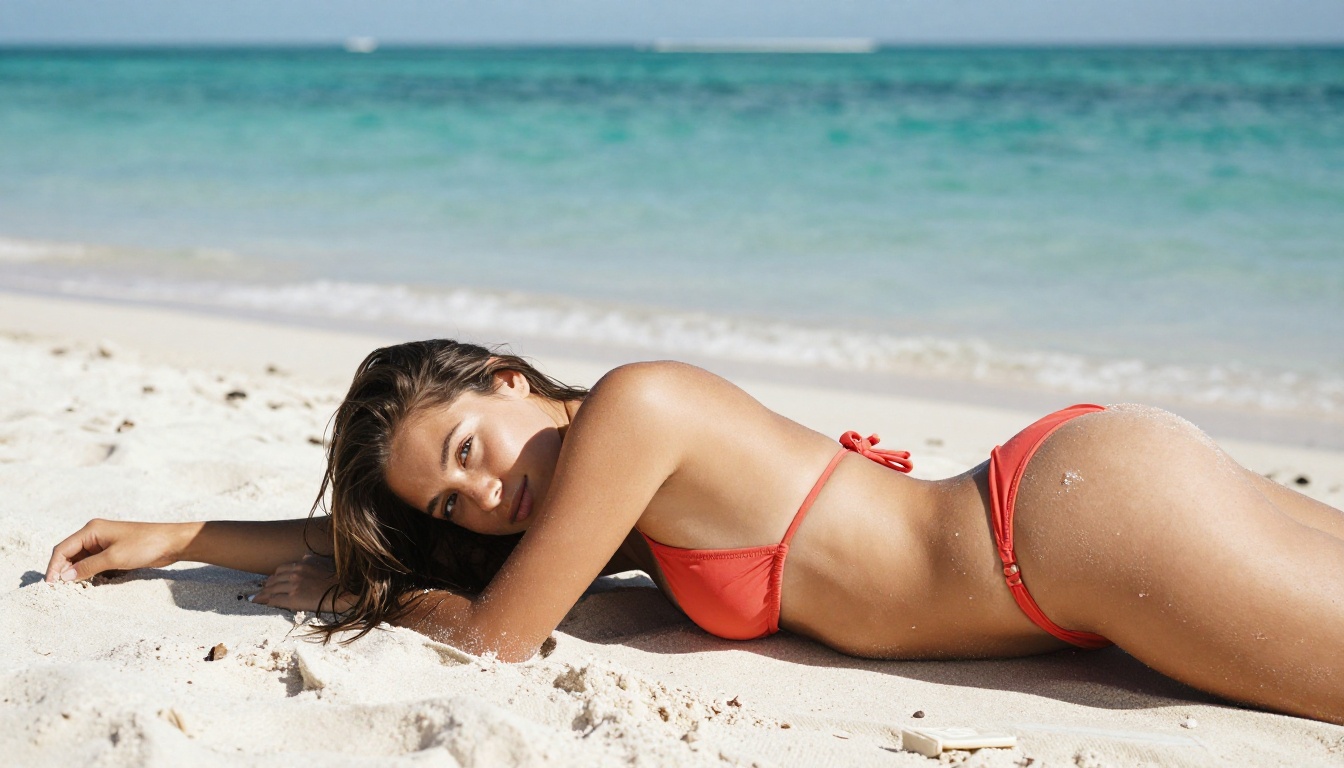
The result? You write a prompt for an attractive woman in a bikini on a beach, and you get something that looks like a travel brochure stock photo with all the life edited out of it. The aesthetic flatness isn't a model limitation. It's a deliberate policy.
The Workaround That Changed Everything
The workaround is simple: use a platform that doesn't impose those restrictions. Platforms built on open-weight models like Flux, Seedream, Wan 2.2, or Recraft V4 give model runners full control over their safety layers. When a platform chooses to run those models with filters disabled, you get raw model output. That output is frequently more realistic, more detailed, and more expressive than anything the restricted platforms produce.
This is what's going viral. Not a prompt trick. Not a workaround for Midjourney. Just the discovery that better tools exist, and that those tools produce dramatically better results for this specific use case.
The Models Making It Possible
The specific models driving this trend aren't random. They've been selected by creators for a combination of speed, realism, and willingness to accept suggestive or adult prompts without refusing the generation. Here's what's actually being used, in order of how often they come up in the discussions driving the trend.
Seedream 4.5 Leads the Pack
Seedream 4.5 is the model appearing most often in before/after comparisons online. It accepts NSFW prompts, supports image editing via a text-based instruction system, and returns results in under three seconds. The realism level is striking: skin texture, lighting behavior, fabric drape, and facial expression all render with the kind of detail that used to require hours of manual editing in Photoshop.
Its image editing capability is what separates it from pure text-to-image models. You can take an existing photo, describe what you want changed, and Seedream 4.5 rewrites the image with that modification applied. That's the workflow behind a lot of what's going viral: not pure generation, but image-to-image editing that transforms a clothed photo into something more suggestive.
💡 Important note: The newer Seedream 5 Lite does not support NSFW content. If you want adult results, use Seedream 4.5 specifically.
Image Editor Pro Delivers Unlimited
PicassoIA Image Editor Pro operates on an img2img architecture, meaning you supply a source image and describe your edits. Its defining advantage isn't the model itself. It's the economics. On Elite and Infinite plans, generations are unlimited. You can run 1,000 variations of the same prompt without spending a single additional credit. Compare that to models like Nano Banana 2 where 1,000 generations would cost roughly $100. With Image Editor Pro, that cost is zero.
Results arrive in under one second. It accepts NSFW content. It offers a three-generation free trial without requiring a credit card. For creators who produce at volume, this is the most cost-effective NSFW generation tool available anywhere.
5 More Tools Worth Knowing
The trend isn't limited to two models. Here's the broader toolkit that serious creators are building with:
| Model | Type | Speed | Key Strength |
|---|
| Qwen Image 2 | Text-to-image + Edit | Fast | Open-source, very detailed realism |
| Grok Imagine Image | Image-to-image | Fast | Realistic bikini/swimwear conversions |
| Recraft V4 | Text-to-image | Fast | Exceptional photorealism output |
| P-Image | Text-to-image | Under 1 second | NSFW support at maximum speed |
| Wan 2.2 Image | Text-to-image | Fast | No content filters, high detail |
Each of these models is available on PicassoIA, which aggregates them under a single interface so you don't need separate accounts for each.
How to Do It on PicassoIA
The practical side matters as much as knowing which model to use. Getting mediocre results is easy. Getting results that look like they came from a professional photography studio is a specific skill.
Setting Up Your First NSFW Prompt
The difference between a flat result and a stunning one comes down to how you describe the scene. Most people write prompts like descriptions. You need to write them like photography briefs.
A weak prompt: "attractive woman on a beach in a bikini"
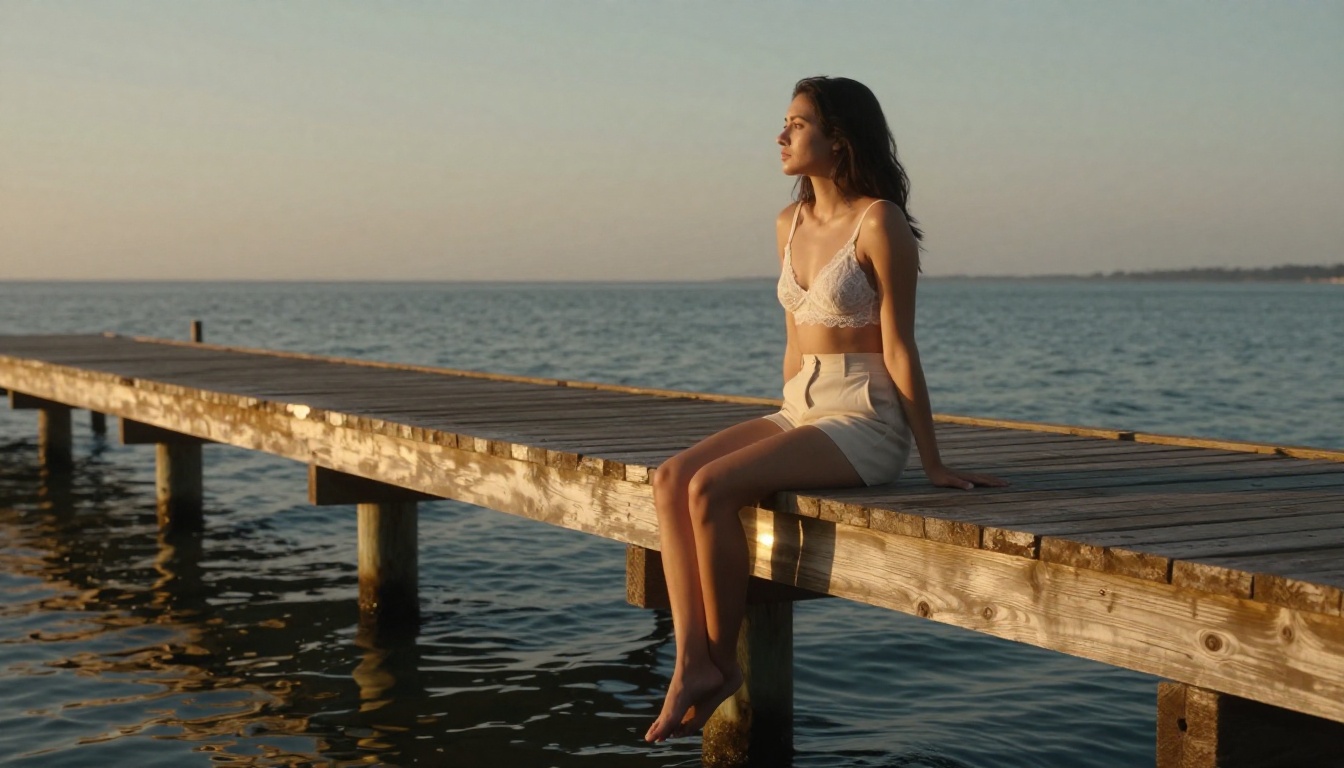
A strong prompt: "A woman in her late twenties lying on sun-drenched white sand wearing a Brazilian-cut coral bikini, low-angle 70mm f/2.8 lens near sand level, teal water softly blurred in the background, afternoon directional light casting warm shadows, Kodak Portra 400 film grain, photorealistic RAW 8K"
The second version specifies the lens, the angle, the lighting direction, the film stock, the resolution target, and the exact visual mood. Every one of those details pushes the model toward a more specific and more realistic output.
Getting Photorealistic Results
Photorealism in AI generation comes from a handful of specific prompt elements that most people never include:
- Camera specs:
85mm f/1.4, 35mm f/2.8, 70mm f/2.0 all produce different depth-of-field effects
- Film stock references:
Kodak Portra 400, Fujifilm Velvia, Ilford HP5 each carry specific color and grain profiles the model recognizes
- Lighting direction:
volumetric morning light from the left, overhead midday sun, warm tungsten sconce from the right all change how shadows fall
- Skin texture cues:
natural pores visible, subtle freckles on shoulders, skin glistening with faint sunscreen sheen add micro-realism
- Resolution anchors:
RAW 8K photography, photorealistic, --style raw consistently push output quality upward
Include all of these in a single prompt and the output shifts dramatically. It stops looking AI-generated and starts looking like a photograph.
3 Mistakes That Ruin Your Output
1. Generic adjectives. Words like "beautiful," "stunning," and "gorgeous" contribute almost nothing. Replace them with specific visual details. Don't say "beautiful lighting." Say "warm directional backlight from the right creating a rim highlight on the collarbone."
2. No camera angle. If you don't specify a camera position, the model picks one. The default is usually a flat, uninspiring straight-on shot. Specify low-angle, aerial, over-the-shoulder, or 3/4 profile. Each produces a completely different composition.
3. Single-pass generation. The viral results people are sharing aren't first drafts. Creators run a generation, pick the strongest output, and use it as the source image for a second pass through PicassoIA Image Editor Pro or Seedream 4.5 to refine specific details. Two-pass generation is the actual trick.
What Makes These Images Go Viral
Technical quality alone doesn't make something shareable. The images circulating online have a specific aesthetic that goes beyond just realism. Understanding that aesthetic is what separates forgettable outputs from images people screenshot and repost.
The Lighting Secret Nobody Talks About
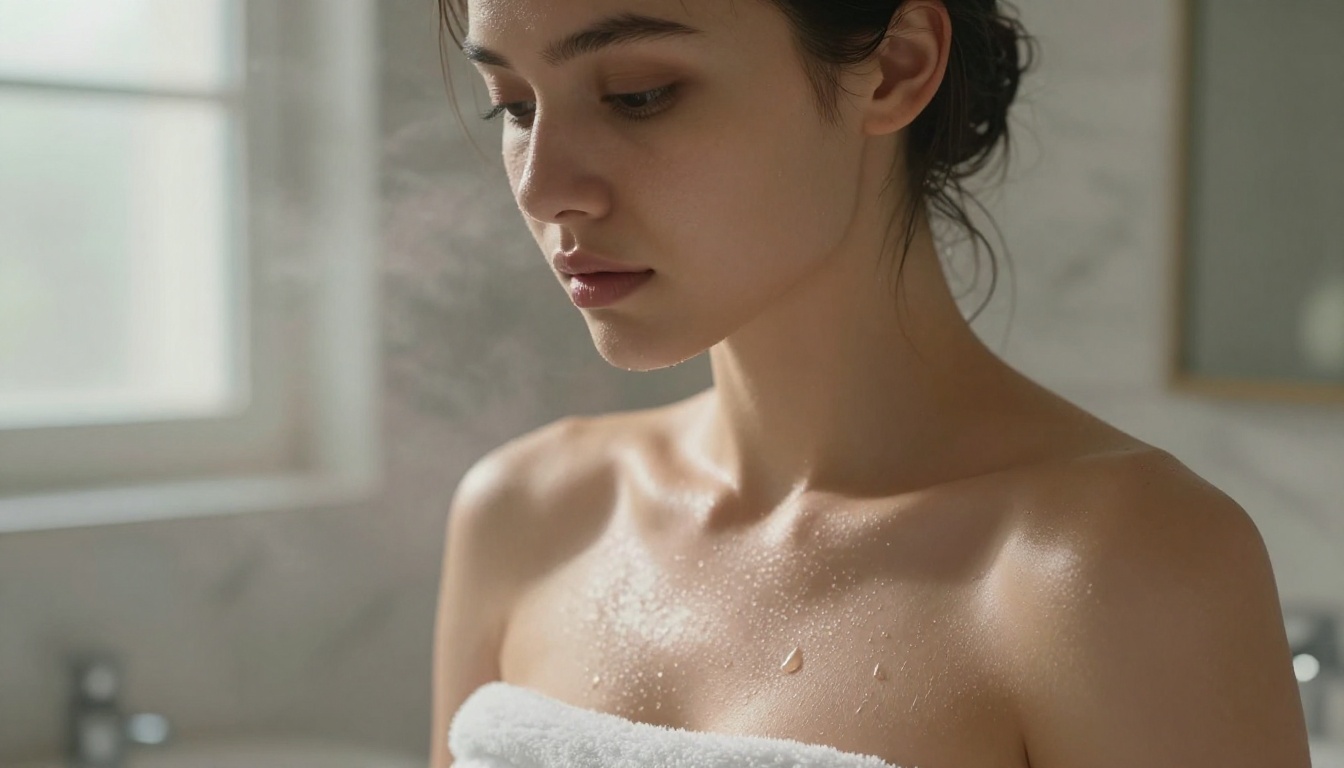
The single most common element in the images gaining the most traction is natural, directional light. Not studio lighting. Not even outdoor lighting per se. Specifically, light that comes from one side, creates genuine shadows, and produces that characteristic warmth of golden hour or morning window light.
When you see an AI image that looks undeniably real, the lighting is almost always doing most of the work. Flat, diffuse, or centerpoint lighting signals "AI" immediately. Directional light with soft falloff signals "photograph."
In your prompts: name where the light is coming from, name its quality (hard sun, soft window, warm tungsten, cool overcast), and name what it hits first. The model will calculate the rest.
Composition Tricks That Elevate Results
Composition follows the same rule: specificity beats generality.
- Low-angle shots create a sense of presence and power that flat eye-level shots don't
- Looking away from camera adds narrative tension and feels more candid
- Partial framing (cut off at mid-thigh, or the top of the head barely clipped) looks more photographic
- Environmental context in the background (a real beach, a real room, a real cityscape) grounds the subject in a believable world
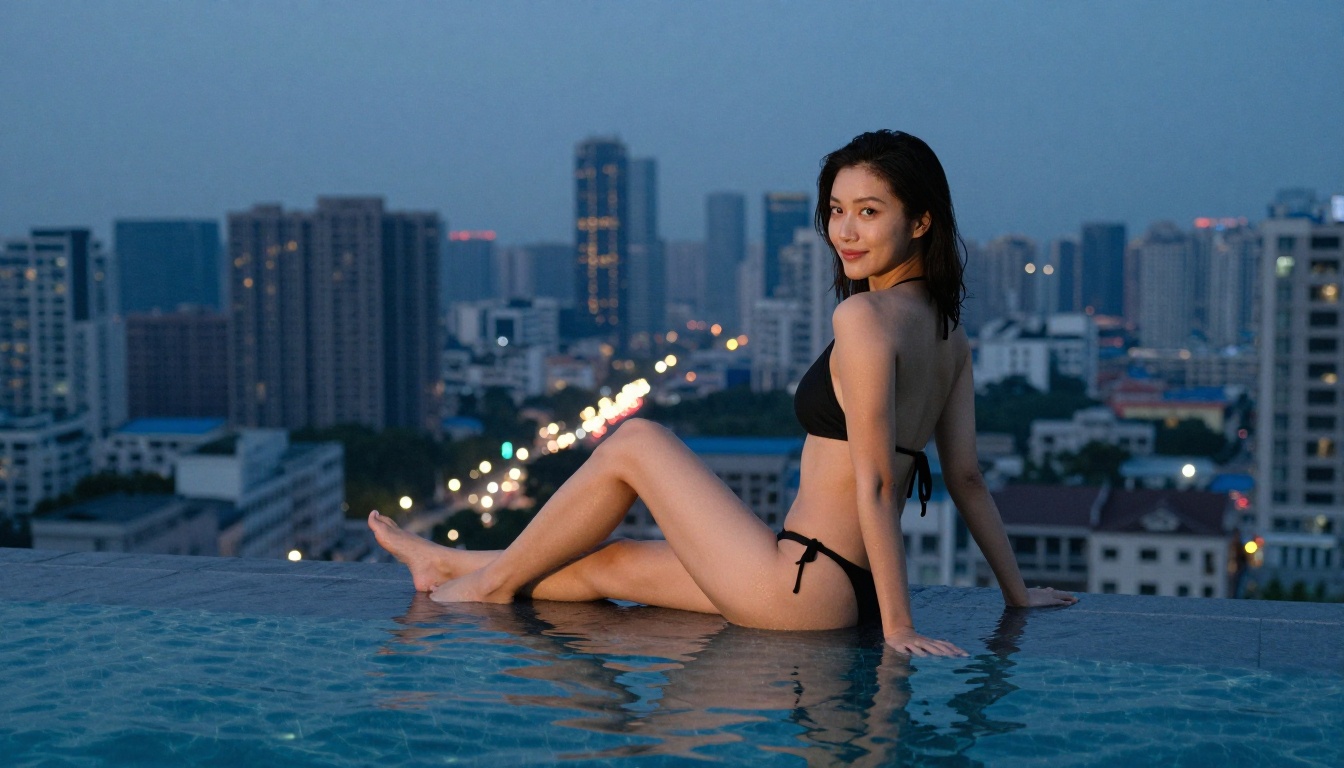
The most viral images place their subjects in instantly recognizable real-world settings: a beach at golden hour, a hotel room with morning light, a rooftop pool at blue hour. The combination of a photorealistic subject in a photorealistic environment at a photorealistic time of day is what fools people into thinking they're looking at a real photograph.
Upscaling and Refining Your Output
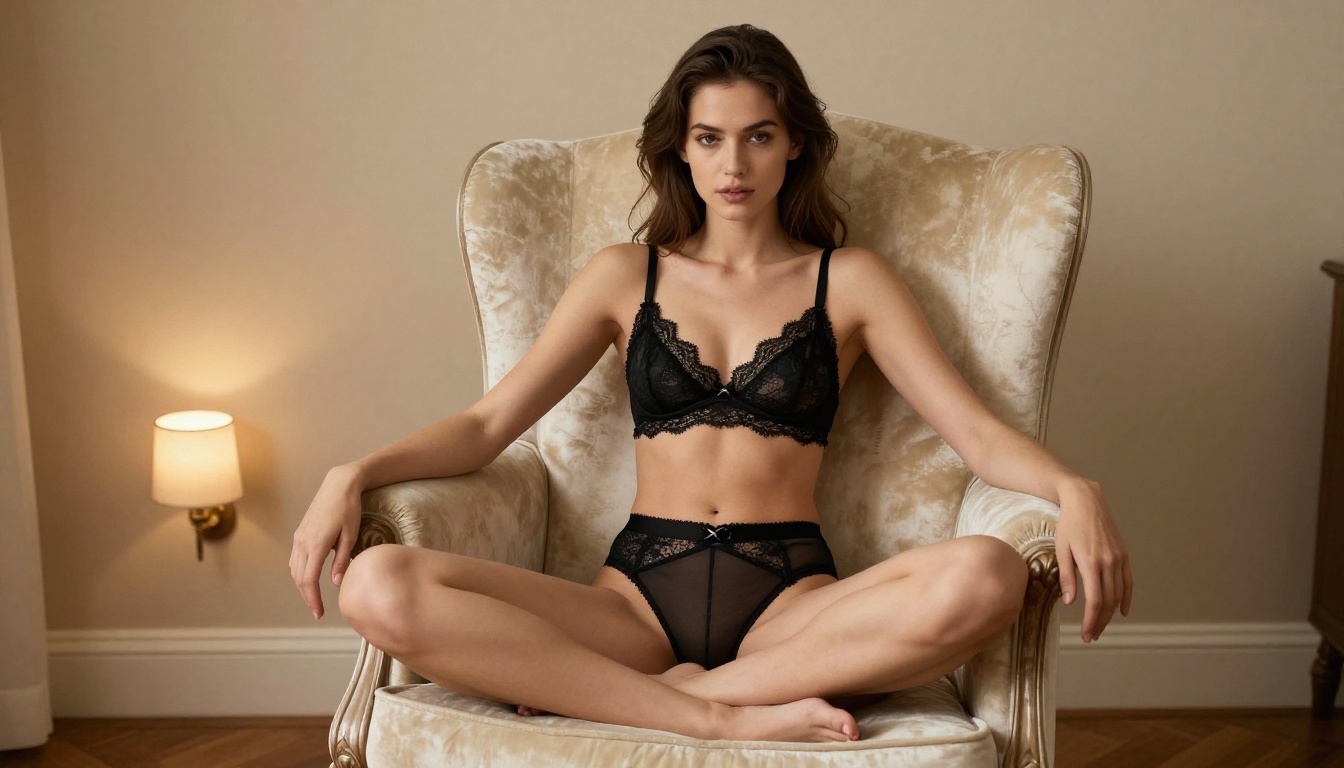
Even with the best prompts and the best models, raw generation output can benefit from a final upscaling pass. This step is what pushes a very good AI image into "indistinguishable from photography" territory.
Best Upscalers for NSFW Content
PicassoIA hosts several upscaling models worth knowing for this workflow:
- Clarity Pro Upscaler: The gold standard for photorealistic upscaling. Adds genuine detail, not just pixel interpolation. Works particularly well on skin texture and fabric.
- Crystal Upscaler: Specifically optimized for portrait photography. Excellent for upscaling facial detail without creating the plastic-skin effect common in lesser upscalers.
- Image Upscale by Topaz Labs: The professional industry standard. Enlarges up to 6x while preserving fine texture and edge definition.
- Real ESRGAN: Fast, free, and effective for a 4x upscale without artifacts.
The workflow that produces the best results: generate with Seedream 4.5, refine with Image Editor Pro, upscale with Clarity Pro. Three steps, maybe five minutes total, and the output is genuinely indistinguishable from professional photography at full resolution.
Adding Visual Effects
Beyond upscaling, you can add post-processing effects through PicassoIA's visual effects tools. Film grain overlays, color grading, vignetting, and bokeh enhancement all push results further toward the aesthetic that's going viral. These aren't filters. They're model-driven modifications that interact with the actual content of the image rather than sitting on top of it as a layer.
Real Talk About What's Driving This
The numbers are hard to ignore. The threads discussing this workflow regularly pull tens of thousands of views in 24 hours. The Discord servers dedicated to NSFW AI generation have grown by hundreds of members per week in recent months.
Who Is Using This and Why
The creators building around this workflow break into a few clear categories:
Content creators who want to generate promotional imagery, social media content, or subscriber material at a cost basis that makes the economics work. Hiring a photographer costs hundreds of dollars per session. Generating on-brand images with no limits costs a flat monthly subscription.
Writers and illustrators who need reference material or character visualization without needing to hire models for reference shoots.
Developers building applications in the adult content space who need a fast, reliable API-accessible generation backend that won't arbitrarily refuse their requests.
Personal use by people who simply want to create aesthetically beautiful, suggestive imagery and have discovered that they can.
Privacy and Your Generations
One of the consistent themes in community discussions is privacy. Mainstream platforms log your prompts, may use your generations to retrain their models, and in some cases share generation data with third parties. Understanding a platform's data practices before you use it for this type of content is genuinely important.
PicassoIA's model gives users control over their outputs in a way that many mainstream platforms don't. That transparency is part of why the community has concentrated around it.
💡 For maximum privacy: Review the platform's data retention policies before your first generation. Most NSFW-friendly platforms are explicit about not retaining prompt or generation data beyond the session.
Here's every model worth knowing for the viral NSFW AI photo workflow, in the recommended usage order:
| Step | Model | What It Does | Link |
|---|
| 1. Generate | Seedream 4.5 | Primary NSFW text-to-image + editing | Open |
| 2. Edit | Image Editor Pro | Unlimited img2img refinement | Open |
| 3. Vary | Qwen Image 2 | Alternative realism style | Open |
| 4. Convert | Grok Imagine Image | Image-to-bikini/swimwear edits | Open |
| 5. Upscale | Clarity Pro Upscaler | Maximum resolution + detail | Open |
| 6. Upscale | Crystal Upscaler | Portrait-specific enlargement | Open |
Best Models for NSFW AI Generation on PicassoIA
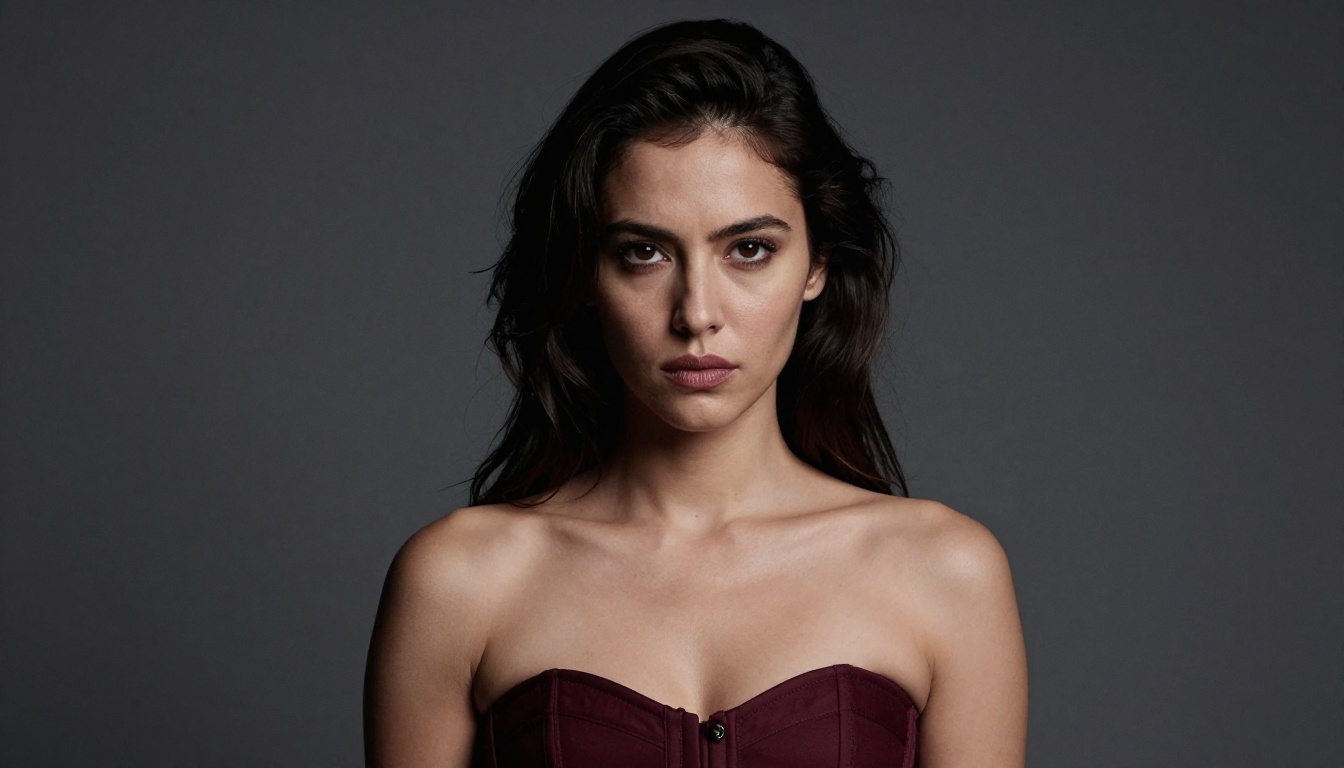
PicassoIA offers the most complete collection of unrestricted, high-performance models available under a single platform:
- Seedream 4.5 — The best all-around NSFW model. Accepts adult content, supports image editing, and generates ultra-realistic results in under 3 seconds. Its successor, Seedream 5 Lite, does not allow NSFW.
- PicassoIA Image Editor Pro — Img2img with unlimited generations. Need 1,000 images? They're free with your Elite or Infinite plan. That same volume would cost around $100 on models like Nano Banana 2. Returns results in under a second, accepts NSFW, includes a 3-generation free trial with no credit card required.
- Qwen Image 2 — Open-source model that edits or creates any image in seconds with very detailed realism.
- Grok Imagine Image — Realistically converts any image to a bikini or swimwear format.
- Recraft V4 — Very realistic text-to-image results without content restrictions.
- P-Image — NSFW text-to-image in under 1 second.
- Wan 2.2 Image — Highly realistic images from text descriptions without content filters.
Unlike mainstream AI platforms, PicassoIA gives creators full creative freedom with uncensored, high-performance models. No arbitrary refusals. No watered-down outputs. Just the model working as designed.
👉 Explore the full lineup and start generating without limits at picassoia.com/en/all-models.
Start Creating Today
The NSFW AI photo trend going viral isn't really about a trick. It's about access. Access to models that work as they were designed to work, on a platform that doesn't second-guess your creative intent.
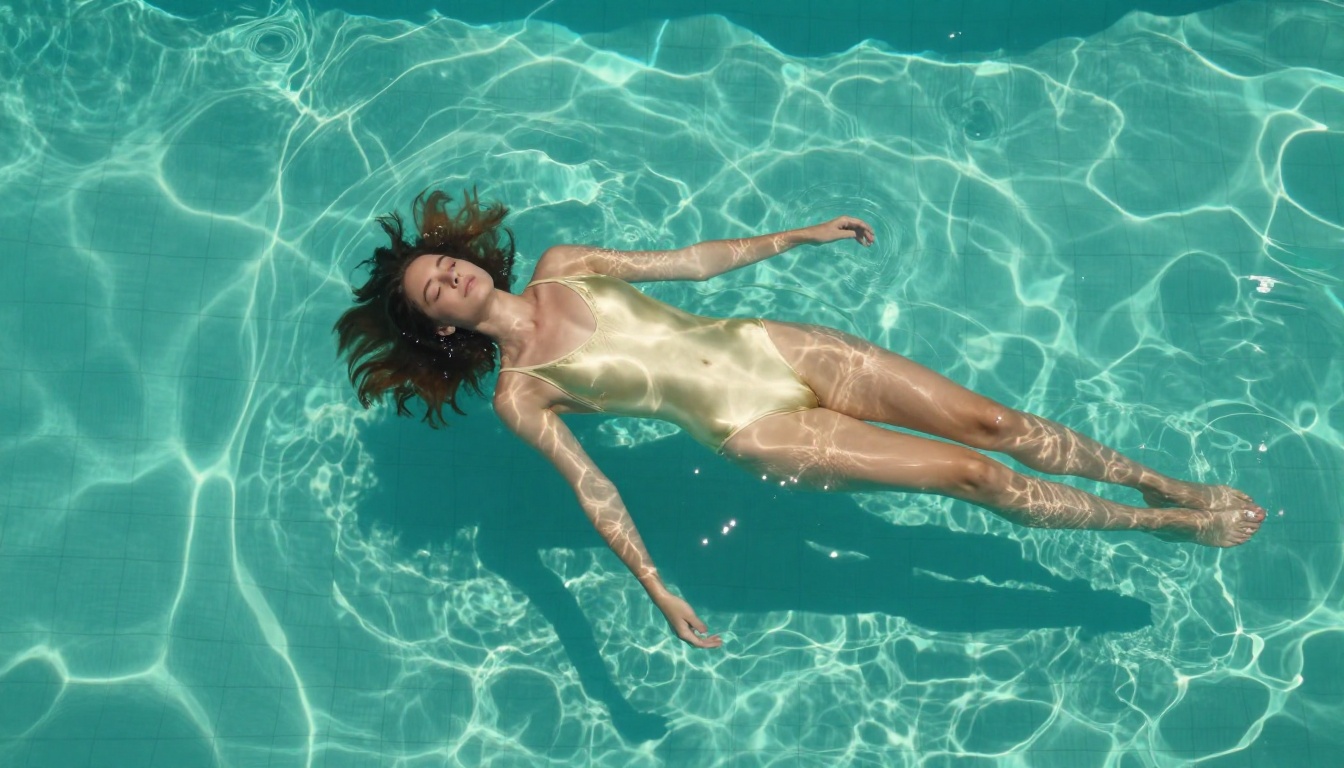
The quality gap between what mainstream tools produce and what Seedream 4.5 or PicassoIA Image Editor Pro deliver is substantial. Writing better prompts matters. Choosing the right model matters more. And upscaling with Clarity Pro Upscaler at the end pushes results into territory that genuinely surprises people when they find out the images are AI-generated.
Try the three-step workflow: generate with Seedream 4.5, refine with Image Editor Pro, upscale with Clarity Pro. Run it once with a properly structured prompt, and you'll immediately see why this workflow has become the thing everyone in the NSFW AI space is talking about.
The full catalog of models, including all the ones listed in this article, is at picassoia.com/en/all-models. Start with the free trial on Image Editor Pro. No credit card required.


