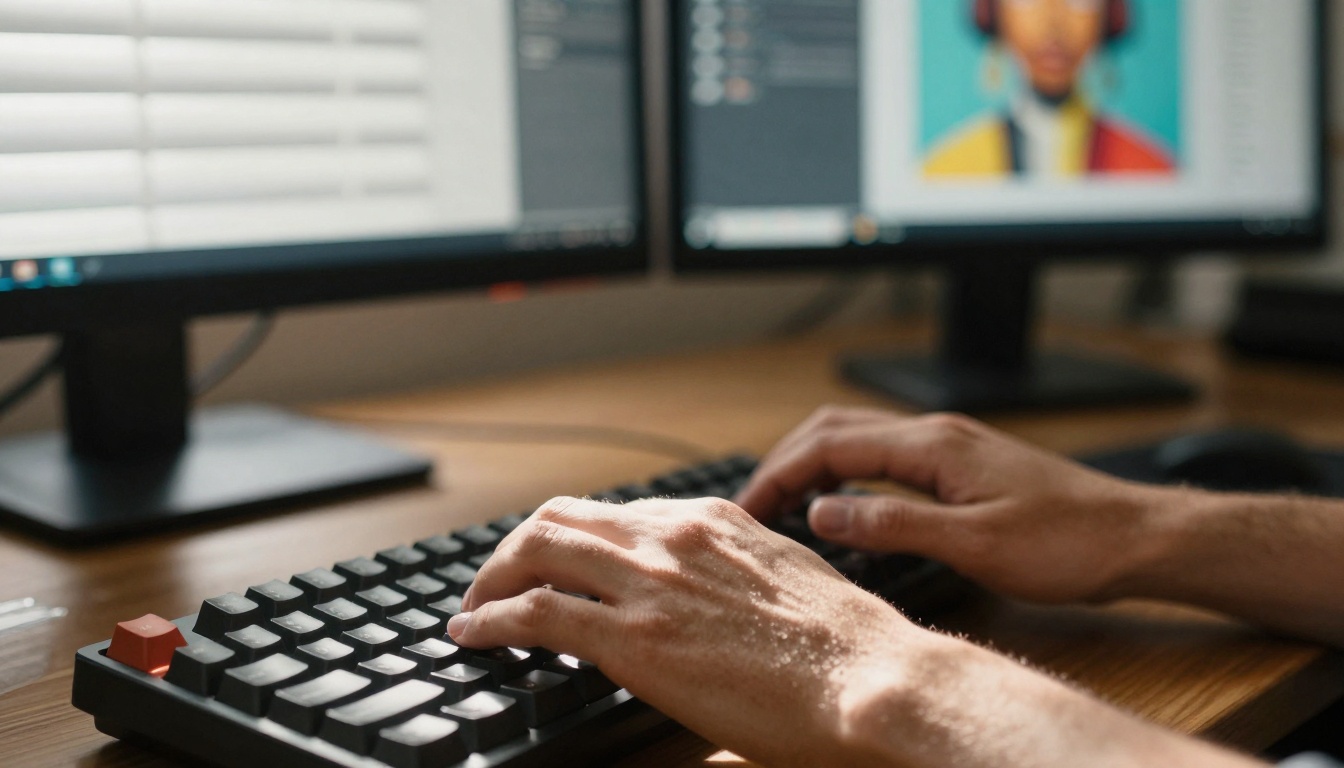
Creative director's hands working with AI-generated artwork - the intersection of human creativity and artificial intelligence
The promise of free AI tools for creators sounds almost too good to be true: professional-quality output without the professional price tag. As we enter 2027, the landscape has shifted dramatically. What started as experimental toys has evolved into serious creative tools, but the reality is more nuanced than the marketing claims suggest.
💡 The Hidden Reality: Most "free" AI tools operate on a freemium model where basic features are free, but you hit limits quickly. Understanding these limits before you invest time is crucial.
What Free Really Means in 2027
The definition of "free" has become elastic. Some tools offer truly unlimited basic functionality, while others provide trial periods masquerading as free tiers. The key distinction lies in understanding three categories:
Category 1: Truly Free with Limitations
- Daily usage caps (5-50 generations per day)
- Lower resolution outputs
- Basic feature sets only
- Watermarked results
Category 2: Freemium with Aggressive Upselling
- Functional but severely limited
- Constant upgrade prompts
- Feature gating on essential tools
- Performance throttling
Category 3: Free Trials Disguised as Free
- Time-limited access (7-30 days)
- Automatic credit card requirements
- Difficult cancellation processes
- Data retention policies
Image Generation: What Actually Works
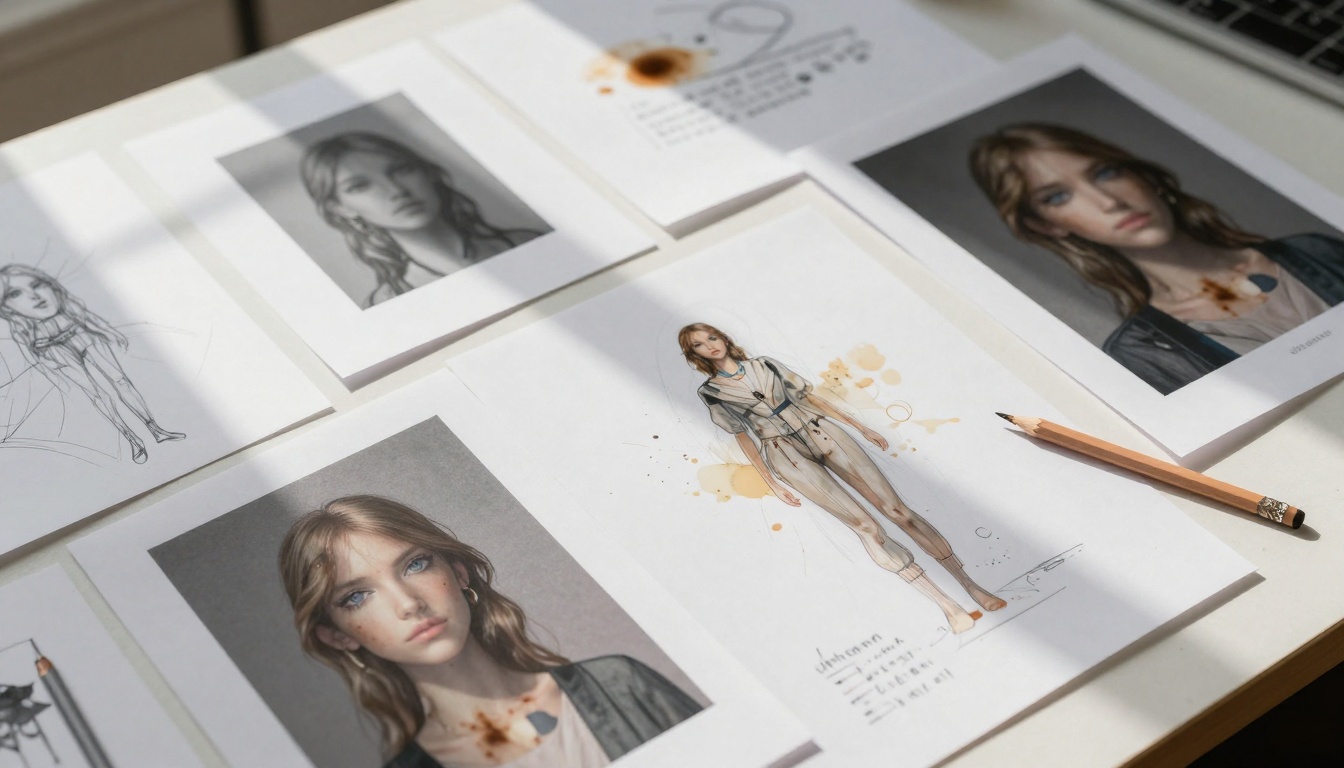
Overhead view of design iterations showing the creative process with AI assistance
For visual creators, image generation has seen the most dramatic improvements. The free options fall into distinct tiers based on output quality and limitations:
Top Tier: Professional-Quality Free Tools
- Flux Pro (available on Picasso IA): Offers 25 free generations daily with commercial rights
- Stable Diffusion XL: Community-driven with unlimited generations but requires technical setup
- DALL-E 3 (via Bing Image Creator): 15 boosts daily, decent quality for concept work
Mid Tier: Limited but Functional
- Craiyon: Unlimited generations but lower resolution (1024x1024 max)
- Leonardo AI: 150 free tokens monthly, good for rapid prototyping
- NightCafe: Community credits system, works for social media content
Bottom Tier: Not Worth Your Time
- Tools with heavy watermarks
- Resolution caps below 512x512
- Daily limits under 5 generations
- Outputs that can't be used commercially
The Real Trade-off: Higher quality free tools typically have stricter limits. Lower quality options offer more freedom but produce less professional results.
Video Creation: The Emerging Landscape
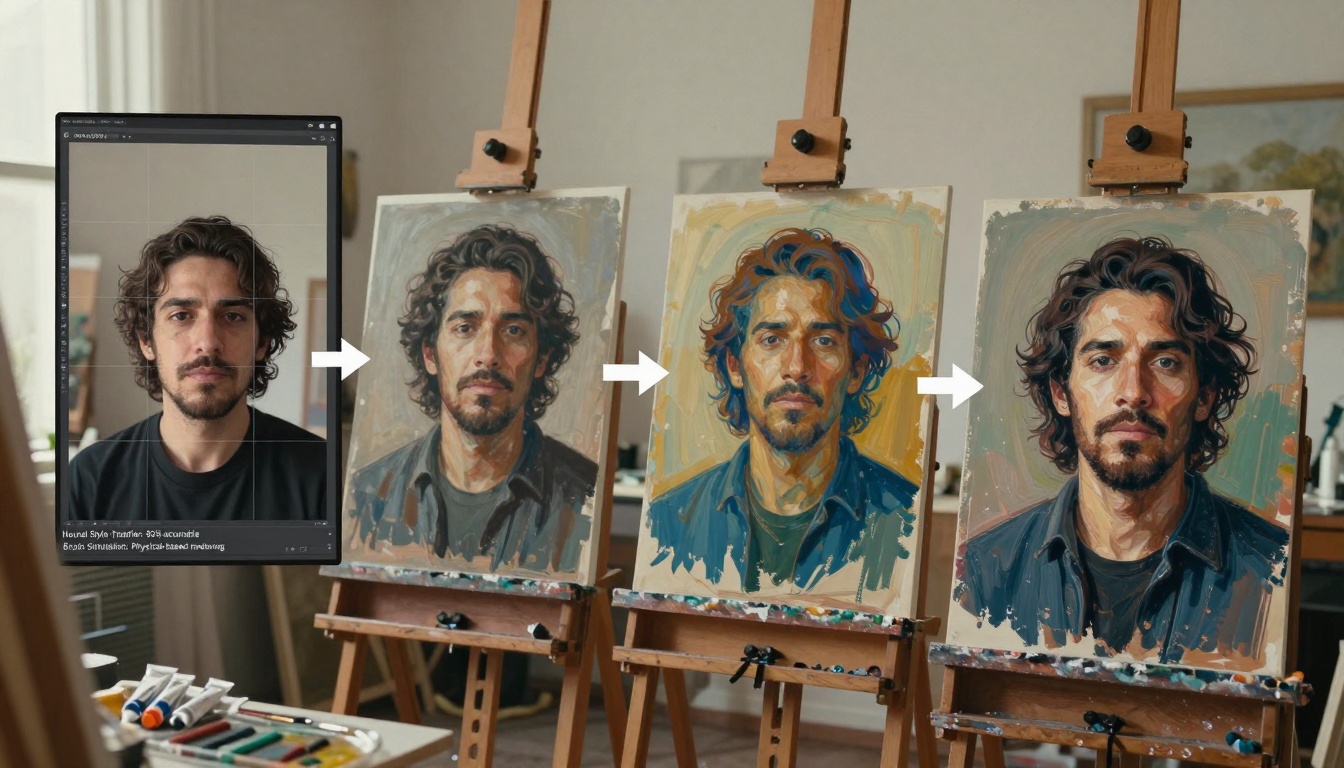
Cinematic shot of video editor in darkened suite with AI-enhanced footage
Video AI tools have matured significantly, but free options remain limited. Here's what actually delivers value:
| Tool | Free Features | Limitations | Best For |
|---|
| Runway ML | 125 seconds monthly | Watermark on exports | Short clips, social media |
| Pika Labs | 30 credits monthly | 3-second max duration | Quick animations |
| Kaiber | 15 seconds daily | Resolution capped at 720p | Music visualizers |
| InVideo AI | 10 minutes monthly | Stock footage only | YouTube intros |
💡 Video Generation Strategy: Most free video tools work best for supplemental content rather than primary production. Use them for B-roll, transitions, or short segments.
When Free Video Tools Make Sense
- Social media snippets: 3-10 second clips for Instagram/TikTok
- Background elements: Looping animations for presentations
- Concept visualization: Quick mockups before investing in production
- Educational content: Simple explanations with motion graphics
The Hard Limits
- Most free tiers max out at 720p resolution
- Watermarks are common and often intrusive
- Generation time can exceed 5 minutes per clip
- Commercial use restrictions apply to 90% of outputs
Writing and Content Creation

Detailed shot of traditional and AI-assisted writing tools showing workflow integration
For writers and content creators, AI tools have become indispensable assistants. The free options vary wildly in quality and usefulness:
Large Language Models (LLMs)
- GPT-4o Mini (available on Picasso IA): 128K context, excellent for drafting and editing
- Claude 3.5 Haiku: Fast, efficient for outlines and summaries
- Gemini 2.5 Flash: Strong research capabilities, good for fact-checking
Specialized Writing Tools
- Grammarly Free: Basic grammar and spelling checks
- Hemingway App: Readability analysis (free version limited)
- ProWritingAid: Style suggestions with daily word limit
The Content Creation Workflow
Most successful creators use multiple free tools in a specific sequence:
- Research Phase: Gemini for gathering information
- Outline Phase: Claude for structure
- Drafting Phase: GPT-4o Mini for initial content
- Editing Phase: Grammarly + Hemingway for polish
- SEO Phase: Free SEO tools for optimization
Critical Insight: No single free tool handles the entire process well. The secret is tool specialization - using each AI for what it does best.
Audio and Music Production
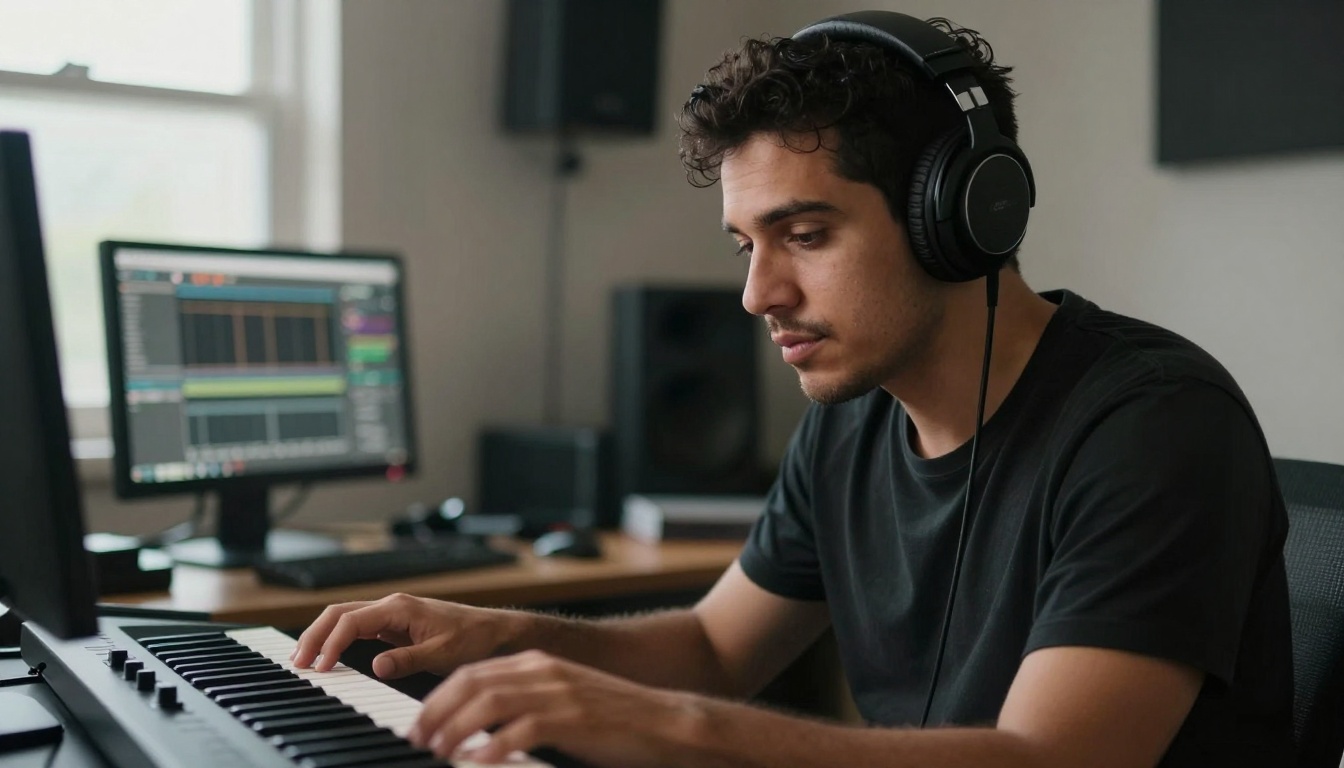
Intimate portrait capturing creative inspiration with AI composition tools
Audio creators have access to surprisingly capable free AI tools:
Music Generation
- Soundraw: 5 free downloads monthly, good for background music
- Aiva: Unlimited generations but watermarked
- Boomy: 3 free tracks, decent quality for podcasts
Voice Synthesis
- ElevenLabs: 10,000 characters monthly, excellent quality
- Play.ht: 2,500 words free, good for narration
- Murf AI: 10 minutes monthly, multiple voice options
Audio Enhancement
- Adobe Podcast Enhance: Completely free, excellent for cleaning recordings
- Krisp: Noise cancellation with daily time limit
- Audacity with AI plugins: Open-source with community AI tools
Production Reality: Free audio tools work best for supplemental elements rather than complete productions. Use AI music for intros/outros and AI voices for secondary narration.
Design and Visual Content
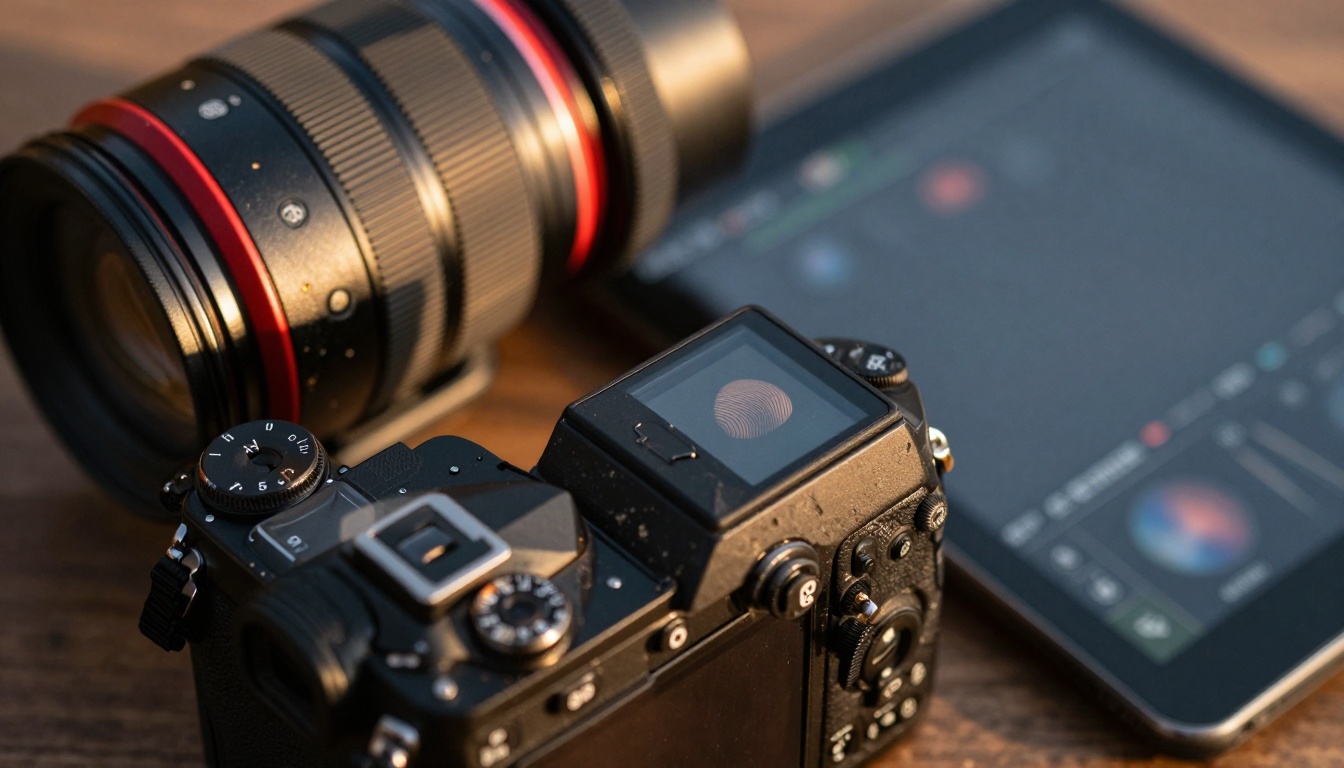
Close-up showing the relationship between traditional photography and AI editing
Graphic designers and visual artists face both opportunities and limitations:
Image Editing
- Canva AI: Limited free features, good for quick social graphics
- Photopea: Browser-based Photoshop alternative with basic AI
- Pixlr: Free tier includes basic AI tools for quick edits
Vector and Illustration
- Vectr: Basic AI-assisted vector creation
- Inkscape with plugins: Open-source with AI extensions
- Figma Community plugins: AI tools for UI/UX design
3D and Motion
- Blender AI plugins: Community-developed tools
- Spline AI: Limited free 3D generation
- Rive: Basic animation assistance
Designer's Perspective: Free AI design tools excel at rapid prototyping and concept development but struggle with final production quality. They're ideal for mockups, not deliverables.
The Hidden Costs Nobody Talks About

Team collaboration in modern studio showing AI integration in creative workflows
Beyond the obvious limitations, free AI tools carry subtle costs that impact your creative work:
Time Investment
- Learning curve for each tool: 2-8 hours
- Workflow integration: Additional setup time
- Output refinement: Often takes longer than expected
- Tool switching: Context switching reduces productivity
Quality Compromises
- Consistency issues across different generations
- Style limitations that affect brand identity
- Resolution constraints for professional work
- Watermarks that require additional editing
Creative Constraints
- Limited customization options
- Generic outputs that lack originality
- Platform-specific styles that limit versatility
- Algorithmic biases that affect output diversity
Data and Privacy Concerns
- Training data usage rights
- Output ownership ambiguity
- Privacy policy variations
- Data retention practices
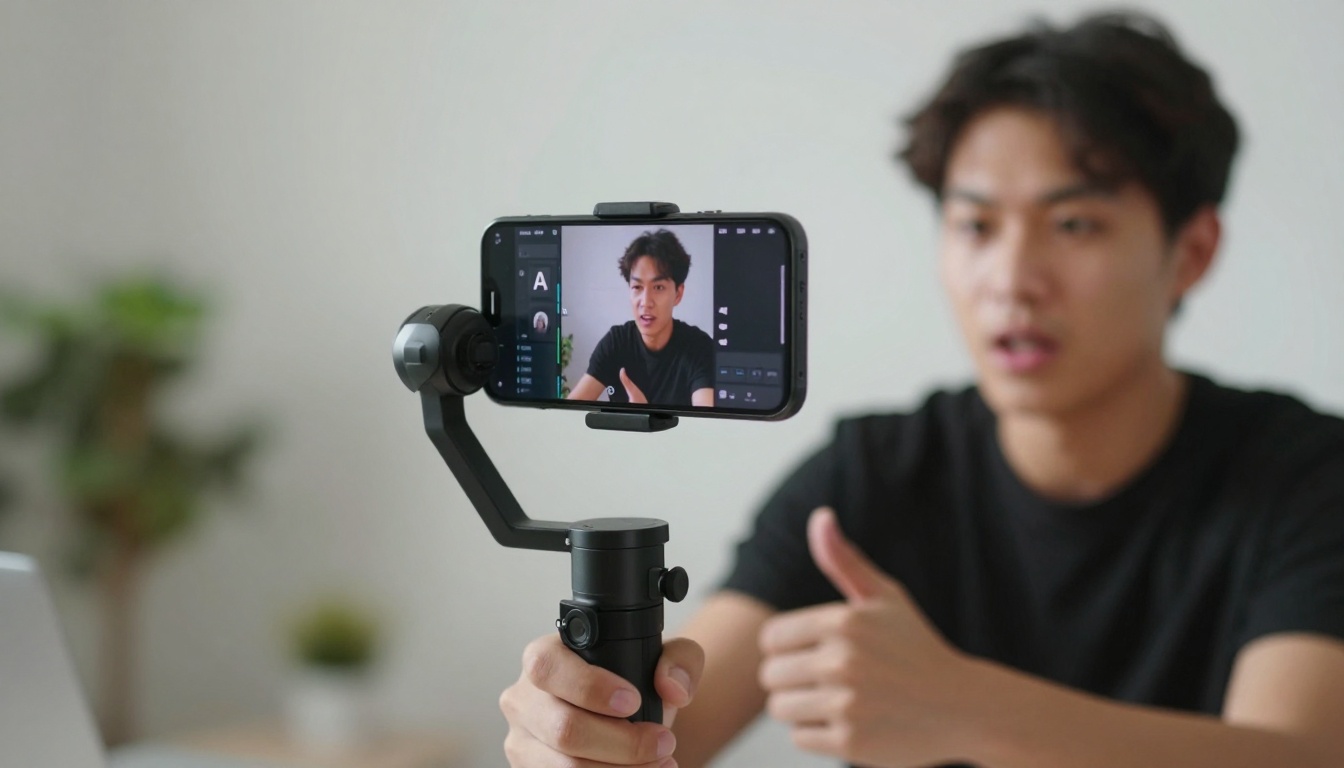
Dynamic action shot showing modern content creation with AI assistance
Rather than chasing every new free tool, build a strategic toolkit based on your specific needs:
Step 1: Assess Your Actual Needs
- What type of content do you create most?
- What quality level do you need?
- How much volume do you produce?
- What's your technical comfort level?
Step 2: Create a Tiered System
Tier 1: Daily Drivers (2-3 tools)
- Tools you use every day
- Master these completely
- Integrate into core workflow
Tier 2: Specialized Tools (4-5 tools)
- For specific tasks or projects
- Use when needed
- Don't invest time mastering
Tier 3: Experimental Tools (unlimited)
- Test new releases
- Keep on radar
- Don't integrate until proven
Step 3: Implementation Strategy
- Start with one category (images, video, writing)
- Master 2-3 tools in that category
- Document your workflow with specific prompts
- Create templates for repeatable tasks
- Evaluate monthly what's working and what's not
The PicassoIA Advantage for Creators
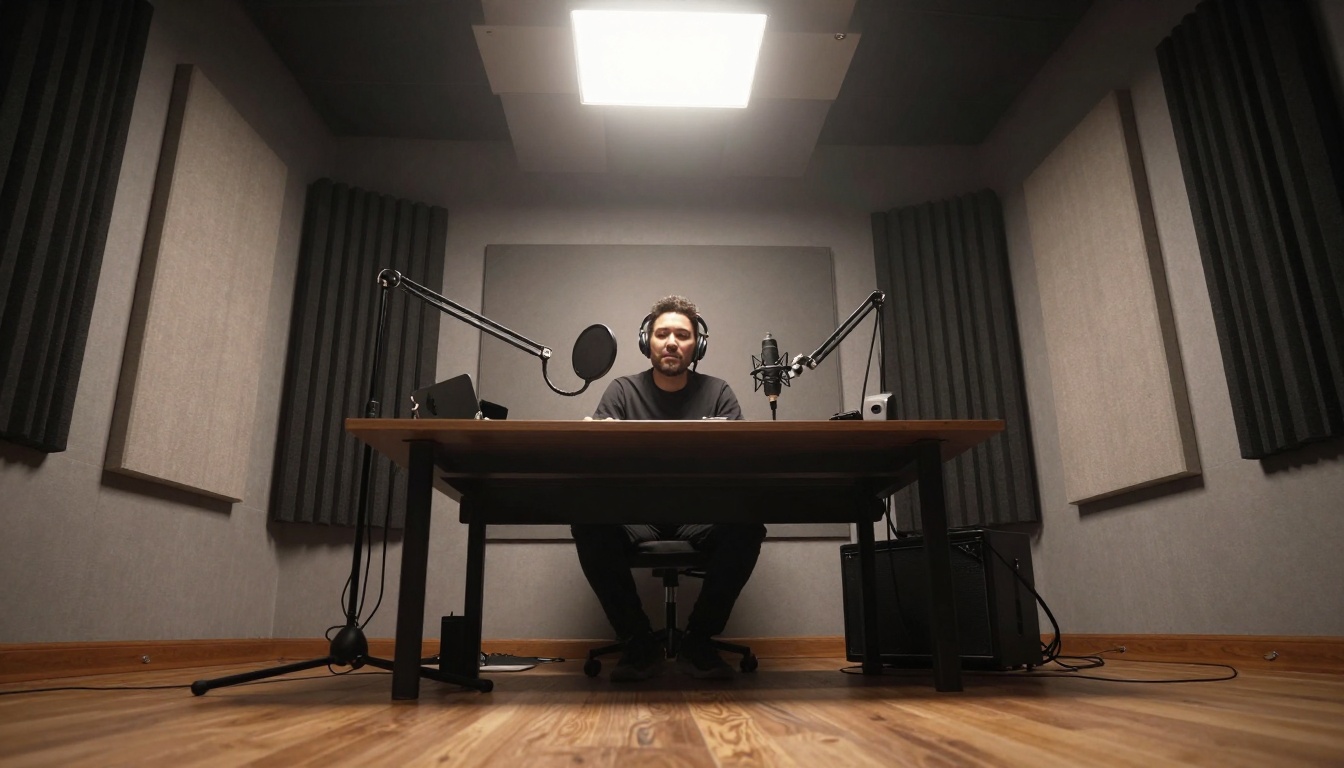
Low-angle shot showing professional audio production with modern equipment
Platforms like PicassoIA offer a different approach by aggregating multiple AI models in one place. The advantages for creators are significant:
Model Variety Without Fragmentation
- Access to Flux Pro, GPT-4o Mini, and Sora 2 in one interface
- Consistent workflow across different AI types
- Unified billing and management
- Cross-model prompt optimization
Professional Features in Free Tiers
- Higher daily limits than standalone tools
- Better output quality at free tier
- Commercial usage rights in some cases
- Advanced features accessible earlier
Community and Support
- Shared prompt libraries
- Workflow templates
- Creator communities
- Regular updates and new models
Platform Strategy: For serious creators, platforms like PicassoIA often provide better free value than individual tool subscriptions because they aggregate multiple services under one freemium model.
Practical Recommendations for 2027
Based on extensive testing and creator feedback, here are specific recommendations:
For Beginners (0-6 months experience)
- Start with Canva AI for visual content
- Use ChatGPT Free for writing assistance
- Try Runway ML for simple video projects
- Limit yourself to 3 tools maximum
For Intermediate Creators (6-24 months)
- Adopt PicassoIA as your primary platform
- Specialize in 2 content types (e.g., images + writing)
- Build prompt libraries for repeatable quality
- Experiment with 1 new tool quarterly
For Advanced Professionals (24+ months)
- Use platforms over individual tools
- Develop custom workflows across multiple AIs
- Contribute to communities for advanced techniques
- Balance free tools with 1-2 paid essentials
The trajectory is clear: free AI tools will continue improving but will always have strategic limitations. The key insights for creators:
Trend 1: Quality Convergence
- Free tools approaching 2023 paid quality
- Resolution and detail improvements continuing
- Style variety expanding monthly
Trend 2: Specialization Acceleration
- Tools focusing on specific creative niches
- Workflow integration becoming standard
- Cross-tool compatibility improving
Trend 3: Platform Dominance
- Aggregators like PicassoIA gaining market share
- Unified interfaces reducing learning curves
- Community features enhancing value
Trend 4: Ethical Evolution
- Better attribution systems
- Clearer usage rights
- Reduced algorithmic bias
- Improved privacy protections
Your Next Steps
The most effective approach isn't finding the "perfect" free tool—it's building a strategic toolkit that aligns with your specific creative work.
Action Plan for This Week:
- Audit your current tools - What are you actually using?
- Identify one gap in your workflow
- Test one new tool from the recommendations above
- Document results with specific examples
- Decide whether to integrate or move on
Remember: The best free AI tool is the one you actually use effectively. Complexity doesn't equal value. Simplicity with consistent results beats endless options with inconsistent quality.
The real truth about free AI tools in 2027 is this: They're good enough for professional work when used strategically, but you need to understand their limitations and build workflows that compensate for their weaknesses. The creators who succeed aren't those with the most tools, but those who master a few and integrate them seamlessly into their creative process.
Your creativity remains the most valuable component. AI tools amplify what you bring to the work—they don't replace it. Choose tools that enhance your unique voice rather than homogenize it. The future belongs to creators who maintain their artistic integrity while leveraging technology to expand their capabilities.
Now it's your turn. Take one recommendation from this article, test it with your actual creative work, and see what happens. The tools are waiting—your creativity determines what happens next.


