The first time most people see one, they stop scrolling. Something about the image pulls at the back of the brain, a quiet signal that something is different. The photo looks like it was taken on a real camera. The lighting feels natural. The skin, the hair, the expression: it all reads as human. And yet, not a single frame was captured by a lens. Every pixel was produced by an AI model that has spent billions of training cycles absorbing exactly what makes a person look real.
That is the reality of AI girlfriend photos in 2027. They do not just look passable anymore. The best ones look shockingly, uncomfortably, genuinely real, and this article breaks down exactly why.
Why They Fool Everyone
The brain processes faces faster than almost any other visual input. It evolved to do this. And for years, AI images failed at the face level: wrong eye symmetry, melting skin, bizarre hands, background elements that made no geometric sense. Those failure modes were the human brain's filter. The moment you spotted them, the spell broke.
That filter no longer works reliably.
The Skin Texture Problem Is Solved
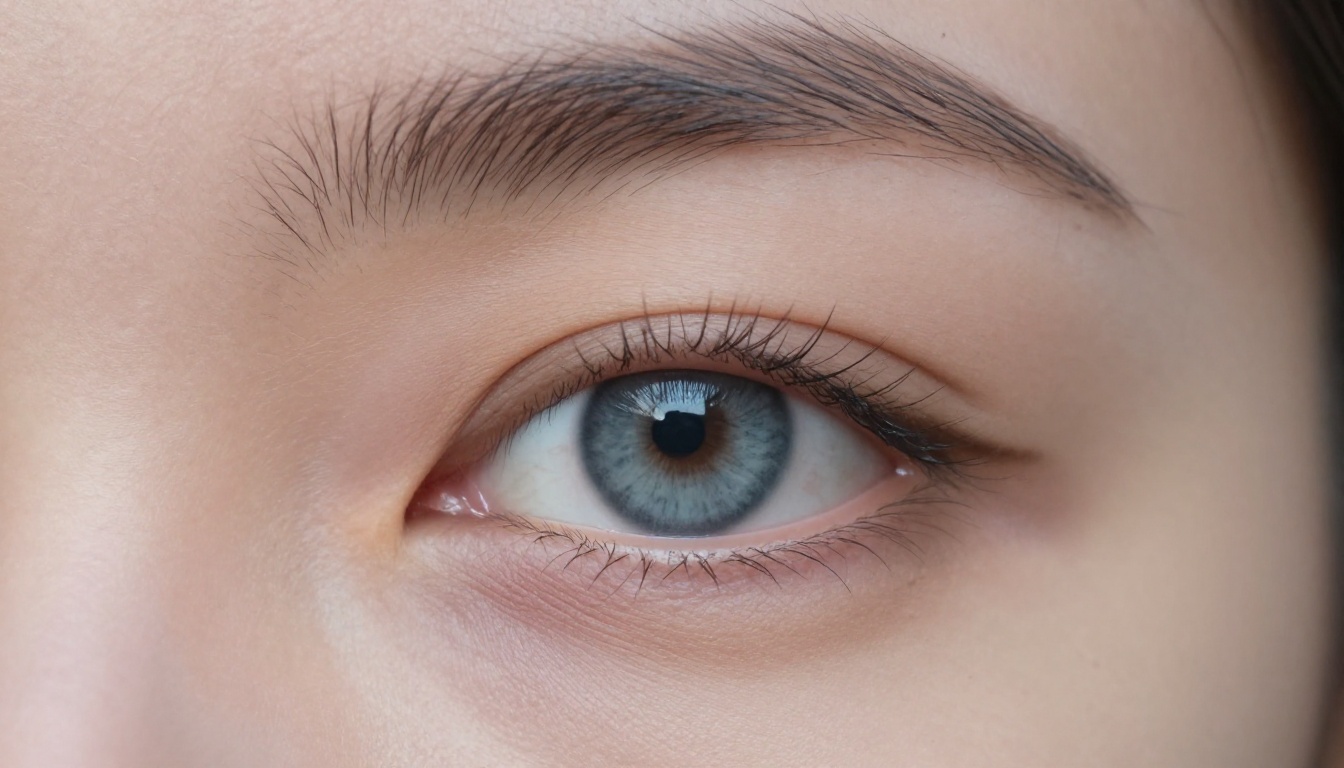
Skin is where most AI portrait generators used to fall apart. The early models produced faces that looked lacquered: too smooth, too uniform, almost plastic. Real skin has pores. It has subtle redness around the nose. It has faint translucency where the epidermis thins over the bridge of the nose or the inner corners of the eyes. It reflects light differently on an oily forehead versus a dry cheek.
Modern diffusion models trained on massive photography datasets have absorbed those patterns. Seedream 4.5, which runs on PicassoIA, is particularly strong here. Feed it a well-written prompt describing skin in physical terms, such as subsurface light scatter, pore definition, or Fitzpatrick scale descriptors, and it returns portraits that pass inspection at full resolution.
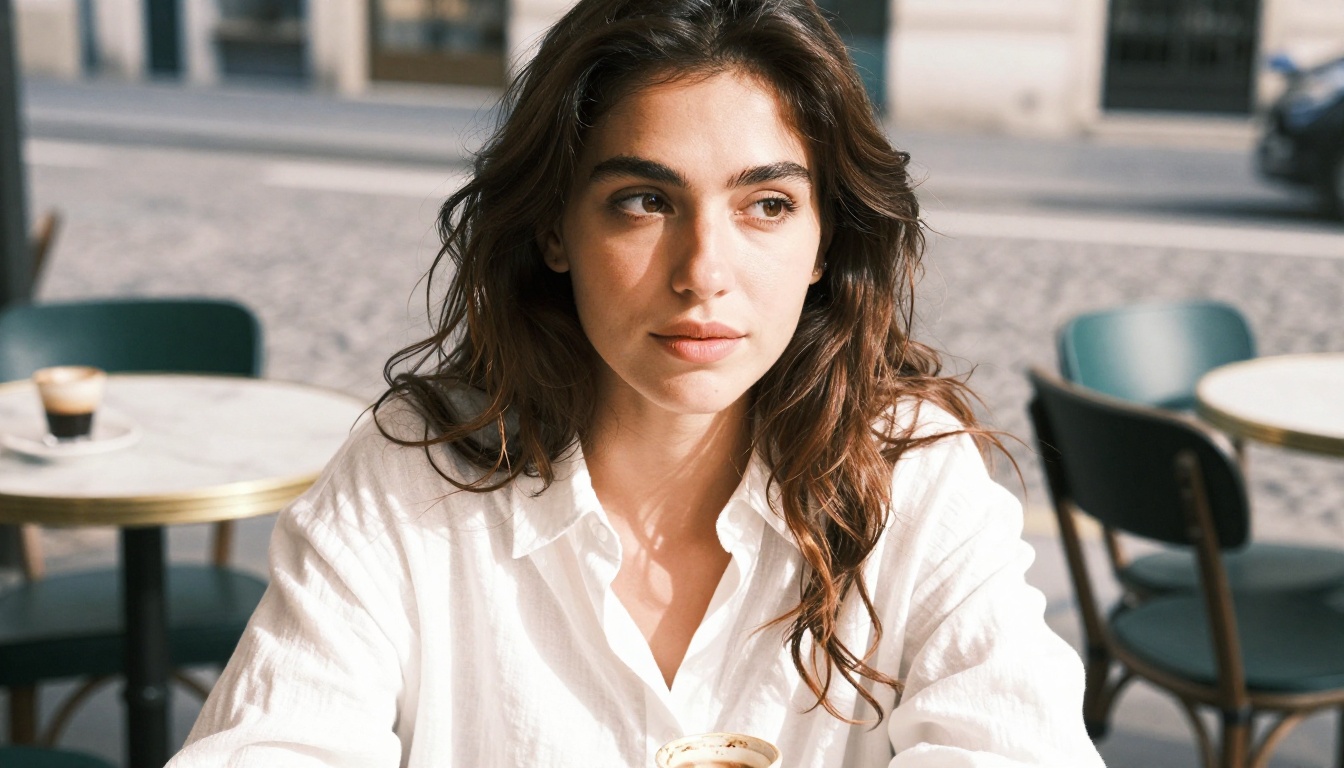
The days of glassy, uncanny skin are largely behind us. What replaced them is something that genuinely looks like it was shot on Kodak Portra 400.
Lighting That Feels Human
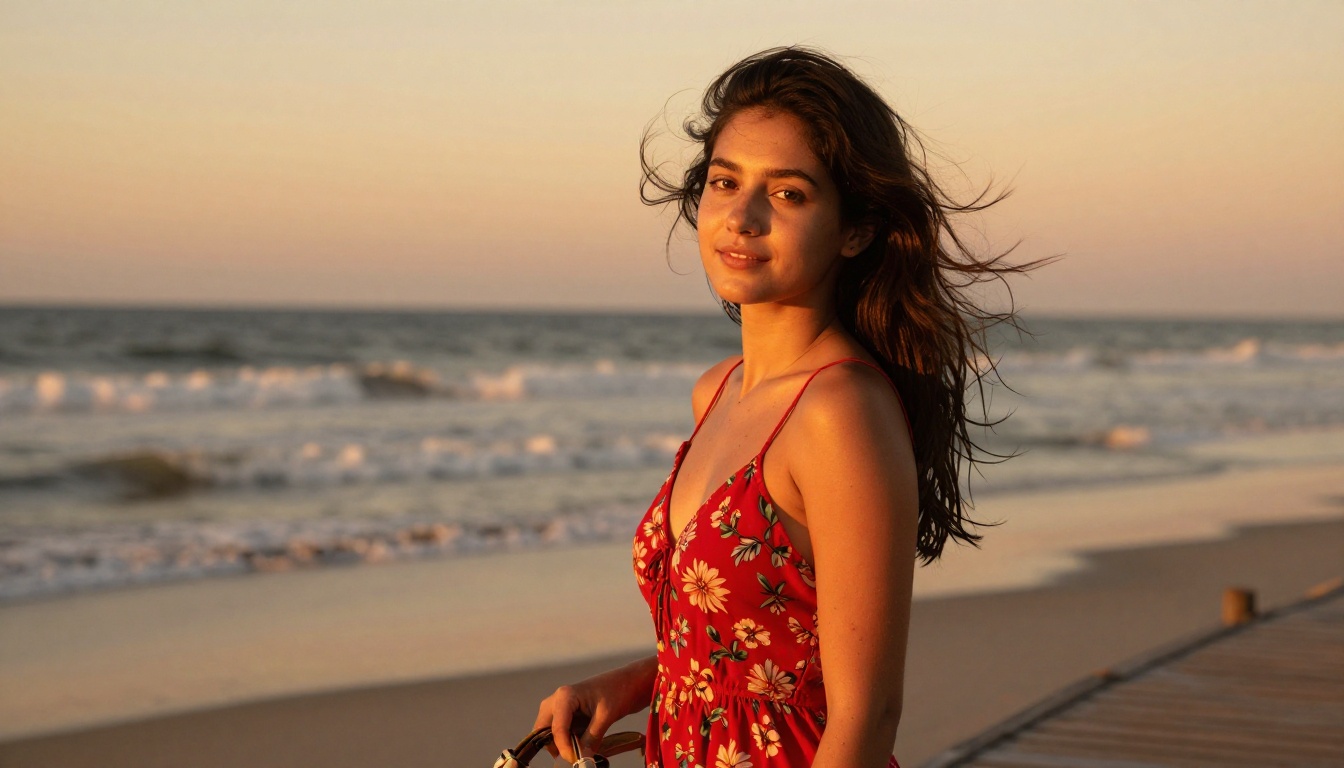
Lighting is the other axis where these images have matured dramatically. Real photography lives and dies on the quality and direction of light. A portrait shot at golden hour with a single key light coming from a bedroom window at 45 degrees looks nothing like a flat fluorescent overhead shot. The shadows are different. The catchlights in the eyes are different. The transition from highlight to shadow across the cheekbone follows physics.
AI portrait models now replicate this with striking accuracy. When you specify the lighting direction, the quality (soft versus hard), and the color temperature in your prompt, models like Flux 1.1 Pro and Flux 2 Pro generate faces where light wraps correctly around three-dimensional form. The result reads as photographed, not rendered.
The Hair Problem, Mostly Fixed
Hair was the other classic AI tell. Individual strand simulation, accurate flyaways, natural variation in color from root to tip, correct behavior in wind or water: all of these were extremely difficult for first and second-generation diffusion models. The outputs tended to produce hair that looked solid and sculpted rather than fibrous and light-catching.
Current models handle hair significantly better. Flux 2 Max and Seedream 5 Pro in particular show strong strand-level fidelity in portrait prompts that specify hair behavior explicitly. The remaining weakness is very fine hair against complex backgrounds, where some blending artifacts still appear.
The Models Making It Possible
Not all AI image generators are equal. There is a wide performance gap between a budget text-to-image tool and the specialized models available on PicassoIA. Here is what is actually doing the work.
Seedream 4.5 Leads for Photorealistic Portraits
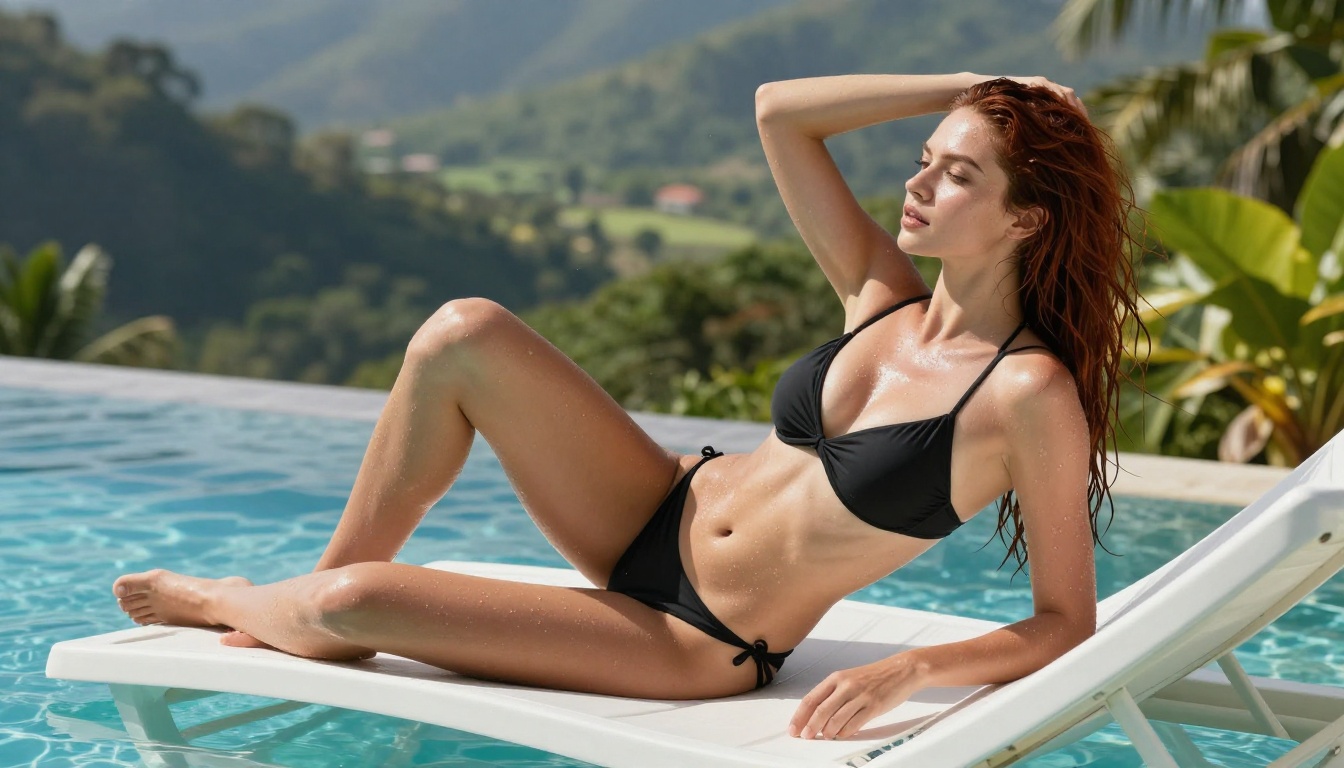
For realistic, attractive AI portraits including non-explicit suggestive content, Seedream 4.5 is the strongest performer available on PicassoIA right now. It handles human anatomy correctly, produces accurate clothing and fabric physics, and delivers skin tones and textures that hold up at high zoom.
💡 Seedream 4.5 is the go-to model for photorealistic human portraits on PicassoIA. It is uncensored for tasteful adult content (bikinis, glamour, implied nudity) and generates fast without watermarks.
The model was trained with a particular emphasis on portrait photography. When given prompts that specify camera distance, lens focal length, lighting setup, and subject details, it returns results that photographers look at twice before remembering what they are looking at.
One note: avoid Seedream 5 Lite for this category. It applies stronger content filters and will block or water down suggestive prompts. Stick with Seedream 4.5 for full creative control.
Flux 2 Pro for Scene Composition
The Flux family of models built their reputation on one thing: fidelity. Flux 2 Pro is the most capable version for photographic output. It handles complex scenes with multiple elements, including backgrounds, clothing, lighting effects, and environmental context, better than most models in its class.
For AI girlfriend portraits that need to look like they came from a professional photo shoot, Flux 2 Pro is the second model to add to your workflow after Seedream 4.5. Where Seedream 4.5 excels at skin and facial detail, Flux 2 Pro excels at scene composition and background coherence.
Flux 2 Max steps up further if you need the absolute maximum output resolution and detail, though it takes longer to generate.
SDXL and Its Variants
SDXL remains relevant even in 2027 because of its versatility and speed. The base model produces solid portrait outputs, and its LoRA ecosystem includes fine-tuned variants built specifically for photorealistic faces.
For faster iteration, SDXL Lightning 4-step cuts generation time dramatically while maintaining respectable quality. It is useful when you want to test prompt ideas quickly before committing to a higher-quality generation with Seedream 4.5 or Flux 2 Pro.
Model Comparison at a Glance
How PicassoIA Creates These Shots
You do not need a camera, a model, or a studio. What you need is a specific, detailed prompt and the right model. Here is the process.
Step-by-Step Portrait Creation
Step 1: Choose your model. For a portrait of an attractive woman with realistic skin, start with Seedream 4.5 on PicassoIA. Select it from the text-to-image section.
Step 2: Set your aspect ratio. For lifestyle and portrait photography, 16:9 works well for wider compositions. For a close headshot, 4:3 or 3:2 gives a more natural framing.
Step 3: Write a structured prompt. Use this formula:
- Subject description (age range, hair color and style, features, expression)
- Clothing and styling specifics
- Location and background environment
- Lighting specifics (direction, quality, color temperature)
- Camera and lens specs (focal length, aperture, film stock)
- Mood and atmosphere
Step 4: Iterate. Run the generation, then refine the prompt based on what came back. Adjust lighting direction. Add or remove environmental detail. The second and third generations are almost always better than the first.
Step 5: Upscale. Once you have an output you are satisfied with, use PicassoIA's super-resolution tools to upscale to 4K or higher. The detail gains on portraits, particularly around the eyes and hair, are significant.
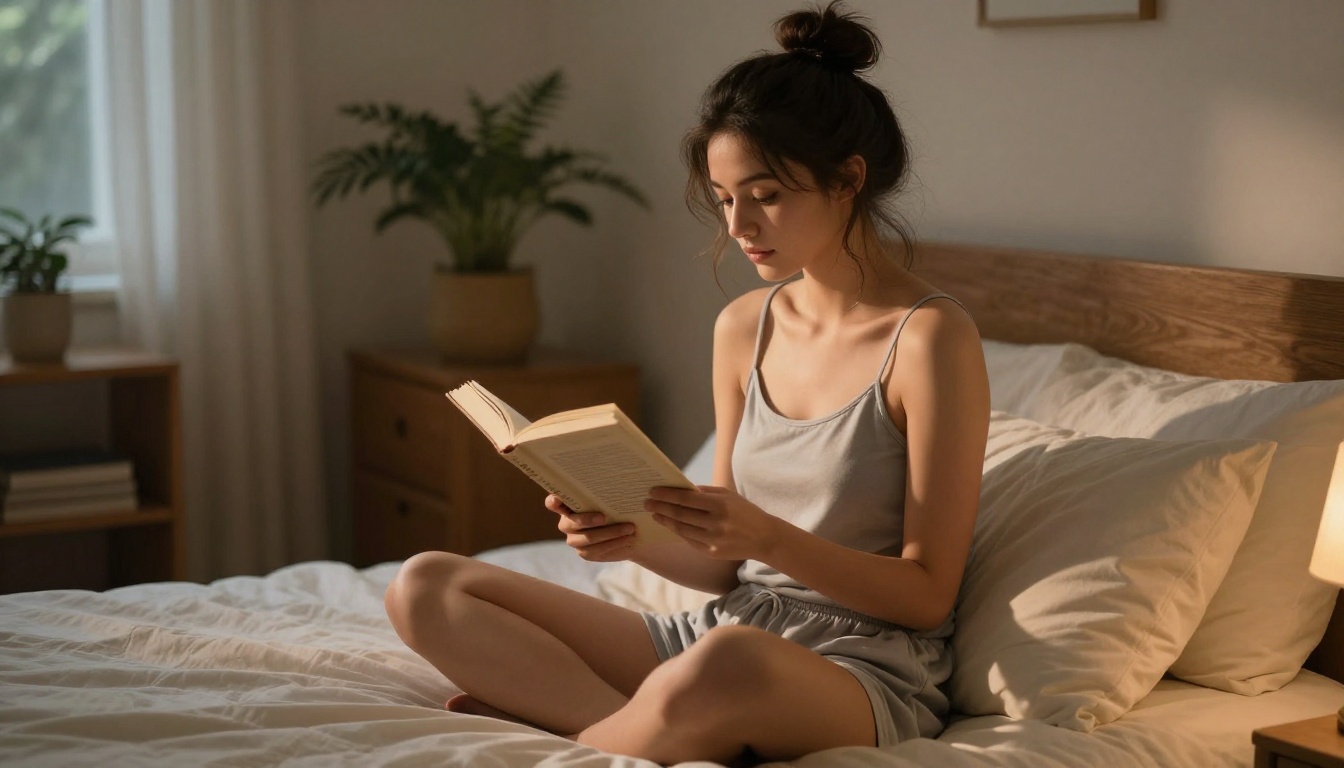
The Prompt Formula That Works
The biggest gap between mediocre and convincing AI portraits is prompt quality. Here is a breakdown of what the best prompts include:
Lighting (be specific):
- "Volumetric golden hour light from the left" beats "nice lighting"
- "Overcast diffused window light creating soft even illumination" beats "natural light"
- "Rembrandt shadow triangle on left cheek, large octabox softbox" beats "studio lighting"
Skin descriptors:
- "Skin showing natural pores, subtle redness around the nose, fine texture across the cheekbones"
- "Subsurface light scatter visible on nose bridge and ear cartilage"
- "Fitzpatrick type III skin tone with natural melanin distribution"
Camera specs:
- "85mm f/1.4 portrait lens with shallow depth of field"
- "Kodak Portra 400 film grain"
- "Shot from slightly below eye level, three-quarter angle"
💡 The difference between a convincing AI portrait and a plastic-looking one is almost entirely in the prompt. Treat it like you are briefing a professional photographer on exactly what to shoot.
Real vs. AI: The Dead Giveaways
Even with the leap in quality, AI portraits still have tells. Knowing them helps you write prompts that avoid them or at least minimize their impact.
Hands and Background Edges
Hands remain the most reliably problematic element in AI portrait generation. Extra fingers, wrong proportions, unnatural joint positions: the models have improved but not fully solved this. The practical fix is straightforward. Do not put hands prominently in the foreground of your portrait prompts unless you are specifically testing the model's capability. Shoot from the chest up, or include hands only at a distance.
Background edges are another tell. Where the subject meets a complex background (hair against a detailed wall, clothing against a busy outdoor scene), models sometimes produce fringing or blending artifacts. A tight depth-of-field instruction with a high aperture value will blur the background enough that edges become forgiving.
Jewelry and Text
Jewelry renders strangely in many generations: earrings that do not match on both sides, necklace chains that defy physics, ring shapes that look melted. The fix is to be specific in your prompt or to leave jewelry out of the scene entirely unless it is essential.
Text of any kind in the background will usually appear scrambled. This is a fundamental limitation of how diffusion models handle symbolic language. If your scene includes signage, books, or labels, expect illegible results and crop them out in post.
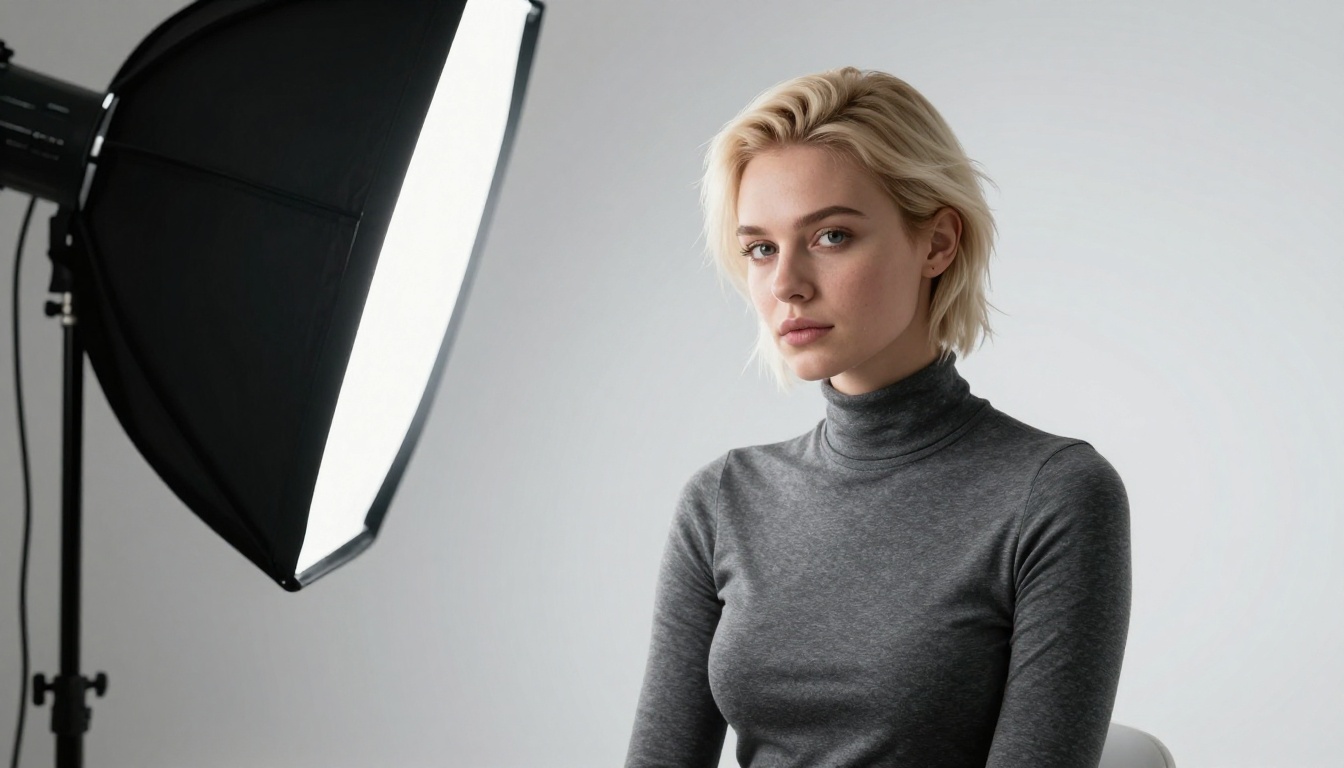
NSFW and Adult AI Portraits
This is where many platforms draw a hard line that frustrates creators. Most mainstream tools either block suggestive content entirely or produce sanitized versions that miss the creative intent. PicassoIA takes a different position.
Where Seedream 4.5 Excels
Seedream 4.5 is built for creative freedom. It handles glamour, bikini photography, tasteful artistic nudity, and suggestive but non-explicit content without restriction. The generations are fast, the output is high-resolution, and there are no watermarks stamped across your work.
The model reads the visual language of professional glamour photography. When you specify:
- Fabric types and how they drape (silk, lace, sheer chiffon, wet cotton)
- Body positioning that implies rather than shows
- Lighting that flatters the subject (soft rim lighting, warm amber skin tones)
- Environmental context that adds production value (luxury hotel room, private villa pool deck, art studio)
The results read as editorial-quality glamour photography rather than crude AI outputs.
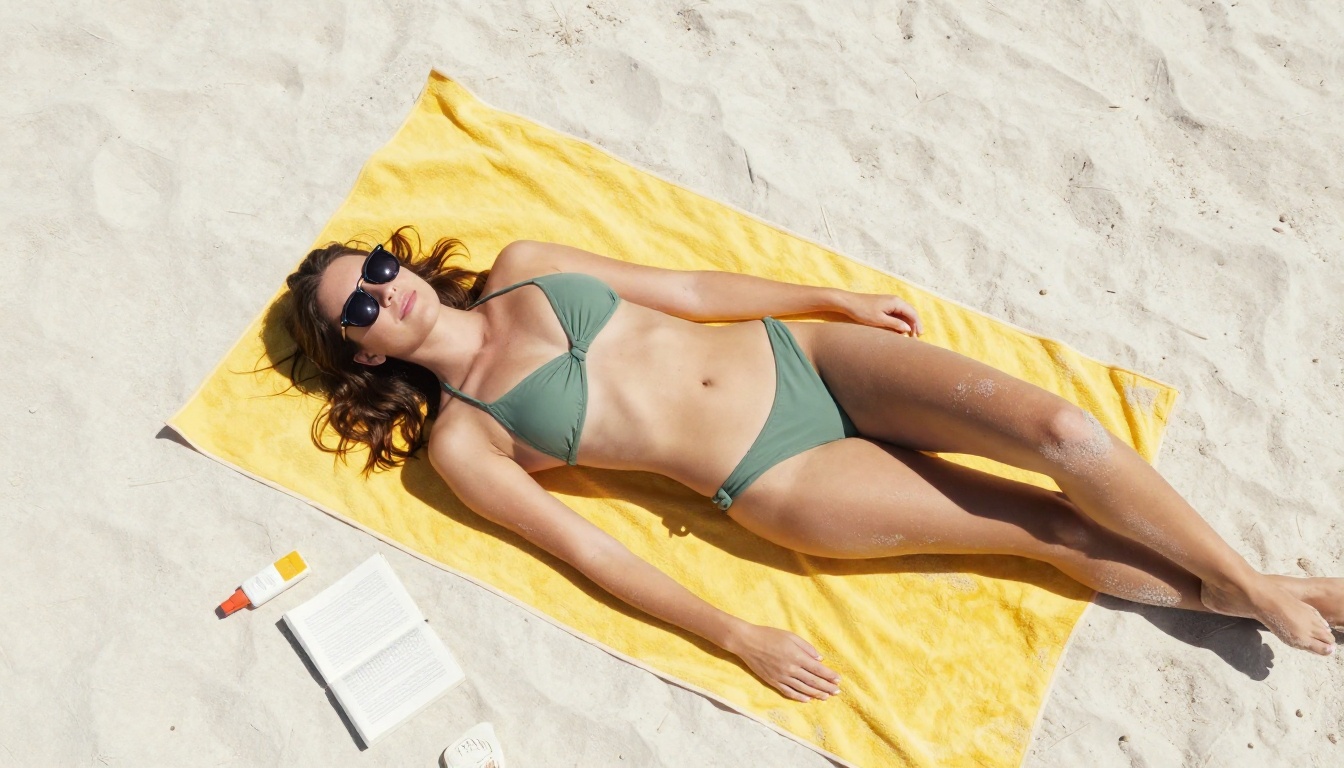
The Uncensored Advantage
One practical reason AI girlfriend portraits have improved so dramatically is that the best models for the task are not fighting their own content filters. When a model is trained to aggressively block suggestive prompts, it often degrades its output quality for even legitimate portrait prompts, because the training penalty bleeds into adjacent creative territory.
Seedream 4.5 and the PicassoIA Image Editor Pro, available at picassoia.com/en/all-models, bypass this problem. These tools were tuned for quality across the full range of portrait photography, and it shows in every generation.
💡 If your generations on other platforms look filtered or washed out, it is almost certainly because the model is suppressing parts of the prompt it considers borderline. Seedream 4.5 on PicassoIA does not do that.
The PicassoIA Image Editor Pro also offers unlimited generations, meaning you can iterate on portrait prompts without hitting credit walls. That matters when you are refining a specific look and need to run 20 or more variations to get it exactly right.
What the Quality Means for Creativity
The fact that AI girlfriend photos look this real is not just a novelty. It reflects a genuine shift in what is possible with text-to-image generation, and the applications extend well beyond personal use.
Portrait photographers now use these tools to pre-visualize shoots before booking a studio. Character designers for games and films reference AI generations to define how a character looks before moving into 3D modeling. Writers use them to create consistent visual references for the people in their stories. Independent creators build content for social platforms and companion apps without the cost or logistics of traditional photography.

The shockingly real quality of today's AI portraits means the barrier between concept and visual output has narrowed to almost nothing. You describe what you see in your head. The model renders it. The remaining gap is prompt skill, and that is something you build with practice and repetition.
Create Your Own AI Portrait on PicassoIA
You can start creating photorealistic AI portraits in under five minutes. Here is the shortest path:
- Go to Seedream 4.5 on PicassoIA
- In the prompt field, paste a structured portrait prompt using the formula from the section above
- Set the aspect ratio to 16:9 for landscape or 3:4 for portrait orientation
- Hit generate and wait roughly 10 to 20 seconds
- If the result is close but not quite right, tweak the lighting descriptor or adjust the subject positioning in the prompt
- Once satisfied, run it through PicassoIA's super-resolution tools for a final upscale to 4K
The platform also gives you access to Flux 2 Pro, Flux 2 Max, SDXL, and Seedream 5 Pro so you can compare outputs and find the aesthetic that works best for your project.
A full library of every available model is at picassoia.com/en/all-models. There are over 90 text-to-image models available, with new additions landing regularly as the technology continues to close the gap between AI output and real photography.
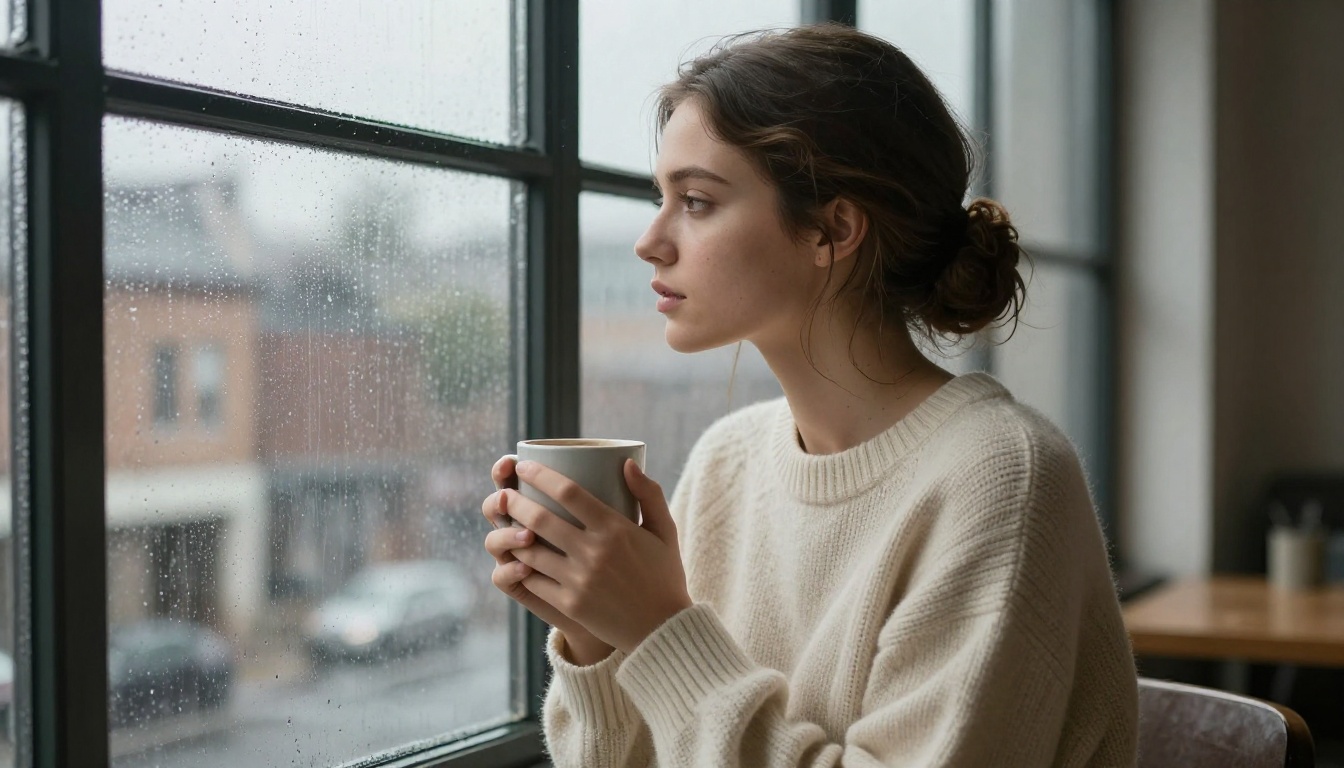
The results will surprise you. The first time you generate a portrait with properly specified lighting and skin descriptors on Seedream 4.5, and the image comes back looking like it was captured on a Canon with an 85mm lens at golden hour, you will have the same reaction that everyone has the first time they see one of these.
It just looks real.


