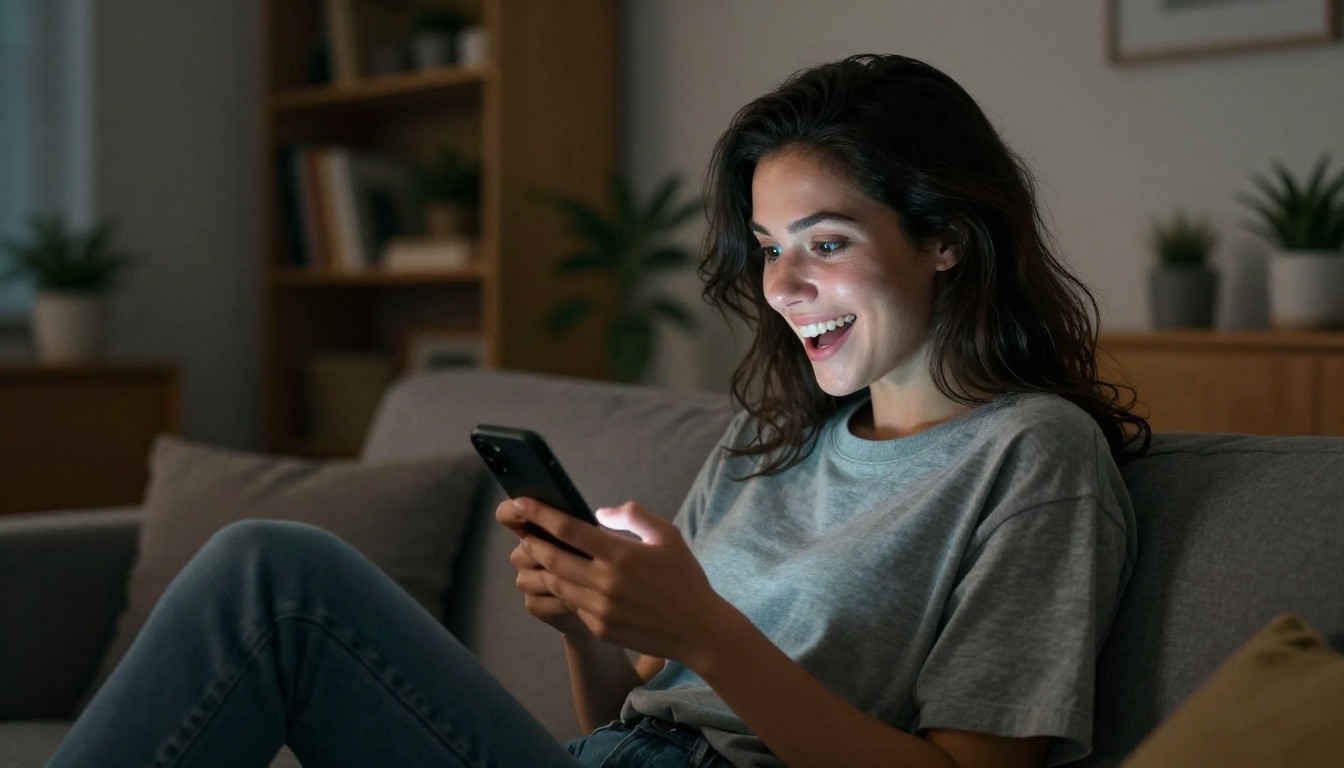
The text came in at 11:47 PM on a Tuesday. "Wait... you're in PARIS?! When did this happen??" followed immediately by three more from different friends, a voice note from my sister, and a comment on Instagram that said "living your best life omg." I was, at that moment, sitting on my couch in pajamas eating cereal out of the box.
I had not left the country. I had not even left my apartment that day.
What I had done was spend about 40 minutes typing prompts into an AI image generator, and the results were so photorealistic that the people who know me best on the planet didn't question them for two full days.
This is not a magic trick. It's not a deepfake. It's just how good AI image generation has gotten in 2027, and it's both wildly impressive and slightly unsettling in the best possible way.
What Actually Happened
The text that started it all
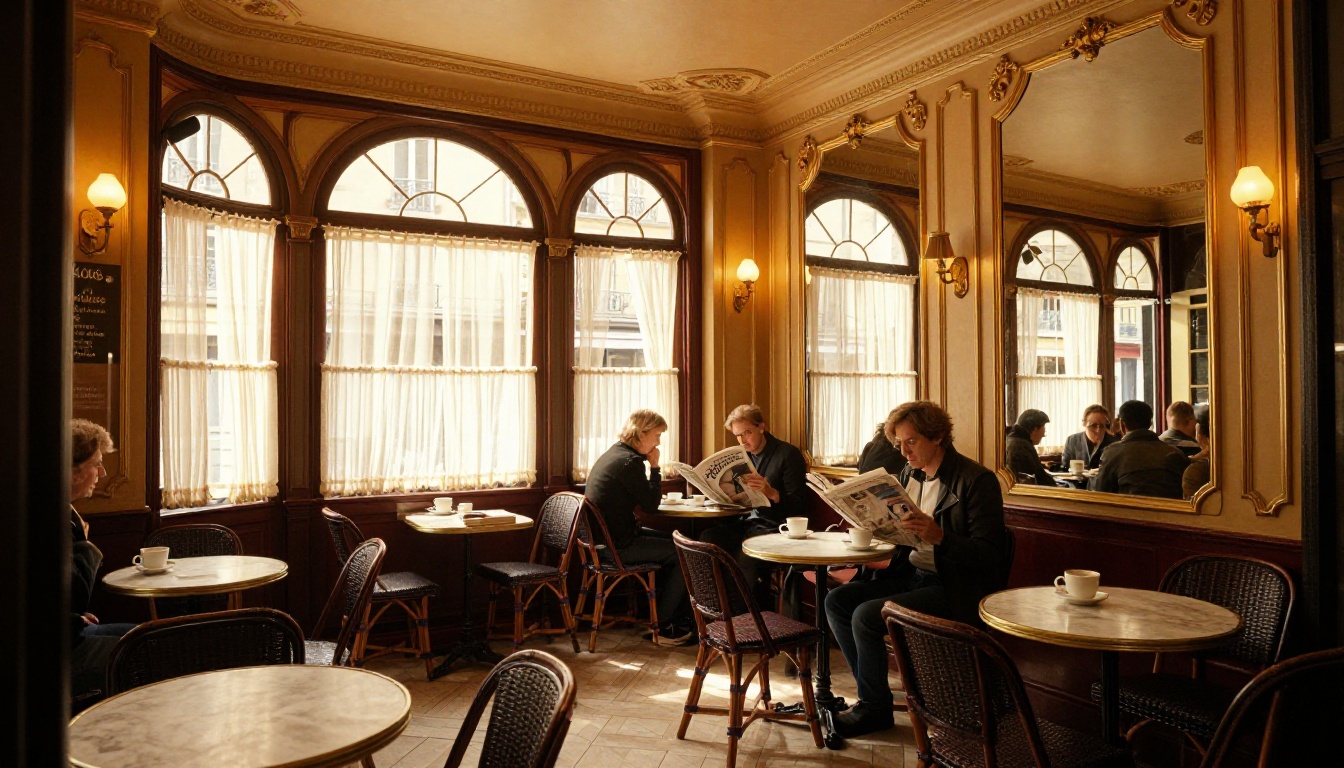
I had been experimenting with GPT Image 2 on a weeknight, just messing around, when I generated a photo of a woman sitting at a Parisian sidewalk café. The light was golden. The espresso was steaming. The Eiffel Tower blurred softly in the background. It looked exactly like something you'd see on a curated travel account.
On impulse, I posted it to my Instagram story with the caption "bonsoir 🥐."
My phone exploded.
My secret: a text prompt
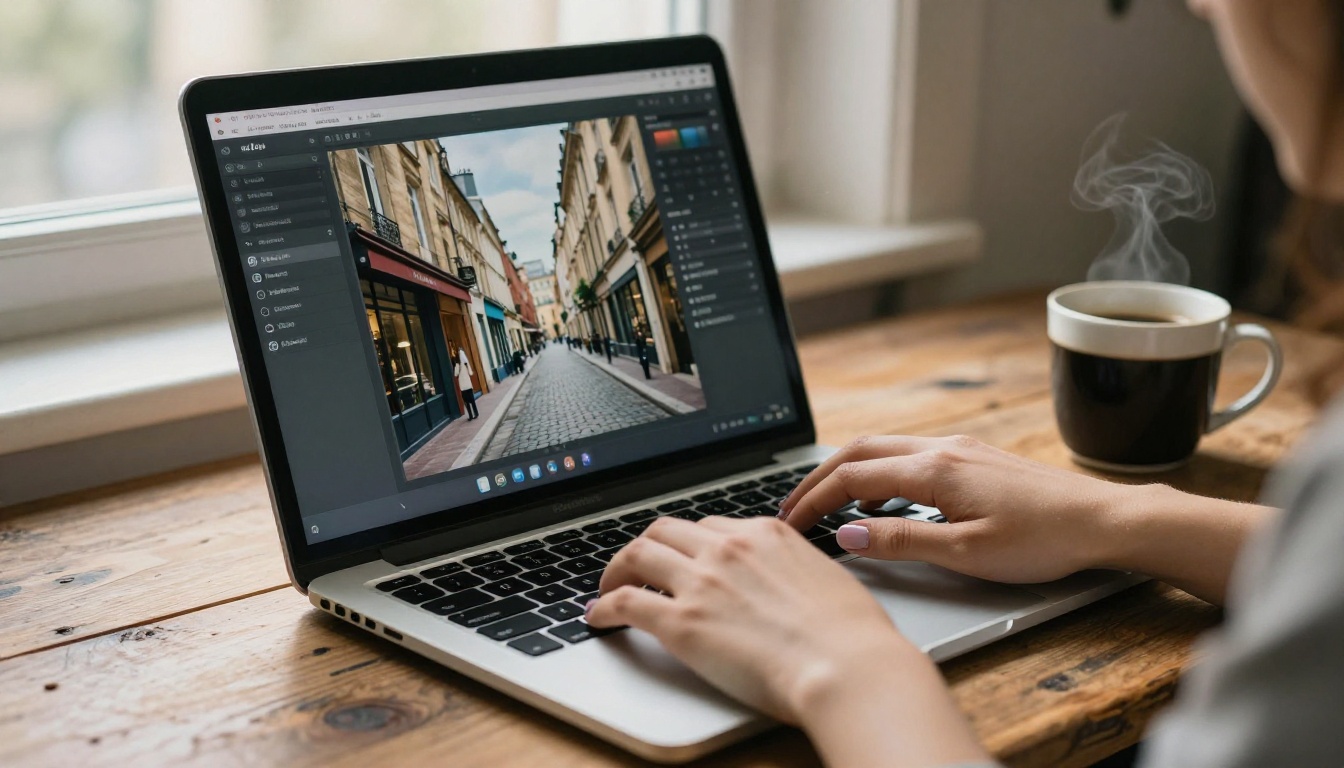
The entire image was created from a single text description. No camera. No plane ticket. No Airbnb. Just words typed into an AI image generator, processed by a model trained on billions of photographs, and rendered into something indistinguishable from an actual travel photo.
The prompt took me about three minutes to write. The generation took about 30 seconds. The result fooled my friends for 48 hours.
Why These AI Photos Are So Convincing
Photorealism in 2025 is scary good
The leap in AI image quality between 2023 and 2025 has been dramatic. Early AI images had telltale signs: warped hands, melting text, eyes that didn't quite track right. Models today don't make those mistakes nearly as often.
The current generation of text-to-image models has been trained on so many photographs that they've internalized the visual grammar of real photography: how light falls on skin, how bokeh looks at different apertures, how grain accumulates in shadows, how steam rises from a coffee cup. The result isn't just a pretty picture. It's a picture that feels real because it follows the invisible rules of how real photos look.
💡 The tell that most people miss: AI images today are often too perfect. Real travel photos have imperfect framing, underexposed corners, motion blur. If you want to be truly convincing, add imperfection intentionally in your prompt.
The details that sell it
What made my Paris photos so convincing wasn't the Eiffel Tower in the background. It was everything else: the specific texture of the wicker chair. The condensation ring on the marble table. The slight crease in the linen dress. The way the awning shadow fell unevenly across the cobblestones.
These micro-details are what your brain unconsciously reads as "real." When an AI image contains them, your visual cortex makes the same snap judgment it makes when scrolling through real travel photos: authentic.
| Detail Level | How the Brain Reads It | AI Capability in 2025 |
|---|
| Background landmarks | Contextual recognition | Excellent |
| Material texture (fabric, stone, skin) | Authenticity signal | Very good |
| Lighting physics (shadows, reflections) | Depth cue | Excellent |
| Human micro-expressions | Emotional read | Good |
| Accidental imperfections (blur, grain) | "Real camera" signal | Controllable via prompt |
The Models That Made It Work
GPT Image 2 for scene-perfect shots
GPT Image 2 is my go-to for complex scene compositions. It handles the relationship between foreground subjects and background environments better than most other models. When I described the woman at the café with the Eiffel Tower softly visible in the distance, it understood the spatial logic: the tower should be blurred, the woman sharp, the light consistent across both.
It's also particularly strong with text-to-image prompts that include specific cultural context. "Parisian café" doesn't just generate a café. It generates the café, with the wicker chairs and the marble tables and the chalkboard menu and the red awning that you'd recognize anywhere.
Seedream 4.5 for 4K portrait shots
When I needed closer shots, like a portrait of someone walking through Montmartre or standing on a bridge, I switched to Seedream 4.5. This model generates 4K images with portrait-specific detail that holds up under zooming. The skin texture, the way clothing folds, the catchlights in the eyes. It renders all of it with a fidelity that makes close crops look like they came from a full-frame camera.
Wan 2.7 for ultra-sharp wide scenes
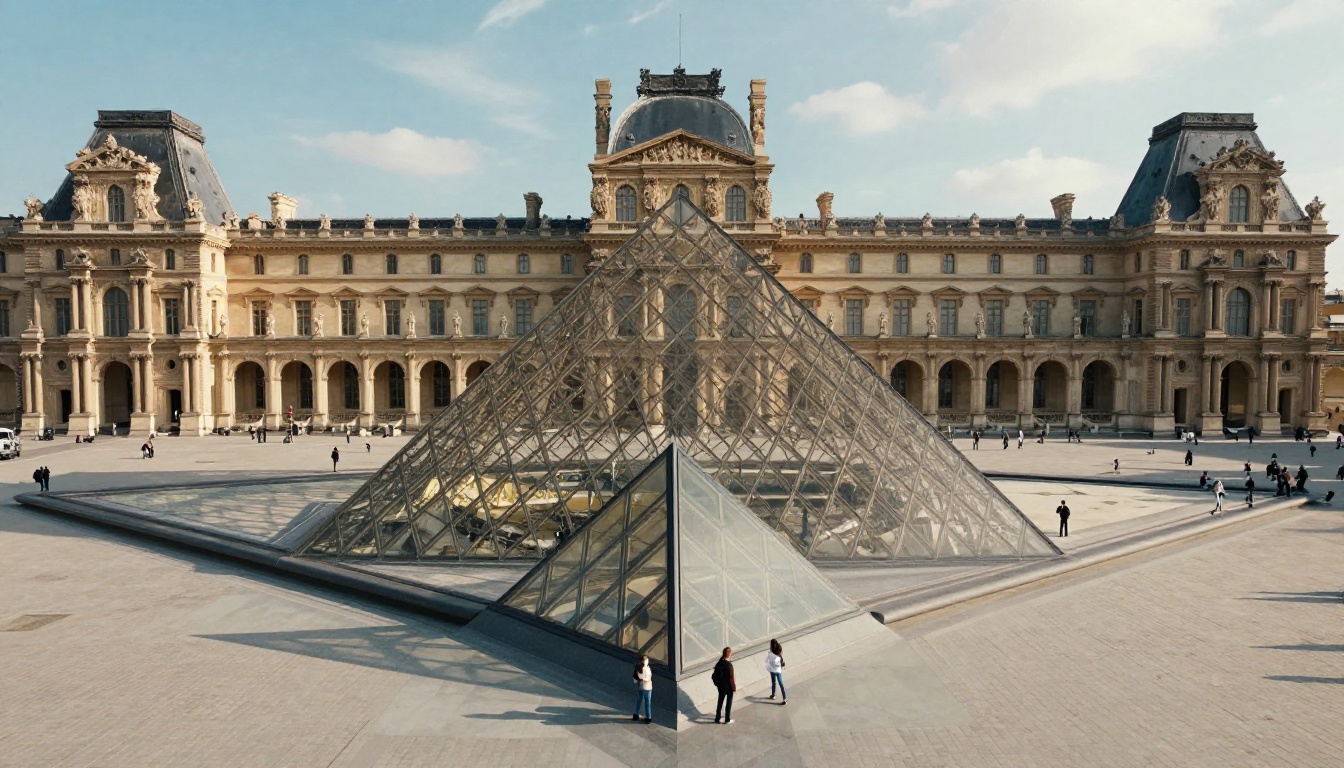
For architectural shots like the Louvre pyramid and wide Parisian street scenes, Wan 2.7 Image Pro delivered the sharpest output. It renders at up to 4K with exceptional detail in distant elements: the individual stones of a building facade, the text on a shop sign, the pattern on a cobblestone.
Wide shots need that clarity because your eye naturally explores the whole frame. Any softness in the background reads as lack of detail. Wan 2.7 Image Pro doesn't have that problem.
How to Create Your Own "Paris" Photos
Picking the right prompt structure
The prompt is everything. A vague prompt gives you a generic result. A detailed prompt gives you a photo. The structure I use for travel photography prompts:
[Subject with specific details] + [Location with cultural markers] + [Time of day and light direction] + [Camera specs] + [Film stock or color profile]
Here's an example:
"A woman in her late 20s in a cream linen dress sitting at a sidewalk café table, holding an espresso, soft Eiffel Tower visible in the hazy background. Golden hour light from the southwest, wicker bistro chairs, red-and-white awning, cobblestone pavement. Shot on 85mm f/1.8, Kodak Portra 400 film grain."
That prompt generates something completely different from "a woman in Paris." The specificity is what sells it.
💡 Prompt tip: Include the exact light direction. "Golden hour light from the southwest" tells the model exactly where shadows should fall and what color temperature to use. "Warm light" is too vague.
Getting the lighting right
Lighting is the single most important factor in whether an AI travel photo reads as real. Real travel photos have directional light: morning sun from the east, late afternoon from the west, golden hour warm tones, overcast flat diffusion. Your prompt needs to specify not just that there's light but where it comes from and what it looks like.
Some lighting descriptions that reliably produce photorealistic results:
- "Volumetric morning light from the east, long soft shadows west"
- "Overcast diffused light, no hard shadows, flat neutral color temperature"
- "Golden hour backlight, subject slightly underexposed, rim light on hair"
- "Blue hour post-sunset, city glow from below, ISO 800 grain"
Each of these tells the model something specific about the physics of light in that moment. The model uses that to build a consistent image where the light makes physical sense throughout the frame.
Post-processing with AI upscaling
Even a great AI image can benefit from upscaling, especially if you're posting to platforms that compress aggressively. P Image Upscale sharpens the output and recovers detail that might have been slightly soft in the initial generation. Run your best shots through it before posting. The difference in Instagram's compressed JPEG is noticeable.
The workflow I use:
- Generate the base image with GPT Image 2 or Seedream 4.5
- If the composition is right but slightly soft, run through P Image Upscale
- If I need to change a specific element (different dress color, different background), use an image editor model to make targeted adjustments
- Export and post
The whole process rarely takes more than 15 minutes for a finished result.
The Reactions Were Priceless
48 hours of fooling everyone
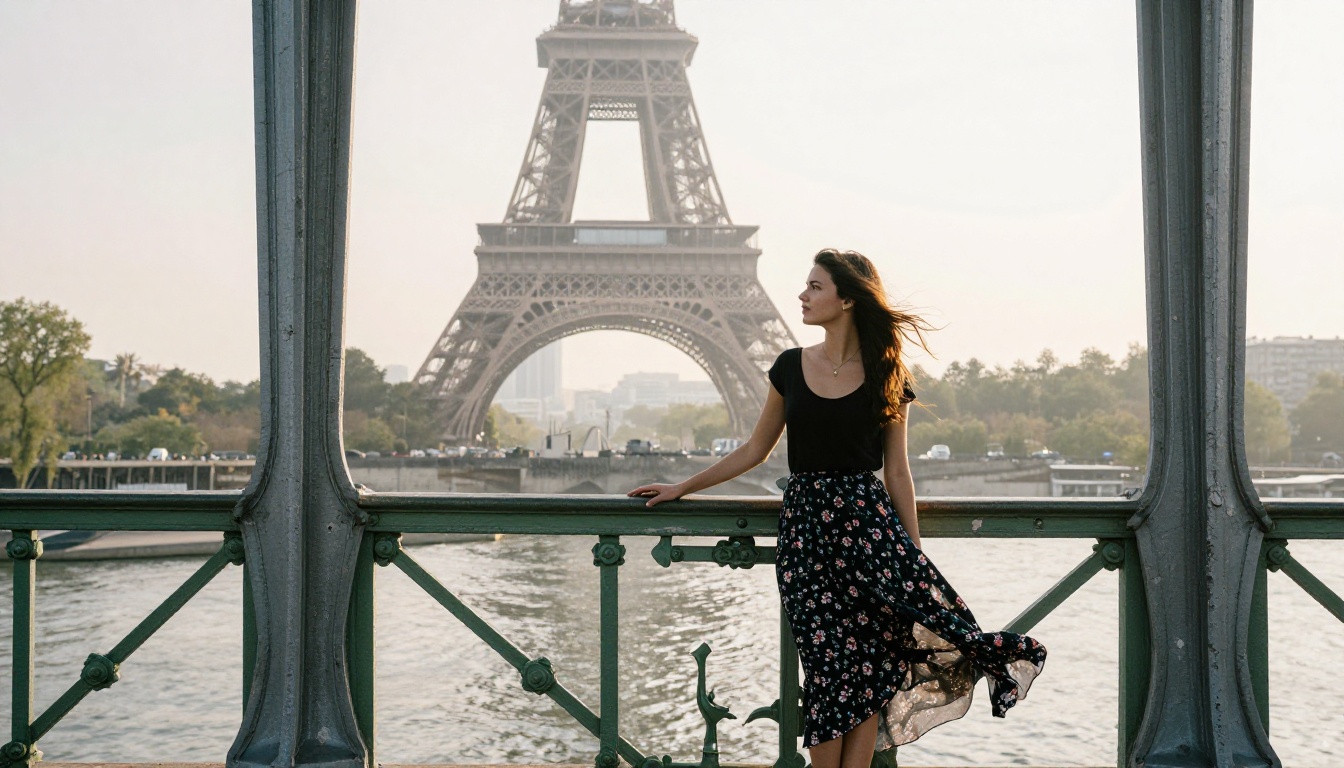
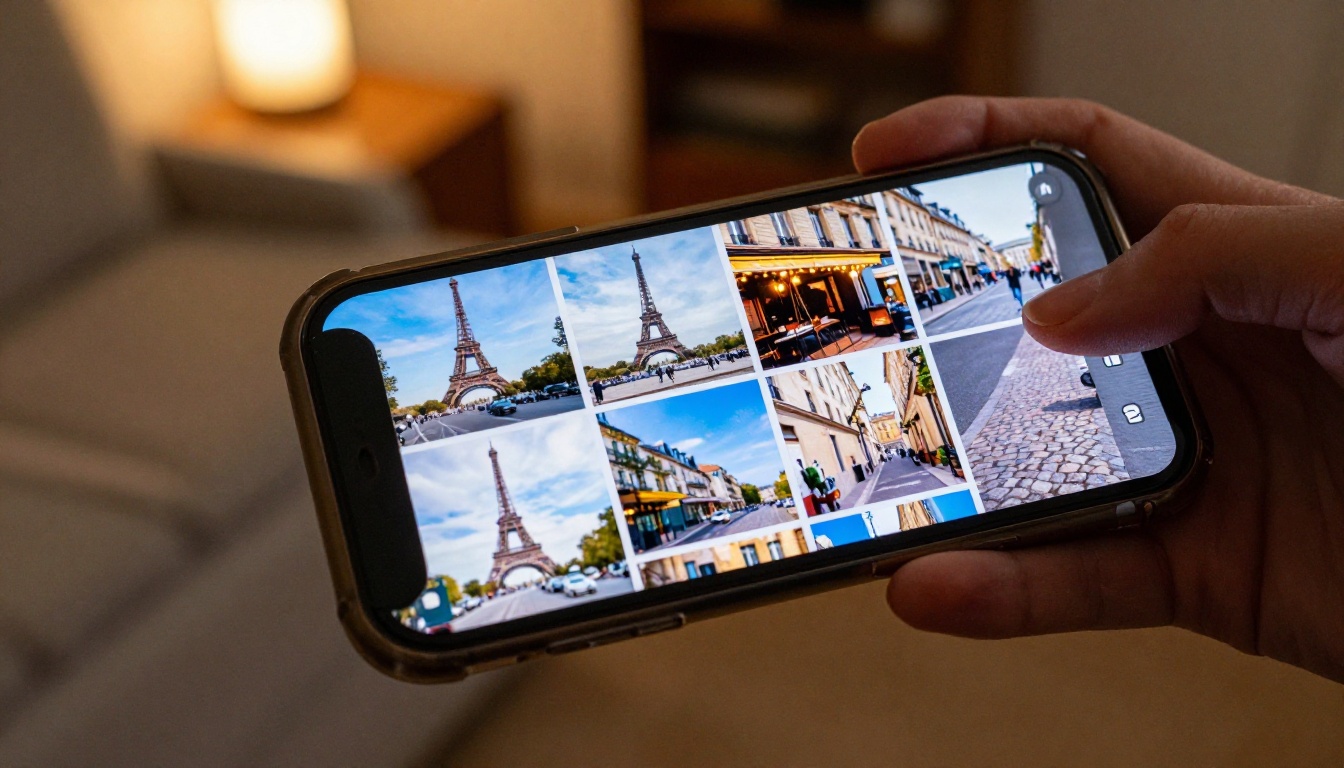
The first story posted. Then a second one (the bridge shot with the Eiffel Tower in the mist). Then a café interior. I was posting what looked like a full travel day in Paris. The comments were instant.
"You didn't tell anyone you were going??"
"How long are you there??"
"Bring me something back omg"
"The lighting in that café pic is INSANE"
That last comment was my favorite. Someone was complimenting the lighting. The lighting that I had typed into a text box.
What gave it away (eventually)
My sister called. She wanted to know why I hadn't told her I was going to France. I held out for about 30 seconds before I cracked and sent her the prompts I had used to generate the images.
Her response: "Wait. So this isn't real? None of this is real?"
She then went quiet for about two minutes and came back with: "Can you make one of me in Santorini?"
That's when I knew this was going to become a thing.
💡 The one thing that got slightly suspicious: one of my photos had a background figure with hands that looked slightly off. Someone noticed. For any image with multiple people, generate several variations and choose the one where background figures look most natural.
What Else You Can "Travel" To
Rome, Tokyo, Santorini
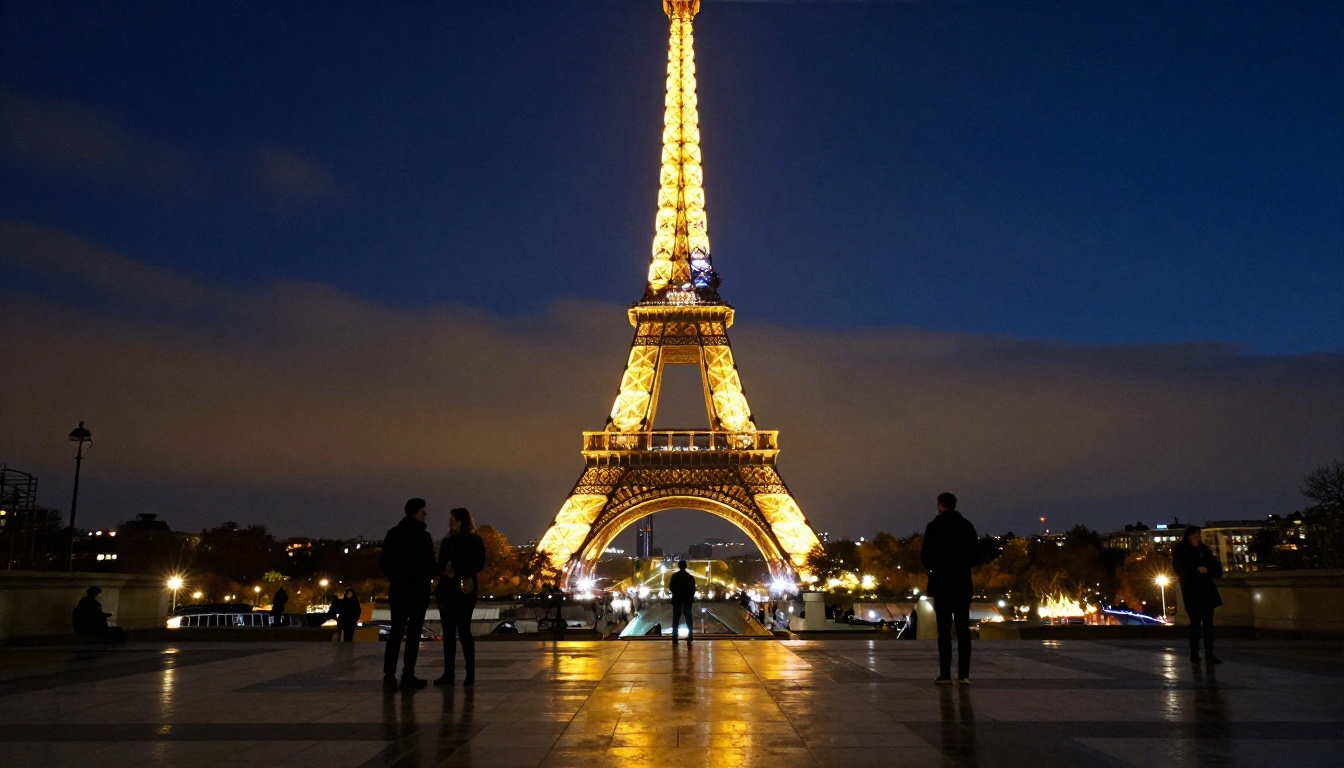
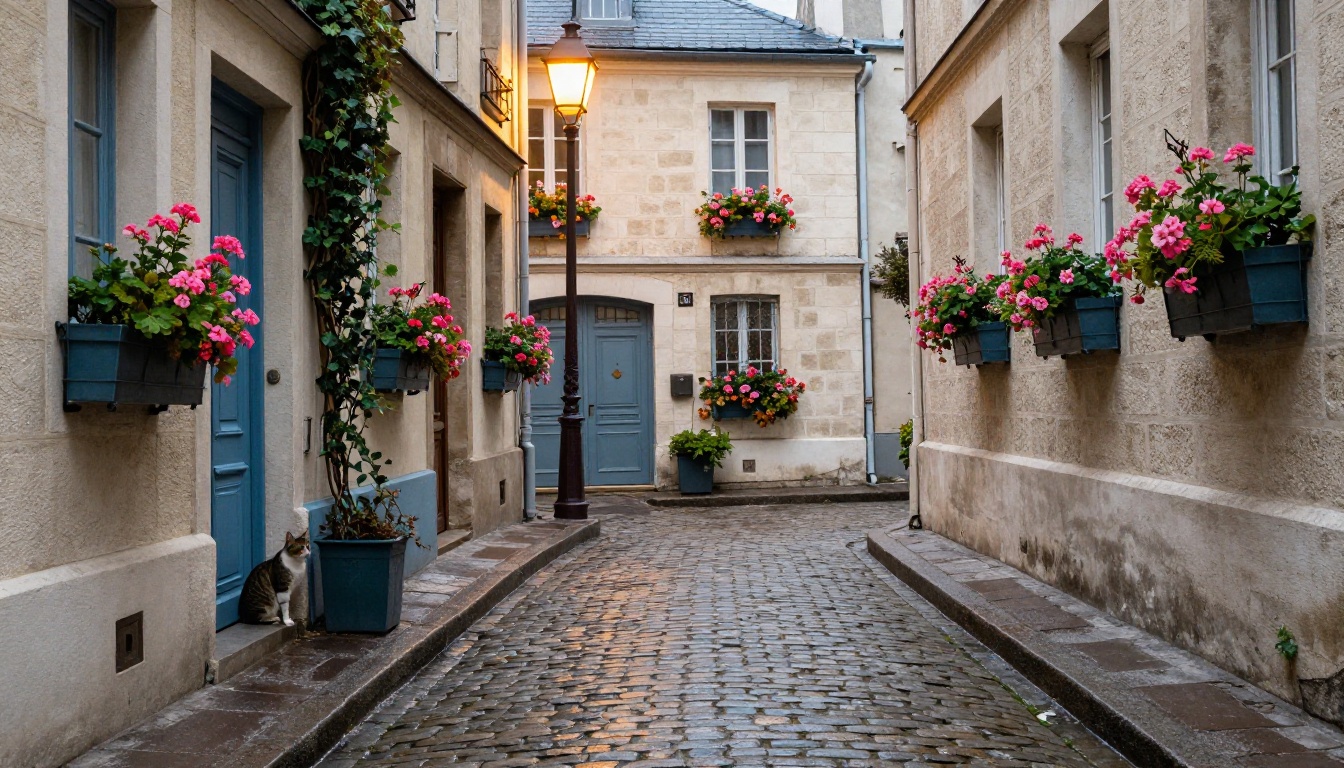
Paris is the obvious one because it has such strong visual markers: the Eiffel Tower, the bistros, the cobblestones. But any city with iconic architecture works just as well.
Rome: Colosseum at golden hour, pasta on a terrace, cobblestone streets near Trastevere
Tokyo: Shibuya crossing at night, ramen bars lit by paper lanterns, cherry blossoms in Ueno Park
Santorini: Blue-domed churches in Oia at sunset, whitewashed walls, cliffside terraces
New York: Brooklyn Bridge at dawn, corner delis, Central Park autumn leaves
The prompting logic is the same for each: identify the specific visual markers that make the location recognizable, give it precise lighting, and specify camera and film details for authenticity.
💡 Go for the non-obvious shot: Instead of the most famous angle of a landmark, try the side street version. "A narrow alley in Montmartre, not the main tourist view" reads more authentic than the Sacré-Coeur straight-on. People who actually travel have the side-street shots, not just the postcard angles.
AI travel content is a real trend
This isn't just a party trick anymore. A growing number of content creators are building entire travel accounts using AI-generated images. The content is good enough that audiences engage with it at the same rate as real travel photography.
For creators who want beautiful travel content but can't afford flights and hotels every month, AI image generation is a serious option. The models available in 2027 have caught up to the quality bar set by professional travel photography.
The distinction worth keeping in mind: transparency matters. Many creators who use AI images disclose it and frame it as "AI travel content" explicitly. That's become its own niche, with audiences interested in the creative process as much as the destinations.
| Destination | Must-Include Visual Markers | Best Lighting |
|---|
| Paris | Eiffel Tower, cobblestones, bistro chairs | Golden hour, overcast morning |
| Tokyo | Neon signs, narrow streets, vending machines | Blue hour, rainy night |
| Santorini | Blue domes, whitewashed walls, sea view | Sunset, golden hour |
| Rome | Colosseum, terracotta rooftops, cobblestones | Late afternoon, warm golden |
| NYC | Skyline, yellow cabs, brownstone steps | Blue hour, overcast |
Create Your Own "Trip" Right Now
The models are free to try. The barrier is basically zero. You type a description, you get a photorealistic travel photo, and you decide what to do with it from there.
GPT Image 2 is the best starting point for complex travel scenes with people and backgrounds. Seedream 4.5 is where you go when you want portrait-quality close shots. Wan 2.7 Image Pro handles wide architectural shots with 4K clarity. And P Image Upscale makes everything sharper before you post it.
The prompt I'd suggest starting with:
"A woman in her 30s standing in front of the Colosseum in Rome at golden hour, wearing a flowy sundress, one hand shielding her eyes from the sun. Warm amber light from the west, tourists blurred softly in the background. Shot on 50mm f/2, Kodak Portra 400 film grain, photorealistic, 8K RAW."
Change the location, the subject, the lighting, the outfit. Iterate until it's right. The cost: zero dollars and about ten minutes of your time.
My sister got her Santorini photo, by the way. It took me seven minutes and she's using it as her phone wallpaper.