The first time someone told me their selfie sold for $500, I thought they were exaggerating. A regular phone photo, taken in decent natural light but with no professional setup, no studio, no expensive camera. One pass through an AI upscaler and a background cleanup tool later, it was sitting in a stock photo library pulling in license fees. Months after that, the same photo was still earning.
This is what is happening right now in 2027. Ordinary people are taking ordinary selfies and turning them into sellable digital assets. The gap between a $0 snapshot and a $500 photo is often nothing more than a few seconds of AI processing.
The Day a Phone Snapshot Became a Product
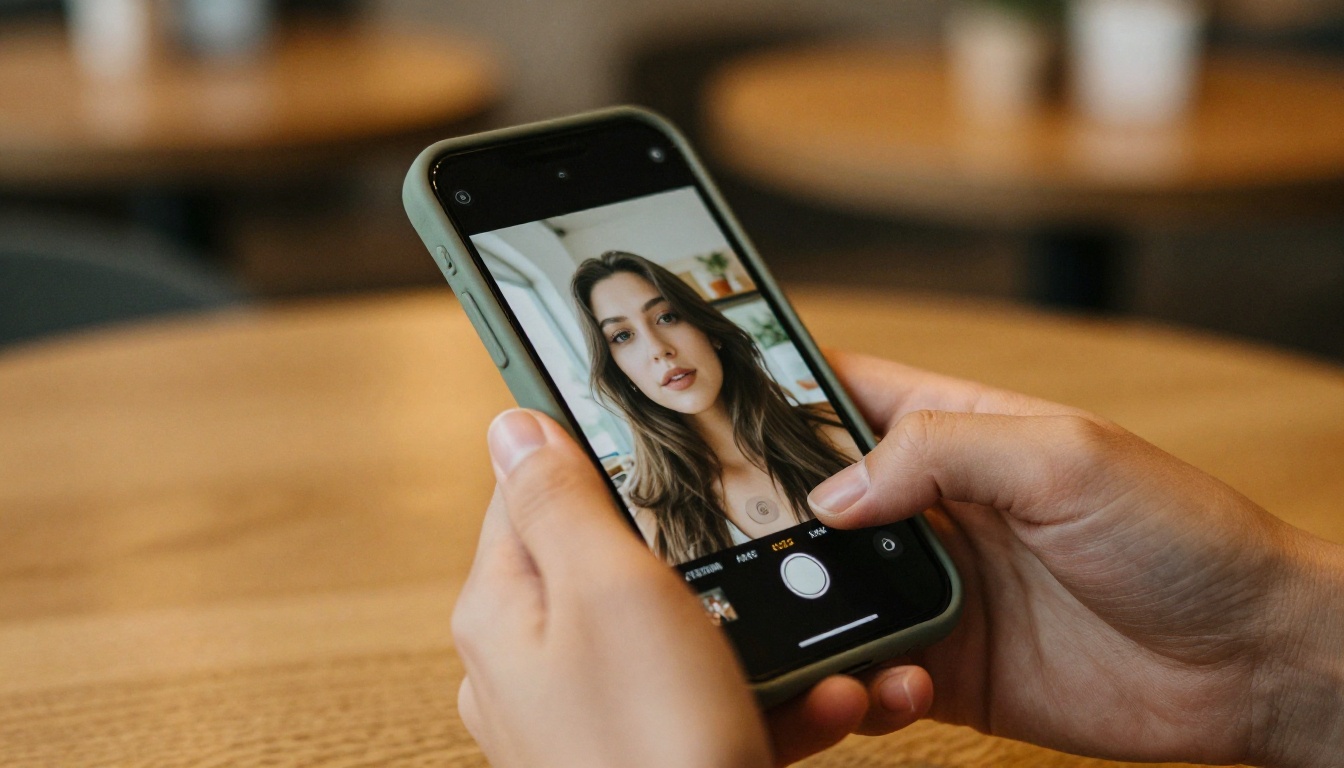
Most people take dozens of selfies a week and delete 90% of them. Low resolution, flat lighting, distracting backgrounds, soft focus. These are solvable problems. What changed recently is that AI can now solve all of them in a single step, and the output is good enough to sell on commercial stock platforms.
Stock photo buyers, marketing agencies, and social media content creators are constantly searching for authentic-looking portrait photography. They want real people, natural expressions, diverse faces. What they do not want is a blurry 8MP crop with harsh overhead lighting and a cluttered apartment behind the subject.
That is the gap. Your selfie has the authenticity they want. AI gives it the technical quality they require. The combination is worth real money.
What the AI Actually Does to the Photo
The before-and-after here is rarely dramatic in a fake, over-processed way. Good AI portrait work is subtle. There are four things it addresses:
- Resolution: A 12MP smartphone portrait upscaled 4x gives you a 48MP-equivalent file, sharp enough for large print formats and premium licensing tiers
- Background: A distracting wall or cluttered room becomes a clean neutral tone or a naturally lit setting that does not compete with the subject
- Lighting correction: Flat indoor light gains depth and directionality, matching what a proper studio setup would produce without any retouching
- Noise reduction: Grain from low-light shooting is cleaned without losing skin texture, preserving the authenticity that buyers pay for
The result looks like it was shot by a professional. Not because it was edited heavily, but because the technical flaws have been removed while the natural character of the photo stays intact. That distinction matters to buyers.
Why Buyers Pay for This
Stock photo buyers are ruthless about technical specifications. Images under 4MP at 300 DPI do not pass submission. Images with visible noise get flagged in review. Images with distracting or unprofessional backgrounds sit unsold regardless of how good the subject looks.
Once a photo clears those technical bars, authenticity becomes the differentiator. And authentic is precisely what an AI-processed selfie can deliver, because the underlying subject, expression, and personality all came from a real moment with a real person.
The $500 photo was not selling because it was technically flawless. It was selling because it looked real, it passed technical review, and it matched what buyers searched for: "young professional woman, casual portrait, natural light, clean background." That search query was being typed thousands of times per month.
How AI Makes a Mediocre Selfie Marketable
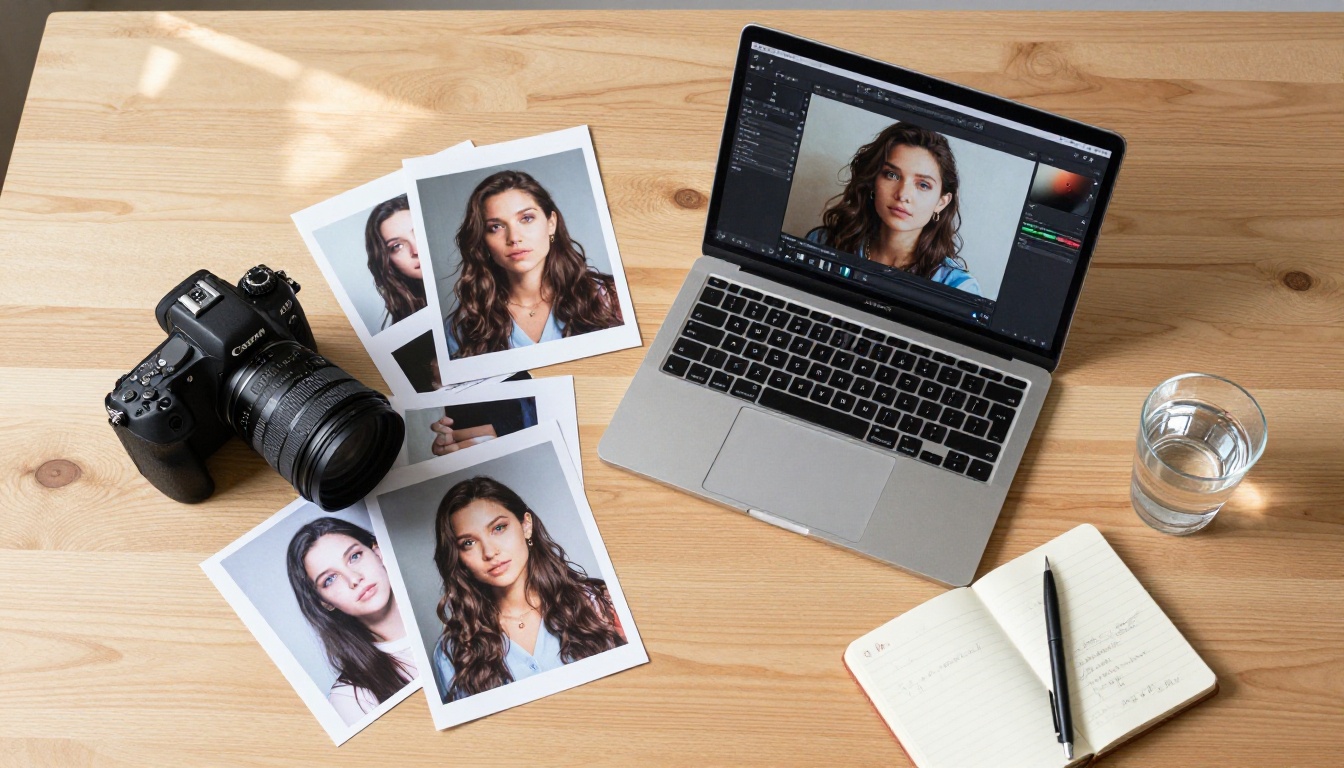
There is a workflow that works reliably. It is not complicated, but the order of operations matters more than people expect.
The Three Things AI Fixes Instantly
1. Resolution and sharpness
A typical selfie taken at arm's length with a modern phone produces roughly 10 to 15MP of usable pixels after cropping the face into frame. That is borderline acceptable for stock submission. Run it through an AI upscaler and you get 40 to 60MP equivalent resolution with reconstructed detail that holds up at 100% zoom. That is the difference between a rejection and an accepted submission.
2. Background clutter
The single biggest quality killer in a sellable selfie is the background. AI background removal is now accurate enough to cleanly cut around individual hair strands, which was not reliably possible a few years ago. Once the background is removed, you can composite the subject onto any clean surface, a gradient, or leave it transparent for buyers who need a cutout version.
3. Lighting depth
Flat, even, shadowless lighting reads as amateur. Natural, directional light with soft shadows reads as professional. AI portrait processing models can add this depth after the fact, repositioning a virtual light source to create dimension on the face without making the result look artificial.
Super-Resolution: The Step Everyone Skips
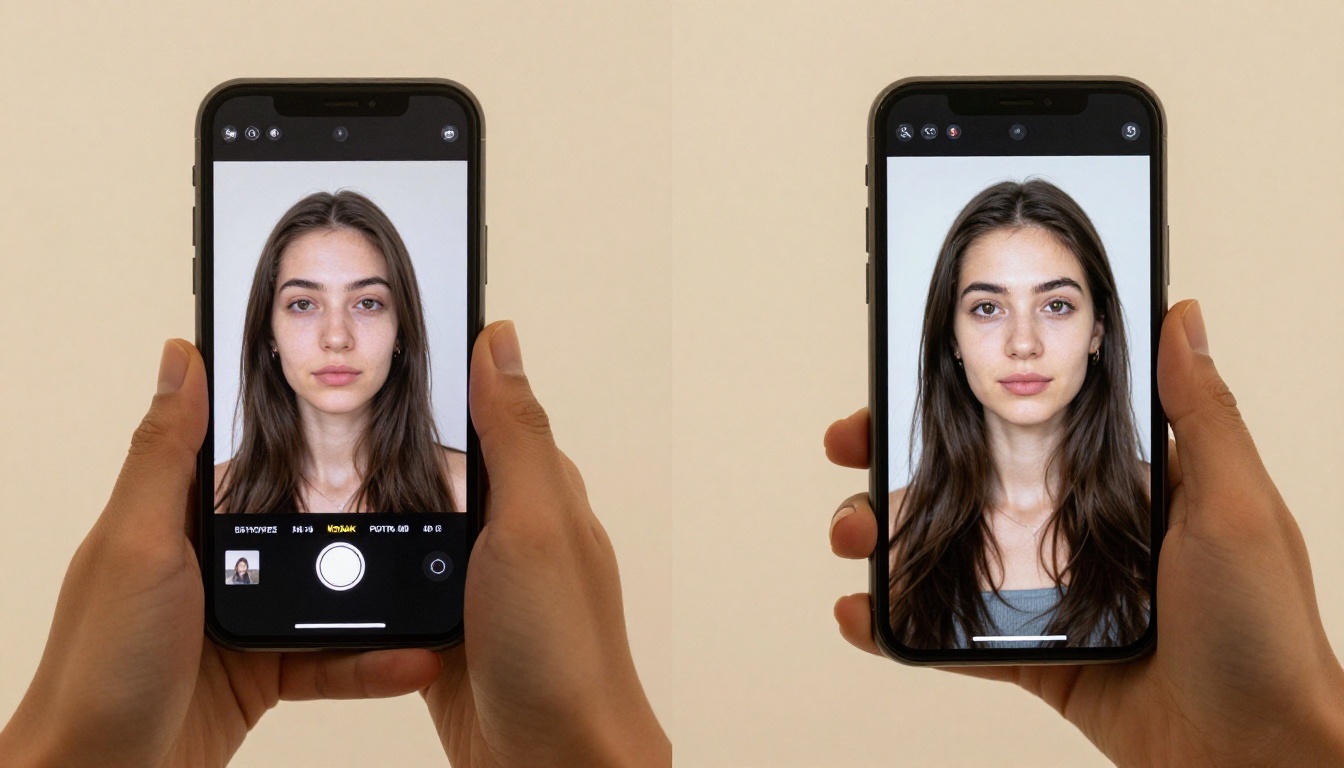
Most people who try to sell photos online skip the upscaling step entirely and wonder why their submissions get rejected or why their photos sit unsold at the low-volume editorial tier.
The standard for commercial-use stock photography is a minimum of 4MP, but premium libraries want 10MP or more at 300 DPI. The difference in licensing fees between editorial use and commercial use can be 5x to 10x per sale.
Crystal Upscaler is built specifically for portrait detail recovery. It reconstructs facial features, skin texture, and hair detail at 4x enlargement without the blurry, plasticky result that cheaper upscalers produce. For selfies in particular, where face detail is the primary subject, this makes a visible and measurable difference in output quality.
Real ESRGAN is the workhorse option. It was trained on a massive dataset of real-world degraded images, which means it handles the kind of soft, slightly blurry smartphone shots that make up most selfies particularly well. Consistent, clean 4x upscales without artifacts.
For the highest output quality and print market licensing, Image Upscale by Topaz Labs pushes resolution to 6x. If you are targeting large-format print licensing or premium commercial contracts, this is the right tool.
Where People Are Selling AI-Processed Photos
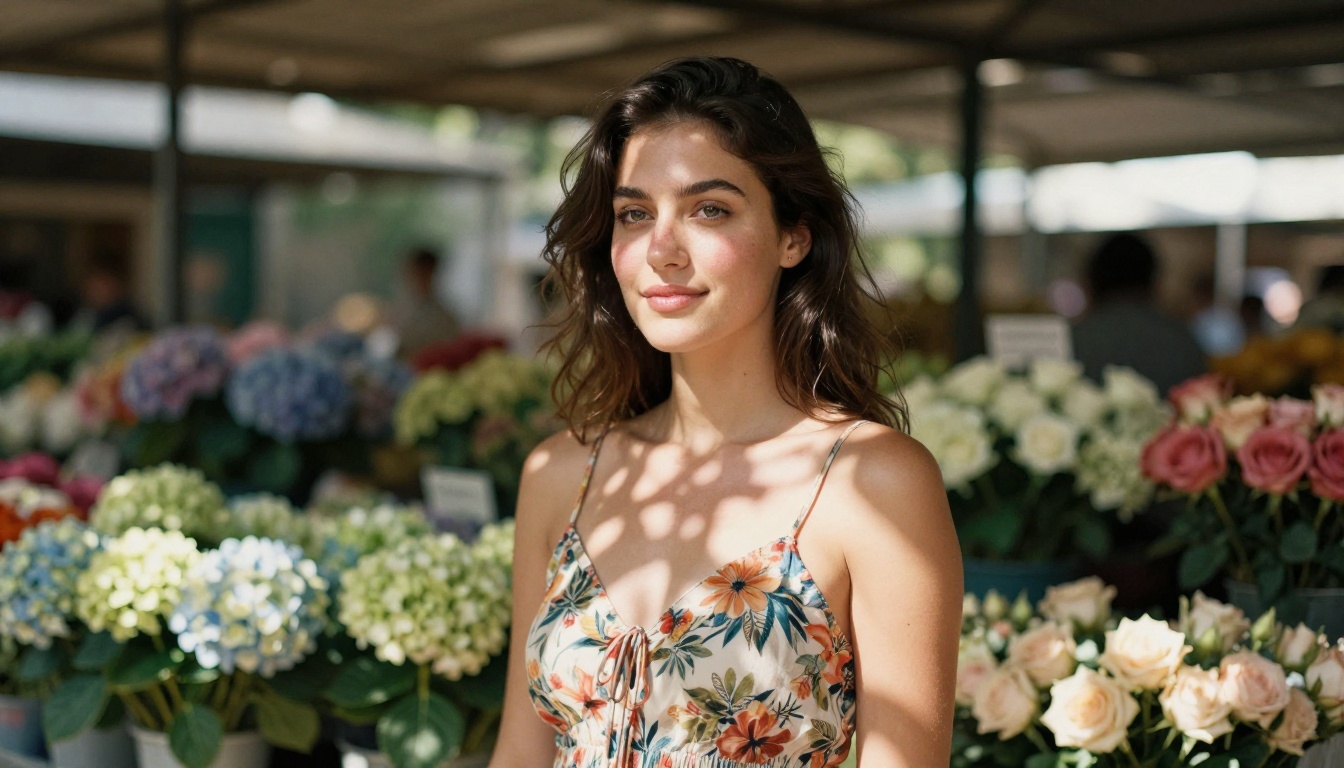
The market for authentic portrait photography is not shrinking. Marketing materials, social media ads, health and wellness brands, lifestyle publications: all of them need real faces. The demand is consistent, and it pays.
Stock Sites That Accept AI-Processed Work
Several major platforms now have explicit policies around AI-assisted photography. The distinction they draw is between a real photo of a real person that was improved with AI tools versus a fully synthetic AI-generated image of a fictional person.
- Adobe Stock accepts AI-processed photography with proper disclosure, and the portrait category is one of their most searched
- Shutterstock allows AI-assisted edits including upscaling, background replacement, and noise reduction as long as the underlying subject is real
- Getty Images via iStock accepts similar work through their contributor program with appropriate metadata disclosure
Your face, captured by a real camera, with AI-improved output: that clears the bar on all three platforms. A photo that was always technically good but technically flawed in small, fixable ways is now commercially viable.
Direct Sales and Social Revenue
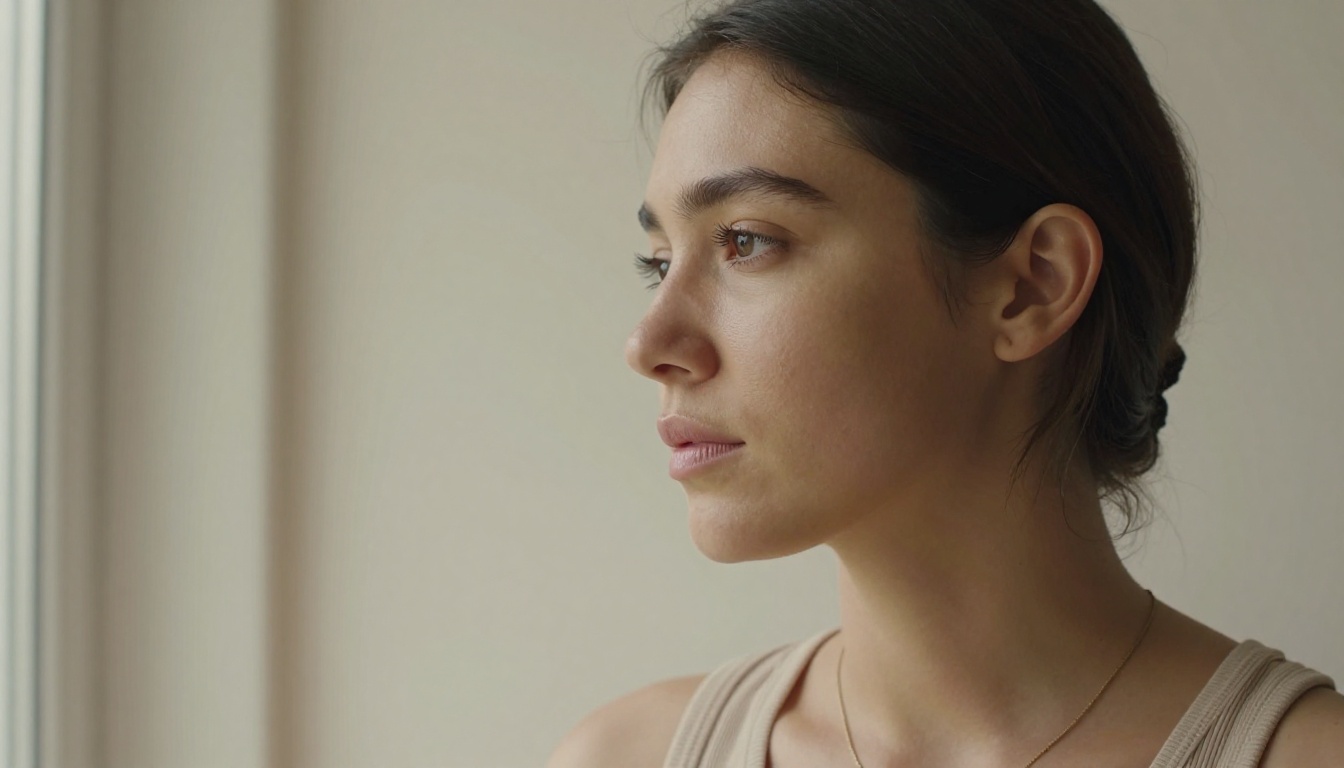
Stock libraries are not the only option. Three other channels have become reliable income sources for portrait photographers working with AI tools:
Etsy digital downloads: Curated portrait collections, AI-processed photo bundles, and personal brand photo packs sell consistently. The market rewards specificity: a cohesive set of 20 portraits shot in one aesthetic with consistent processing is worth more than 20 unrelated photos.
Direct licensing to small businesses: Local businesses, coaches, freelancers, and small brands constantly need authentic faces for their marketing materials. A set of 10 to 20 high-quality portraits in a specific demographic or style can command $100 to $300 per license from buyers who cannot afford a professional shoot.
Social content subscriptions: Some photographers build subscriber bases on Patreon or Gumroad around their AI-processed portrait work, offering monthly collections of premium, license-free images to subscribers who use them for blogs, social posts, or brand content.
The Exact Workflow, Step by Step

Here is the process that produces sellable output, in the correct order:
From Phone to Sellable Asset in Five Steps
Step 1: Shoot with intention
Natural light near a window, face at roughly 45 degrees to the light source. A genuine expression, not a performance. Plain background if possible, but do not let an imperfect background stop you since AI removes it cleanly. The starting photo quality directly affects the final output, so a reasonably well-lit shot gives you noticeably better results.
Step 2: Remove or replace the background
Use Remove Background by Bria to strip the existing background cleanly. This model handles complex hair edges and fine details with high accuracy. Export as PNG with a transparent background, or place the subject on a clean neutral tone that reads as professional in the final output.
Step 3: Upscale to commercial resolution
Run the background-clean portrait through Crystal Upscaler at 4x for standard stock submission. For print licensing or premium commercial use, use Image Upscale by Topaz Labs at 6x. Do not skip this step.
Step 4: Export at the right settings
JPEG at maximum quality (95 to 100%), sRGB color space, 300 DPI metadata. Most stock platforms require these exact specifications. Incorrect export settings are the most common reason technically good photos get rejected.
Step 5: Write accurate metadata
Title, description, and keywords are the difference between a photo that sells and a photo that sits unsold in your portfolio. Be precise: "Young woman in casual clothing, natural window light, clean background, lifestyle portrait, authentic expression." Buyers search these terms word for word.
💡 The most common technical mistake is exporting at 72 DPI for platforms that require 300 DPI. The pixel count can be identical, but the metadata tells the platform your photo is screen-only quality. Always set DPI to 300, even when the pixel dimensions are already large.
The Time Investment Per Photo
Once you have done this process a few times, the editing work per photo is under 10 minutes. Upscaling runs automatically. Background removal is one click and a brief touch-up for any missed edges. Metadata writing takes 3 to 5 minutes.
Batch-processing 20 photos from a single shooting session takes 2 to 3 hours total. The resulting portfolio can realistically earn $200 to $500 over its lifetime in cumulative licensing fees, continuing to earn passively after the initial work is done.
What Buyers Are Actually Looking For

Knowing what buyers search for changes how you shoot and what you choose to process.
The Specs That Matter
Commercial buyers prioritize these qualities in order of importance:
- Emotional authenticity: Does the expression feel genuinely human, not performed for a camera?
- Versatility: Can this image be placed in multiple contexts without looking out of place?
- Technical quality: Is the photo sharp at 100% zoom? Does it meet resolution requirements?
- Model release status: Is there a signed release form enabling commercial licensing?
The first two are about the original photo. AI processing handles the third. The fourth requires a signed form, which takes about five minutes for your own selfies and activates the commercial licensing tier where the real fees are.
What Sells Right Now
The portrait categories with the strongest demand in 2027:
- Authentic casual portraits: Real people in real settings, natural rather than staged
- Diverse representation: Specific demographics that remain underrepresented in stock libraries
- Wellness and lifestyle: People in aspirational but believable, non-fantasy settings
- Remote work and technology: People with laptops and phones in casual professional contexts
💡 Search the autocomplete on Adobe Stock or Shutterstock before you shoot. The suggestions tell you exactly what buyers are actively searching. Building a shooting session around two or three high-demand search terms dramatically increases the odds of consistent sales.
3 Mistakes That Kill the Sale
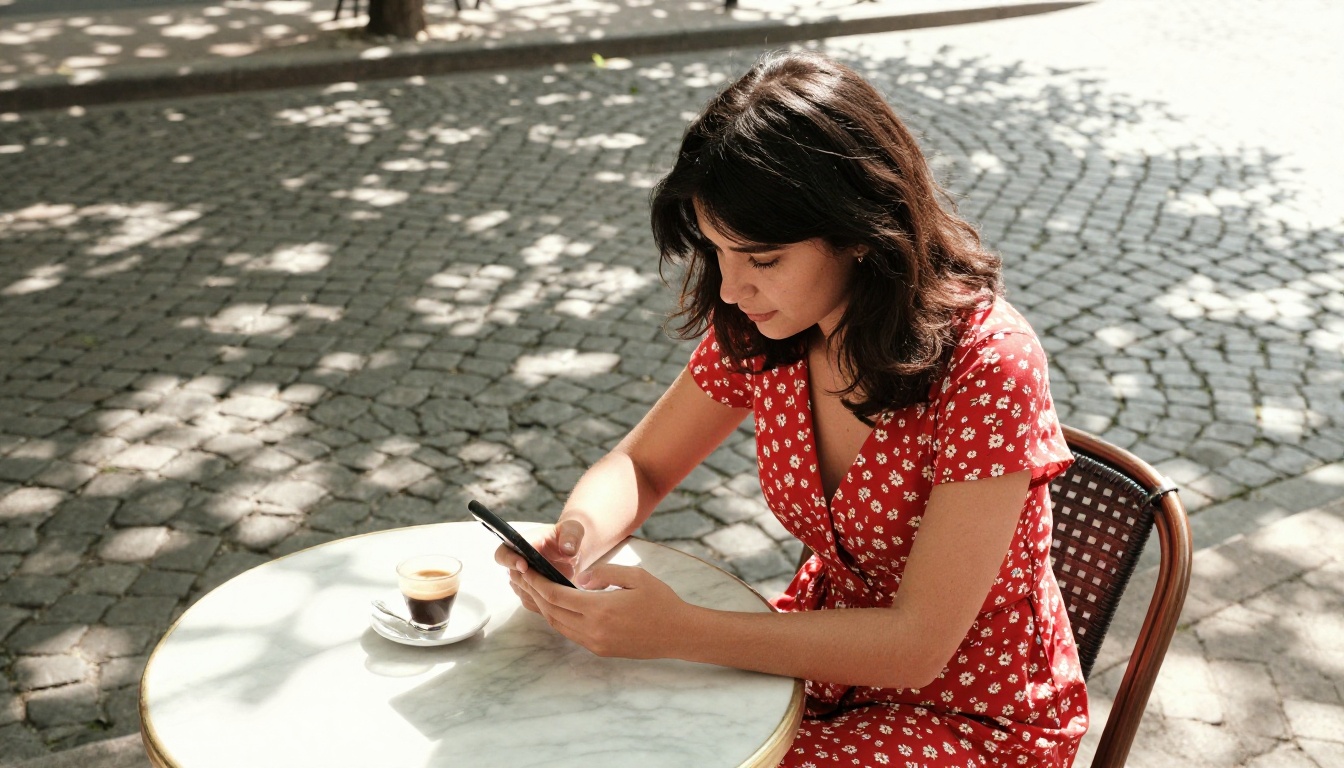
Most people who fail at monetizing portraits make the same three errors repeatedly.
Over-Processing Destroys Authenticity
The most common mistake is stacking too many AI tools on the same photo. Upscaling is correct. Background removal is correct. But adding relighting on top of skin smoothing on top of AI sharpening on top of another processing pass produces images that look synthetic and over-worked.
Buyers can tell. Photos that fail quality review or sit unsold are almost always over-processed. One or two targeted improvements, not a full pipeline of every available tool, is the right approach.
Wrong Export Format
JPEG exported at 72 DPI gets rejected by most commercial platforms. HEIC files from recent iPhones are not accepted without conversion. Files under 4MP get auto-flagged regardless of how well the photo was shot.
These are entirely avoidable errors. If your source file is small or low resolution, Recraft Crisp Upscale or Recraft Creative Upscale will fix the resolution issue. Then export as high-quality JPEG with 300 DPI metadata.
Missing Model Releases
A technically perfect portrait is commercially unusable without a model release. For your own selfies, this is straightforward: sign your own release form. Most stock platforms provide a standard template in their contributor portal. It takes five minutes, it is required for commercial licensing, and skipping it is the single biggest revenue loss most new contributors make.
Portraits without releases can only be sold as editorial use images, which carry lower fees and far fewer buyers than commercial licensing.
Your First $500 Photo Is One Selfie Away
There is no expensive equipment required here. No studio rental, no professional photographer, no complex setup. A smartphone, decent natural light from a window, and less than 10 minutes of AI processing separates a $0 snapshot from a photo that earns money.
The tools that make this possible are all available in one place. Picasso IA brings together every AI model in the workflow: portrait upscaling with Crystal Upscaler, background removal with Remove Background, print-ready resolution with Image Upscale by Topaz Labs, and additional options like Recraft Creative Upscale for photos that need more than straight sharpening.
Take a selfie today. Run it through the five-step workflow above. Submit it to one stock platform with accurate metadata and a signed model release. That photo could still be earning license fees two years from now while you are already working on the next batch.
The only thing between your current photo library and a passive income stream is the processing step. Now you know exactly what it looks like and where to do it.


