It started with a single video. Sixty seconds of photorealistic footage: a woman walking through a rainstorm in Tokyo, every droplet catching the neon reflections, every strand of hair moving with the wind. The caption read: "Made this in 3 minutes with no camera." That post crossed 14 million views in under 48 hours. That is the moment AI video generation stopped being a novelty and became the tool quietly rewriting how TikTok content gets made. Creators who understand what is happening right now are gaining an advantage that is very hard to close once it opens up.
Why AI Video Is Taking Over TikTok
The numbers behind AI content on TikTok are no longer early-adopter statistics. Videos tagged with #AIGenerated, #AIVideo, and #TextToVideo have accumulated billions of combined views in 2024. But the more interesting data point is not the volume, it is the source. The highest-performing AI content does not look AI-generated. It looks like expensive production. That shift, from "AI art" to "content that could have been filmed," is what changed everything.
The Scroll-Stop Factor
TikTok's algorithm rewards one thing above everything else: watch time. When a video stops someone from scrolling, that signal gets amplified across the recommendation engine. AI-generated content, specifically photorealistic text-to-video clips, has an almost unfair structural advantage here. People stop because they cannot process what they are watching. Is this real? Was that filmed? How did they make that?
That three-second window of confusion is worth millions of impressions. Creators who understand this are building entire content strategies around the moment of uncertainty.
Who Is Actually Making This Content
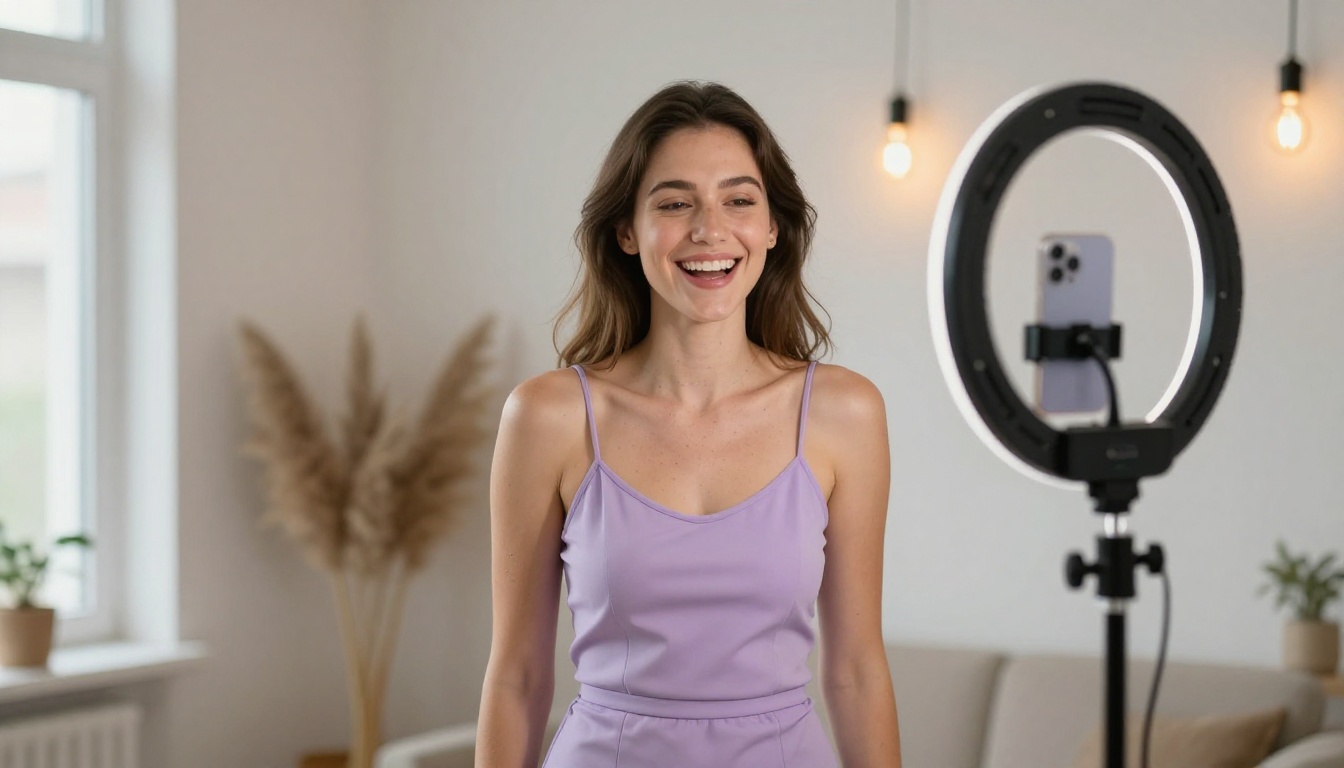
The creators driving AI content growth are not just tech enthusiasts. Beauty accounts are using AI to generate editorial-quality portraits without hiring a photographer. Travel creators are producing footage of destinations they have never visited. Music artists are dropping lyric videos with cinematic AI visuals built directly from the track description. Fitness coaches are generating motivational B-roll that would have required a full production team six months ago.
The common thread across all of them: they found tools that eliminated the production barrier between having an idea and posting that idea. The time between creative concept and published video has collapsed from days to minutes.
The AI Video Models Behind the Viral Content
Not all text-to-video models produce the same quality, and the gap between the current top tier and everything else is now wide enough to directly affect how content performs. The creators posting the most-watched AI video content are using a specific set of models, and those models are available to anyone.
Kling: The Model Everyone Is Talking About
Kling v3 Omni Video has become the most-referenced model in AI creator circles. It handles complex motion physics at a level that consistently surprises people: fabric moving in wind, hair dynamics, water surfaces, fire behavior, all render with a physical weight that cheaper models cannot replicate. It generates 1080p video with native audio from a text prompt, which removes an entire post-production step from the workflow.
For creators who start with a strong hero image, Kling v2.6 offers image-to-video animation that preserves the source image while adding natural, flowing motion. This is the model behind most of those "my photo came to life" videos that hit the For You Page on a daily basis. The motion does not look like an effect. It looks like the original image was always a video that someone paused.
Kling Avatar v2 goes one step further, animating any face into a full video with controlled expressions and motion. For creators building character-led content, this is a significant tool.
Why it works on TikTok: The motion in Kling outputs has a cinematic weight to it. It does not read as AI-generated filler. It reads as B-roll from a real shoot, which is exactly what the algorithm rewards.
Veo 3 and the Native Audio Revolution
Google's Veo 3 changed the conversation about AI video in a way that is still being absorbed by creators. It generates synchronized audio directly alongside the video, not as a separate step requiring manual syncing. Ambient noise, crowd sounds, dialogue, weather effects, all synthesized from the same prompt that drives the visual output.
The upgraded Veo 3.1 delivers 1080p resolution with improved temporal consistency, meaning subjects stay stable across frames instead of drifting. For TikTok, where audio is half the experience and where the algorithm actively uses audio engagement as a ranking signal, native audio generation is a direct competitive advantage.
💡 Veo 3 tip: Write sound into your prompts explicitly. Phrases like "the sound of rain hitting a tin roof", "low ambient coffee shop noise", or "sharp footsteps on wet pavement" dramatically improve audio output quality. The model responds to specific acoustic descriptions, not generic ones.
The fast variant, Veo 3.1 Fast, cuts processing time for creators who need faster iteration cycles.
Pixverse and the Volume Strategy
Pixverse v5.6 is built for speed and consistency at scale. While some models prioritize absolute peak quality at slower speeds, Pixverse is optimized for quick turnaround without a significant quality penalty. This makes it the preferred model for creators who post daily or multiple times per day.
The workflow most Pixverse creators use: batch-generate 15 to 25 clips in a single session, then select the best three or four for posting. More outputs mean more chances to hit a scroll-stopping moment. The conversion rate on a batch of 20 Pixverse clips is high enough to sustain a daily posting schedule without running out of material.
Pixverse v4.5 offers a slightly longer processing time with improved cinematic motion for creators who want to balance speed with quality on longer clips.
Seedance 2.0: When Characters Need to Move
Seedance 2.0 from ByteDance is currently the benchmark for human character motion. Gestures, body language, subtle facial expressions, and natural walking cycles all render with unusual accuracy. For creators building character-driven narrative content, dance videos, or storytelling clips, Seedance consistently outperforms competitors in the "does this person look real" test.
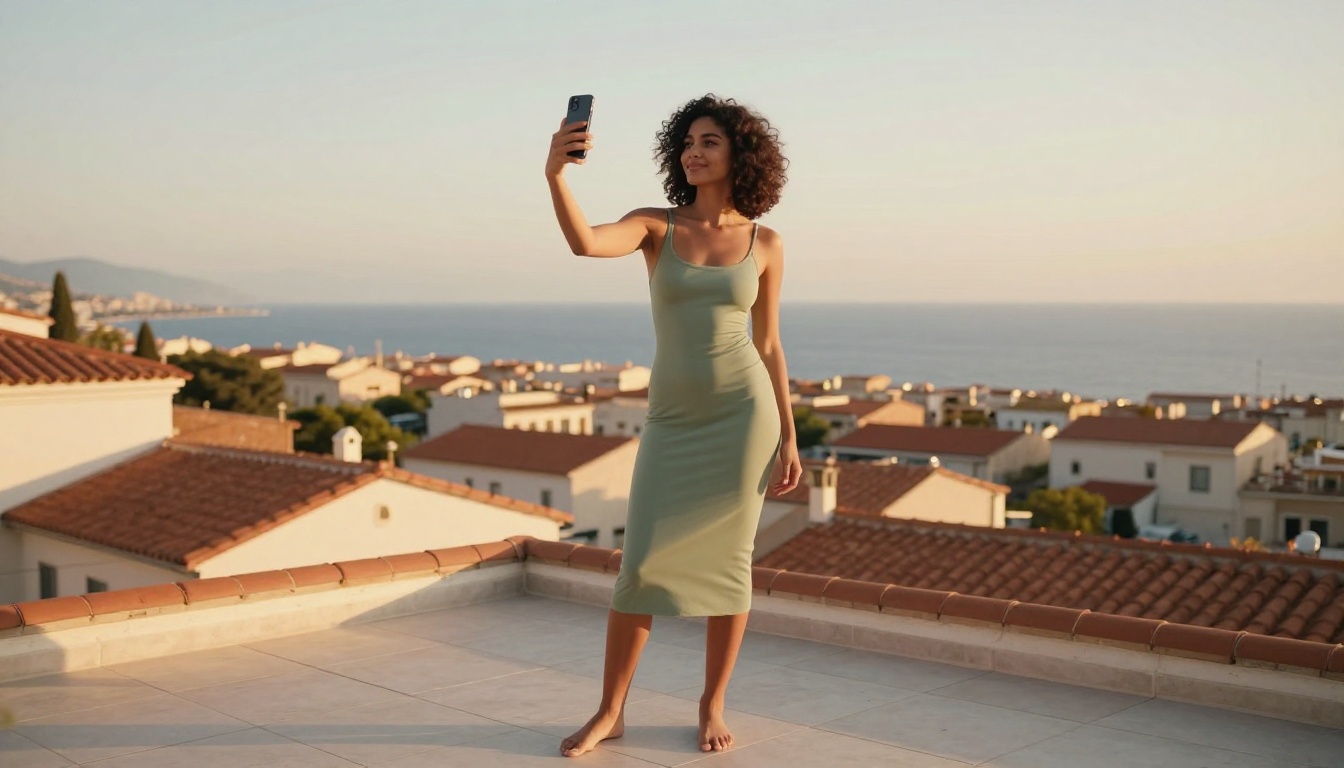
The predecessor Seedance 1.5 Pro includes native audio generation and remains a strong option for creators who want character-focused output with sound already included. For high-volume creators, Seedance 2.0 Fast cuts processing time significantly without a major quality drop.
Hailuo 02: The Photorealism Benchmark
Hailuo 02 from Minimax generates footage that is routinely mistaken for real camera work. The model has a specific strength in environmental detail: lighting conditions, atmospheric effects, surface textures. A sunset over water, a rain-soaked street at night, a hazy morning in a mountain valley. These scenes come out with a physical presence that cheaper models simply cannot match.
💡 Hailuo prompting: Write your prompt as if briefing a cinematographer. "Golden hour backlight from the upper left, 35mm lens, subject in soft focus foreground against a sharp background, slow pan right" produces dramatically better results than "cinematic woman walking."
The Lipsync Wave Nobody Predicted
While text-to-video grabbed every headline, a parallel trend quietly became one of the highest-engagement content formats on the platform: AI lipsync. Take any photo or video, attach an audio track, and the AI makes the subject's lips match the words with convincing accuracy. The results range from genuinely funny to deeply strange to startlingly realistic, and each variation hits differently with audiences.
The format works on TikTok for a specific psychological reason. The brain recognizes lip movements as one of the most fundamental signals of human communication. When those movements sync to unexpected audio, especially audio the subject could never have produced, the dissonance creates exactly the kind of cognitive interrupt that keeps viewers watching through to the end.
What Creators Are Doing With Lipsync
The sub-formats within lipsync content have multiplied rapidly. Historical figures reacting to current events. Pets "speaking" in human voices. Brand mascots delivering scripted pitches. Classic paintings delivering stand-up comedy. Each iteration earns millions of views precisely because the viewer's brain cannot fully accept what it is processing.
Omni Human 1.5 from ByteDance is currently the most-used tool for this format. It generates a full talking video from a single static photo, complete with natural head movement, lip sync to any audio, and subtle facial expressions that were never in the original image. The output looks like real video footage from something that was never filmed.
For animating existing video clips rather than static photos, Kling Lip Sync and Lipsync 2 Pro offer the most accurate mouth-to-audio synchronization currently available. The technical difference between average and excellent lipsync comes down to the precise boundary between the lips and the surrounding skin. Both tools handle this boundary with unusual accuracy.
For creators working across multiple markets, Video Translate enables full dubbing into 150+ languages with matching lipsync. A video originally recorded in English becomes 12 localized versions in an afternoon. The multilingual content strategy is growing fast among creators who want to reach audiences outside their native language market.
Fabric 1.0 from Veed handles quick talking-head animations from photos with a fast processing time, suited for creators who need to turn around lipsync content at speed.
How to Create Viral AI Content: What Actually Works
There is a gap between generating AI content and generating AI content that performs. After analyzing thousands of AI-generated TikToks, the patterns are consistent enough to be actionable.
Prompts That Stop the Scroll
The best-performing AI videos share one characteristic: specificity in the prompt. Vague prompts produce vague results. The difference between "a woman walking in the rain" and "a 25-year-old woman in a cream trench coat walking slowly down a narrow Tokyo alley at midnight, hard rain falling, neon signs reflected in deep puddles, shot from behind at knee height, 35mm lens, slow motion" is the difference between forgettable and viral.
Prompt structure that consistently delivers:
- Subject: Who or what, with specific visual details (age, clothing, expression)
- Environment: Location, time of day, season, weather conditions
- Lighting: Direction, quality, color temperature, shadow behavior
- Camera angle: Perspective, distance, lens type, motion
- Atmosphere: What the scene feels like to a viewer standing in it
The creators posting the most-watched AI content write prompts the way directors write shot descriptions: every element is intentional and specific.
3 Mistakes That Kill Performance
-
Adding quality adjectives instead of descriptions: Words like "cinematic", "epic", and "stunning" do not help. Models respond to concrete descriptive details, not adjectives about the desired quality level. Replace "cinematic lighting" with "golden hour backlight from upper left creating rim light on subject's shoulders."
-
Ignoring the first frame: On most platforms, the first frame is the thumbnail. Generate multiple outputs from the same prompt and choose the one with the strongest, most arresting opening composition. The thumbnail determines whether someone clicks at all.
-
Skipping intentional audio: TikTok content with no audio strategy underperforms consistently. Use a lipsync tool to add dialogue, an AI music generator to score the clip, or select trending audio that matches the visual energy. The audio layer is not optional.
What the Algorithm Rewards
TikTok's recommendation system responds to specific behavioral signals that AI-generated content can directly optimize for:
- 3 to 8 second clips with seamless loops: Higher replay rates signal strong content and get pushed further
- Central subject with vertical crop: Less wasted frame space, more visual impact in the 9:16 format
- Payoff in the first 1.5 seconds: The hook must deliver before the viewer's thumb moves
- Audio-visual alignment: Content where the mood of the visuals matches the energy of the audio performs significantly better than content where these elements are disconnected
AI video tools now let a single creator produce content at the volume and visual quality that previously required a team of three to five people. That production asymmetry is the structural reason AI-generated content is beginning to dominate certain content categories on the platform.
What the Next Six Months Look Like
The models currently being used for viral TikTok content are not the ceiling. They are the floor. LTX 2.3 Pro already generates 4K video from text prompts, a resolution that exceeds most viewing screens. Sora 2 from OpenAI combines cinematic motion with built-in audio synthesis. Wan 2.7 T2V pushes the image-to-video pipeline to 1080p with dramatically improved detail retention across long sequences.
The convergence happening right now, video quality plus audio generation plus lipsync precision, is pointing toward a single workflow: prompt in, finished TikTok out. No filming. No audio recording. No post-production. That workflow is not a concept. It is partially here, and the remaining gaps are closing faster than most people expect.
The creators who build real familiarity with these tools right now are establishing an advantage that compounds over time. Content strategy knowledge, prompt engineering intuition, and model-specific technique all transfer forward. The learning you do in 2024 applies to every model that comes after it.
💡 Worth noting: The most successful AI content creators are not the ones with the best prompts. They are the ones who post consistently, learn from what performs, and iterate quickly. Volume and speed of feedback matter more than perfection on any single output.
Start Making Content Right Now
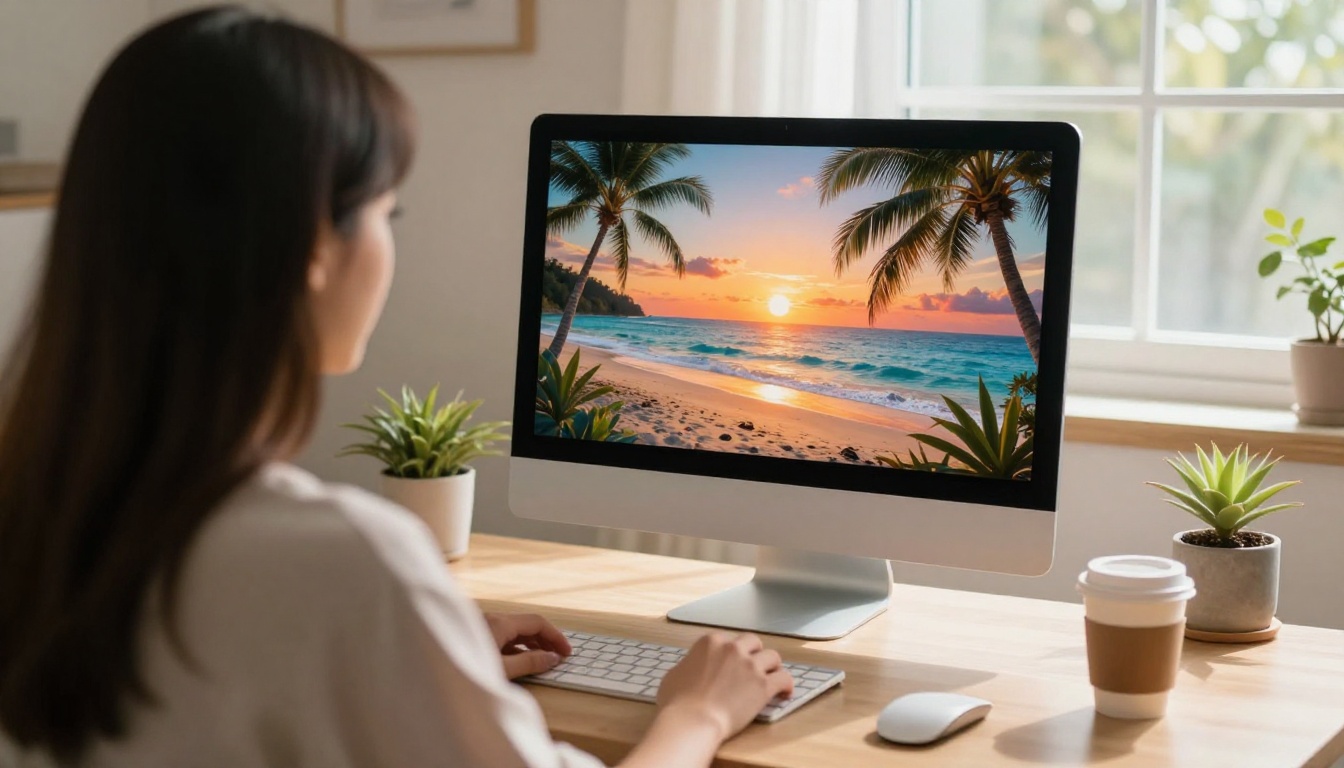
Every tool covered in this article sits in one place: the PicassoIA platform. No separate accounts, no API tokens, no technical configuration. You write a prompt, select a model, and generate. That is the complete workflow for someone starting today.
The most effective way to get started is not to read more about what works. It is to generate 10 clips, post the best three, and pay attention to which ones the algorithm picks up. The feedback you get from real viewers in 48 hours is worth more than any amount of theory about AI content strategy.
Pick a model from this article. Write a specific prompt using the structure above. Generate several outputs. Post the strongest one. Then do it again with one thing changed.
The For You Page has an appetite for well-made AI content that it is not yet being fully fed. The creators who are there first, with content that looks real, moves well, and sounds intentional, are the ones collecting that attention right now.
The window is open. All the tools are ready.


