Most people flip on Grok Imagine's Spicy Mode expecting something close to an uncensored AI image generator. What they actually get is more complicated, and the gap between expectation and reality is where these three surprises live.
Grok, built by xAI, added Spicy Mode as a setting inside the Aurora image model to allow more suggestive creative output. The toggle is real. But so are the limits, the tradeoffs, and the fine print. If you've been using Spicy Mode and wondering why the results still feel restrained, or why some prompts still get softened or rejected, this breakdown is for you.
What Spicy Mode Actually Turns On
Before diving into the surprises, it's worth being precise about what the toggle actually does. Spicy Mode in Grok Imagine lowers the conservative content safety threshold that Aurora applies during inference. It doesn't remove the model's underlying training filters. It doesn't bypass xAI's moderation API layer. What it does is reduce restriction on suggestive content, bikinis, implied nudity, and sensual poses, but it operates within a still-active policy envelope.
This matters because most users assume a toggle labeled "Spicy" means "no rules." The reality is more like "fewer rules, in specific categories, monitored in real time." The platform's infrastructure still logs every prompt, still applies downstream filters, and still reserves the right to soft-refuse outputs that trip certain internal thresholds, even when Spicy Mode is active.
💡 The setting lowers the threshold. It does not eliminate it. Understanding this is the entire ballgame when it comes to knowing what you can actually do with Grok Imagine.
Surprising Thing #1: The Filter Never Really Leaves
This is the one that catches the most people off guard. After turning on Spicy Mode, a substantial category of prompts still get soft-refused or silently sanitized. The model outputs something, but it's not what you asked for. This happens because the Aurora model running behind Grok Imagine carries two separate layers of content management: one baked into the weights during training, and one applied at inference time through the API layer.
Spicy Mode touches the second layer. The first layer doesn't move.
What Still Gets Blocked
xAI's Aurora model was trained with a content policy embedded in the weights. Spicy Mode adjusts the inference-time controls, but it cannot retrain the model. The result is a category of outputs where the model generates something, but the image has been automatically made more conservative than the prompt intended, with no error message and no explanation.
Specific patterns that consistently trigger silent filtering even with Spicy Mode on:
- Any prompt involving specific celebrity likenesses in suggestive scenarios
- Prompts that combine suggestive content with detailed realism descriptors that the model interprets as identifying a real person
- Content involving implied minors in any context, regardless of framing
- Sexually explicit scenarios, no matter how they are worded or abstracted
- Scenarios that mix nudity with coercion language or power-dynamic framing
The second item in that list catches adult content creators the most. You're not requesting anything illegal. You want a stylized portrait of a fictional character in swimwear, described in detail, and the model decides your description sounds too specific and sanitizes the result without notifying you it did so.
Where the Line Actually Sits
The practical limit of what Spicy Mode allows is glamour and suggestive fashion photography, implied nudity with artistic framing, and confident sensual poses in appropriate settings. Think editorial fashion spread, not explicit content. Think beach photography, not bedroom photography.
For many creators, this is sufficient. For those who want more latitude, the tool becomes a frustration point quickly. Those users have been moving to platforms built specifically for adult-adjacent image generation, where limits are written out clearly rather than enforced invisibly.

Surprising Thing #2: Your Image Quality Takes a Hit
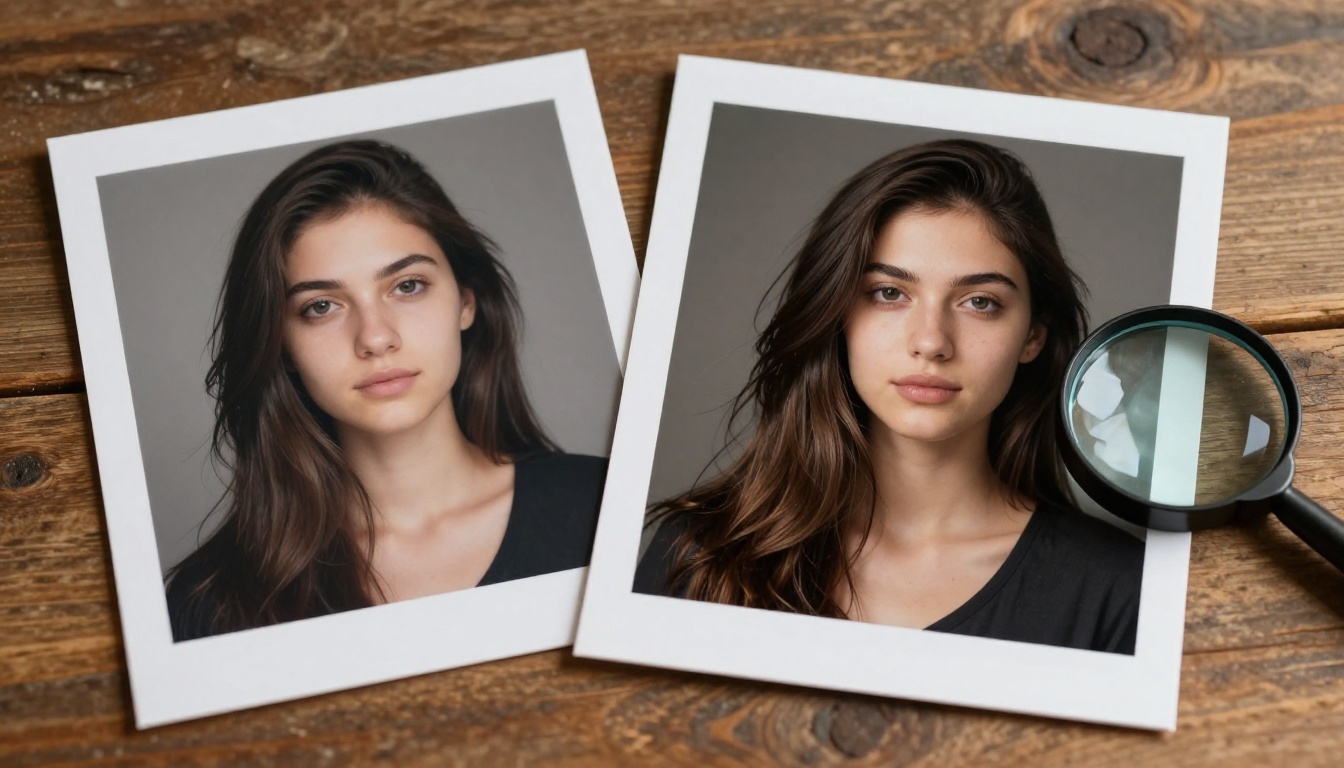
This one goes largely unreported in the Grok Imagine community. Enabling Spicy Mode doesn't just change the content threshold. It appears to affect the image quality pipeline itself. Multiple users running identical prompts in standard mode versus Spicy Mode have observed measurable differences in sharpness, detail rendering in hair and skin, and background coherence. Spicy Mode results trend softer with more artifacting at edges.
Why Spicy Mode Produces Softer Results
The most credible explanation is that Aurora in Spicy Mode uses a different inference configuration, possibly a different guidance scale or modified sampling strategy, one that allocates generation capacity toward managing the content compliance task rather than toward maximum fidelity.
When the model is simultaneously managing content constraints while trying to fulfill your prompt, it can't put its full weight behind either task. The images that come out are technically correct, but they don't carry the crispness you'd get from a model that isn't splitting its attention.
This shows up most clearly in the following categories:
| Attribute | Standard Mode | Spicy Mode |
|---|
| Facial detail sharpness | High | Moderate |
| Hair strand rendering | Fine and distinct | Slightly blended |
| Skin texture realism | Pore-level detail | Slightly smoothed |
| Background coherence | Consistent depth | Variable |
| Edge definition | Crisp | Slightly soft |
| Color saturation | Rich | Slightly muted |
The Resolution Gap Nobody Talks About
Even at its best, Grok Imagine outputs at a resolution ceiling that doesn't match dedicated image generation platforms. The Grok Imagine Image Quality model available on PicassoIA runs at 2K, which is competitive for digital sharing. But Seedream 4.5, by comparison, runs at native 4K with no quality penalty for suggestive content. That resolution difference becomes obvious the moment you try to print an output or display it on a large monitor.
For photographers and digital artists using AI image generation as part of a commercial workflow, the resolution ceiling in Spicy Mode is a practical blocker, not a minor inconvenience.
💡 If resolution matters for your workflow, Spicy Mode's quality tradeoff is worth factoring in before committing to Grok Imagine as your primary creative tool.
Surprising Thing #3: xAI Stores Everything You Prompt
This is the one that goes unread by the vast majority of users. When you submit prompts to Grok Imagine, including prompts sent in Spicy Mode, xAI's privacy policy and terms of service make clear that those prompts are logged, processed, and can be used for model improvement purposes.
What the ToS Actually Says
xAI's terms are written with standard broad-sweep language that allows them to use your inputs to train and improve their models. This is common across AI platforms. The specific and significant implication here is that your adult-adjacent prompts, your creative descriptions of suggestive scenes, your specific framing and vocabulary, all become training data linked to your account.
This isn't a loophole. It's stated policy, and it's enforceable the way all platform terms of service documents are: by your continued use of the product.

The Data You Hand Over Without Thinking
Every prompt you enter into Grok Imagine is associated with your X account. In many cases this means your real name, verified phone number, payment history, and years of public social media posts are linked directly to a log of every suggestive image you've ever requested. For casual users this is a minor concern. For professional creators, adult content producers, or anyone with a public identity who wants to experiment privately, the data linkage is a real problem.
Platforms designed specifically for adult-adjacent AI image generation typically build explicit data isolation and clearer data handling commitments into their product. That's not incidental. It's a deliberate feature difference.
How Seedream 4.5 Handles the Same Prompts
Seedream 4.5 is the most direct upgrade from Grok Imagine's Spicy Mode for anyone prioritizing output quality. Available on PicassoIA, Seedream 4.5 was built with a fundamentally different approach to adult-adjacent creative work, one that doesn't require a separate toggle, doesn't carry inference-time quality penalties, and delivers output at 4K by default.
What Makes It Different
The technical gap between Seedream 4.5 and Grok Imagine Spicy Mode comes down to architecture and training intent. Seedream 4.5 was designed from the ground up to handle the full range of photorealistic portrait work, including glamour, fashion, and sensual creative work, without the dual-layer compliance management that Aurora applies in Spicy Mode.
What this means in practice:
- No silent sanitization: The model renders what you describe without quietly adjusting the content toward a safer version
- Native 4K resolution: Full detail in hair, skin, fabric, and environmental elements without the softness introduced by content-compliance splitting
- Consistent skin texture: Pore-level detail that holds across the full image rather than degrading at areas the model was cautious about
- No social account linkage: Running Seedream 4.5 through PicassoIA doesn't tie your creative work to a social media identity

The Speed Factor
Seedream 4.5 on PicassoIA generates at speeds that are competitive with Grok Imagine, and because it isn't running dual compliance checks, the generation cycle is more predictable. You get the result the model intended to generate, not a compliance-adjusted version of it. This reduces the number of regenerations needed to get a usable output, which compounds into meaningful time savings for anyone producing batches of images.
PicassoIA Image Editor Pro: Unlimited and Unrestricted
For creators who need unlimited generations without per-image credit limits, PicassoIA Image Editor Pro changes the workflow entirely. Unlike Grok Imagine, which ties every generation to your xAI account and X social profile, PicassoIA Image Editor Pro gives you a generation environment designed around creative latitude and iteration speed.
The platform supports outpainting to expand canvas in any direction, inpainting to fix or replace specific areas without regenerating the full image, object replacement, and AI image restoration for recovering detail in damaged or noisy outputs. All of this within a single editing environment.
How to Use It Step by Step
- Open PicassoIA Image Editor Pro: Go to picassoia.com/en/collection/text-to-image/picassoia-image-editor-pro
- Write your prompt: Be specific about lighting direction, camera angle, subject detail, and clothing or setting. Specificity is the single biggest predictor of output quality.
- Choose your aspect ratio: 16:9 for landscape output, 9:16 for vertical social, 1:1 for square.
- Generate: First results typically return in under 15 seconds.
- Refine with inpainting: Select the inpaint tool, mask the area you want changed, and describe the replacement. The rest of the image stays intact.
- Export at full resolution: Download without compression at the model's native output resolution.

💡 The inpainting feature in PicassoIA Image Editor Pro is particularly useful for sensual content because you can establish a strong photorealistic base image and then precisely refine specific areas without regenerating the whole composition.
Three Models Worth Comparing on PicassoIA
If Grok Imagine's Spicy Mode has been your primary tool for this type of content creation, here's a side-by-side comparison of the models available on PicassoIA that address its specific weaknesses:
All of these models run through PicassoIA's unified interface, which means you can test the same prompt across multiple models without switching platforms, managing separate accounts, or adjusting your workflow.

What Actually Works Better Than Spicy Mode
The three surprises form a consistent picture. Grok Imagine's Spicy Mode is useful within the context of a general-purpose AI assistant, but it was not designed as a professional creative tool for adult-adjacent image generation. The filters stay active at the model level. Image quality takes a hit at inference time. And the data handling is built for a social platform, not for a creative professional who needs privacy.
The creators who get the most from this type of AI image work use tools built specifically for it. Seedream 4.5 is the clearest quality upgrade from Spicy Mode. PicassoIA Image Editor Pro is the upgrade from Spicy Mode's creative restrictions. And Grok Imagine Image Quality on PicassoIA gives you xAI's model in a context that doesn't link it to your social media identity.

Try It and See the Difference
The fastest way to verify everything in this article is to run a prompt you've already used in Grok Imagine's Spicy Mode through Seedream 4.5 on PicassoIA. The resolution difference is visible immediately. The absence of silent sanitization becomes clear after the first generation. And the fact that you're not linking that generation to your X social profile is a quality-of-life improvement that's hard to overstate once you've experienced it.
If you want to work at scale with unlimited generations and the ability to refine and iterate, PicassoIA Image Editor Pro is the place to start. It's built for the kind of creative iteration that a toggle inside an AI chatbot simply can't replicate.
The full catalogue of 91 text-to-image models on the platform, including every model mentioned in this article, is available at picassoia.com/en/all-models. The difference between what Spicy Mode promises and what these models actually deliver becomes visible the moment you generate your first image.