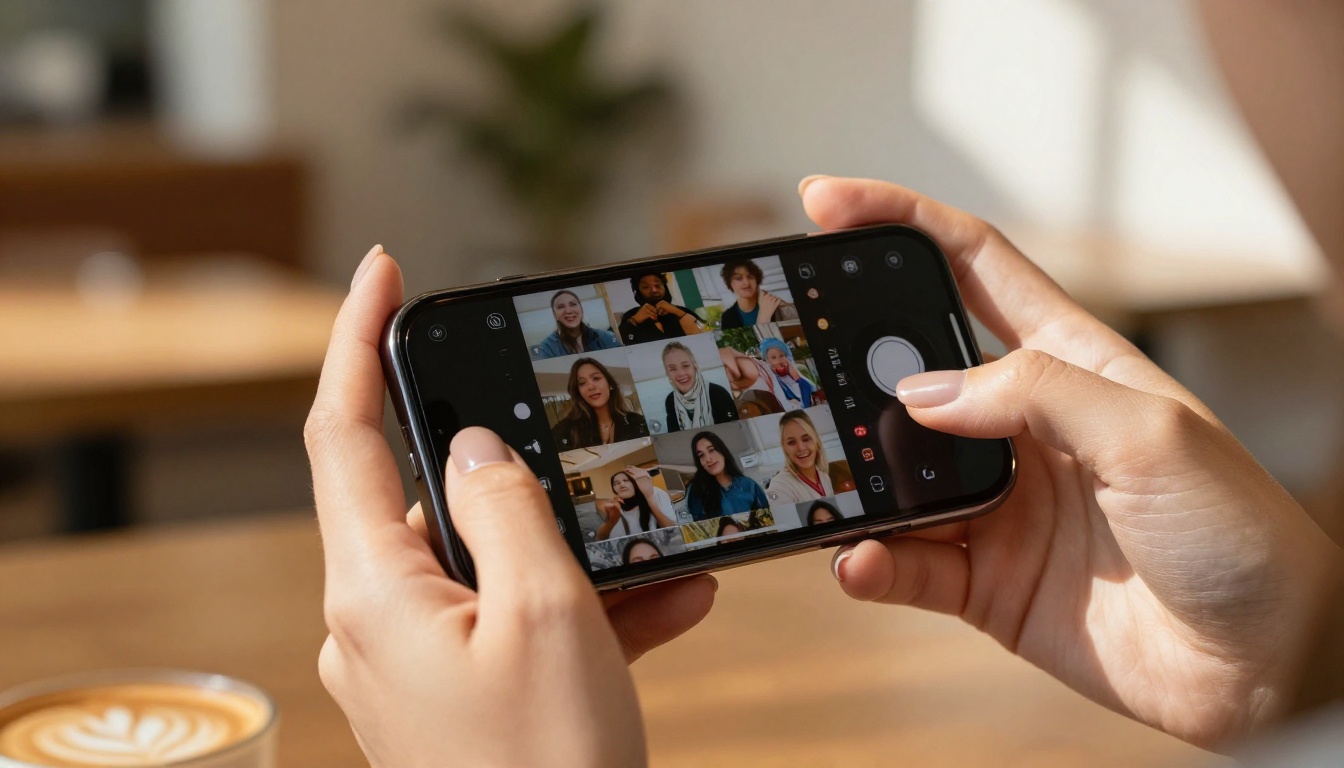
Something shifted on TikTok this week. The videos feel different. Smoother. More cinematic. And in many cases, nobody filmed them.
AI-generated video content has reached a tipping point on TikTok, and the results are everywhere in your feed right now. Talking avatars that never blink wrong. Face morphs that stop you mid-scroll. Landscapes that could not have been filmed with any camera. Creators who post daily without ever leaving their apartments. This is not a prediction. This is what is already happening, and it is accelerating faster than most people realize.
This week saw a wave of AI video trends hit the platform with unusual force. Below is a breakdown of exactly what is going viral, which tools are behind each trend, and how you can start producing the same content today.
Why Your For You Page Feels Different
The quality floor just raised itself
Six months ago, AI video was easy to spot. Flickering hands. Dissolving backgrounds. Physics that made no sense. That era is over. The newest generation of text-to-video models produces footage that is genuinely difficult to distinguish from professionally shot content at normal viewing speed.
The result: TikTok's algorithm does not care whether something was filmed with a camera or generated by a model. It cares whether people watch, share, and replay. AI-generated content that looks good is passing that test this week in numbers that are hard to ignore.
The speed is the real disruption
A trend that used to take a film crew a full day to execute now takes a creator with the right tool about twelve minutes. That compression of effort changes everything. When producing a cinematic short clip costs roughly the same effort as writing a caption, people produce more of them. Feeds get denser. Trends spread faster. The pace of what counts as "this week's trend" has shortened considerably.
💡 Worth knowing: The most-viewed AI TikTok creators are not posting once a week. They are posting daily, sometimes multiple times per day, because the production time is low enough to make that feasible.
The Talking Avatar Explosion
What it actually looks like
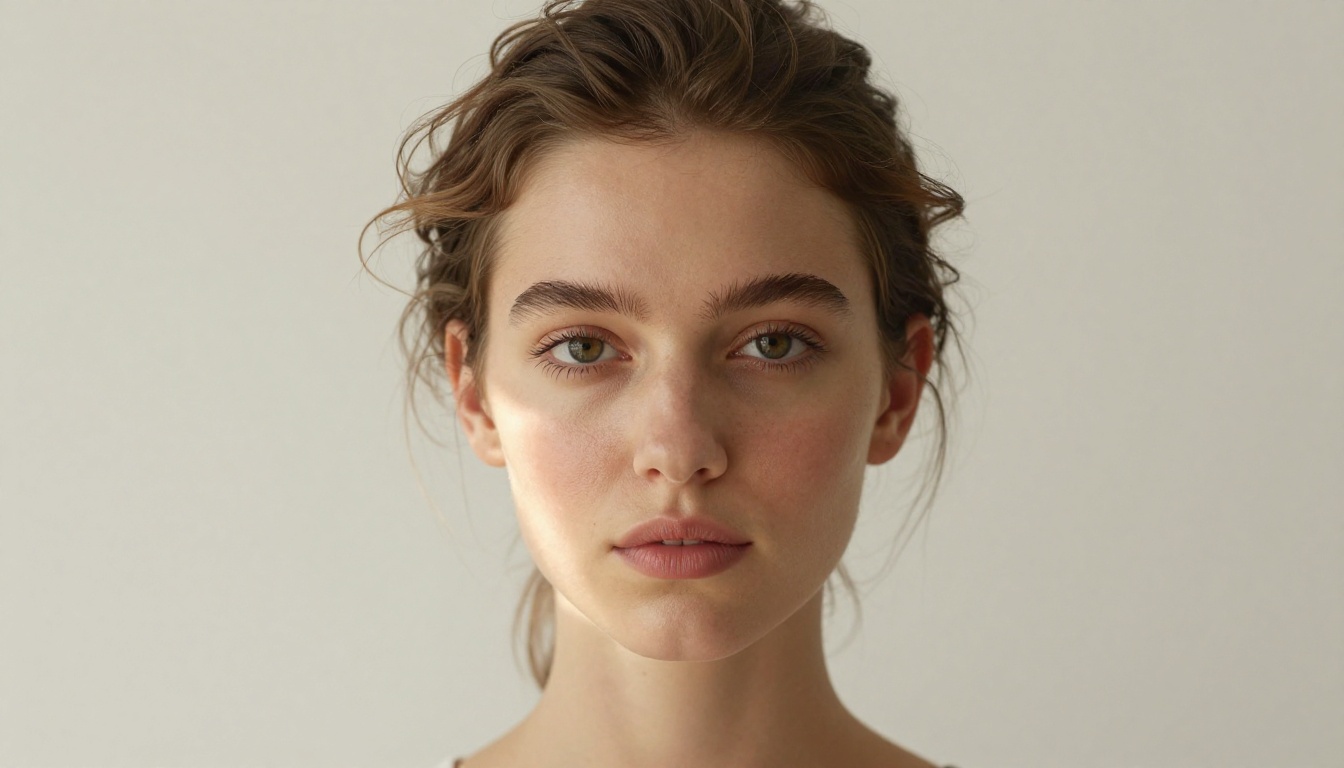
The talking avatar trend is not new, but the quality crossing a threshold this week made it pop again. The format is simple: a photorealistic AI-generated person speaks directly to camera, delivering information, telling a story, or lip-syncing to audio. No human was filmed. The avatar was generated and animated entirely through AI.
What is different now is that the avatars blink at irregular intervals, have realistic head micro-movements, and show subtle expressions that read as authentic. The uncanny valley is closing fast, and for the first time, mainstream TikTok viewers are not spotting these as fake on first viewing.
The models doing the heavy lifting
Two tools are responsible for the majority of the talking avatar content trending this week:
Kling Avatar v2 from Kwaivgi is purpose-built for animating faces into video. You provide a portrait image, and the model turns it into a speaking, moving character. The output runs at up to 1080p and handles lip movement, eye contact, and natural head rotation with a realism that earlier models missed entirely.
Wan 2.7 I2V is the image-to-video model that creators are pairing with AI portraits to produce avatar-style content without needing a specialized avatar tool. You generate a portrait with a text-to-image model, then animate it. The two-step workflow is now fast enough to be practical for daily posting.
💡 Tip: The best talking avatars on TikTok this week use portraits with direct eye contact and neutral expressions as the source image. Extreme expressions tend to distort during animation.
AI Face Morphs and the Transition Trend
The format that stops thumbs cold
The morphing face transition is arguably the most-shared AI video format on TikTok right now. The structure is predictable enough to be recognizable and surprising enough to hold attention every time: one face melts smoothly into another across age, ethnicity, or visual style. It looks impossible because it is. No real footage is being stitched together.
The psychological hook is strong. Watching a face transform at a rate that feels too smooth to be editing activates genuine curiosity. Comments on these videos are almost always people asking "how" rather than critiquing the content itself.
What creators are using
Wan 2.7 R2V (Reference to Video) is the model most associated with this trend. It takes a subject from an image and animates or transforms them with high consistency. The subject-preservation quality is what makes the morphs feel coherent rather than chaotic.
Pixverse v4.5 handles transition-style content particularly well due to its motion consistency. Creators are using it to blend two source images across a smooth video timeline, producing the morph effect that is currently flooding the platform.
Text-to-Video Clips Going Viral
From a sentence to a clip in seconds
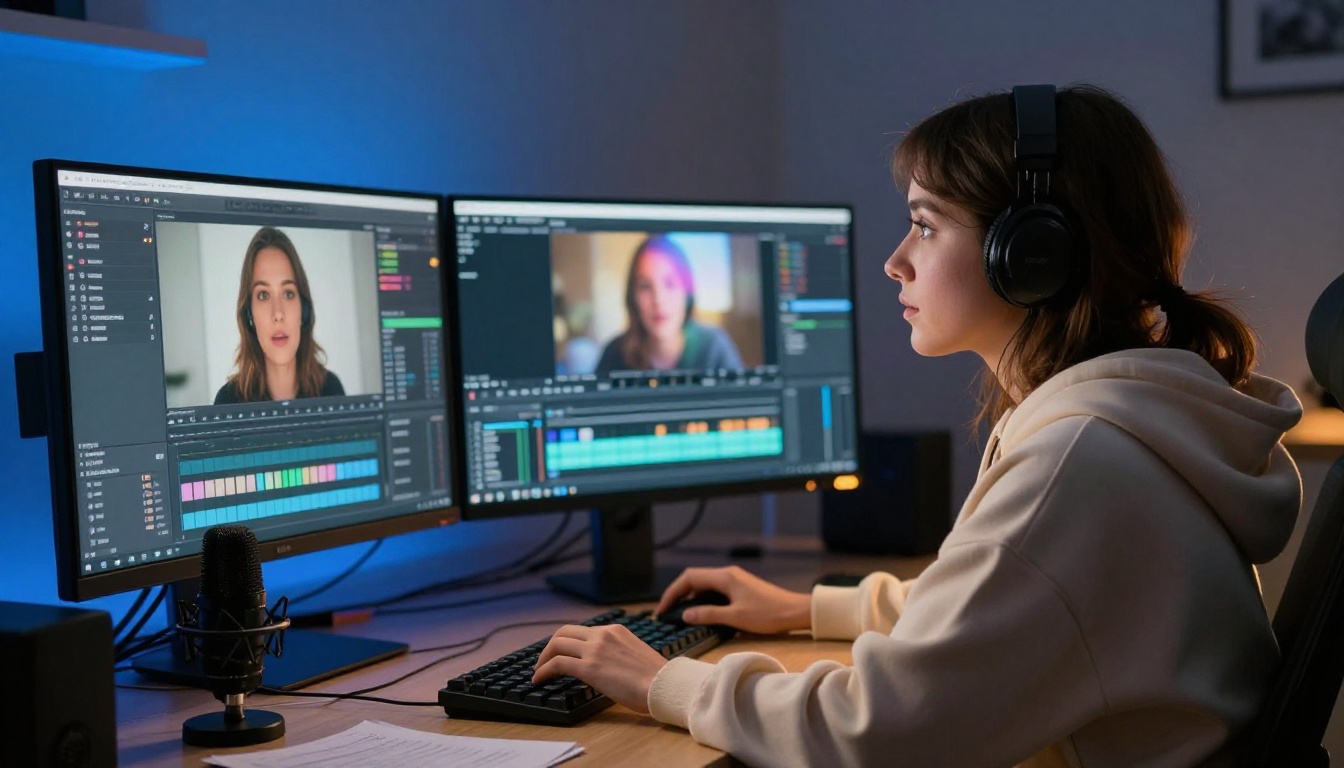
Pure text-to-video, where you write a description and receive a short film clip, is having its biggest week on TikTok yet. The clips going viral are not random experiments. They are deliberate, well-prompted scenes that feel like they were extracted from a feature film.
Cinematic wide shots of mountains at golden hour. A woman walking through a rain-soaked street at night. An abstract ocean storm viewed from directly above. None of these were filmed. All of them were generated from text prompts in under two minutes, then posted directly to TikTok.
Models worth trying right now
Veo 3 from Google is the current benchmark for cinematic text-to-video. It produces native audio alongside the video, meaning ambient sound, wind, crowd noise, or whatever the scene implies generates automatically. For TikTok content, this is significant because audio is half of why videos perform well on the platform.
Kling v2.6 continues to perform at the top of the text-to-video category for creators who want cinematic output without long generation times. The motion physics are notably strong, particularly for scenes involving water, fabric, or human movement.
Seedance 1.5 Pro from Bytedance (the same company behind TikTok) produces video with built-in audio generation. The motion style leans toward smooth and deliberate, which works exceptionally well for the aesthetic-forward content that performs best on the platform.
Hailuo 02 from Minimax generates at 1080p with notably strong subject consistency across frames. For longer prompts describing complex scenes, it holds coherence better than models tuned for shorter clips.
💡 Tip: TikTok videos with 3-7 second AI clips perform better when they loop seamlessly. When writing prompts, add "smooth motion loop" or "slow cyclical movement" to increase the chance of getting footage that works as a loop.
The Lipsync Wave
Why this format is so addictive
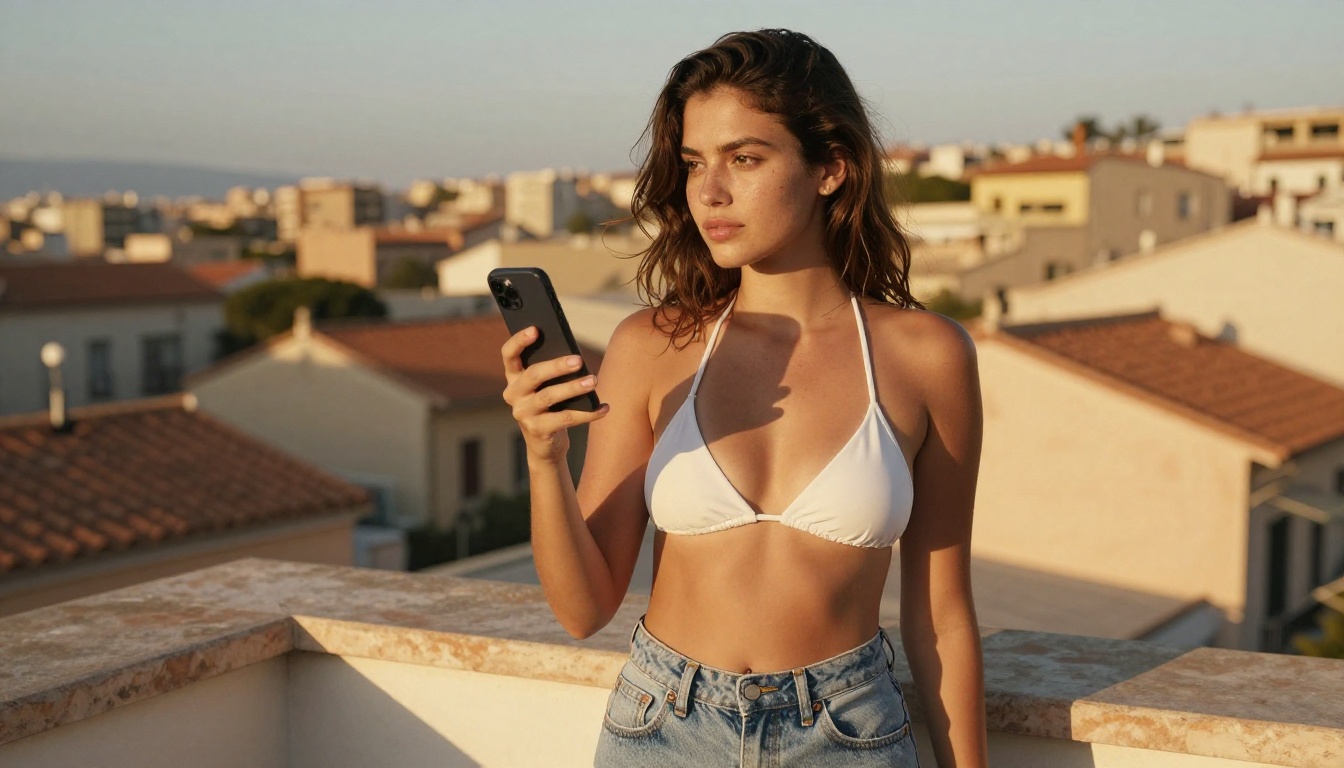
Lipsync videos have always done well on TikTok. The AI version of the trend adds a layer that traditional lip sync cannot: the speaker does not have to exist. Creators are generating photorealistic people who lip sync to trending audio, voiceovers, or translated speech with accurate mouth movement that previous models got catastrophically wrong.
The current wave is being driven by multilingual content. A creator records audio in one language, uses AI lip sync to produce a version where a different speaker appears to say the same words in a different language, and posts both versions. The "watch them both" comparison format performs reliably well and drives comment engagement from viewers in multiple regions.
What is behind the realistic mouth movement
Wan 2.2 S2V (Speech to Video) is purpose-built for audio-synchronized video generation. Feed it audio and a portrait, and it produces a video where the face matches the spoken words with frame-accurate lip movement. It handles complex phonemes and emotional inflection better than most alternatives in this category.
For creators who want to generate the entire scene rather than starting from a portrait, Veo 3 Fast produces audio-native video at speed, and the mouth movement in generated characters tracks plausibly with ambient sound in the scene.
AI Portrait Aesthetics Flooding For You Pages
The aesthetic that took over feeds
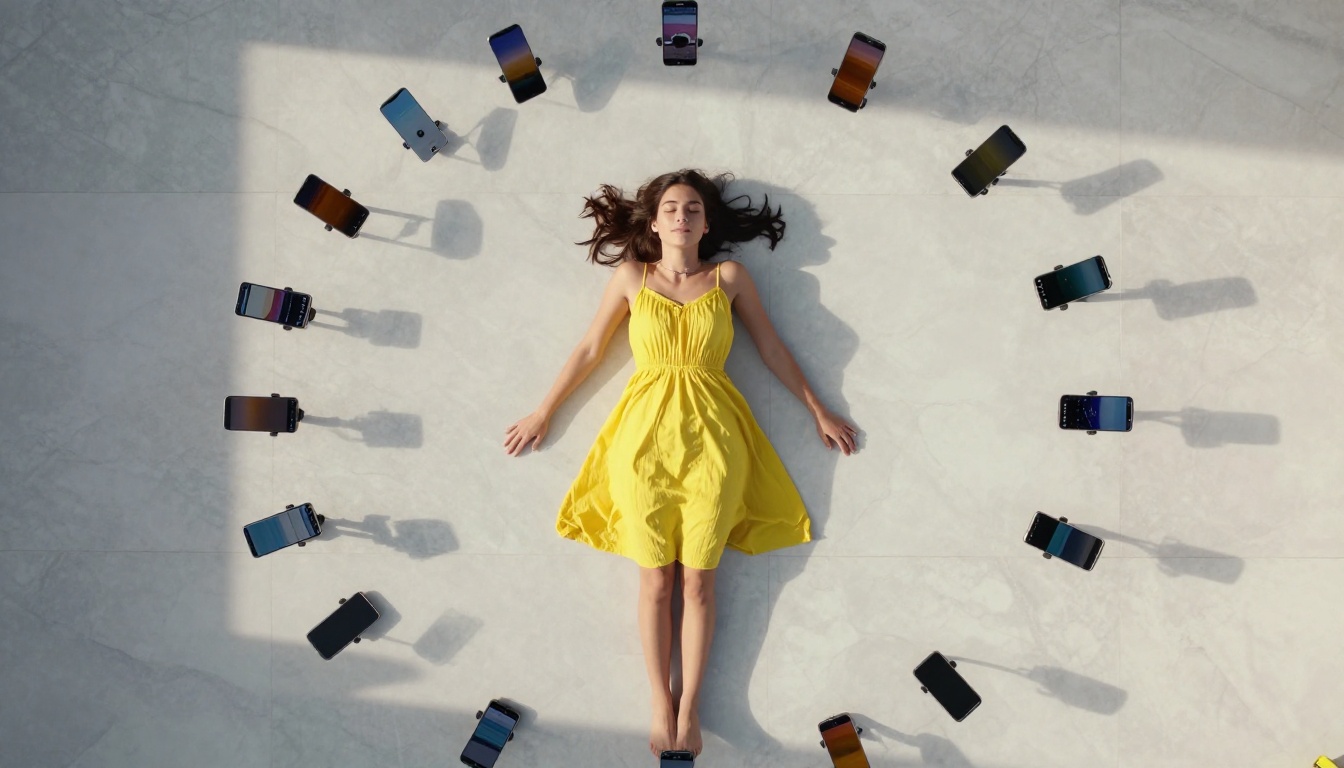
Still images are also trending on TikTok this week, posted as photo slideshows with music. The style is hyper-consistent: warm skin tones, natural lighting, slightly elevated contrast with a film grain finish. The subjects are almost always beautiful, usually outdoors, always in perfect light.
These are AI portraits generated with text-to-image models and styled with deliberate prompt engineering. The quality at high resolution, when viewed at TikTok's compression level, passes as professional photography to most viewers without any indication of how it was produced.
💡 Tip: For portrait slideshows on TikTok, generate between 5 and 9 images with the same subject, lighting direction, and color grade. Consistency across the set makes the slideshow feel intentional and editorial rather than a random collection.
What creators are generating with
The text-to-image category on PicassoIA contains over 90 models, giving creators enormous range depending on the aesthetic they want. For the photorealistic portrait trend specifically, models that prioritize skin texture, natural lighting, and film grain are outperforming stylized alternatives by a significant margin.
The broader pattern this week: creators are using text-to-image models to build a visual identity around an AI-generated character, then using image-to-video models like Wan 2.7 I2V or Kling v3 Video to animate that character across multiple posts. The character becomes a recurring presence on the account, and audiences follow along as if following a real person.
How to Build Your Own AI TikTok Content

Step 1: Pick your format first
The format determines which tool you need. Each of the following workflows produces a different type of TikTok content:
- Avatar or talking head: Generate portrait, then animate with Kling Avatar v2 or Wan 2.7 I2V
- Cinematic scene clip: Write a detailed prompt, use Kling v2.6 or Veo 3
- Lipsync video: Generate or source a portrait, use Wan 2.2 S2V
- Face morph transition: Use two source images with Wan 2.7 R2V
- Photo slideshow: Generate a portrait series with any text-to-image model on PicassoIA
Step 2: Write prompts that actually work
Prompt quality is the single biggest variable in output quality. Vague prompts produce average results regardless of which model you use. Specific prompts produce specific outputs.
Bad: "A woman walking in a city"
Better: "A young woman in a beige linen coat walking slowly through a rain-soaked Parisian street at dusk, warm yellow lamplight reflecting off wet cobblestones, shallow depth of field, 85mm lens, film grain, slow deliberate movement"
The better version specifies location, weather, time of day, clothing, lighting source, reflection detail, lens choice, and texture. Every added detail removes ambiguity and increases the chance that the model produces something close to what you visualized.
Step 3: Think about audio before you export
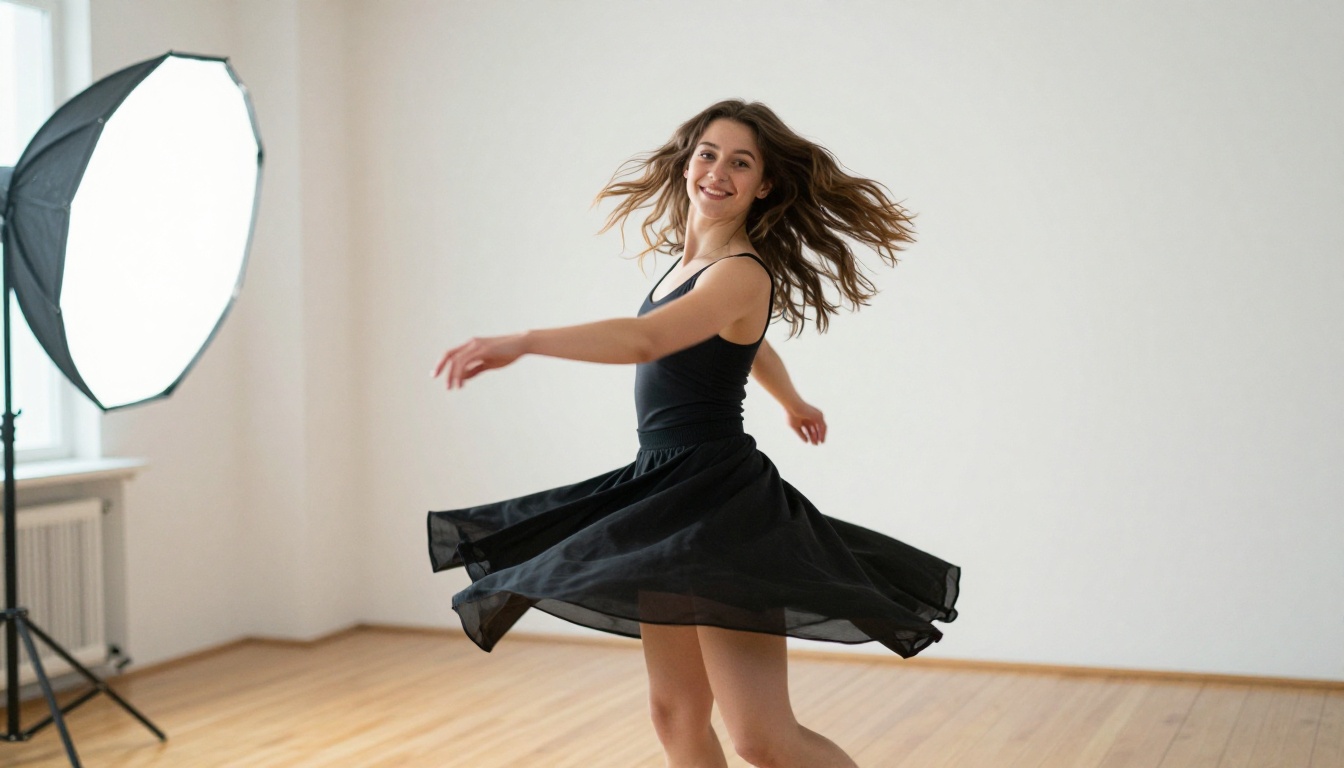
TikTok is an audio platform that happens to have video. The most-shared AI clips this week all have audio that fits the visual perfectly. For models with native audio like Veo 3 and Seedance 1.5 Pro, the audio generates alongside the video. For models that produce silent output, the standard workflow is to add a trending TikTok audio track in the native editor after generation.
The trending audio strategy is straightforward: find the sounds on the "For You" page this week, note the tempo and mood, and match your visual to those qualities before posting.
What Is Actually Worth Your Attention
The standout developments
Not all AI video content performing well this week is technically impressive. Some is riding engagement patterns more than genuine quality. But a few categories stand out as real signals of where things are going:
Native audio generation is the most significant development in practical terms. Models that produce sound, music, or ambient noise synchronized with video remove the biggest remaining friction point in AI video creation. Veo 3, Seedance 2.0, and Wan 2.2 S2V are the clearest examples right now.
1080p output as the default is becoming standard rather than exceptional. LTX 2 Pro and Kling v3 Omni Video both output at resolutions that survive TikTok's compression without noticeable degradation, which was not reliably true six months ago.
Subject consistency across frames has improved dramatically. Earlier models would drift between frames, meaning a character's face would shift subtly in a way that viewers could not name but could feel. Current models hold consistent much better, making longer clips and character-based content viable for the first time.
What is still worth skepticism
| Claim | Reality |
|---|
| "Fully automated TikTok accounts" | Still requires prompt iteration and curation per post |
| "AI replaces filming entirely" | Best results still pair AI with real creative direction |
| "Identical to real footage" | Strong at most resolutions, not perfect in all conditions |
| "One prompt, viral result" | Good prompts still require craft and multiple attempts |
Try It Yourself This Week
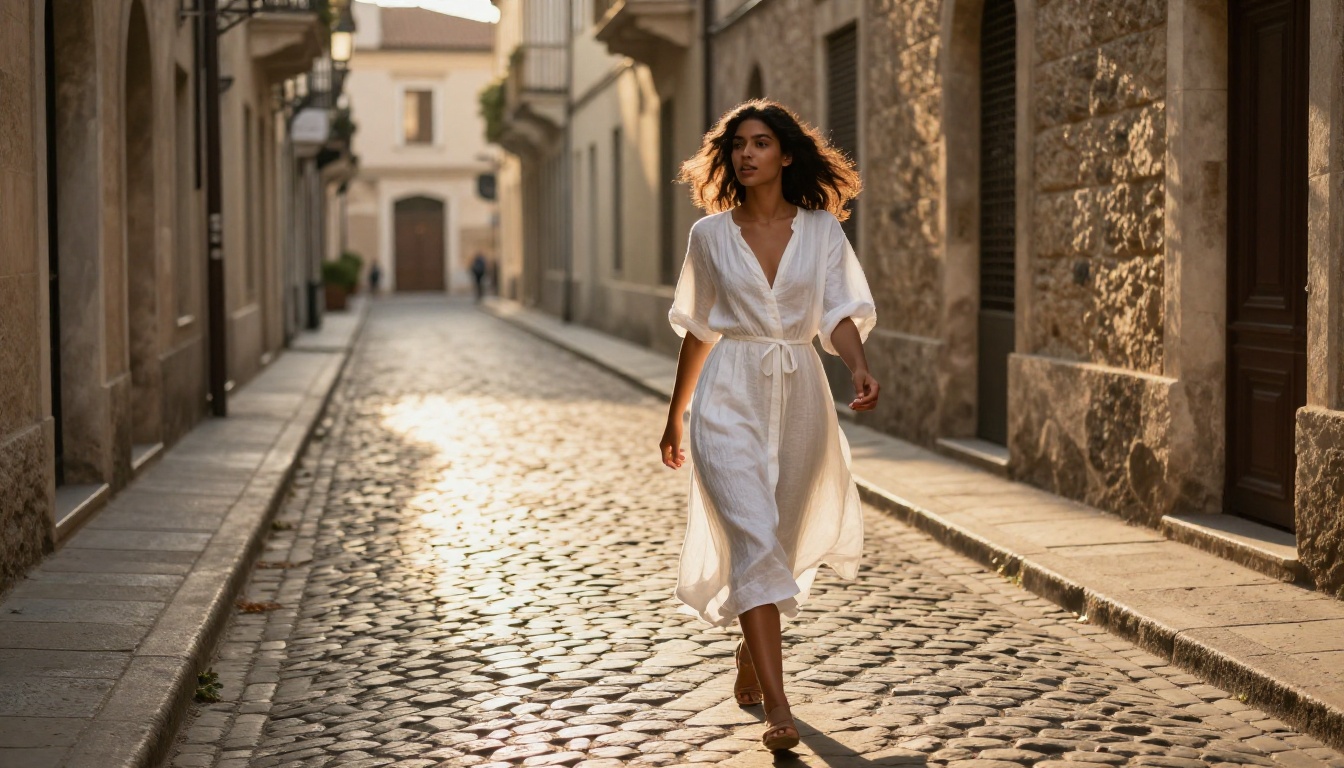
Everything in this article is already accessible. The models referenced here, from Kling v2.6 and Veo 3 to Seedance 1.5 Pro, Pixverse v5, Wan 2.7 T2V, and Hailuo 02, are available to run directly through PicassoIA. No setup required. No API keys. No local GPU.
The gap between watching AI TikTok trends and making them is smaller than it has ever been. A well-written prompt, a model that matches your format, and a decent understanding of what audio to pair with the output. That is the full workflow. It fits in an afternoon.
Pick one trend from this list. Write a prompt specific enough to surprise you. Generate a clip. Post it. The creators whose accounts are growing fastest on TikTok right now are not waiting for the technology to improve. They are using what exists today, and what exists today is very good.
PicassoIA has the models. The prompts are yours to write.


