The difference between a prompt that generates garbage and one that nails it on the first try is almost never luck. It is structure, specificity, and knowing which words carry real weight with an AI model. Most people write prompts like they are texting a friend. AI image models need something much closer to a detailed creative brief.
Why Most Prompts Fail
You type "a beautiful woman at sunset" and get something technically correct but completely generic. Or worse, something that misses what you actually had in mind. The model did not fail. The instructions did.
Vague language is the #1 problem
"Beautiful" means nothing to a language model. Neither does "cool," "amazing," or "realistic." These words are subjective. They give the model nowhere to anchor. The model fills the blanks with averages: average pose, average lighting, average composition. You get something that looks fine but feels like stock art.
Specificity is the currency of good prompts. The more precise you are, the less creative freedom the model has to wander somewhere you did not intend.
The gap between intent and output
The model reads your words literally. If you write "a woman," it will put a woman in the frame. Where? What angle? What light? What expression? Every blank you leave is a coin flip. When you have ten coin flips per prompt, the odds of getting exactly what you want approach zero.
The fix is simple: stop describing what you want the image to feel like, and start describing what the camera would see.
The Anatomy of a Strong Prompt
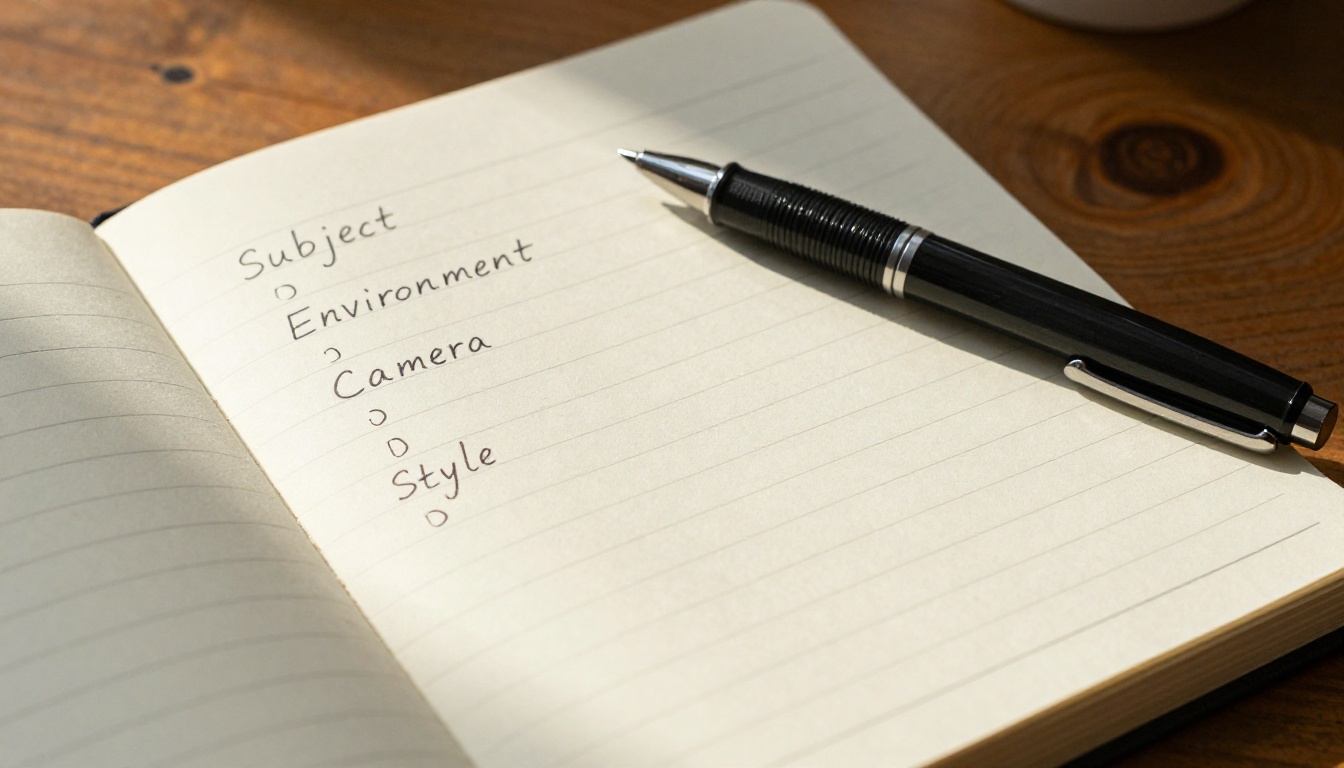
Every reliable prompt follows the same skeleton. Once you internalize this structure, writing good prompts becomes fast and repeatable.
Subject first, always
Start with who or what is in the image. Be specific: age, appearance, clothing, and what they are doing. Compare these two:
- Weak: "a woman"
- Strong: "a woman in her late twenties, wearing a white linen shirt, sitting at a wooden cafe table, reading a paperback book"
The second version gives the model a locked subject. It has far less room to improvise.
Add environment and context
After the subject, describe the scene around them. Where are they? What is nearby? What is the background doing?
- Weak: "in a coffee shop"
- Strong: "in a sunlit corner of a small European cafe, exposed brick walls, small round tables with wooden chairs, soft morning light streaming through large glass windows"
Context shapes everything the model generates, from color temperature to composition choices.
Lighting changes everything
Lighting is one of the highest-leverage elements in any prompt. The same subject shot in three different lighting conditions looks like three completely different images.
| Lighting Type | Effect on Image |
|---|
| Golden hour sunlight | Warm, soft, romantic, flattering skin tones |
| Overcast diffused | Even, neutral, no harsh shadows |
| Single side-light | Dramatic, sculptural, strong contrast |
| Backlight / rim light | Ethereal, subject separates from background |
| Studio softbox | Professional, commercial, clean |
Specify the direction, color temperature, and intensity. "Warm morning sunlight from the left side, casting long shadows to the right" is worth ten times more than just "nice lighting."
Camera angle and lens matter
The model simulates camera behavior extremely well when you give it the vocabulary to work with. Angle and lens choices define perspective and compression.
- 85mm f/1.8 = flattering portrait compression, creamy background blur
- 24mm wide angle = dramatic wide field, slight distortion at edges
- 100mm macro = extreme close-up, fine texture detail
- Low angle (looking up) = subject feels powerful and imposing
- Aerial / overhead = flat lay, top-down graphic composition
Add these to your prompts and the results become dramatically more controlled.

Words That Actually Work
Not all adjectives are equal. Some do real work. Others just add noise.
Adjectives that describe, not decorate
Replace opinion words with observation words. The test: can you photograph it?
| Opinion word (weak) | Observation word (strong) |
|---|
| Beautiful | Soft skin, gentle expression, relaxed posture |
| Dramatic | Deep shadows, strong contrast, 30-degree side light |
| Realistic | Film grain, natural skin imperfections, Kodak Portra 400 |
| Moody | Cool blue ambient light, desaturated shadows |
| Epic | Low angle, wide sky, foreground depth |
Style descriptors that hold
For photorealistic outputs, these are the most reliable style anchors:
- RAW photography (signals unprocessed, natural look)
- Film grain (adds texture, reduces the "AI look")
- Kodak Portra 400 (warm film emulation, trusted by the model)
- 8K or high resolution (pushes detail density)
- Shallow depth of field (separates subject from background)
- Natural color grading (no oversaturated HDR look)
💡 Stack these at the end of every photorealistic prompt. They act as a quality floor that raises the minimum output quality significantly.
3 Common Mistakes (and How to Fix Them)
Too short, too abstract
The mistake: "portrait of a girl, beautiful, realistic"
Why it fails: Three fragments with no environment, no lighting, no camera, no style. The model interpolates everything and outputs the average of what those words look like across training data.
The fix: Minimum 40 to 50 words for any photorealistic image. Cover subject, environment, lighting, camera, and style in every prompt.
Conflicting instructions
The mistake: "a woman smiling, dramatic dark lighting, bright sunny day"
Why it fails: "Dark dramatic lighting" and "bright sunny day" are opposites. The model cannot reconcile them and outputs a compromised mix that satisfies neither instruction.
The fix: Decide on one lighting direction before you write. Dark and dramatic, or bright and airy. Commit to one aesthetic before adding modifiers.
Forgetting the camera
The mistake: Describing everything except how the image is shot.
Why it fails: Without camera instructions, the model defaults to a boring straight-on, neutral angle with average framing. You lose all the compositional drama that makes an image stand out.
The fix: Always end your subject-environment-lighting block with at least one camera instruction: lens, angle, and distance. "Shot at 85mm f/1.8 from slightly below eye level" takes five seconds to add and transforms the composition.
How to Use GPT Image 2 on PicassoIA
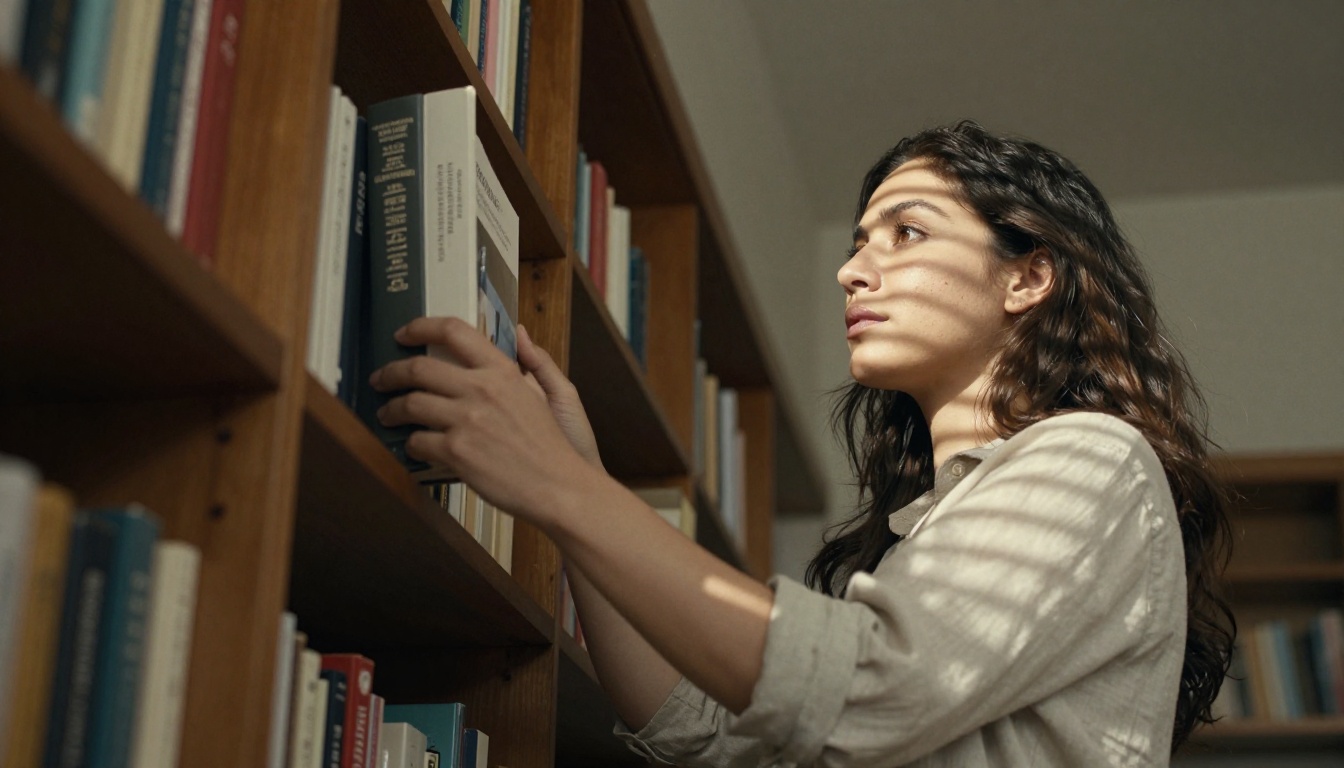
GPT Image 2 is one of the most capable models available on PicassoIA for photorealistic text-to-image generation. It handles long, detailed prompts exceptionally well, which makes it ideal for applying everything in this article.
Step-by-step walkthrough
- Open GPT Image 2 on PicassoIA
- Write your prompt using the full structure: Subject + Environment + Lighting + Camera + Style
- Set aspect ratio to 16:9 for landscape, 9:16 for portrait photography
- Run the first generation to get a baseline result
- Identify the weakest element in the output (usually lighting or subject specificity)
- Refine that specific block and regenerate
- When the composition is right, add film grain and Kodak Portra 400 style anchors if not already present
Parameters that matter
GPT Image 2 responds especially well to:
- Long, descriptive prompts (50+ words outperform short prompts consistently)
- Specific lighting descriptions with direction and color temperature
- Film and photography vocabulary (lens type, f-stop, film stock)
- Texture callouts (skin, fabric, surface materials) for hyper-realistic results
💡 If your first result is too generic, do not rewrite the whole prompt. Isolate the weakest section and add 2 to 3 sentences of extra detail to just that part.
For even higher resolution outputs, pair GPT Image 2 with P Image Upscale to sharpen and upscale the final result to 4K without losing detail.
Prompts for Different Scenarios
The structure stays the same across every use case. The vocabulary shifts based on what you are shooting.
Portrait photography
The priority shifts to face, expression, and skin. Your lighting and camera specifications become the most critical elements.
Template:
[Subject age/appearance/expression], [clothing detail], [specific environment], [volumetric lighting with direction and color temperature], shot at [lens] [aperture] from [angle], [skin texture callout], [background blur note], film grain, Kodak Portra 400, photorealistic RAW 8K
Example:
A woman in her mid-thirties, relaxed confident expression, wearing a thin gold necklace and a silk blouse, sitting by a window in a Paris apartment, soft late afternoon golden light from the left creating warm highlights on cheekbones, shot at 85mm f/1.4 from slightly below eye level, fine skin pores visible on nose and forehead, background with bokeh blur of Parisian rooftops, film grain, Kodak Portra 400, photorealistic RAW 8K
For portraits that need consistent style across a series, Seedream 4.5 delivers native 4K output with strong face coherence across multiple generations.
Product shots
Lighting becomes everything. Product photography relies on surface materials and controlled illumination.
Template:
[Product name and material], [specific surface it sits on], [styled background elements], [controlled studio lighting with direction and intensity], shot at [macro/close-up lens] [aperture] from [angle], [material texture callout], [reflection and shadow note], photorealistic, commercial product photography, RAW 8K
Landscapes and environments
Scale and atmosphere take priority. The camera becomes your primary compositional tool.
Template:
[Environment description with specific geography], [time of day and weather], [foreground element], [midground detail], [background depth], [lighting conditions with color temperature], shot at [wide/ultrawide lens] [aperture] from [camera position], [atmospheric conditions: mist, haze, dust], [natural texture details], photorealistic RAW 8K
For 4K landscape outputs with exceptional depth and detail density, Wan 2.7 Image Pro is the right tool. For environments that need strong natural composition instincts combined with 2K resolution, Hunyuan Image 2.1 consistently delivers.
Iteration: The Real Secret
The photographers you admire do not take one shot and go home. They work a scene. Prompt engineering is the same discipline.
Start broad, refine fast
Your first prompt is a hypothesis. Generate it, look at what came back, and identify exactly one thing that is wrong. Then fix that one thing. Do not rewrite everything at once or you lose track of what actually worked.
A solid iteration loop:
- Generate with your full structural prompt
- Identify the single weakest element in the output
- Rewrite only that element with more specificity
- Regenerate and compare side by side
- Repeat until the output matches your vision
This approach is faster than random rewrites and teaches you which language the model responds to best.
Save what works
When a phrase, lighting description, or style modifier produces exactly what you wanted, save it. Build a personal library of reliable prompt fragments. Over time you will have a set of blocks you can reassemble for any new project in minutes.
💡 Keep a simple notes document with your best lighting descriptions, camera setups, and texture callouts. Copy-paste these into new prompts as a foundation and refine from there.

For results that need targeted corrections after generation, Qwen Image Edit 2511 lets you edit specific regions without starting from scratch, perfect for fixing a background element or adjusting a detail in the composition without regenerating the whole image.
For styled outputs with a distinct visual identity, Flux 2 Klein 9B Base LoRA and Flux 2 Klein 4B Base LoRA let you apply custom LoRA styles on top of your detailed prompts, giving you both structural precision and a consistent look across an entire project.
Put It to Work Right Now
Everything here comes down to one shift: stop describing what you want the image to feel like and start describing what the camera would see.
Subject. Environment. Lighting with direction and color. Camera angle and lens. Style anchors. That is the formula. It works on every model, every time, because it removes ambiguity and gives the AI the same information a photographer brief would give a cinematographer.
Pick a model on PicassoIA right now, write a 60-word prompt using this structure, and compare it to your last attempt. The difference will be immediate.
GPT Image 2 is the best starting point if you want to see how well a detailed prompt performs. It handles long, structured input better than most models and rewards specificity with genuinely photorealistic results. Write one well-structured prompt using the formula above, and the results will show you exactly why structure always beats inspiration.


