You open Higgsfield, type out a prompt you've been thinking about for an hour, hit generate, and watch the credit counter drop. One video. Five credits gone. You pause, calculate how many more you can afford this month, and start rationing your creativity. That feeling, the mental math of "is this prompt worth it," is exactly why people are switching to Picasso AI.

The Real Cost of Higgsfield Credits
Higgsfield is genuinely good software. The motion quality is smooth, the outputs look cinematic, and the interface is clean. But the pricing model introduces a psychological tax on creativity that most people don't fully account for when they sign up.
Credits are not just a billing mechanism. They become a creative filter. You stop experimenting. You stop iterating. You stop doing the thing that makes AI generation actually useful: running a dozen variations until one lands exactly right.
How Credits Change Your Creative Process
When every generation costs something, you optimize for caution rather than creativity. You spend more time polishing a prompt before hitting generate because you can't afford to iterate. That extra friction is not nothing. It changes the kind of work you produce.
Professional creators know that the best output usually comes from generation number eight or twelve, not generation number one. A system that penalizes you for running those extra generations is working against your output quality, not for it.
The math is also deceptive. Higgsfield's credit packs look reasonable at first glance. But once you're working on a real project, generating video at multiple resolutions, trying different motion intensities, revising based on client feedback, you burn through credits in ways the pricing page doesn't prepare you for.
What Breaks When Credits Run Out
The worst part is not the cost itself. It's the interruption. You're mid-project. You have a deadline. You need three more generations to nail the motion on a clip. Credits run out. Now you're either stopping work to purchase more, degrading the output, or abandoning the iteration entirely and shipping something you're not happy with.
This is a real workflow problem, not just a pricing complaint. The credit ceiling forces artificial stopping points into a creative process that works best when it flows.

What Picasso AI Does Differently
Picasso AI is structured around access rather than consumption. Instead of buying credits per generation, you get access to a library of over 180 text-to-image models and 100+ text-to-video models. The mental model shifts from "how many generations can I afford" to "which model should I try next."
That difference in framing has a measurable impact on creative output. When you're not rationing, you iterate. When you iterate, you find the version that actually works.
180+ Image Models, All Accessible
The image side of the platform is where the breadth becomes obvious. You have access to models from Flux Redux Dev by Black Forest Labs, GPT Image 2 by OpenAI, and dozens of specialized models tuned for portrait photography, product shots, architectural visualization, and fashion.
Each model has different strengths. Some handle prompt adherence better. Others produce superior skin tones or more realistic fabric textures. Being able to switch between them without counting the cost is what lets you actually find the right tool for each job.
💡 Pro tip: Run the same prompt across three or four different models before committing to one for a project. The differences are often significant, and you wouldn't notice without side-by-side comparison.
100+ Video Models Without the Anxiety
This is where Picasso AI becomes the direct answer to Higgsfield fatigue. The video library includes models from every major AI lab:
- Kling v2.6 by Kwaivgi: cinematic motion with strong prompt adherence
- Veo 3 by Google: native audio generation built into the video output
- Sora 2 by OpenAI: high-fidelity motion and scene coherence
- Seedance 2.0 by ByteDance: text-to-video with built-in audio
- Wan 2.7 T2V by Wan Video: 1080p output from text prompts
- LTX 2 Pro by Lightricks: 4K video generation
- Pixverse v5 by Pixverse: fast 1080p with strong motion
That's not a shortlist. That's the tip. The library keeps growing, and you access all of it.

Higgsfield vs. Picasso AI: The Honest Comparison
Here's where things stand, side by side:
| Feature | Higgsfield | Picasso AI |
|---|
| Pricing model | Credits per generation | Subscription access |
| Video models | Proprietary only | 100+ from major labs |
| Image generation | Limited | 180+ models |
| Iteration cost | Paid per run | Included |
| Model variety | Single platform | Multi-lab library |
| Audio in video | Yes | Yes (Veo 3, Seedance) |
| Image editing | Basic | Inpainting, outpainting, face swap |
| Super resolution | No | Yes (2x-4x upscale) |
The table speaks for itself. This is not a knock on Higgsfield's output quality. The point is that when you're working at scale or iterating heavily, the pricing model matters as much as the technology.
The Iteration Problem at Scale
Consider a creator producing content for a brand. They need 15 videos per month, each one requiring 4-5 generation attempts to get right. That's 60-75 credit-consuming generations per month before any revisions or client changes. On a credit-based system, that's a meaningful cost line. On a subscription model, that's just work.
The same logic applies to image generation. A photographer using AI to generate reference shots, mood boards, or client mockups runs dozens of images in a single session. Credit anxiety at that volume makes the tool frustrating rather than productive.
Making Your First Video on Picasso AI
Switching platforms takes ten minutes. Here's the actual workflow:
Pick Your Model
Go to the text-to-video collection and filter by what matters for your project: resolution, style, speed, or audio capability.
For cinematic motion, start with Kling v2.6 or Kling v3 Video. For speed, Hailuo 02 Fast delivers 512p video quickly. For high-fidelity results, Sora 2 Pro is in the library.
Write a Specific Prompt
The models respond to detail. Instead of "a woman walking in a park," try "a woman in a white linen dress walking slowly along a sun-dappled park path, warm afternoon light filtering through oak trees, shallow depth of field, handheld camera feel."
Specificity in motion, lighting, camera angle, and subject behavior consistently produces better outputs than general prompts.
Iterate Without Hesitation
Run it. If the motion is slightly off, run it again with a small adjustment. If the camera angle isn't right, add a camera direction. Because you're not paying per generation, you can run five versions of the same scene and pick the best one. That's how professional-quality output actually happens.
💡 Quick tip: Use the image-to-video models like Wan 2.7 I2V when you have a strong still image. Animating from a reference image often produces more controlled results than pure text-to-video.

The Image Side Is Worth Your Attention
Most people come to Picasso AI for the video models, but the image tools are genuinely strong on their own.
Portrait and Fashion Work
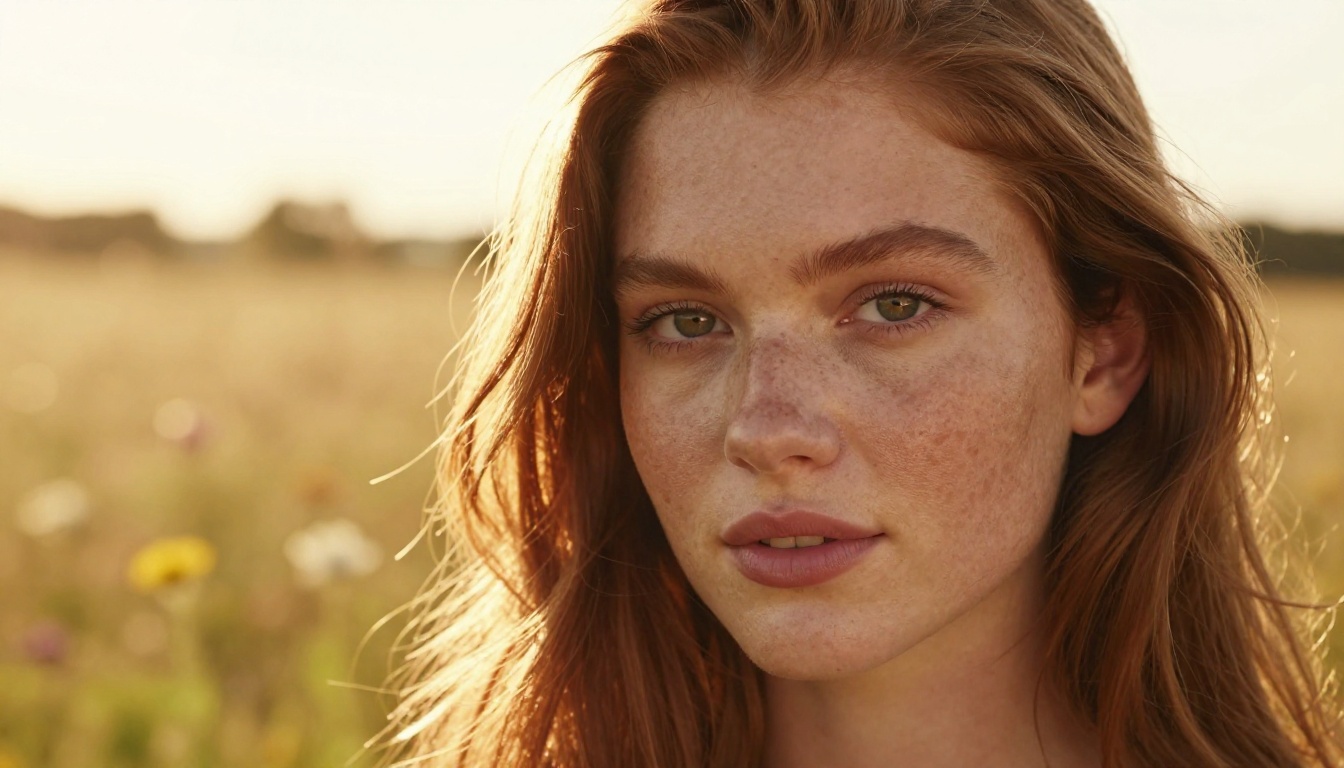
The photorealistic portrait capabilities on models like GPT Image 2 and Flux Redux Dev produce results that stand up under scrutiny. Skin textures, hair detail, natural lighting, and accurate eye reflections are all areas where these models have improved substantially in recent versions.
For fashion and commercial photography applications, the ability to iterate quickly means you can generate a complete mood board in an afternoon rather than a week.
Editing and Post-Processing
Beyond generation, the platform includes inpainting for fixing or replacing specific regions of an image, outpainting to expand the canvas and add context, and AI image restoration for recovering detail in damaged or low-quality source images. Face swap is available as a dedicated tool for portrait-based workflows.
These aren't afterthoughts. They're integrated into the same platform so you don't need separate subscriptions for generation, editing, and enhancement.
Audio, Voice, and Music
One thing that doesn't get mentioned enough in AI video discussions: audio matters as much as the visual output. A cinematic video clip with bad audio or silence fails the same way a beautiful image fails when the resolution is too low.
Picasso AI includes text-to-speech for generating realistic voice narration, speech-to-text for transcription workflows, and AI music generation for creating background tracks directly from text prompts.
Veo 3 by Google generates video with native audio included. Seedance 2.0 by ByteDance does the same. Veo 3.1 is the latest iteration with improved quality.
The lipsync tool handles talking-head content or character animation that needs to match existing audio. That covers a wide range of content production needs that Higgsfield alone cannot address.

Who Should Make the Switch
This is not for everyone. Higgsfield has a specific niche: users who want a polished, opinionated interface for AI video generation and are willing to pay for that focus. If Higgsfield's specific motion quality is what you need and volume is not a concern, there's no urgency.
But if you recognize any of these situations, Picasso AI is the better call:
- You stop mid-project because credits run out
- You avoid iterating because each attempt costs something
- You're producing video content at volume for clients or social media
- You want access to multiple AI labs' models, not just one platform's technology
- You generate both images and video and want them in one place
- You need audio tools alongside visual generation
The Volume Creator's Case
Content creators producing daily or weekly material for social media don't have the luxury of rationing. They need to run multiple versions, test different styles, and move quickly. A credit-based system introduces exactly the wrong friction at exactly the wrong moment. Access-based platforms remove that friction entirely.
The Professional's Case
Freelancers billing clients for AI-generated content need predictable costs. When you can't predict how many generations a project will require, credit-based pricing makes cost estimation difficult. A flat subscription makes the cost of any single project predictable regardless of how many iterations it takes.
Picasso AI is not the only alternative, but it is one of the most comprehensive in terms of model variety. Here's how similar platforms compare:
| Platform | Video Models | Image Models | Audio Tools | Pricing |
|---|
| Higgsfield | Proprietary | No | No | Credits |
| Runway | Gen 4+ | Yes | Limited | Credits/Sub |
| Pika | Proprietary | No | No | Credits |
| Leonardo | Limited | Strong | No | Credits/Sub |
| Picasso AI | 100+ multi-lab | 180+ | Full suite | Subscription |
Runway Gen 4.5 is actually available on Picasso AI, which means you're not choosing between platforms. You're choosing between having access to one lab's model or having access to all of them.
💡 Worth knowing: The Picasso AI library includes Runway, Kling, Google Veo, OpenAI Sora, ByteDance Seedance, and more under one roof. You don't have to maintain separate accounts at each company.
Once you're in, a few habits separate users who get good results from users who get great results.
Use reference images. Image-to-video consistently outperforms text-to-video for controlled scenes. Generate your reference with an image model, then animate it.
Test multiple video models. Kling v2.6, Veo 3, and Pixverse v5 handle the same prompt differently. The motion style, color grading, and camera behavior vary enough that the right model for each project is rarely obvious from the name alone.
Use super resolution. After generating at 720p or 540p for speed, run the output through super resolution to upscale to 4K. The quality gain is significant and the cost is the same.
Combine image editing tools. Generate a near-perfect image, then use inpainting to fix the one area that didn't work. This produces better results than rerolling the entire generation.

Start Creating Without Counting
The best AI tools are the ones that get out of your way. Credits are, by design, in your way. Every generation is a small decision point: is this worth it? That question should not be part of your creative process.
Picasso AI removes that question entirely. The models are there. The tools are there. The only thing left is the work itself.
If you've been holding back on iterations because of credit costs, stop. The work you've been rationing is waiting. Pick a model, write your best prompt, and run it as many times as it takes to get what you actually want.
That's how AI generation is supposed to feel.


