You typed your prompt. You hit generate. And then Leonardo AI blocked it again. Maybe it was a word. Maybe it was the art style. Maybe you still have no idea what triggered it. If you've been there, you already know how suffocating that experience is, especially when you're trying to create something genuinely beautiful, sensual, or artistically bold.
The frustration is real, and it's driving thousands of creators away from restrictive platforms every month. The question is: where do you go when you need actual creative freedom?
What Leonardo AI Actually Blocks
Leonardo AI markets itself as a creative powerhouse, but what it rarely advertises is the content moderation system running silently behind every generation. It doesn't just block explicit content. It blocks a wide range of prompts that fall into vague gray zones of "potentially sensitive" material.
The Filter That Kills Most Prompts
The filter isn't precise. It catches words, combinations of words, art style references, and even certain camera angle descriptions that signal the system to reject or downgrade your output. Prompts referencing swimwear, lingerie, artistic nudity, certain body descriptors, and even romance-adjacent language can trigger a block, a sanitized output, or a silent replacement of your intent with something generic.
For fashion photographers building AI references, that's a death sentence. For artists creating glamour work, it makes the platform nearly unusable. For character designers working in mature themes, it's a constant game of guessing which words will survive the filter this time.
Why Watermarks Ruin Commercial Work
On Leonardo AI's free tier, you don't just get limited credits. You get watermarked outputs. That means the images you spend time prompting and refining are branded before you can use them anywhere. If your workflow involves client presentations, portfolio building, or social media content, those watermarks eliminate any professional utility from the free tier entirely.
Paid tiers remove watermarks, but they don't remove the content restrictions. You're paying for cleaner outputs of the same restricted generation system.
The Subscription Trap
Leonardo AI's credit system is deceptively complex. You burn through credits faster than expected, with certain models consuming more per generation, upscaling costing extra, and "priority" generation gated behind higher tiers. The platform is designed to push you toward recurring subscription costs before you've even had a chance to explore what's actually possible.
When a platform restricts your creative output and charges you more to access that restricted output, something is structurally wrong with the value proposition.
Content filters don't just block explicit material. They compress the entire range of what's possible. When a generator errs on the side of caution across the board, the entire output spectrum shifts toward the safe, generic, and forgettable.
What "Restricted" Really Means for Artists
Think about what you lose when a platform over-filters:
- Fashion and swimwear shoots: Prompts referencing bikinis, lingerie, bodycon styling, or skin exposure get flagged
- Glamour photography: Any reference to sensual poses, lighting, or framing triggers moderation
- Fine art nudity: Classical artistic themes involving the human form are frequently blocked
- Character design: Mature character aesthetics, fantasy armor, and cosplay references can all hit invisible walls
- Romance and relationships: Even non-explicit romantic scenarios can produce sanitized, stiff outputs
The result is that creators working in any of these spaces, which represents a massive portion of the photography, design, and digital art industries, can't actually use the platform for their real work.
Glamour and Beauty Photography
AI-assisted glamour photography is one of the fastest-growing use cases for image generation right now. Brand teams use it for mood boards. Photographers use it to pre-visualize shots. Influencers use it to create content. All of these workflows require the ability to generate images of attractive people in revealing, sensual, or aesthetically charged situations.
Leonardo AI blocks most of this. The outputs it does produce in this space are visibly sanitized, with subjects posed stiffly, dressed conservatively regardless of your prompt, and rendered with an almost algorithmic avoidance of anything that reads as attractive in a direct way.
Artistic Character Creation
Game designers, illustrators, and writers creating mature characters hit the same wall from a different angle. Fantasy characters, villain aesthetics, morally complex protagonists, and mature romance novel covers all require a generator willing to work in that tonal space. Restrictive platforms simply can't serve this market, no matter how good their base model quality is.
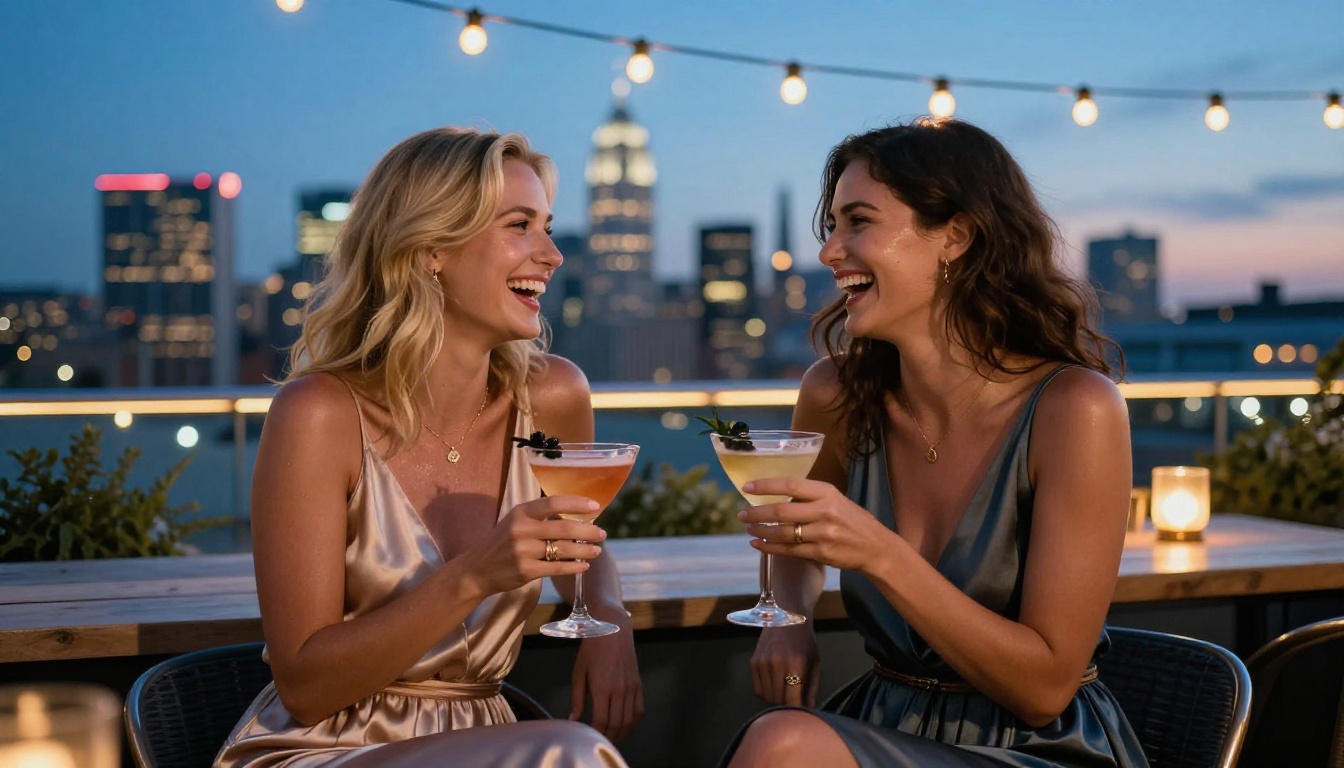
PicassoIA was built with a different philosophy: trust creators to know what they want to make. The platform doesn't run a background filter system that silently rejects or sanitizes your prompts. What you describe is what gets generated, with the quality and realism depending entirely on your prompt skill and model choice, not on whether a keyword tripped a moderation flag.
No Content Filters, No Blocked Prompts
The experience is fundamentally different from the first generation. You type your prompt and the model tries to produce exactly what you described. There's no guessing game about which words are allowed. There's no sanitized version of your vision showing up instead of your actual request. The model works on your intent, not around it.
This doesn't mean the platform produces pornographic content. There's a meaningful distinction between non-explicit NSFW, which covers glamour, artistic nudity, suggestive aesthetics, and mature themes, and explicit pornographic material. PicassoIA sits firmly in the former category. It's a platform for adults creating beautiful, suggestive, and artistically mature content, not a shock site.
90+ Models Across Every Style
The model library is one of the most practical differentiators. Instead of being locked into a single base model or a small curated set, you get access to over 90 text-to-image models, each with different strengths, aesthetics, and output characteristics. Some excel at photorealistic portraits. Others handle cinematic scenes, fashion editorials, or high-detail character work.
That variety matters because no single model is best for every use case. The ability to switch between Flux Dev, RealVisXL v3.0 Turbo, and SDXL Lightning 4Step based on what a specific project needs is a workflow advantage that restricted platforms simply can't offer.
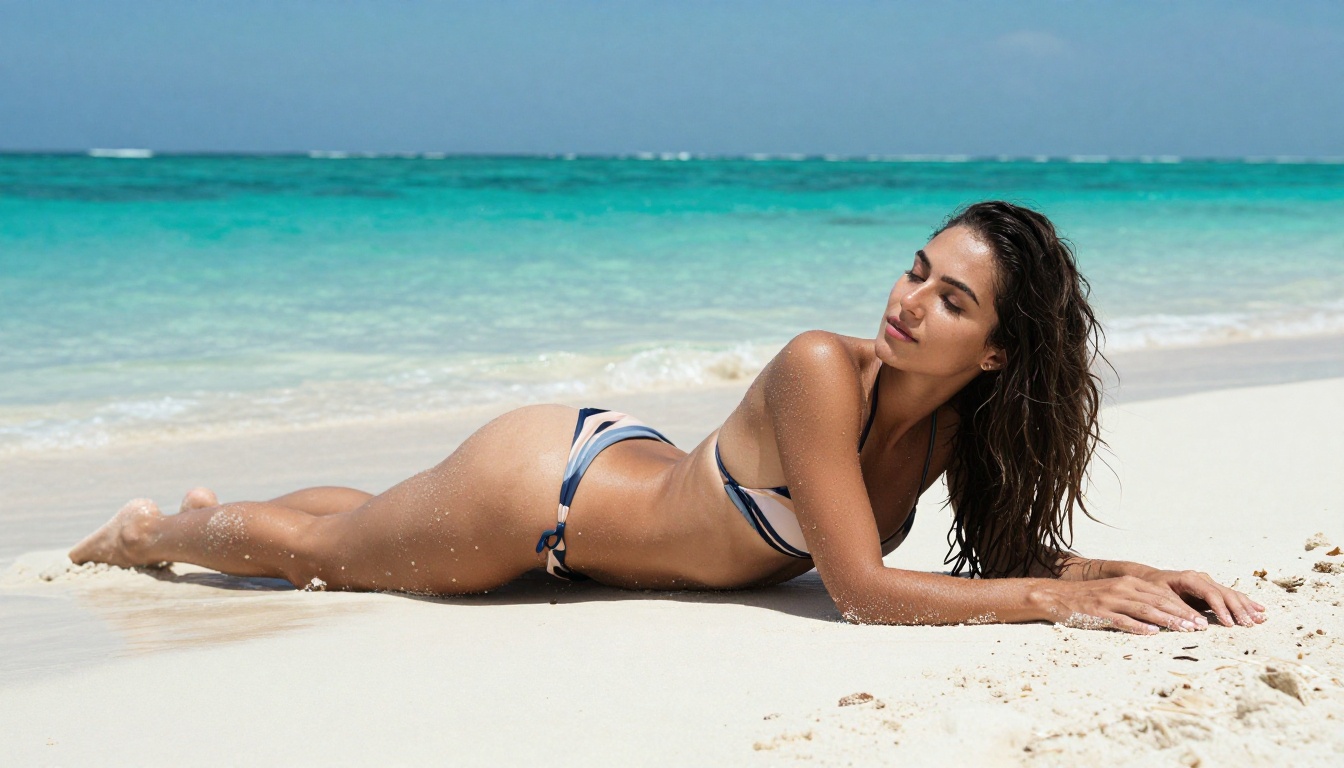
The Models Worth Knowing
Choosing the right model is the difference between a mediocre output and an image that looks like it came from a professional photographer. Here's what each major model brings to the table.
Flux Dev for Photorealistic Portraits
Flux Dev is a workhorse for realistic human subjects. It handles skin texture, facial anatomy, hair detail, and lighting with a level of fidelity that older models struggle to match. For portrait work, fashion references, and any prompt where a convincing human subject is the central element, Flux Dev is the starting point.
It's particularly strong with detailed prompts. The more specific you are about lighting direction, camera lens, skin characteristics, and environment, the closer the output comes to a genuine photographic result.
RealVisXL for Skin-Detail Accuracy
RealVisXL v3.0 Turbo pushes further into photorealism than most models dare. It renders pores, fine hair, fabric weave, and surface texture with an almost uncomfortable level of accuracy. For glamour work where skin quality is the primary aesthetic concern, this model delivers results that regularly pass for real photography at first glance.
The turbo variant balances that detail level with reasonable generation speed, making it practical for iterative workflows where you're refining a prompt across multiple generations.
SDXL Lightning for Fast Iteration
SDXL Lightning 4Step sacrifices some detail ceiling in exchange for speed. When you're developing a concept, testing compositions, or building a mood board quickly, burning through 30-second generations isn't practical. SDXL Lightning cuts that down dramatically while still producing outputs good enough to evaluate whether a creative direction is worth pursuing.
Think of it as the sketching layer before you commit to a high-fidelity render with Flux Dev or RealVisXL.
Flux 1.1 Pro Ultra for High-Stakes Output
Flux 1.1 Pro Ultra Finetuned is the model you reach for when the output needs to be impressive. It generates at up to 4 megapixels with detail density that makes even zoomed-in crops look sharp. For final deliverables, portfolio pieces, or any image that's going on a large display, this is the tier that justifies the quality.
Leonardo AI vs the Alternative
Let's put the two platforms next to each other on the metrics that actually matter for creative work.
| Feature | Leonardo AI | PicassoIA |
|---|
| Content filters | Aggressive, blocks common creative prompts | None on NSFW-suggestive content |
| Watermarks on free tier | Yes | No |
| Model variety | Limited selection | 90+ text-to-image models |
| NSFW support | Blocked or heavily restricted | Full glamour, artistic nudity support |
| Photorealism ceiling | Moderate | Very high (Flux, RealVisXL) |
| Credit system | Complex, burns fast | Straightforward usage |
| Prompt rejection | Common for sensitive terms | Rare |
| Portrait Series tool | Not available | Yes, available |
The table doesn't lie. If your work touches any mature, suggestive, or glamour-adjacent territory, the comparison isn't close. Leonardo AI is a solid general-purpose generator for safe-for-work content. For anything beyond that boundary, it simply doesn't function as a creative tool.
How to Get the Best Results
Switching platforms is only half the equation. Getting consistently strong outputs requires understanding how to write prompts that extract maximum quality from each model.
Pick the Right Model for Your Goal
Before you write a single word of your prompt, decide what quality-speed tradeoff you need:
Prompt Structure That Works
Photorealistic prompts follow a specific architecture that models respond to reliably:
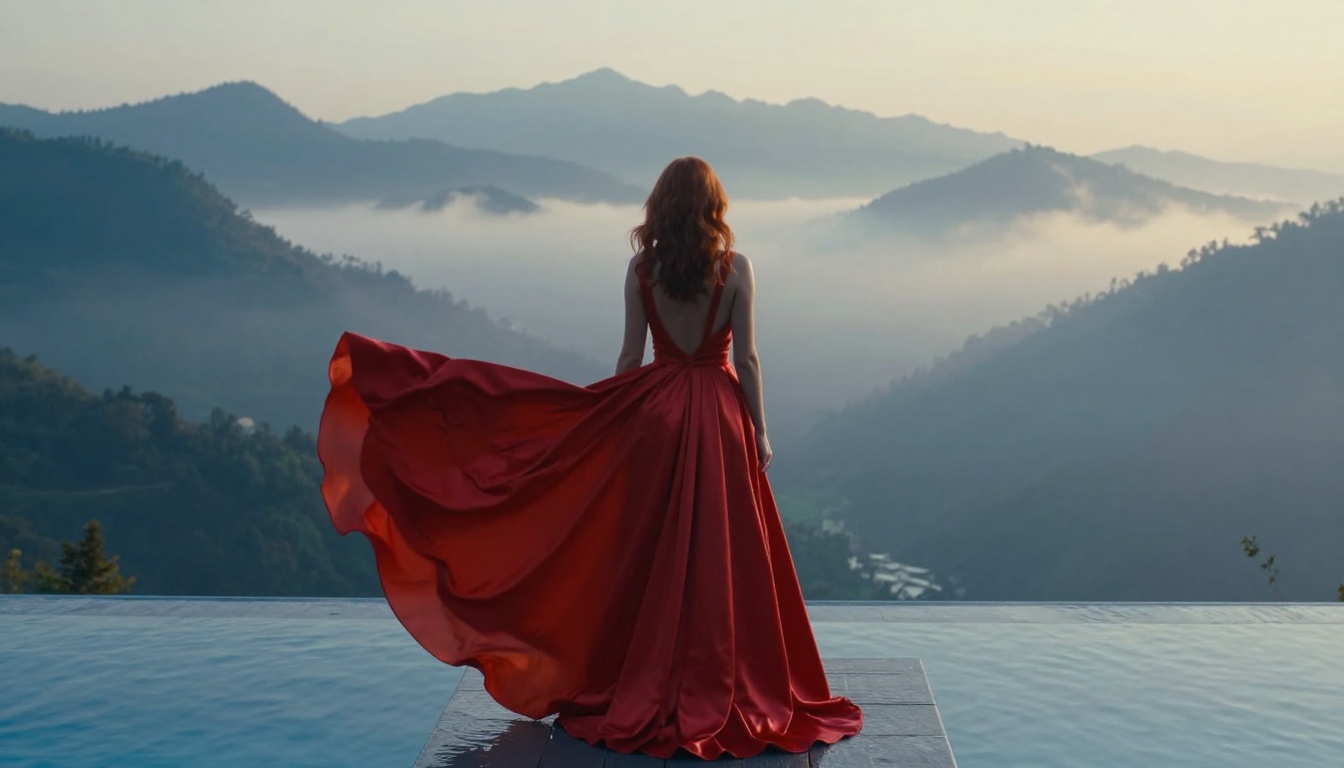
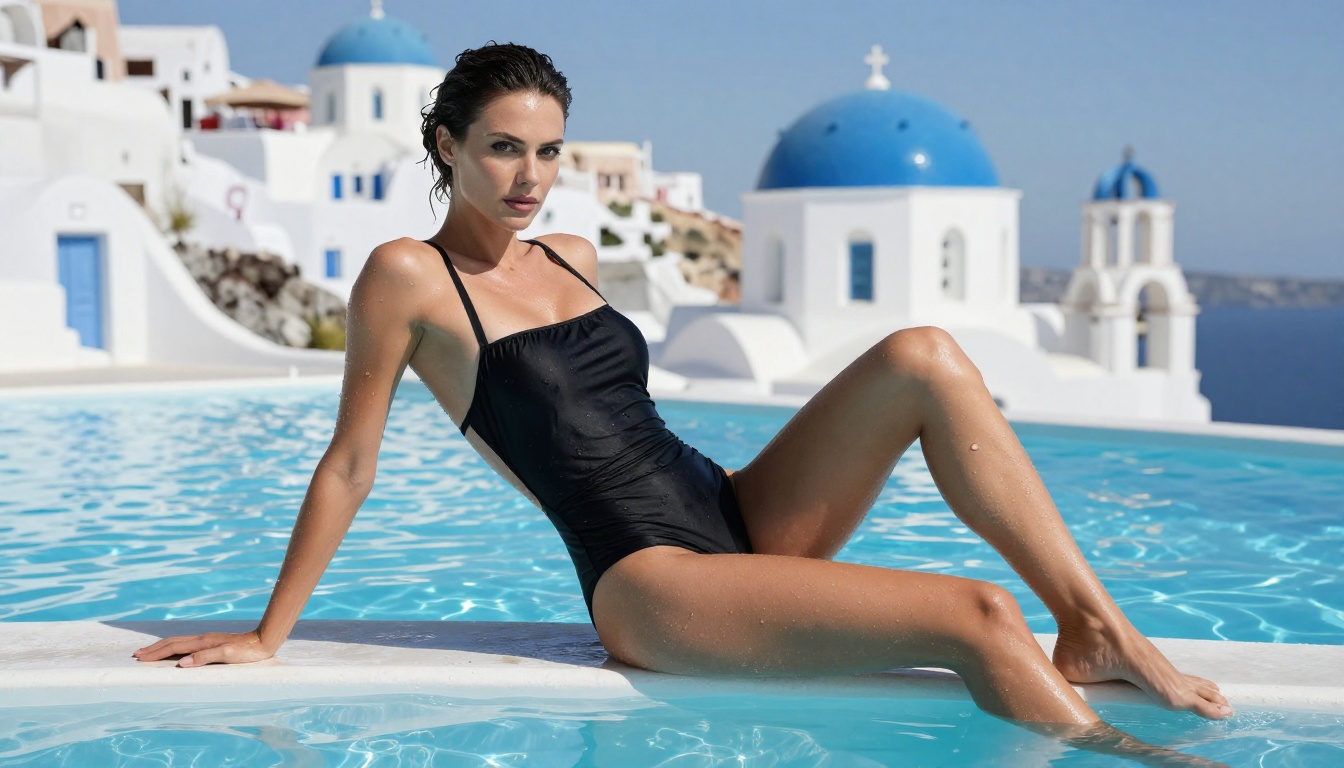
- Subject + action/pose: "A woman with auburn hair standing at the edge of an infinity pool"
- Environment: "overlooking a misty mountain valley at sunrise"
- Lighting: "volumetric morning mist filtering soft blue-gold light from the left"
- Camera specifics: "Sony A1 135mm f/1.8 telephoto lens"
- Texture details: "fine satin weave texture visible on the dress, individual hair strand detail"
- Film stock: "Fuji Provia 100F film emulation"
- Quality tags: "photorealistic RAW 8K photography, no CGI"
💡 The more specific your lighting description, the more cinematic the result. "Volumetric morning light from the left" produces dramatically better outputs than just "good lighting."
Parameters to Adjust for Maximum Realism
Beyond the prompt itself, two settings consistently improve photorealistic output:
- Higher CFG scale (guidance): Pushes the model to follow your prompt more literally. Good for precise compositions.
- More steps: Slower but allows the model to resolve fine details that low-step generations miss, particularly in hair, fabric, and skin.
What You Can Actually Create
Once the filter wall is gone, the creative space that opens up is significant. Here's what creators are actively building on an unrestricted platform.
Photorealistic Portraits and Fashion
The most immediate use case. Fashion brands, photographers, and individual creators are generating editorial-quality portraits for mood boards, campaign pre-visualization, and social content. The ability to specify skin tone, hair texture, clothing fabric, lighting mood, and environment in a single prompt produces reference images that would take a full photo shoot to create conventionally.
RealVisXL v3.0 Turbo and Flux Dev handle this category better than any model currently available on Leonardo AI, with or without its filter system.
Suggestive Glamour and Beauty Art
This is the category where Leonardo AI fails most completely and where an unrestricted platform provides the clearest value. Glamour photography, bikini and lingerie reference shoots, fine art body work, and beauty editorial content all require a generator that can engage with the subject matter directly.
The output from Flux 1.1 Pro Ultra Finetuned in this space is routinely mistaken for real photography. The skin rendering, lighting response, and compositional awareness at 4MP resolution is that strong.
Character Design and Cosplay References
Writers, game designers, and cosplayers are using unrestricted AI generation to create mature character reference sheets. Fantasy characters in revealing armor, romance novel protagonists, villain aesthetics, and complex costume designs all require working without a content filter interpreting every creative choice as a potential violation.
The Portrait Series model is particularly useful here because it maintains character consistency across multiple generations, letting you build a coherent reference library for a single character across different poses, expressions, and outfits.
Architectural and Lifestyle Visualization
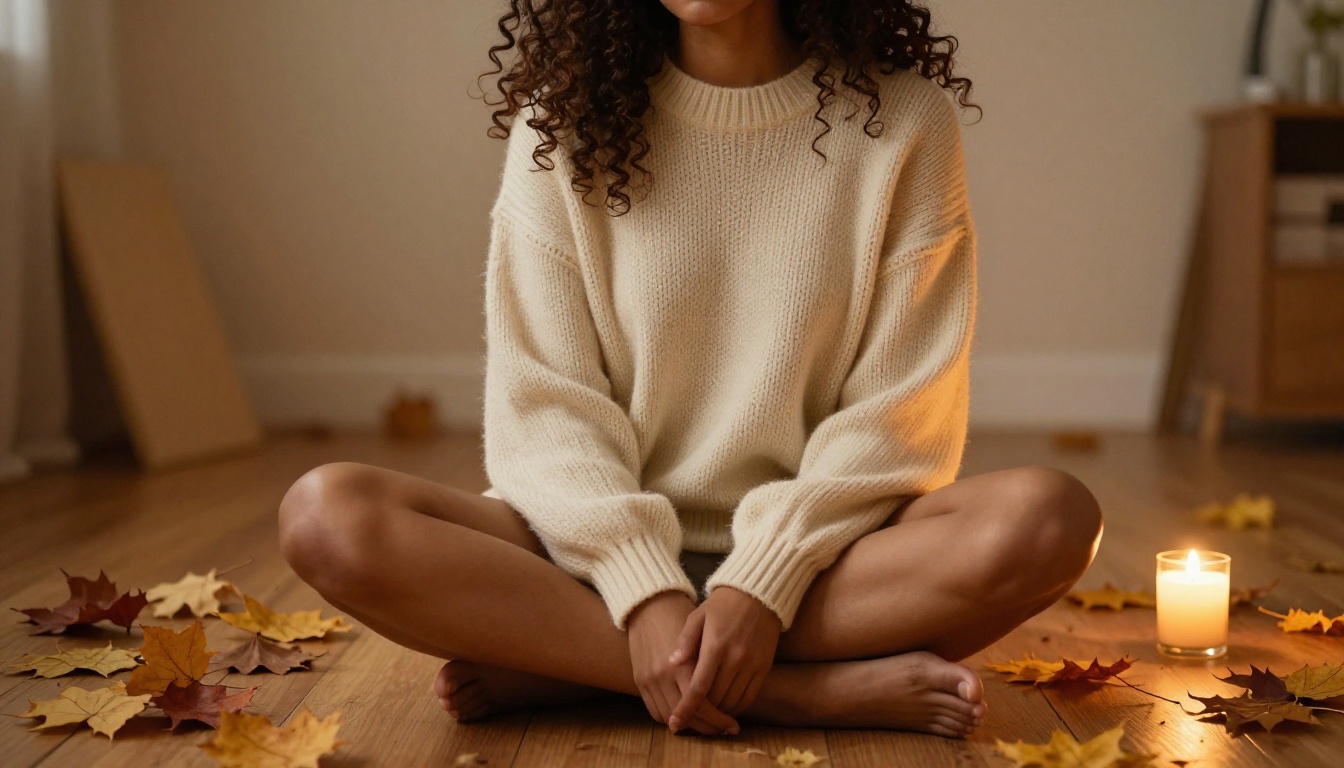
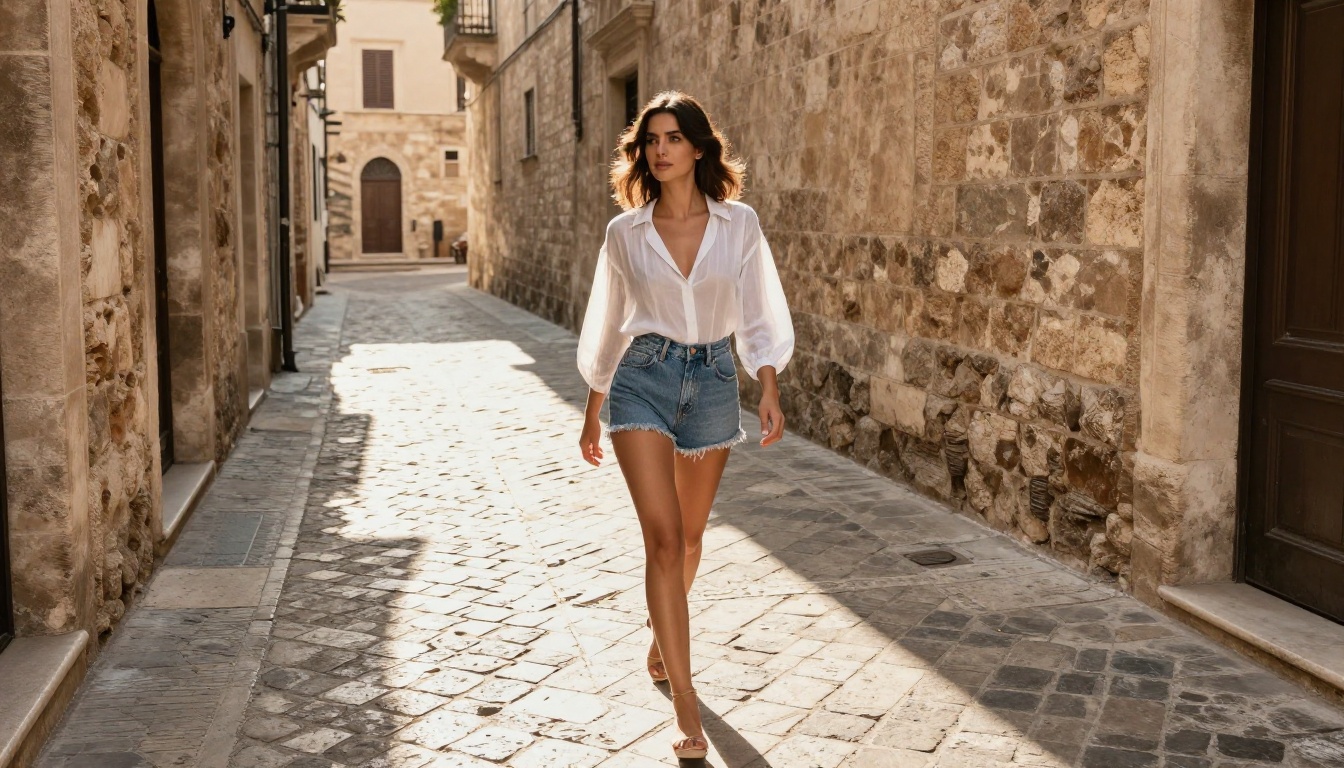
It's not all about human subjects. Creators using Stable Diffusion and Qwen Image 2 Pro for interior design, travel photography mood boards, and lifestyle brand content benefit from the same filter-free environment because "lifestyle" often includes people, relationships, and environments that conservative moderation systems flag unnecessarily.
💡 For lifestyle and travel content, try Flux Kontext Fast to edit and iterate on a base image quickly rather than regenerating from scratch every time.
Why the Filter Debate Matters More Than You Think
The argument for content filters usually sounds reasonable in the abstract: prevent harmful content, protect users, maintain brand safety. In practice, the implementation on platforms like Leonardo AI goes far beyond those goals. It restricts legitimate artistic work, forces creative compromises on professional output, and treats adult creators as though they cannot be trusted with their own prompts.
The alternative isn't chaos. It's respect for creators. A platform can enforce a meaningful line between non-explicit NSFW content and genuinely harmful material without destroying the entire mature creative spectrum in between. That's exactly the distinction PicassoIA has built its policy around, and it's why the platform has become the default choice for serious creators working in the glamour, fashion, and mature character spaces.
The irony is that the platforms with the most aggressive filters often produce the least artistically interesting content. When a model is trained to avoid anything that could be considered provocative, it learns to be bland. The best AI image generation, like the best photography, happens at the edge of comfort zones, not safely inside them.
Try It and See the Difference
The fastest way to understand the gap between a filtered and an unrestricted platform isn't to read comparisons. It's to take the prompt that Leonardo AI blocked last week and run it on a model that doesn't have that wall.
Start with Flux Dev for your first photorealistic portrait attempt. Use the prompt structure described above: subject, environment, lighting, camera, texture, film stock. Watch what happens when a model actually tries to produce what you described instead of a sanitized approximation of it.
If you want maximum quality for a portfolio piece, move up to Flux 1.1 Pro Ultra Finetuned. If you're iterating on a concept, Flux Fast gets you through multiple variations quickly. If you're building a consistent character across multiple images, Portrait Series keeps your subject coherent across generations.
The creative space waiting on the other side of that filter wall is considerably larger than what most creators have had access to. All it takes is switching to a platform that was designed to let you actually use it.
💡 Your next step: Pick one prompt you've had blocked or sanitized on another platform. Drop it into Flux Dev or RealVisXL v3.0 Turbo and compare the result. The difference is usually immediate, and once you see it, the old platform stops feeling like a viable option.
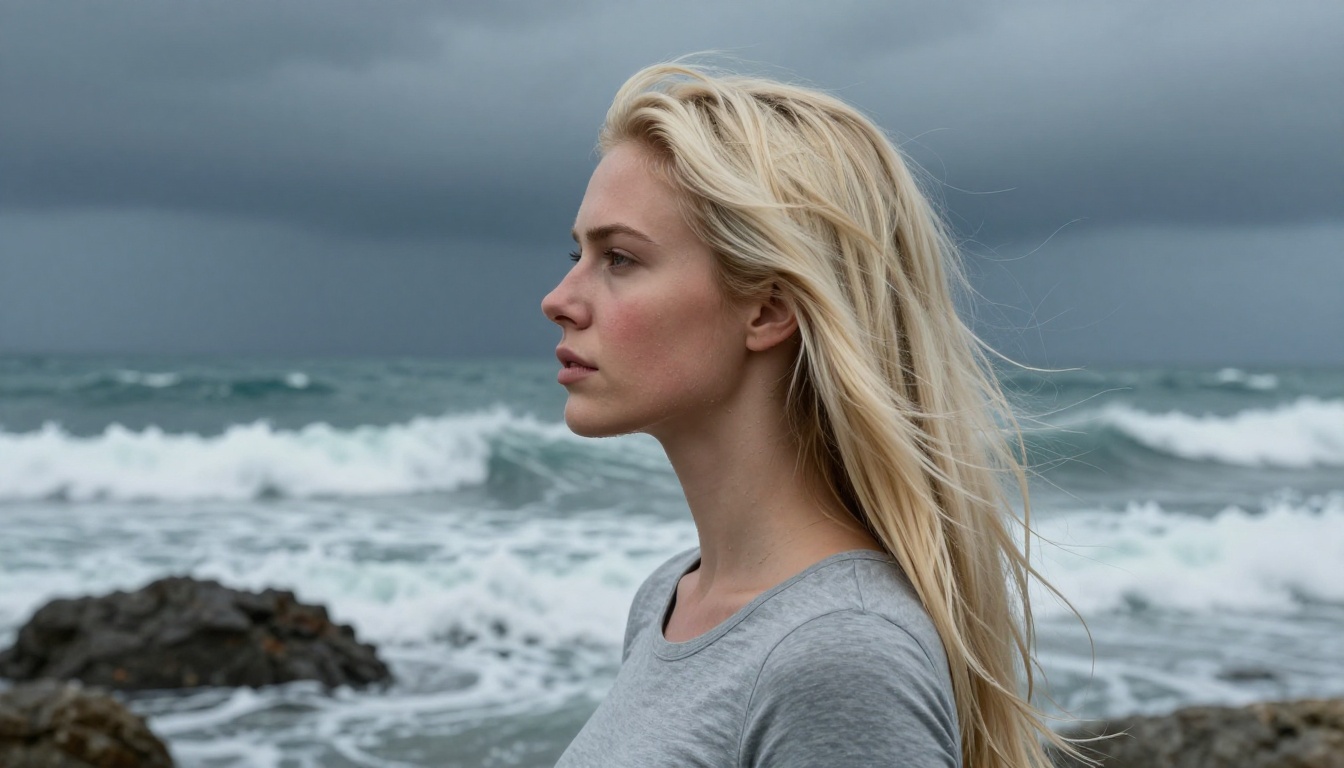
Close-up portrait detail, skin texture, and lighting response are where the gap between restricted and unrestricted generation becomes most visible. Try a detailed portrait prompt with a specific lighting setup, a named film stock, and camera lens specification. The results will be the most convincing argument for switching that exists.
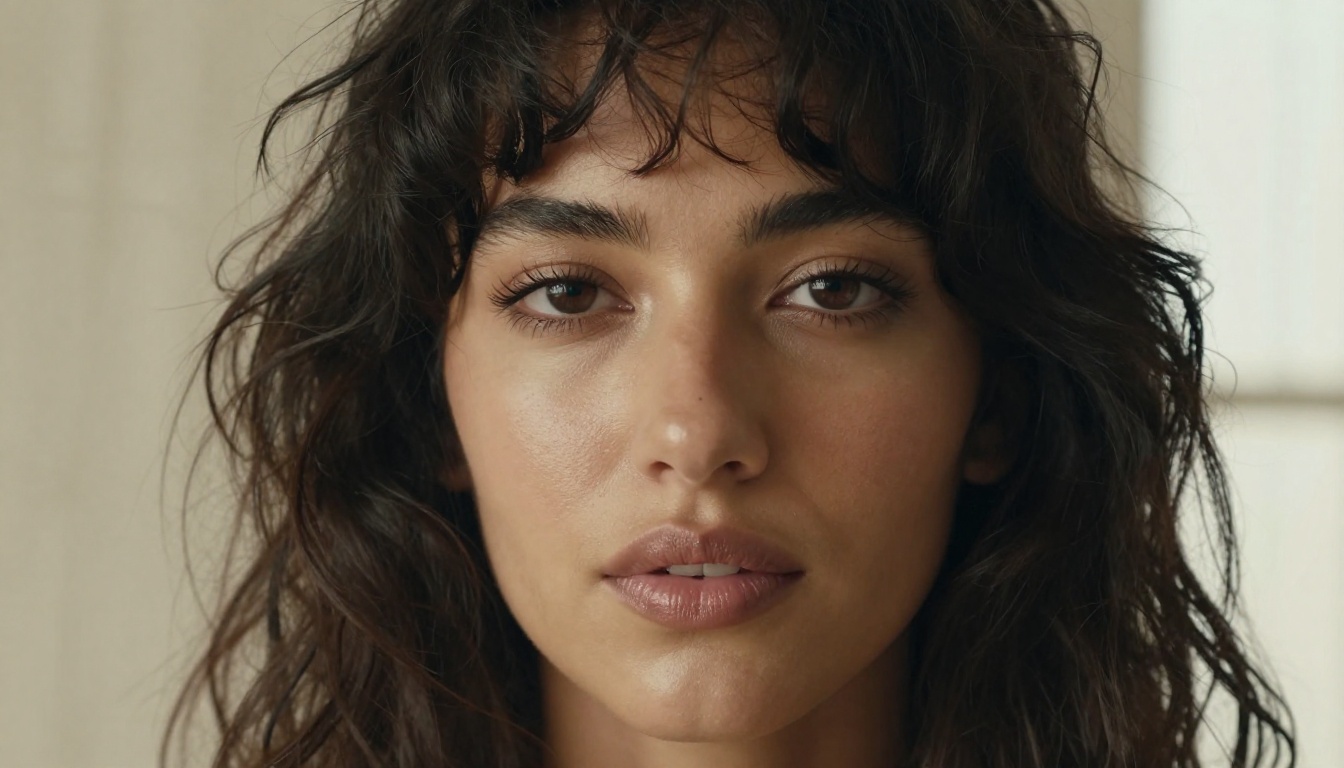
The filter-free approach isn't a niche preference for a specific type of creator. It's a fundamental difference in what a platform believes its users deserve. Creative freedom, accurate outputs, and results that match your actual vision aren't premium features. They should be the baseline. Platforms that treat them as risks rather than rights are simply the wrong tool for serious creative work.


