You've seen that notification before. "You've used your fast GPU time for this month." Another creative session cut short, another batch of ideas shelved until your subscription resets. If you're tired of Midjourney limits pulling the brakes on your work, you're not alone, and you don't have to accept it.
Picasso AI is the platform creatives are switching to when they're done fighting restrictions. More than 90 models, no Discord requirement, no arbitrary monthly caps, and access to the most powerful image generation engines available today. What follows is everything you need to know before you make the switch.
What Actually Limits You on Midjourney
Midjourney is a capable tool. That's not in question. What is in question is whether its business model actually serves creators, or whether it's designed to push you toward higher tiers.
The Monthly Fast Hours Cap
Midjourney's basic plan gives you approximately 200 images per month. That sounds generous until you're deep in a project that requires real iteration. Each variation, each upscale, each retry eats into your allowance. Professional workflows can burn through a month's allocation in two or three serious sessions.
When fast GPU time runs out, you're left with two options: wait hours in relaxed mode (a shared slow queue where your job sits behind thousands of others) or upgrade to a pricier plan. Neither is a good deal when a client deadline is approaching.
The Discord Dependency
To use Midjourney, you must use Discord. That's not a feature. For most people working in professional or studio environments, Discord is a personal chat platform, not a business tool. Images generated in public channels are visible to everyone unless you pay for the private mode upgrade.
This creates a strange dynamic where your creative work, your prompts, your ideas, sit in a server with thousands of strangers. There's no clean web interface for beginners, no proper project organization, and zero separation between your AI workflow and someone else's conversation thread.
One Model, One Aesthetic
Midjourney has a signature look. Painterly, fantasy-adjacent, slightly over-saturated. In some cases that's exactly what you want. In many others, it isn't. If you need photorealistic product shots, clinical white-background images, documentary-style portraits, or architectural renders with specific technical properties, Midjourney's aesthetic preferences work against you.
You can fight the style with prompts, but you're working against the model's grain rather than with it.
The Real Price of "Cheap" AI Art
The entry-level Midjourney plan looks affordable at first glance. But let's run the actual numbers on what creative professionals end up paying over time.
What You Pay vs. What You Get
| Feature | Midjourney Basic | Midjourney Standard | PicassoIA |
|---|
| Monthly cost | $10 | $30 | Pay-per-use |
| Images per month | ~200 | Unlimited relaxed | Unlimited |
| Private mode | No | No | Yes |
| Model variety | 1 (MJ) | 1 (MJ) | 90+ models |
| Discord required | Yes | Yes | No |
| Commercial rights | Yes | Yes | Yes |
| Web interface | No | No | Yes |
The "$10 plan" often becomes a $30 plan once you realize that relaxed mode is too slow for serious work. Then it becomes a $60 plan when you need private mode. Then you're looking at the Pro tier to remove GPU throttling entirely.
💡 Worth knowing: PicassoIA charges per generation, not per month. If you create in bursts rather than daily, the economics flip significantly in your favor.
Hidden Costs Nobody Mentions
Beyond the subscription, there are workflow costs. The time spent copy-pasting between Discord and your actual tools. The mental overhead of managing prompt history in a chat interface. The friction of working in a public environment when your projects are supposed to be private.
These don't show up on a billing statement, but they add up every single session. A platform built for creators should reduce friction, not create new categories of it.
How PicassoIA Works Differently

PicassoIA was designed around a fundamentally different premise: give creators access to the best models available and let them choose what fits their project, not what the platform decided should be the default.
90+ Models, One Platform
The platform hosts over 90 text-to-image models spanning every major architecture in AI image generation. That means you can generate a photorealistic portrait with one model, switch to a different model for stylized illustration work, and use a third for high-detail architectural visualization, all without leaving the platform or changing your subscription tier.
This variety isn't just a feature list. It's a fundamentally different approach to creative work. Instead of forcing your vision into a single model's aesthetic, you pick the model that already works the way you think.
No Queues, No Throttling
Every generation runs immediately. There's no "relaxed mode" fallback when you've used your fast allocation. No mysterious "currently at capacity" messages. No waiting 45 minutes for a test render.
For iterative creative work, this matters more than almost anything else. The speed of the feedback loop between idea and output directly affects how deep you can go in a session. Slow tools break concentration. Fast tools disappear into the background and let you think.
A Web Interface That Actually Works
PicassoIA gives you a clean browser-based interface where your images, your prompt history, and your projects live in an organized, searchable space. No Discord server required. No third-party app installations. No public visibility of your creative process unless you choose to share it.
You can access everything from any device with a browser. Your history follows you. Your generations are private by default.
The Models Worth Knowing
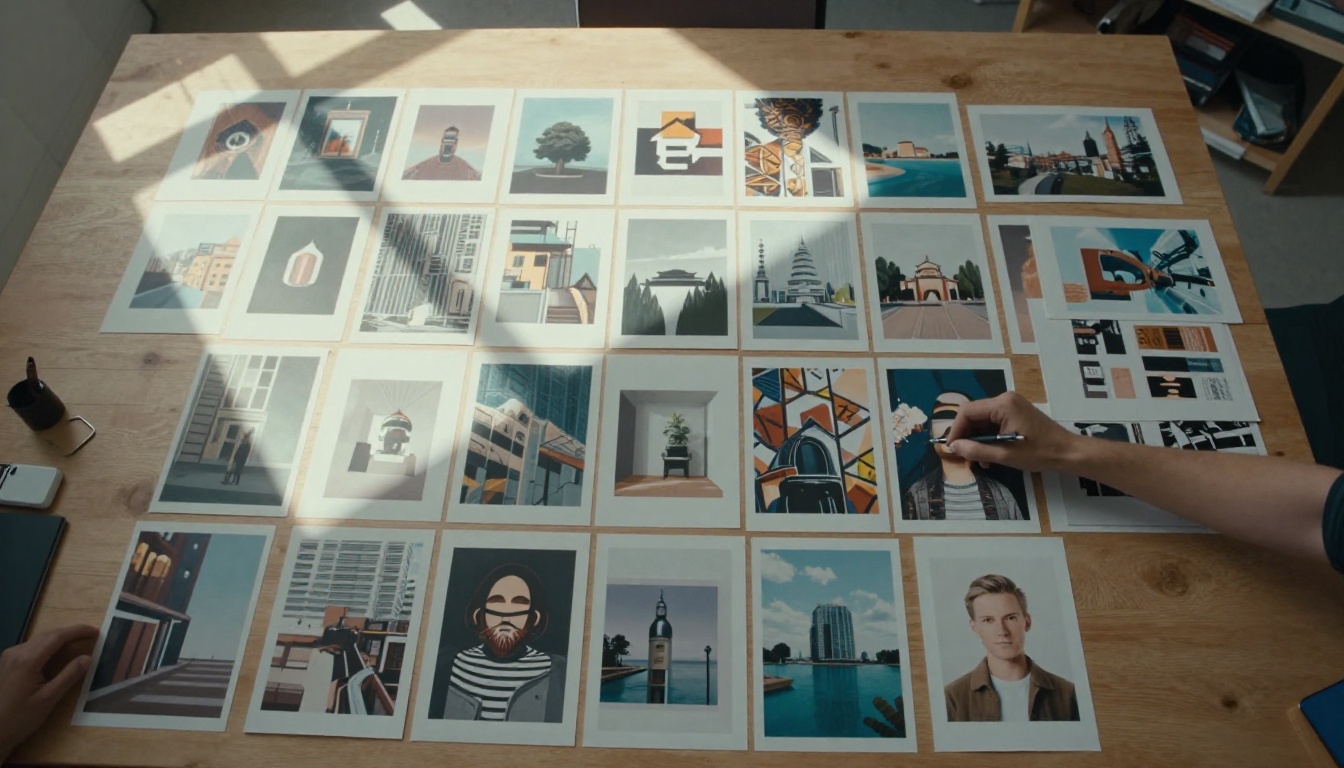
Model selection is where PicassoIA pulls furthest ahead of any single-model platform. Here are the ones worth trying first.
Flux Dev and Flux Schnell
The Flux Redux Dev model from Black Forest Labs represents the current state of the art in photorealistic image generation. Where Midjourney leans painterly, Flux leans toward precision. Fine details, accurate proportions, realistic lighting conditions, and textures that hold up under close inspection.
What it excels at: portraits, product photography, architectural visualization, documentary-style imagery.
What makes it different: Flux respects the physics of light and shadow in a way that makes outputs feel genuinely photographic rather than AI-generated. Skin textures, fabric folds, reflective surfaces, all render with a level of detail that puts it above most alternatives on the market right now.
GPT Image 2
GPT Image 2 brings OpenAI's image generation capabilities directly into the PicassoIA workflow. Particularly strong for product visualization, lifestyle imagery, and scenarios where instruction-following precision matters.
If your prompt includes very specific compositional requirements, such as "subject in the lower left third, negative space on the right, warm backlight," GPT Image 2 handles that precision better than most alternatives. It's the model to reach for when you have a specific brief and need the output to match it closely.
More Than Just Images
PicassoIA's capability set extends well beyond text-to-image. The platform includes tools that cover an entire production pipeline:
- Super Resolution: Upscale images 2x to 4x with detail preservation, ideal for print-ready exports
- Background Removal: Clean, accurate cutouts without manual masking
- Face Swap: Realistic face replacement for compositing workflows
- Image Restoration: Repair noise, blur, and damage in existing images
- Outpainting: Extend the canvas beyond the original image boundaries
- Text to Video: 87 models for generating motion content from text prompts
- AI Music Generation: Create original audio tracks from text descriptions
Running a full campaign, from initial concept images through to video content and audio, within one platform is a meaningful workflow improvement over juggling separate subscriptions for each capability.
Midjourney vs. PicassoIA: Where They Actually Differ
Let's put both platforms side by side on the factors that affect day-to-day creative work.
Creative Control
| Factor | Midjourney | PicassoIA |
|---|
| Model variety | 1 house model | 90+ models |
| Style range | Painterly/artistic | Full spectrum |
| Photorealism quality | Moderate | Excellent (Flux) |
| Prompt precision | Moderate | High (model-dependent) |
| Style lock-in | Heavy | None |
Workflow Reality
| Factor | Midjourney | PicassoIA |
|---|
| Interface | Discord only | Web browser |
| Image organization | Discord threads | Platform dashboard |
| Privacy by default | No | Yes |
| Mobile access | Limited | Yes |
| API access | Yes (Pro+) | Yes |
💡 The clearest difference: Midjourney is a single creative tool with a specific aesthetic and a Discord-native workflow. PicassoIA is a platform hosting dozens of tools with no enforced aesthetic and a web-native workflow. Which one fits depends entirely on what you're building.
How to Generate Your First Image on PicassoIA
Getting from account creation to your first generated image takes about three minutes. Here's the exact sequence.
Step 1: Pick a Model for Your Use Case
Head to the text-to-image collection. Each model page shows example outputs so you know exactly what aesthetic you're working with before committing a generation. Start with Flux Redux Dev for photorealistic work or GPT Image 2 for instruction-heavy prompts that need precise composition.
Step 2: Write a Prompt That Actually Works
The prompt structure that consistently produces strong results follows this pattern:
- Subject: Who or what is the main focus
- Action or State: What they're doing or how they appear
- Environment: Where the scene takes place
- Lighting: Direction, quality, and source
- Camera: Lens, angle, depth of field
- Texture and Atmosphere: Material details, film grain, mood
A weak prompt: "a woman in a coffee shop"
A strong prompt: "A woman in her late 20s reading at a corner table in a Parisian cafe, morning light through condensation-fogged windows, shot at eye level with 50mm lens, warm tungsten ambient light, shallow depth of field, Kodak Portra 400 film grain"
The difference in output quality between these two is not subtle. Specificity is the single biggest lever in prompt quality, and it costs nothing.
Step 3: Iterate Without Checking a Counter
This is where the no-limits model pays off most directly. Generate a first version. If the composition is close but the lighting is wrong, adjust and regenerate. If the subject reads correctly but the background doesn't serve the image, iterate again. There's no usage warning appearing halfway through a session.
Professional image work requires iteration. A platform that penalizes iteration penalizes quality. PicassoIA removes that penalty entirely.
What Professionals Are Using It For
The shift away from single-model platforms isn't happening because creators are dissatisfied with image quality in the abstract. It's happening because specific professional use cases don't fit into a single-model, single-aesthetic, single-platform approach.
Editorial and content teams need volume. Dozens of unique images per week, across different styles and formats, without hitting monthly caps mid-campaign or paying per-seat Discord fees.
E-commerce studios need precision. Photorealistic product shots on white backgrounds with consistent lighting across a catalog. That's a Flux use case, not a painterly-model use case.
Independent creators need fair economics. A creator doing a single focused project per month shouldn't pay the same flat fee as someone running a daily creative practice. Usage-based pricing is simply fairer at lower volumes.
Agencies need privacy by default. Client work doesn't belong in a public Discord server visible to strangers. The baseline privacy of a proper web platform isn't a premium feature, it's a minimum requirement.
The Numbers Behind the Platform
PicassoIA hosts models across every major category of AI media generation:
| Category | Availability |
|---|
| Text to Image | 91 models |
| Text to Video | 87 models |
| Video Effects | 500+ effects |
| Super Resolution | Yes |
| Background Removal | Yes |
| AI Music Generation | Yes |
| Speech to Text | Yes |
| Face Swap | Yes |
This breadth matters because creative projects rarely happen in isolation. A campaign that starts with image generation might need video content, audio narration, and video polishing before it ships. Running that full workflow within one platform, with one account, removes a significant amount of overhead.
Start Creating With No Walls

If you've reached this point in the article, you've probably hit a Midjourney limit at least once this month. Maybe more than once. Maybe it cost you real time on a project you cared about.
The switch is straightforward. Browse the text-to-image model collection on PicassoIA, pick the model that fits your project's needs, and generate your first image without watching a usage counter. No Discord login. No monthly allocation to protect. No aesthetic guardrails baked into the model itself.
The best image you create might be in the next session. The only thing that's been standing between you and it is a monthly reset timer. That limitation no longer has to be yours.
Try PicassoIA now. Pick a model, write a specific prompt, and see what your creative process looks like when the platform actually gets out of the way.


