You have been there. You type out a perfectly crafted prompt, hit generate, and Midjourney tells you that you have used up your fast GPU hours. Maybe it drops you into relax mode. Maybe it just stops responding. If this sounds familiar, you are not alone, and there is a real alternative worth your time.
Why Midjourney Keeps Creators Stuck
Midjourney built something impressive. Its aesthetic is distinctive, its community is large, and the results can be striking. But the platform was not built with your creative freedom in mind. It was built around a subscription model that profits most when you hit limits.
The Monthly Credit Cap Is a Real Problem
Every Midjourney plan includes a fast GPU hour limit. Once you burn through it, you wait. The Basic plan gives you roughly 200 generations per month. For a professional creator working at pace, that disappears in a single afternoon of serious iteration.
The workarounds are expensive. The Pro plan costs $60 per month, and even that has caps. Most creators end up rationing prompts, hesitating before generating, and second-guessing every attempt. That is the opposite of a productive creative workflow.
💡 The real cost of Midjourney is not just the subscription fee. It is the creative friction that limits force on you.
Waiting in the Queue Kills Momentum
Relax mode generations can take 10 minutes or more. When you are iterating on an image, tweaking lighting, adjusting composition, and testing different subjects, ten minutes per attempt translates to hours per concept. Creative momentum does not survive that kind of friction. The best creative ideas happen during rapid iteration, not while waiting for a queue to clear.
No API for Developers or Power Users
Midjourney offers no public API. If you want to build an app, automate a workflow, or integrate image generation into your production pipeline, Midjourney is simply not an option. This is not a feature on some future roadmap. It is a structural limitation that reflects what the platform prioritizes.
What 91+ Models Actually Means
Access to more than 91 text-to-image models from a single interface is not just a bigger menu. Each model has a distinct visual character, strength profile, and best use case. Choosing the right model for a specific type of image produces dramatically better results than forcing one model to handle everything.
This is the structural advantage that a multi-model platform holds over Midjourney. One aesthetic, one pipeline, one set of limitations versus a library of specialized tools that you match to the task at hand.
Flux Dev: Fast and Photorealistic
Flux Dev from Black Forest Labs has set a new standard for open-weight image generation. It produces photorealistic outputs with accurate prompt following and exceptional detail in faces, textures, and lighting conditions. For product shots, portraits, and realistic scenes, it competes directly with commercial closed-source models. Generation speed is fast enough that iteration feels natural rather than painful.
Flux Pro Finetuned: When You Need More Precision
Flux Pro Finetuned takes the Flux architecture further with fine-tuning applied for enhanced accuracy on complex prompts. Where the base Flux Dev model handles most tasks exceptionally well, the Pro Finetuned version raises the ceiling higher for detailed compositions, specific artistic directions, and technically demanding subjects that require precise prompt interpretation.
Stable Diffusion 3: The Open Standard
Stable Diffusion 3 from Stability AI remains a benchmark model for good reason. It handles a massive range of styles, maintains strong prompt coherence, and produces reliable results across creative directions ranging from editorial photography to conceptual illustration. When stylistic flexibility matters more than any single metric, SD3 is the most versatile model in the library.
DreamShaper XL Turbo: Artistic Realism at Speed
DreamShaper XL Turbo sits in the space between pure photorealism and illustrated style. Its outputs carry a warmth and painterly quality that works exceptionally well for portraits, atmospheric scenes, and fashion imagery. The Turbo variant generates in fewer diffusion steps, which means faster results without a meaningful quality drop for most use cases.
RealVisXL: Total Compositional Control
RealVisXL with multi-ControlNet and LoRA support is built for creators who need precise control over composition and spatial layout. ControlNet lets you feed in a pose reference, edge map, or depth map and generate images that match your exact compositional requirements. For fashion photography, architectural visualization, and product staging, this level of control changes what is possible.
GPT Image 2: Instruction-Following at a Different Level
GPT Image 2 brings OpenAI's latest generation capabilities to the platform. It excels at prompts requiring precise interpretation of complex instructions. Detailed scene descriptions, specific textual compositions, and instruction-heavy prompting styles are where this model stands apart from diffusion-based alternatives. If you have ever written a very specific prompt and gotten something completely unrelated back, this model addresses that problem directly.
Flux Schnell LoRA: When Speed Is Everything
Flux Schnell LoRA is the fastest entry in the Flux family, designed for rapid prototyping and high-volume generation. When you need to test ten different concepts in ten minutes before committing to a direction, Schnell's generation speed makes that practical. LoRA support means you can apply style adaptations on top of the base speed.
Picking the Right Model for the Job
With 91+ models available, the question is not which is best overall. It is which one suits the specific output you need right now. Most experienced users settle on a primary model for their standard work and maintain a mental list of two or three alternatives for when that primary model hits its stylistic limits.
| Your Goal | Recommended Model | Why It Works |
|---|
| Photorealistic portrait | Flux Dev | Superior face detail and natural lighting |
| Atmospheric editorial | DreamShaper XL Turbo | Warm painterly realism with fast output |
| Complex instruction prompts | GPT Image 2 | Best prompt-following accuracy |
| Controlled pose or composition | RealVisXL | ControlNet sets exact spatial layout |
| Broadest stylistic range | Stable Diffusion 3 | Most flexible across creative directions |
| Demanding technical prompts | Flux Pro Finetuned | Higher ceiling for precision outputs |
| Rapid concept testing | Flux Schnell LoRA | Fastest generation in the Flux family |
The fastest way to internalize these differences is to run the same prompt through three different models and compare the outputs side by side. The differences are often significant enough to change which direction you take a project.
💡 Pro tip: Save your best-performing prompts. A prompt that produces strong results on Flux Dev often yields interesting variations on DreamShaper XL Turbo with only minor adjustments.
Midjourney vs Picasso AI: Side by Side
| Feature | Midjourney | Picasso AI |
|---|
| Monthly credit caps | Yes, on all plans | No hard cap system |
| Number of image models | 1 proprietary model | 91+ models |
| Public API access | No | Yes |
| Generation speed | Slow in relax mode | Fast across all models |
| Video generation | No | 87+ video models |
| Background removal | No | Yes |
| Face swap | No | Yes |
| Super resolution | No | Yes, 2x to 4x |
| Image editing tools | No | Inpainting and outpainting |
| Audio generation | No | Yes |
| Prompt language required | Midjourney-specific syntax | Plain natural language |
The gap is not close. Midjourney is one feature of what a complete AI content production platform covers.
How to Create Your First Image on Picasso AI
Getting started takes under three minutes. Here is the exact process:
- Create a free account on Picasso AI.
- Go to the text-to-image section to see the full model library and available options.
- Select your model. For photorealistic results from a first test, Flux Dev is the strongest starting point.
- Write your prompt in plain natural language. No special formatting or parameter syntax required.
- Set your aspect ratio. 16:9 works well for landscapes and editorial images. 1:1 suits social content. 9:16 for vertical formats.
- Hit generate and wait seconds, not minutes.
- Download or continue iterating. If the first result misses your vision, try a different model with the same prompt before rewriting anything.
This last step matters. Many creators rewrite their prompt when the model is the variable that needs changing. Running the same prompt through DreamShaper XL Turbo and Flux Dev often produces noticeably different results without touching a single word, giving you options rather than forcing revision.
Beyond Text to Image
The argument for switching is not only about image generation. Picasso AI covers a full content production pipeline in ways Midjourney cannot come close to.
Fix and Edit What You Already Have
Not every problem is a generation problem. Sometimes you have an image that is almost right but needs a region changed, an object removed, or a background replaced. Inpainting and outpainting tools let you edit specific areas without regenerating the whole image from scratch. Object replacement swaps specific elements in an existing composition. AI image restoration fixes noise, blur, and damage in old or low-quality source images.
Upscale to 4K for Commercial Use
Super resolution upscaling at 2x to 4x takes any generated image and pushes it to print-quality resolution. For commercial work, marketing materials, and large-format output, high resolution is a requirement, not a bonus. Having it integrated directly into the same platform eliminates the round-trip to external upscalers that breaks creative momentum.
Face Swap in Seconds
Face swap functionality produces realistic results with minimal setup. For creative projects, advertising mock-ups, and rapid content testing, this capability replaces a separate subscription with its own learning curve. The integration means you stay in one workflow rather than exporting, importing, and managing files across multiple tools.
Audio, Voice, and Music
Text to speech, speech to text, and AI music generation are all available in the same platform. If you are creating a video and need a voiceover, a transcript, or a background music track, you no longer need three separate tools and three separate subscriptions. The consolidated workflow saves time and reduces the cognitive overhead of managing multiple services.
The Workflow That Changes Everything
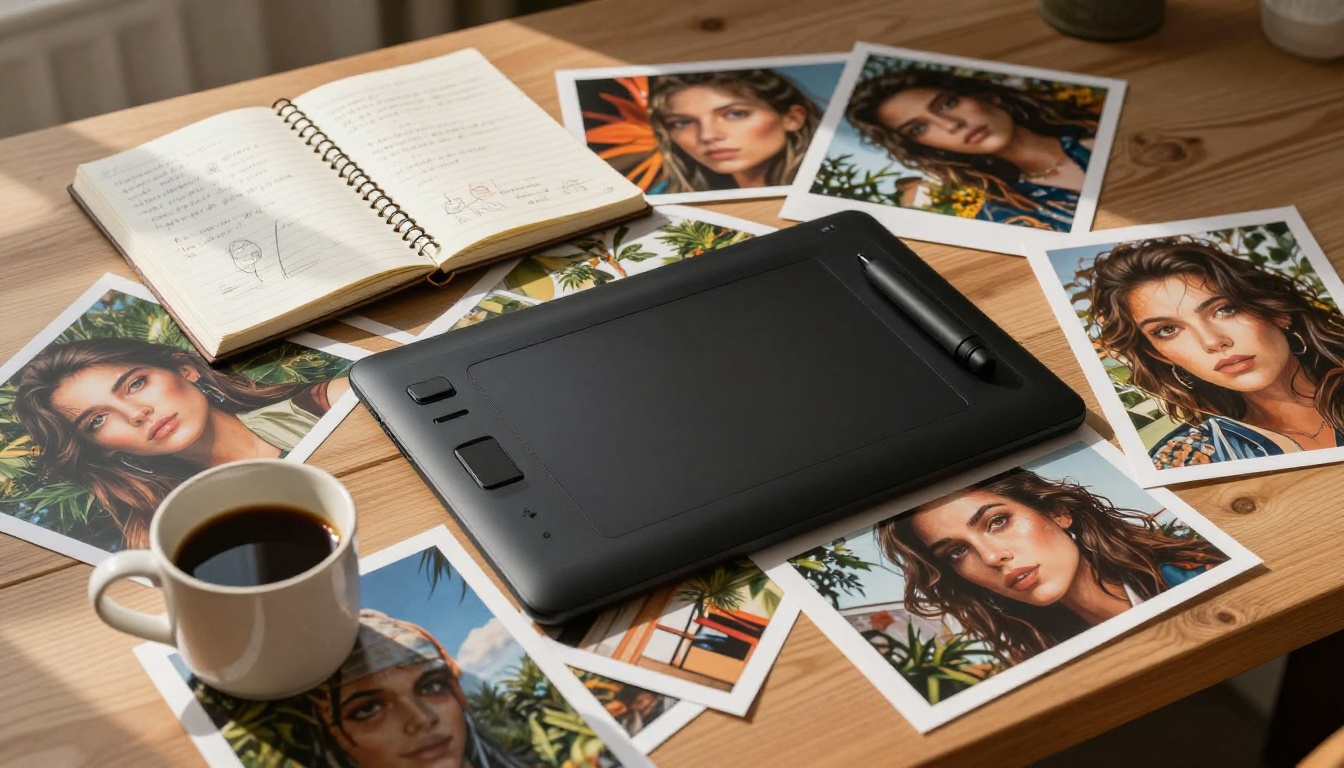
Think about how creative work actually flows. You start with an idea, generate a rough visual, iterate on it, add elements, adjust, scale up, and publish. In a Midjourney workflow, you hit a credit wall somewhere in that process and everything stops while you decide whether the project is worth upgrading your plan.
An integrated multi-model workflow stays unbroken from concept to final output:
No waiting. No rationing. No context switching between five different platforms with five different logins.
Prompting Without the Learning Curve
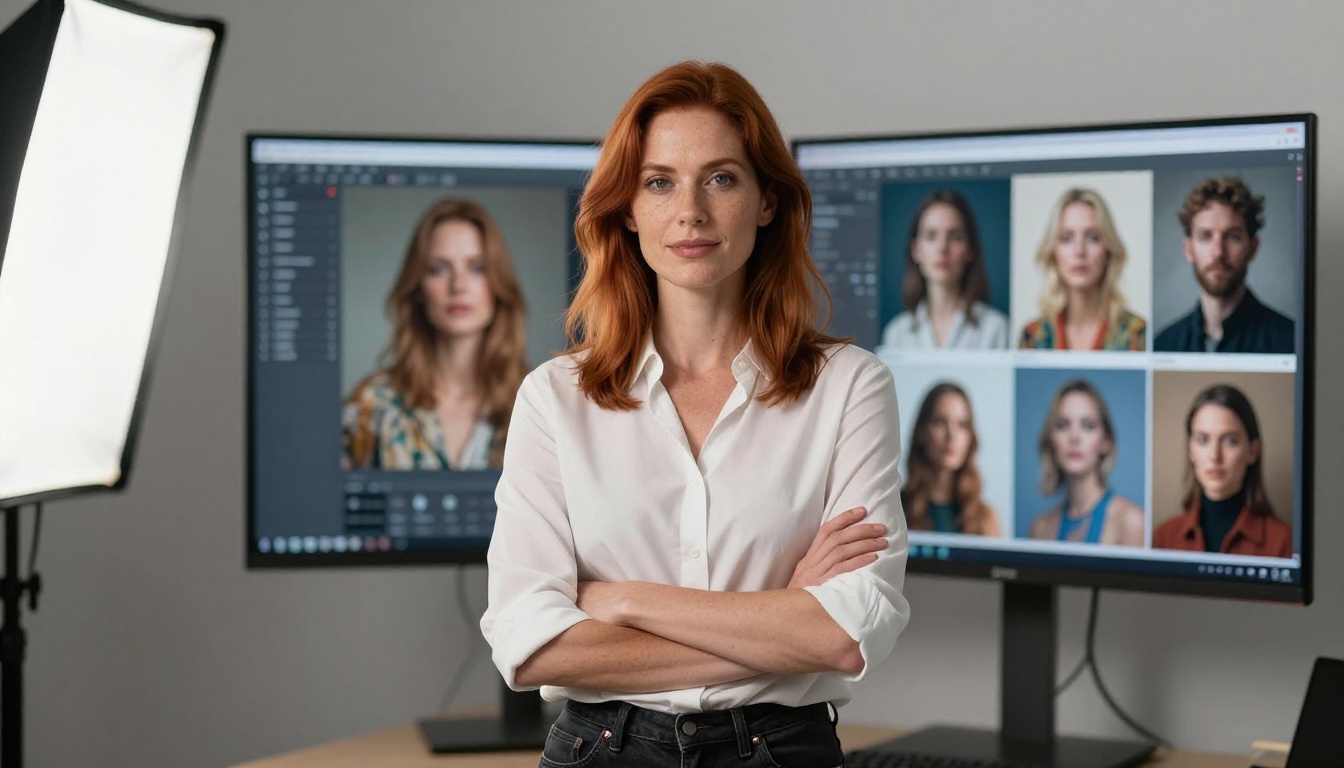
One underrated frustration with Midjourney is prompt engineering fatigue. The platform has its own quirks: specific parameters, stylize values, chaos settings, and a tendency to interpret prompts in ways that require significant experience to predict reliably. New users spend weeks learning Midjourney-specific syntax before they produce consistently good results.
Models like Flux Dev and GPT Image 2 respond accurately to natural language. You describe what you want, and the model produces it. The learning curve is dramatically shorter, and iteration speed is higher because you spend less time decoding why a result looks wrong and more time moving the creative work forward.
💡 A good prompt on Flux Dev reads like how you would describe a scene to a photographer, not a list of technical parameters.
This matters most for teams and agencies who need multiple people generating images without requiring everyone to become a Midjourney specialist first. Natural language prompting flattens the entry barrier significantly.
Real Results, No Compromises
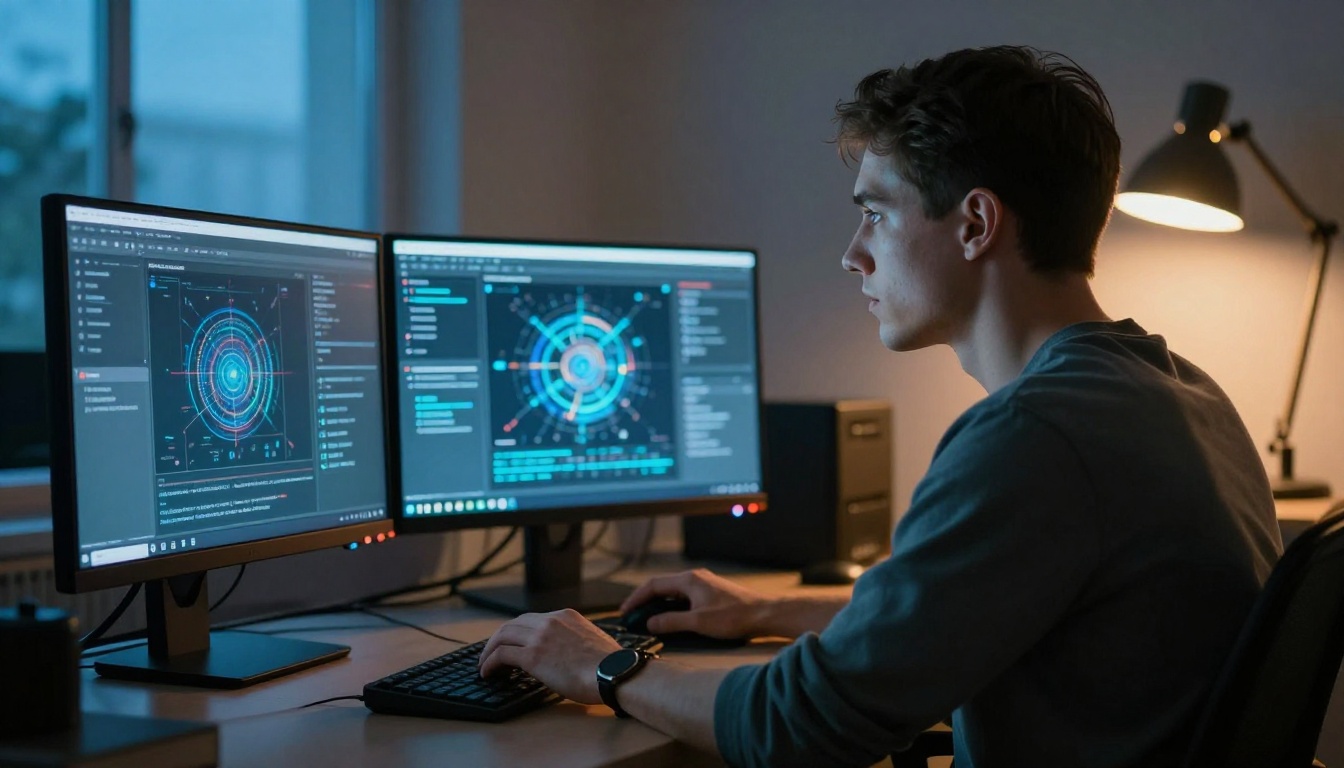
The practical question is simple: do the images actually look good? With the right model and a clear prompt, yes. Flux Dev produces photorealistic portraits and product images that are difficult to distinguish from photography at standard viewing distances. DreamShaper XL Turbo handles atmospheric and editorial styles that Midjourney users often chase with complex prompt engineering. Stable Diffusion 3 delivers the broadest stylistic range of any single model in the library.
The combination of multiple strong models means you rarely hit a wall where the platform simply cannot produce what you need. You switch models, adjust the prompt slightly, and get there. Compare that to Midjourney where the aesthetic ceiling is fixed.
The creators who benefit most from a multi-model approach:
- Content marketers who need image volume without creative compromise
- Graphic designers using AI to prototype concepts before executing in design tools
- Social media managers generating original visuals for every post without stock photo licensing concerns
- Developers who need API access to integrate image generation into their applications
- Agencies running campaigns that require diverse visual outputs at speed
Stop Waiting, Start Creating
Midjourney built the hype around AI image generation, but it did not build the best tool for most creative professionals. Credit caps, a single-model approach, missing editing capabilities, and no API access are design choices that prioritize platform retention over your creative output.
The alternative exists and it is ready to use today. It has 91+ image models including Flux Dev, Flux Pro Finetuned, Flux Schnell LoRA, Stable Diffusion 3, DreamShaper XL Turbo, RealVisXL, and GPT Image 2. Video generation, audio tools, face swap, super resolution, background removal, inpainting, and full API access. All in one place, all in one subscription.
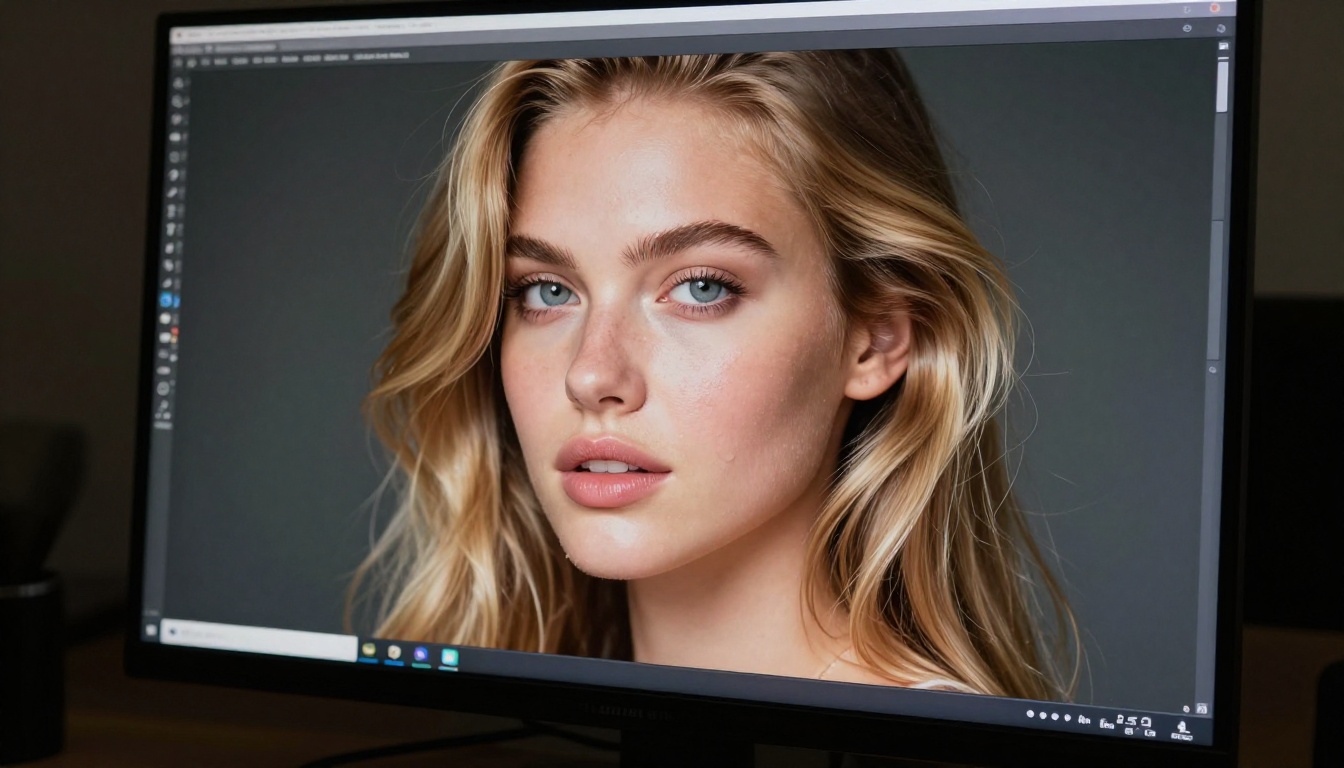
Pick a concept you have been wanting to create. Write a prompt. Choose Flux Dev or RealVisXL and generate. If the first result surprises you, great. If it does not, try DreamShaper XL Turbo with the same prompt and see what changes. That is creative freedom that credit caps never let you experience. You are not rationing attempts. You are experimenting, and that is exactly how good creative work actually happens.


