If OpenArt's content filters have been blocking your creative vision, you already know how frustrating it feels. You type a perfectly reasonable prompt, hit generate, and get slapped with a content violation warning for something as mild as a swimsuit or a passionate embrace. That isn't creativity. That's a filter running on someone else's definition of acceptable. Thousands of creators have already moved on to platforms that respect their artistic intent, and the results are stunning.
The OpenArt Filter Problem
OpenArt has a legitimate user base and some solid features. But its content moderation system operates with a heavy hand that many creators find suffocating. The platform's filters don't just block explicit content, they block suggestive imagery, artistic nudity, glamour photography, and even certain clothing styles depending on the context of the prompt.
What Gets Blocked
The list of restricted content on OpenArt goes well beyond what most creators would consider problematic:
- Swimwear and lingerie-style fashion photography
- Artistic boudoir compositions
- Any prompt referencing body parts in a photographic context
- Fantasy costumes with exposed skin
- Romantic or intimate couple scenarios
This creates a wall between the artist and the output, forcing workarounds that dilute the original creative vision entirely.
Who It Hurts Most
The people most affected aren't looking to generate anything inappropriate. They're:
- Fashion photographers wanting AI-assisted concept work and mood boards
- Adult fiction writers needing original cover art for their publications
- Creative directors building visual references and pitch materials
- Independent artists producing prints with mature or provocative themes
- Photographers using AI tools to pre-visualize shoots before booking a studio
💡 The issue isn't the content. It's the lack of nuance. A filter that can't distinguish between a fashion editorial and explicit material is a filter that fails creators.
Why Creators Are Switching
The movement away from OpenArt isn't about finding loopholes. It's about finding platforms that treat creative professionals as adults. Platforms that allow more expressive, photorealistic image generation while giving creators full control over their artistic direction without having to justify their intent to an algorithm.
The Quality Gap Is Real
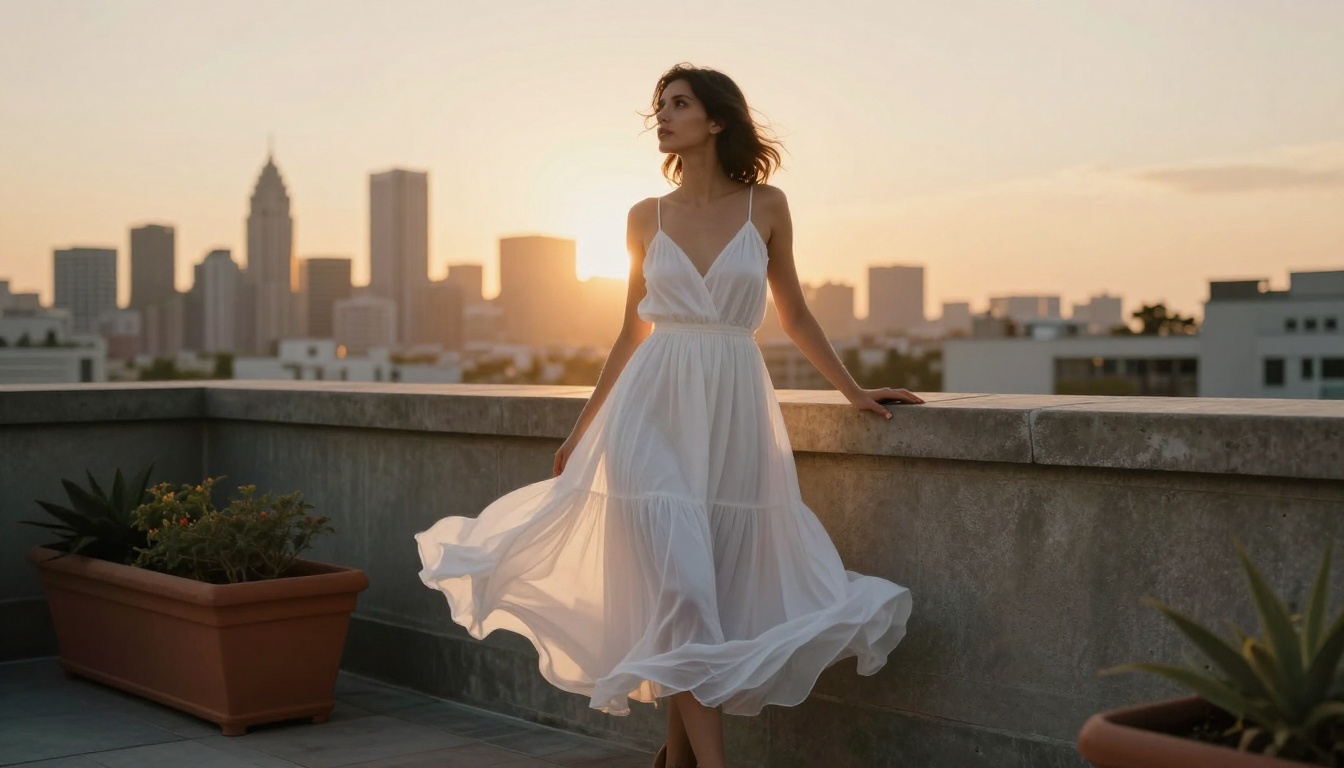
Beyond restrictions, there's a quality conversation worth having. OpenArt's output, depending on the model selected, can feel inconsistent. Skin textures look waxy. Lighting feels flat. The images don't hold up at large sizes or close inspection. Compare that to what modern Flux-based models produce and the gap becomes impossible to ignore.
Creative Freedom Drives Better Work
When you're not constantly adjusting prompts to dodge filters, you spend that mental energy on actual craft. Better prompt composition, tighter lighting descriptions, more specific camera angle instructions. The difference in output quality isn't just the model, it's the creative freedom to prompt honestly and specifically without second-guessing every word choice.
What Picasso AI Offers
Picasso AI hosts over 90 text-to-image models in a single platform. No subscriptions locked behind model access, no filters that second-guess your artistic intent. The platform runs on the same underlying architectures that power professional AI image generation, but opens them to creators without arbitrary content walls standing in the way.
The Model Library
The breadth of available models is one of Picasso AI's strongest arguments. You're not stuck with one house model and its particular quirks. You can switch between specialized engines depending on the result you need:
That's eight distinct engines, each with different strengths, all accessible from one interface without model-gating.
How Flux Dev Changes the Game
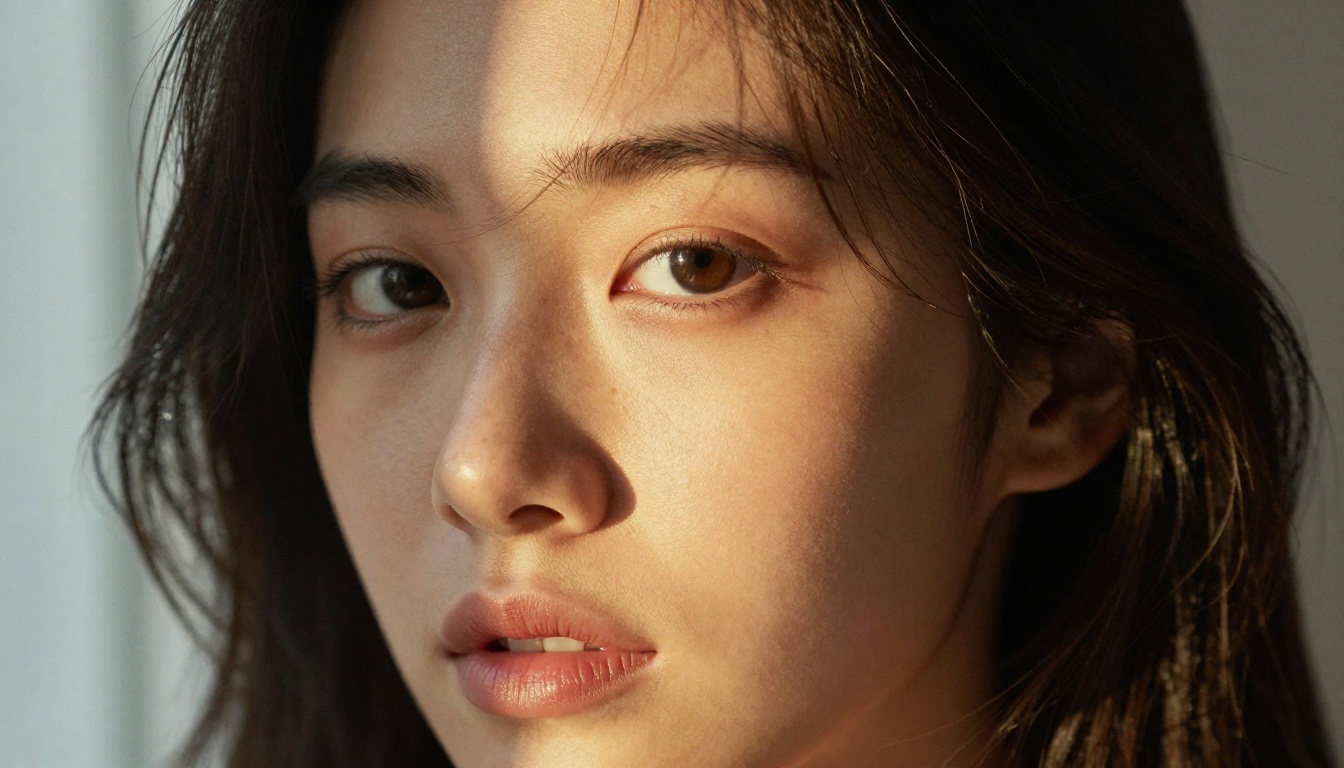
Flux Dev is the model that made people stop comparing AI images to real photographs. It's the first architecture that genuinely passes the "quick glance" test: you see the image before you register that it's AI-generated.
What Makes Flux Dev Different
The short answer is training data quality and a fundamentally different architecture. Flux Dev handles the details that other models consistently fail on:
- Skin texture at close range: Pores, fine lines, natural color variation in tone
- Fabric rendering: Silk, linen, sheer materials with accurate light interaction
- Hair physics: Individual strand separation, wet-look textures, natural volume and movement
- Environmental lighting: Volumetric rays, caustic reflections, convincing shadow gradients
A prompt like "woman in white linen shirt, morning window light, 85mm f/1.4, Kodak Portra 400" produces something on Flux Dev that OpenArt's primary models simply cannot match, filter issues entirely aside.
Prompt Flexibility
Flux Dev responds particularly well to photography-style prompting. Instead of describing artistic styles in abstract terms, you describe the technical parameters of a real photographic setup:
- Lens type and focal length (50mm, 85mm, 135mm)
- Film stock simulation (Kodak Portra 400, Fuji Superia 400)
- Lighting direction and quality (volumetric morning light from left at 30 degrees)
- Subject distance and focus point
💡 Describe your image like you're briefing a photographer, not an illustrator. Flux Dev understands the language of real photography and responds to it precisely.
Realistic Vision and SDXL Without Restrictions
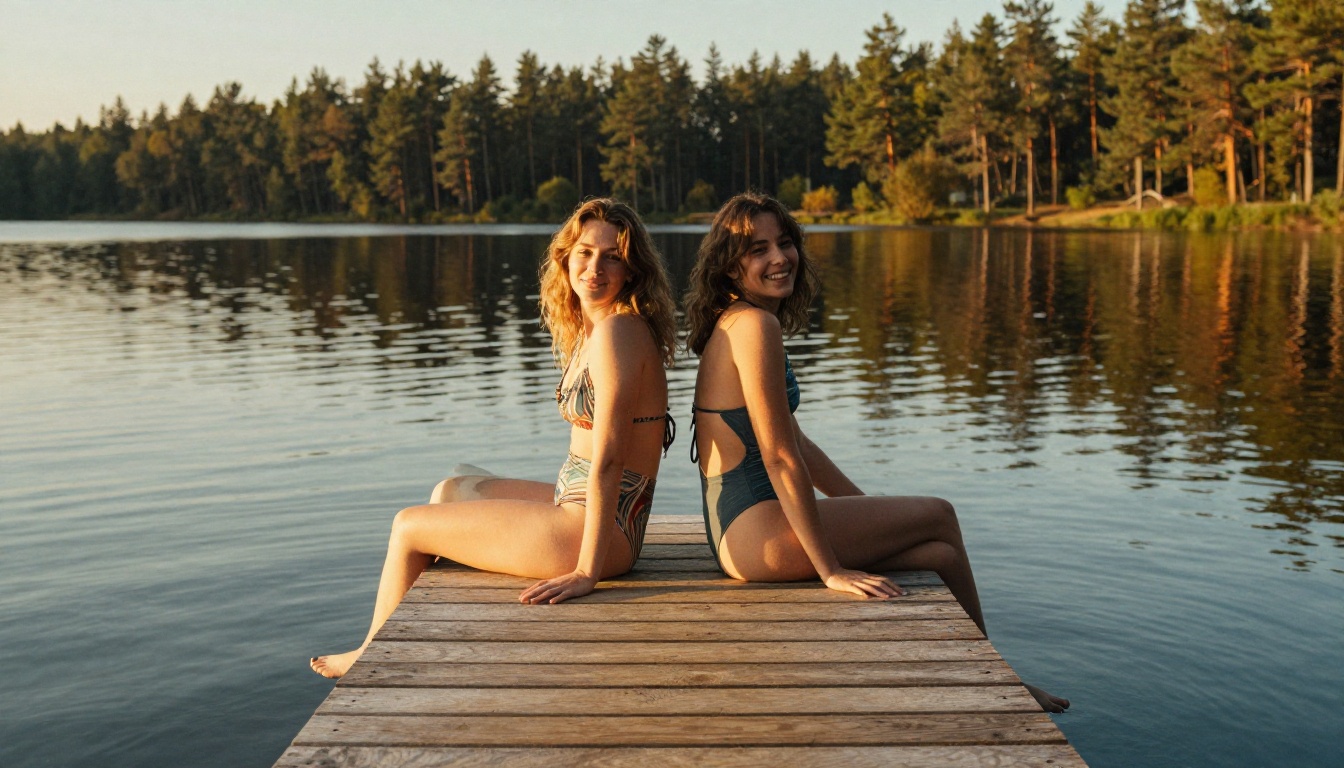
Before Flux arrived, Realistic Vision v5.1 was the gold standard for photorealistic AI portraits. It still holds up exceptionally well for specific use cases, particularly close-up facial work where its skin rendering algorithm produces remarkably natural results that hold up to pixel-level inspection.
Where Realistic Vision Shines
- Portrait photography: Face structure, eye detail, and skin tone accuracy at close distances
- Boudoir and glamour: Soft studio lighting with accurate shadow placement and fabric drape
- Fashion close-ups: Fabric texture against skin with realistic light bounce and subsurface scattering
Pair it with well-crafted negative prompts and the output quality rivals mid-tier professional photography sessions, without the studio booking or model fees.
SDXL Lightning: Speed Without Sacrifice
SDXL Lightning 4Step solves the iteration problem. Traditional SDXL required 20-50 inference steps for quality results. Lightning compresses that to 4 steps without destroying compositional detail or introducing significant artifacts.
For rapid iteration when you're testing prompt variations across a concept, it's the most efficient tool in the library. Pair it with RealVisXL v3.0 Turbo for scenes that require both speed and photorealism, and you have a workflow that outputs 10-15 variations in the time OpenArt would take to process two.
Images That Actually Look Real
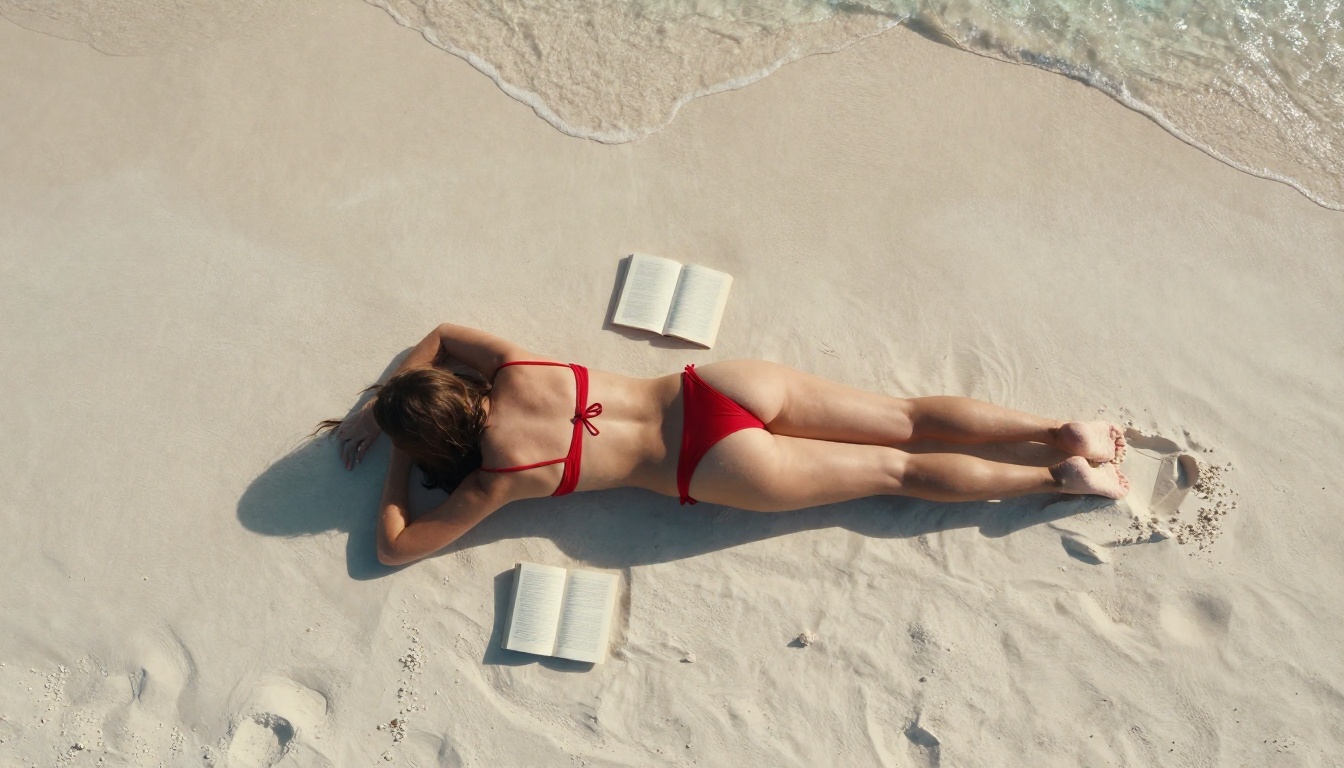
The benchmark for any AI image platform is straightforward: can the output pass for a real photograph? On OpenArt with standard filters active, the answer is often "close but not quite." The restricted prompt vocabulary forces you away from the specific, physical descriptions that make images convincing at a visual level.
The Photorealism Formula
Consistently photorealistic results across any platform come down to three interconnected elements:
- Specificity in lighting: Not "bright light" but "volumetric morning light from the east at 22 degrees above horizon, hitting the subject's left cheekbone"
- Camera language: Specify focal length, aperture, film stock, and focus distance explicitly
- Texture vocabulary: Describe surface textures, material properties, and environmental details around the subject
All three require prompting freedom. The moment a filter starts second-guessing your lighting description because it's attached to a human figure in minimal clothing, the photorealism breaks down. The platform has already interrupted the creative signal.
What Uncensored Access Actually Means
This is worth addressing directly. "Uncensored" in the context of AI image generation doesn't mean explicit by default. It means the platform doesn't preemptively block your prompts based on keyword pattern detection. The creator still controls the content. The platform simply stops acting as a second gatekeeper between the artist and the output.
💡 The best AI image platforms trust creators to know what they want. Picasso AI operates on that principle.
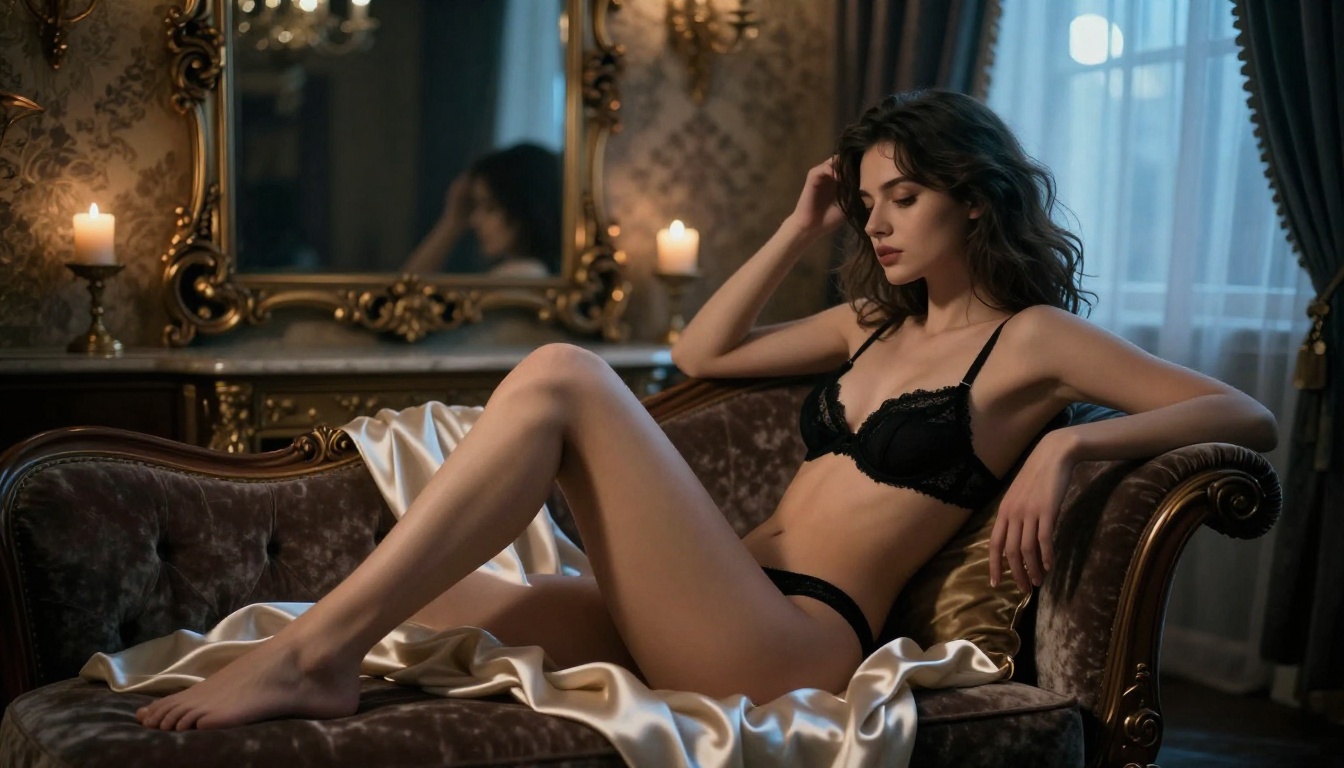
Flux Kontext: Edit What You Already Have
One of the most powerful tools in the Picasso AI library is Flux Kontext Pro. Where most AI image tools require you to generate from scratch every time, Flux Kontext lets you rewrite existing images using plain text prompts. The workflow shifts from "generate and hope" to "generate and refine."
Generated an image but the outfit needs changing? Text prompt it. The lighting reads too flat? Adjust it with words. A background element doesn't fit the composition? Remove it with a single sentence. This is how professional creative work actually happens.
What You Can Do With Flux Kontext
- Replace clothing in an existing AI image without regenerating the full scene
- Change hair color, style, or length through a text description
- Swap backgrounds completely while preserving the subject's lighting and position
- Adjust lighting direction and intensity after the initial generation
- Remove or add specific props and environmental details
💡 Think of Flux Kontext Pro as image editing controlled entirely by natural language. No masking tools, no layer management, just a text prompt.
For even faster editing runs, Flux Kontext Fast handles the same operations at significantly higher speed, ideal for rapid variation testing.
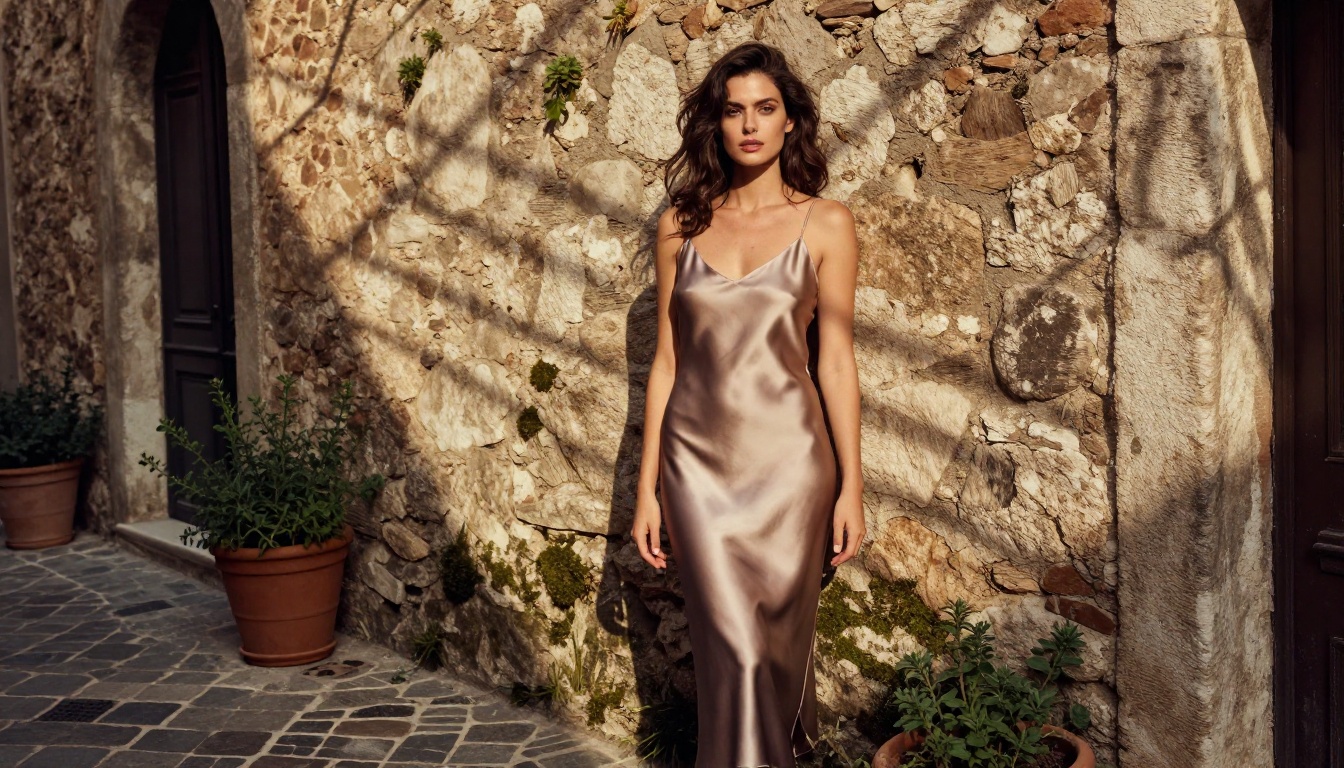
OpenArt vs. Picasso AI: The Real Numbers
Setting aside the content restriction debate entirely, here's how the platforms compare across practical metrics that matter to working creators:
| Feature | OpenArt | Picasso AI |
|---|
| Text-to-image models | Limited selection | 90+ models |
| Content filters | Heavy, keyword-based blocking | Minimal |
| Photorealism quality | Variable by model | Consistently high |
| Flux architecture access | Partial | Full (Dev, Pro, Schnell, 1.1, Kontext) |
| Stable Diffusion variants | Basic availability | SDXL, SD3, SD3.5 Large, SD3.5 Turbo |
| Prompt freedom | Restricted vocabulary | Open and unrestricted |
| Image editing post-generation | Basic tools | Flux Kontext, Inpainting, Outpainting |
| Speed-optimized variants | Standard generation | Fast, Turbo, Lightning options |
| Super-resolution upscaling | Limited | Dedicated upscaling models |
The comparison makes the case without needing to discuss content policies at all. More models, faster options, better editing tools, and higher output quality are reasons enough to switch.
Start Generating on Picasso AI Today
If you've had creative ideas sitting dormant because OpenArt kept blocking the prompts, this is the moment to act on them. The process is straightforward and the first results will make the friction of switching feel completely worth it.
Your First Image in 3 Steps
- Open Flux Fast for your first quick test run to validate your prompt direction
- Write a photography-style prompt: subject, environment, lighting setup, lens, film stock
- Iterate based on what the model returns, refining the specifics of lighting and texture each round
For anything requiring maximum photorealistic quality, move up to Flux Dev or Flux 1.1 Pro Ultra once your prompt is dialed in.
Prompting Tips That Actually Work
- More specific is always better: "85mm f/1.4 on Kodak Portra 400 at golden hour" beats "photo of a woman standing outside"
- Describe light before subject: Your lighting setup is the most important technical element in the prompt
- Name what you don't want: Negative prompt terms reduce artifacts and keep composition clean
- Test fast, finish slow: Use Flux Schnell to validate your concept, then scale up to Flux Pro for the final output
- Edit with Kontext: When the base image is close but not perfect, Flux Kontext Pro closes the gap without a full regeneration
The platform respects your intent. Give it specific, honest instructions and it executes them without asking you to justify why you want what you want.

The frustration with OpenArt's filters is legitimate. But the deeper problem isn't the filters themselves. It's building your entire creative workflow around a platform that treats your artistic intent as a liability to be managed rather than a creative signal to be served.
Picasso AI approaches it from the opposite direction. Over 90 models, prompt freedom that lets you describe exactly what you see in your head, and output quality that produces photorealistic results capable of standing up to serious scrutiny. Whether you're building a professional portfolio, producing original fiction cover art, or simply want to see your creative ideas rendered without a platform second-guessing them, the tools are all here.
The images you've been trying to generate exist. The prompts you've been refining are good. Start with Flux Schnell for a fast first look at what's possible, then push into Flux Dev when you're ready to see what a genuinely unrestricted AI image platform can actually do.
Your next best image is one honest prompt away.


