If you have spent any time searching for the best AI image generator in 2027, you already know the market is crowded with options, each promising photorealistic output and effortless creativity. But not all models are built the same. Some excel at portrait detail, others at architectural precision, and a few have cracked a problem that stumped the industry for years: rendering readable text inside images. This article cuts through the noise and ranks the Top 5 AI Image Generators Including Seedream 5.0 based on real output quality, speed, prompt fidelity, and practical use.
What Makes a Generator Worth Your Time
Before diving into the rankings, it helps to know what criteria actually matter when choosing a model. Benchmarks are useful, but they rarely capture what day-to-day use feels like.
Here are the factors that matter most:
- Prompt fidelity: Does the output actually match what you typed?
- Photorealism: Can it pass as a real photograph at first glance?
- Consistency: Does it produce reliably high-quality results across multiple runs?
- Speed: How long does it take to generate a usable image?
- Typography support: Can it render text accurately inside images?
With those in mind, here are the five models that stand above everything else right now.
#1 Seedream 5.0: ByteDance Raises the Bar
ByteDance's Seedream 5 Lite is one of the most impressive releases in the text-to-image space this year. The Seedream line has grown rapidly, from Seedream 3 and Seedream 4 through Seedream 4.5, and the 5.0 generation marks a significant leap in perceptual quality and coherence.
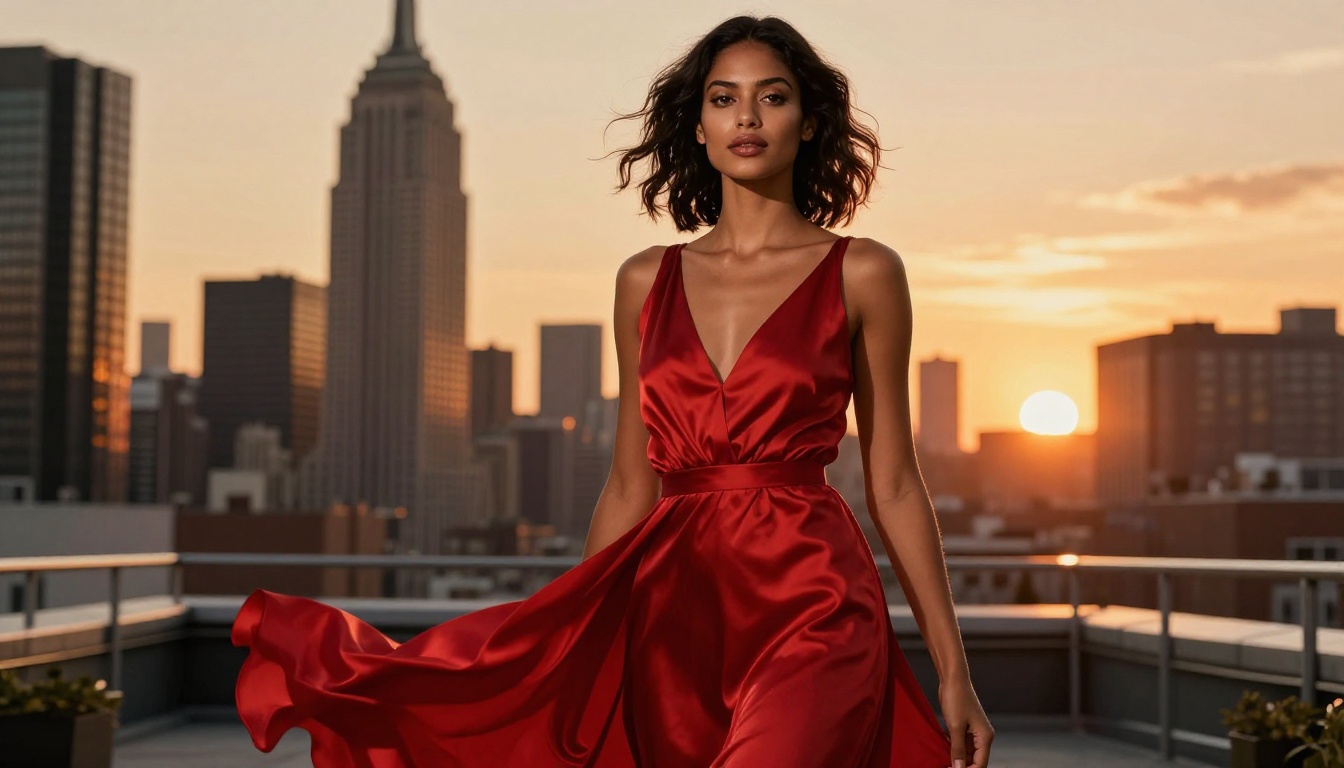
What ByteDance has achieved with this generation is a model that responds intuitively to complex prompts. Ask it for a candid portrait in overcast daylight and you get authentic emotion, natural skin tone, and soft edge diffusion exactly where you would expect from a real camera.

Why It Lands at Number One
Three things make Seedream 5.0 the current frontrunner:
- Skin and hair rendering rivals dedicated portrait models at a fraction of the cost
- Prompt sensitivity is exceptional, even for multi-subject or complex scene descriptions
- Lighting coherence across the entire frame stays consistent without the artificial "AI glow" that plagues lesser models
💡 Pro tip: Seedream 5.0 responds especially well to camera-specific prompts. Try adding "shot on Sony A7R V, 85mm f/1.4, Kodak Portra 400" to your prompt for results that feel genuinely photographic.
Real-World Performance
In practice, Seedream 5.0 handles a wide range of subject matter with consistency. Fashion editorials, street photography simulations, and travel imagery all come out looking believable. It struggles slightly more with extreme close-up macro work compared to specialized portrait models, but for 90% of creative use cases it remains the top pick.
#2 Flux 1.1 Pro Ultra: Precision at Scale
Black Forest Labs has been on a remarkable run. Flux 1.1 Pro Ultra is the clearest expression yet of what happens when a team optimizes relentlessly for output fidelity rather than generation speed.
The Ultra tier produces images at significantly higher resolution than the base Flux 1.1 Pro, and the quality difference is visible at a glance. Fine fabric textures, hair strand separation, and architectural details that most models blur or simplify all come through sharply.

Where Flux Pulls Ahead
Flux's architecture handles structural and compositional prompts better than almost any competing model. When you need a specific framing, a particular perspective, or a scene with multiple subjects in precise spatial relation, Flux 2 Pro and Flux 2 Max deliver with remarkable accuracy.
Best Use Cases for Flux
Flux thrives in commercial and professional settings: product photography simulations, architectural visualization mock-ups, and editorial fashion work. If your workflow demands repeatability and consistency across large batches of images, Flux is the most reliable choice in this list.
#3 Imagen 4 Ultra: Google's Photorealism Engine
Imagen 4 Ultra is Google's highest-tier text-to-image model, and it shows. Built on research that pushed the boundaries of diffusion model training, it produces a type of photorealism that feels almost clinical in its precision.
Portrait work from Imagen 4 Ultra captures skin at the microscopic level. Individual freckles, open pores, fine vellus hair, and the subtle redness of a light-exposed cheek all render with a level of accuracy that other models simply do not match yet.

Where Imagen 4 Delivers
For anyone building reference imagery for medical, beauty, or fashion applications, Imagen 4 at its various tiers offers unmatched anatomical and surface accuracy. The Imagen 4 Fast variant sacrifices some of that detail for speed, which works well for rapid concept iteration.
💡 Worth knowing: Imagen 4 Ultra handles lighting transitions exceptionally well. If you describe a scene with mixed lighting sources, like window light combined with a practical lamp, the model resolves the color temperature interaction correctly far more often than competing models.
Strengths and Honest Limits
Where Imagen 4 Ultra occasionally falls short is in creative or stylized work. Its training heavily favors photorealism, so prompts asking for "cinematic" or "editorial" aesthetics sometimes result in images that look technically flawless but emotionally flat. For pure technical quality, it is second to none. For mood and atmosphere, Seedream 5.0 and Flux still hold an edge.
#4 GPT Image 1.5: The Instruction-Following Model
OpenAI's GPT Image 1.5 takes a different approach to image generation. Rather than competing purely on photorealism benchmarks, it focuses on following complex, multi-part instructions with extraordinary accuracy.
Tell GPT Image 1.5 to generate "a couple at a Parisian cafe in the morning, the man wearing a navy linen shirt, the woman in a floral off-shoulder dress, croissant on the table, dappled light through plane trees" and the output will include every detail you specified. That level of prompt compliance is genuinely rare.

The Conversational Advantage
What makes GPT Image 1.5 particularly valuable is how it integrates with OpenAI's broader ecosystem. Iterating on an image by simply describing what to change in natural language feels intuitive in a way that prompt engineering for other models does not.
For creative teams that want to move quickly from brief to visual without deep prompt expertise, this is the most accessible model on the list.
When to Pick GPT Image 1.5
- You need specific objects, clothing, or props in precise positions
- Your workflow involves iterative refinement through conversation
- You are generating images for social media, marketing, or editorial use where content accuracy matters more than pure photographic realism
#5 Ideogram V3 Quality: Typography Finally Solved
For years, text inside AI-generated images was a giveaway. Distorted letters, nonsensical words, and melting typography made it obvious what you were looking at. Ideogram V3 Quality changed that.
Ideogram's entire model architecture was built around the problem of rendering accurate, legible text within images, and the V3 generation has essentially solved it for most practical applications. Posters, labels, signage, and any image where text plays a visual role are all significantly better with Ideogram.

Beyond Typography
What surprises people about Ideogram V3 is that its strengths extend well beyond text. The Ideogram V3 Balanced and Ideogram V3 Turbo variants produce strong lifestyle and product photography as well.
💡 Best use case: Generating branded social media visuals, product mockups with readable labels, book covers, or any design asset that combines a photograph with typographic elements.
When Ideogram V3 Makes Sense
If your work involves any combination of imagery and readable text, Ideogram V3 Quality is not optional. It is the only model in this list that treats typography as a first-class output rather than an afterthought.
How They Stack Up Against Each Other
Here is a direct comparison across the five models on the criteria that matter most for real-world use:
| Model | Photorealism | Prompt Fidelity | Typography | Speed | Best For |
|---|
| Seedream 5.0 | ★★★★★ | ★★★★★ | ★★★ | ★★★★ | Portraits, lifestyle, editorial |
| Flux 1.1 Pro Ultra | ★★★★★ | ★★★★ | ★★★ | ★★★ | Commercial, architecture, fashion |
| Imagen 4 Ultra | ★★★★★ | ★★★★ | ★★★ | ★★★ | Beauty, medical, technical |
| GPT Image 1.5 | ★★★★ | ★★★★★ | ★★★★ | ★★★★ | Marketing, social, content |
| Ideogram V3 Quality | ★★★★ | ★★★★ | ★★★★★ | ★★★★ | Branded design, signage, mockups |
None of these models is definitively the best for every task. The right choice depends entirely on what you need the image to do.
How to Use Seedream 5 Lite on PicassoIA
Since Seedream 5 Lite is available directly on the PicassoIA platform, here is how to get the most out of it in practice.
Step-by-Step: Generating with Seedream 5 Lite
- Open the model page: Go to Seedream 5 Lite on PicassoIA
- Write a detailed prompt: Include subject, environment, lighting conditions, and camera or lens specifications for best results
- Specify the aspect ratio: For social content, try 4:3 or 1:1. For editorial or cinematic use, 16:9 works best
- Add photographic cues: Phrases like "Kodak Portra 400, volumetric morning light, 85mm f/1.8" significantly improve output quality
- Review and iterate: If the first result misses a detail, adjust one element at a time rather than rewriting the entire prompt
- Download and use: Generated images are available in high resolution immediately
Parameter Tips for Seedream 5 Lite
- Subject first: Always lead your prompt with the main subject before describing environment or mood
- Lighting specificity: "Overcast diffused light" versus "harsh midday sun" produces dramatically different results
- Avoid vague aesthetics: "Beautiful" and "stunning" add nothing. "Warm amber backlight at f/1.8 with lens flare" is specific and useful
- Film stock references: Kodak Portra 400, Fujifilm Pro 400H, and Kodak Tri-X all produce distinctly different color renditions
3 Things the Best Generators Do Differently
Not every model earns a place in this list by chance. The gap between the top five and everything else comes down to three specific behaviors that separate professional-grade output from what the average open-source model produces.
Prompt Sensitivity That Scales
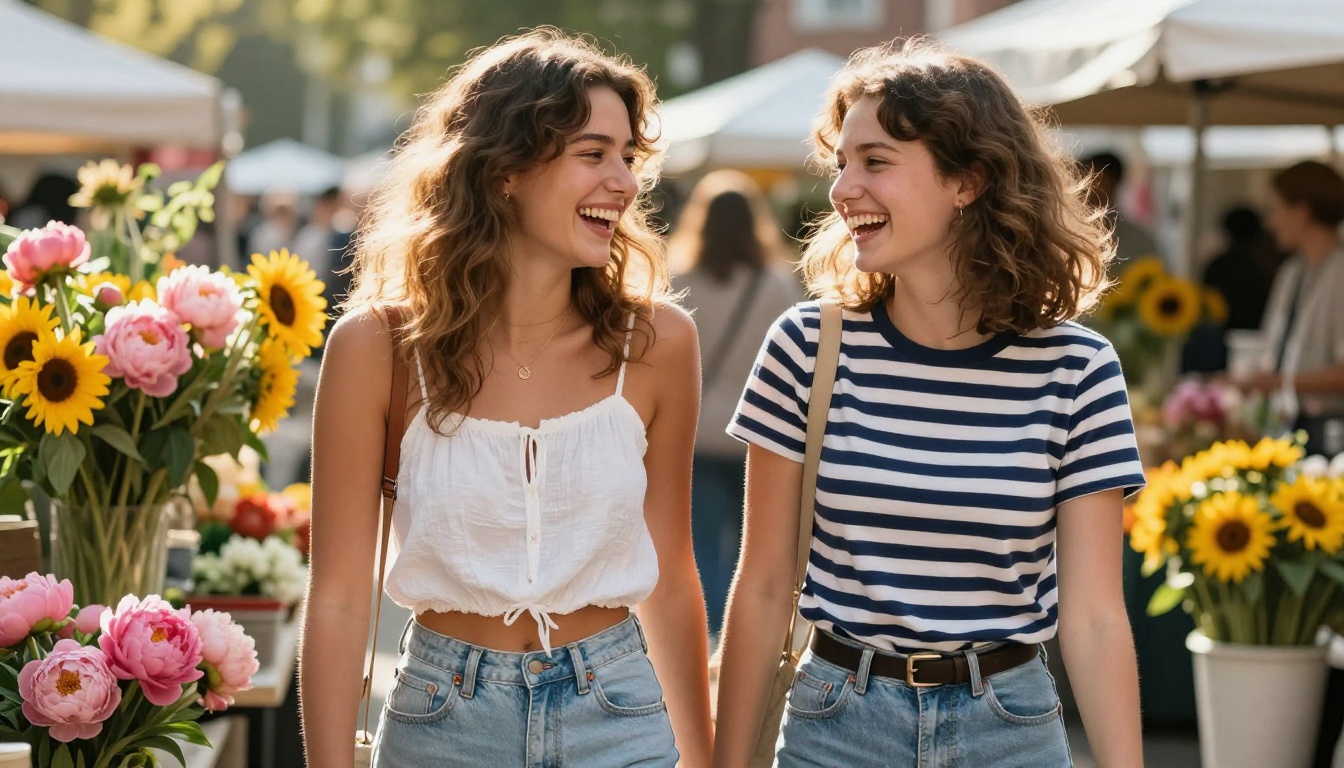
The best models respond to nuanced, layered prompts differently than simple ones. A prompt with 15 specific details should produce something noticeably different from a 3-word prompt, and it should incorporate all 15 details accurately. Seedream 5.0 and GPT Image 1.5 do this better than anyone else in the current generation. The difference is most visible in complex multi-subject scenes where spatial relationships, lighting, and clothing all need to be correct simultaneously.
Consistency Across Runs
A single great image is easy to achieve by luck. Producing reliable quality across 50 generations of the same prompt is a different problem entirely. Flux 1.1 Pro Ultra earns its position here partly because of how consistent it is: run the same prompt ten times and you get ten images that are all genuinely high quality, even if they vary in composition. That kind of repeatability matters enormously in commercial workflows.
Coherent Physics and Lighting
Amateur AI images often have lighting that comes from no particular direction, or hair that somehow ignores the physics of how it should fall. The models in this list all handle environmental coherence better than the average alternative. Shadows fall correctly. Reflections make physical sense. Water behaves like water. That physical accuracy is what makes an image feel real rather than generated, and it is the hardest thing to fake at scale.
Ready to Create Your Own Images
You have the rankings, the criteria, and the model breakdown. Now the most interesting part begins: actually using these tools to create something worth keeping.
PicassoIA gives you access to Seedream 5 Lite, Flux 1.1 Pro Ultra, GPT Image 1.5, Imagen 4 Ultra, and Ideogram V3 Quality all in one place. No separate accounts, no different billing, no juggling between platforms.
The platform also includes Super Resolution tools for upscaling your favorites, Background Removal for instant isolation, and ControlNet capabilities for precise pose and structure control when you need exacting results.

Try starting with Seedream 5 Lite using a scene you actually want to photograph but cannot: a perfect golden hour portrait in a wheat field, a moody European street at dusk, a beach scene with flawless natural light. Write the prompt with camera specifics and see what comes back. The results from the current generation of models will likely surprise you.
Every creative project has a starting point. This is yours.


