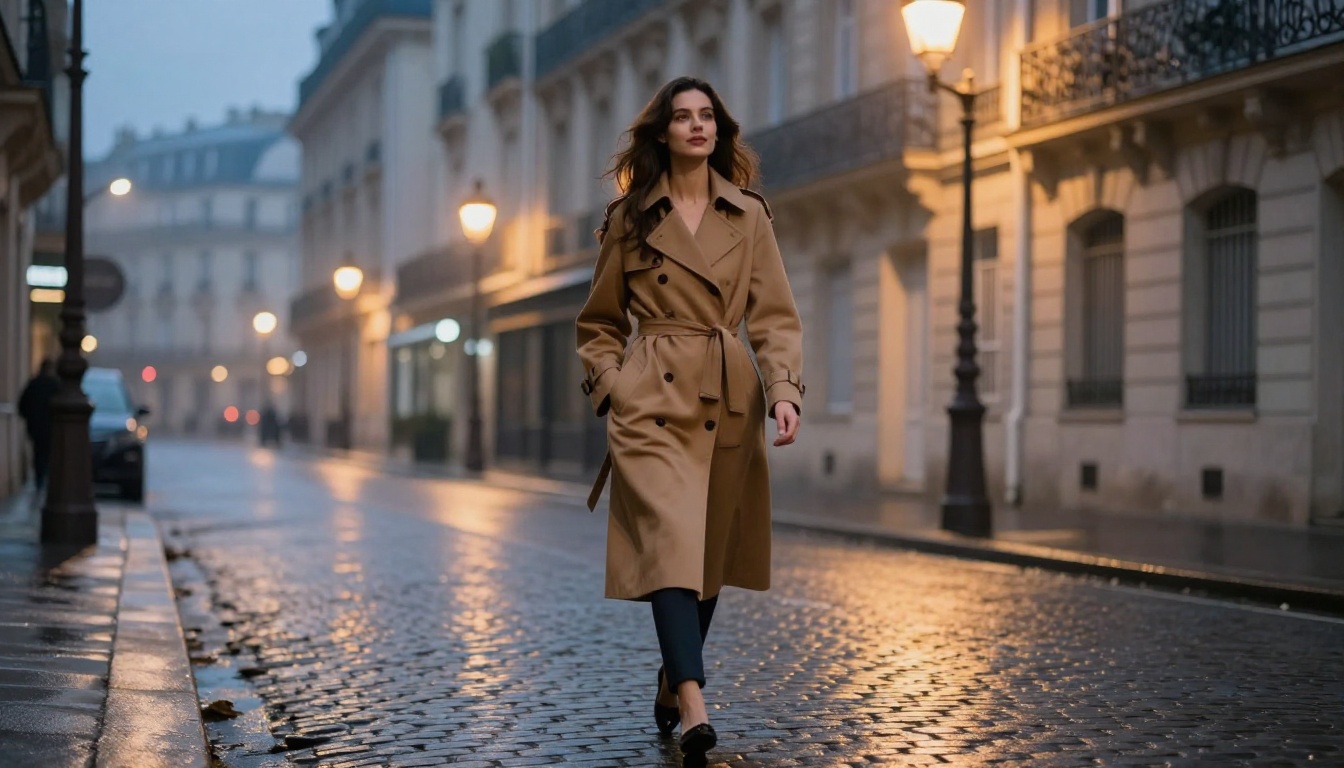
Top 5 AI Models for Generating Realistic NSFW Images
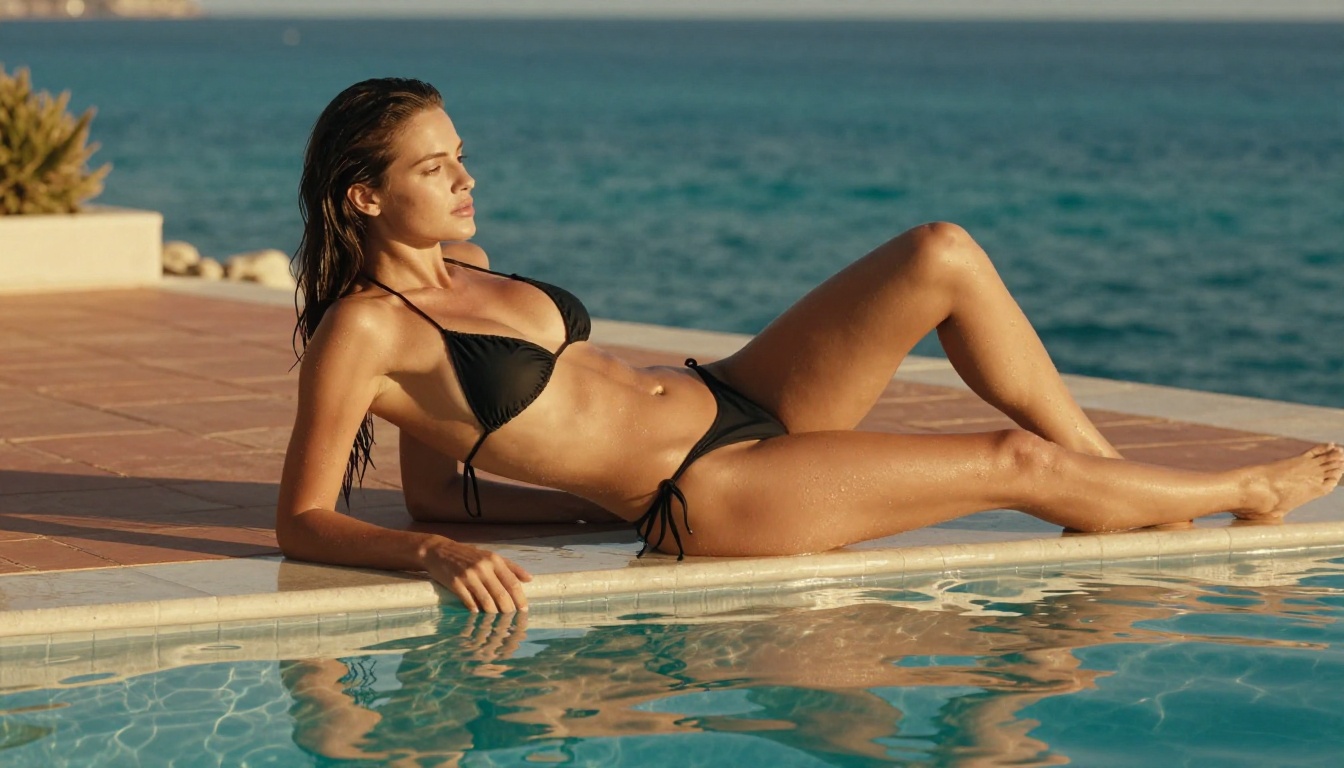
Five AI models stand above the rest when it comes to generating photorealistic NSFW imagery in 2027. This breakdown covers Flux 1.1 Pro Ultra, Realistic Vision v5.1, RealVisXL v3.0 Turbo, Stable Diffusion 3.5 Large, and SDXL, comparing each on skin realism, anatomy, speed, and output quality to help you pick the right one for your creative work.
The demand for photorealistic AI-generated imagery has exploded, and with it, the hunt for models that can produce high-fidelity NSFW content that looks genuinely lifelike. Whether you want glamorous portraits, suggestive fashion photography, or tasteful artistic nudity, the right model makes all the difference between a result that looks painted and one that is indistinguishable from real photography. This article breaks down the top 5 AI models for generating realistic NSFW images and tells you exactly what each one does best.
What Makes a Model "Realistic"?
Before ranking anything, it helps to know what separates a photorealistic AI image from a mediocre one. Realism in AI image generation comes down to several layers working together.
Skin Texture and Micro-Details
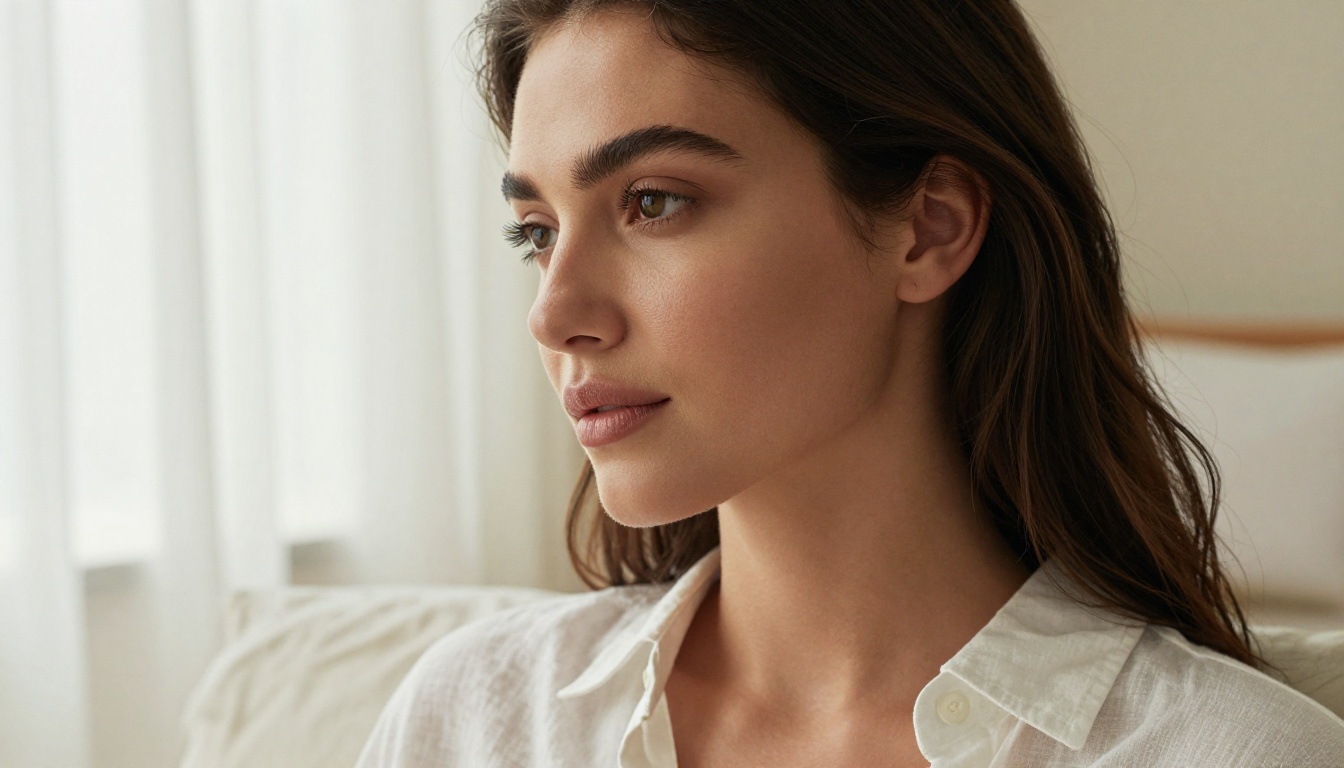
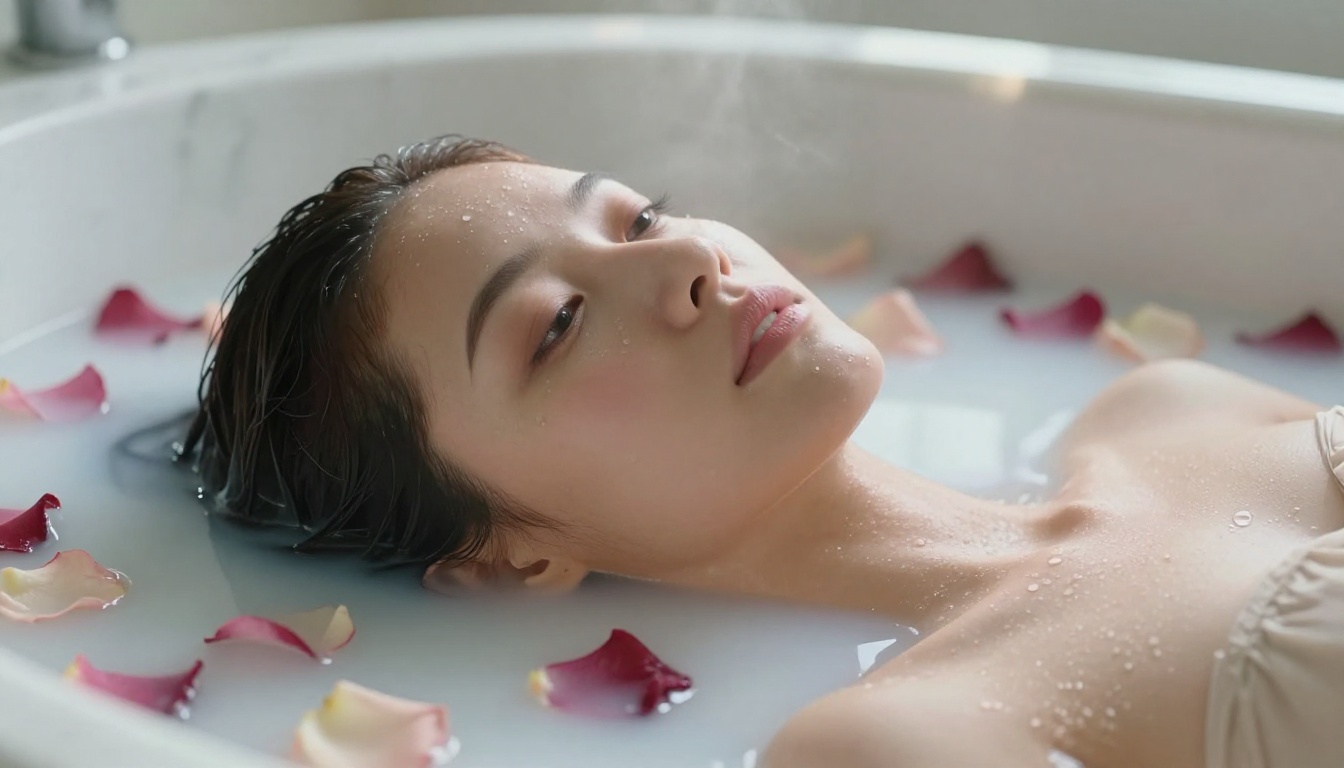
The biggest giveaway that an image is AI-generated is usually the skin. Real skin has pores, fine hair, subtle asymmetries, and variations in tone across different body areas. Models that render this correctly produce output that holds up to zooming in. Models that do not produce that characteristic "plastic" look that instantly signals artificiality.
Lighting Coherence
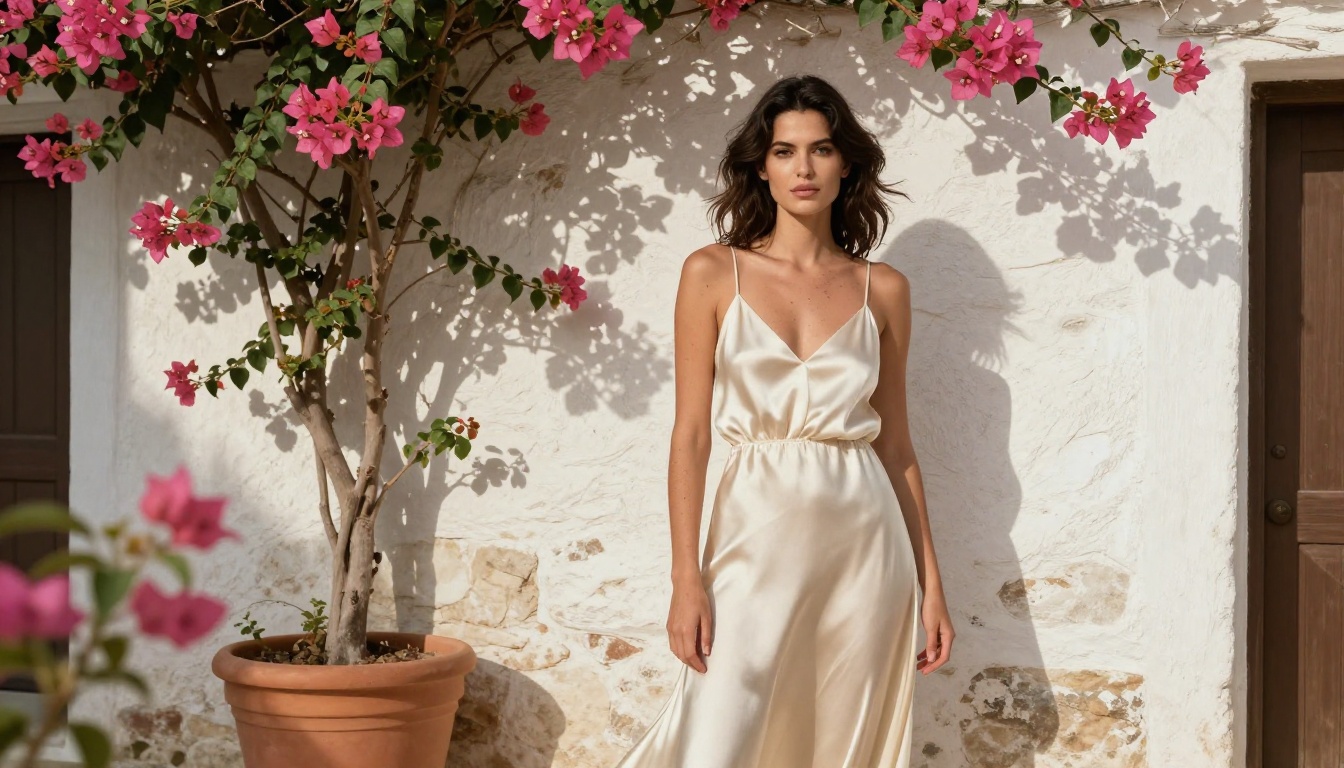
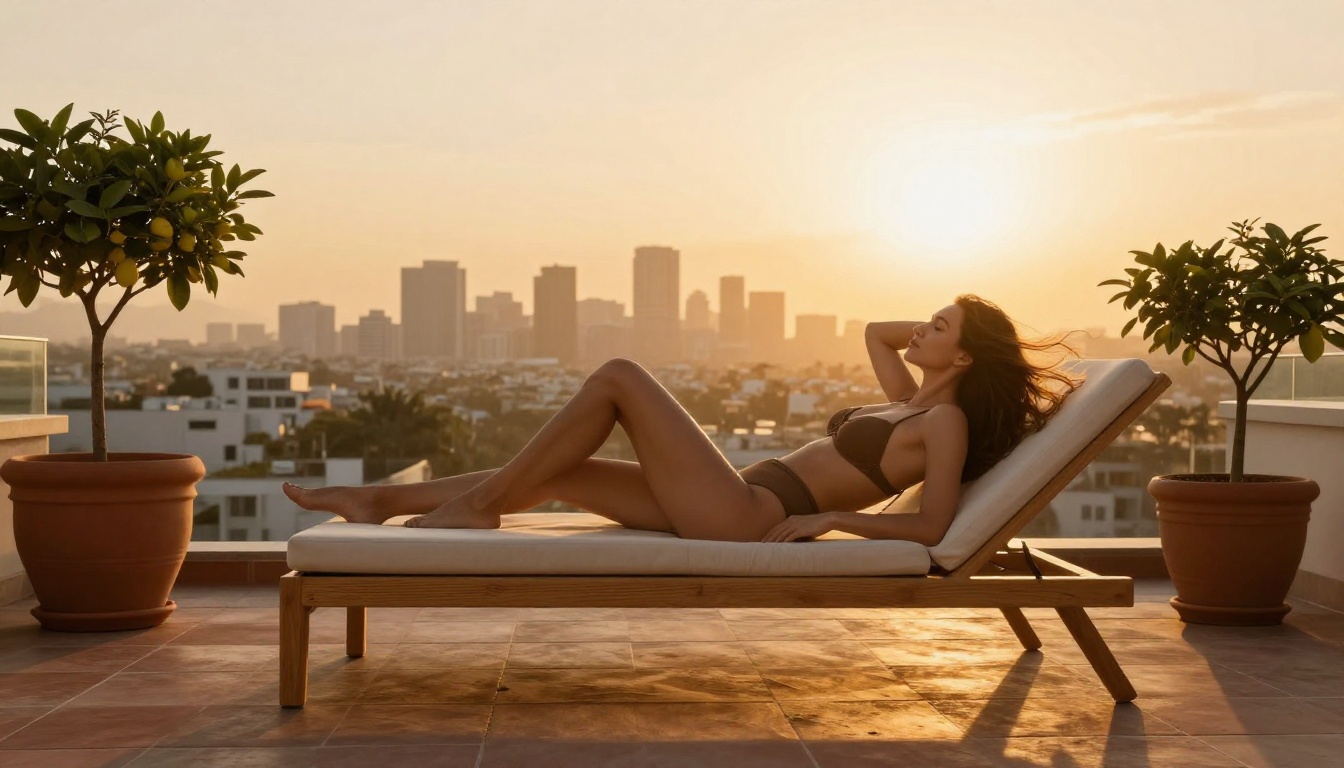
Light behaves in specific ways: it wraps around curved surfaces, creates subsurface scattering in skin, casts hard or soft shadows depending on source size, and reflects off wet or shiny surfaces. A truly realistic model handles all of this without inconsistencies, meaning the light source direction stays consistent across the entire image.
Anatomical Accuracy
Hands, feet, fingers, and facial proportions are notoriously difficult for diffusion models to get right. The best models for NSFW content have been trained or fine-tuned on large volumes of real photography, which makes them significantly more reliable on these details than general-purpose models.
The 5 Best Models Right Now
These are not ranked by hype or marketing. They are ranked by actual output quality for photorealistic, suggestive, and tasteful NSFW content.
1. Flux 1.1 Pro Ultra
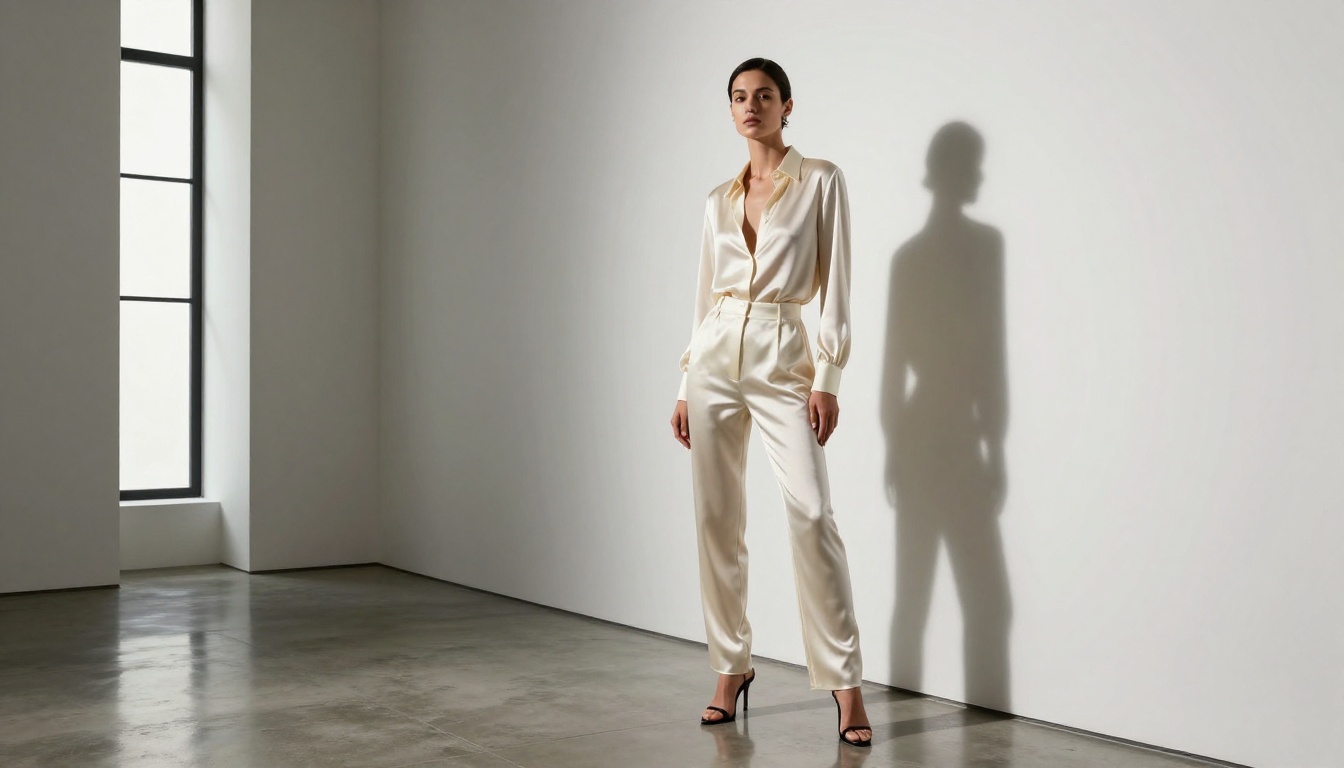
Flux 1.1 Pro Ultra from Black Forest Labs is the current gold standard for ultra-high-resolution realistic image generation. This is not a subtle upgrade from the original Flux family. It produces output at resolutions and fidelity levels that place it in a category of its own.
Why it leads for realistic NSFW content:
Exceptional skin texture rendering with visible pores, fine hair, and natural asymmetries
Superior lighting coherence, especially for dramatic directional light scenes
Strong anatomical accuracy, particularly for female forms and hands
Native high-resolution output up to 4MP without the softness that appears when upscaling lower-resolution outputs
💡 Pro Tip: Use prompts that reference specific film stocks (Kodak Portra 400, Fujifilm Pro 400H) and camera lenses (85mm f/1.4, 50mm f/1.8) to push the realism further. Flux 1.1 Pro Ultra responds exceptionally well to photographic terminology.
Best for: Full editorial shoots, glamour photography, high-end fashion with suggestive styling.
Parameter
Recommended Setting
Resolution
1440x810 (16:9) or 1080x1920 (9:16 portrait)
Prompt style
Photographic, cinematic, specific lens and film references
Negative prompt
"illustration, cartoon, painting, 3D render, CGI"
CFG scale
3.5 to 5
2. Realistic Vision v5.1
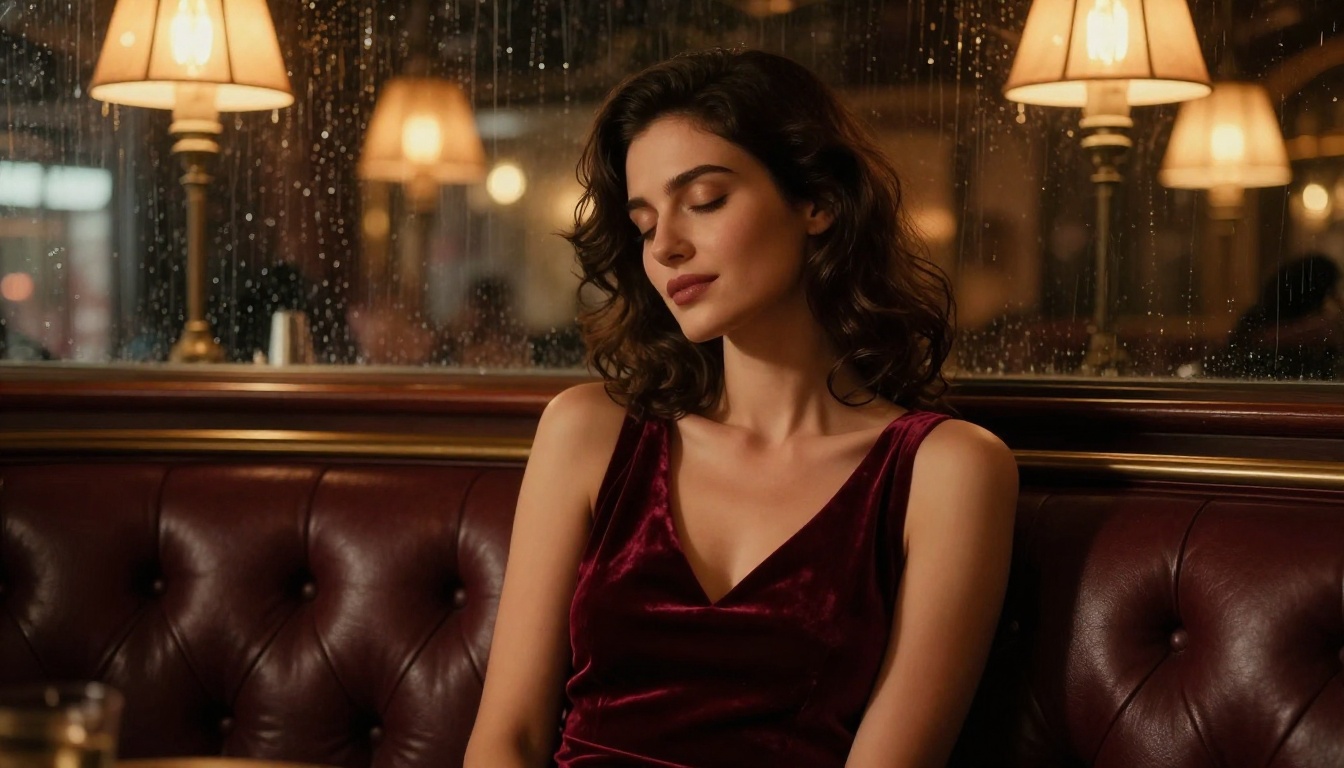
Realistic Vision v5.1 was purpose-built for one thing: photorealistic human figures. While it is based on the Stable Diffusion architecture, it has been fine-tuned specifically on photography datasets with a high proportion of real portrait and fashion photography. The result is a model that handles skin, hair, and human anatomy with remarkable consistency.
What sets it apart:
Hyper-realistic skin rendering that handles everything from porcelain-pale to deep brown tones without desaturation or color shifts
Excellent hair detail, capturing individual strands and natural movement
Very strong performance on close-up and medium shots of female subjects
Lower hallucination rate on anatomically difficult areas compared to base SD models
💡 Pro Tip: Pair Realistic Vision v5.1 with a high-quality VAE like vae-ft-mse for best color saturation and detail. Without a proper VAE, results can appear slightly washed out.
Best for: Portrait photography, lingerie and swimwear editorial, artistic glamour.
3. RealVisXL v3.0 Turbo
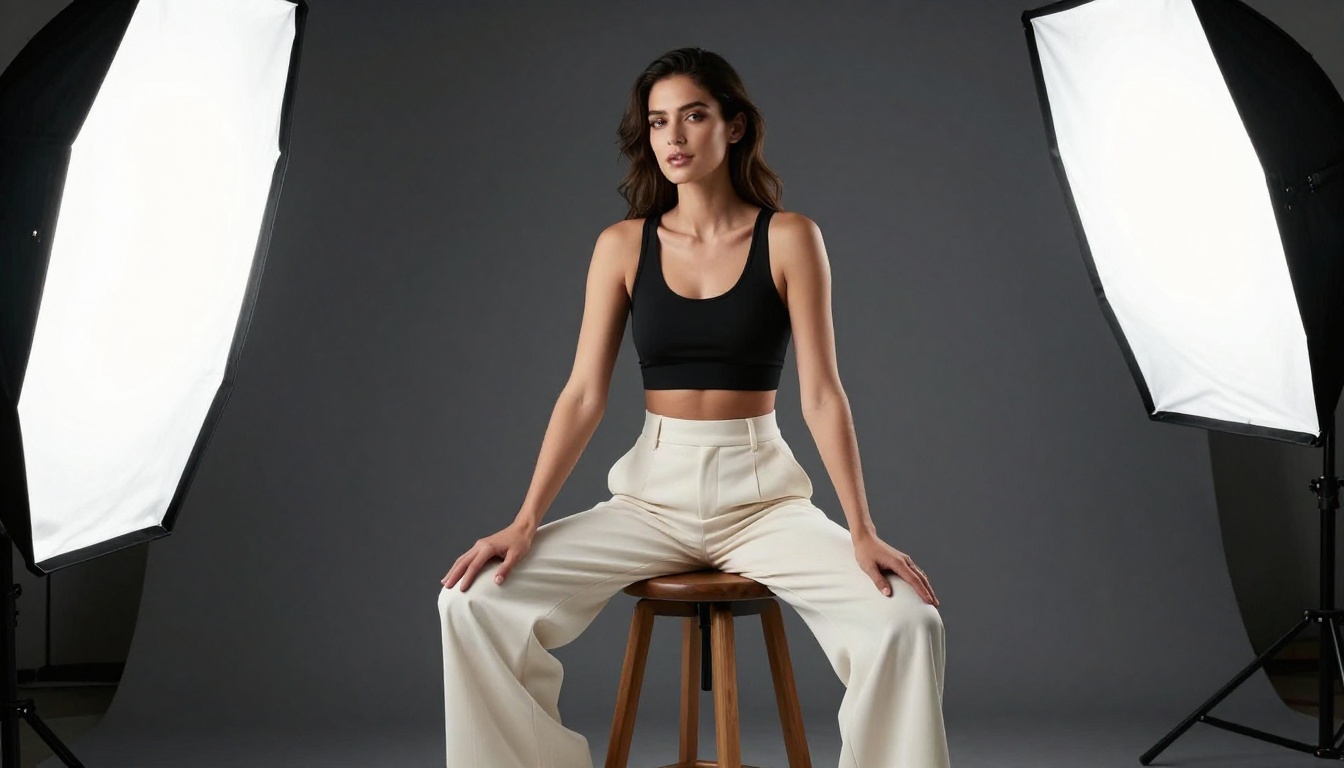
RealVisXL v3.0 Turbo takes the photorealistic specialization of Realistic Vision and rebuilds it on the SDXL architecture, which brings a significant jump in native resolution and detail retention. The Turbo variant sacrifices minimal quality for a substantial speed boost, making it the most practical option for rapid iteration.
Key strengths:
Runs at SDXL native resolution (1024x1024) while maintaining photorealism
Better at full-body compositions than Realistic Vision v5.1
Turbo sampling means usable results in 4-8 steps, dramatically cutting generation time
Strong prompt adherence for specific outfit descriptions and environmental settings
Where it falls short:
Facial likeness can be slightly more "generic" compared to Flux 1.1 Pro Ultra
Very complex lighting setups with multiple sources occasionally show inconsistencies
💡 Pro Tip: Use DPM++ SDE Karras sampler with 6-10 steps for the sharpest results with the Turbo version. This sampler handles the fast sampling schedule better than Euler Ancestral.
Best for: Full-body shots, swimwear and lingerie, environmental portraits with detailed backgrounds.
4. Stable Diffusion 3.5 Large
Stable Diffusion 3.5 Large represents a fundamental architectural shift from earlier SD models. It uses a multimodal diffusion transformer instead of the older U-Net architecture, which gives it considerably better text comprehension and compositional accuracy.
Why it matters for NSFW content:
Superior prompt following: SD 3.5 Large interprets complex, multi-element prompts far better than SD 1.5 or SDXL. You can describe a specific scenario with multiple characters, specific poses, and detailed environments, and it will read all of it correctly.
Natural skin tones: The new architecture handles skin color and texture more naturally than predecessors, with less tendency toward the smooth airbrushed look.
Strong compositional awareness: Multi-figure scenes and complex spatial arrangements are handled with more reliability.
Comparison: SD 3.5 Large vs. Earlier Models
Feature
SD 1.5
SDXL
SD 3.5 Large
Prompt adherence
Basic
Good
Excellent
Native resolution
512px
1024px
1024px+
Anatomy accuracy
Poor
Moderate
Good
Fine-tune ecosystem
Massive
Large
Growing
Speed
Fast
Moderate
Slower
💡 Pro Tip: SD 3.5 Large shines when you write prompts in natural language rather than tag-based prompts. Instead of "woman, beach, bikini, photorealistic", try "a beautiful woman standing on a sun-drenched beach wearing a minimal bikini, golden hour light, photorealistic photography".
Best for: Complex multi-element scenes, specific wardrobe descriptions, creative positioning.
5. SDXL
SDXL from Stability AI sits at the foundation of an enormous fine-tuning ecosystem. While it is not as specialized as Realistic Vision or as technically advanced as Flux 1.1 Pro Ultra in terms of raw realism, it is the base architecture powering dozens of the most popular NSFW-capable fine-tuned models. Knowing how SDXL works means knowing how to use the broader ecosystem of realistic image generation.
What makes SDXL relevant:
Native 1024x1024 resolution with strong detail retention
The largest fine-tune and LoRA ecosystem of any current architecture
Very strong performance when paired with the right refiner model
Excellent base for ControlNet workflows that need pose control or depth mapping
💡 Pro Tip: Use SDXL as a base with the SDXL Refiner in a 0.8/0.2 base/refiner split for maximum detail. The refiner dramatically sharpens skin texture and hair detail in the final output.
Best for: Workflow integration, ControlNet pose control, LoRA customization for specific characters or styles.
How to Use These Models on PicassoIA
PicassoIA gives you direct access to all five models without requiring local GPU setup, complex installation, or technical configuration. The workflow is straightforward.
Setting Up Your First Generation
Go to the text-to-image collection on PicassoIA
Select your desired model from the list
Write your prompt following the photographic style described above
Set the aspect ratio: 16:9 for landscape/editorial, 9:16 for portrait orientation
Click Generate and wait for results
Prompt Structure That Works
The single biggest factor in getting realistic NSFW output is prompt structure. Every strong prompt for realistic imagery should contain these layers:
Subject description: who is in the image, their appearance, expression, what they are wearing or not wearing
Environment: where they are, time of day, weather, background elements
Lighting specification: direction, quality (hard/soft), color temperature, source type
Camera/technical: lens focal length, aperture, film stock or digital sensor
Mood/style: what the overall feeling should be
Example prompt structure:
[Subject + clothing/state] + [environment + time of day] + [lighting direction and quality] + [camera: focal length, aperture] + [film stock] + photorealistic, 8k RAW
Side-by-Side Model Comparison
Here is how the five models compare across the dimensions that matter most for realistic NSFW content:
Even the best model will produce disappointing results if the prompt or settings are wrong. These are the most frequent mistakes people make.
Over-Prompting Style Keywords
Stacking "photorealistic, ultra-realistic, hyperrealistic, 8k, RAW photo, professional photography" all in one prompt creates noise. Pick two or three quality modifiers and let the model do its job. Flux 1.1 Pro Ultra in particular performs better with fewer, cleaner prompts.
Wrong Negative Prompts
For photorealistic content, your negative prompt should always include: illustration, cartoon, painting, 3D render, CGI, anime, digital art, sketch, drawing. Without these, models will sometimes drift toward a semi-illustrated aesthetic even when the positive prompt is strong.
Ignoring Lighting in the Prompt
The most common reason a NSFW image looks "off" is vague lighting. "Natural light" is not specific enough. "Soft overcast daylight from above-left, diffused through sheer curtains, creating even shadows with slight warmth" is specific enough. The model can only render what you describe.
💡 Pro Tip: Reference real-world lighting setups by name: "Rembrandt lighting", "butterfly lighting", "split lighting", "golden hour backlight". These are photographic terms the models have been trained on and respond to predictably.
Choosing the Right Model for Your Use Case
Not every scenario calls for the same model. Here is a quick decision framework:
Custom LoRA workflows or ControlNet pose control → SDXL
Also worth noting: Flux 1.1 Pro and Flux Dev are strong alternatives within the same family when you need slightly faster output or are experimenting with LoRA integration.
Start Creating Right Now
Reading about these models is one thing. The real results come when you start generating. PicassoIA puts all five of these models in one place, accessible without installation or a powerful local GPU. You can run a prompt through Flux 1.1 Pro Ultra, compare it against Realistic Vision v5.1 and RealVisXL v3.0 Turbo using the exact same prompt, and immediately see the differences in skin rendering, lighting coherence, and anatomical accuracy.
Start with a simple photographic portrait prompt, apply the lighting principles from this article, and see which model resonates with your specific creative vision. The five models in this list span every realistic NSFW use case, from fast casual generation to high-end editorial quality output that holds up to professional scrutiny.
Pick a model. Write a specific, photographic prompt. Generate. Iterate. The difference between mediocre AI imagery and something genuinely convincing is almost always in the prompt specificity and model selection. PicassoIA makes that iteration fast, accessible, and free from the technical overhead of running models locally.