Creating content that gets millions of views on TikTok used to require a production team, a music license, and hours of editing. That is no longer true. The creators putting out the most polished, most-watched content right now are doing it with AI tools that handle the heavy lifting, from custom background tracks to studio-quality voiceovers, cinematic video clips, and visual assets that actually stop the scroll.
These are not experimental toys. They are production-ready tools used by creators with millions of followers, and they are accessible to anyone willing to spend ten minutes learning how they work. If you are serious about growing on TikTok in 2027 and beyond, these five categories of AI tools belong in your workflow.
The platform moves fast. What worked six months ago barely registers today. The creators staying ahead are the ones who can iterate quickly, post consistently, and maintain visual quality without burning out after three weeks.
AI tools solve all three of those problems simultaneously. You can generate an original background track in under a minute, create a custom voiceover without sitting in front of a microphone, upscale low-quality footage to 4K, and produce eye-catching thumbnail visuals, all before your coffee gets cold.
The question is not whether to use AI. It is which tools are actually worth your time.
What Makes a Tool Worth Using
The best AI tools for TikTok creators share three qualities: they produce output that is good enough to use without heavy post-processing, they fit into an existing workflow without requiring a steep learning curve, and they save meaningful time relative to doing the task manually. Every tool on this list passes all three tests.
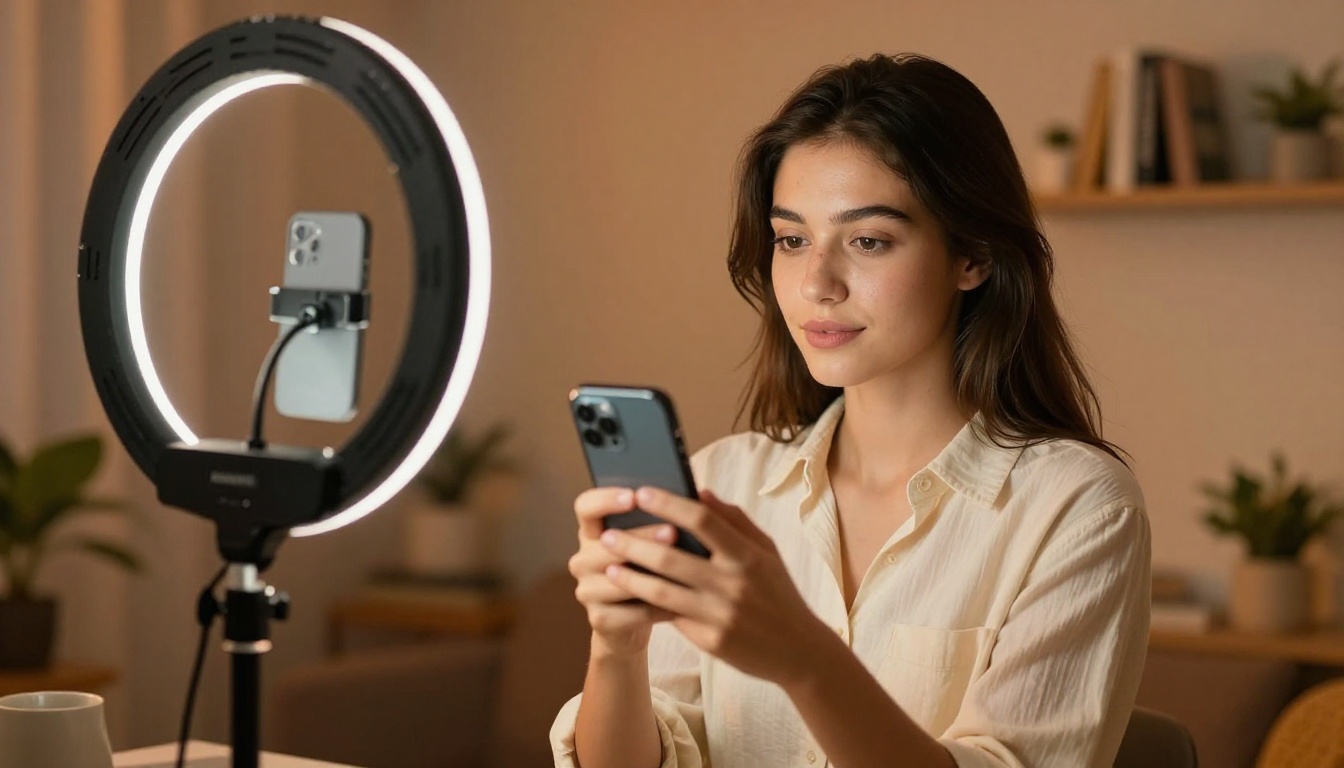
Your visual identity on TikTok matters more than most creators admit. Thumbnails, text cards, background visuals for talking-head videos, and overlay graphics are all opportunities to look more polished than the competition. AI image generation puts professional-quality visuals within reach of anyone with a text description.
Flux Pro generates photorealistic images from text descriptions in seconds. Type exactly what you want, and it produces results that look like professional photography. No design skills, no expensive software, no stock image subscriptions required.
For maximum image quality when creating thumbnails and promotional graphics, Flux 1.1 Pro Ultra produces 4-megapixel images with exceptional detail. The difference between a thumbnail that gets skipped and one that stops someone mid-scroll is often just image quality and composition, both of which this model handles well.
Imagen 4 Ultra from Google is another strong option for realistic lifestyle imagery. It handles complex scenes and intricate details with impressive accuracy, particularly for the aesthetic-forward content styles that perform well on TikTok.
What AI image generation does for your content:
- Custom thumbnails without hiring a designer
- Background visuals for talking-head and voiceover videos
- Styled product shots for affiliate and partnership content
- Text card overlays with consistent visual branding
- Multiple style variations to test which performs better
💡 Prompt tip: Describe the exact mood, lighting, and composition you want. "Warm morning light, woman holding coffee, minimalist home background, shot on film" gives you something immediately usable. "Woman drinking coffee" gives you something generic. Specificity is the skill.
Getting clean b-roll footage used to mean either shooting it yourself or paying for stock video subscriptions. Neither scales well when you are posting daily and need specific visuals that do not exist in any stock library.
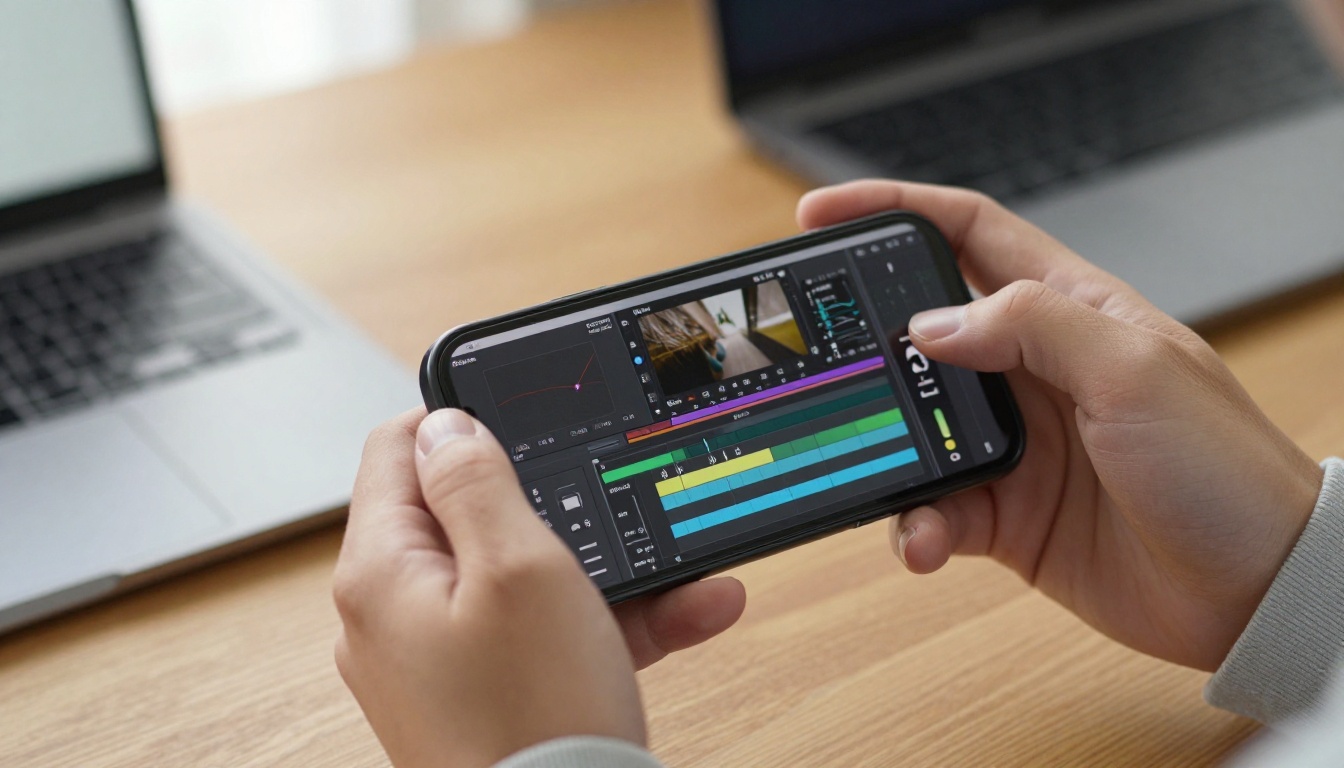
Kling v3 Video generates cinematic video clips from text prompts or static images. The motion quality is noticeably better than older generation tools, with natural-looking camera movement and consistent subject appearance across frames. The output is 1080p and ready for direct use in a video edit.
Veo 3 from Google is particularly well-suited for TikTok because it generates video with native synchronized audio. You describe the scene, and you get the ambient sound included. That is one fewer thing to source and edit in post.
Wan 2.6 T2V handles high-definition text-to-video with strong motion coherence. If you need a specific shot that is genuinely difficult to capture, like a slow-motion product reveal or an aerial perspective on a location, this is where AI video earns its place.
Seedance 2.0 from ByteDance generates video with synchronized audio and produces 1080p output. Its understanding of scene composition makes it reliable for the kind of lifestyle and atmospheric clips that work well as TikTok b-roll.
| Tool | Best For | Output Quality |
|---|
| Kling v3 Video | Cinematic clips, character motion | 1080p |
| Veo 3 | Scenes requiring native audio | 1080p with sound |
| Wan 2.6 T2V | HD b-roll, abstract shots | HD |
| Seedance 2.0 | Lifestyle clips with synced audio | 1080p |
Where AI video fits in your TikTok production:
- B-roll between talking segments to break up static shots
- Intro and outro clips that establish a consistent visual identity
- Atmospheric filler that reinforces a specific mood or theme
- Visual storytelling for voiceover-only formats
- Product demonstration alternatives when you lack the physical item
💡 Workflow tip: Generate a still image first using Flux Pro, then animate it into video using an image-to-video model. This approach gives you more control over the final look than starting from a text prompt alone, because you see and approve the visual before committing to a video generation.
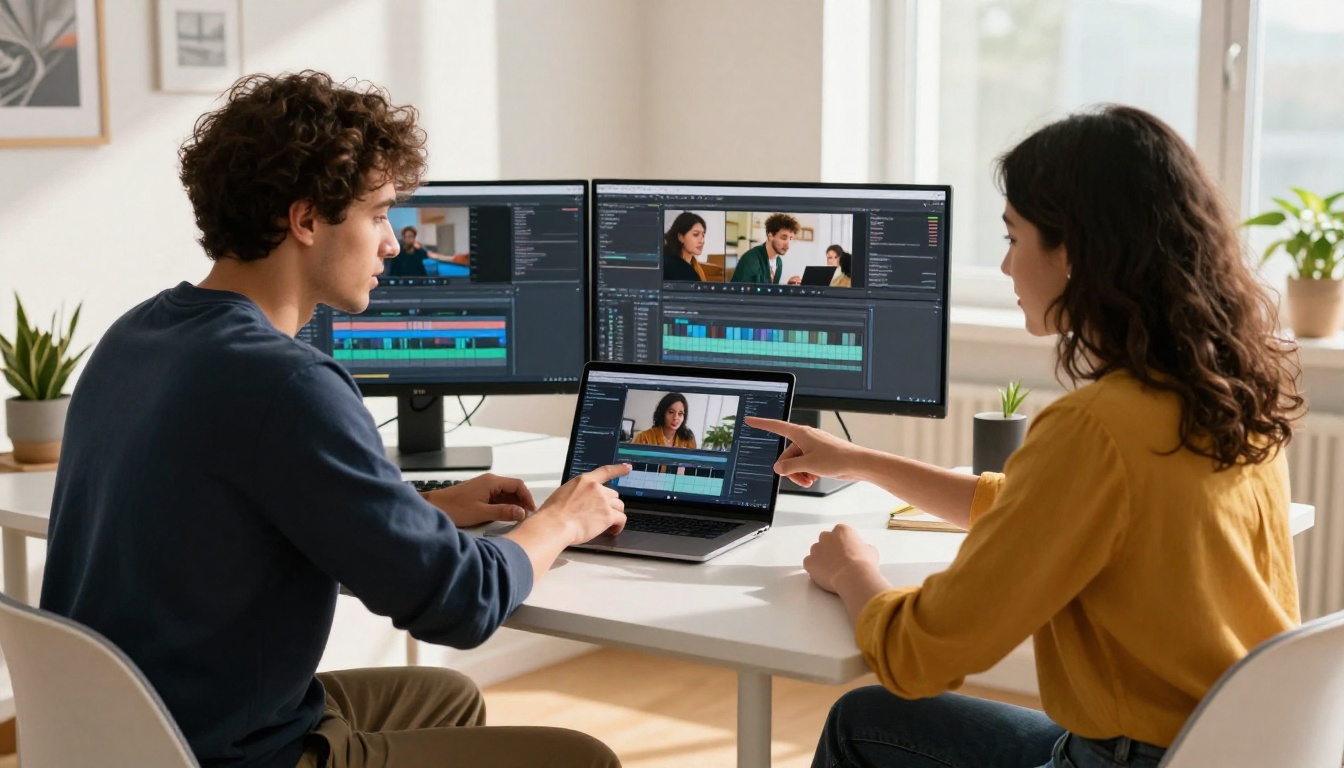
Using copyrighted music on TikTok is a constant operational headache. Tracks get muted retroactively. Videos get restricted from certain regions. The TikTok sound library helps, but it does not set your content apart when every other creator is using the same trending audio.
Original AI-generated music solves both problems. It is copyright-free by nature, and it sounds exactly the way you specify.
Music 1.5 by Minimax generates full-length songs from lyrics and style descriptions. Write the vibe, the tempo, and the genre, and it produces a track that actually sounds like a finished song. The output quality is good enough to be a genuine competitive advantage for creators who want their audio to feel distinct.
Lyria 2 from Google creates original music compositions across a wide range of genres and moods. It handles everything from lo-fi beats to upbeat pop to cinematic instrumentals. If you create content across different categories, having access to multiple music moods without copyright concerns is a significant operational advantage.
Stable Audio 2.5 from Stability AI generates music from text prompts with particular strength in atmospheric and instrumental tracks. This makes it well-suited for lifestyle, travel, wellness, and minimalist content where background music sets tone without competing with the voiceover.
The music types TikTok creators use most:
- Upbeat pop for product reveals, hauls, and shopping content
- Lo-fi beats for day-in-my-life and study formats
- Cinematic instrumentals for transformation and before-and-after videos
- Ambient texture for aesthetic, slow-living, and minimalist content
- Energetic electronic for fitness, sports, and high-energy edits
💡 Generation tip: Generate three to five variations from the same prompt and select the one that fits your edit. AI music generation is fast enough that this adds under two minutes to your workflow, and having options at the selection stage consistently produces better final output than using the first result.
Tool 4: AI Text-to-Speech for Voiceovers That Sound Human
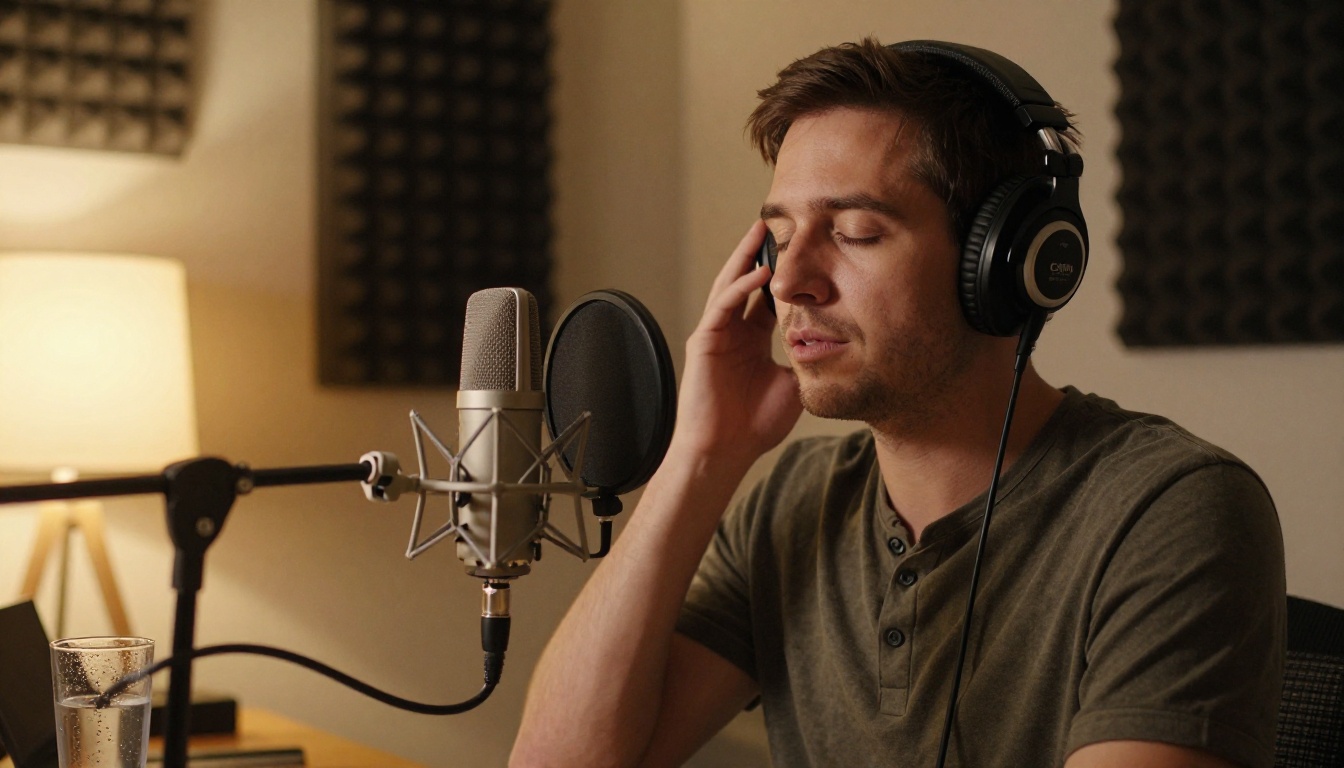
Not every creator is comfortable with their own voice on camera. Not everyone speaks the language their target audience uses as a first language. Not everyone has the time to re-record a voiceover a dozen times until pacing and delivery feel right.
AI text-to-speech has reached the point where output is genuinely difficult to distinguish from a human voice. That is not marketing language. It is where the technology actually stands in 2027.
Speech 2.6 HD produces studio-quality audio from any text input. You choose voice characteristics, pacing, and emotional tone. The output is clean enough to use directly without additional post-processing, which saves significant time across every video in a batch.
Voice Cloning takes this further by letting you build a custom AI voice from your own recordings. Record a few minutes of yourself speaking naturally, and you get a voice model that sounds like you, on demand, without needing to be in front of a microphone each time. This is particularly useful for creators who batch-produce content or who want vocal consistency across a high volume of videos.
When AI voiceover makes the most sense:
- Producing content in multiple languages for different regional audiences
- Long-form scripts where re-recording is genuinely time-consuming
- Branded content where vocal consistency across many videos matters
- Videos where the creator prefers to stay off-camera
- Educational content with dense text that benefits from precise, measured delivery
💡 Script tip: Write your script first, then adjust the punctuation intentionally to control pacing. Commas and periods directly affect how Speech 2.6 HD pauses and breathes between phrases. A carefully punctuated script produces noticeably better voiceover output than the same content with default punctuation.

This one gets less attention than it deserves. Most creators focus entirely on content creation and ignore delivery quality. Low-resolution footage, grainy b-roll, or slightly soft visuals undermine an otherwise strong video. Viewers notice quality even when they cannot articulate why they stopped watching.
AI super resolution upscales footage without the pixelation you get from simply stretching a low-resolution image in an editor. It reconstructs detail intelligently rather than just interpolating pixels.
Real ESRGAN upscales images up to 4x while actively reconstructing fine detail. For creators using older footage, screen captures, or stock images that are not native high-resolution, this tool removes the visual roughness that signals low production value to viewers.
Image Upscale by Topaz Labs goes up to 6x enlargement without visible quality loss. For creators repurposing older content archives or working with footage from lower-resolution cameras, this is the tool that closes the gap between amateur and professional-looking output.
Recraft Crisp Upscale is a strong option for visuals where sharpness is the priority, producing output with clean edges and minimal artifacting, which is particularly useful for text-heavy graphics and product imagery.

The real power is not in using one of these tools in isolation. It is in combining them into a production workflow that a solo creator can run alone, in under two hours per video.
A practical batch production workflow looks like this:
- Script: Write the content idea and finalize the text
- Voiceover: Generate the audio track with Speech 2.6 HD
- Music: Generate a background track with Music 1.5 or Lyria 2
- Visuals: Generate supporting imagery with Flux Pro or Imagen 4 Ultra
- B-roll: Turn selected images into video clips with Kling v3 Video
- Quality: Run visuals through Real ESRGAN for a final sharpness pass
- Edit: Assemble in your preferred video editor and export
That entire process, from blank page to ready-to-post video, is achievable in under two hours for most content formats. Without AI tools, the same output would take a full day or require outsourcing multiple tasks.
The Consistency Advantage
The biggest shift AI tools produce is not speed. It is consistency. When you can generate assets reliably and quickly, you stop posting only when inspiration strikes and start posting on a schedule. You maintain a coherent visual identity across dozens of videos. You test different formats without worrying about the production cost of each experiment.
Creators who post consistently with solid quality almost always outperform creators who post sporadically with occasional high-quality content. AI tools make consistency achievable for a one-person operation without burning out.
💡 The real advantage: You spend less time producing and more time thinking about what to create. The bottleneck shifts from execution to ideas, and that is where a good creator actually wants to spend their energy.
3 Common Mistakes to Avoid

1. Over-relying on text-to-video for hero content
AI video is excellent for b-roll and supporting visuals. Tools like Kling v3 Video and Veo 3 produce impressive output, but they are not yet a replacement for authentic on-camera presence for creators building a personal brand. Use AI video to supplement your content, not replace the human element that drives audience connection.
2. Using vague prompts and accepting average output
Every tool on this list responds dramatically better to specific, detailed inputs. "A confident woman in casual clothing recording a TikTok video in a warm home studio with natural light from the left" produces a usable result. "Woman making video" does not. The skill of prompting is worth developing deliberately.
3. Reusing the same AI-generated music across multiple videos
Music 1.5 and Lyria 2 generate unique tracks every time. There is no reason to use the same background music across multiple videos when you can have something fresh and original for each one. Sonic repetition is something regular viewers notice quickly, and it signals low effort even when the visual content is strong.
Every tool covered in this article is available directly on Picasso IA. You can access image generators like Flux Pro and Flux 1.1 Pro Ultra, video generators like Kling v3 Video and Veo 3, music tools like Music 1.5 and Lyria 2, voiceover tools like Speech 2.6 HD and Voice Cloning, and upscalers like Real ESRGAN and Image Upscale, all in one platform.
The best way to start is simple: pick the tool that removes your biggest current production bottleneck. Spending too much time sourcing music? Start with Music 1.5. Struggling to produce consistent visuals? Start with Flux Pro. Avoiding video formats because of the editing time involved? Start with Kling v3 Video for b-roll.
You will see the impact on your workflow within the first session. The creators outpacing you on TikTok are already using these tools. The gap closes when you do too.


