Running a dropshipping store in 2027 is harder than it looks. You are competing with dozens, sometimes hundreds of other sellers listing the exact same SKUs from the exact same supplier catalog. The price war gets brutal fast. The only real differentiator left? Presentation. Your images. Your copy. The way your store feels when someone lands on a product page.
That is exactly where AI flips the game.
The dropshippers scaling past $10k months are not spending more on ads. They are spending smarter on content, using AI to produce visuals and copy that would have cost thousands in agency fees just three years ago. The tools are faster, cheaper, and more accessible than ever. Below are the five that are making the biggest practical difference for real operators right now.
Why Dropshipping Without AI Is Leaving Money Behind
You already know the pain. The supplier sends you product images shot under fluorescent lighting in a warehouse. The background is muddy gray. The angles are awkward. You list it anyway because you have 200 other SKUs to get live. Then you wonder why the conversion rate sits at 1.2%.
There is nothing wrong with your traffic. There is nothing wrong with your pricing. The product page is just not convincing anyone to buy.
The Visual Gap Killing Your Conversions
Studies consistently show that over 75% of online shoppers rate product photos as the most important factor in their purchase decision. Not price. Not reviews. Photos. Your competitors using professional-looking AI imagery are eating your conversions, silently, every single day.
The good news: you do not need a photographer, a studio, or a creative team. You need a prompt and about 60 seconds.
The Copy Bottleneck Nobody Talks About
Writing unique, compelling product descriptions for 50, 100, or 500 SKUs is not a realistic one-person job. Most dropshippers either copy the supplier text (which is duplicate content that search engines ignore) or write something generic that does nothing to sell. AI solves both problems in minutes, at any scale.
This is the single highest-impact AI tool a dropshipper can adopt. Instead of relying on whatever your supplier sends over, you describe the product in a prompt and get back a photorealistic studio image. No camera. No studio. No photographer. No retouching.
How AI Images Beat Supplier Photos
The difference is not subtle. Supplier images are taken for catalogs, not for conversion. AI-generated product photography puts your product in aspirational contexts: on clean white backgrounds, in lifestyle scenes, in mockup environments that make buyers want the item before they even read the description.
💡 Real example: A dropshipper selling minimalist leather wallets switched from supplier photos to AI-generated lifestyle images. Conversion rate jumped from 1.4% to 3.8% in two weeks. No price change. No new traffic. Just better images.
The Best Models for Product Photography
On Picasso IA, you have access to over 90 text-to-image models. For dropshipping product photography, these perform best:
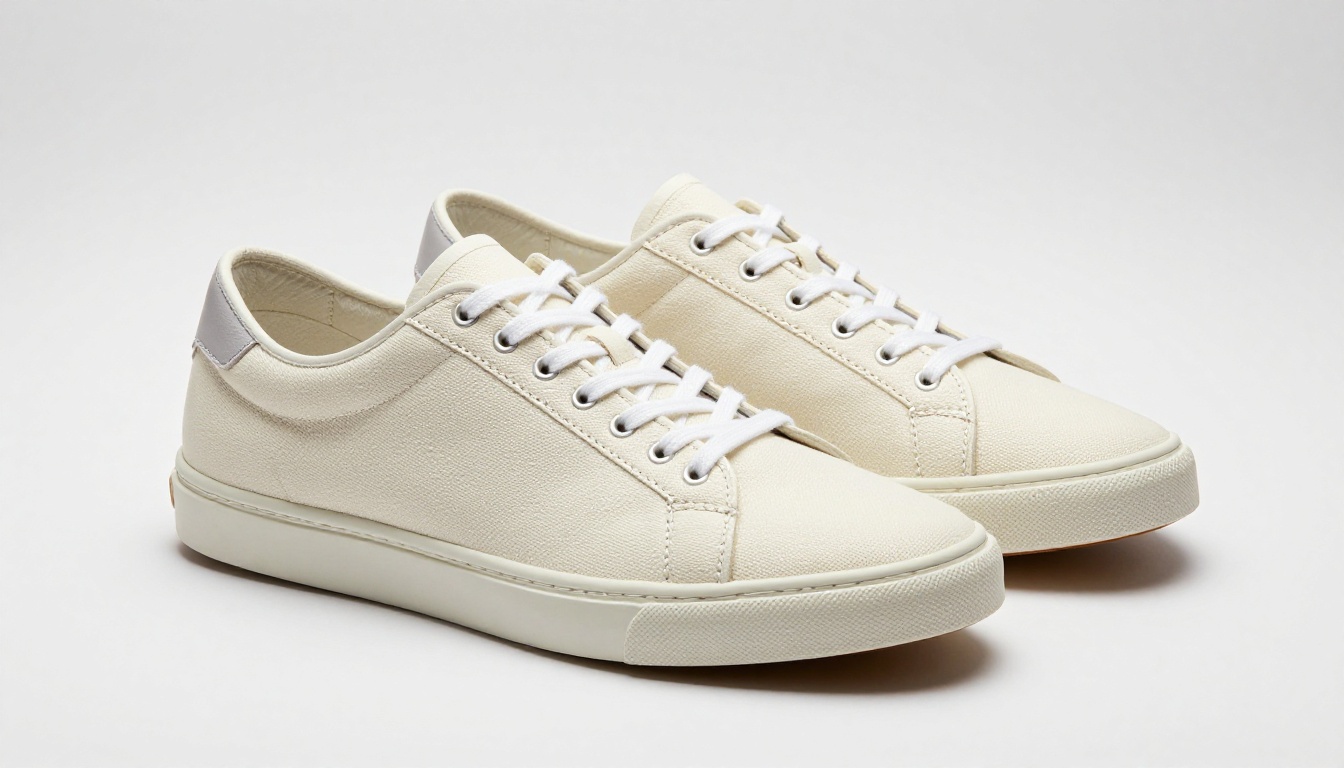
How to Use Flux Pro on PicassoIA
Getting your first AI product photo takes about 60 seconds:
- Go to Flux Pro on PicassoIA
- In the prompt box, describe your product with detail. Example: "Premium black leather wallet on a white marble surface, soft overhead studio lighting, photorealistic, 8K, commercial product photography"
- Set aspect ratio to 1:1 for Instagram or 16:9 for banner images
- Click Generate and wait roughly 10 seconds
- Download and use directly in your store
Tips for stronger results:
- Specify the surface: marble, wood, white seamless background, concrete
- Mention the lighting: soft studio, natural window light, overhead softbox, golden hour
- Add quality modifiers: photorealistic, 8K, commercial photography, Kodak Portra 400
- Generate 4 variations in one session and pick the two strongest
The more specific your prompt, the less editing the output needs. Treat it like briefing a photographer, not typing a search query.
You have a decent supplier photo but the background is a problem. Busy, colored, watermarked, or just cluttered. AI background removal cuts the product out in one click and places it on a clean transparent or white canvas, which is the industry standard for most ecommerce platforms.
Why Clean Backgrounds Convert Better
Marketplaces like Amazon, Etsy, and most Shopify themes perform measurably better with white-background hero images. Cleaner backgrounds reduce visual noise and let the product speak. Buyers focus on what they are buying instead of what surrounds it. It also signals professionalism instantly.
Stores with inconsistent, cluttered product images read as untrustworthy. Stores with clean, consistent product images read as established brands. The only difference is a background.
One-Click Cutouts That Work
The Remove Background tool by BRIA on PicassoIA handles complex edges including hair, fur, transparent packaging, glass, and intricate product shapes. It is far more accurate than basic web tools and outputs a clean PNG with transparent background in seconds.
When to use background removal:
- Supplier photos have colored or cluttered backgrounds
- You want to place a product into a lifestyle scene
- Creating consistent white-background catalog images at scale
- Preparing images for Amazon, Google Shopping, or Facebook Ads

Your supplier sends a 400x400 pixel JPG that looks fine as a thumbnail. The moment a customer zooms in on your product page, they see a blurry, pixelated mess. That is a trust-killing experience and it directly costs you sales.
When Supplier Photos Are Too Small
Super resolution AI does not just scale up pixels. It actually reconstructs detail, using patterns learned from millions of images to add realistic texture, sharpness, and clarity. A 400px image becomes a crisp 1600px or even 3200px image that holds up under zoom. Glass looks like glass. Fabric looks like fabric. Metal looks like metal.
💡 Pro tip: Upscale every product image before uploading to your store. Even images that look fine at thumbnail size often lack the detail customers expect when they zoom in to inspect before buying.
The Best Upscalers for Ecommerce
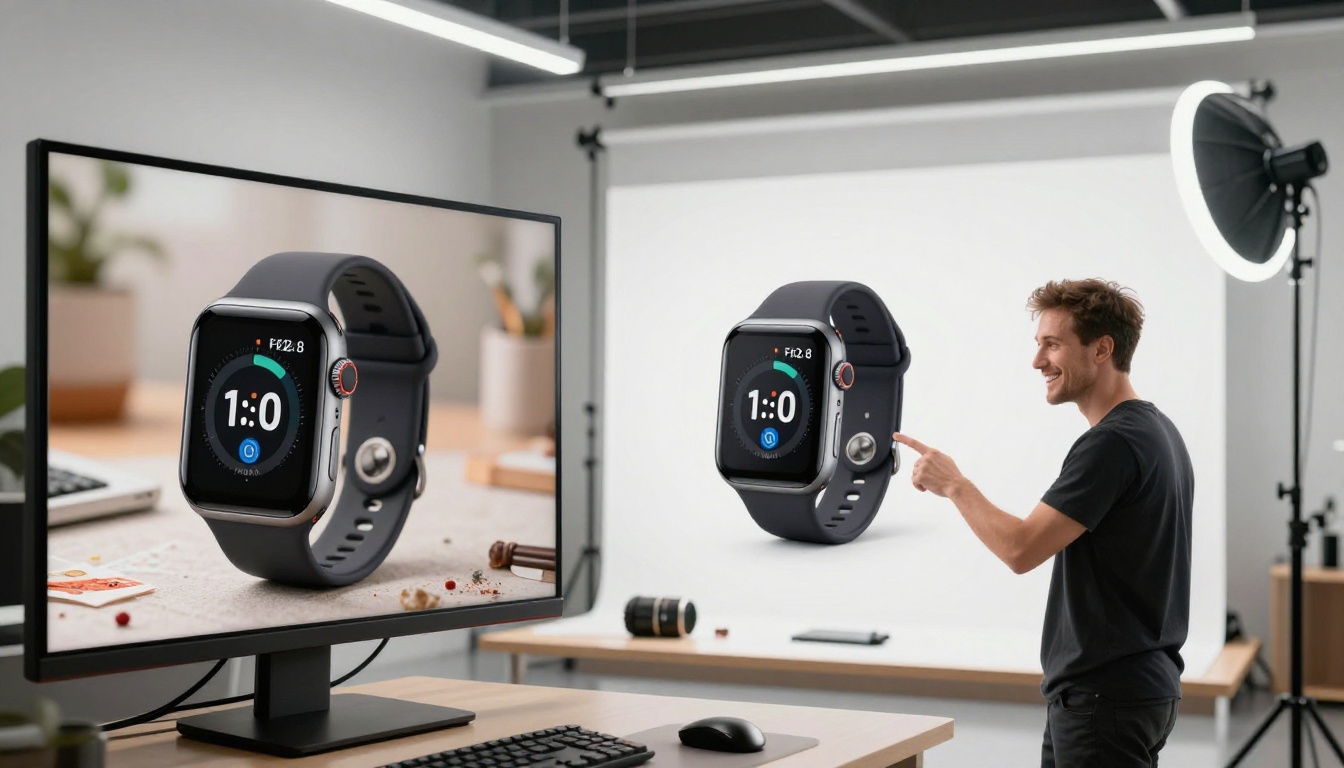
The workflow is straightforward: upload the supplier image, select your upscale factor, download the result. For a store with 50 products, you can process everything in under an hour. For a store with 500, batching this overnight costs almost nothing and pays off in every zoom interaction your customers make.
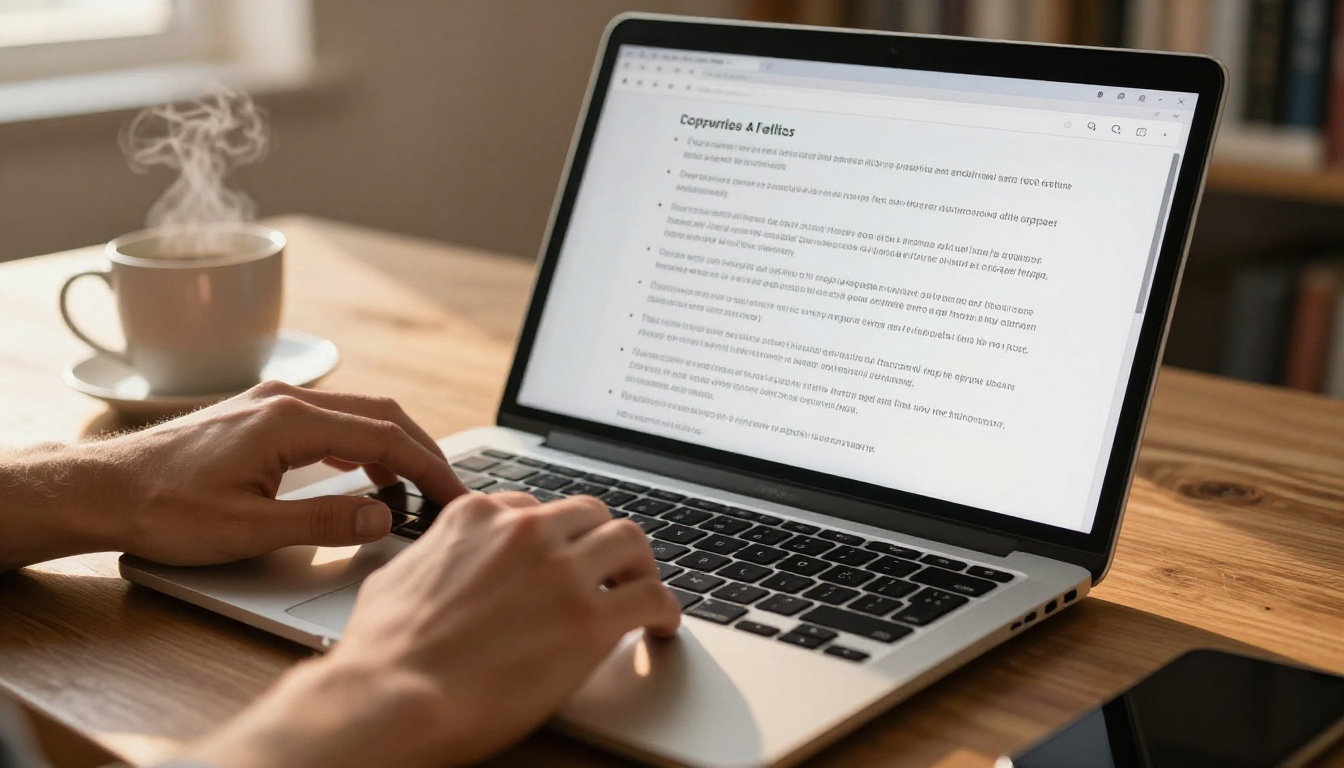
Words sell. But writing fresh, compelling copy for hundreds of products manually is the kind of task that burns people out fast. AI language models flip this from a full-time job into a 10-minute task, without sacrificing quality.
Writing Descriptions That Actually Convert
Generic product descriptions kill sales. "High quality material. Suitable for all occasions." reads like it was written by someone who has never seen the product. Buyers want specifics, benefits framed around their life, and language that makes them feel the purchase is already made.
The difference between a 1% and a 4% conversion rate is often a single paragraph that speaks directly to what the buyer cares about. AI gets you there without a copywriter on retainer.
AI language models on PicassoIA give you access to the most powerful writing engines available:
- GPT-5 for detailed, benefit-led product descriptions with precise language
- Claude 4 Sonnet for persuasive, nuanced copy with natural human tone
- Deepseek V3 for fast bulk generation at zero cost
- GPT-5 Mini for rapid iteration across large catalogs
The prompt formula that works:
"Write a product description for [product name]. Target buyer: [describe them specifically]. Main features: [list 3-5 specifics]. Tone: conversational and confident. Format: 3 short paragraphs followed by 5 bullet points. Avoid generic phrases and vague claims."
Beyond Product Descriptions
AI copy tools cover every content need in a dropshipping operation:
- Facebook and TikTok ad copy: Hook, body, and call-to-action in 30 seconds
- Email campaigns: Welcome sequences, abandoned cart, promotional blasts
- SEO meta titles and descriptions: Keyword-optimized without sounding robotic
- Customer service replies: Consistent, professional responses to common questions
- Social media captions: Platform-native content for Instagram, Pinterest, TikTok
- Competitor research summaries: Paste a competitor page, ask what their angles are
💡 The fastest operators use one AI prompt to generate 10 product description variations, then A/B test them. Within two weeks, they know exactly which copy angle converts best and apply it across their entire catalog.
Not everything needs to be generated from scratch. Sometimes the supplier photo has a solid base but needs fixing. AI editing tools let you correct and recontextualize existing images without opening Photoshop, without learning layer masks, and without hiring a retoucher.
Fixing What Suppliers Send You
Bad lighting. Color cast. Lens distortion. Unwanted objects in the background. These are all fixable with AI inpainting and editing tools. You describe what you want changed and the AI rebuilds those areas realistically, matching the lighting and texture of the rest of the image.
Common fixes dropshippers use:
- Remove price tags, watermarks, or supplier branding from images
- Adjust color temperature to show the product more accurately
- Fix overexposed or underexposed areas that hide product detail
- Replace cluttered backgrounds with clean studio environments
- Add props or surfaces to plain white images for lifestyle feel
Lifestyle Mockups Without a Studio
The Flux Kontext Pro model lets you take a plain product image and place it in a realistic lifestyle context. A water bottle on a hiking trail. A phone case in a coffee shop. A yoga mat in a bright home studio. All without hiring a photographer or booking a location.
This is how small dropshipping operations now compete visually with brands running full creative teams and location shoots.

For stores running many product variations across colors, sizes, and bundles, Recraft v4 is particularly strong at maintaining visual consistency across a product line while varying the presentation context. Every variant looks like it belongs to the same professional shoot.

None of these tools work best in isolation. The dropshippers getting the strongest results build a repeatable content workflow they can run on any new product in under 30 minutes:
- Source product from supplier, save the original image
- Remove background using BRIA Remove Background, export as PNG
- Upscale the cutout with Topaz Image Upscale to 4x or 6x
- Generate lifestyle variants using Flux Kontext Pro or Flux Pro with detailed prompts
- Write all copy using GPT-5 or Claude 4 Sonnet with a clear brief
- Upload and list, then move to the next product
Total time per product: 20 to 30 minutes versus 2 to 3 hours without AI tools. For a 50-product store, that is the difference between a full week and a single afternoon.
| Without AI | With AI Stack |
|---|
| Supplier photos, inconsistent quality | Studio-quality AI images every time |
| Generic copy from supplier catalog | Conversion-optimized custom copy |
| Small, blurry thumbnails | 4x-6x upscaled sharp images |
| Single plain background | Multiple lifestyle contexts |
| 2-3 hours per product | 20-30 minutes per product |
Your First AI Product Photo Starts Here
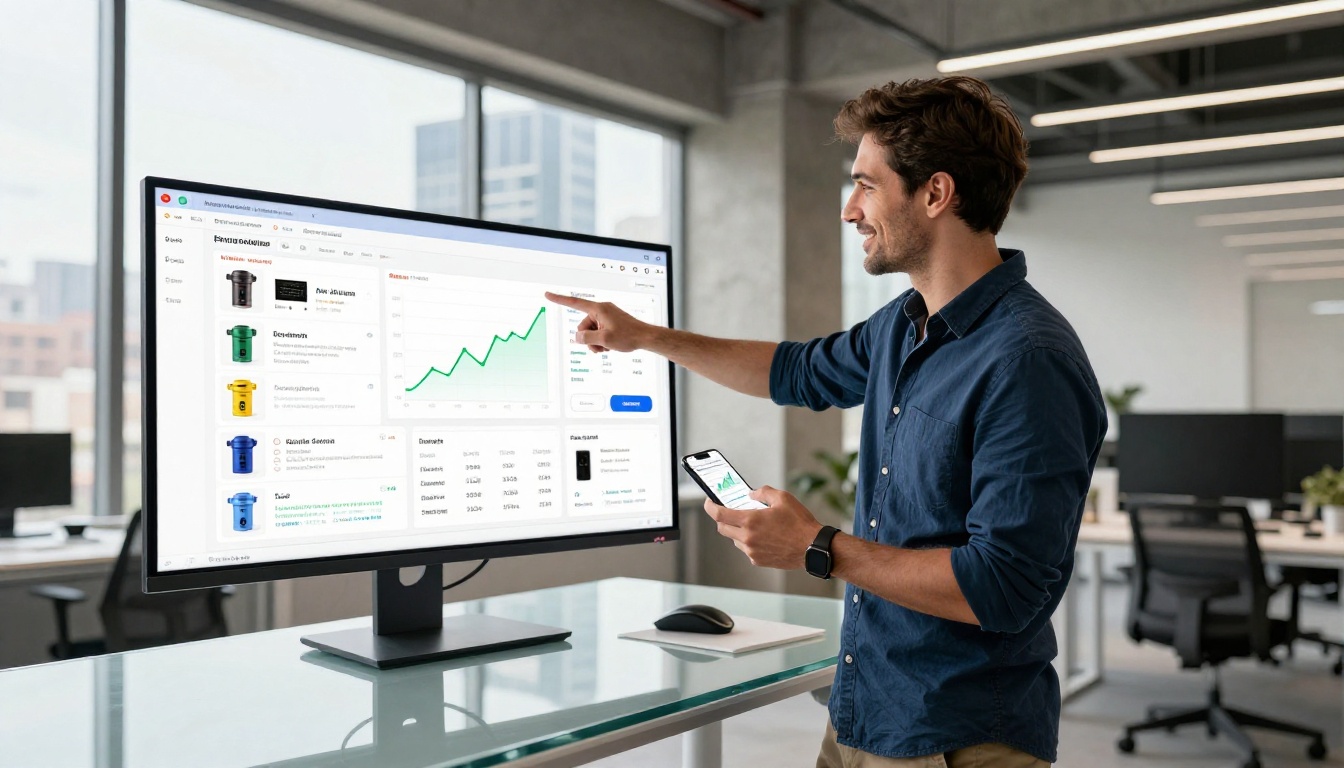
You do not need a camera, a studio, a designer, or a copywriter. You need a clear product idea and a few minutes on PicassoIA.
Every model mentioned in this article, from Flux Pro to Real ESRGAN to GPT-5, is available in one place. No switching between subscriptions. No juggling five different tools. One platform handles the entire content workflow from raw supplier image to fully produced product listing.
Start by generating three product images for your top-selling SKU. Compare them against the supplier photos currently on your listing. The difference will be obvious in the first minute.
💡 Where to start: Pick your best-selling product. Go to Flux Pro on PicassoIA. Describe the product with as much visual detail as possible. Generate four variations. Pick the best two. Upload them to your store. Track your conversion rate over the next 7 days.
The stores winning in this space look like they spent a fortune on content. With AI, that fortune costs about 20 minutes.