Cinematic motion separates amateur AI videos from professional productions. These five actionable techniques show you how to control camera movements, simulate natural physics, create smooth transitions, and achieve temporal consistency in your AI-generated videos. From dynamic camera angles to realistic motion blur, learn the specific prompting strategies and parameter adjustments that make AI videos look like they were shot by a film crew.
Cinematic motion separates amateur AI videos from professional productions. The difference isn't just in resolution or color grading - it's in how elements move through the frame, how the camera navigates space, and how physics feels authentic rather than synthetic. Most AI video generators create movement, but cinematic motion requires intentionality, planning, and understanding of film language.
When you watch a Hollywood film, every camera move serves a purpose. A dolly in builds tension. A slow pan establishes geography. A handheld shot creates intimacy. These movements aren't random - they're choreographed with the same precision as actor blocking. AI video tools like Sora 2 Pro, Kling v2.6, and WAN 2.6 T2V have the technical capability to produce cinematic motion, but they need specific guidance to achieve it.
What Makes Motion Cinematic?
Cinematic motion follows established principles from decades of filmmaking. These aren't arbitrary rules - they're solutions to problems filmmakers encountered when trying to make movement feel natural and intentional.
Natural Acceleration and Deceleration
💡 Physical Reality: In the real world, objects don't start and stop instantly. They accelerate gradually, reach peak speed, then decelerate before stopping. AI videos that ignore this look robotic.
Depth-Aware Movement
Objects at different distances from the camera should move at different speeds. This parallax effect creates believable three-dimensional space. Foreground elements move fastest, midground at medium speed, background slowest.
Purposeful Camera Motivation
Every camera move should have a reason. Is it following a subject? Revealing information? Creating emotional tension? Random camera wandering feels amateurish.
Motion Blur Matching Speed
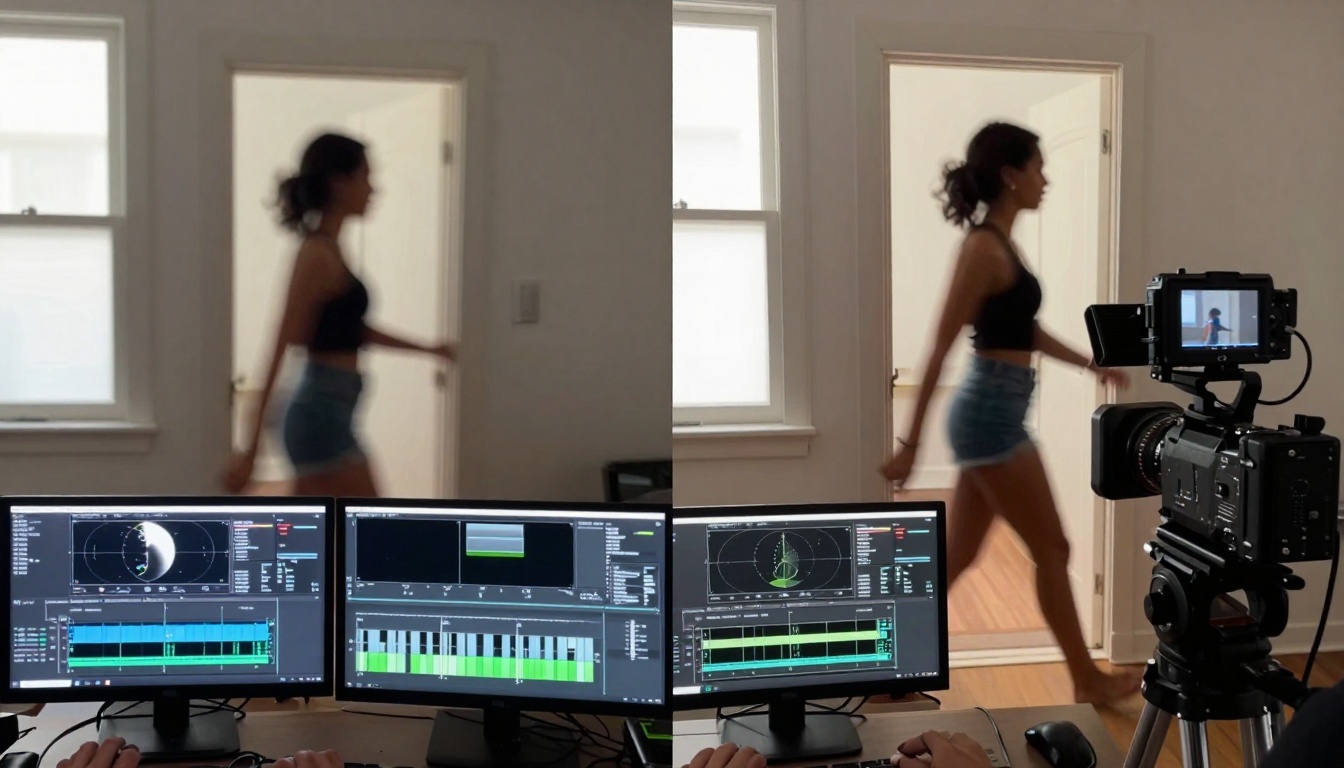
The amount of motion blur should correspond to an object's velocity. Fast movement needs more blur, slow movement needs less. Consistent 180-degree shutter angle simulation creates film-like motion.
Trick 1: Camera Movement Vocabulary
AI video generators understand camera terminology, but they need you to speak the right language. Instead of "camera moves," use specific cinematography terms.
Dolly vs. Zoom
Dolly: The camera physically moves toward or away from the subject
Zoom: The lens focal length changes while camera remains stationary
Dolly Zoom: Camera dollies while simultaneously zooming opposite direction (the "Vertigo effect")
Pan vs. Tilt
Pan: Camera rotates horizontally (left-right)
Tilt: Camera rotates vertically (up-down)
Dutch Angle: Camera tilted on its roll axis for dramatic effect
Tracking vs. Crabbing
Tracking: Camera moves parallel to subject movement
Crabbing: Camera moves perpendicular to subject movement
Arc: Camera moves in a curved path around subject
Example Prompts for Specific Movements:
"Slow dolly in on a detective examining evidence at a crime scene, camera moves from medium shot to close-up over 4 seconds, subtle camera shake from operator breathing, 35mm lens at f/2.8"
"High-angle crane shot descending from 20 feet to eye level as a couple reunites in a train station, smooth hydraulic movement, slight motion blur in background crowds"
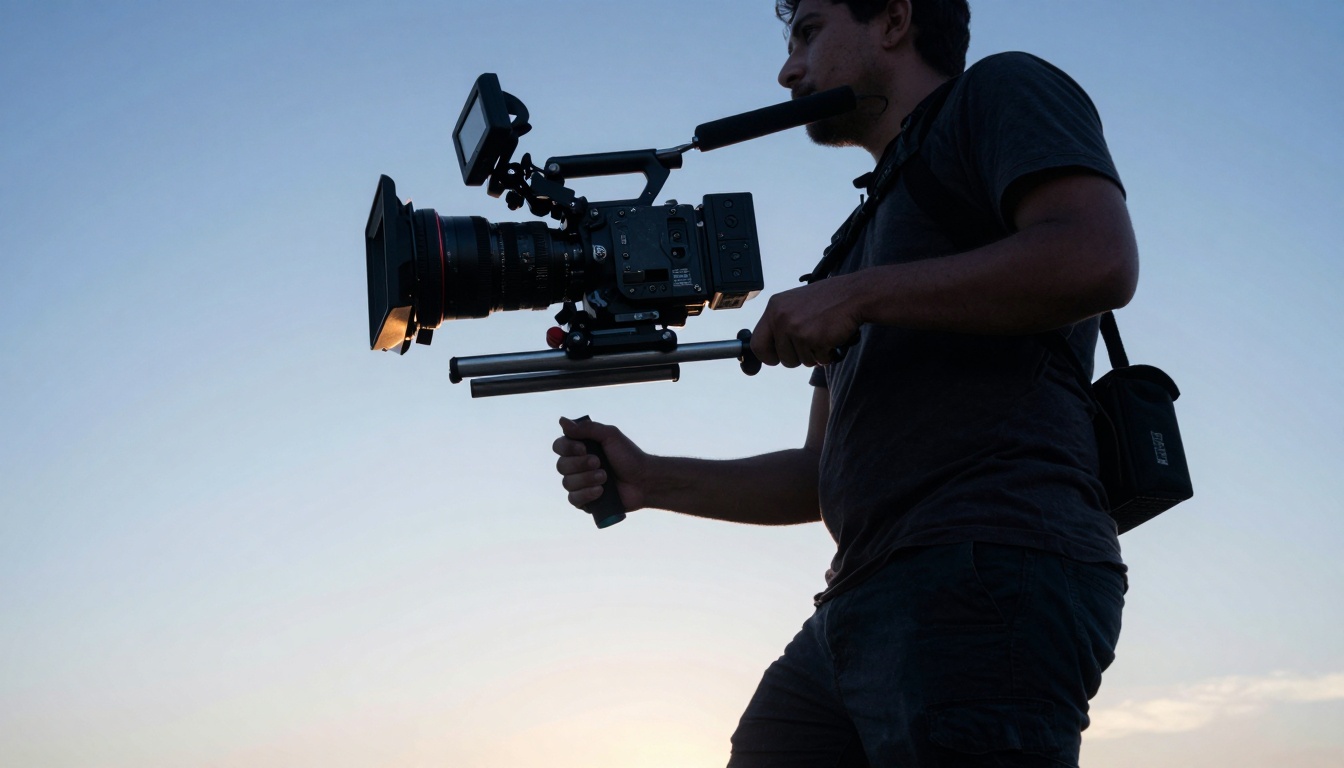
"Handheld tracking shot following a runner through urban alleyways, camera operator's footsteps create natural shake frequency, slight roll correction for stability"
AI doesn't inherently understand physics - you have to describe it. The more specific your physical descriptions, the more realistic the motion.
Fluid Dynamics
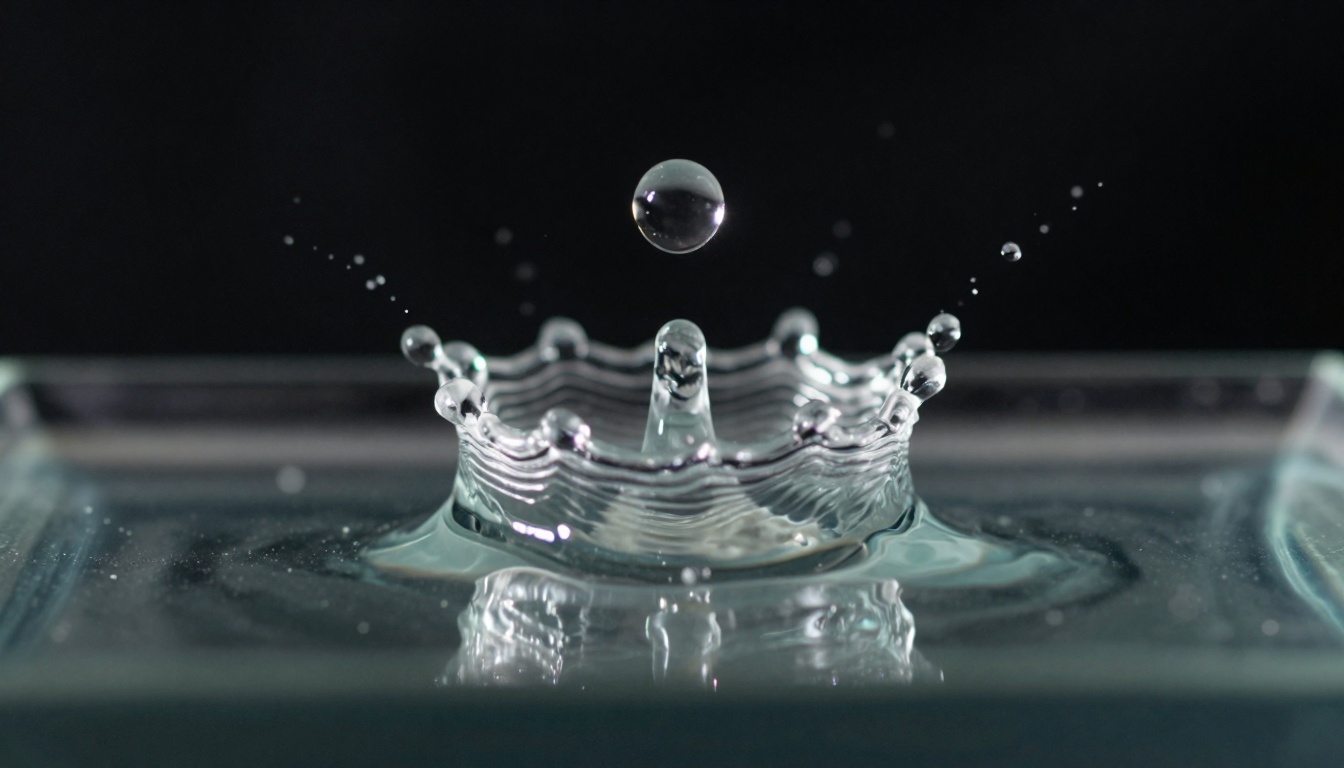
Instead of "water flows," describe: "Water cascades over rocks with turbulent whitewater forming where velocity increases, slower eddies form in sheltered areas, surface tension creates meniscus at edges."
Character Biomechanics
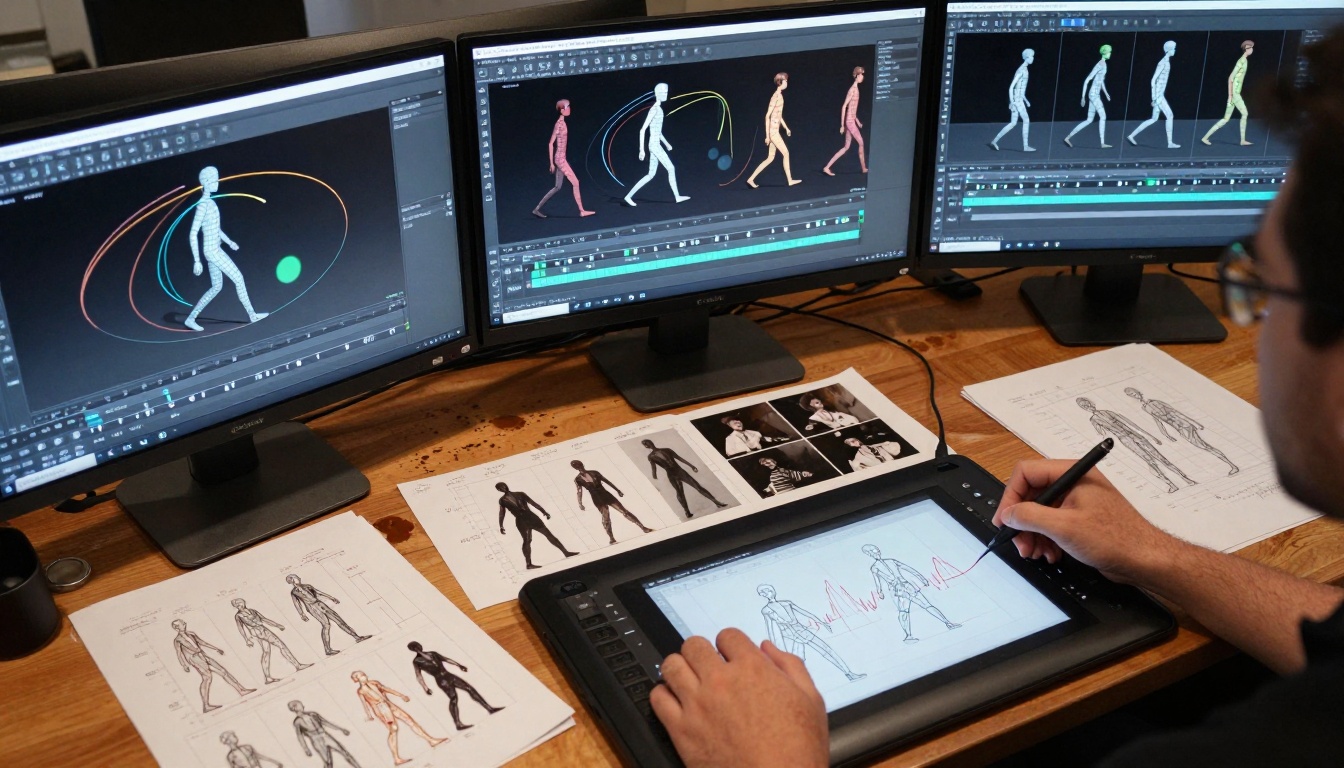
Instead of "person walks," describe: "Weight transfers from heel to ball of foot with slight knee flexion on impact, hips rotate opposite shoulders for natural gait, head bobs slightly with each step."
Atmospheric Effects
Instead of "wind blows," describe: "Leaves flutter with varying frequencies based on size and attachment strength, smaller branches oscillate faster than main trunks, dust particles follow parabolic trajectories."
Key Physics Principles to Include:
Acceleration Curve: "Starts slow, accelerates to peak speed at midpoint, decelerates to stop"
Inertia: "Heavier objects resist direction changes more than light objects"
Elasticity: "Objects deform on impact then return to original shape"
Viscosity: "Thick fluids move slower with more cohesive internal resistance"
Trick 3: Temporal Consistency Techniques
The biggest giveaway of AI video is inconsistent movement between frames. Objects jump, morph, or change trajectory unnaturally.
Frame-to-Frame Coherence
Models like Veo 3.1 and Seedance 1.5 Pro excel at temporal consistency when given proper guidance.
Consistency Prompts:
"Maintain identical lighting direction and intensity across all frames"
"Character facial features remain consistent through movement cycles"
"Background elements maintain spatial relationships to foreground"
"Object colors and textures don't shift between frames"
Parameter Settings for Consistency:
💡 Temperature Control: Lower temperature values (0.1-0.3) increase consistency but reduce creativity. Find balance based on scene complexity.
💡 Seed Locking: Use the same seed value for related video generations to maintain character/environment consistency.
Professional cinematographers choose shutter angles based on desired motion feel. AI video often defaults to clean, sharp movement that looks digital rather than filmic.
Shutter Angle Effects:
180° (Standard): Natural motion blur, film-like movement
90° (Sports): Less blur, sharper fast action
360° (Dreamy): Excessive blur, ethereal movement
Variable: Changing shutter during shot for effect
Prompting for Motion Blur:
"Motion blur consistent with 180-degree shutter angle at 24fps, moving objects show appropriate streak length based on velocity, stationary objects remain sharp."
Common Motion Blur Problems in AI Video:
Problem
Cause
Fix
Uniform blur
AI applies same blur to all movement
Specify "blur proportional to velocity"
No blur on fast objects
AI prioritizes clarity
Add "cinematic motion blur" to prompt
Blur on stationary objects
AI misunderstanding
Specify "sharp stationary background"
Model-Specific Blur Controls:
WAN 2.6 I2V: Has motion intensity parameter affecting blur
Pixverse V5: Good balance between clarity and motion feel
Trick 5: Character Animation Principles
Human movement follows specific biomechanical rules. AI often creates "floaty" or unnatural character motion because it doesn't understand weight, balance, and muscle engagement.
Weight and Balance
Center of Mass: Always over base of support during standing
Weight Transfer: Movement initiates from core, propagates to limbs
Counterbalance: Arms swing opposite legs when walking
Professional films use multiple motion layers simultaneously. Background elements move differently than foreground, creating depth and complexity.
Three-Layer Parallax System:
Foreground Layer (Fastest)
Close objects
Camera moves past quickly
Most motion blur
Examples: Passing trees, raindrops on lens
Midground Layer (Medium)
Primary subjects
Camera tracks with
Moderate blur
Examples: Walking characters, vehicles
Background Layer (Slowest)
Distant elements
Minimal movement
Least blur
Examples: Mountains, sky, horizon
Prompt Example for Layered Motion:
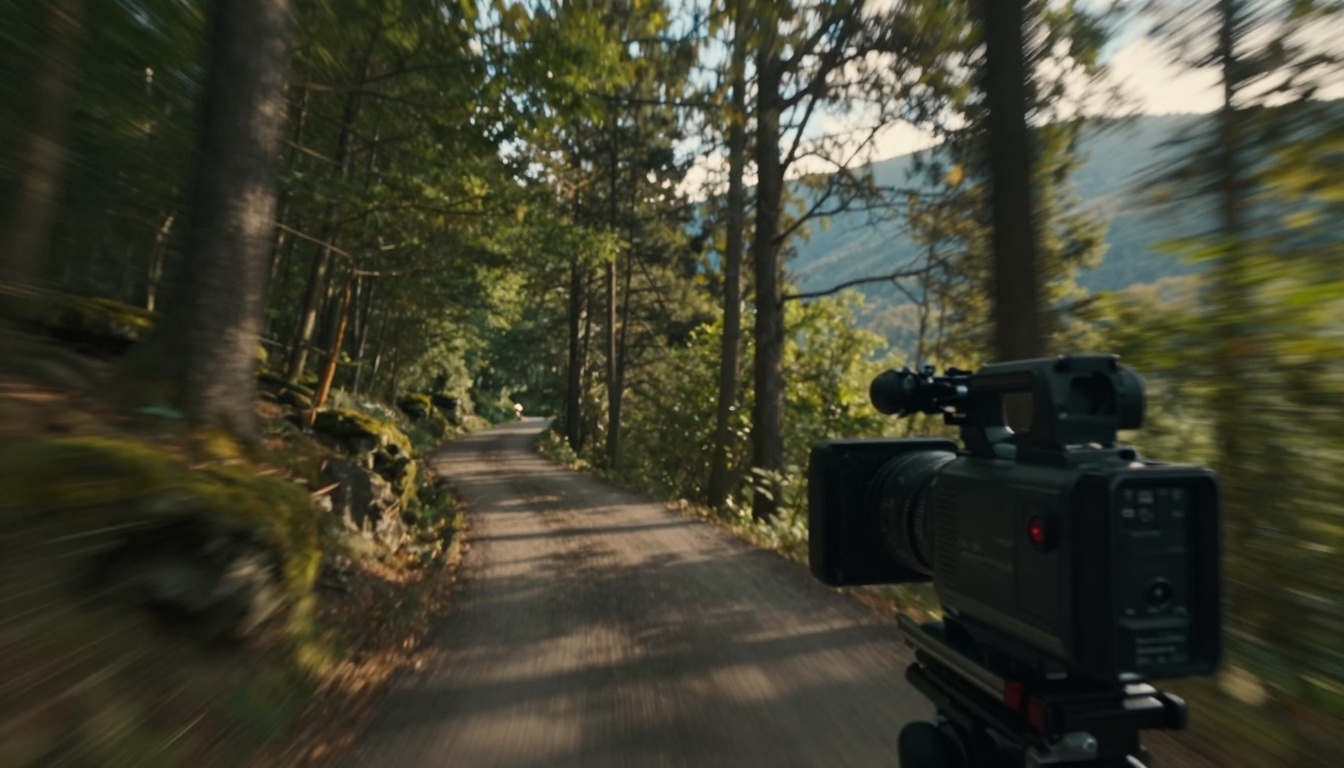
"Foreground tree branches whip past camera left-to-right with fast motion blur, midground character walks toward camera at steady pace with moderate blur, background mountains slowly pan right-to-left with minimal blur, creating depth separation through parallax."
Camera Movement with Layers:
When the camera moves, different layers should respond differently:
Dolly In: Foreground expands faster than background
Pan Right: Near objects pass quickly, far objects barely move
Crane Up: Ground moves down, sky moves up relative to frame
Camera Shake and Organic Imperfection
Perfectly smooth camera movement often feels sterile. Real cinematography has organic imperfections that communicate authenticity.
Types of Camera Shake:
Handheld Authenticity
Frequency: 1-3 Hz (human walking rhythm)
Amplitude: Small, subtle movements
Direction: Multi-axis (not just up-down)
Equipment Vibration
Tripod leg flex
Fluid head micro-adjustments
Motorized slider gear movement
Environmental Factors
Wind affecting camera platform
Ground vibration from nearby movement
Operator breathing rhythm
Prompting for Authentic Shake:
"Subtle handheld camera shake with 2Hz frequency and 2% amplitude, multi-axis movement including slight roll and yaw, consistent with operator walking while filming, not random jitter."
When to Use Camera Shake:
Documentary-style scenes
Action sequences
Emotional intimate moments
POV shots
When to Avoid Camera Shake:
Formal interviews
Product shots
Architectural photography
Steadicam-style sequences
Parameter Optimization for Different Models
Each AI video model has unique parameter sets affecting motion quality. Understanding these differences saves time and improves results.
Specialized Motion Models:
Some models excel at specific motion types:
Slow Motion: Ray 2 720p - Excellent for smooth, slowed movement
Fast Action: WAN 2.5 T2V Fast - Optimized for rapid movement clarity
Camera Control: Video-01 Director - Built-in camera movement vocabulary
Workflow for Cinematic AI Video
Creating professional motion requires systematic approach:
Phase 1: Pre-visualization
Storyboard key motion moments
Define camera movement vocabulary for each shot
Plan layered motion (foreground/midground/background)
Determine motion blur requirements per shot
Phase 2: Prompt Engineering
Start with camera movement description
Add physics specifications
Include character biomechanics if applicable
Specify temporal consistency requirements
Add stylistic elements (shutter angle, camera shake)
Phase 3: Parameter Tuning
Set motion intensity appropriate to scene
Adjust consistency settings for stability
Fine-tune based on initial results
Iterate with seed variations
Phase 4: Post-Generation
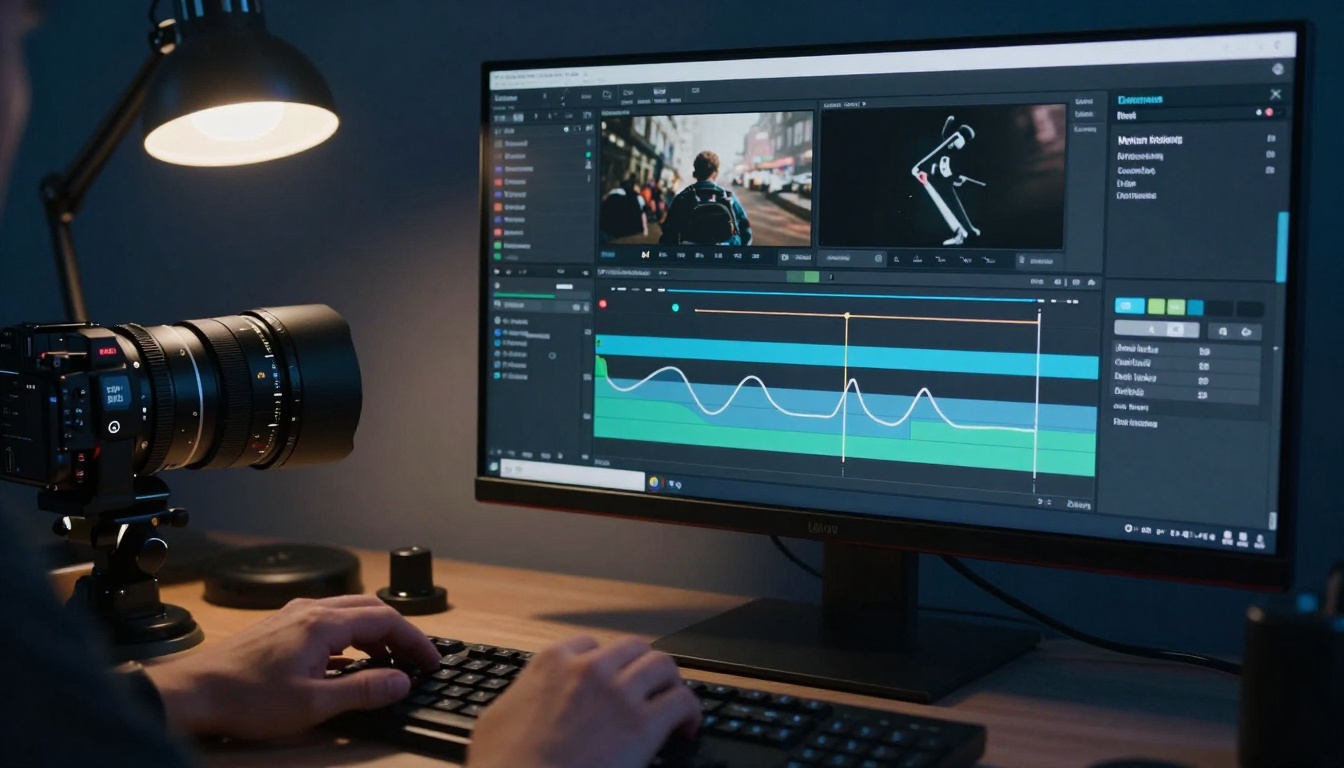
Analyze motion quality frame-by-frame
Identify and fix inconsistencies
Consider combining multiple generations
Add post-processing motion effects if needed
Common Motion Problems and Solutions
Problem: "Floatiness" in Character MovementCause: Missing weight and biomechanics
Solution: Add "weight transfer," "ground contact," "muscle engagement"
Problem: Unnatural Camera MovementCause: Random rather than motivated movement
Solution: Specify camera motivation ("following subject," "revealing location")
Problem: Missing ParallaxCause: All elements move at same speed
Solution: Describe layered motion with different speeds per depth layer
Current AI video models are already capable of professional-grade motion when properly guided. The limiting factor isn't technology - it's our ability to communicate cinematic language to the AI.
As models continue evolving, expect:
Better Physics Understanding
Models that inherently understand real-world motion principles without explicit description
Director-Level Control
Interfaces that let you "direct" shots using film terminology rather than technical parameters
Style Transfer
Apply motion characteristics from specific films, directors, or cinematographers to your AI videos
Real-Time Collaboration
Work with AI as a virtual cinematographer, discussing shot options and motion approaches conversationally
Try These Techniques Today
The best way to improve your AI video motion is experimentation. Start with simple camera movements in WAN 2.2 I2V Fast, then progress to complex layered shots in Kling v2.6 Motion Control. Each model has strengths - learn which works best for your specific motion needs.
Record your prompt variations and parameter settings. Build a personal library of what works. Share successful approaches with other creators. The collective knowledge about AI cinematic motion is growing daily - contribute to it.