If you've ever typed a perfectly reasonable prompt into an AI image tool only to receive a "content policy violation" message, you already know the frustration. Creative professionals, adult content creators, and digital artists are constantly searching for tools that respect their vision without sanitizing every output into sterile, bland results. This is exactly what is driving millions of users toward unrestricted alternatives.
The AI image generation market has exploded. There are over 200 models available across various platforms right now, but most mainstream tools restrict what you can actually create. Whether you want to generate glamour photography, artistic nudity, suggestive lifestyle images, or simply detailed human figures without awkward AI censoring, you need tools built for that purpose.
Below are the top 7 uncensored AI image tools available today, what each one does well, where each falls short, and how to extract the best results from each one.

Why Mainstream Tools Disappoint
The frustration is universal among creators. Tools like DALL-E 3 and Midjourney have built aggressive content filtering systems that flag innocent creative prompts. A fashion photographer wanting to generate reference images for a shoot, a boudoir photographer creating mood boards, or a digital artist working on life studies all hit the same walls.
These filters are not random. They exist to protect platforms from liability and advertisers from controversy. That leaves a massive gap for creators who operate within legal, artistic, and professional boundaries but need more expressive freedom.
💡 Worth noting: "Uncensored" here means fewer automatic content restrictions, not a license to generate illegal material. Every platform listed still prohibits illegal content without exception.
What actually matters when evaluating an uncensored tool:
- Model quality: Does it produce photorealistic results?
- Prompt flexibility: Can it handle suggestive or mature descriptions without flagging?
- Access method: Browser-based vs. local install?
- Cost structure: Free tier vs. paid credits?
- Generation speed: How many images per minute?
1. PicassoIA with Flux Models
PicassoIA stands out as one of the most capable browser-based platforms for generating high-quality images with far fewer restrictions than mainstream alternatives. The platform hosts over 91 text-to-image models, including some of the most powerful options available today.
The flagship model is Flux Schnell by Black Forest Labs, which delivers stunning photorealistic outputs in seconds. For higher-fidelity results, Flux 1.1 Pro adds significantly more detail, better skin tone rendering, and superior compositional control.
What sets PicassoIA apart:
- No aggressive content filtering on suggestive, glamour, or artistic content
- 91 text-to-image models available in a single interface
- Lightning-fast generation with Flux Fast optimized for speed
- Context-aware image editing via Flux Kontext Dev for character consistency across multiple images
- Inpainting and outpainting tools for post-generation refinement
- Super Resolution upscaling to bring outputs to print-ready quality
For portrait and glamour work, the combination of Flux models with detailed prompting produces results that rival professional photography sessions.
| Feature | Rating |
|---|
| Image Quality | ★★★★★ |
| NSFW Flexibility | ★★★★☆ |
| Ease of Use | ★★★★★ |
| Speed | ★★★★★ |
| Model Variety | ★★★★★ |
2. Stable Diffusion (Local Install)
Stable Diffusion running locally on your own hardware is the most unrestricted option anywhere. When you run it through interfaces like Automatic1111 or ComfyUI, there are zero server-side filters. The model processes your prompt and your own hardware generates the result without any third-party review.
This is the choice of serious AI artists and developers who want absolute creative control. The tradeoff is technical complexity. You need a capable GPU (8GB VRAM minimum), patience for the setup process, and comfort with configuration files and dependencies.
Pros:
- Zero content filtering, completely self-determined output
- Thousands of community models available on Civitai
- Full control over parameters, LoRAs, and sampling methods
- One-time hardware investment with no recurring credit costs
Cons:
- Requires powerful GPU hardware
- Multi-step setup process for beginners
- No cloud backup or built-in sharing workflows
💡 Best suited for: Developers, power users, and professional AI artists who need absolute output control without any third-party restrictions.
3. Tensor.art
Tensor.art is a browser-based platform hosting thousands of community-trained Stable Diffusion models, with a built-in NSFW toggle. Once you enable mature content in your account settings, the platform stops filtering suggestive and explicit imagery.
The interface is clean, generation speed is competitive, and the community uploads new specialized models daily. Many of these models are specifically trained for photorealistic portrait generation, making Tensor.art particularly strong for glamour and fashion-style outputs.
Platform features:
- One-click NSFW mode toggle in account settings
- Massive community model library with new uploads daily
- Free tier with daily generation credits
- LoRA support for fine-grained style customization
- Batch generation for multiple variations at once
The free tier is generous but applies a watermark to outputs. Paid plans are affordable and remove restrictions along with increasing daily generation limits significantly.
4. Civitai
Civitai is simultaneously a model repository and a generation platform, and it is arguably the most important resource in the AI art space today. The platform hosts tens of thousands of models, many specifically trained for mature and photorealistic content at a quality level you cannot find elsewhere.
The on-site generator lets you run any model from the library directly in your browser. Enable mature content in your account settings and you gain access to one of the most flexible generation environments available online.
What makes it worth using:
- The largest community model library anywhere on the internet
- Models rated and reviewed by actual users with real example outputs
- Sample images for every model so you know the quality before committing to a generation
- Strong community sharing of prompts, workflows, and parameter settings
- LoRA mixing for combining styles from multiple trained models simultaneously
The downside is that the interface can feel overwhelming. With 100,000 or more models available, finding the right one for your specific need takes research time. The filter system helps narrow things down, but expect to spend time exploring before settling into a consistent workflow.
5. Leonardo AI
Leonardo AI has built a reputation as a professional-grade creative tool that offers an NSFW mode for verified users. Image quality is consistently high, particularly for fantasy, concept art, and realistic portrait styles.
After account verification and enabling the mature content setting, Leonardo allows suggestive and glamour content generation. It stops short of fully explicit outputs, but for fashion, lingerie, artistic portraits, and boudoir-style work, it delivers among the strongest results of any browser-based platform.
Standout capabilities:
- High-quality proprietary models alongside community SD checkpoints
- Image-to-image guidance tools for consistent character generation across a series
- Built-in canvas editor for inpainting and outpainting without leaving the platform
- Motion feature for animating still images into short clips
- Developer-friendly API for building custom generation workflows
The free tier is limited for heavy use. Serious creative work requires a paid subscription, but the quality ceiling here is among the highest available outside of local installs.
6. Mage.space
Mage.space positions itself explicitly as an unrestricted AI image generator. The platform runs Stable Diffusion under the hood and wraps it in a clean, fast browser interface with minimal content filtering built in.
There are two modes: Safe and Unsafe. Switch to Unsafe mode and the filters are off entirely. The platform is browser-based, requires no setup, and generates images quickly. It is one of the lowest-friction options for users who want to move fast without jumping through account verification hoops.
Best aspects:
- Direct NSFW toggle with no verification steps
- Fast generation speeds with minimal queue times on the free tier
- Clean, minimal interface that is beginner-friendly from day one
- No watermarks on free tier outputs
- Private generation mode available for all users by default
Model variety is more limited compared to Civitai or PicassoIA, but what it lacks in variety it compensates for with simplicity and raw generation speed.
7. Playground AI
Playground AI offers a solid browser-based generation environment with more flexible content policies than mainstream tools. While not entirely unrestricted, it allows a significantly wider range of creative content than DALL-E or standard Midjourney settings.
The platform focuses on output quality over raw volume, with strong emphasis on compositional control and style consistency across images. It works particularly well for fashion, portrait, and lifestyle imagery where suggestive but non-explicit content is the creative target.
Features worth your attention:
- Style blending by mixing multiple reference images for unique aesthetics
- Canvas tool for in-context editing without regenerating full images
- Active community feed for prompt inspiration and style references
- Playground v3 model with impressive photorealistic output quality
- Generous free tier for casual and exploratory use
| Tool | Access | NSFW Level | Output Quality | Cost |
|---|
| PicassoIA | Browser | Medium-High | Excellent | Free/Paid |
| Stable Diffusion | Local | Unlimited | Excellent | Free |
| Tensor.art | Browser | High | Very Good | Free/Paid |
| Civitai | Browser | High | Excellent | Free/Paid |
| Leonardo AI | Browser | Medium | Excellent | Free/Paid |
| Mage.space | Browser | High | Good | Free/Paid |
| Playground AI | Browser | Medium | Very Good | Free/Paid |
Using Flux on PicassoIA
Since PicassoIA hosts Flux Schnell and Flux 1.1 Pro, two of the most capable text-to-image models available today, here is how to get the best results for glamour and portrait work specifically.
Choose the Right Flux Model
For rapid prototyping and testing prompts, start with Flux Schnell. For final, high-resolution outputs where detail matters most, move to Flux 1.1 Pro. For editing an existing image while keeping the character consistent, use Flux Kontext Fast.
Write Prompts That Actually Work
Flux models respond exceptionally well to detailed, descriptive prompts. The more specific you are about lighting, clothing, setting, and camera details, the better the output quality becomes. A strong prompt follows this structure:
[Subject + pose] + [clothing/appearance details] + [setting/environment] + [lighting conditions] + [camera and lens specs] + [film stock or photographic style]
Example prompt:
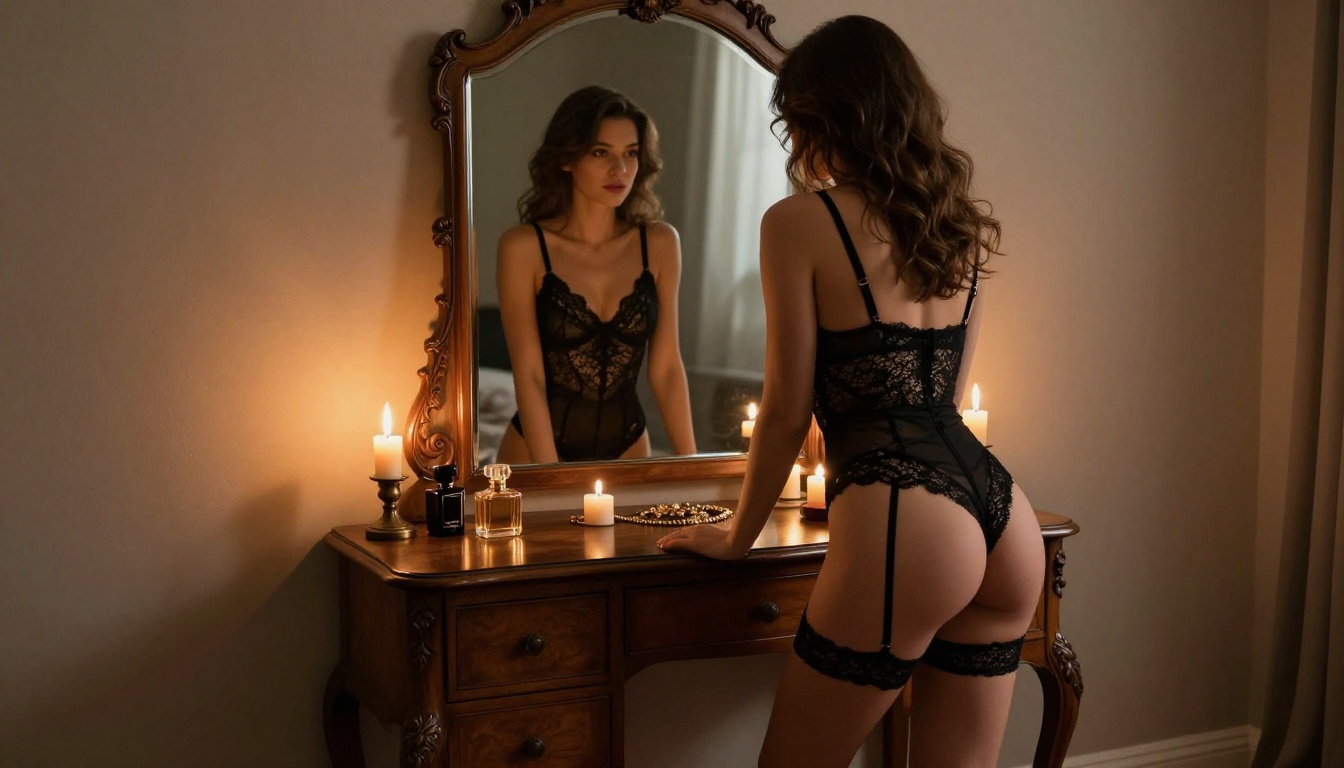
"Young woman in a black satin bikini sitting on the edge of a cliff overlooking the ocean at golden hour, warm light from the right, shot on Canon EOS R5 with 85mm f/1.4, shallow depth of field, Kodak Portra 400 film grain, photorealistic 8K"
Adjust Your Settings
- Steps: 25 to 30 for quality outputs, lower for rapid tests
- CFG Scale: 7 to 9 for balanced prompt adherence
- Negative prompt: Always add
cartoon, illustration, CGI, watermark, low quality, blur
- Seed: Fix the seed once you find a composition you like, then iterate on the prompt alone
Refine with Inpainting
Use Flux Fill Pro for inpainting to fix specific areas without regenerating the entire image. The Flux Canny Pro model lets you control the exact composition using edge detection from a reference image.
Prompts That Separate Good from Great
Across all seven platforms, output quality depends far more on prompt quality than the model itself. These patterns consistently produce better results regardless of which tool you use.
Be specific about light:
Instead of "outdoor photo," write "late afternoon golden light from the left, long soft shadows, subtle lens flare at the edge of frame."
Name the camera gear:
"Shot on Canon EOS R5 with 85mm f/1.4 lens, shallow depth of field" tells the model to produce something that looks photographed rather than painted or digitally generated.
Describe texture explicitly:
Mention fabric weave, skin surface quality, and environmental materials. "Silk fabric with visible light sheen and gentle folds" produces far better results than simply writing "silk dress."
Use negative prompts consistently:
Every serious AI image creator uses negative prompts. Always include: cartoon, CGI, 3D render, illustration, blurry, low quality, watermark, text, deformed
💡 Practical tip: Start with a simple 10-word prompt to establish the base composition, then expand the prompt in the next generation using what worked from the first pass.
NSFW vs. Explicit: The Line That Matters
This distinction matters for staying on the right platforms and avoiding account issues.
NSFW content generally includes:
- Bikinis, swimwear, and lingerie photography
- Implied nudity where nothing explicit is visible
- Suggestive poses and glamour-style compositions
- Boudoir and artistic portrait photography styles
- Fashion and lifestyle imagery with mature themes
Explicit content is different:
Pornographic material, graphic sexual imagery, and any content involving minors falls into a completely separate category. This is where every legitimate platform draws an absolute line, and where self-hosted Stable Diffusion is the only tool that does not apply automatic blocking.
For the vast majority of creators, the NSFW category includes everything they actually need for professional work. The seven tools in this article all handle NSFW content well, each with slightly different thresholds and toggle settings.
Choosing the right platform comes down to what you are actually producing and how you prefer to work day-to-day.
For browser-based convenience with premium model quality and variety: PicassoIA with Flux Schnell or Flux 1.1 Pro. No setup required, excellent results from the very first generation.
For absolute creative freedom with zero server-side restrictions: Local Stable Diffusion via ComfyUI or Automatic1111. Requires a hardware investment but delivers unlimited control over every aspect of the generation process.
For the largest selection of community-trained specialist models: Civitai. The biggest model library anywhere online, with strong community ratings that help you find what actually works for your specific style and content category.
For professional-grade quality with NSFW toggle and built-in editing: Leonardo AI. A higher quality ceiling than most browser options, with canvas editing and motion tools built directly into the platform.
For the simplest possible workflow with minimal friction: Mage.space. Flip the toggle, write your prompt, get your image. No complex setup, no waiting for approvals.
The ecosystem continues expanding rapidly. New models release every week, and platforms are actively competing on output quality, generation speed, and creator-friendly content policies.
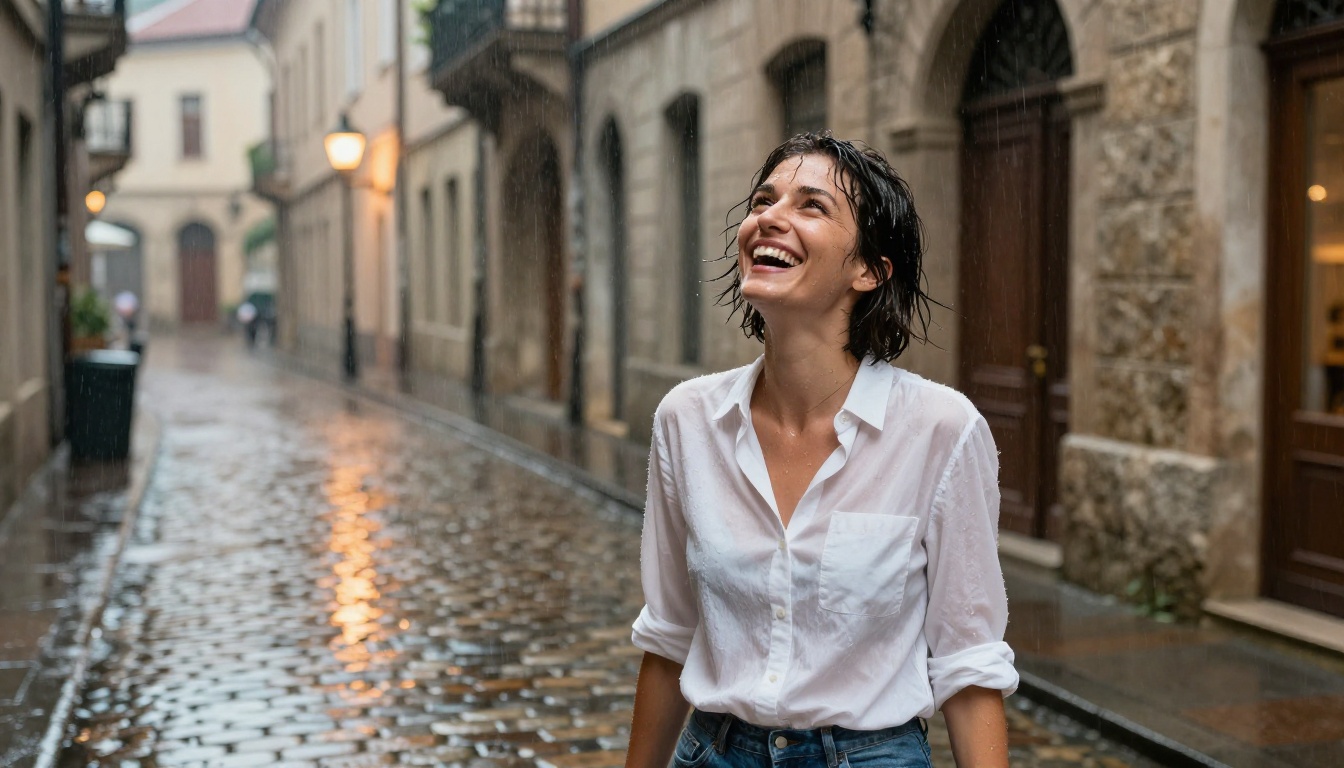
Start Creating on PicassoIA
The fastest way to see what these tools actually deliver is to use them yourself. PicassoIA has a free tier with immediate access to Flux models, no setup required, no downloads, no waiting.
Start with a simple portrait prompt in Flux Schnell: describe a person, their clothing, the lighting, and a camera type. Generate five variations, note what produces the most realistic results, then expand your prompt for the next round. Within an hour of iteration, you will have developed a real intuition for what produces cinematic, photorealistic outputs.
The Flux Kontext Dev model takes things further, allowing you to edit generated characters consistently across multiple images, which is invaluable for anyone building visual series, social content, or creative portfolios at scale.
The models are ready. The platform is free to start. The only variable is the quality of your prompt and the time you invest in iterating on it. Try whatever concept you have been holding back, and see what comes out.


