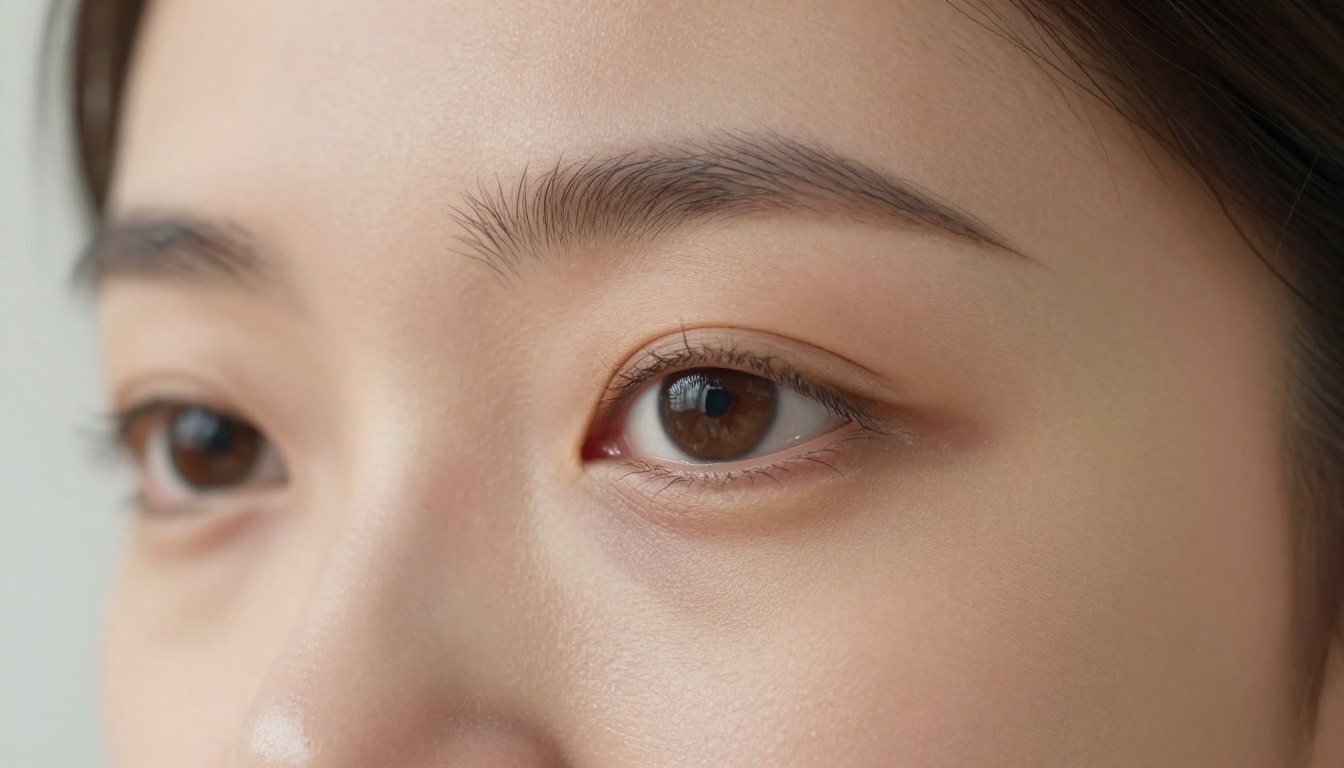
Most AI girlfriend generators produce the same results: waxy skin, symmetrical faces that look plastic, and lighting that ignores physics. The gap between a believable AI portrait and an obvious fake comes down to the model powering it. After testing the leading platforms available in 2025, these 8 generators consistently outperform the competition for producing genuinely photorealistic AI girlfriend photos.
What Makes AI Photos Look Real
Three technical factors determine whether an AI girlfriend photo reads as real or artificial. Poor models fail on all three. The best generators nail every one.
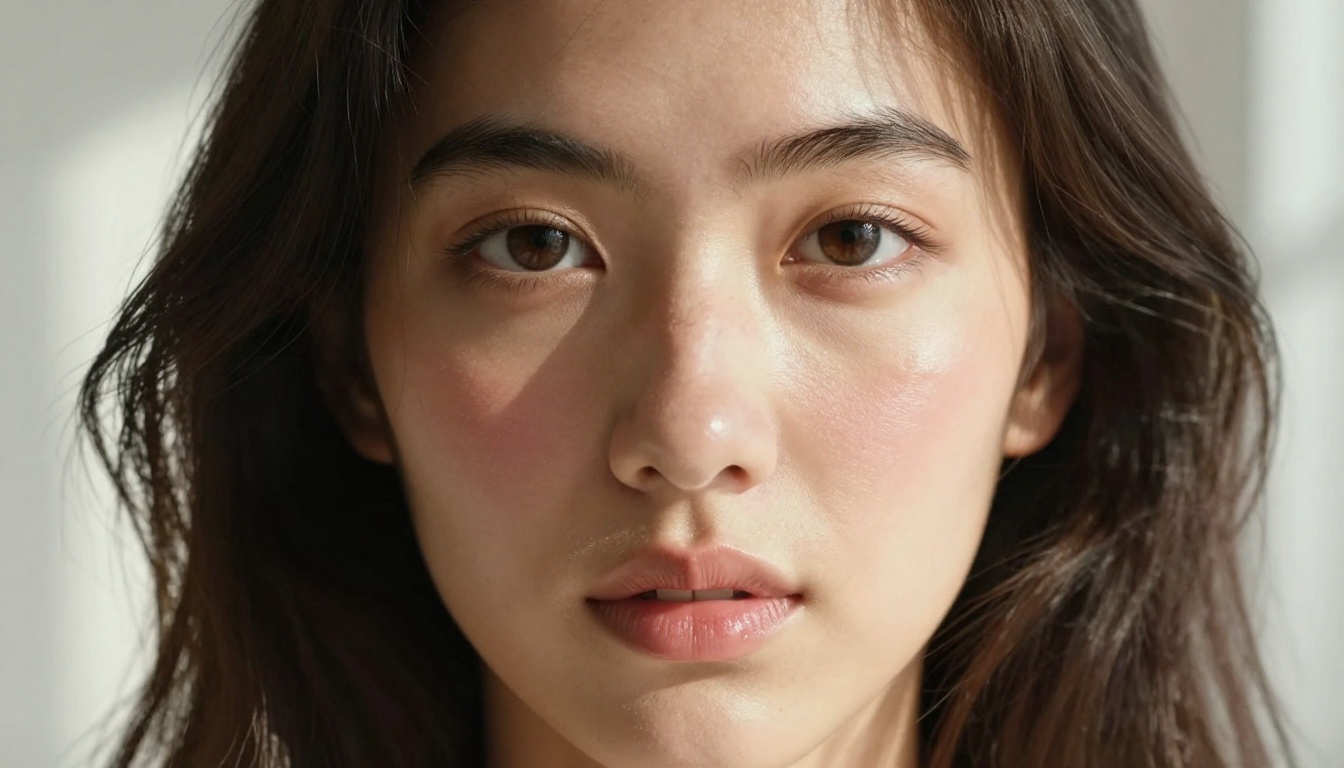
The first factor is skin texture rendering. Real skin has pores, subtle asymmetries, fine surface hairs, and color variation across different facial zones. AI models trained on massive datasets of real photography learn to replicate these micro-details. Models trained on illustrations produce smooth, idealized surfaces that read as generated at first glance.
The second factor is facial coherence across generations. A realistic AI girlfriend generator maintains consistent facial geometry across multiple outputs. Models lacking this produce faces that shift in eye spacing, jaw width, or nose structure between each generation, making it impossible to build a consistent character across multiple images.
The third is lighting physics accuracy. Photorealistic lighting means shadows fall where a real light source would place them. Specular highlights on skin, ambient occlusion in creases, and directional shadows from windows all need to make physical sense. A highlight on the wrong cheek or a shadow pointing upward is an immediate tell.
Skin Texture and Depth
The difference between a plastic mannequin and a believable portrait comes down to subsurface scattering: the way light passes through the layers of skin and reflects back with a slight warmth. The best AI generators simulate this effect, producing skin that looks illuminated from within rather than lit from the outside like a ceramic figure.
Micro-surface details add additional realism: slight pore visibility in areas of high contrast, fine hair at the hairline and temples, color variation between the forehead and the under-eye area. These details are almost invisible individually but collectively determine whether a portrait reads as photographic.
Facial Structure Consistency
Human faces are not perfectly symmetrical. One eye sits slightly higher, one brow arches differently, the nose leans fractionally to one side. AI models that produce perfectly symmetrical faces generate a specific type of uncanniness that trained eyes recognize immediately.
The best generators in this list maintain subtle asymmetries that make faces feel inhabited by a real person rather than constructed mathematically. This asymmetry also has to stay consistent across multiple generations for the same character to remain believable.
Lighting Physics That Hold Up
When light enters from a window on the left side of a room, the shadow falls to the right, the specular highlight appears on the left cheekbone, and the catch light in the eye comes from the upper-left direction. All of these elements need to agree with each other. If even one is wrong, the brain registers the inconsistency even if the viewer cannot articulate exactly what is off.
The generators reviewed here all pass this basic physics test, which is a higher bar than it sounds.
#1 Seedream 4.5: Best Uncensored Realism
Seedream 4.5 is the top choice for generating realistic AI girlfriend photos with minimal content restrictions. Built by ByteDance, this model produces exceptional detail in skin texture, individual hair strands, and environmental lighting. Its training data skews toward photorealistic human subjects, making it the strongest option when both realism and content flexibility are priorities.
What separates Seedream 4.5 from newer iterations is its content handling. Later models like Seedream 5 Pro apply stricter moderation filters that interfere with suggestive or mature content. Seedream 4.5 delivers detailed, evocative images that execute prompts accurately without filtering out nuance or context. For AI girlfriend photo generation specifically, this difference is significant.
The model handles skin tone diversity better than most alternatives, producing accurate color rendering across the full range of human complexions. Darker skin tones receive proper lighting treatment rather than the washed-out highlights that plague less capable models.
Best Prompt Patterns for Seedream 4.5
Getting maximum realism from Seedream 4.5 requires prompts that specify camera details, lighting direction, and surface textures. General prompts produce general results. Specific prompts produce photographic-level realism.
Prompt structure that works consistently:
- Camera specification: "35mm film photography, 1/200s shutter, f/2.0 depth of field"
- Skin detail: "visible pores, subtle skin texture, slight natural asymmetry in features"
- Lighting: "afternoon golden hour, soft directional shadows from window left, warm ambient fill"
- Atmosphere: "Kodak Portra 400 film grain, natural color grading, RAW photography, no heavy processing"
Include environment detail even when the background is simple. A plain white wall looks different from a white-painted plaster wall with natural texture. This specificity pulls the overall image quality noticeably higher.
Quality vs Other NSFW Generators
In direct comparison with competing NSFW AI generators, Seedream 4.5 consistently scores highest on facial coherence and lighting realism. The model produces high-resolution outputs by default, with further upscaling available through PicassoIA's super-resolution tools. A standard generation can be taken to 4096px output quality through this workflow.
💡 Tip: Seedream 4.5 responds exceptionally well to photography-specific prompt language. Terms like "available light," "natural caustics," and specific film stocks pull the output noticeably higher than generic quality modifiers like "ultra-realistic."
#2 PicassoIA Image Editor Pro: Unlimited Generations
PicassoIA Image Editor Pro removes one of the biggest frustrations with AI girlfriend generators: generation caps. Most platforms limit free users to 10-20 images before hitting a paywall, forcing a tradeoff between quality and iteration speed. Image Editor Pro offers unlimited generations for subscribers, making it the most practical option for prompt engineering and character refinement.
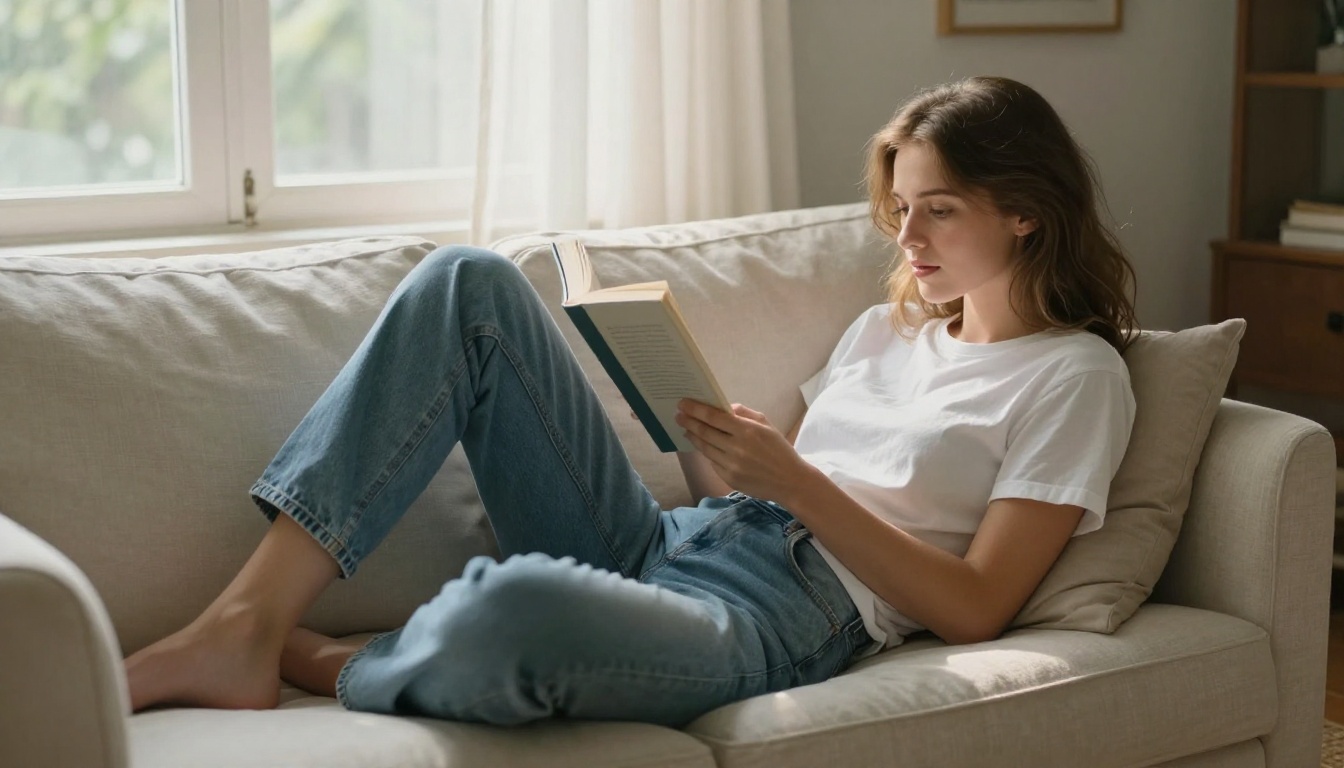
The tool combines text-to-image generation with inpainting, letting you generate a base portrait and then selectively edit specific regions without regenerating the full image. Change hair color, adjust clothing, modify expressions, or swap backgrounds. Each edit targets only the painted region, leaving the rest of the image untouched and preserving what is already working.
Why Unlimited Generations Matter
Creating a convincing AI girlfriend photo rarely happens on the first attempt. Prompt engineering is inherently iterative: you refine the appearance description, adjust lighting conditions, shift the camera angle, and test how different character details interact. A platform with generation limits forces you to spend credits carefully, which slows down experimentation and produces worse results. PicassoIA Image Editor Pro removes this constraint entirely.
For users building a consistent character across multiple images, unlimited generations are essential. The process of locking in an appearance that reads as coherent across different scenarios requires dozens of test generations. Having no ceiling on that process changes what is achievable in a single session.
Inpainting for Precise Control
Beyond generation, the inpainting capability opens up surgical editing that no other tool on this list offers:
- Background replacement: Swap environments without touching the subject at all
- Clothing modification: Change outfits on an existing portrait while preserving the face exactly
- Expression editing: Adjust mouth or eye expression while keeping the rest of the image stable
- Detail addition: Add jewelry, accessories, or props to a finished image without full regeneration
This level of control is what separates PicassoIA Image Editor Pro from straight text-to-image tools. It functions as a complete image production environment.
Generators 3 Through 8: Full Breakdown
#3 Flux Redux Dev: Variation Control
Flux Redux Dev specializes in generating coherent variations from a reference image. If you have created one strong portrait using Seedream 4.5, Flux Redux Dev can produce dozens of variations that maintain the same facial structure while changing pose, background, lighting, or clothing. This makes it the essential second tool in any AI girlfriend photo workflow where consistency across multiple images is required.
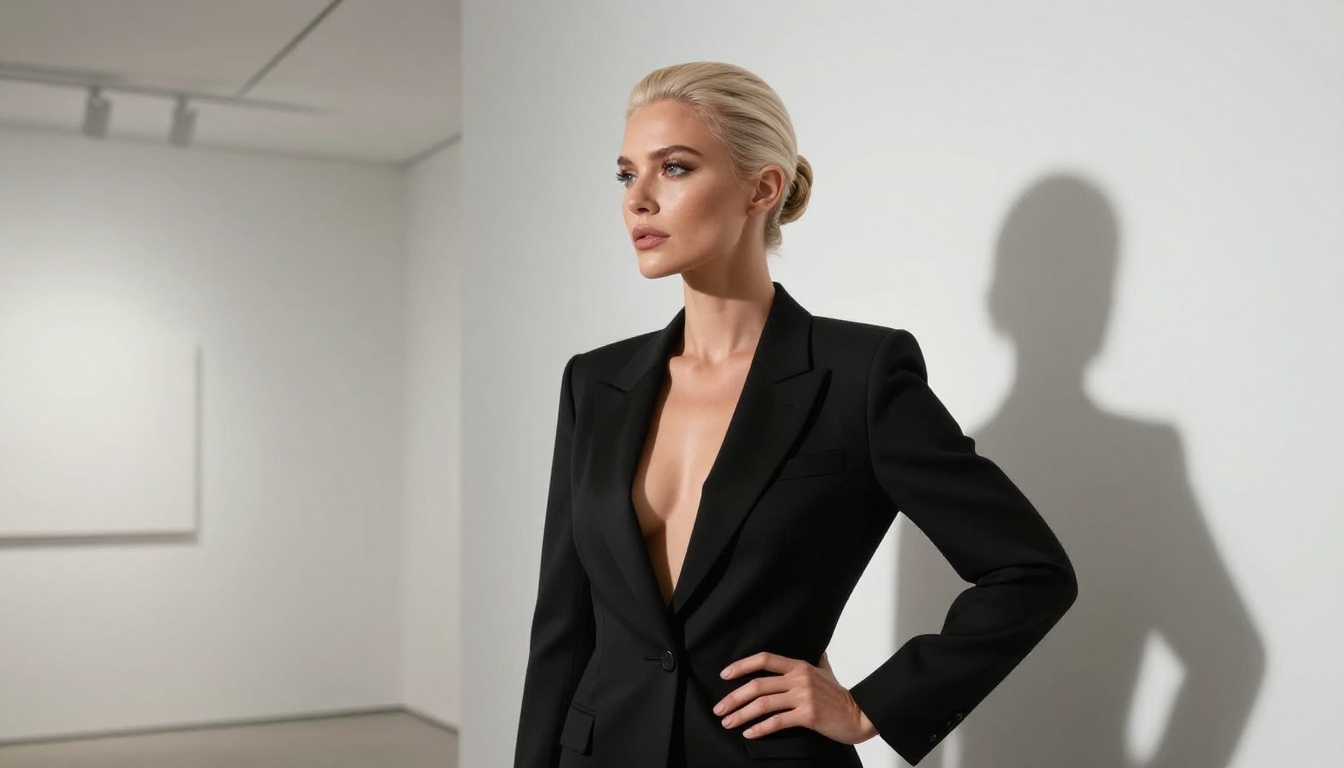
Feed a strong Seedream 4.5 output into Flux Redux Dev with a prompt describing the new scenario, and the output maintains the original facial structure while rendering the character in a completely new context. This approach produces far more consistent results than trying to recreate the same character through text description alone.
Best use cases for Flux Redux Dev:
- Building a series of images with a consistent character across different settings
- Generating the same person across different outfits or environments
- Creating content variations from a single approved base image
- Exploring pose and lighting changes while maintaining identity
#4 GPT Image 2: Instruction Accuracy
GPT Image 2 from OpenAI produces images with a higher degree of prompt-following than most generative models. Describe a specific pose, lighting setup, expression, and environment, and this model executes it with precision. Multi-element prompts, complex spatial arrangements, and detailed character specifications all produce more accurate outputs than with comparable alternatives.
The quality ceiling for portrait work is genuinely impressive. The tradeoff is content moderation that applies standard restrictions to mature subject matter, making it better suited to tasteful glamour photography than explicitly suggestive content.
#5 Krea 2 Large: Cinematic Realism
Krea 2 Large was built with professional photography aesthetics as the target output. The model produces images that read like outputs from a high-end fashion shoot, with natural bokeh, accurate skin tone gradients, and compositional balance that feels intentional rather than random. For AI girlfriend photos that look like they came from a real shoot, Krea 2 Large consistently delivers.
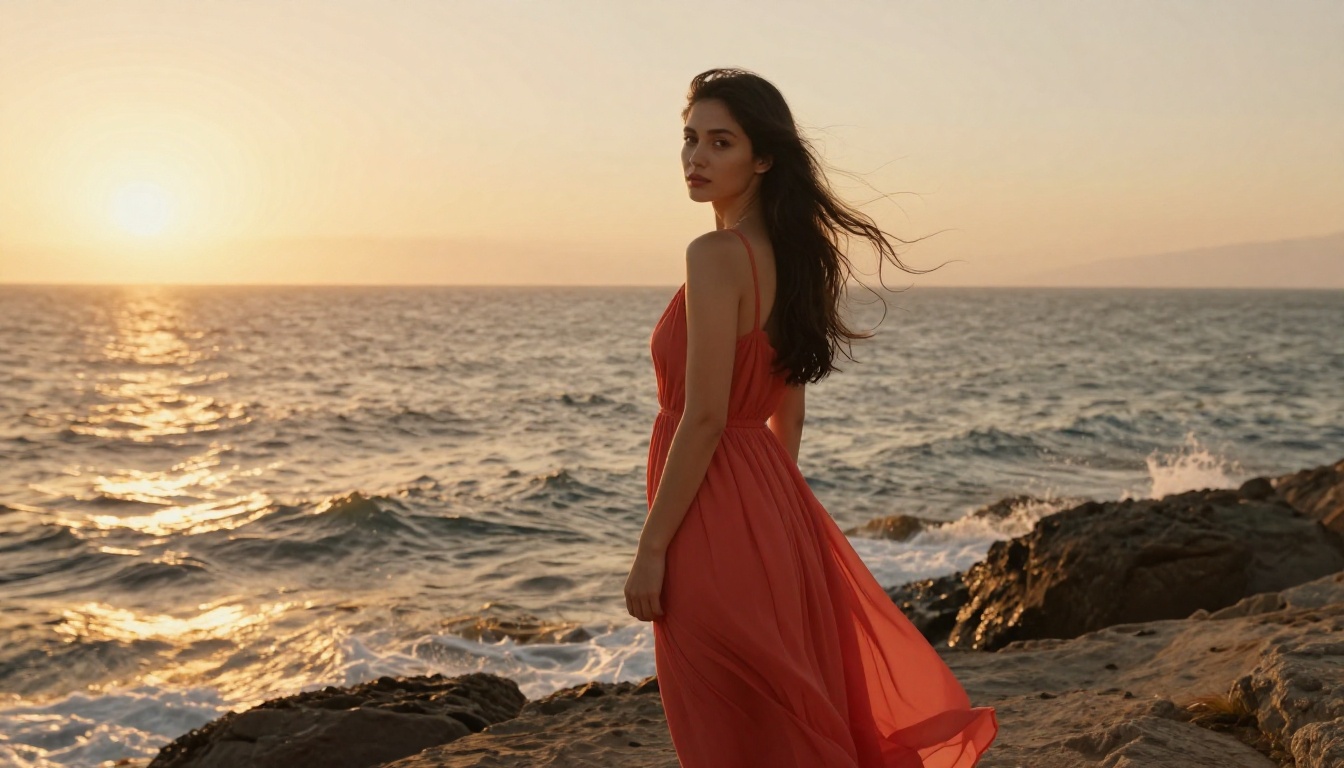
Krea 2 Large handles environmental context better than subject-only models. The background, the light source, and the character all feel like they belong in the same physical space. Clothing drapes naturally, shadows from props fall correctly, and the character's positioning within the environment feels grounded rather than composited.
💡 Tip: Krea 2 Large responds especially well to photography-specific language. Terms like "natural bokeh," "available light," and specific focal lengths consistently pull output quality higher.
#6 Riverflow v2.5 Pro: Speed Balance
Riverflow v2.5 Pro generates faster than comparable quality models while maintaining strong realism scores. For users who need to iterate quickly or produce large volumes of images, it hits the right balance between throughput and output quality. Lifestyle photography prompts, casual indoor environments, and natural light scenarios all produce convincing results at above-average speed.
#7 Reve 2.1: Character Consistency
Reve 2.1 maintains character consistency better than most models in this tier. Generate the same AI girlfriend character across ten different scenarios, and Reve 2.1 holds the core facial structure stable across all outputs without needing reference images as input. This consistency comes from how the model processes identity descriptors embedded in prompts.
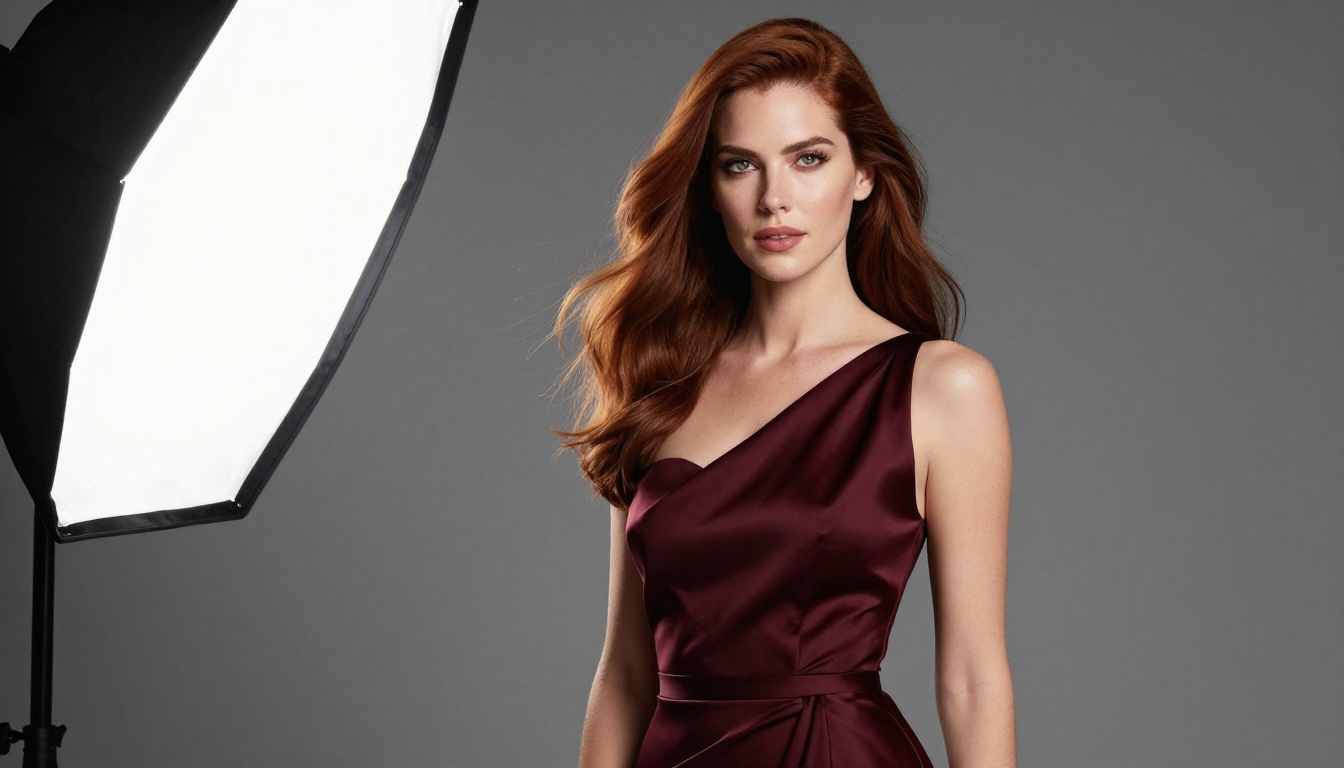
Writing detailed, consistent appearance descriptions allows users to produce a recognizable character across diverse scenarios. The output style leans toward clean, well-lit commercial photography rather than the film aesthetic of Seedream 4.5.
#8 Hunyuan Image 2.1: Full-Scene Detail
Hunyuan Image 2.1 rounds out the list with strong performance in detailed scene rendering. Where some models sacrifice background quality to prioritize the subject, Hunyuan Image 2.1 maintains sharp, coherent detail across the entire frame. Complex indoor environments, multi-element compositions, and scenarios where the character interacts with objects or furniture all render with physical consistency.
Full Comparison: 8 Generators Side by Side
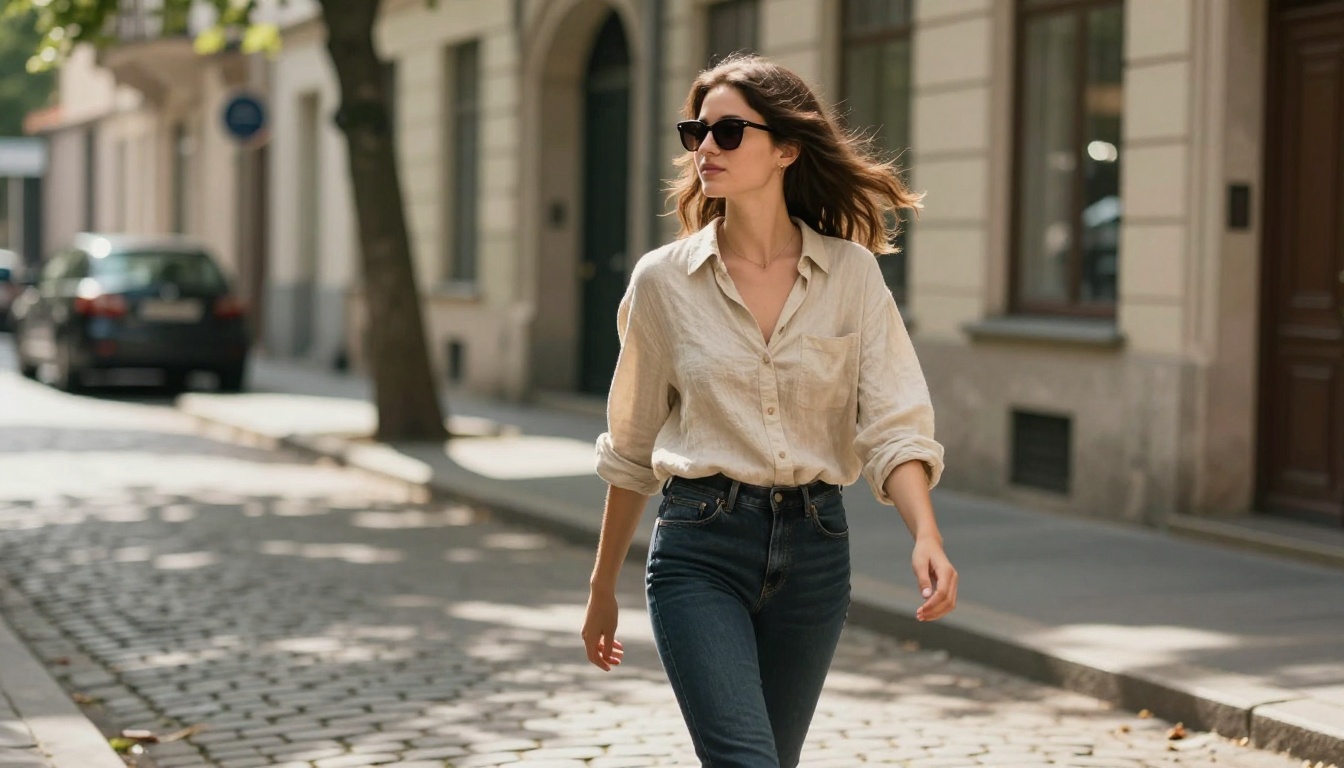
💡 Pro workflow: Stack Seedream 4.5 for base generation, feed results into Flux Redux Dev for consistent variations, then run outputs through PicassoIA's super-resolution tools for print-level quality. This three-step process produces the strongest results of any workflow available on the platform.
The single biggest factor in AI girlfriend photo quality is prompt structure. Vague prompts produce vague results across every generator in this list. These formulas work consistently across all 8 models.
The Photography Blueprint
Use this when you want images that read as professional photography rather than AI-generated artwork:
[Subject appearance] + [pose or action] + [location and background] + [lighting conditions] + [camera and lens] + [film stock or style]
Example: "Beautiful woman with green eyes and dark wavy hair, sitting near a café window, warm afternoon light from the left, 85mm f/1.8 depth of field, Kodak Portra 400, RAW photography, natural color grading, no heavy processing"
These additions consistently improve realism scores across all 8 generators:
visible pores, subtle skin texture, natural facial asymmetrysubsurface light scattering on skinindividual hair strands, natural hair texturefilm grain, RAW photography, no HDRnatural color grading, no heavy processingavailable light, no studio flash
The Environment-First Approach
Lead with the environment when you want the character to feel situated in the scene rather than composited onto a background:
[Detailed environment] + [character appearance and positioning] + [lighting and atmosphere] + [camera perspective]
Example: "Modern high-rise apartment at dusk, city lights visible through floor-to-ceiling windows, a confident young woman standing near the glass wearing a silk robe, warm interior lamp glow from the right, cinematic 35mm wide shot, natural film grain"

The environment-first approach works because it gives the AI model a physical context to anchor the character within. Light bouncing off walls, ambient fill from interior sources, and environmental color temperature all follow logically when the environment is established before the character.
What to avoid in prompts:
- Generic quality terms like "ultra-realistic" or "hyper-detailed" without specific backing details
- Conflicting light sources listed simultaneously (window light plus studio flash plus golden hour at once)
- Overly long prompts that introduce internal contradictions
- Style terms that pull the output toward illustration rather than photography
All 8 generators reviewed in this article are accessible through PicassoIA from a single interface, with no need to manage separate accounts, API keys, or multiple subscriptions. The platform provides direct access to 90+ text-to-image models at consistent credit costs across the full model library.
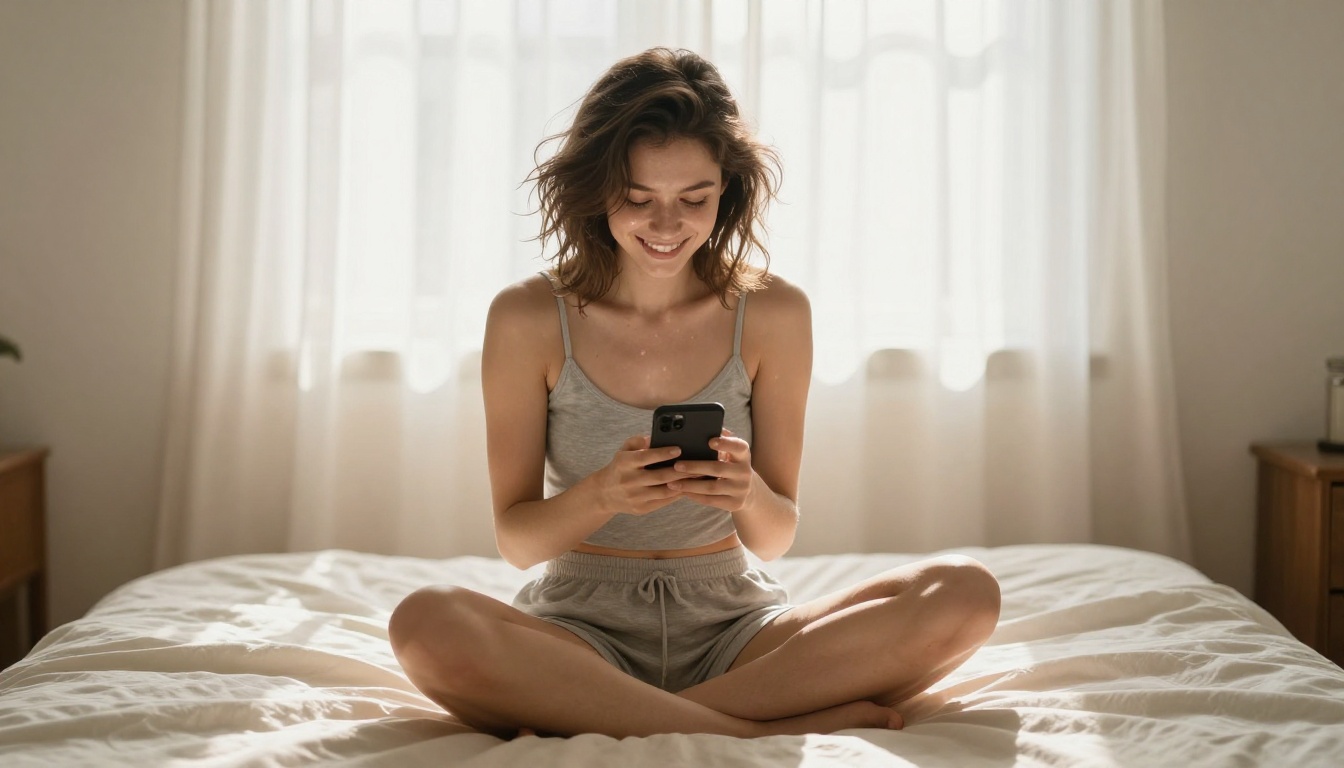
Start with Seedream 4.5 for maximum realism with the fewest content restrictions. Move to PicassoIA Image Editor Pro when unlimited iterations are more valuable than any individual output. Use Flux Redux Dev to build consistent character sets from your strongest results.
The quality gap between a generic AI girlfriend photo and one that reads as genuinely photorealistic comes down to model selection and prompt precision. The 8 generators in this article represent the highest standard of what is available right now. The best way to find which one fits your workflow is to run your own prompts and compare outputs side by side.
Browse all available models and start your first generation at picassoia.com/en/all-models.