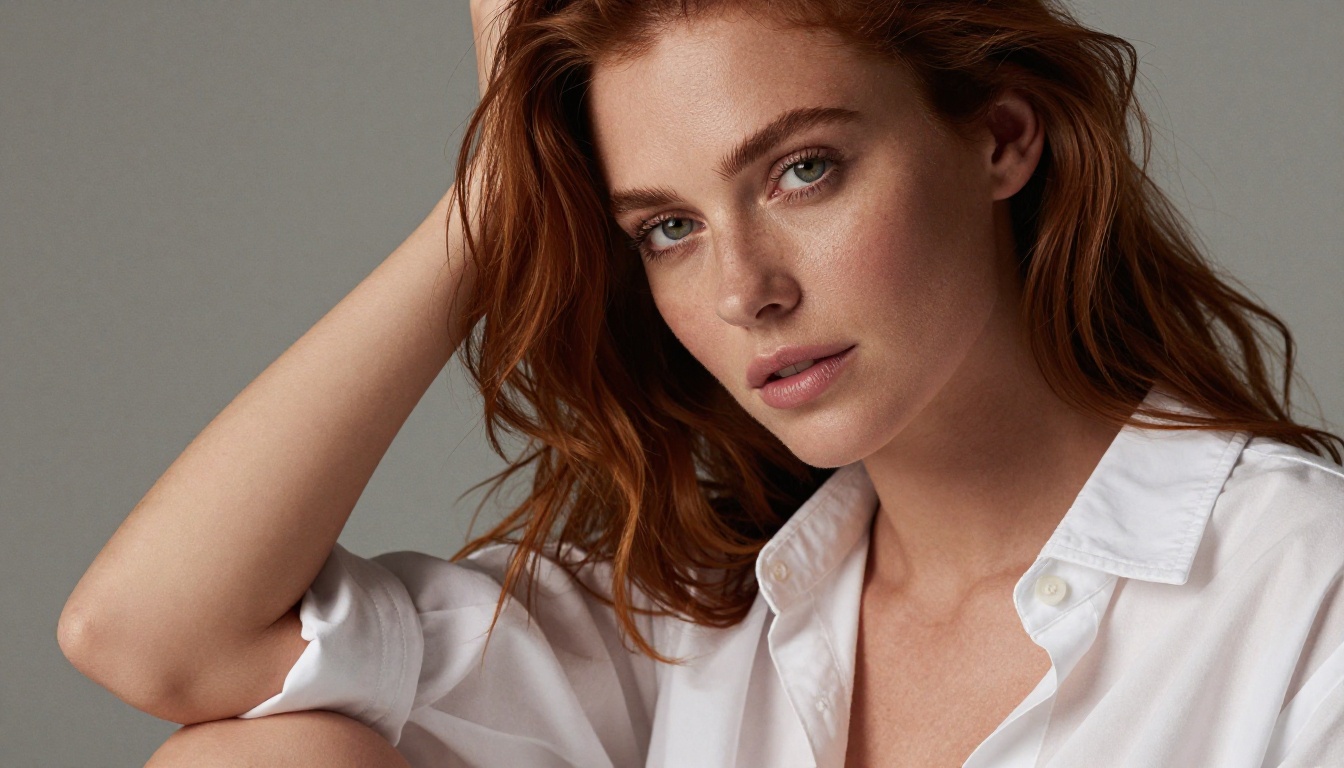
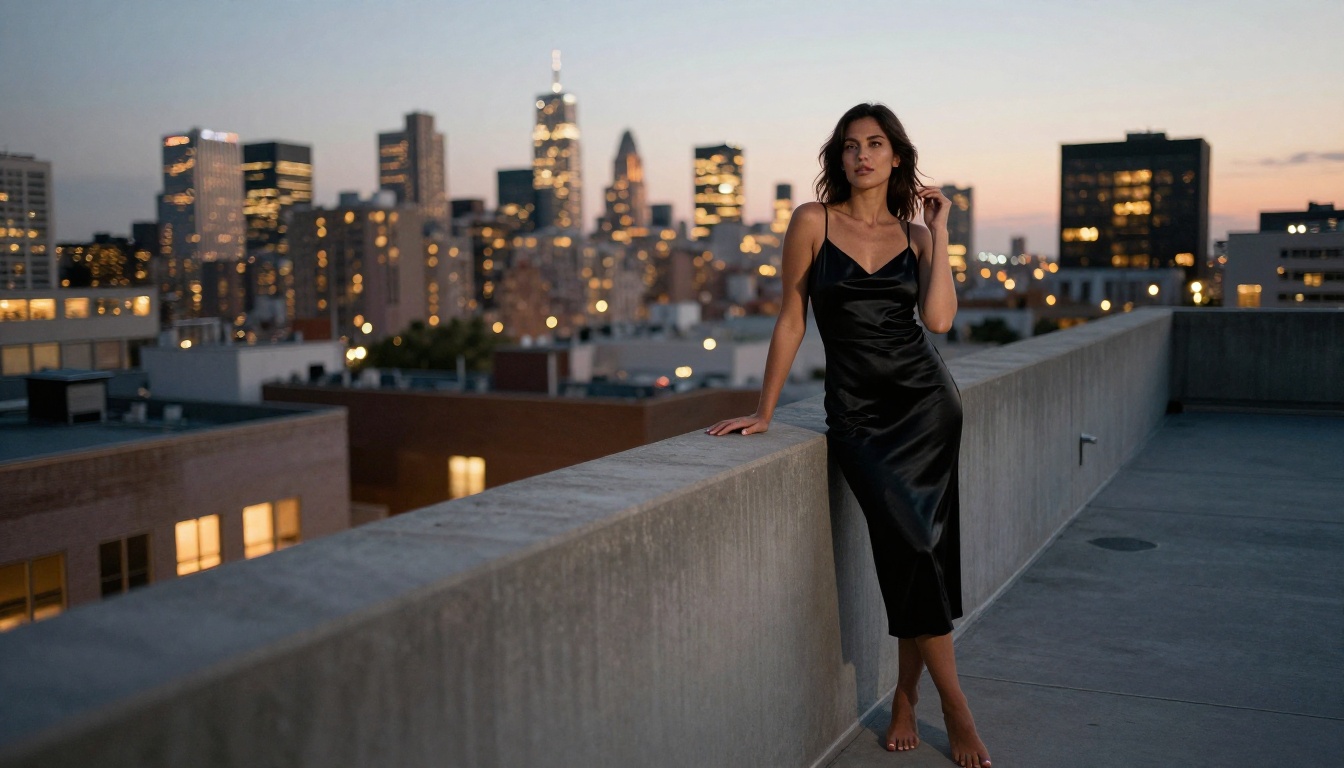
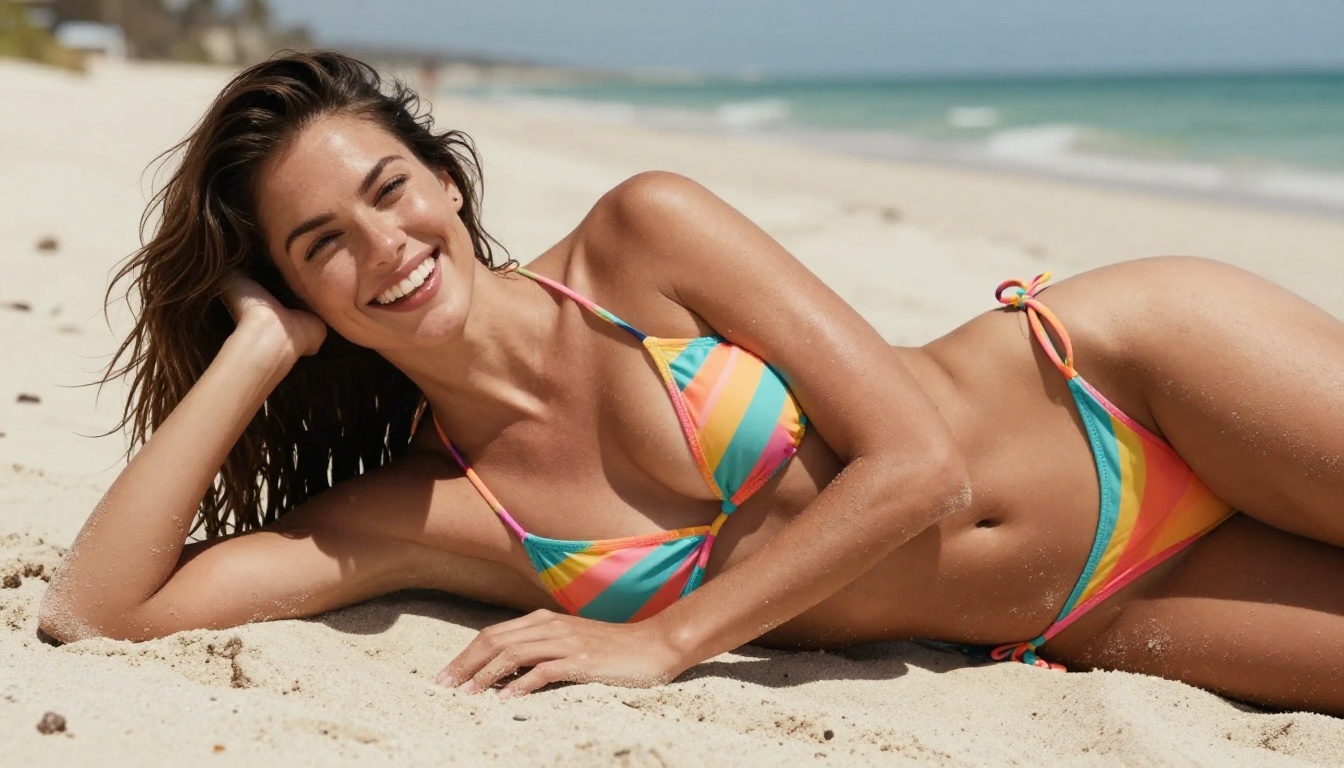
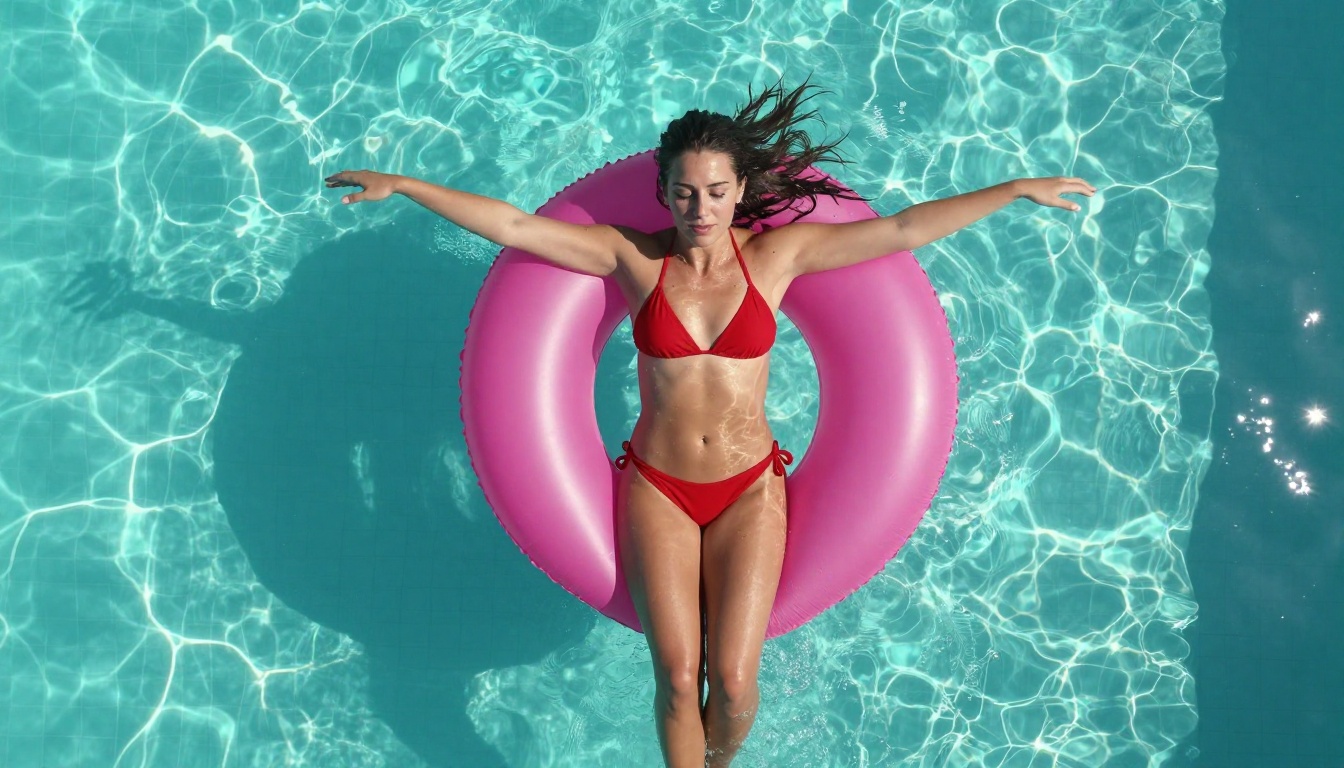
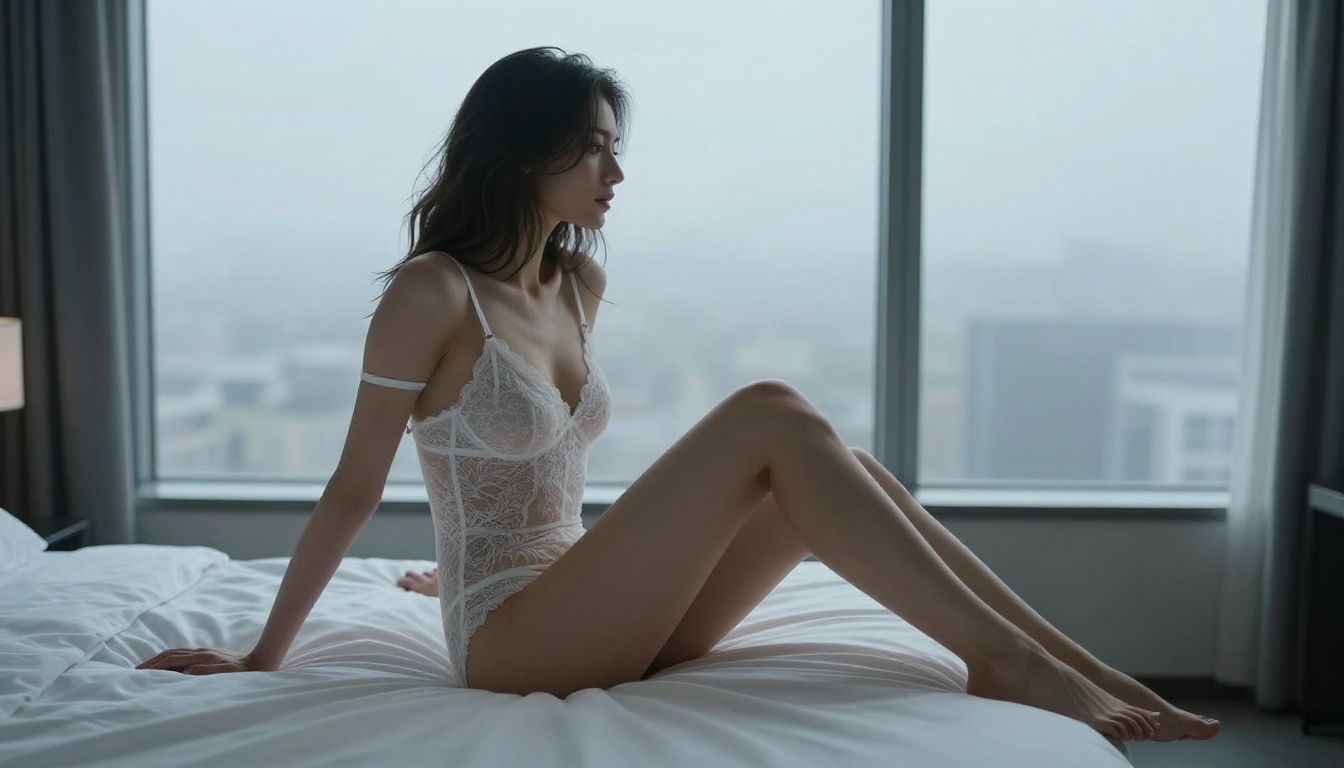
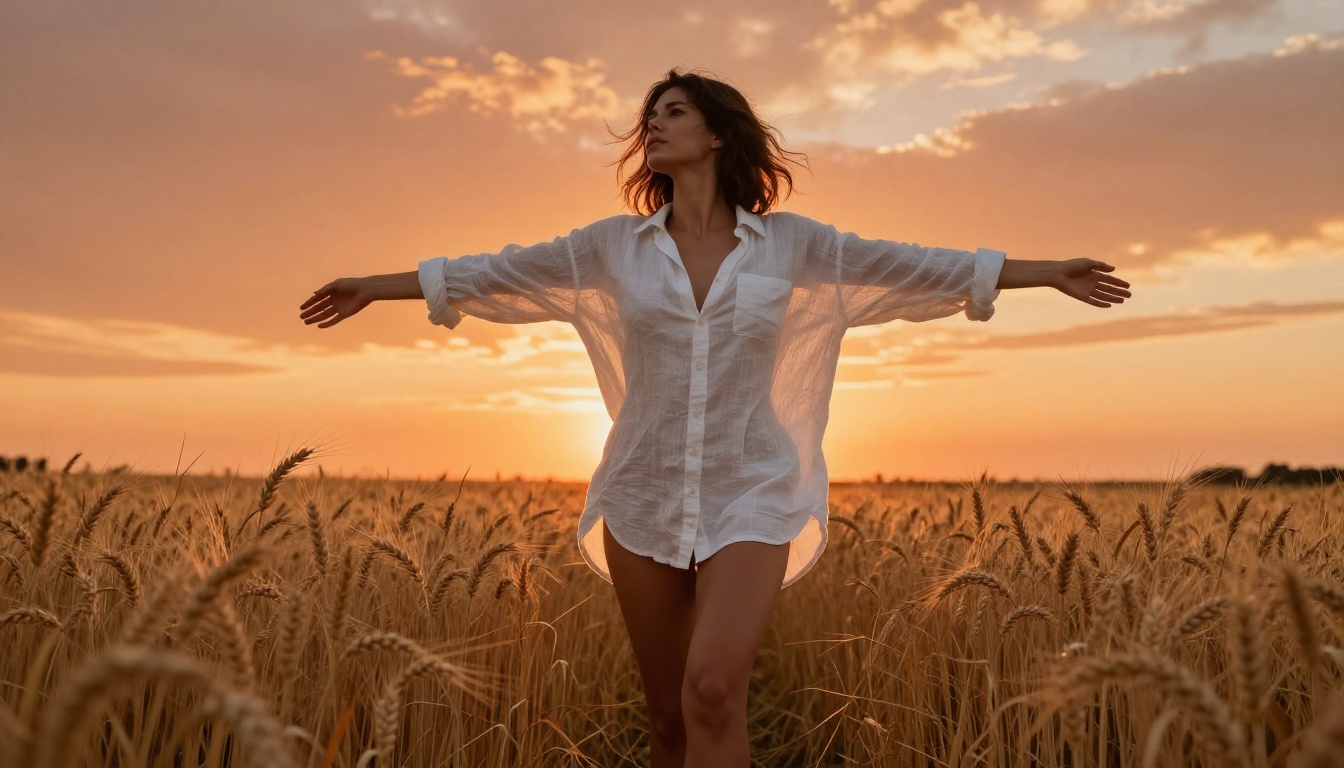
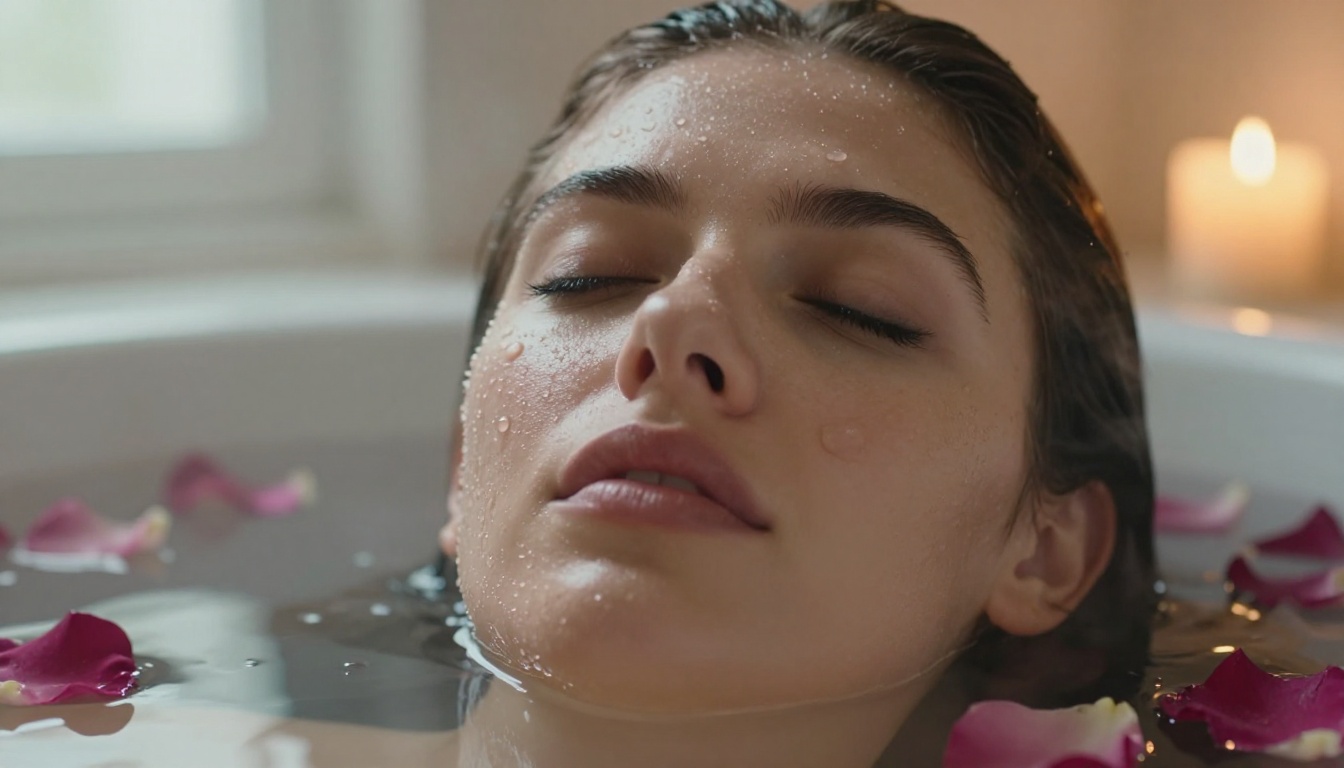
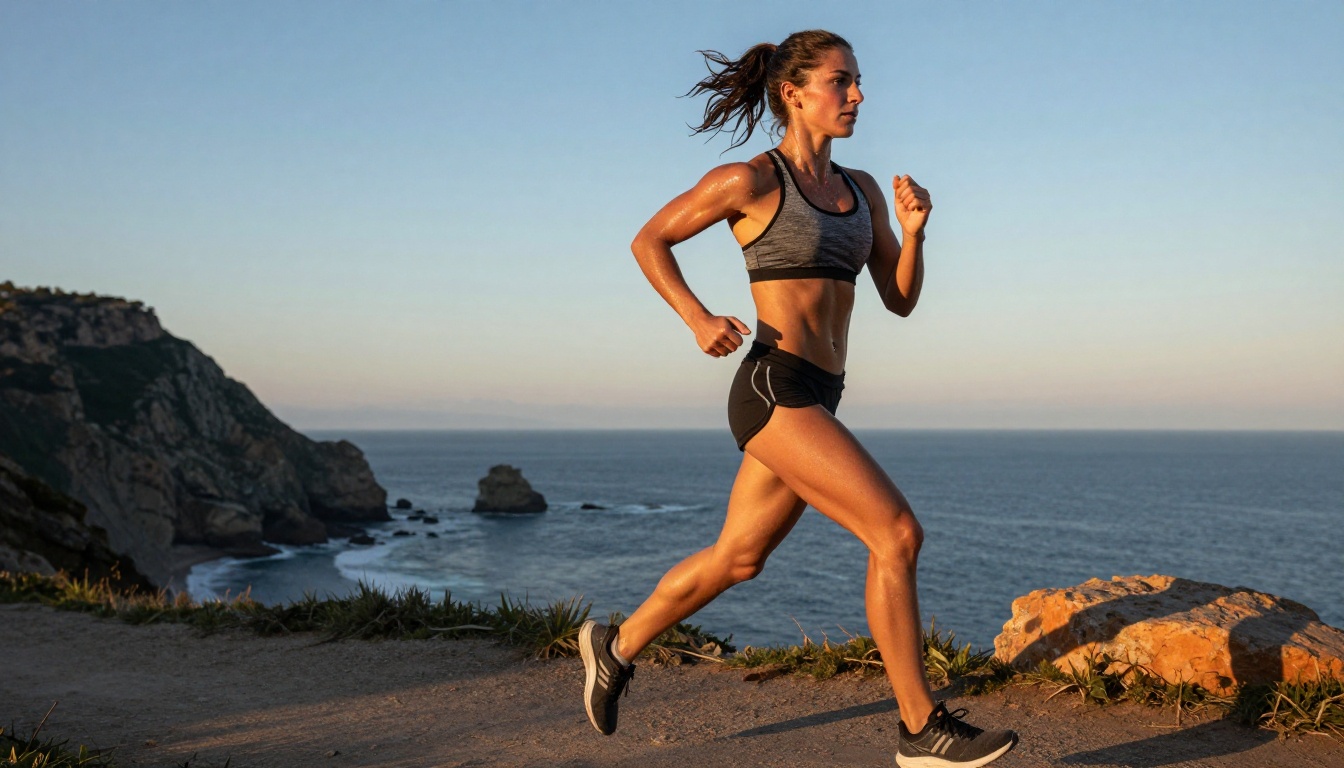
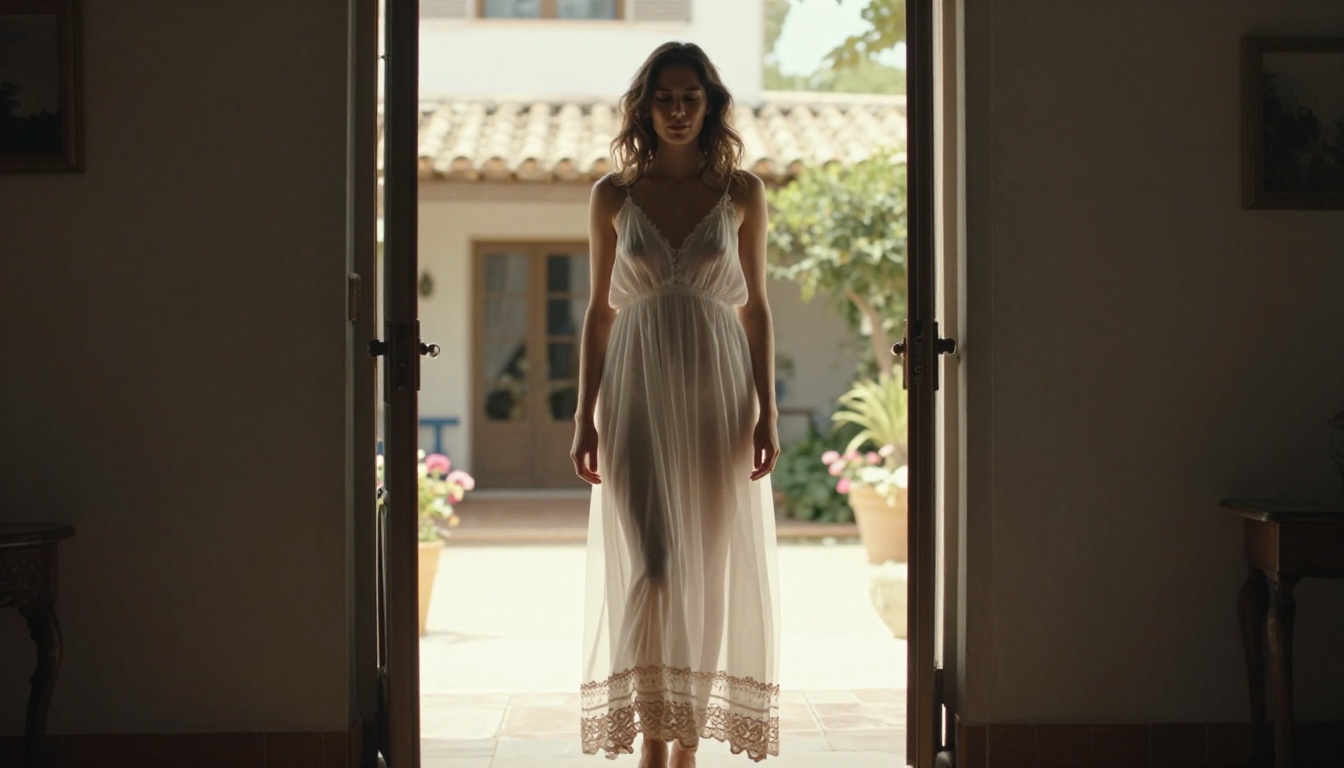
Most AI image tools block adult content with aggressive filters, slap watermarks on everything, and limit your monthly generations. These 8 uncensored AI image generators available on PicassoIA give you full creative freedom to generate stunning photorealistic photos from text prompts, without content restrictions, daily caps, or hidden paywalls.
You want photorealistic images without watermarks, daily limits, or a content filter that rejects anything remotely adult. The problem? Most mainstream AI tools are aggressively censored, slow, or locked behind expensive paywalls. This article cuts straight to the 8 best uncensored AI image generators for photos available right now on PicassoIA, ranked by quality, speed, and how freely they handle mature photorealistic content.
What "Uncensored" Really Means for AI Photo Generation
Before diving into the list, let's be precise. An "uncensored" AI image generator doesn't mean a model that produces anything illegal. It means a model that removes artificial safety filters blocking artistically legitimate content: realistic portraiture, glamour photography, artistic nudity, suggestive fashion, and mature themes that would appear in a mainstream magazine or photography portfolio.
The difference shows up in two concrete ways:
Filter-free generation: The model won't refuse your prompt or produce a black image because you described a woman in a swimsuit or a partially clothed figure in natural light.
No generation caps: You're not limited to 15 free images a month before hitting a paywall. PicassoIA offers unlimited generations so you can iterate freely without watching a credit counter.
💡 Important distinction: Most models on this list produce NSFW content when prompted explicitly. For unlimited adult generations without restrictions, the PicassoIA Image Editor Pro is the dedicated tool, giving you unlimited runs per day with zero content gating.
8 Best Uncensored AI Image Generators for Photos
1. Seedream 4.5: The Fastest Uncensored Generator
Seedream 4.5 is the first model you should try for uncensored photorealistic photos. Built by ByteDance, it generates 1024x1024 results in under 4 seconds and handles adult content without the constant refusals that plague other platforms.
Why it stands out:
Generates photorealistic skin texture, natural lighting, and detailed fabric with minimal prompting
Handles intimate and glamour photography prompts without auto-censoring
Fast enough to iterate through dozens of variations in a single session
Excellent face anatomy compared to older Stable Diffusion variants
Best for: Fashion photography, glamour portraits, beach and swimwear images, artistic nudity
Prompt tip: Add photorealistic, 8K, Kodak Portra 400, natural lighting to any prompt for the most film-like results.
Feature
Detail
Speed
Under 4 seconds
Resolution
Up to 2K
NSFW Support
Yes, uncensored
Best Use
Portraits, glamour, fashion
2. FLUX Dev: Studio-Grade Realism
FLUX Dev by Black Forest Labs is one of the most capable open-source image models available today. Its architecture gives it extraordinary handling of human anatomy, fabric detail, and natural environments.
FLUX Dev works particularly well for uncensored content because it was trained without the aggressive safety alignment that cripples many commercial models. The result is a model that follows your prompt faithfully, even when the subject matter is mature.
What makes it different:
Produces images with accurate human proportions and natural skin tones
Handles complex scenes: multiple subjects, props, specific camera angles
Very strong at rendering fine fabric textures including lace, silk, and sheer materials
Excellent at outdoor lighting and environmental context
💡 Pro tip: FLUX Dev responds very well to camera specifications in the prompt. Adding Sony FE 85mm f/1.4, f/2.0, bokeh background to your description gets you genuinely cinematic depth of field that cheaper models can't replicate.
3. FLUX Pro: Maximum Fidelity
FLUX Pro is the commercial-grade upgrade to FLUX Dev. If you need prints, publications, or high-resolution outputs for professional projects, this is the model to use.
The generation quality difference is immediately visible in skin micro-detail: pores, fine hairs, natural subsurface light scattering, and realistic lip texture all render more accurately than any Stable Diffusion variant.
Main capabilities:
4MP+ output resolution suitable for large-format print
Superior color accuracy and dynamic range
Better prompt adherence for complex scene descriptions with specific lighting rigs
Commercial license included when accessed via PicassoIA
Best for: Professional portfolio shots, editorial photography simulations, high-end glamour work requiring maximum sharpness
4. HiDream L1 Full: The Creative Wildcard
HiDream L1 Full is newer than the FLUX family and takes a different approach to realism. Rather than copying photographic styles from training data, it synthesizes its own visual interpretation that often reads as more "alive" than purely technical models.
It's particularly strong at:
Environmental mood and atmosphere
Creative lighting scenarios that would be technically difficult to photograph in real life
Fashion-forward compositions with editorial styling
Detailed background environments including architecture, nature, and interiors
💡 When to pick HiDream over FLUX: If your prompt involves a specific mood or atmosphere (e.g., "1970s Italian Vogue editorial, film look, warm desaturated") rather than a technical camera setup, HiDream L1 Full often delivers more interesting and less generic-feeling results.
5. Realistic Vision V5.1: The Classic NSFW Standard
Realistic Vision V5.1 has been the community standard for photorealistic NSFW generation for years. Based on Stable Diffusion 1.5 architecture with heavy fine-tuning on photographic datasets, it remains reliable and familiar for anyone who has worked with SD-based tools before.
Its generation speed is very fast at 2-3 seconds and the file sizes are smaller, making it ideal for rapid iteration when testing composition ideas before moving to a higher-quality model.
Strengths:
Proven, reliable NSFW photorealism with years of community refinement
Very fast generation speed for high-volume workflows
Works well with negative prompts for fine-grained control
Large ecosystem of community prompts, templates, and LoRAs
Weaknesses:
Lower resolution ceiling than FLUX or Seedream
Human anatomy can glitch in complex or unusual poses
Less capable at rendering architectural backgrounds accurately
Best for: Quick iterations, testing compositions, batch generation at scale
6. SDXL: The Workhorse
SDXL (Stable Diffusion XL) was the major upgrade from SD 1.5, bringing significantly better anatomy, higher native resolution at 1024x1024, and improved color handling to the Stable Diffusion lineage.
It handles uncensored content reliably without restrictive LoRAs or model overlays. Its large ecosystem means you'll find style presets and fine-tunes optimized for almost any photography genre.
This structure produces clean photorealistic outputs more reliably than simple free-text descriptions.
7. DreamShaper XL Turbo: Speed Without Sacrifice
DreamShaper XL Turbo takes the SDXL base and fine-tunes it for turbo inference, cutting generation time to 1-2 seconds while retaining most of the quality ceiling.
For uncensored photography work, this speed advantage is enormous. You can run 30-40 variations in the time it takes a standard model to produce 5, which makes it ideal for finding the exact composition, expression, or lighting setup you want before committing to a slower, higher-quality final render.
DreamShaper XL Turbo is ideal when:
You're at the ideation stage and need fast visual feedback on a concept
You want to test how a prompt reads before running it on a more demanding model
You're generating multiple assets for client approval or A/B comparison
💡 Workflow tip: Use DreamShaper XL Turbo for speed-testing, then port your winning prompt verbatim to FLUX Pro or Seedream 4.5 for the final high-resolution output.
8. Seedream 5 Pro: The Latest and Sharpest
Seedream 5 Pro is ByteDance's most recent release and represents a significant jump in output sharpness and photorealism over Seedream 4.5. Where 4.5 excels at speed, 5 Pro trades some generation time for noticeably better micro-detail and a higher resolution ceiling.
The skin rendering in particular is impressive: natural subsurface scattering, accurate fine hair, and realistic eye reflections that older models consistently got wrong.
When to choose Seedream 5 Pro over 4.5:
You need the highest possible resolution for print or large-format display
Your subject involves fine detail: lace, wet hair, sheer fabrics, water on skin
You're producing final renders, not quick drafts
Important: Do not confuse this with Seedream 5 Lite, which includes adult content filtering and will refuse explicit prompts. Seedream 5 Pro remains fully uncensored.
How to Use Seedream 4.5 on PicassoIA
Since Seedream 4.5 is the recommended starting point for uncensored photorealistic photos, here's a step-by-step walkthrough:
Step 1: Open the model
Navigate to the Seedream 4.5 model page on PicassoIA. No account is required to start generating immediately.
"Beautiful woman in a white bikini standing waist-deep in crystal-clear turquoise ocean water at golden hour, wet hair cascading over bare shoulders, Sony FE 85mm f/1.4 at f/2.0, volumetric warm light from camera-left, Kodak Portra 400 film grain, photorealistic 8K RAW"
Step 3: Set your aspect ratio
For photography: 16:9 works best for landscapes and scene shots. 3:2 is closer to a standard DSLR frame ratio. Use 2:3 for full-body portraits.
Step 4: Iterate on variations
Run 3-5 variations of the same prompt before deciding. Seedream 4.5 has enough randomness that each run produces meaningfully different compositions. Pick the best result, then refine.
Step 5: Upscale for print
For print-quality results, run your output through the Super Resolution upscaler on PicassoIA, which adds 2x-4x resolution detail without introducing artifacts or AI tells.
The difference between a blurry, generic AI image and a genuinely photorealistic photo often comes down to prompt construction. These tips apply to every model on this list.
The 6-part formula that works:
Subject: Describe the person in specific physical terms (age range, hair color, build, expression)
Clothing/state: Be precise about what they're wearing, the material, and the fit
Environment: Specific location with physical details (not just "beach" but "white sand beach at low tide with foam on the shoreline, two palm trees in the background")
Lighting: Direction, quality, and color temperature ("volumetric golden hour light from camera-left at 45 degrees, warm amber fill, cool blue shadow side")
Camera specs: Lens focal length, aperture, and resulting depth of field ("Canon 85mm f/1.4, f/1.8, soft creamy bokeh background")
Film modifier: Kodak Portra 400 film grain, RAW 8K, photorealistic, natural color grading, no retouching
What to avoid in your prompts:
Vague descriptors like "beautiful" or "attractive" without supporting physical specifics
Abstract concepts without visual anchors ("mysterious," "alluring" tell the model nothing concrete)
Overloaded prompts with 20+ comma-separated adjectives that contradict each other
Asking for multiple complex simultaneous actions in one frame
Negative prompts that consistently improve output quality:
cartoon, illustration, 3D render, CGI, anime, painting, drawing, digital art, plastic skin, airbrushed, overly smooth, watermark, logo, text, signature
Adding this as a negative prompt to any of the 8 models above meaningfully reduces the chance of getting an obviously artificial-looking result.
The prompting difference between models:
FLUX-family models respond best to technical photography language: lenses, apertures, lighting setups
Seedream models respond best to descriptive physical detail: specific body parts, textures, settings
SD-based models (SDXL, Realistic Vision, DreamShaper) respond best to short, punchy descriptors plus strong negative prompts
Which Generator Fits You?
The right choice depends on what you're producing and how much time you have.
For studio-quality final renders: Use FLUX Pro or Seedream 5 Pro when you need every pixel to count
For creative atmospheric shots with editorial mood: HiDream L1 Full delivers the most original-feeling results
For reliable NSFW results with familiar SD workflows: Realistic Vision V5.1 and SDXL remain solid, proven options with large prompt communities
For unlimited generations without daily caps across all content types, PicassoIA Image Editor Pro sits above all individual models as the dedicated no-limits option built for high-volume creators.
All 8 generators listed here are available from a single platform. No switching between tools, no managing separate API keys, no different interfaces to memorize. Browse all available models at picassoia.com/en/all-models to see the full catalog including text-to-video, face swap, super resolution, and 90+ additional image generation models.
Start Generating Right Now
You don't need to read another comparison article. Every model on this list is live on PicassoIA right now and you can start generating in under 30 seconds.
Start with Seedream 4.5 if you want speed and quality without overthinking it. Move to FLUX Pro when you're ready for your best-quality final output. Use the step-by-step prompting formula from the section above and you'll get photorealistic results from the very first run.
The only way to know which model fits your creative vision is to run your prompts and compare the results side by side. Every model on this list handles uncensored photorealistic content, so the deciding factor is your aesthetic preference and production workflow.