The way people connect with AI has changed dramatically. It started with chatbots answering basic questions, then grew into something that feels closer to genuine companionship, with voices you recognize, responses that remember your history, and even video avatars that look you in the eye. If you have been searching for the top AI companion apps with voice and video, you are looking for something specific: an experience that feels present, alive, and worth your time.
This article covers the best options available right now, the AI models powering them, and how you can use PicassoIA to generate your own voice and video content with the same underlying technology.
What Sets Real AI Companions Apart
Not every chatbot qualifies as an AI companion. The word implies ongoing relationship, emotional attentiveness, and multimodal interaction. The apps worth your attention in 2027 share three specific traits.
Voice That Sounds Human
The earliest TTS systems sounded robotic and hollow. Today's models, particularly ElevenLabs V3 and MiniMax Speech 2.8 HD, produce voices indistinguishable from real human recordings. Companions built on these models can whisper, laugh, pause at natural intervals, and shift tone depending on emotional context. That shift from robotic to expressive changes everything about how the interaction feels.
Memory and Personality Continuity
The best AI companions remember. They know your name, reference past conversations, and recall preferences you mentioned two weeks ago. This persistence is what separates a companion from a search engine. It is powered by large context-window LLMs that store and retrieve conversation history without resetting.
Video Avatars That React
The newest layer is video. Apps now generate lip-synced video responses in real time, using models like HeyGen Avatar V or Kling Avatar v2. You see the companion's face move, eyes shift, expressions change. It is not perfect, but it is close enough that the brain registers social presence.
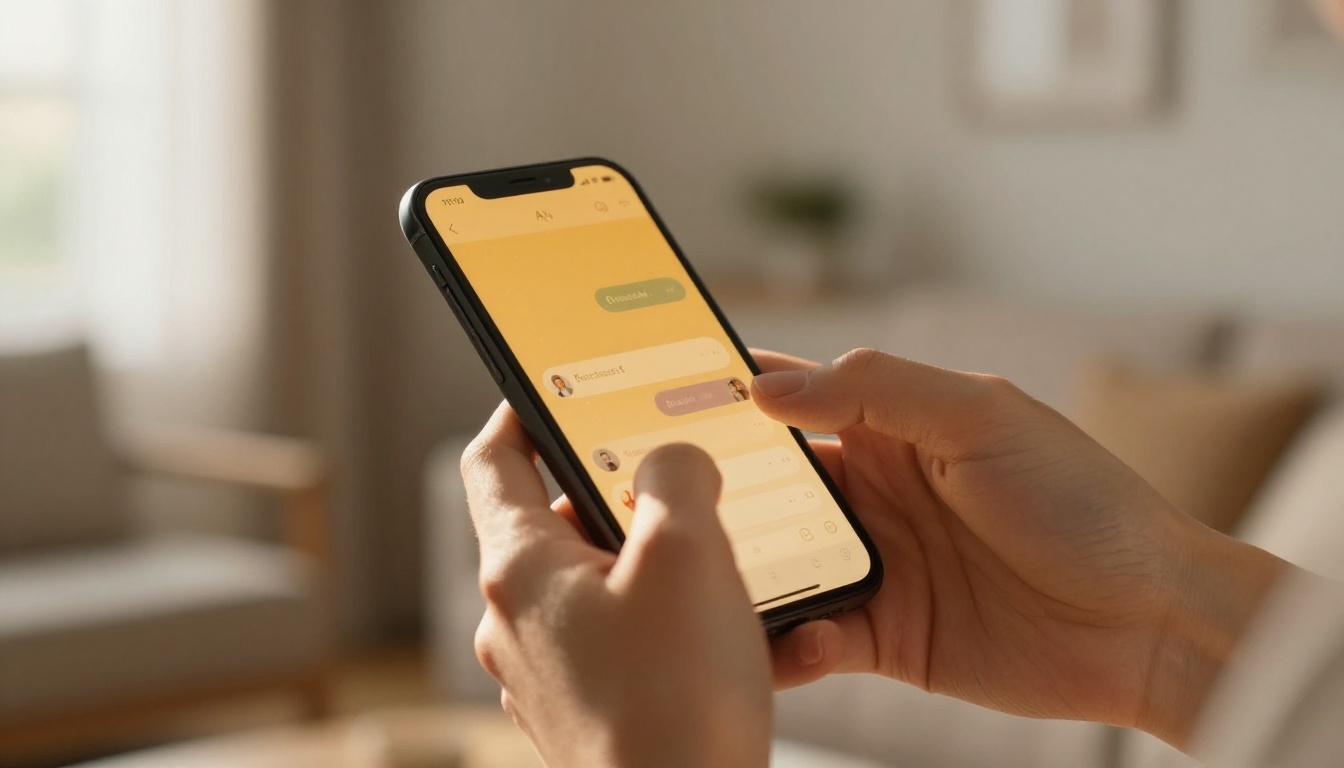
The Top AI Companion Apps
Here is a breakdown of the apps leading the space in 2027, ranked by feature depth.
Replika: The Emotional Pioneer
Replika has been building AI companionship longer than anyone else in the space. Its latest version runs a fine-tuned LLM with a persistent memory system, voice calling using neural TTS, and a video call feature that renders an animated avatar of your Replika character. The emotional modeling is sophisticated: the companion adapts to your communication style over time, becoming more familiar, more playful, or more supportive depending on how you interact.
What it does well: Long-term relationship memory, emotional intelligence, accessible voice calling.
Where it falls short: Video quality lags behind dedicated video generators; avatar rendering can feel dated compared to newer tools.
Character.AI: Breadth Over Depth
Character.AI lets you talk to thousands of user-created AI personas, each with distinct personalities. Voice mode launched in 2024 and quickly became one of its most-used features. The LLM powering it handles multi-turn conversations with impressive coherence. The companion feels less personal than Replika, but the sheer variety of characters available, from historical figures to fictional archetypes, makes it the widest-ranging option.
What it does well: Voice quality, personality variety, active creator community.
Where it falls short: No persistent memory across sessions by default; video is still experimental.
Kindroid: Customizable and Voice-First
Kindroid positions itself as the most customizable AI companion app. You build your AI from scratch: personality traits, communication style, backstory, appearance. Voice calls use ElevenLabs-grade TTS very close to ElevenLabs Turbo v2.5 quality, making conversations feel warm and specific. The video feature generates short animated clips of your companion.
💡 Tip: Kindroid's customization works best when you invest 20 to 30 minutes in the onboarding. Vague personality settings produce generic responses; detailed ones produce something genuinely distinctive.
Nomi AI: Built for Emotional Support
Nomi focuses specifically on emotional companionship and mental wellness. Its companion model is trained to recognize distress signals, respond with appropriate empathy, and guide users toward healthier thinking patterns. Voice mode is natural and warm, and the app supports ongoing relationship tracking so conversations build on each other.
Soulmate AI: For Romantic Companionship
Soulmate AI targets the relationship companion niche specifically. Voice conversations are the primary interaction mode. The LLM has been fine-tuned for intimate and emotional dialogue, and the voice output, built on models comparable to MiniMax Speech 2.8 HD, produces natural pacing and inflection. Video mode is in beta but already allows face-to-face style interactions.

Comparing the Top Apps
| App | Voice Quality | Video | Memory | Best For |
|---|
| Replika | High | Yes (Avatar) | Yes | Long-term relationship |
| Character.AI | High | Beta | Limited | Variety and roleplay |
| Kindroid | Very High | Yes (Clips) | Yes | Customization |
| Nomi AI | High | No | Yes | Emotional support |
| Soulmate AI | High | Beta | Yes | Romantic companion |
The Voice Models Powering AI Companions
The quality of an AI companion's voice is make-or-break. A flat, mechanical voice kills immersion immediately. Here is what the best apps are using, and what you can access directly on PicassoIA.
ElevenLabs: Still the Standard
ElevenLabs V3 remains the benchmark for emotional TTS. It handles pauses, breath sounds, laughter, and hesitation with natural timing. The multilingual version covers 30+ languages with native-level quality. For companion apps, this is the voice that makes users forget they are talking to software.
ElevenLabs Flash v2.5 offers the same expressive voice at lower latency, making it ideal for real-time conversation where a 2-second delay between prompt and reply would break immersion.
MiniMax: Studio Quality at Scale
MiniMax Speech 2.8 HD targets broadcast and studio-quality output. The voice is rich, controlled, and professional. For companion apps that lean toward informational or educational interaction, MiniMax sets the standard. The faster Speech 2.8 Turbo version brings that quality into real-time dialogue.
Resemble AI Chatterbox: Emotion at the Core
Chatterbox Pro from Resemble AI specializes in emotion control. You can direct the voice to sound nervous, excited, tender, or exhausted. For AI companions designed to mirror emotional states or respond with appropriate feeling, Chatterbox Pro is the most nuanced option available.
Qwen3 TTS: Clone Your Own Voice
Qwen3 TTS introduces voice cloning with a design-your-own approach. Companion app builders can create a unique, branded voice from scratch rather than selecting from presets. This is how some apps achieve a truly custom sound that nobody else shares.

The Video Technology Behind Companion Avatars
Video companions are where the technology is advancing fastest. The gap between a static chatbot and a video avatar that lip-syncs in real time has closed significantly over the past 18 months.
Avatar Generation: HeyGen and Kling
HeyGen Avatar V creates talking avatar videos from text scripts. Feed it a voice recording and a reference photo, and it produces a realistic lip-synced video. Companion apps use this to generate personalized video messages. Kling Avatar v2 takes it further with full-face animation including eye movement and micro-expressions.
AI Video Generation for Companion Contexts
Beyond lip-synced avatars, full video generation models let companion apps create ambient video content: the companion walking through a park, sitting at a café, or responding from a living room setting. Models driving this include:
- Seedance 2.5: 30-second videos with built-in audio, photorealistic output
- Veo 3: native audio sync, 1080p output from Google
- Kling v3 Video: cinematic motion with 1080p resolution
- LTX 2.5 Fast: 4K output with fast generation speed
- Sora 2: OpenAI's text-to-video with synchronized audio
💡 Tip: You can try all of these video models directly on PicassoIA's all-models page without any special setup.
The LLMs Running These Companions
Voice and video are the surface. The intelligence underneath comes from large language models. Here is what is powering the best companions right now.
GPT 5: The Conversational Benchmark
GPT 5 from OpenAI remains the most widely deployed LLM in commercial companion apps. Its ability to maintain context across long conversations, pick up on emotional subtext, and generate natural-sounding replies makes it the default choice for apps prioritizing conversational quality. GPT 4o still powers many mid-tier apps and performs exceptionally well for real-time dialogue.
Claude Opus 4.7: Nuance and Long Memory
Claude Opus 4.7 from Anthropic excels at nuanced interpretation and long-context retention. For companion apps where the conversation spans months of history, Claude's ability to synthesize and recall details without losing coherence is a significant advantage. Claude 4 Sonnet provides a faster, cost-efficient variant for apps needing rapid response times.
Gemini 3 Pro: Multimodal by Design
Gemini 3 Pro from Google handles text, images, and audio within the same conversation thread. For companion apps that accept photo sharing or voice notes as input, Gemini's multimodal architecture makes it the most flexible option. Gemini 3.5 Flash brings that versatility to faster, lower-latency interactions.
DeepSeek R1 and V3: Open and Capable
DeepSeek R1 brings step-by-step reasoning to companion contexts, making it particularly good at structured emotional support dialogue where the model needs to work through a problem alongside the user. DeepSeek V3.1 is faster and more conversational, and has become a popular backend for independent companion app developers due to its open-source availability.
Llama 4 Maverick: Free and Powerful
Llama 4 Maverick Instruct from Meta is entirely free and runs on-device in some apps. For privacy-conscious users who do not want conversation data sent to external servers, a companion app backed by Llama 4 provides genuine companionship without cloud dependency.

Building with PicassoIA: Voice and Video
PicassoIA gives you direct access to every model mentioned in this article, no app subscription required. Here is how to use it to create voice and video content for your own companion experience.
Generating a Voice
Navigate to the text-to-speech collection on PicassoIA. Select ElevenLabs V3 for expressive emotional voice, or Gemini 3.1 Flash TTS for multilingual output with 30 distinct voices. Enter your script and generate. Output is downloadable audio in standard formats.
For voice cloning, Qwen3 TTS accepts a reference recording and replicates the voice characteristics. You can design a completely original voice by adjusting pitch, pace, and emotional tone parameters.
Generating a Companion Video
PicassoIA's video generation tools are the same ones professional studios use. For a talking avatar, use HeyGen Avatar V with a reference photo and text script. For ambient companion scenes, use Seedance 2.5 or Veo 3 with a descriptive text prompt. Both generate video with native audio included.
💡 Tip: Use Play Dialog from PlayHT to generate two-character dialogue audio first, then sync it to video using Wan 3 for a multi-step companion video experience.
Chatting with an LLM Companion
Every LLM listed in this article is available on PicassoIA's large language models collection. You can run GPT 5, Claude Opus 4.7, Kimi K2 Instruct, or Llama 4 Maverick in the same interface, switching between them to find the conversational style that resonates with you.
Privacy: What You Should Know
AI companions store data. The nuances matter before you share anything personal.
What Gets Stored
Most apps retain: conversation history for memory features, voice recordings to personalize TTS output, and behavioral patterns for emotional modeling. Some store this on-device; others use cloud servers. Read the privacy policy before sharing anything sensitive.
On-Device vs. Cloud
Apps using Llama 4 Maverick Instruct or similar open models can run entirely on your device, meaning no conversation leaves your phone. Cloud-based apps using GPT 5 or Claude are subject to each provider's data retention policies.
The Consent Question
Companion apps occupy a personal space that most other software does not touch. Know whether your data trains the model, whether it can be deleted on request, and what happens to it if the company changes ownership.
Pricing: What These Apps Actually Cost
| App | Free Tier | Paid Plan | What Is Behind the Paywall |
|---|
| Replika | Yes (limited) | $19.99/month | Voice calls, video, memory |
| Character.AI | Yes | $9.99/month | Priority access, voice mode |
| Kindroid | Yes | $14.99/month | Full voice, video clips |
| Nomi AI | Yes | $16.99/month | Unlimited memory, voice |
| Soulmate AI | Yes | $12.99/month | Voice calls, video beta |
The pattern is consistent: free tiers allow text chat, paid plans unlock voice and video. If voice and video are your priority, budget $10 to $20 per month.
PicassoIA operates on a different model: pay-per-use access to the same TTS and video generation models, with no monthly commitment. For users who want to create companion content occasionally rather than chat daily, this is often more cost-effective.
3 Signs an App Is Worth It
- It remembers. If you have to re-introduce yourself every session, the product is not ready.
- The voice does not distract. If you are consciously noticing the voice sounds artificial, immersion is broken. Test voice quality before committing to a subscription.
- You feel heard. The best companion apps leave you feeling the interaction was responsive to you specifically, not generic responses that could have been sent to anyone.

Build Your Own AI Companion Experience
The most direct way to experience what these AI companions are built on is to use the underlying models yourself. PicassoIA puts ElevenLabs V3, MiniMax Speech 2.8 HD, Seedance 2.5, Veo 3, GPT 5, and dozens of other models in one place.
You do not need a developer account or technical background. Every model is accessible through a simple interface at picassoia.com/en/all-models. Start with the text-to-speech models to hear the difference between ElevenLabs, MiniMax, and Chatterbox side by side. Then generate a short video with Kling v3 or Wan 3. The experience shows you exactly what separates a good AI companion from a great one.