Top AI Generators for Creative Projects: Professional Tools That Actually Work
This breakdown examines AI generators that professionals actually use for creative work. We look at tools for architectural visualization, film storyboarding, textile design, game development, music composition, industrial design, marketing campaigns, scientific research, and sustainable urban planning. Each section includes specific model recommendations with parameters that work and realistic expectations about what these tools can deliver for professional creative projects.
The landscape of creative work changed when AI generators started delivering professional-grade results. What began as novelty tools for generating memes has evolved into serious software that architects, filmmakers, designers, and musicians integrate into their daily workflows. The difference between hobbyist experimentation and professional application comes down to specific tools, precise parameters, and realistic expectations about what these generators can actually accomplish.
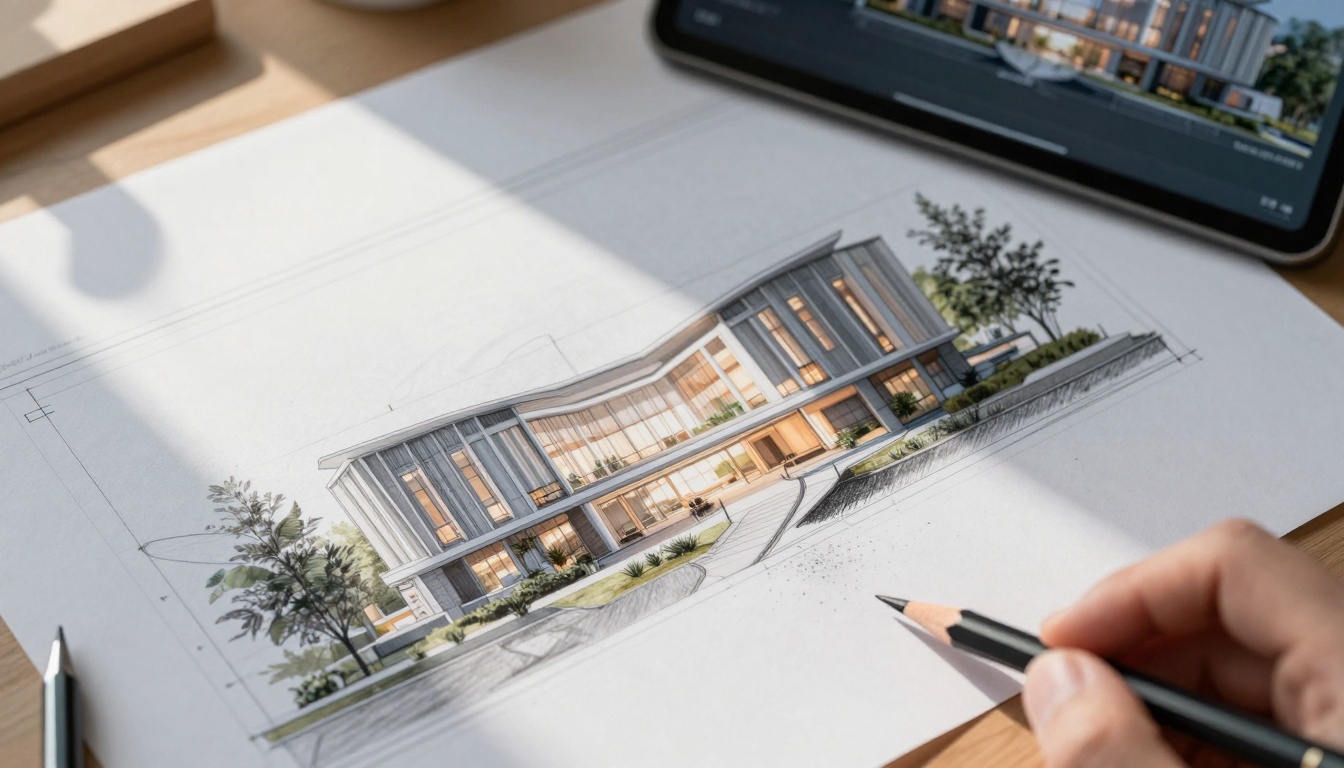
Extreme close-up aerial shot of an architect's drafting table showing photorealistic AI-generated architectural visualizations blending with hand-drawn sketches
Why Professional Creatives Use AI Generators
Creative professionals don't use AI because it's trendy—they use it because it solves specific workflow problems. The architects who adopted flux-2-pro weren't looking for magic; they needed faster iteration on sustainable building concepts. Film directors turning to veo-3.1 wanted storyboard frames that communicated camera movements to their crews. Fashion designers using qwen-image-2512 needed textile patterns that matched physical fabric samples.
The shift happened when these tools stopped generating generic "art" and started producing specific, usable outputs. An AI generator that creates architectural visualizations indistinguishable from professional 3D renders saves weeks of modeling time. A video generator that produces storyboard frames with consistent character designs prevents miscommunication during production. A pattern generator that understands textile constraints reduces sample production costs.
💡 Professional Reality Check: The most successful AI integrations happen when creators treat generators as specialized tools rather than magic wands. Architects use them for conceptual visualization, not construction documents. Filmmakers use them for pre-visualization, not final footage. Designers use them for pattern exploration, not finished fabric production.
Architecture & Urban Planning: Visualizing Before Building
Architectural firms adopted AI generators faster than any other creative field because visualization represents their biggest time investment. Traditional 3D modeling for a single building concept can take weeks; AI visualization takes hours.
Conceptual Massing: Input zoning constraints and site parameters to generate building form studies
Material Exploration: Test different cladding materials (brick, glass, concrete) under varying light conditions
Context Integration: Place proposed buildings within existing urban contexts to assess visual impact
Interior Flow: Generate furniture layouts and circulation patterns before CAD modeling
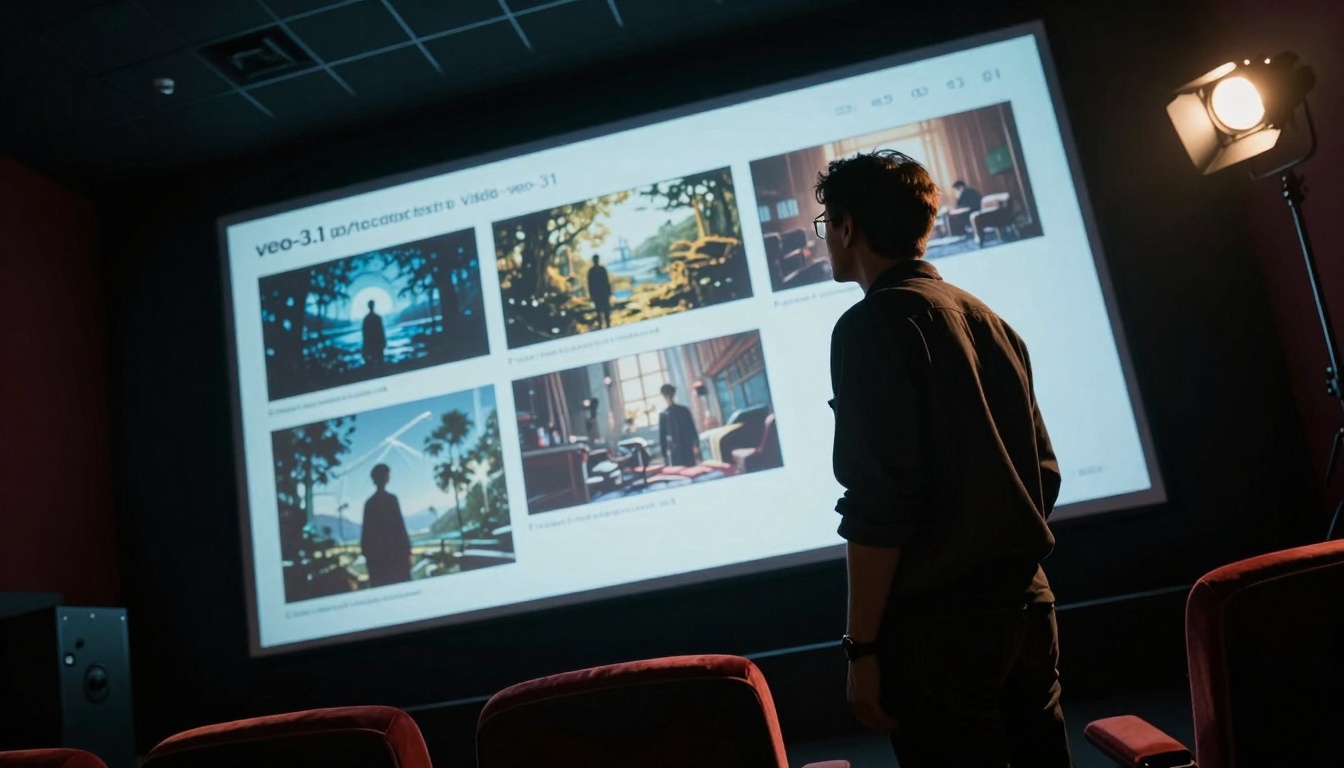
Low-angle Dutch tilt composition of a film director reviewing AI-generated storyboard frames in a screening room
Film & Video Production: Pre-Visualization That Works
Film production budgets live or die by pre-production planning. Every hour spent clarifying visual concepts before cameras roll saves thousands during production. AI video generators have become essential for directors, cinematographers, and production designers.
Top Video Generators for Film Professionals
For Storyboarding: veo-3.1 delivers consistent character poses and camera angles across multiple frames. The "fast" version generates 5-second clips perfect for communicating shot composition.
For Motion Tests: kling-v2.6 excels at character movement and facial expressions. Directors use it to test actor blocking before rehearsals.
For Visual Effects Planning: stable-diffusion-animation creates consistent fantastical elements for VFX teams to reference during post-production.
Professional Film Workflow Integration
1. Script Breakdown → AI generates key visual moments
2. Director Review → Selects frames that match vision
3. Department Heads → Receive specific visual references
4. Production Design → Creates physical sets matching AI concepts
5. Cinematography → Plans lighting based on AI mood frames
The critical difference between amateur and professional use? Consistency. Professional filmmakers need the same character, wearing the same costume, in the same location, across multiple generated frames. This requires precise prompt engineering and parameter control that most consumer tools don't offer.
Fashion & Textile Design: From Digital to Physical
Fashion designers face a unique challenge: they need to visualize patterns and textures that will eventually exist as physical materials. The AI generators that work for them understand textile constraints—stretch, drape, weight, and manufacturing limitations.
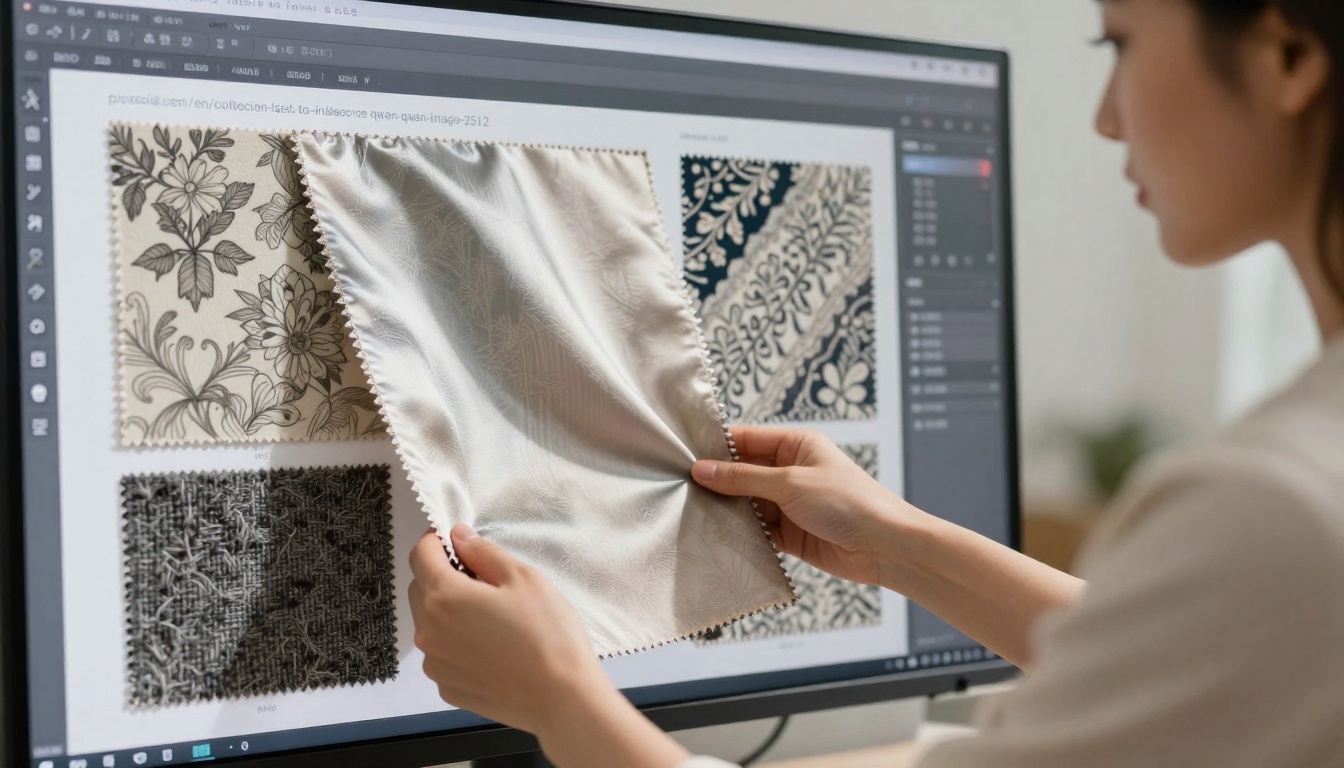
Medium shot of a fashion designer examining AI-generated textile patterns displayed on multiple fabric swatches
Textile-Specific AI Generators
Pattern Generation: qwen-image-2512 handles repeating patterns with manufacturing-ready precision. The model understands pattern scale, repeat intervals, and color separation.
Material Visualization: p-image renders fabric textures with accurate light interaction—how silk reflects versus how wool absorbs light.
Colorway Exploration: p-image-edit allows designers to test hundreds of color variations on a single pattern in minutes instead of weeks.
How Designers Bridge Digital and Physical
Digital Sampling: Generate 50 pattern variations, select 5 for physical sampling
Material Matching: Input physical fabric swatch photos, generate patterns that work with that material
Scale Testing: View patterns at actual garment scale (not just zoomed-in details)
Production Reality Check: Ensure patterns work with cutting patterns and sewing constraints
💡 Industry Insight: Successful fashion AI integration requires understanding what can't be generated. No AI currently predicts how a pattern will stretch on knit fabrics or how colors will shift under retail lighting. Professional designers use AI for exploration, not replacement of physical sampling.
Game Development & Character Design
Game studios face constant pressure to produce vast amounts of visual content. A single AAA game might need hundreds of character variations, thousands of environmental assets, and consistent visual style across all elements. AI generators help scale art production without sacrificing quality.
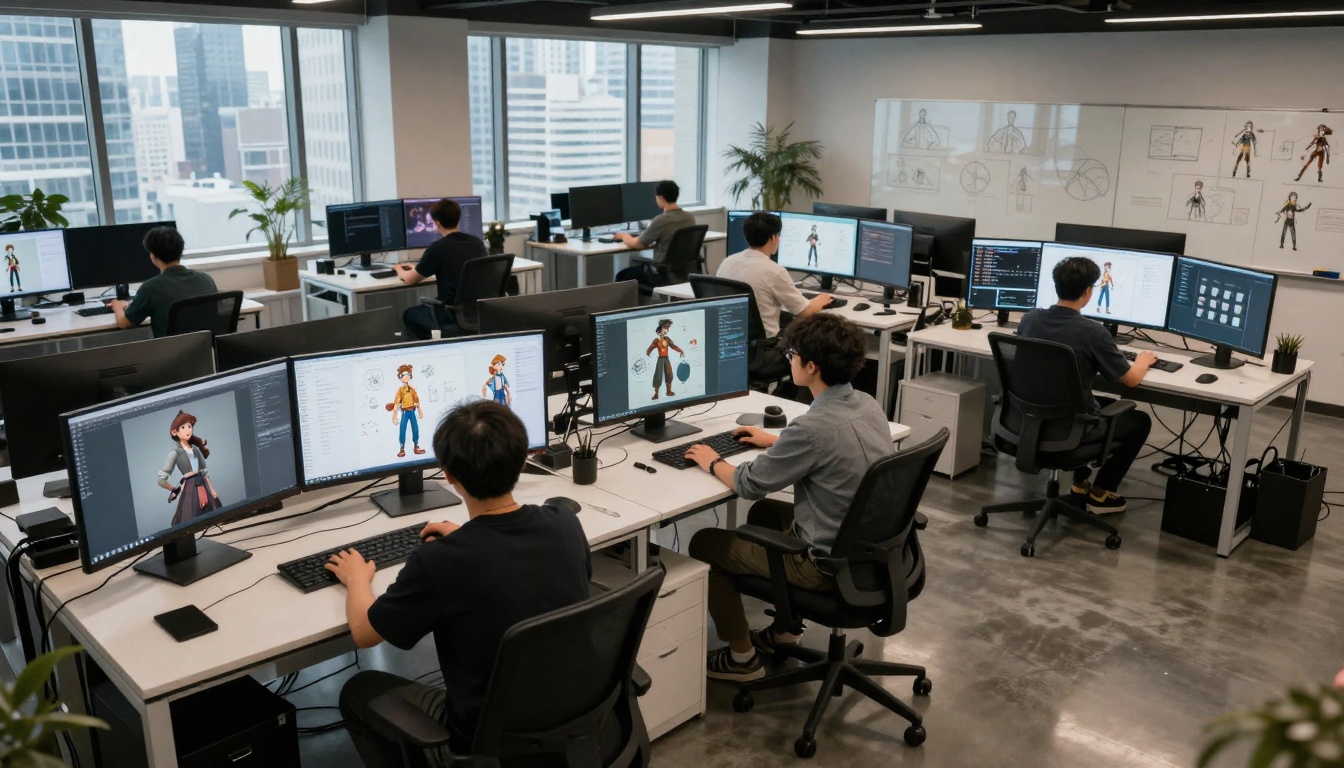
Wide establishing shot of a game development studio where artists collaborate using AI-generated character concept art
Game Development Generator Stack
Character Concept Art: gpt-image-1.5 delivers consistent character designs across multiple poses and expressions. The model understands armor, clothing layers, and character archetypes.
Environmental Assets: flux-2-klein-4b creates cohesive environment pieces that fit together visually—critical for open-world games.
UI & Icon Design: z-image-turbo generates interface elements with consistent style and readability at small scales.
Professional Game Studio Workflow
Phase 1: Style Exploration
Generate 100+ style variations for key characters and environments
Art director selects 3-5 directions for further development
The breakthrough for game studios came when they stopped treating AI as an "artist replacement" and started using it as a "style consistency tool." A generator that produces 50 character variations with the same armor style saves weeks of manual adjustment.
Music Composition & Sound Design
Musicians and composers face the opposite problem of visual artists: they work with abstract concepts that need to become specific audio. AI music generators have evolved from generic background tracks to composition tools that understand musical theory.
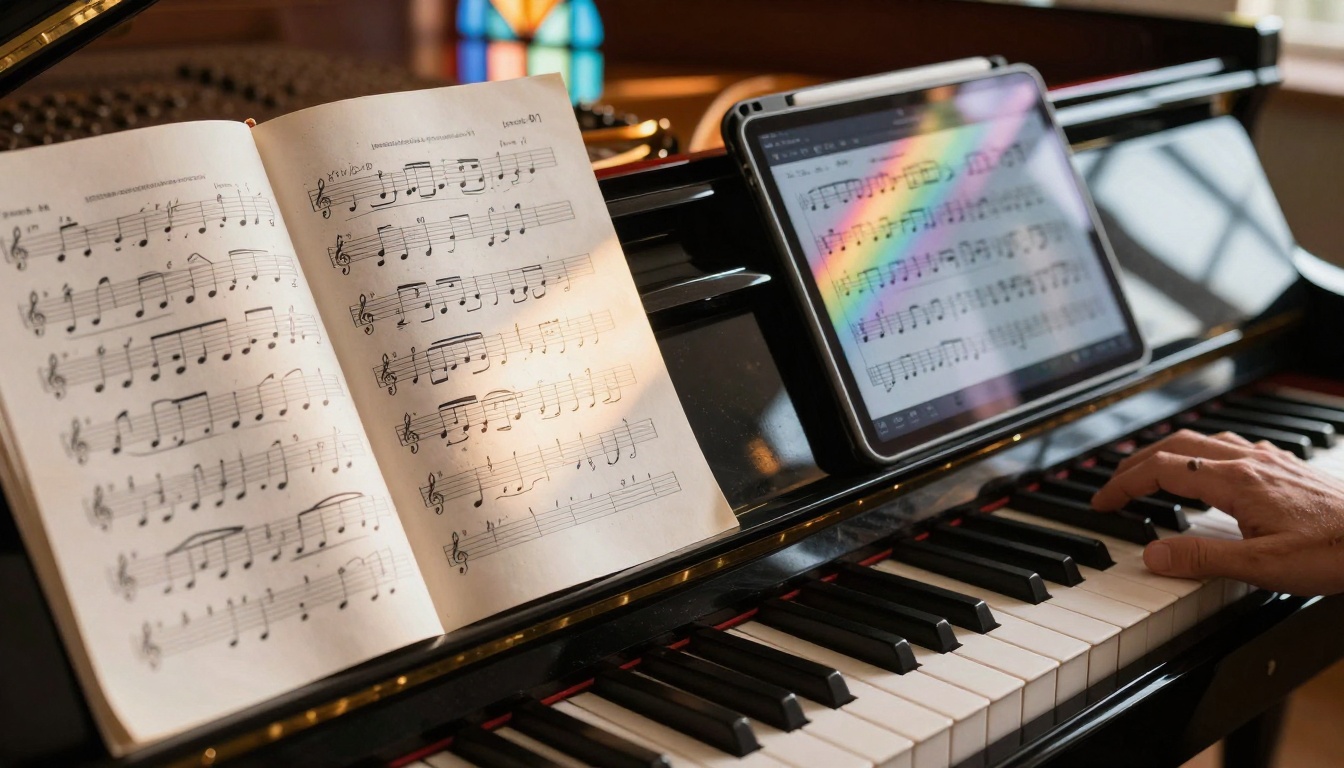
Detail shot of a musician's studio showing AI-generated sheet music blending with traditional manuscript paper
Music Generators That Understand Composition
Melody & Harmony: music-01 generates musical phrases that follow chord progressions and key signatures. Composers use it for inspiration, not complete pieces.
Orchestration: stable-audio-2.5 creates instrument-specific parts that fit together acoustically—violin lines that work with cello parts, brass that complements woodwinds.
Sound Design: lyria-2 generates custom sound effects and atmospheric textures for film, games, and installations.
How Professional Musicians Integrate AI
For Composers: Generate 10-20 melodic variations on a theme, select the strongest 2-3 for development
For Arrangers: Test different instrument combinations before writing parts
For Sound Designers: Create custom Foley effects that match specific visual actions
For Producers: Generate placeholder tracks for client review before recording live musicians
The key to successful musical AI integration is iterative refinement. No professional musician uses AI output as final product. They use it as starting material for human development—melodies get reharmonized, rhythms get adjusted, instrument choices get refined based on session musician feedback.
Industrial Design & Product Development
Industrial designers bridge the gap between concept and manufacture. They need to visualize products that don't exist yet, with materials that have specific physical properties, manufactured through processes with real constraints.
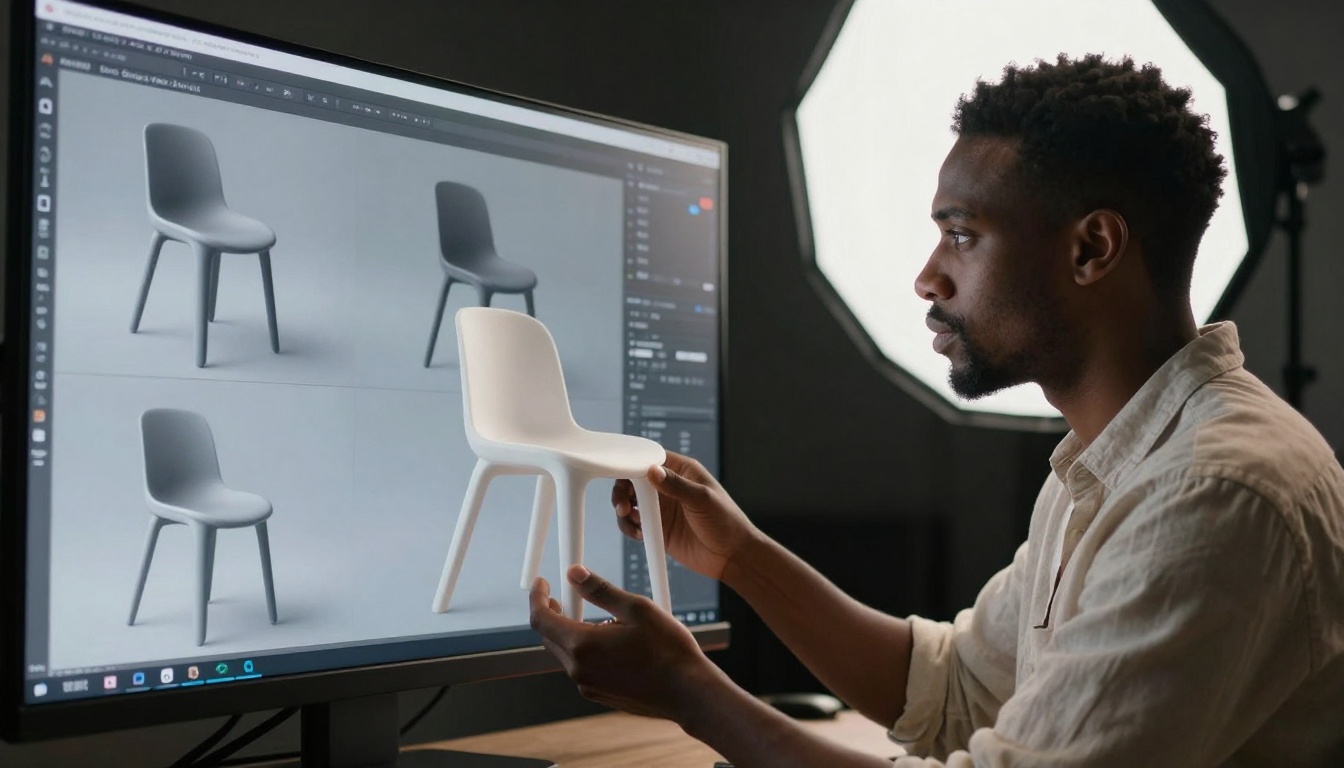
Cinematic portrait of an industrial designer examining photorealistic 3D product renderings
Product-Focused AI Generators
Form Exploration: nano-banana-pro generates product shapes with manufacturing-aware geometry—no impossible curves or unmanufacturable details.
Material Realism: qwen-image-edit-plus-lora renders materials with accurate surface properties—how plastic reflects versus how aluminum diffuses light.
Ergonomics Testing: flux-2-dev visualizes products in use contexts—hands holding devices, bodies interacting with furniture.
Industrial Design Workflow Integration
Concept Phase: Generate 100+ form variations based on engineering constraints
Refinement Phase: Test 5-10 selected concepts with different materials and finishes
Context Phase: Visualize products in actual use environments (offices, homes, public spaces)
Manufacturing Phase: Create visual references for mold makers and production teams
💡 Manufacturing Reality: The best industrial design AI understands what can't be manufactured. It avoids undercuts that require complex molds, wall thicknesses that cause injection molding problems, and surface finishes that can't be achieved with available processes.
Marketing & Advertising: Visual Concepts That Convert
Marketing teams need to produce visual concepts faster than ever while maintaining brand consistency. AI generators help them test campaign ideas before expensive photo shoots or video production.
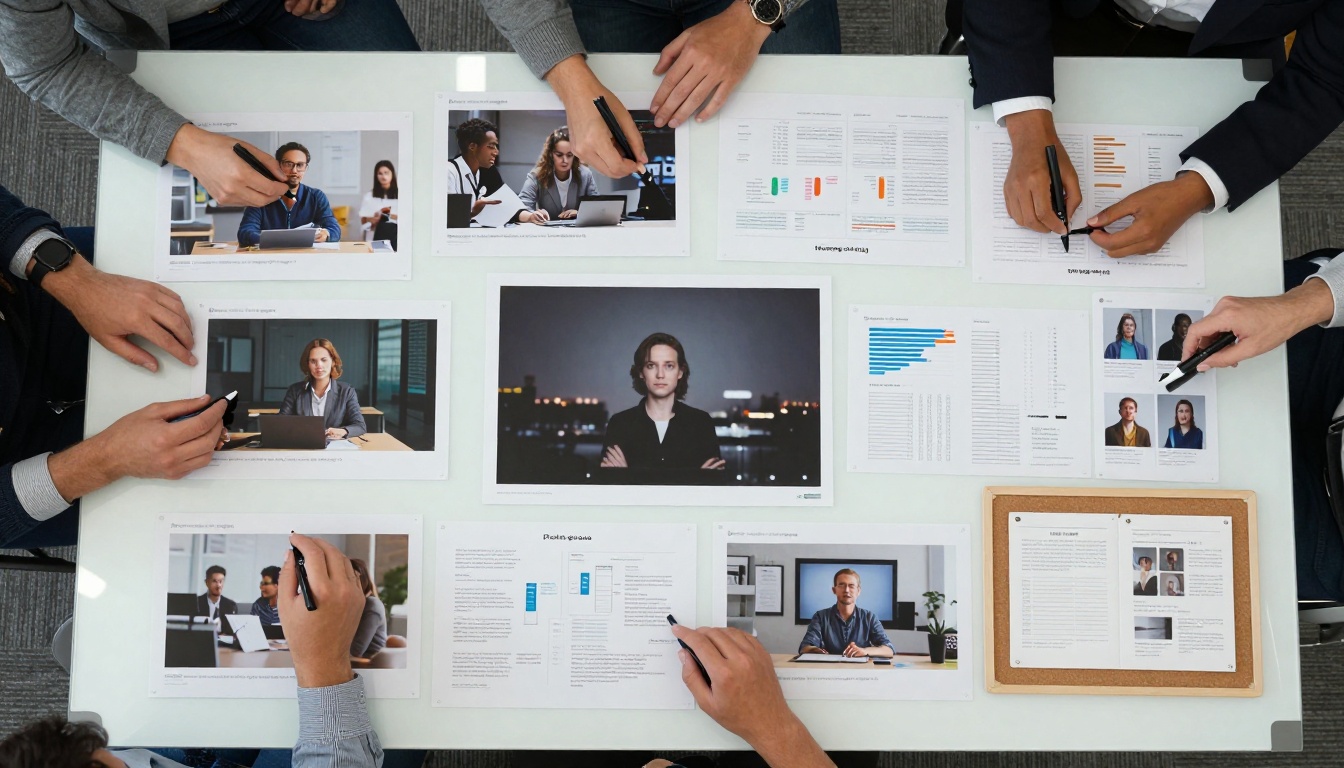
Overhead shot of a digital marketing team brainstorming with AI-generated visual concepts printed and arranged on a mood board
Marketing-Specific AI Tools
Campaign Concepts: gpt-image-1.5 generates cohesive visual campaigns with consistent styling across multiple images.
Product Photography: p-image creates photorealistic product shots for e-commerce and catalogs.
Social Content: z-image-turbo produces platform-optimized visuals (square for Instagram, vertical for TikTok, horizontal for YouTube).
Professional Marketing Workflow
Week 1: Concept Testing
Generate 50+ campaign visual directions
Test with focus groups via digital mockups
Select 3 directions for further development
Week 2: Asset Production
Create hero images for selected campaigns
Generate supporting visuals for social, web, print
Produce style guides for photographers/videographers
Week 3: Production Planning
Use AI visuals as shot lists for live production
Create mood boards for directors and stylists
Establish color grading references for post-production
The most successful marketing AI integration happens when teams use generators for pre-production planning rather than final asset creation. AI concepts inform human production, resulting in better-planned shoots and more cohesive final campaigns.
Scientific Research & Data Visualization
Researchers need to communicate complex concepts visually. AI generators help them create explanatory diagrams, molecular visualizations, and data representations that make abstract science understandable.
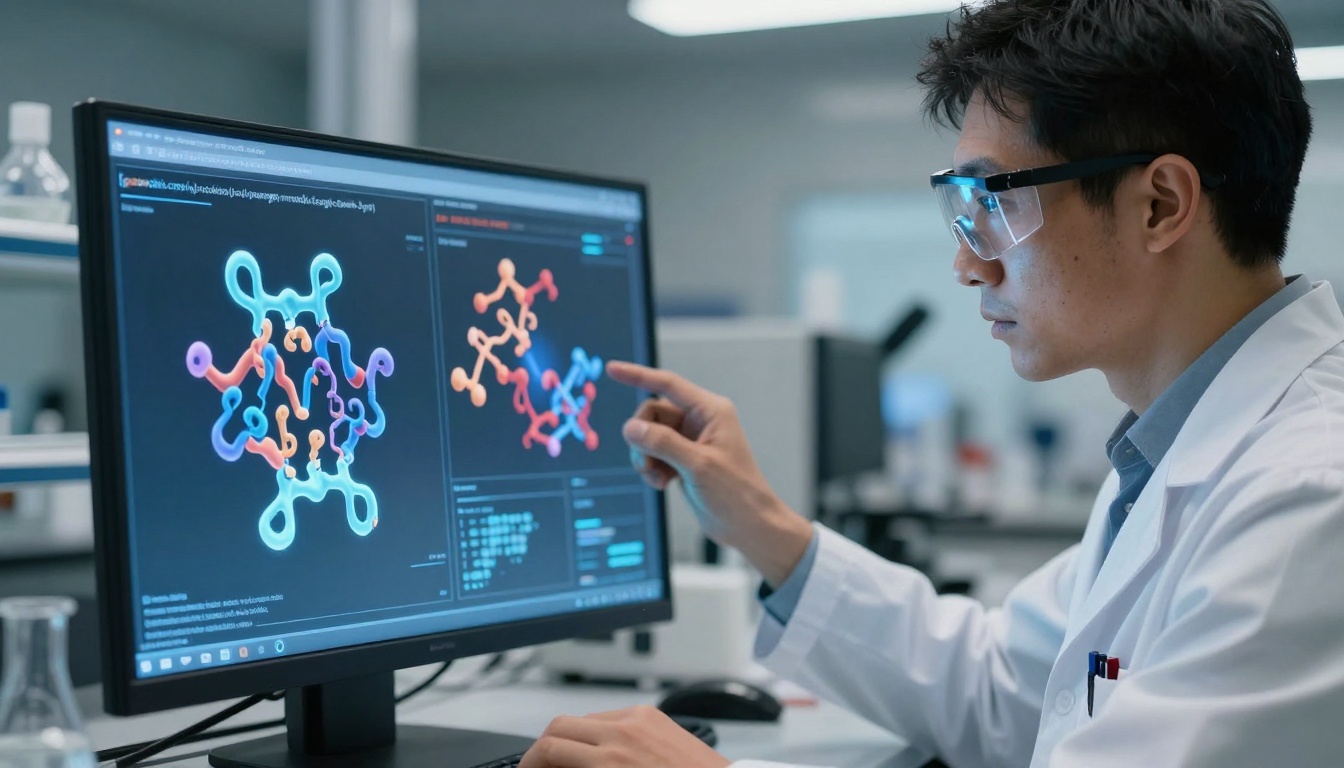
Medium close-up of a scientific researcher analyzing AI-generated molecular visualizations on a holographic display
Science Communication AI Tools
Molecular Visualization: Custom-trained versions of gemini-3-pro generate accurate protein structures and chemical interactions.
Data Representation: gpt-4o creates explanatory diagrams that illustrate complex processes and relationships.
Educational Materials: claude-4-sonnet generates annotated visual explanations for textbooks and presentations.
Research Visualization Workflow
Data Analysis: Identify key findings that need visual explanation
Concept Mapping: Generate multiple visualization approaches for each finding
Refinement: Adjust visuals based on expert feedback
Publication: Integrate approved visuals into papers, presentations, educational materials
The critical factor for scientific AI use is accuracy verification. No researcher uses AI-generated scientific visuals without domain expert review. The generator suggests visual approaches; the human expert ensures scientific correctness.
Sustainable Design & Urban Planning
Landscape architects and urban planners face the challenge of visualizing sustainable systems that don't yet exist. AI generators help them communicate green infrastructure, renewable energy integration, and climate-resilient design.
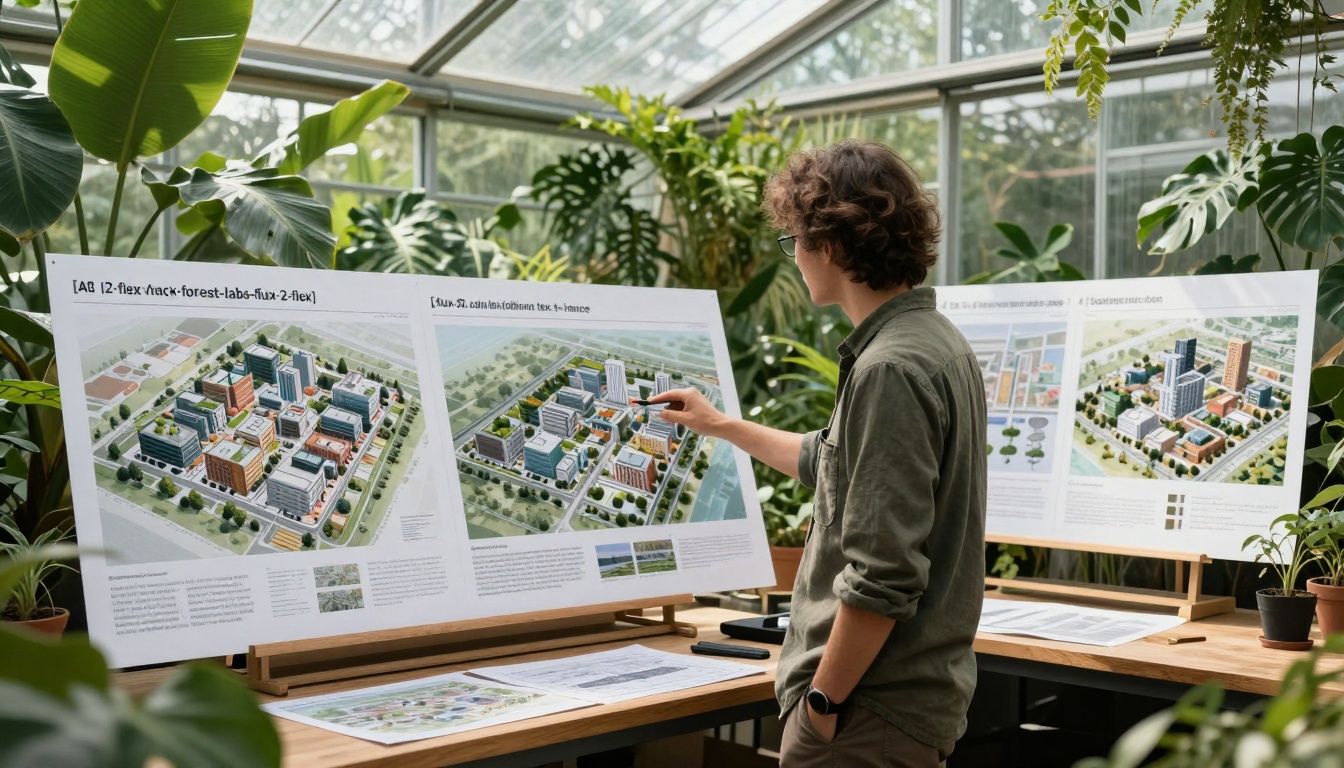
Environmental portrait of a landscape architect reviewing AI-generated sustainable city designs in a greenhouse studio
Sustainability Visualization Tools
Green Infrastructure: flux-2-flex visualizes living walls, green roofs, and urban forests integrated with built environments.
Renewable Systems: Custom prompts with nano-banana-pro show solar arrays, wind turbines, and water management systems in urban contexts.
Climate Resilience: qwen-image-2512 creates before/after visualizations of climate adaptation measures.
Sustainable Design Communication
For Clients: Show sustainable features as integrated design elements, not technical add-ons
For Communities: Visualize climate benefits in relatable neighborhood contexts
For Regulators: Demonstrate compliance with environmental standards through clear visuals
For Construction Teams: Provide visual references for implementing green infrastructure
The breakthrough for sustainable design came when AI generators started understanding system integration. A visualization that shows solar panels as architectural elements, rainwater harvesting as landscape features, and green walls as building aesthetics communicates sustainability more effectively than technical diagrams.
What These Tools Get Wrong (And Right)
After testing hundreds of AI generators across professional creative fields, patterns emerge about what works and what doesn't.
What Professional Generators Get Right
Consistency Across Outputs: Tools like flux-2-pro maintain character design, material properties, and lighting style across multiple generated images—critical for professional workflows.
Parameter Precision: Professional tools offer fine-grained control over specific attributes (camera focal length, material roughness, lighting temperature) that hobbyist tools abstract away.
Workflow Integration: The best generators export outputs in formats that fit professional pipelines—layered PSD files for designers, animation sequences for editors, musical notation for composers.
Where Generators Still Struggle
Manufacturing Constraints: No AI fully understands injection molding limitations, textile stretch properties, or architectural load requirements.
Cultural Context: Generators often miss subtle cultural references, historical accuracy, or location-specific design conventions.
Iterative Refinement: Most tools generate from scratch each time rather than iterating on previous outputs—a workflow mismatch for professional refinement processes.
Professional Parameters That Actually Work
After interviewing creative professionals across fields, certain parameter approaches consistently deliver better results:
For Architectural Visualization
model: flux-2-pro
aspect_ratio: 16:9
lighting: "golden hour, 45-degree angle, volumetric shadows"
materials: "raw concrete, tempered glass, oxidized copper"
camera: "35mm lens, f/8, medium depth of field"
style: "photorealistic, no digital artifacts"
For Film Storyboarding
model: veo-3.1-fast
duration: 5 seconds
framerate: 24
camera_movement: "slow dolly in from medium shot"
lighting: "practical tungsten, contrast ratio 3:1"
character_consistency: "same costume across all frames"
This pattern respects both human creativity and AI capability. The human provides direction and judgment; the AI provides speed and variation.
Next Steps for Creative Professionals
If you're considering AI generators for professional work, start with these steps:
Identify Your Pain Point: What specific workflow problem are you trying to solve? (Time, cost, variation, communication?)
Test Multiple Tools: Don't assume one generator fits all needs. Architecture, film, and music require different tools.
Establish Quality Standards: Define what "professional quality" means for your specific field before testing.
Integrate Gradually: Start with one small project, learn the workflow, then expand to larger applications.
Maintain Human Oversight: Never automate final quality decisions. AI suggests; humans decide.
The professional creative landscape has permanently changed. AI generators that understand specific field requirements, respect professional workflows, and deliver consistent quality have moved from novelty to necessity. The question isn't whether creative professionals will use AI—it's which tools they'll choose and how they'll integrate them into their established processes.
The most exciting developments happen when creative professionals stop asking "Can AI do my job?" and start asking "How can AI help me do my job better?" The answer varies by field, by project, and by creative vision—but the tools now exist to find those answers through practical experimentation rather than theoretical speculation.