When people search for AI content creation tools, they're often overwhelmed by complex interfaces, technical terminology, and steep learning curves. The reality is simpler: you don't need advanced skills to produce professional-quality content anymore. The latest generation of AI generators focuses on accessibility, removing barriers that once kept beginners from creating compelling text, images, and videos.

Clean interfaces make AI text generation accessible to everyone
Complex tools create resistance. When an interface requires understanding dozens of parameters, adjusting sliders for obscure settings, or navigating through multiple menus just to generate basic content, most users abandon the process. Simple AI generators solve this by focusing on what actually matters: your input and the desired output.
The psychology behind tool adoption reveals an interesting pattern: people consistently choose tools they can understand immediately over more powerful alternatives with learning curves. This explains why consumer-friendly AI platforms are gaining market share while technically superior but complex tools struggle with mainstream adoption.
💡 Key Insight: The most successful AI tools today share one characteristic—they minimize choices while maximizing quality. Users want results, not configuration options.
Text Generators for Basic Writing Tasks
For everyday writing needs—blog posts, social media updates, product descriptions, or email newsletters—simple text generators provide immediate value without technical complexity. Platforms like GPT-4o and Claude 3.5 Sonnet offer clean interfaces where you type what you need and receive polished content in seconds.
What makes these tools simple:
- Single input field: Just type your request
- Minimal settings: Basic options like tone and length
- Instant generation: No waiting for complex processing
- Clear editing: Simple copy-paste workflow

Real people getting real results with simple AI interfaces
Practical Applications for Everyday Use
Social Media Managers: Generate daily posts across platforms with consistent brand voice
Small Business Owners: Create product descriptions and marketing copy without hiring writers
Content Creators: Produce blog outlines and article drafts to accelerate publishing schedules
Students: Get help with assignments and research paper organization
Email Marketers: Write compelling subject lines and body copy that converts
The table below shows how different text generators compare for basic tasks:
Image Creation Without Artistic Skills
Visual content drives engagement, but not everyone has design skills or budget for professional graphic work. Simple AI image generators bridge this gap by transforming text descriptions into compelling visuals. Tools like Flux 2 Klein 4B and p-image exemplify this approach with straightforward interfaces.

Multiple devices showing different AI content types working together
The simplicity formula for image generation:
- Describe what you want in plain language
- Choose basic style (photorealistic, illustration, etc.)
- Select aspect ratio for your platform
- Generate and refine if needed
Image Types Made Simple
Social Media Graphics: Perfectly sized images for Instagram, Facebook, Twitter
Blog Headers: Eye-catching visuals that complement your articles
Product Mockups: Professional presentations for e-commerce
Presentation Slides: Visual elements that enhance business decks
Personal Projects: Custom artwork for gifts, invitations, or decorations
💡 Pro Tip: Start with specific but simple prompts. Instead of "beautiful landscape," try "sunset over mountains with pine trees, photorealistic style, 16:9 aspect ratio." The more descriptive yet straightforward your prompt, the better your results.
Video Generation Made Accessible
Video content represents the most intimidating frontier for many content creators, but new AI tools have dramatically simplified the process. Platforms like Veo 3.1 Fast and Kling V2.6 reduce video creation to three basic steps: describe your scene, choose duration, and generate.
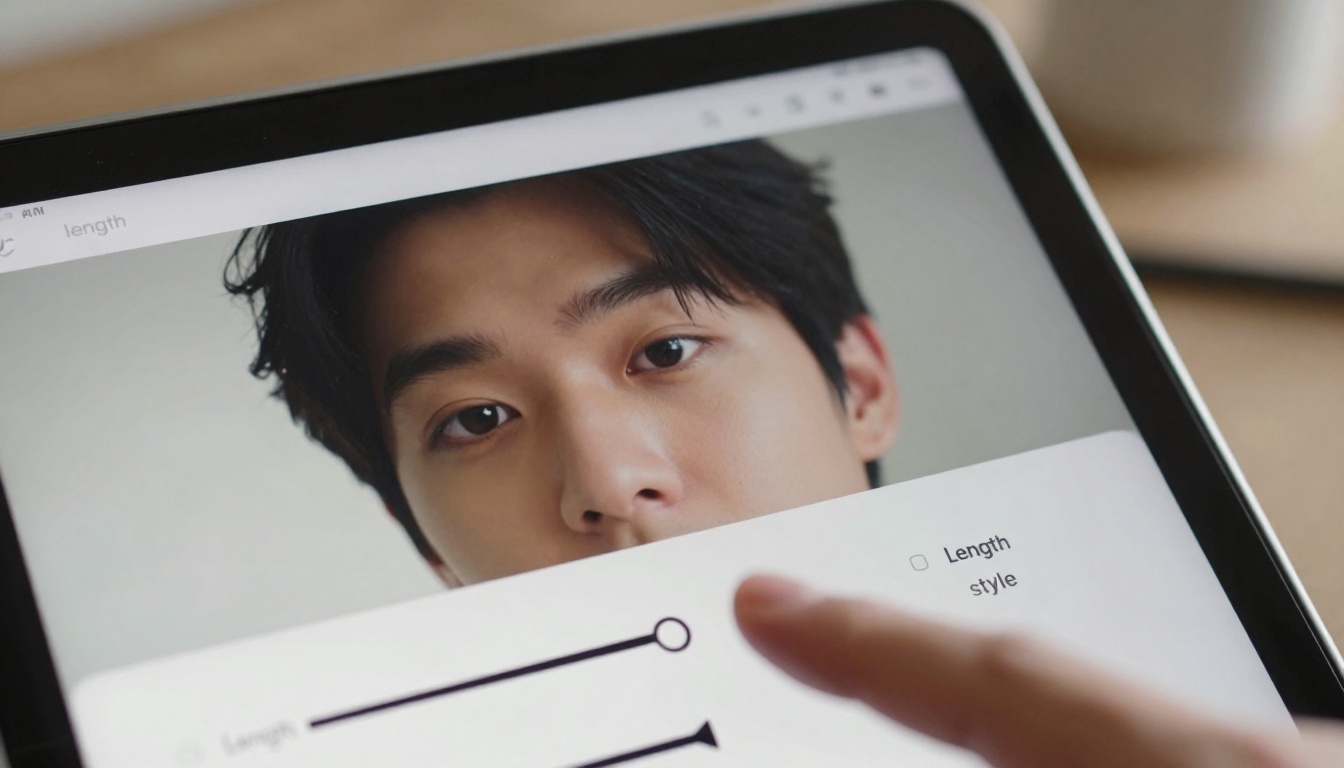
Minimal interfaces make video creation accessible to beginners
What Simple Video Tools Handle Well
Short Social Clips: 15-30 second videos perfect for TikTok, Reels, Shorts
Product Demonstrations: Simple animations showing features
Explainer Content: Basic motion graphics for concepts
Personal Messages: Custom video greetings and announcements
Educational Snippets: Quick tutorials and how-to guides
Common misconceptions about AI video generation:
- Myth: You need technical video editing skills
- Reality: Modern tools require only descriptive text
- Myth: Results look artificial and low-quality
- Reality: Photorealistic outputs rival basic stock footage
- Myth: The process takes hours to learn
- Reality: Most users create their first video in under 5 minutes
A key decision when choosing AI generators is whether to use all-in-one platforms or specialized single-purpose tools. Each approach has advantages for different users.

Comparing outputs helps users understand quality differences
Integrated Platform Advantages
Consistent Interface: One learning curve for multiple content types
Unified Account: Single login and billing
Workflow Integration: Content flows seamlessly between tools
Cross-Format Consistency: Maintains style across text, images, and video
Specialized Tool Benefits
Optimized Performance: Best-in-class for specific content types
Focused Innovation: Rapid improvements in their specialty
Deeper Features: Advanced options when you need them
Competitive Pricing: Often more affordable than full suites
Recommendation for beginners: Start with integrated platforms for consistency, then explore specialized tools for specific needs that exceed platform capabilities.
Balancing Quality with User-Friendliness
The most significant advancement in recent AI tools isn't just improved output quality—it's the preservation of that quality while dramatically simplifying the user experience. Early AI generators forced users to master complex parameter adjustments to achieve decent results. Today's tools deliver professional quality with minimal input.

Business users benefit from simple AI tools for marketing materials
Quality Metrics That Matter
Text Generators: Readability, coherence, factual accuracy, appropriate tone
Image Creators: Visual appeal, composition, lighting, detail consistency
Video Tools: Motion smoothness, scene coherence, visual fidelity, pacing
How simple tools maintain quality:
- Pre-trained models optimized for common use cases
- Intelligent defaults based on millions of successful generations
- Context-aware suggestions that guide users toward better inputs
- Automated refinement that improves outputs without user intervention
Pricing Models for Simple Solutions
Cost represents a significant barrier for many potential AI tool users, but simplified tools often come with simplified pricing. Unlike enterprise platforms with complex tiered structures, consumer-focused AI generators typically offer straightforward subscription models or pay-per-use options.

Clear pricing helps users make informed decisions
Common Pricing Structures
Freemium Models: Basic features free, advanced capabilities require payment
Subscription Tiers: Monthly/annual plans with usage limits
Credit Systems: Purchase generation credits as needed
Enterprise Plans: Custom pricing for business-scale usage
Budget-friendly strategies:
- Start free: Most platforms offer generous free tiers
- Monitor usage: Track your actual consumption before committing
- Share accounts: Some tools allow team sharing within limits
- Seasonal purchasing: Buy credits during promotional periods
Getting Started with Your First Project
The easiest way to understand simple AI generators is to use them. Most platforms require only email registration, and many offer immediate access to basic features without payment.
Step-by-step interfaces guide beginners through first projects
Your First AI Content Creation Session
Step 1: Define your need
What specific content would help you right now? A social media post? Product image? Short video?
Step 2: Choose your tool
Select the simplest option that meets your need. For text: GPT-4o Mini. For images: p-image. For video: Veo 3.1 Fast.
Step 3: Provide clear input
Describe exactly what you want in simple language. Be specific but concise.
Step 4: Generate and evaluate
Create your content and assess if it meets your needs. Most tools allow regeneration with adjusted prompts.
Step 5: Refine if necessary
Make small tweaks to your prompt for better results. The learning curve is minimal.
How to Use Flux 2 Klein 4B on PicassoIA

Simple AI tools create diverse content types for different needs
Flux 2 Klein 4B represents the ideal balance of simplicity and quality for image generation. Here's how to create your first image with this accessible tool:
1. Access the model
Navigate to the Flux 2 Klein 4B page on PicassoIA.
2. Understand the interface
You'll see three main sections:
- Prompt input: Where you describe your image
- Basic settings: Aspect ratio and style options
- Generation button: Simple one-click creation
3. Craft your prompt
Describe exactly what you want to see. Example: "A cozy coffee shop interior with morning light through windows, photorealistic style, warm atmosphere."
4. Adjust basic settings
Choose 16:9 aspect ratio for social media or blog headers, or 1:1 for Instagram posts. Select "photorealistic" for authentic images.
5. Generate and review
Click generate and wait about 30 seconds. Evaluate if the image matches your vision.
6. Refine if needed
Adjust your prompt based on results. Add more detail or change descriptions for better alignment.
7. Download and use
Save your image and incorporate it into your project. The entire process takes 2-3 minutes for beginners.
💡 Flux 2 Klein 4B excels at: Product images, lifestyle photography, social media graphics, blog headers, and personal projects. Its simplicity makes it perfect for users who want quality without complexity.
Moving Forward with AI Content Creation
The landscape of AI generators has shifted decisively toward accessibility. Tools that once required technical expertise now offer intuitive interfaces that anyone can use within minutes. This democratization of content creation represents one of the most significant developments in digital technology.
The evolution continues as AI platforms refine their user experiences while maintaining output quality. Future developments will likely focus on even simpler interfaces, better contextual understanding, and more seamless integration with existing workflows.
Your next step should involve experimenting with the tools mentioned here. Start with one type of content you regularly need—whether text for emails, images for social media, or videos for presentations. Use the simplest available tool for that task and experience firsthand how AI can streamline your content creation process.
The most powerful aspect of modern AI generators isn't their technical capabilities—it's their accessibility. When tools remove complexity while preserving quality, they transform from niche technologies into everyday utilities. This shift makes professional-quality content creation available to everyone, regardless of technical background or creative experience.
Ready to create? Visit PicassoIA and try Flux 2 Klein 4B for images, GPT-4o Mini for text, or Veo 3.1 Fast for videos. Each offers the simplicity and quality that defines the new generation of AI content tools.


