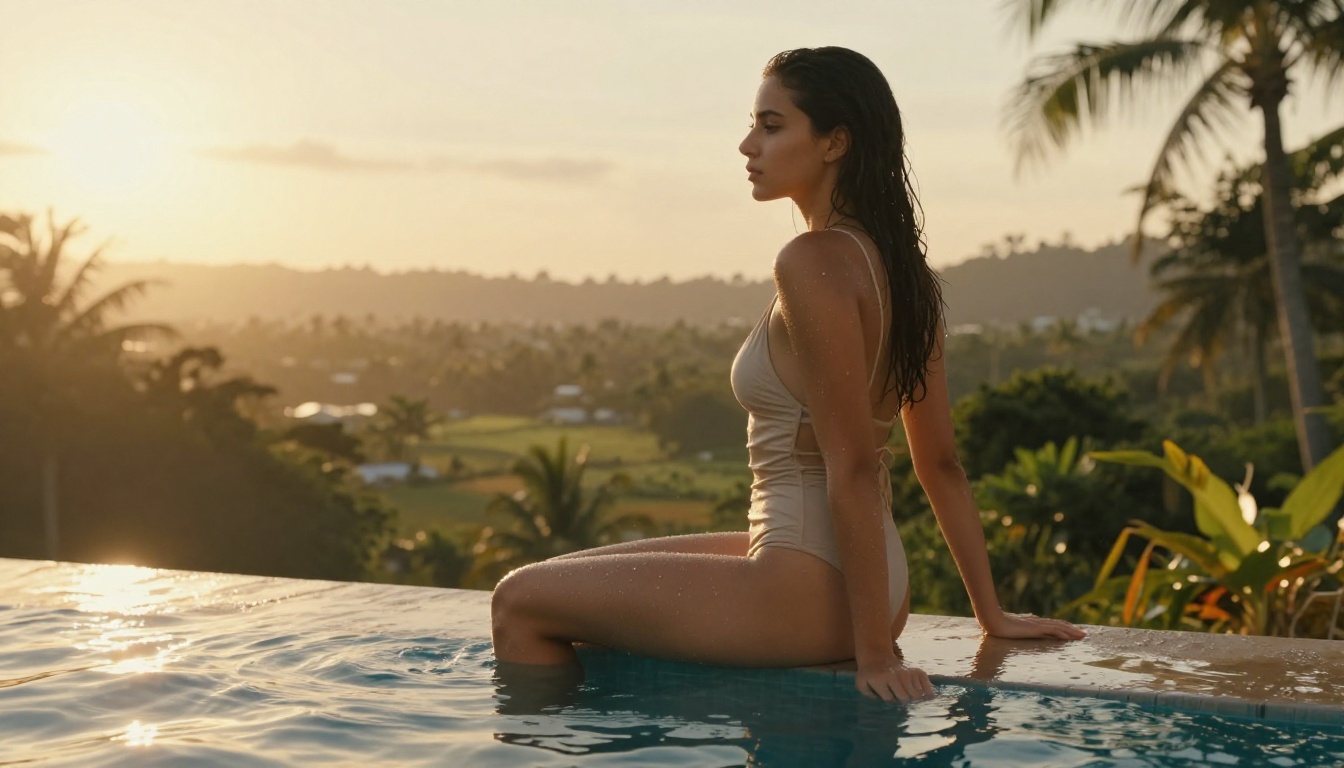
Top AI Girlfriend Generators With Realistic Skin Detail
If you want AI-generated portraits of women that actually look like photographs, not renders, skin detail is everything. This article ranks the best AI girlfriend generators with realistic skin in 2027, from the fastest NSFW-capable models to upscalers that recover pore-level detail after generation.
If you have spent any time searching for top AI girlfriend generators with realistic skin detail, you already know the frustration: most tools produce porcelain-smooth faces that look more like renders from a video game character editor than photographs of real women. The skin is too perfect. The pores are gone. The micro-texture, the subtle redness around the nostrils, the barely perceptible hair on the temples — all erased. What you actually want is not perfection. You want plausibility. And a handful of models available right now on PicassoIA are the only ones consistently delivering that in 2027.
This article breaks down which AI girlfriend generators actually produce hyper-realistic skin, why most tools fall short, what prompting strategies get you closer to photographic truth, and which upscaling tools preserve and recover that skin detail after generation.
What "Realistic Skin" Actually Means
Micro-texture vs. smoothed-out skin
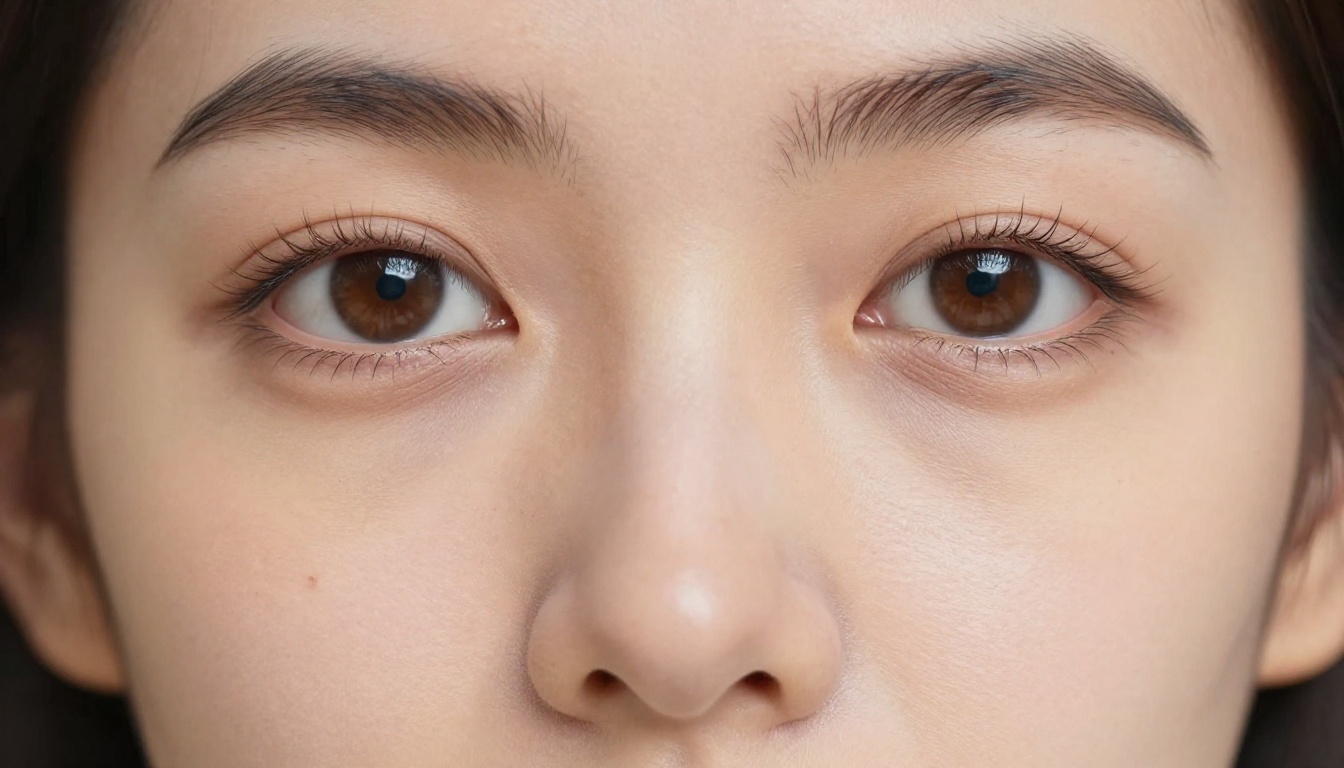
There is a massive difference between a model that generates a beautiful face and one that generates a believable face. Realistic skin is defined by three things working together: micro-surface detail (pores, fine hairs, natural blemishes), color variation (the redness near the nose, the cooler blue undertone near the temples, the warmth at the cheeks), and subsurface scattering (the way light seems to pass slightly through the skin rather than bouncing off it like paint).
Most AI models trained on highly curated, retouched stock photography have learned to smooth all of that out. They optimize for "attractive" as defined by beauty marketing standards. The result is faces that look like they have had a Photoshop skin-smoothing pass run at 80% opacity — technically pretty, but unmistakably artificial.
The models you actually want are those trained on raw, unprocessed photography or those with architectural features that preserve high-frequency detail at the texture level.
Lighting makes or breaks everything
Even the best skin-detail model will look plastic under the wrong lighting conditions in your prompt. Flat frontal lighting — the kind that eliminates all shadows — removes every visual cue that tells your brain "this is three-dimensional skin." What you need instead:
Directional light at an angle (30–60 degrees from the side)
Specular highlights on cheekbones, nose bridge, and lips that are sharp but small
Fill light on the shadow side that is about 1.5–2 stops dimmer than the key light
Color temperature contrast between warm key and cooler fill
Include these details explicitly in every prompt. The difference between "portrait of a woman" and "portrait of a woman, directional sunlight from the left at 45 degrees, warm amber key light, cool blue fill from the right window, specular highlight on cheekbone and nose bridge, Kodak Portra 400 grain" is the difference between a dating app filter and an editorial photograph.
💡 Prompt tip: Always specify your camera lens and aperture. "85mm f/1.8 portrait lens" tells the model to produce the focal compression and shallow depth of field characteristic of real portrait photography, which automatically makes skin look more photographic.
Seedream 4.5: The One to Start With
When it comes to AI girlfriend generators with realistic skin, Seedream 4.5 is the clear starting point. Developed by ByteDance, it accepts NSFW prompts, supports image editing, and generates results in under 3 seconds. The speed alone makes it extraordinary for iteration, but the skin quality is what puts it at the top of this list.
Seedream 4.5 preserves high-frequency skin detail in a way very few other models match. Run a detailed portrait prompt through it and you will see visible pores, natural skin tone variation, and the kind of surface complexity that reads as genuine photography when viewed at normal size. It does not over-smooth. It does not apply the digital equivalent of a beauty filter unless your prompt pushes it in that direction.
Getting the best skin results from Seedream 4.5
The key is specificity in the prompt. Vague prompts get you generic outputs. Highly specific prompts get you photographs. A production-ready prompt structure for Seedream 4.5 looks like this:
[Subject description + clothing] + [specific environment with light source]
+ [camera angle and distance] + [lens specification] + [skin detail modifiers]
+ RAW 8K photography, Kodak Portra 400, natural skin texture, no retouching
For example: "Young woman with dark hair wearing a cream linen blouse, standing near a floor-to-ceiling window in a minimalist apartment, afternoon light from the left casting a soft shadow across the right cheek, shot at eye level, 85mm f/1.8, visible pores on nose bridge, natural slight redness around nostrils, RAW 8K photography, Kodak Portra 400"
💡 Note: The newer Seedream 5 Lite does not support NSFW content. If you need adult content generation, stay on Seedream 4.5.
PicassoIA Image Editor Pro: Unlimited Refinement
PicassoIA Image Editor Pro operates differently from the text-to-image models on this list. It is an image-to-image model, which means you feed it an existing image and it transforms or refines it. This makes it ideal for skin detail refinement workflows: generate a base image with Seedream 4.5, then run it through Image Editor Pro to push the realism of the skin texture further.
The unlimited generations advantage
The single most compelling thing about PicassoIA Image Editor Pro is the pricing model. On PicassoIA's Elite or Infinite plans, it offers unlimited generations. That is not a marketing phrase with hidden limits. It means you can generate 1,000 variations in a single session at no additional cost.
To put that in perspective: generating 1,000 images on models like Nano Banana 2 would cost approximately $100. With Image Editor Pro on an unlimited plan, it costs nothing beyond your monthly subscription. For creators building large reference libraries, character consistency sets, or just doing high-volume iteration to find the perfect skin detail in an image, this is a completely different value proposition.
It also accepts NSFW prompts and returns results in under one second. A 3-generation free trial is available with no credit card required.
Img2img workflow for skin detail
The practical workflow:
Generate your base image on Seedream 4.5 with a detailed prompt
Use a prompt focused on skin enhancement: "ultra-realistic skin texture, visible pores, natural micro-surface detail, remove artificial smoothing, Kodak Portra 400 photography style"
Set a low denoising strength (0.3–0.45) to preserve the original composition while sharpening surface detail
Run multiple variations in seconds and pick the best
This two-step process produces results that consistently outperform what either model delivers in isolation.
More Top Models for Realistic AI Portraits
Qwen Image 2
Qwen Image 2 is an open-source model that handles both text-to-image creation and image editing. Being open-source means its weights have not been filtered through commercial beauty-standard training processes to the same degree as proprietary models. The result is skin that often has a raw, documentary quality — natural blemishes, genuine color variation, and surface complexity that proprietary models sometimes sand away.
It is particularly strong for editing existing images: feed it a portrait and ask it to adjust skin tone, change lighting, or add surface detail, and it delivers very realistic results in seconds.
Grok Imagine Image
Grok Imagine Image excels at a specific use case: converting existing images into bikini or glamour format in a highly realistic way. The skin preservation in this transformation is notably better than what most other image-editing models produce. Rather than replacing skin with a new texture, it genuinely extends and adapts existing skin detail into the new context. For creators who want to repurpose portrait photography into beach or glamour settings, this is the most reliable option available.
Recraft V4
Recraft V4 is a text-to-image-only model (no image editing) but delivers very realistic portrait results, particularly for skin. It handles complex lighting scenarios well and maintains color science that reads as genuine photography rather than AI generation. Its limitation is that it only accepts text input, so you cannot refine existing images with it. Within that constraint, however, it is one of the most consistent producers of photorealistic female portraits available on the platform.
P-Image
P-Image by PrunaAI is the speed champion of this group: under one second per generation. It supports NSFW prompts and produces solid photorealistic results. For high-volume workflows where you need to generate dozens of variations quickly to find the right composition or expression, P-Image's generation speed makes it uniquely practical. Skin quality is good rather than exceptional, but at sub-second generation times, the ability to iterate 60+ times per minute more than compensates.
💡 Workflow tip: The best results come from combining models. Generate on Seedream 4.5, refine on Image Editor Pro, then upscale with Crystal Upscaler or Clarity Pro. Each step adds a layer of realism.
Upscaling for Maximum Skin Detail
Generation resolution is rarely the final step in a quality workflow. Even a great 1024px image loses skin micro-detail when you view it at larger sizes or use it in print contexts. This is where PicassoIA's upscaling suite becomes critical.
Crystal Upscaler for portraits
Crystal Upscaler by philz1337x is purpose-built for portraits. It understands facial anatomy and skin surfaces specifically, which means it does not treat the face the same way it treats the background. At 4x upscale, it adds pore-level detail and skin texture that was not present in the original generation, while keeping the face coherent and natural-looking. For AI girlfriend portrait work, this is the upscaler to reach for first.
Clarity Pro for fine-grained control
Clarity Pro Upscaler gives you more control parameters than Crystal Upscaler, making it better suited to complex images where you want different enhancement levels for skin versus clothing versus background. It handles the fine detail of hair — individual strands, flyaways, the way hair catches light — better than almost any other upscaler available.
Real ESRGAN for volume work
Real ESRGAN is free, fast, and reliable for 4x upscaling in high-volume workflows. It is not as portrait-specialized as Crystal Upscaler, but for processing large batches of images where you need consistent upscaling quality without per-image tuning, it is the practical choice.
Image Upscale by Topaz Labs goes furthest in resolution, supporting up to 6x upscaling. For print-quality output or very large format display use, this is the option that pushes resolution the highest without visible degradation.
Prompting Strategy: The Variables That Decide Skin Quality
After generation model choice, the single biggest factor in skin realism is prompt construction. Here are the specific variables that move the needle most:
Film stock specification
Adding "Kodak Portra 400", "Fujifilm 400H", or "Kodak Gold 200" to your prompt does more than add grain. These film stocks have specific color science characteristics — Portra's warm skin tones with restrained saturation, Fuji's slightly cooler, more neutral rendering — that push models toward photographic color treatment rather than digital color grading.
Skin descriptor vocabulary
Use specific skin-related terms: visible pores, natural skin micro-texture, slight skin tone variation, natural redness around nostrils, faint under-eye circles, lip texture, fine facial hair. These terms activate whatever skin-realism training data the model has access to.
Anti-smoothing instructions
Explicitly tell the model what you do NOT want: no airbrushing, no skin smoothing, no beauty filter, no retouching, natural imperfections preserved. These negative constraints prevent the model from defaulting to its beauty-filtered training bias.
Lighting specificity
As covered earlier, directional lighting with named characteristics ("volumetric morning light from the left at 40 degrees, warm 4800K color temperature") is vastly more effective than generic lighting descriptions.
💡 Advanced tip: Add "shot on Canon EOS R5 with 85mm f/1.4 L lens at ISO 800" to your prompt. Camera equipment names function as shorthand for specific optical and tonal characteristics that the model has absorbed from photography metadata in its training data.
The Full NSFW Model Lineup on PicassoIA
For creators specifically working in adult content generation, PicassoIA's full uncensored model stack is worth knowing in detail:
Seedream 4.5 — Top recommendation. NSFW-capable, image-editing support, under 3 seconds per generation.
PicassoIA Image Editor Pro — Unlimited generations on Elite/Infinite plans. NSFW img2img in under 1 second. 3-generation free trial, no credit card needed.
Qwen Image 2 — Open-source, unrestricted editing and creation with very detailed realism.
The gap between "AI-generated" and "photographic" has become genuinely hard to see when you use the right combination of tools and prompts. Seedream 4.5 gets you to a high-quality base image in 3 seconds. PicassoIA Image Editor Pro refines the skin detail further with unlimited iterations. Crystal Upscaler or Clarity Pro pushes it to print-quality resolution. The whole pipeline runs in under a minute per final image.
PicassoIA's platform puts all of these tools in one place, with no content restrictions on the models listed above and pricing that makes high-volume creative work economically viable. Start with the free trial on Image Editor Pro, run Seedream 4.5 for a few test generations, and see for yourself how far the realism has come.