The landscape of visual creation has undergone a seismic shift in recent years. What once required years of technical training, expensive software, and specialized hardware can now be achieved with a few well-chosen words and the right AI image generator. These tools have democratized visual creation in ways previously unimaginable, putting professional-grade image generation capabilities into the hands of writers, marketers, educators, entrepreneurs, and curious enthusiasts alike.
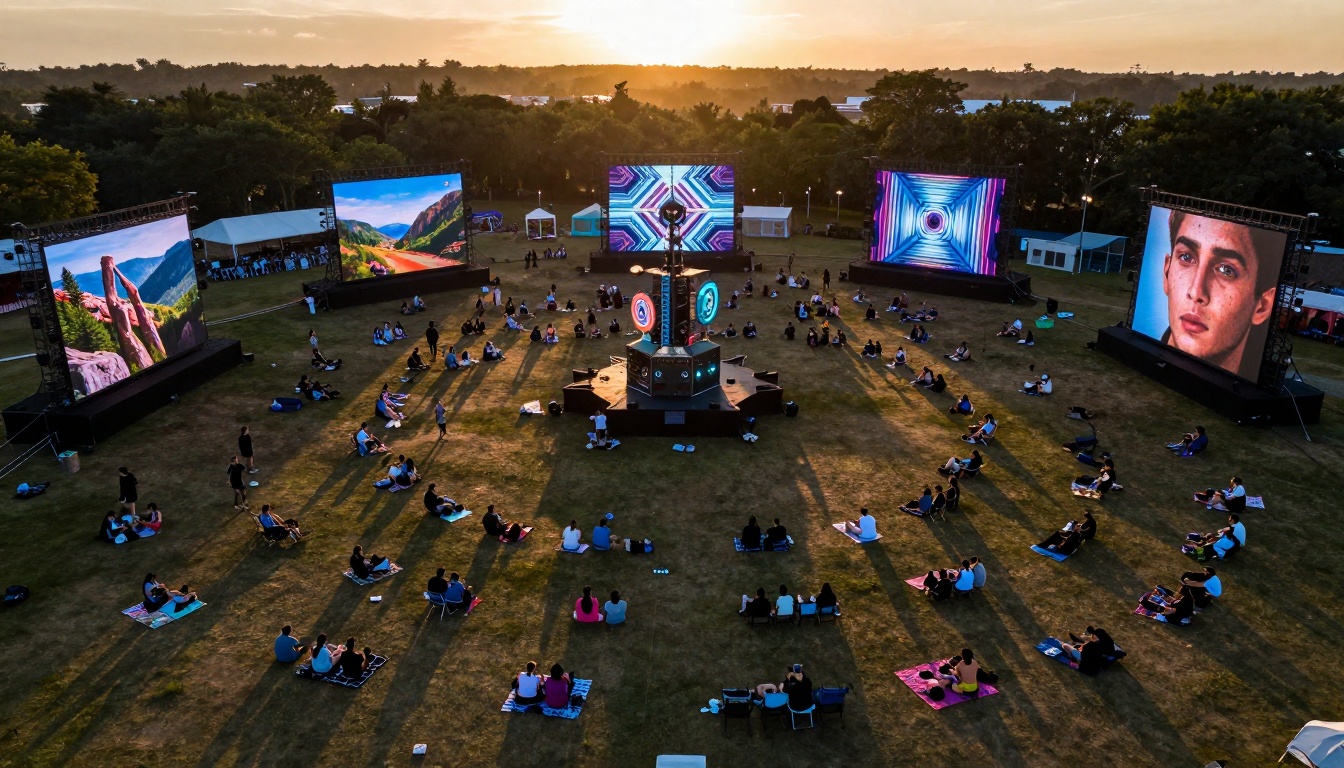
Mass adoption: AI image generation has moved from niche technology to mainstream creative tool, with thousands participating in digital art festivals showcasing real-time AI creations.
Three converging factors explain the explosive growth of AI image generators. First, computational costs have plummeted while quality has skyrocketed. Second, user interfaces have evolved from complex parameter-heavy systems to simple text-based prompts. Third, model diversity has expanded to cover virtually every artistic style and practical application imaginable.
💡 The most significant shift isn't technological—it's psychological. People who never considered themselves "artists" now regularly create compelling visual content for presentations, social media, documentation, and personal projects.
The Essential Models Everyone Should Know
While hundreds of AI image models exist, several stand out for their unique capabilities, accessibility, and practical applications. Each serves different needs, from photorealistic rendering to stylistic experimentation.
Flux 2 Family: Photorealism at Scale
The Flux 2 models represent the current state-of-the-art in text-to-image generation, offering unparalleled photorealism and prompt adherence. What makes them particularly valuable for general users is their consistent output quality across diverse subject matter.
Key variants for different needs:
- Flux 2 Klein 4B: Fast, efficient, ideal for rapid iteration and concept development
- Flux 2 Klein 9B Base: Balanced quality and speed, excellent for most general applications
- Flux 2 Max: Highest quality for final renders, commercial projects
- Flux 2 Pro: Professional-grade with advanced control parameters
- Flux 2 Flex: Versatile model handling diverse styles and subjects
Precision interaction: The physical interface between human intent and AI execution happens at the keyboard, where thoughtful prompts translate into visual creations.
When to choose Flux 2 models:
- Product visualization and mockups
- Architectural renderings and interior design
- Character design and concept art
- Marketing materials requiring photorealism
- Educational illustrations and diagrams
GPT Image 1.5: Conversational Creativity
GPT Image 1.5 takes a different approach, leveraging OpenAI's language model expertise to create images through natural conversation. The model excels at understanding context and nuance in ways that more traditional image generators sometimes miss.
Distinct advantages:
- Conversational prompting: Refine images through dialogue rather than single prompts
- Contextual understanding: Better comprehension of abstract concepts and relationships
- Style consistency: Maintains coherent artistic style across multiple generations
- Iterative refinement: Builds upon previous images in the conversation
💡 GPT Image 1.5 works particularly well for users who think in paragraphs rather than bullet points. Describe what you want in natural language, ask for adjustments conversationally, and watch the model understand your intent.
Qwen Image 2512: Technical Precision
For users requiring technical accuracy and detail preservation, Qwen Image 2512 offers specialized capabilities. The model handles complex technical descriptions, preserves fine details, and maintains consistency across multiple related images.
Technical applications:
- Scientific illustrations and diagrams
- Engineering schematics and technical drawings
- Medical visualization and anatomical diagrams
- Product specifications and technical documentation
- Educational materials requiring accuracy

Team integration: Modern workspaces increasingly incorporate AI tools as collaborative partners, with teams working simultaneously across traditional and AI-enhanced creative processes.
Seedream 4.5: Stylistic Versatility
Seedream 4.5 bridges the gap between photorealism and artistic expression, offering exceptional stylistic control without sacrificing coherence. The model understands artistic movements, historical styles, and contemporary trends with remarkable fidelity.
Style categories it handles well:
- Historical art movements: Impressionism, Cubism, Renaissance, Baroque
- Contemporary styles: Digital art, vector illustration, minimalist design
- Regional aesthetics: Japanese ukiyo-e, Chinese ink painting, Scandinavian design
- Media simulation: Watercolor, oil painting, charcoal sketch, pencil drawing
Practical Applications for Non-Artists
The true power of these tools emerges when applied to practical, everyday scenarios. Most users don't need gallery-quality fine art—they need functional visual content that communicates effectively.
Content Creation and Social Media
Time savings are dramatic: What previously required stock photo searches, licensing negotiations, and editing software can now be generated in seconds. Social media managers report 70-80% reductions in visual content creation time while achieving higher engagement rates through customized imagery.
Common use cases:
- Blog post featured images: Generate matching visual styles for article series
- Social media graphics: Create platform-optimized images with consistent branding
- Email newsletter headers: Maintain visual coherence across communications
- Presentation slides: Replace generic stock photos with topic-specific imagery
Educational Materials and Documentation
Educators at all levels have adopted AI image generators for creating customized learning materials. From elementary school teachers making story illustrations to university professors generating complex scientific diagrams, the applications are boundless.

Remote capabilities: Field professionals can now generate reference imagery and visual documentation using AI tools alongside traditional equipment, expanding creative possibilities in challenging environments.
Educational benefits:
- Custom illustrations: Create images matching specific curriculum needs
- Visual explanations: Simplify complex concepts through tailored imagery
- Accessibility enhancements: Generate alternative visual representations of text content
- Cultural relevance: Create images reflecting diverse student backgrounds
Business and Professional Applications
Small businesses and startups particularly benefit from cost-effective visual content creation. Without design departments or large marketing budgets, they can now produce professional-quality visuals that previously required outsourcing or expensive software subscriptions.
Business applications table:
| Department | Primary Use Cases | Recommended Models |
|---|
| Marketing | Ad creatives, social media graphics, product mockups | Flux 2 Pro, GPT Image 1.5 |
| Sales | Proposal visuals, client presentations, case study illustrations | Flux 2 Klein 9B, Qwen Image 2512 |
| Product Development | Concept visualization, user interface mockups, packaging designs | Flux 2 Max, Seedream 4.5 |
| Human Resources | Training materials, onboarding visuals, internal communications | GPT Image 1.5, Flux 2 Klein 4B |
| Executive | Investor presentations, strategic vision visuals, annual report graphics | All models for different needs |
Technical Considerations for Beginners
Starting with AI image generation requires minimal technical knowledge, but understanding a few key concepts dramatically improves results.
Prompt Engineering Basics
Effective prompting isn't about complex technical language—it's about clear communication of intent. The most successful prompts combine subject description, style direction, and compositional elements in natural language.
Prompt structure that works:
- Subject: What's the main focus? (person, object, scene)
- Action/State: What's happening or how does it appear?
- Environment: Where is this taking place?
- Style: What artistic style or photographic approach?
- Technical details: Lighting, camera angle, time of day
- Mood/Atmosphere: Emotional tone or feeling
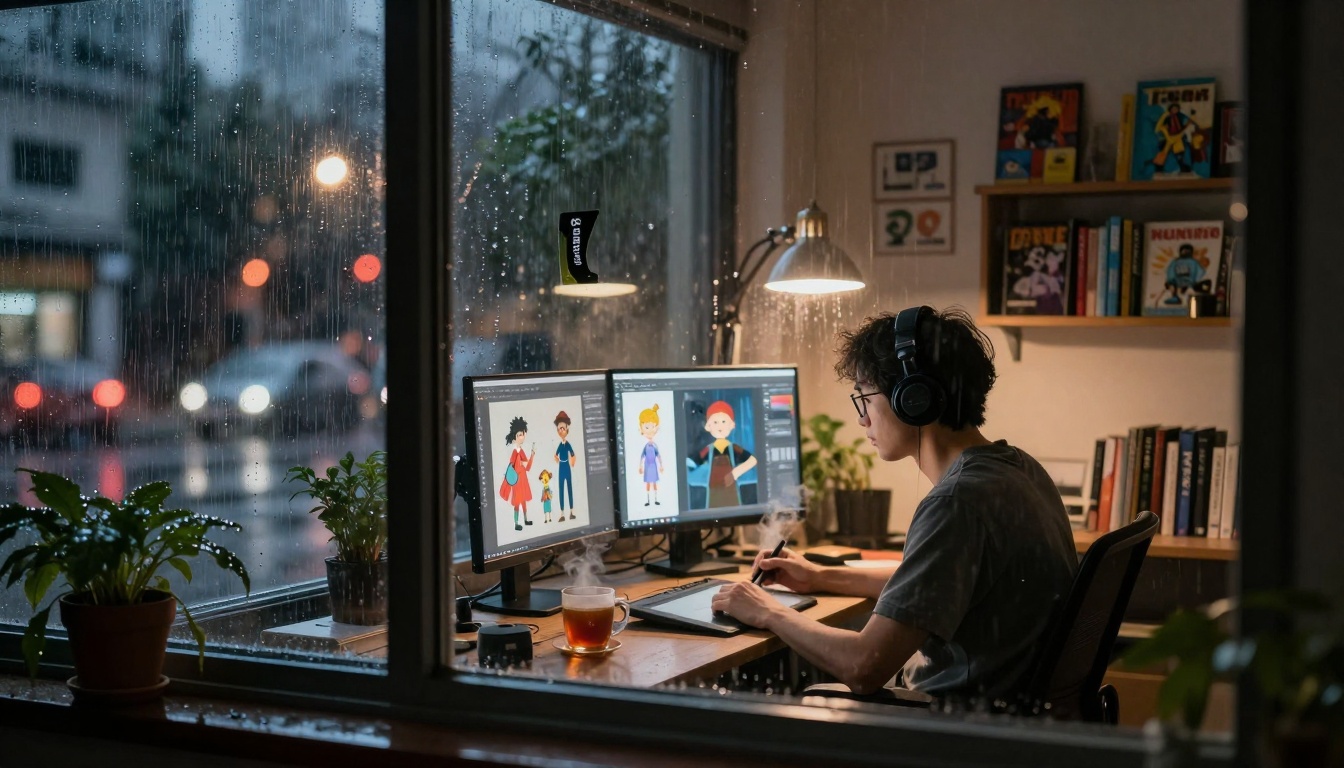
Atmospheric conditions: Environmental factors like weather and lighting affect both human creativity and AI output interpretation, creating unique visual opportunities during unconventional work sessions.
Parameter Adjustments That Matter
While default settings work well for most applications, understanding key parameters helps tailor outputs to specific needs.
Essential parameters to know:
- Guidance scale: Controls how closely the model follows your prompt (higher = more adherence)
- Steps: Number of iterative refinements (more steps = higher quality but slower)
- Seed: Random starting point (same seed + same prompt = similar output)
- Negative prompt: What to exclude from the image
- Aspect ratio: Image dimensions for different platforms
💡 Start with default parameters, then experiment with one setting at a time. Most users find they only need to adjust guidance scale for their particular use case—typically between 7-9 for balanced results.
Output Format and Quality Considerations
Different applications require different output characteristics. Understanding format implications helps choose the right settings for your needs.
Resolution and format guidelines:
- Web use: 1024×1024 to 1536×1536 pixels, JPEG format
- Print materials: 2048×2048 minimum, PNG for lossless quality
- Social media: Platform-specific dimensions, compressed JPEG
- Presentations: 1920×1080 for standard slides, PNG for transparency
Ethical and Practical Considerations
As with any powerful technology, responsible use requires understanding limitations and ethical boundaries.
Copyright and Originality
Current AI models generate derivative works based on training data. While outputs are technically original compositions, they reflect patterns learned from existing artwork. For commercial use, consider:
- Model licensing terms: Some restrict commercial applications
- Industry standards: Publishing and advertising have specific guidelines
- Disclosure practices: Some contexts require AI generation disclosure
- Originality verification: Important for unique branding applications
Bias and Representation
AI models reflect biases present in their training data. Conscious prompt adjustments can mitigate but not eliminate these tendencies. Best practices include:
- Specific demographic descriptions when representation matters
- Diverse character generation across projects
- Cultural sensitivity in style and representation choices
- Regular output review for unintended biases
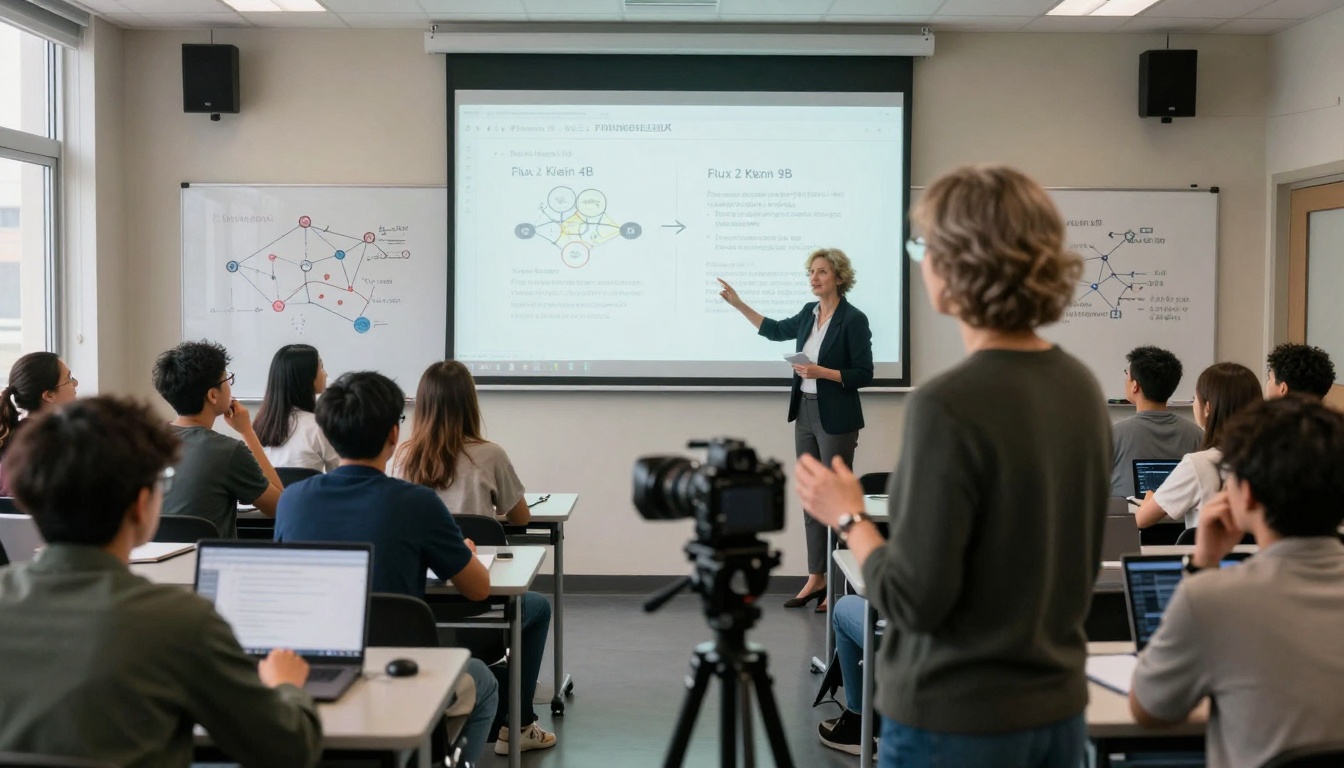
Academic integration: Educational institutions are incorporating AI image generation into curricula, teaching both technical skills and critical analysis of AI's role in visual culture and creative industries.
Workflow Integration Strategies
Successful AI image generation isn't about replacing traditional skills—it's about augmenting existing workflows with new capabilities. The most effective users integrate these tools into their established processes rather than creating entirely new workflows.
Iterative Design Processes
Traditional design follows linear processes: research → sketch → refine → finalize. AI generation enables parallel exploration of multiple directions simultaneously.
Enhanced workflow example:
- Concept phase: Generate 20-30 variations of core idea
- Selection: Identify 3-5 promising directions from AI outputs
- Refinement: Use selected images as references for traditional development
- Integration: Blend AI-generated elements with original work
- Polish: Final adjustments using both AI and traditional tools
Collaboration Patterns
Teams work differently with AI tools than with traditional design software. The shift moves from individual craftsmanship to collective curation.
Effective team approaches:
- Prompt brainstorming sessions: Collective idea generation
- Output review meetings: Collaborative selection and refinement
- Style guide development: Establishing parameters for consistent outputs
- Quality control processes: Systematic review of AI-generated content
Cost and Accessibility Analysis
Contrary to common perception, AI image generation has become highly accessible across price points. Free tiers, affordable subscriptions, and pay-per-use models accommodate different usage patterns and budgets.
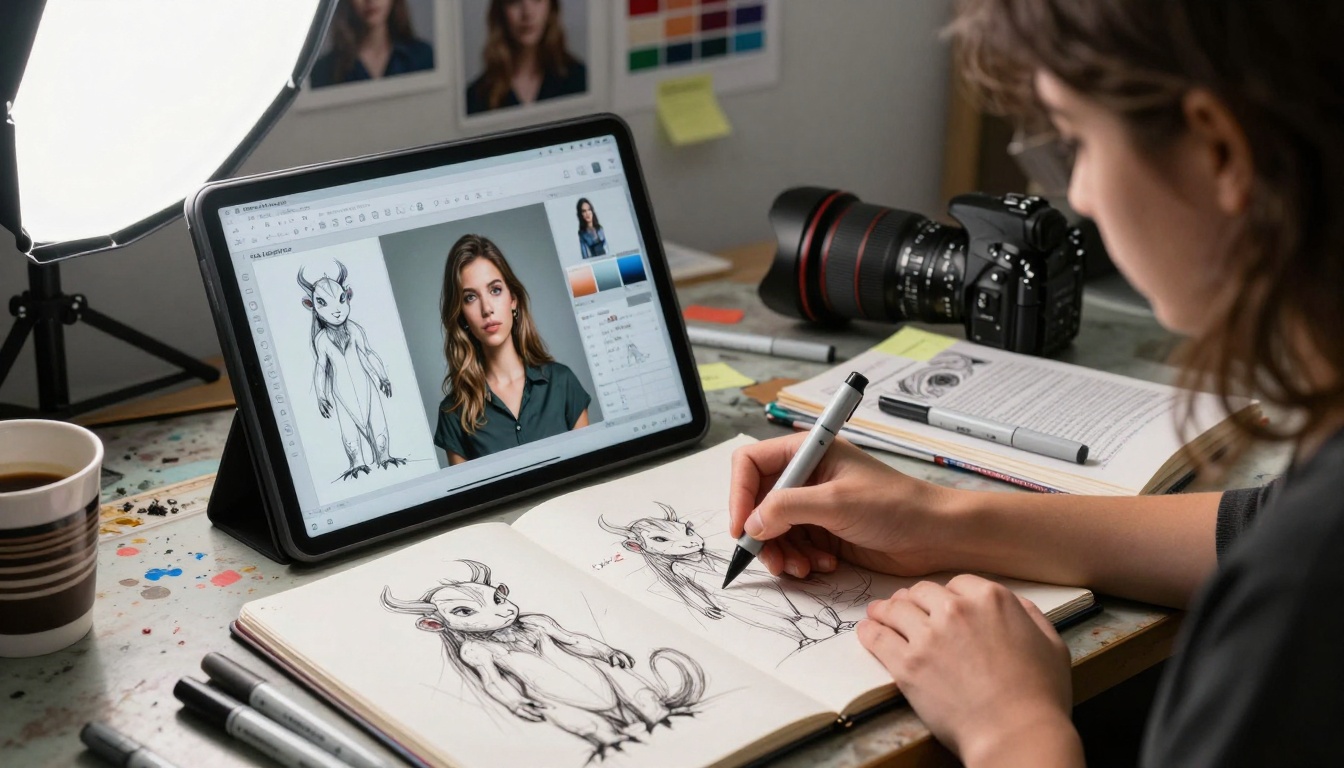
Hybrid workflows: Professional artists increasingly work in parallel processes, combining traditional sketching with AI-generated variations to explore creative possibilities more rapidly than either method alone.
Cost comparison table:
| Usage Pattern | Recommended Approach | Monthly Estimate | Best For |
|---|
| Casual/Personal | Free tiers, occasional pay-per-use | $0-10 | Hobbyists, students, personal projects |
| Regular/Business | Platform subscriptions | $20-50 | Small businesses, freelancers, educators |
| Professional/Heavy | Enterprise plans, API access | $100-500+ | Agencies, studios, large teams |
| Experimental/R&D | Mixed approaches, model testing | Varies widely | Researchers, developers, innovators |
💡 Most beginners overestimate their usage needs. Start with free tiers or lowest paid plans, track actual usage for one month, then adjust based on real consumption patterns rather than anticipated needs.
Future Directions and Skill Development
The field evolves rapidly, but core competencies remain valuable regardless of technical changes. Developing these skills ensures continued effectiveness as tools advance.
Essential Future Skills
Beyond specific tool proficiency, certain capabilities will remain valuable:
- Visual literacy: Understanding composition, color theory, visual hierarchy
- Creative problem-solving: Translating abstract concepts into visual form
- Critical evaluation: Assessing quality, appropriateness, effectiveness
- Adaptive learning: Quickly mastering new tools and approaches
- Ethical judgment: Making responsible choices about content creation
Learning Pathways
Structured learning approaches yield better results than random experimentation:
- Foundation phase: Master one model completely before exploring others
- Application focus: Learn tools in context of specific use cases
- Community engagement: Participate in user communities for shared learning
- Project-based learning: Apply skills to actual projects with defined outcomes
- Teaching others: Solidify understanding through explanation and guidance
Getting Started: First Projects
Initial experiences shape long-term engagement. Carefully chosen first projects build confidence and demonstrate practical value immediately.
Recommended Beginner Projects
These projects offer immediate utility while developing fundamental skills:
Project 1: Personal avatar set
- Generate consistent character across multiple poses/expressions
- Develop prompt consistency skills
- Create practical digital identity assets
Project 2: Social media content series
- Produce 5-7 related images for content calendar
- Practice style consistency across variations
- Create immediately usable deliverables
Project 3: Presentation enhancement
- Replace generic stock images in existing presentation
- Practice context-aware image generation
- Experience immediate workflow improvement
Project 4: Concept visualization
- Create images representing abstract business concepts
- Develop metaphorical thinking in visual form
- Bridge conceptual and concrete thinking

Generational integration: Experienced professionals bring decades of contextual knowledge to AI tools, creating unique hybrid approaches that combine traditional expertise with modern technological capabilities.
Choosing where to access these models involves balancing convenience, cost, and capability. Different platforms serve different user needs.
Platform Comparison Factors
Evaluate options based on these criteria:
- Model selection: Which specific models are available?
- Interface quality: How intuitive is the user experience?
- Cost structure: Does pricing match your usage patterns?
- Output quality: Are results consistently professional?
- Workflow integration: How well does it fit your existing processes?
- Support and community: Are resources available for learning?
Integration with Existing Tools
The most effective implementations connect AI generation with familiar software ecosystems:
- Design software plugins: Direct integration with Adobe Creative Cloud, Figma, Canva
- Document automation: API connections with Google Workspace, Microsoft Office
- Content management systems: WordPress, Shopify, Webflow integrations
- Development environments: Code libraries for custom applications
- Collaboration platforms: Slack, Teams, Discord bots
Creating Your Own Visual Language
Beyond technical proficiency, the most skilled users develop distinct visual styles recognizable across their work. This involves consistent application of certain parameters, prompt patterns, and post-processing approaches.
Style development process:
- Analysis phase: Identify visual characteristics you admire
- Experimentation: Test which parameters produce those characteristics
- Documentation: Record successful combinations as reusable templates
- Refinement: Gradually adjust toward your ideal balance
- Application: Consistently apply across projects
The Human-AI Creative Partnership
The most compelling work emerges from thoughtful collaboration between human intention and AI capability. This partnership follows recognizable patterns:
Effective partnership characteristics:
- Human direction: Clear creative vision and strategic guidance
- AI execution: Technical rendering and variation generation
- Iterative refinement: Continuous improvement through feedback loops
- Quality control: Human judgment applied to AI outputs
- Final synthesis: Integration of best elements into cohesive whole
The tools exist, the barriers have fallen, and the creative possibilities await exploration. Whether enhancing business communications, enriching educational materials, developing personal projects, or exploring pure creative expression, AI image generators offer unprecedented access to visual creation capabilities. The question isn't whether to use these tools, but which applications will transform your work and creative practice most dramatically.
Try generating images that solve specific visual challenges in your current projects. Experiment with different models to discover which align with your thinking patterns and output needs. The most valuable insights come not from reading about possibilities, but from creating actual images that communicate, persuade, educate, or inspire in your unique context.


