Top AI Image Generators for Stunning Visuals
The landscape of AI image generation has evolved from experimental tools to professional-grade solutions. Creatives across industries—architecture, fashion, product design, gaming, and marketing—now rely on these platforms to produce photorealistic visuals that rival traditional photography and rendering. But with dozens of options available, which tools actually deliver professional results?
Why Photorealism Matters
💡 Photorealistic AI generation isn't about replacing photographers—it's about expanding creative possibilities. When a tool can generate images indistinguishable from reality, it becomes a practical asset for prototyping, visualization, and content creation.
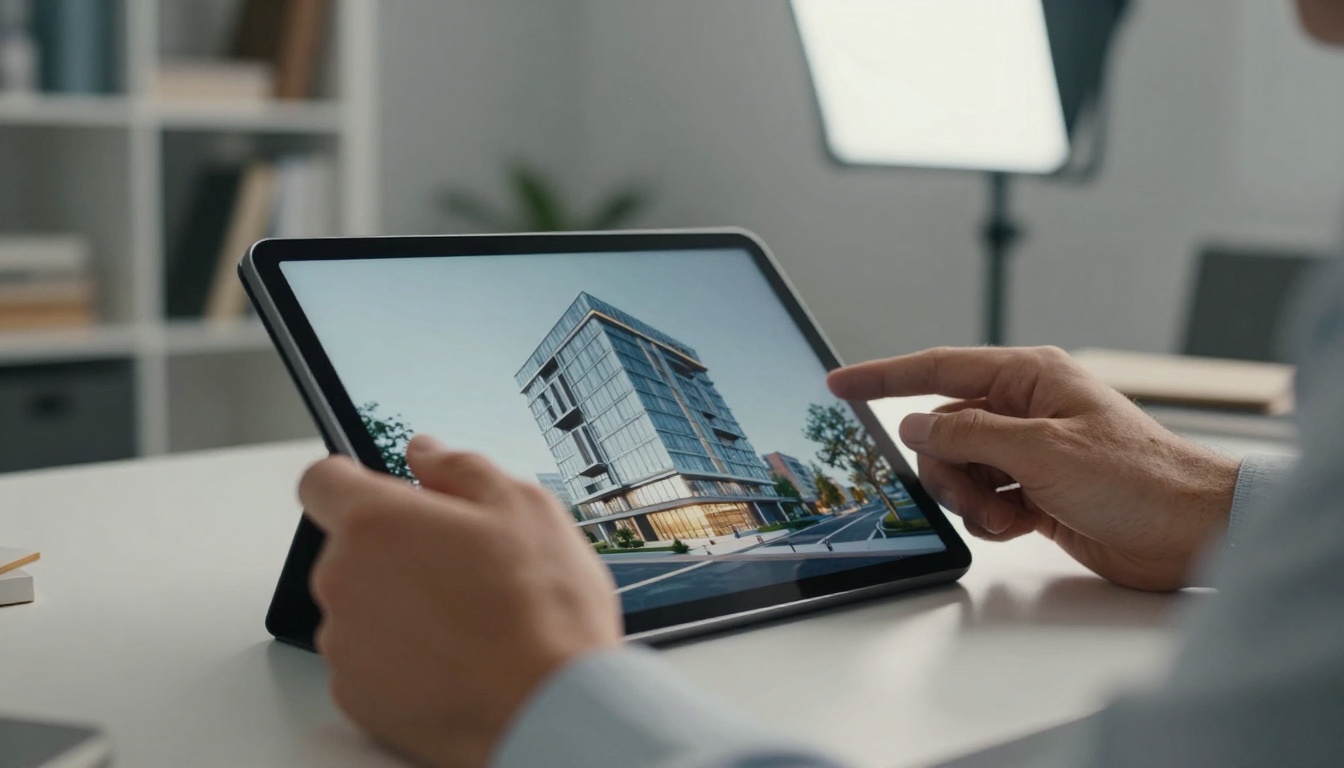
Architects use AI to visualize buildings before construction. Fashion designers preview collections without manufacturing samples. Marketers test campaigns without expensive photoshoots. The quality threshold is simple: if your audience can tell it's AI-generated, it hasn't reached professional standard.
The Quality Metrics That Matter
When evaluating AI image generators, focus on these critical factors:
- Detail Accuracy - How precisely does it render textures, materials, and fine details?
- Lighting Consistency - Does lighting follow physical laws with proper shadows, reflections, and ambient occlusion?
- Anatomical Precision - For human subjects, are proportions and anatomy realistic?
- Material Realism - Do surfaces like glass, metal, fabric, and skin look authentic?
- Style Consistency - Can it maintain a consistent visual style across multiple generations?
Top 10 AI Image Generators Compared
| Platform | Best For | Photorealism Score (1-10) | Generation Speed | Key Strength |
|---|
| Flux Pro Series | Architectural visualization | 9.2 | Fast | Material accuracy |
| GPT Image 1.5 | Product design | 8.8 | Medium | Lighting consistency |
| Qwen Image 2512 | Fashion concepts | 9.0 | Fast | Fabric texture |
| P-Image | General photography | 8.5 | Very Fast | Speed-to-quality ratio |
| Seedream 4.5 | Character design | 8.7 | Medium | Anatomical precision |
| Nano-Banana Pro | Marketing campaigns | 8.9 | Fast | Commercial aesthetics |
| Z-Image Turbo | Rapid prototyping | 8.3 | Lightning Fast | Iteration speed |
| Flux 2 Max | High-end visualization | 9.5 | Slow | Ultimate quality |
| P-Image Edit | Image modification | 8.6 | Fast | Editing precision |
| Qwen Image Edit Plus LoRA | Style adaptation | 8.4 | Medium | Style control |
Flux Pro Series: The Architectural Standard
The Flux 2 Pro and Flux 2 Max models set the benchmark for architectural visualization. What makes them exceptional:
- Material Library: Perfect rendering of concrete, glass, steel, wood, and composite materials
- Lighting Physics: Accurate global illumination with proper light bounce and shadow softness
- Scale Accuracy: Precise proportional relationships between architectural elements
- Environmental Integration: Buildings look naturally placed in their surroundings
💡 Professional Tip: For architectural work, use Flux models with specific material references. Instead of "modern building," try "concrete and glass structure with matte black steel accents, afternoon sunlight casting long shadows, reflective glass showing sky reflections."
GPT Image 1.5: Product Design Perfection
GPT Image 1.5 excels at product visualization with strengths in:
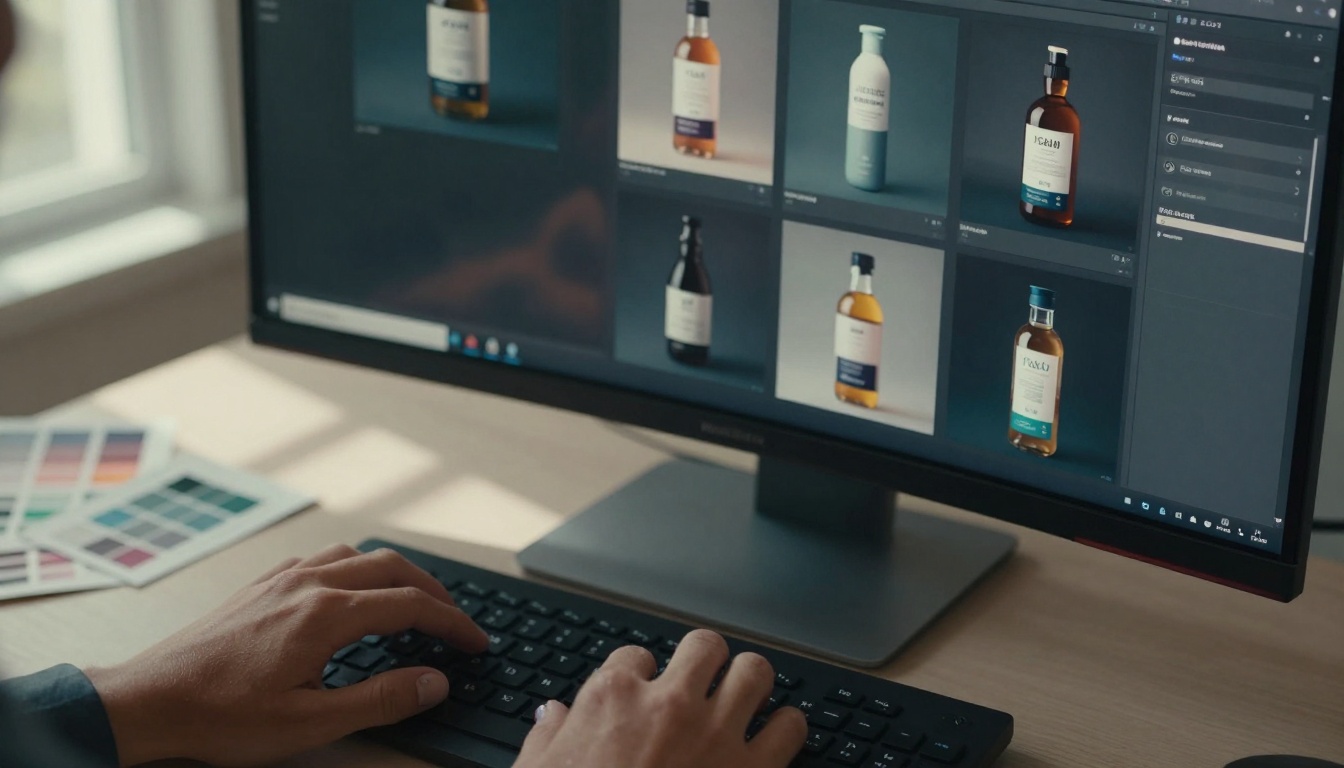
- Surface Detail: Perfect rendering of plastic, metal, glass, and fabric textures
- Brand Consistency: Maintains product identity across multiple angles and contexts
- Packaging Realism: Creates photorealistic packaging that looks manufacturable
- Lifestyle Integration: Places products in authentic-looking environments
For product designers, this means being able to test fifty packaging variations in an afternoon instead of weeks of physical prototyping.

Qwen Image 2512: Fashion Industry Revolution
Qwen Image 2512 has become the fashion industry's secret weapon:
- Fabric Physics: Realistic draping, folding, and movement simulation
- Pattern Accuracy: Precise reproduction of prints, weaves, and embroidery
- Body Fit: Clothing looks like it's actually being worn, not superimposed
- Accessory Detail: Jewelry, bags, and shoes rendered with boutique-quality detail
Fashion houses use this for everything from collection previews to e-commerce imagery, saving millions in sample production and photoshoot costs.
Specialized Tools for Specific Needs
Different creative disciplines have different requirements. Here's where specialized models shine:
For Game Development:
For Marketing & Advertising:
For Rapid Prototyping:
The Editing Advantage: Beyond Generation
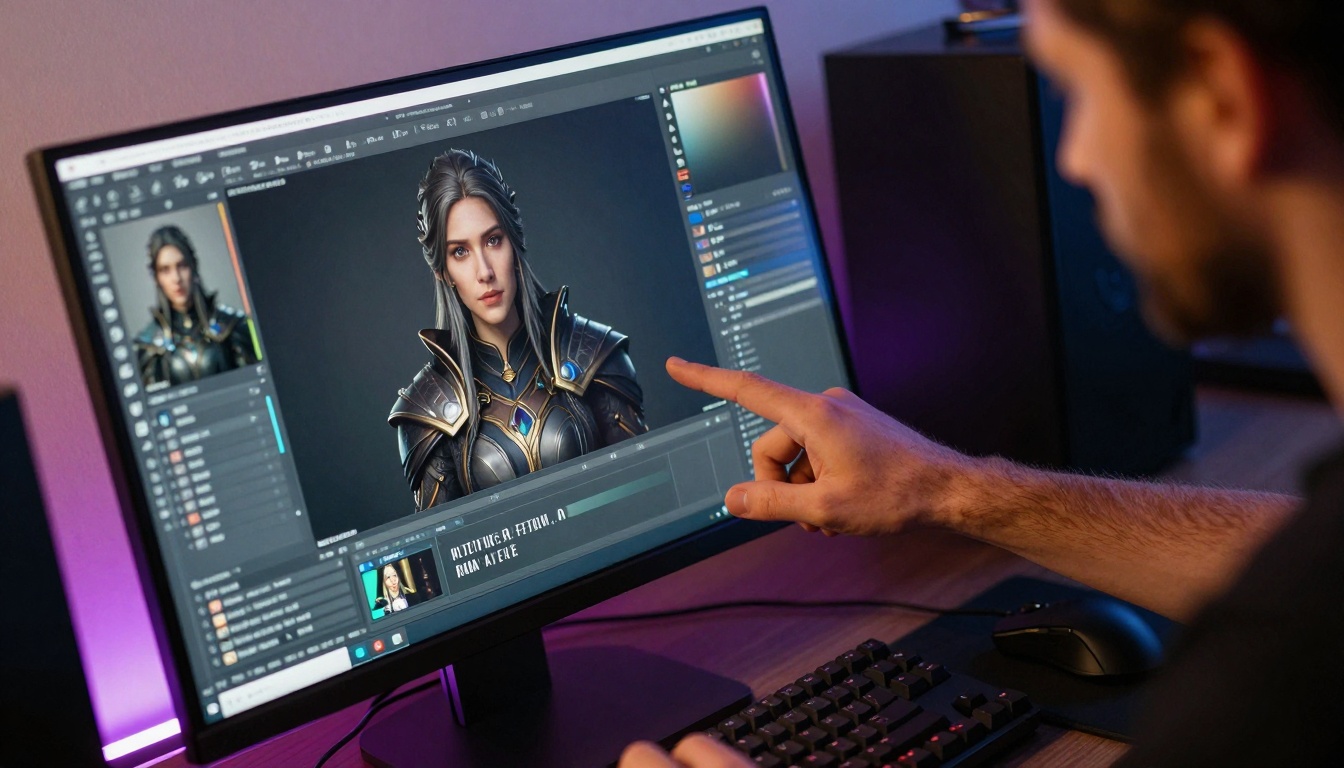
Creating perfect images often requires modification. P-Image Edit and Qwen Image Edit Plus LoRA excel at:
- Object Replacement: Swap products, furniture, or accessories while maintaining scene consistency
- Style Adaptation: Apply different visual styles to the same base image
- Detail Enhancement: Improve specific areas without regenerating the entire image
- Composition Adjustment: Modify camera angles, lighting, or framing
This editing capability transforms AI from a generation tool to a complete visual production pipeline.
Speed vs. Quality: Finding Your Balance
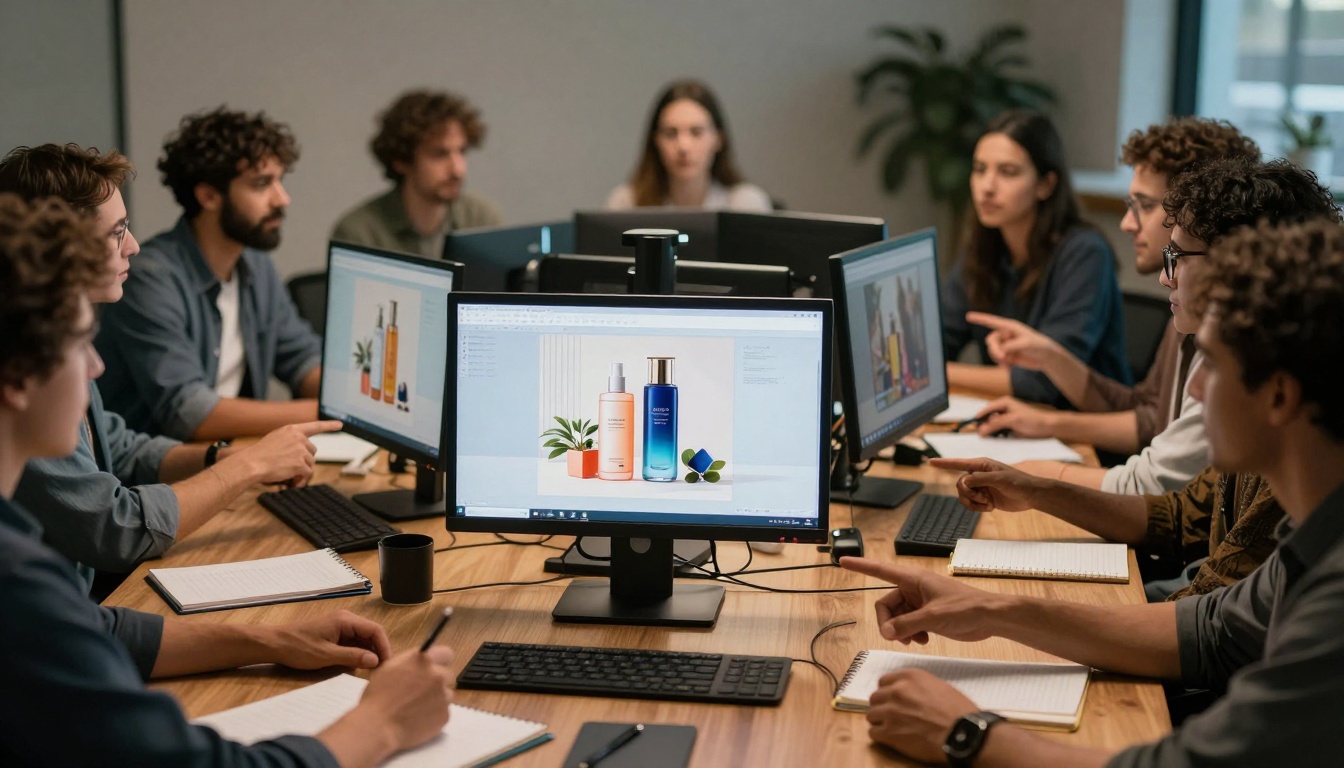
Professional workflows demand different balances:
When Speed Matters Most:
- Concept testing
- Brainstorming sessions
- Rapid iteration
- Tools: Z-Image Turbo, P-Image
When Quality Is Non-Negotiable:
- Client presentations
- Final deliverables
- Marketing materials
- Tools: Flux 2 Max, GPT Image 1.5
The Sweet Spot (Most Projects):
Prompt Engineering: The Professional's Edge
The difference between amateur and professional results often comes down to prompt construction:
Basic Prompt (Amateur):
"Beautiful modern living room"
Professional Prompt:
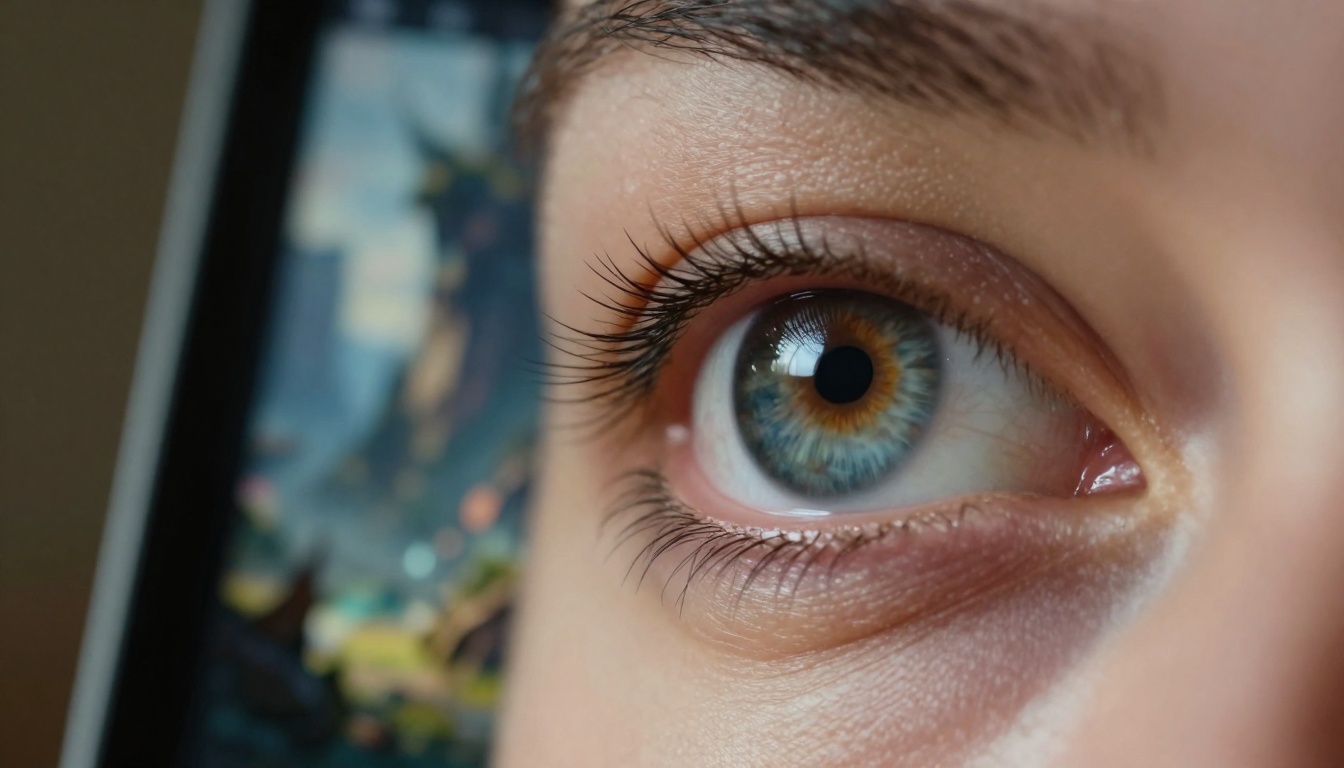
"Photorealistic interior photography of a minimalist Scandinavian living room, late afternoon sunlight streaming through floor-to-ceiling windows casting warm golden light across polished concrete floors, textured wool rug with subtle pattern, modular sofa in charcoal gray fabric with visible weave texture, matte black steel side table with reflective surface showing window reflection, potted monstera plant with detailed leaf veins, 35mm lens perspective with shallow depth of field focusing on seating area, professional interior photography with balanced exposure and natural color grading"
Industry-Specific Applications
Architecture & Real Estate:
- Pre-construction visualization
- Interior design testing
- Marketing materials
- Recommended: Flux 2 Max, Flux 2 Pro
Fashion & Retail:
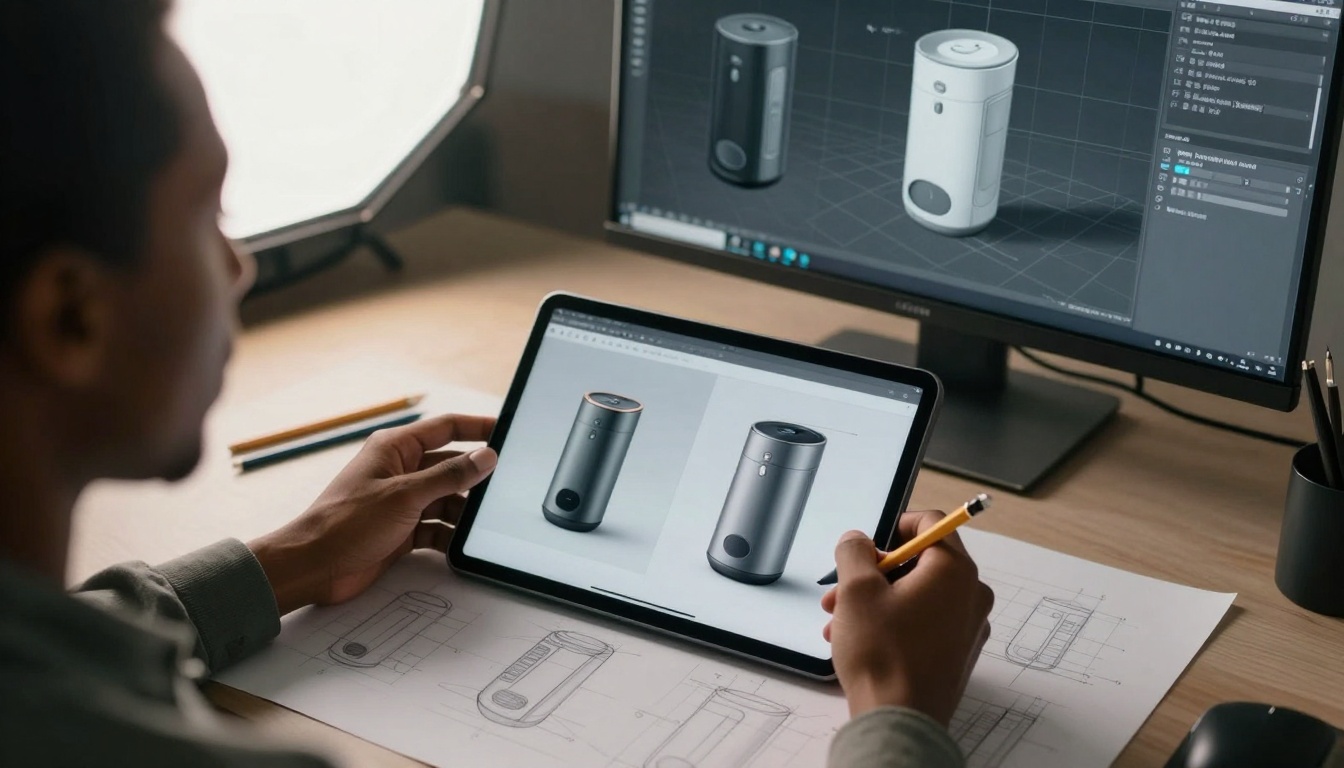
Product Design:
- Prototype visualization
- Packaging design
- User experience mockups
- Recommended: GPT Image 1.5, P-Image
Entertainment & Gaming:
Cost Considerations for Professional Use
AI image generation costs fall into predictable patterns:
Entry Level (Testing & Prototyping):
- Fast models with good-enough quality
- Cost: $0.01-$0.05 per image
- Examples: Z-Image Turbo, P-Image
Professional Tier (Client Work):
- High-quality models with consistent results
- Cost: $0.05-$0.15 per image
- Examples: Flux 2 Pro, GPT Image 1.5
Premium Tier (Mission-Critical):
- Highest quality for presentations and deliverables
- Cost: $0.15-$0.30 per image
- Examples: Flux 2 Max, specialized models
💡 Budget Tip: Use fast models for initial concepts and testing, then switch to quality models only for final deliverables. This strategy cuts costs by 60-80% while maintaining output quality.
Workflow Integration
Professional creatives don't use AI in isolation. Integration matters:
Design Software Integration:
- Photoshop plugins for direct generation
- Figma components for UI/UX design
- Blender add-ons for 3D visualization
Team Collaboration Features:
- Version control for prompt iterations
- Style libraries for brand consistency
- Approval workflows for client projects
Asset Management:
- Organized libraries of generated images
- Metadata tagging for search and retrieval
- Export formats matching production pipelines
The Future: What's Next for AI Image Generation
Current trends point toward:
- Specialization: More models targeting specific industries and use cases
- Integration: Tighter connections with professional design tools
- Customization: Ability to train models on brand-specific visual styles
- Workflow: End-to-end solutions rather than standalone generation
The platforms leading today—like the Flux series on PicassoIA—are already moving in these directions, focusing on professional workflows rather than casual experimentation.
Getting Started with Professional AI Image Generation
If you're new to professional AI image generation:
- Start with a Fast Model: Use P-Image or Z-Image Turbo for initial experimentation
- Learn Prompt Crafting: Study professional prompts and understand what makes them effective
- Identify Your Primary Use Case: Choose a model specialized for your industry
- Develop a Workflow: Integrate AI generation into your existing creative process
- Quality Check Everything: Never assume first-generation results are final-ready
Try Creating Your Own Visuals
The best way to understand these tools is to use them. Start with a simple project relevant to your work. For architects, visualize a building concept. For product designers, create packaging mockups. For marketers, generate campaign imagery.
Each model on platforms like PicassoIA has documentation showing optimal parameters and example prompts. Use these as starting points, then iterate based on your specific needs.
The transition from traditional visual creation to AI-assisted workflows isn't about replacement—it's about augmentation. The most successful creatives aren't those who avoid these tools, but those who master them alongside their existing skills.
Photorealistic AI image generation has moved from novelty to necessity. The question isn't whether to use these tools, but which ones to use for your specific professional needs. Match the tool to the task, master prompt construction, and integrate AI generation into your creative workflow—the quality of your visual output will reflect that strategic approach.


