The images you want to create exist in your head. The problem? Most AI tools will refuse to generate them.
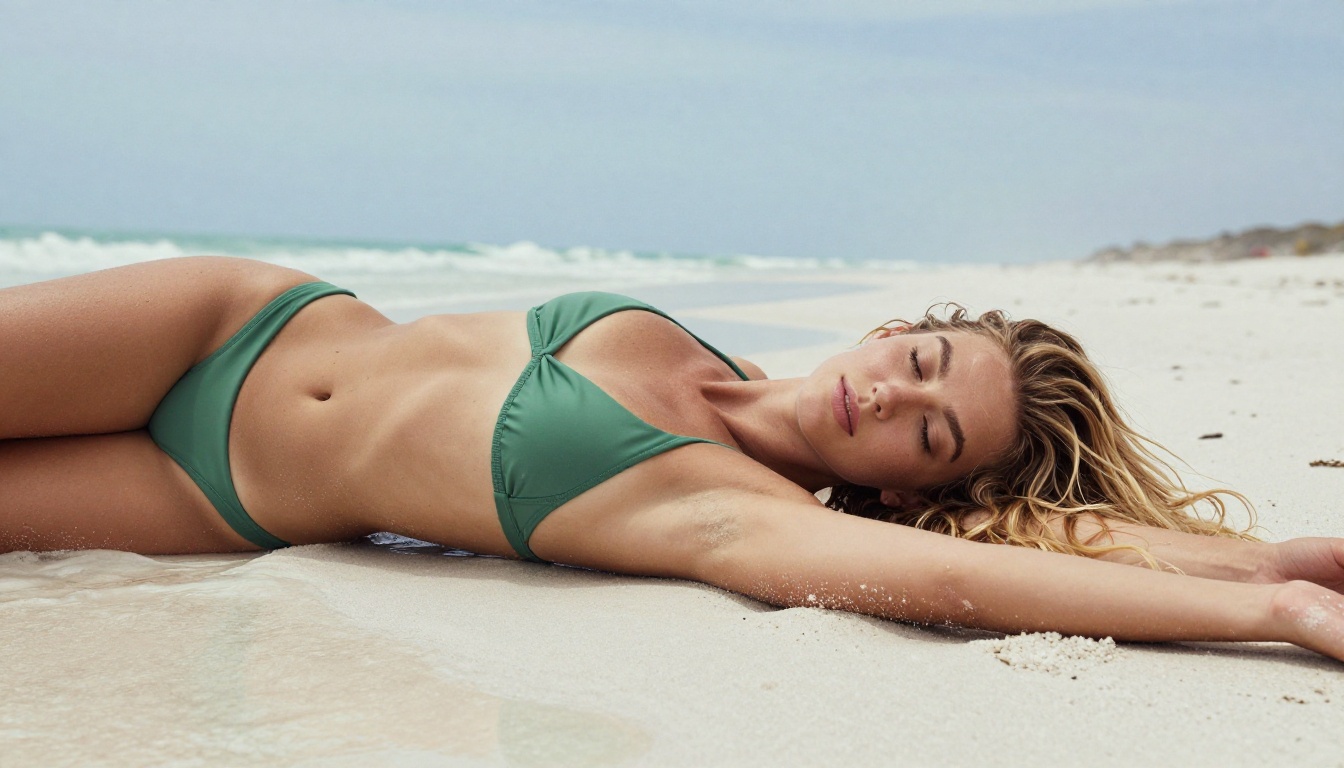
Not because they're illegal. Not because they're harmful. Simply because a blanket filter swept them into the "blocked" pile alongside genuinely problematic content. That's the reality for millions of digital artists, photographers, and creative professionals who just want to push aesthetic boundaries.
This article covers the top AI image generators that don't censor your art — tools with fewer restrictions, higher output quality, and the technical depth to produce photorealistic images that reflect your actual creative vision. Whether you're working on mature editorial concepts, glamour photography references, dark narrative illustrations, or simply content that doesn't fit the sanitized aesthetic of consumer platforms, there are real options available to you right now.
Why Most AI Generators Block Too Much
The mainstream AI image tools — the ones with free tiers, shiny interfaces, and celebrity partnerships — are built for mass audiences. Their content policies are written by legal teams, not artists. The result is a system where a tasteful glamour shot, an artistic nude reference, or even a villain character in a dark narrative scene gets flagged and refused before it ever renders.
The frustration is real. You're not trying to create harm. You're trying to create art.
The growing demand for unrestricted creation
The demand for uncensored AI image generation isn't fringe. Fashion photographers use AI to prototype editorial concepts before expensive shoots. Novelists need cover art that matches dark, complex narratives. Game designers require character concepts that don't shy away from mature themes. Boudoir photographers use AI to test lighting setups and compositional ideas before booking a studio.
When tools block these use cases, artists simply look elsewhere. And "elsewhere" has gotten dramatically better.
What "uncensored" actually means here
To be clear: uncensored AI art generation doesn't mean generating illegal content. It means generating legal adult content, artistically suggestive imagery, dark or violent narrative scenes, and content that doesn't conform to corporate-friendly aesthetics.
The best unrestricted AI generators strike a balance: they don't block everything out of excessive caution, but they still operate within legal limits. That's the sweet spot — and several models have found it.
The Best Models for Unrestricted Creation
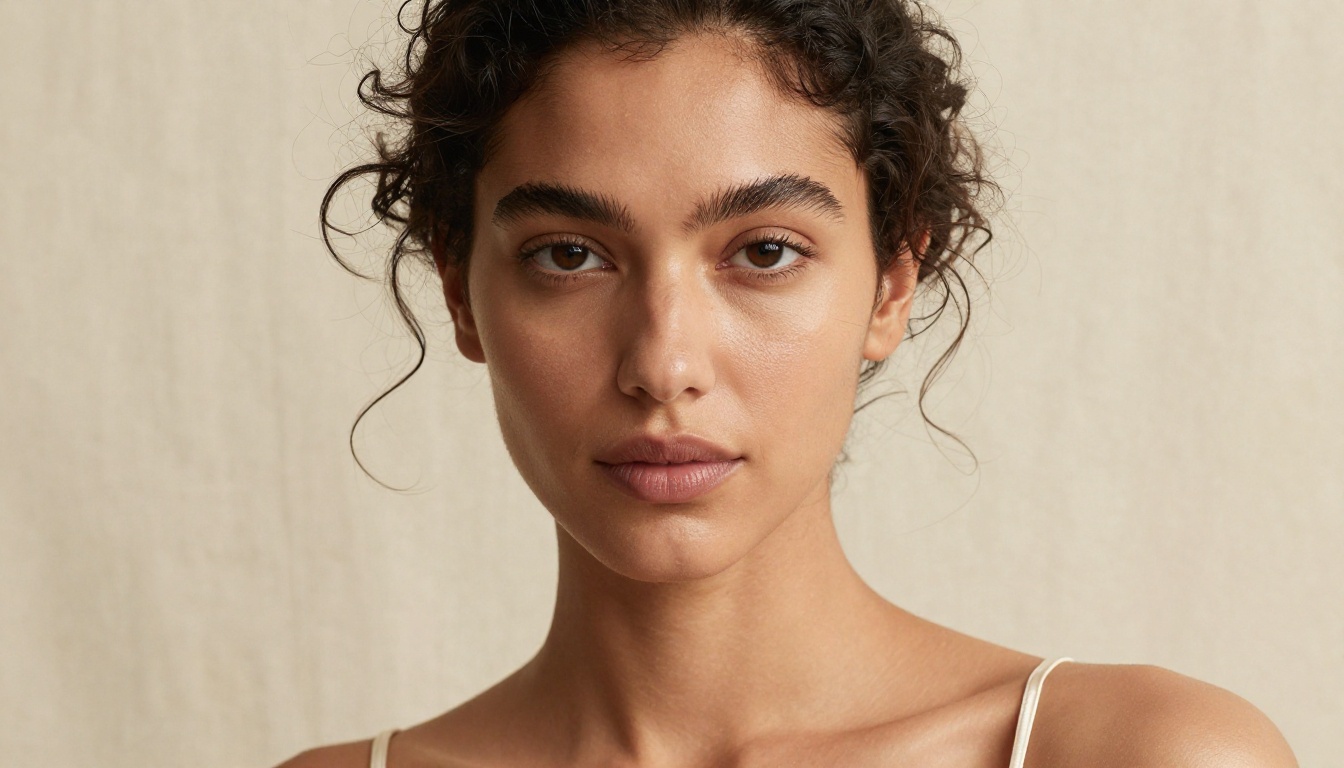
Not all models are equal when it comes to creative latitude. Here are the ones consistently delivering for artists who need room to work.
Flux 2 Pro and Flux 2 Max
Black Forest Labs has built a reputation for producing some of the highest-quality text-to-image models available. Flux 2 Pro delivers exceptional prompt adherence — what you describe is what you get, with minimal over-filtering. Flux 2 Max pushes the quality ceiling even higher with more detailed outputs at larger resolutions, ideal for print-ready final deliverables.
For artistic, suggestive, or mature creative work, Flux 2 Dev offers a solid middle ground: research-grade quality without the heavy-handed content restrictions you find on consumer platforms. It's the version most artists reach for when they want to balance quality with generation speed.
💡 Tip: Flux 1.1 Pro Ultra is specifically strong for ultra-realistic human portraits. If your work involves photorealistic figure work, this model handles skin texture, lighting nuance, and facial detail at a level that rivals professional photography setups.
The newer Flux Kontext Pro and Flux Kontext Max extend this further by supporting text-based image editing — meaning you can generate a base image and then refine specific regions with natural language, without touching the rest of the composition.
Stable Diffusion 3.5 Large
Stable Diffusion 3.5 Large remains a cornerstone of the uncensored AI art movement. Its architecture allows it to be configured without the walled-garden restrictions of closed platforms. Artists who need maximum control over their output consistently return to it.
The Stable Diffusion 3.5 Large Turbo variant trades a small amount of quality for dramatically faster generation — useful when you're iterating through concepts quickly before committing to a final render. For those working with tighter resource constraints, Stable Diffusion 3.5 Medium delivers comparable freedom with lower overhead.
The original Stable Diffusion is still worth knowing, particularly when working with LoRA fine-tunes trained for specific styles or character types.
Realistic Vision and DreamShaper XL Turbo
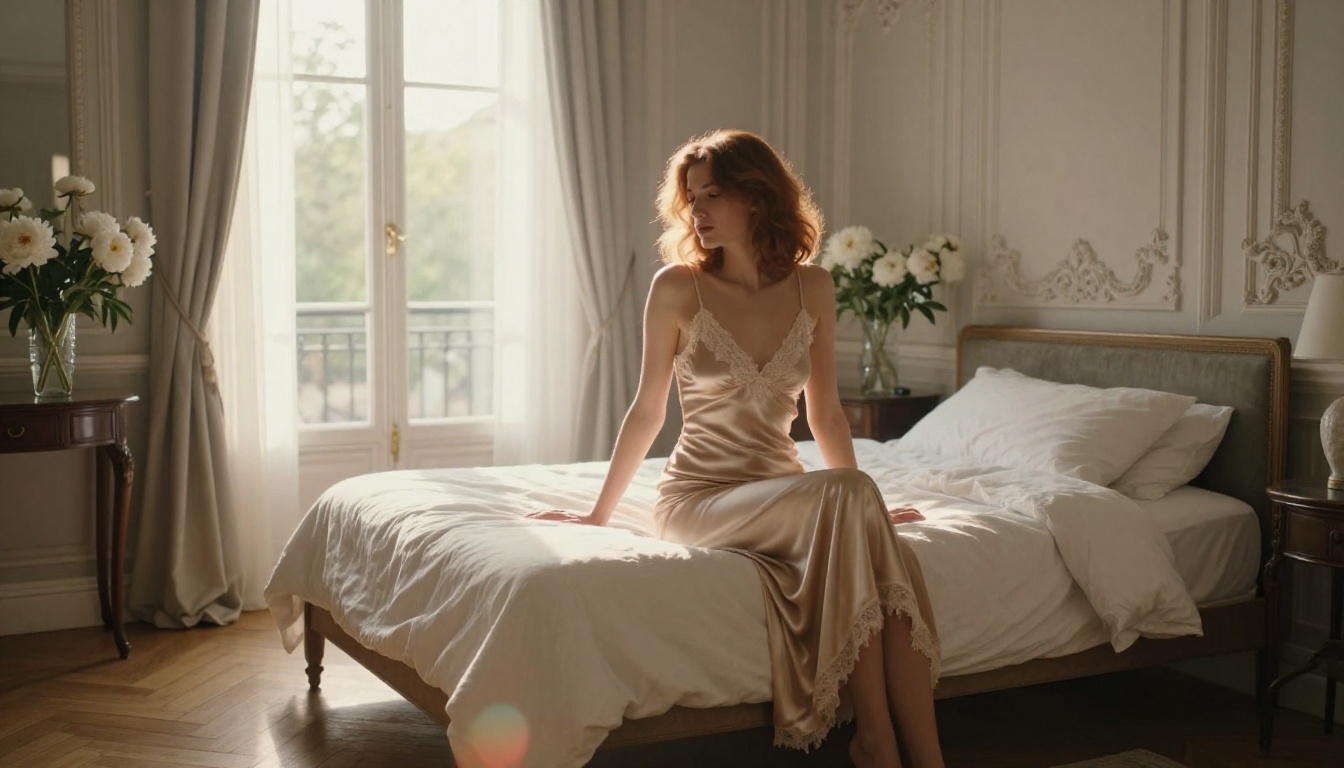
Realistic Vision v5.1 is built from the ground up for photorealistic human imagery. Where other models produce "AI-looking" skin and plastic-feeling textures, Realistic Vision outputs the kind of natural imperfection that makes an image feel authentic: pores, subtle asymmetry in facial features, natural skin color variation. For any workflow centered on believable human subjects, it's one of the most reliable options available.
DreamShaper XL Turbo approaches creative latitude from a different angle. It handles a wider variety of artistic styles with good consistency, including mature aesthetic content that generic platforms refuse. Its speed advantage makes it practical for batch generation workflows where you need many variations quickly.
Proteus v0.2 and Proteus v0.3
Proteus v0.2 surprised the community with its ability to produce highly stylized, high-quality outputs while maintaining exceptional prompt coherence on complex descriptions. Proteus v0.3 refined this further with improved handling of anime and illustrated aesthetics alongside photorealism.
Both models are worth having in your rotation because they respond differently to the same prompt — useful when you want variation across a series.
SDXL and the ControlNet Pipeline
SDXL opened a new chapter for uncensored AI art at high resolution. When paired with ControlNet tools, it becomes a powerful system for maintaining compositional consistency while generating mature or complex content. If you need to match a specific pose, body position, or structural reference, SDXL with ControlNet is among the most reliable workflows available — particularly for figure work where anatomy and spatial accuracy matter.
Model Comparison at a Glance
Prompts That Actually Work
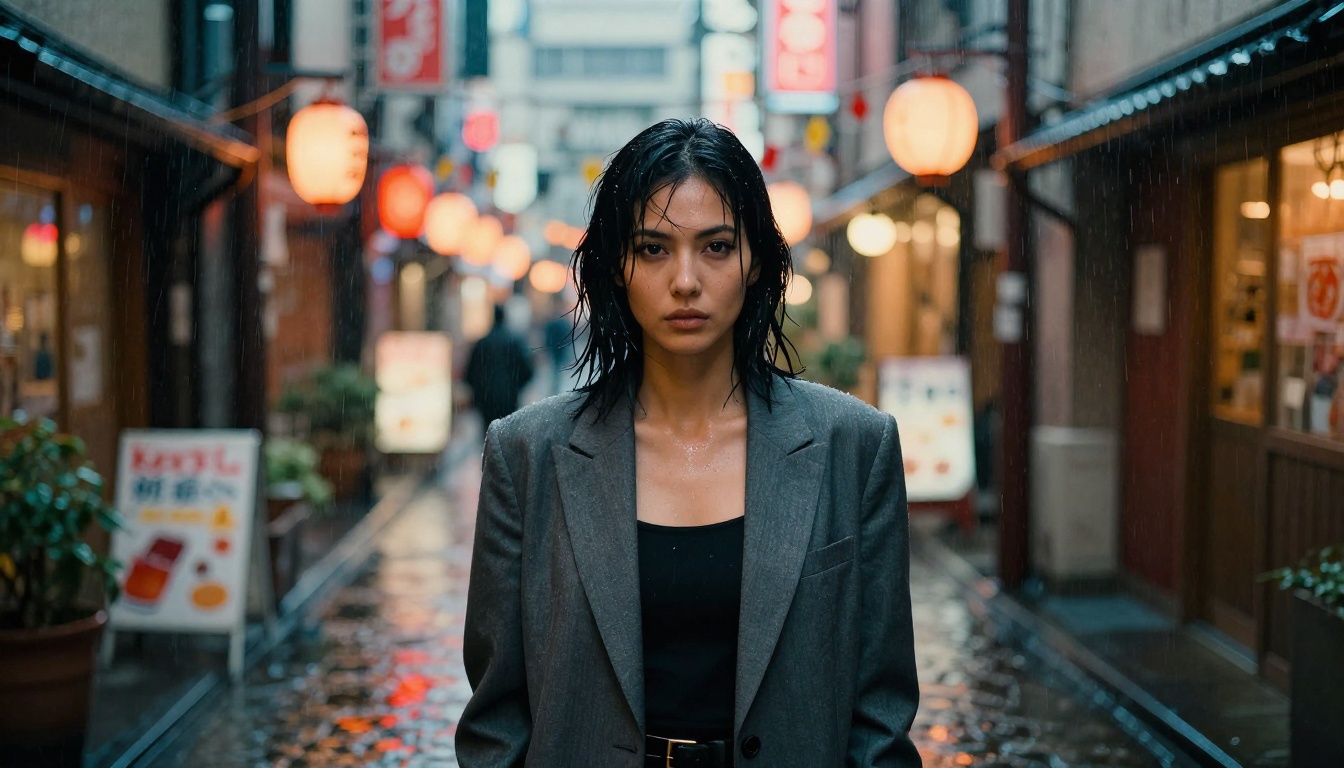
Getting the most from uncensored AI generators isn't just about finding a model with fewer restrictions. The way you write your prompt determines everything.
Be specific about what you want
Vague prompts get vague results. Instead of "beautiful woman on beach," specify the lighting direction, the exact clothing, the camera angle, and the mood you're after. The more visual specificity you give, the more control you retain over the output.
Example: A woman in an emerald green bikini lying on white sand at low tide, morning light from the east, 35mm film grain, natural freckles on shoulders, ocean foam dissolving in background
Compare that with simply typing "woman at beach" and the difference in output quality is stark.
Use photography terminology
Models trained on internet data respond exceptionally well to photography language. These terms are deeply embedded in the training data and reliably steer outputs toward photorealism:
- Camera specs: "Canon EOS R5, 85mm f/1.8, ISO 200, shallow depth of field"
- Lighting descriptors: "Rembrandt lighting from camera left, silver reflector fill, octabox softbox"
- Film stock references: "Kodak Portra 400 film grain", "Fuji 400H simulation", "Ilford Delta 400"
- Composition terms: "rule of thirds", "low angle shot", "aerial overhead", "medium close-up", "over-the-shoulder"
💡 Tip: Add RAW 8K photography, photorealistic, no CGI, film grain to the end of any prompt when you need maximum realism. These tokens push the model away from the artificial look that plagues weaker generators.
What to avoid in prompts
Counterintuitively, some descriptors actually increase over-filtering without improving output quality. Generic intent labels — terms that describe how something should feel rather than what it should look like — often cause models to either over-generate or under-deliver.
Focus on visual description rather than intent labeling: describe exactly what the image should contain. Clothing items, lighting setups, camera positions, environmental details. Let the visuals carry the tone.
Negative prompts still matter
Even with uncensored models, negative prompts help eliminate common failure modes:
blurry, low resolution, watermark, text, logo, CGI, 3D render, cartoon, illustration, plastic skinartificial lighting, studio backdrop, overexposed, noise artifacts
These aren't about content restriction — they're about quality control. A strong negative prompt set can dramatically improve output consistency across a generation session.
How to Use These Models on PicassoIA
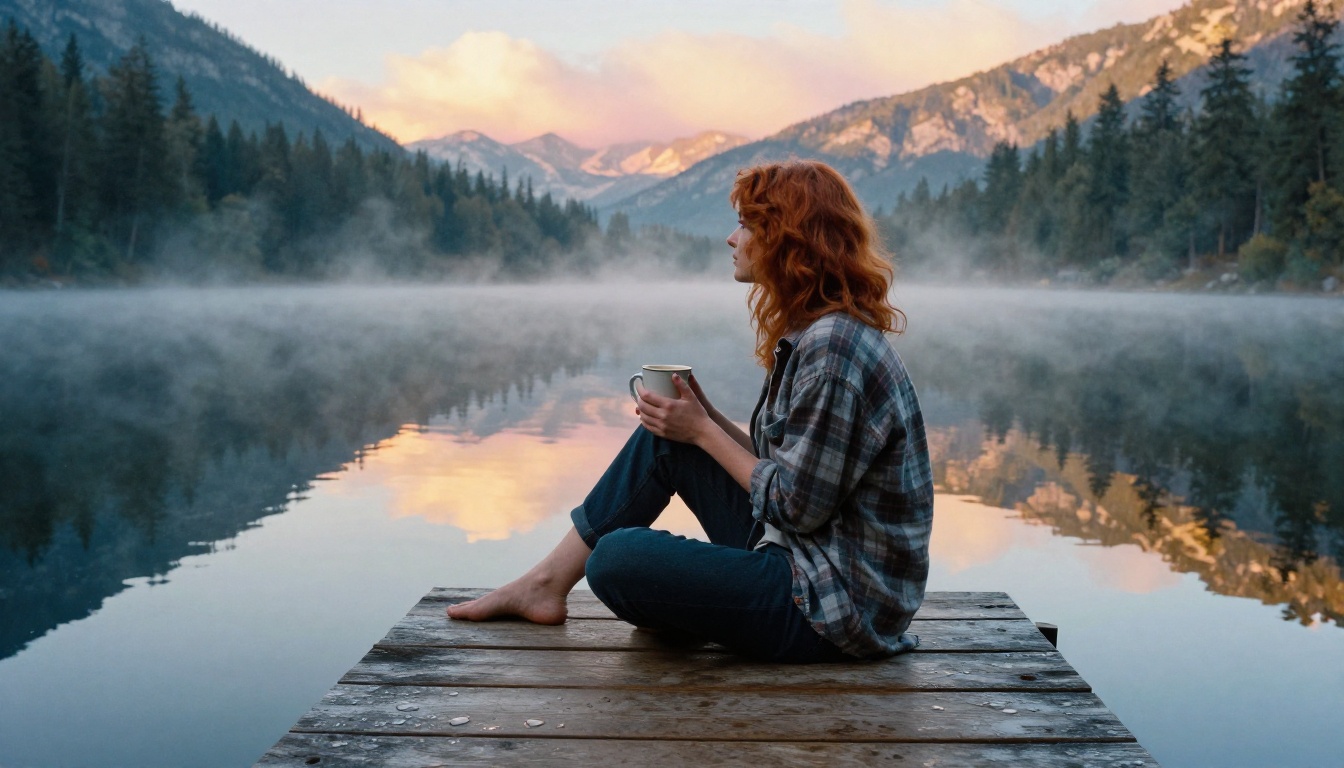
PicassoIA brings all of these models together through a single interface. You don't need to manage separate credentials, different platform accounts, or local installations. Everything is accessible from one place, and you can move between models instantly.
Using Flux 2 Pro for Artistic Figure Work
Here's a practical workflow for generating high-quality, artistic results with mature subject matter:
- Select Flux 2 Pro from the text-to-image collection.
- Write a detailed prompt using photography terminology. Describe subject, clothing, environment, lighting setup, and camera specifications.
- Set the aspect ratio to 16:9 for editorial or landscape work, 9:16 for portrait orientation.
- Run multiple variations with slight prompt adjustments to find your preferred composition.
- Refine with Flux Kontext Pro for targeted edits to specific areas without regenerating the entire image.
For maximum photorealism in human subjects, Flux 1.1 Pro Ultra is worth the longer generation time. The difference in skin texture and lighting accuracy is visible at full resolution.
When to Switch Models
The Gap Between Good and Great Results
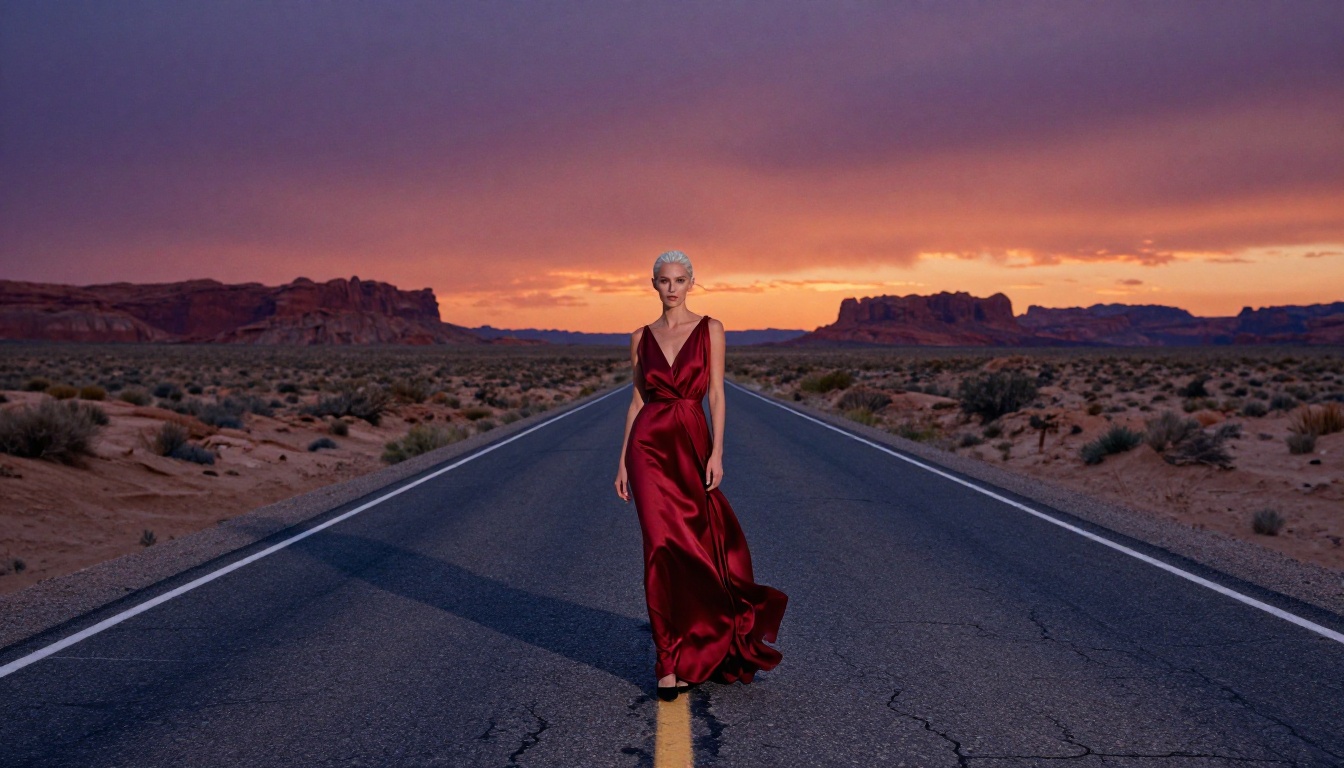
Most people get mediocre results from uncensored AI generators not because the models are bad, but because they're using them like a search engine. They type a short phrase, hit generate, and accept whatever comes out.
Great results require iteration. The artists getting the best outputs from these models are running 10 to 20 variations on a single concept, adjusting specific elements of the prompt between each run, and treating the model as a collaborator rather than a vending machine.
Realism vs. style
There's a spectrum between photorealistic and stylized output, and different models occupy different points on it. Realistic Vision v5.1 and Flux 2 Pro sit at the photorealistic end — outputs that could plausibly be mistaken for actual photography. Proteus v0.3 and DreamShaper XL Turbo offer more stylized outputs with a painterly or illustrated quality.
Neither is better. They serve different creative purposes. Knowing which end of the spectrum you need before you start saves significant generation time.
Speed vs. quality tradeoffs
Flux Schnell generates images in seconds — excellent for rapid concept validation. You wouldn't submit a Flux Schnell output as a final deliverable, but it's invaluable for testing whether a concept is worth pursuing with Flux 2 Max.
Build a two-stage workflow: draft with a fast model, finalize with a quality model. This approach produces better results than jumping straight to the slow, high-quality model every time, because you've already validated the composition and refined the prompt before spending time on a high-fidelity render.
Upscaling for print output
Once you have a composition you're happy with, run it through a super-resolution tool to prepare for print or large-format display. PicassoIA's super-resolution models can take a 1024px output and push it to 4096px with genuine detail addition — not just pixel interpolation. The result is an image that holds up under close inspection at large sizes.
LoRA fine-tunes for specific styles
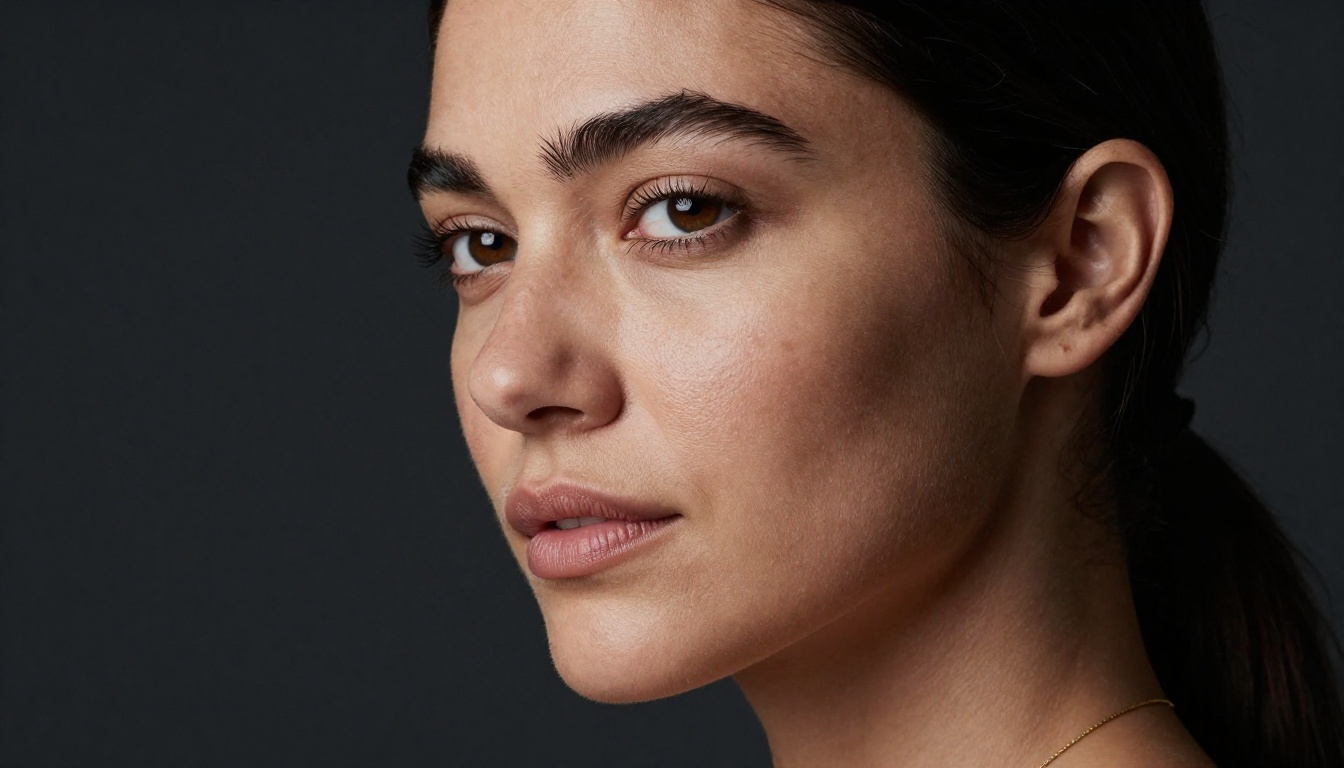
Several of the models above support LoRA (Low-Rank Adaptation) fine-tunes that let you inject specific visual styles, characters, or aesthetics into the generation process. p-image-lora and Flux Dev LoRA are both worth exploring if you're working on a project with a consistent visual identity. LoRA fine-tunes let you produce dozens of images that feel like they were shot in the same session, with the same aesthetic, without painstakingly replicating every element of a long prompt each time.
💡 Tip: If you're doing character consistency work, Qwen Image 2 has shown strong results for maintaining facial and body consistency across multiple generations — useful for comic series, illustrated narratives, or product photography with recurring subjects.
Other Models Worth Having in Your Rotation
Beyond the primary recommendations above, a few models deserve mention for specific use cases:
- Ideogram v3 Quality: Exceptional at text rendering within images — useful when your mature content includes labels, signage, or typographic elements that need to be legible.
- Seedream 4: Ultra-high-resolution outputs with strong aesthetic sensibility, particularly for fashion and editorial work.
- Recraft V4 Pro: Strong for commercial-quality outputs where visual polish matters.
- Open DALL-E v1.1: A reliable fallback with solid photorealism and good creative latitude.
- Playground v2.5 1024px Aesthetic: Built specifically for aesthetic quality — outputs have a distinctive visual richness that works well for glamour and portrait work.
- Wan 2.2 Image: Fast cinematic image generation with strong color rendering.
Your Vision, Fully Realized
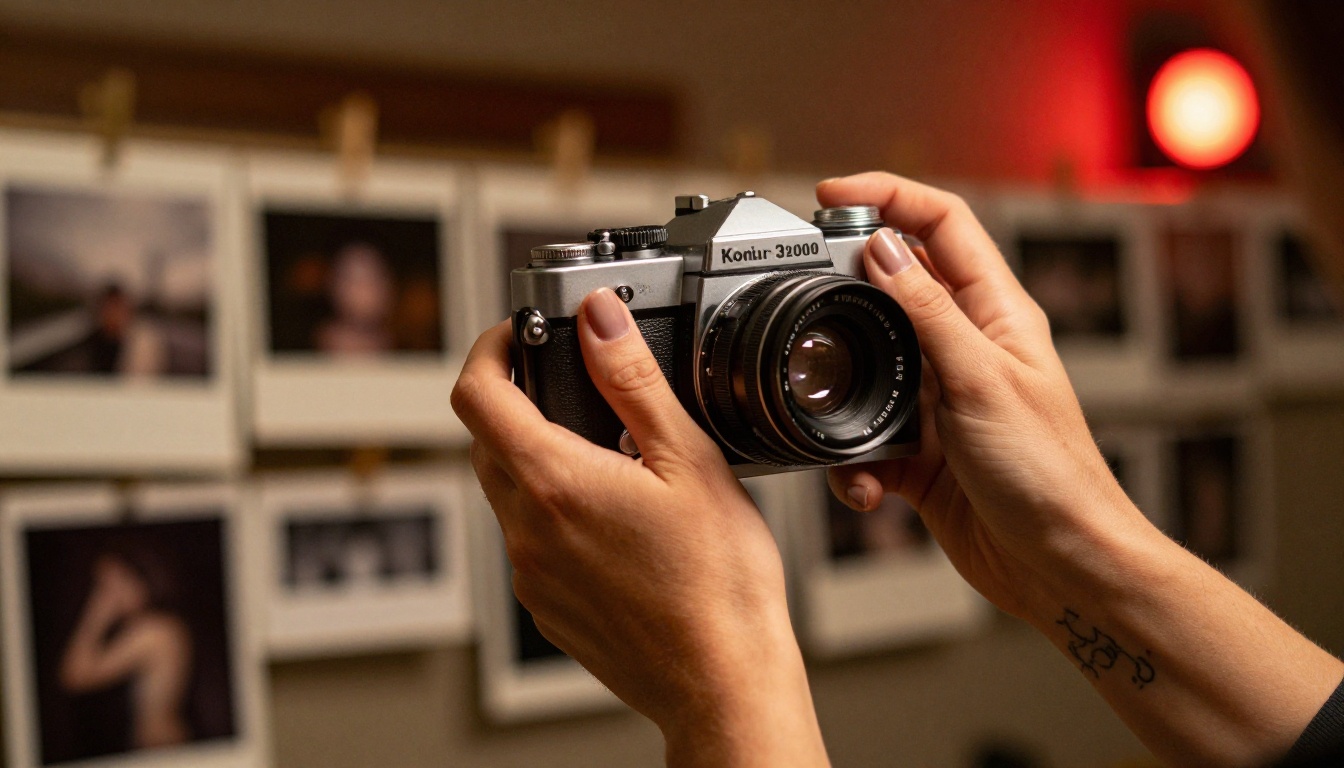
The tools covered here put creative control back where it belongs: with the artist. Whether you're producing glamour photography concepts, dark narrative illustrations, mature character art, or simply content that doesn't fit the sanitized aesthetic of consumer AI platforms, these models give you real options.
PicassoIA brings all of them together in one place. You can move between Flux 2 Pro, Stable Diffusion 3.5 Large, Realistic Vision v5.1, and over 91 other text-to-image models without managing multiple accounts or separate platform setups. Pick the model that fits the brief, write your prompt with the specificity it deserves, and generate.
If you've been settling for watered-down results because other platforms keep blocking your prompts, the models are already waiting. Start with Flux 2 Pro for photorealistic work, or try DreamShaper XL Turbo if you want fast iterations across many concepts. The difference between a tool that respects your creative intent and one that doesn't is immediately obvious the first time you run a prompt that actually works.
Your art deserves the right tool. Now you know where to find it.


