Every pixel in a product photo is a sales argument. The sharpness of an edge, the cleanliness of a background, the resolution of a label — these details either earn a click or lose it. For years, getting that level of quality required a professional photographer, a studio, and a budget that most brands couldn't afford. Today, AI changes that equation entirely, and the models doing it best are more accessible than ever.
This breakdown covers the top AI models for product photos across three core jobs: generating photorealistic product images from text, removing backgrounds with surgical precision, and upscaling low-resolution shots into print-ready assets. Whether you sell on Amazon, Shopify, or Instagram, these tools produce results that look like a five-figure shoot.
Why Product Photos Drive Revenue
What Buyers Actually Look For
Before picking a model, it's worth being clear about what makes a product photo perform. Buyers can't touch or feel your product, so the image carries the full weight of the sales pitch. Three things consistently drive purchase decisions:
- Clarity: Can they read the label, see the texture, count the stitches?
- Context: Is the product shown in a realistic, aspirational setting that matches their life?
- Consistency: Does the entire catalog feel unified and professionally shot?
AI models address all three simultaneously. Text-to-image generators produce consistent, photorealistic shots from a single detailed prompt. Background removers deliver clean catalog images in seconds. Upscalers take a decent photo and push it to print-quality resolution without hiring a retoucher.
The Cost Problem AI Solves
A studio shoot with a professional photographer costs $500 to $2,000 per day. That's manageable for a single hero product launch. For an e-commerce brand managing hundreds or thousands of SKUs, it's prohibitive. AI compresses that cost to nearly zero while maintaining, and in many cases exceeding, professional quality.
The models available today on PicassoIA aren't experimental prototypes. They're production-grade tools trained on millions of professional images, capable of handling complex surface textures, reflective materials, and precise lighting conditions.
Generate Product Photos from Scratch
What Text-to-Image Actually Does
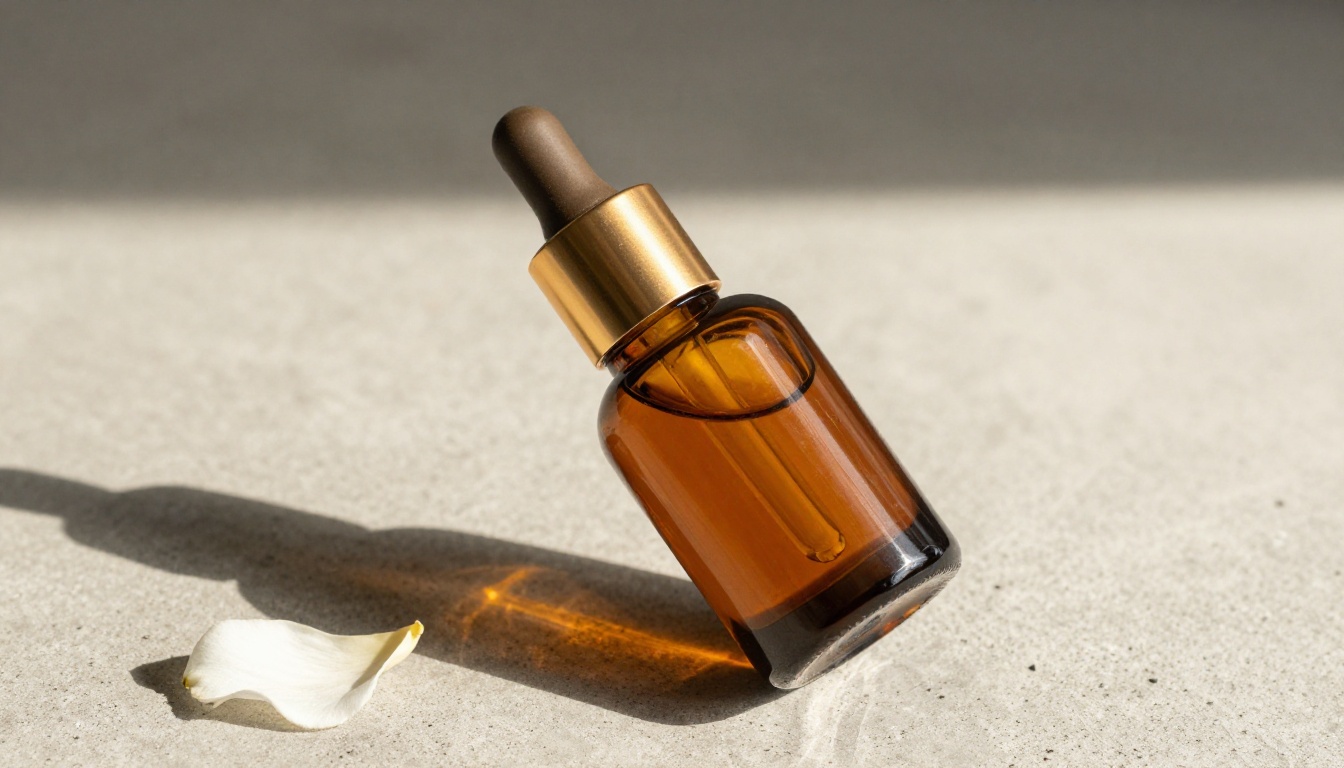
Text-to-image models take a written description and render a photorealistic image based on it. For product photography, this means you describe the product, the surface it sits on, the direction of the light, the camera lens and aperture, and the mood, and receive a photograph-quality output within seconds.
The quality ceiling is determined by two things: the model you use and the specificity of your prompt. Vague prompts produce generic results. Detailed prompts produce images that look shot by a professional.
Weak: "A perfume bottle on a table"
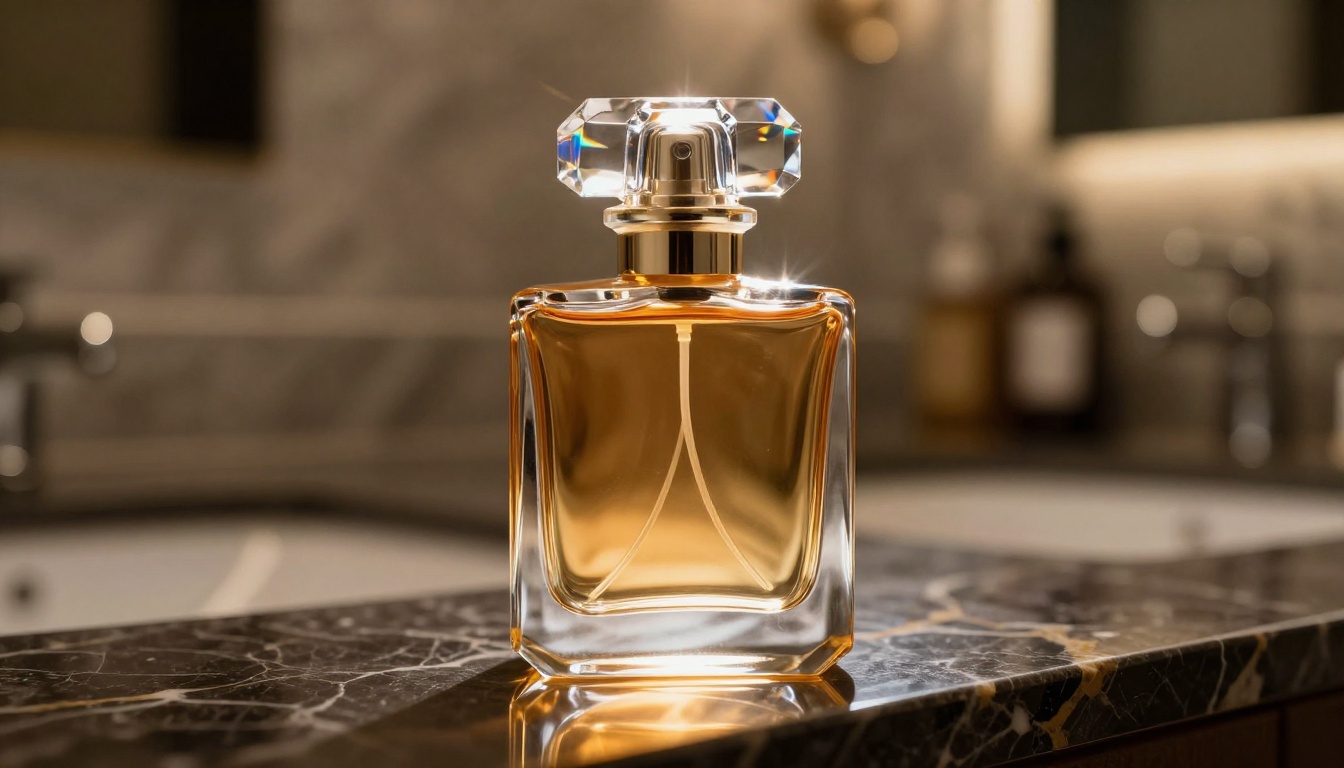
Strong: "A faceted crystal glass perfume bottle on dark polished marble, evening warm backlighting from behind creating amber halo through the glass, shot upward at 10 degrees with 135mm telephoto f/1.8, Kodak Portra 400 film grain, RAW 8K photography"
The difference in output quality is dramatic. Specificity is everything.
Top Models for Generating Product Images
Seedream 4.5 by ByteDance is one of the strongest text-to-image models for commercial product photography. It produces native 4K outputs with exceptional handling of surface textures. Glass refractions, metallic finishes, and matte product packaging all render with photographic accuracy. For skincare, beauty, and luxury product lines, this is the benchmark.
Riverflow 2.0 Refsr is designed specifically for true-to-life product photography. Its focus on accurate product representation makes it ideal when fidelity to the actual product matters more than creative interpretation. Use this when you have a reference image and need variations across multiple scenes or backgrounds.
Wan 2.7 Image Pro generates 4K images with strong compositional control. It handles complex product arrangements particularly well: flat-lays with multiple items, lifestyle composites, and scenes with several objects in deliberate spatial relationships.
PicassoIA Image offers unlimited text-to-image generation, making it the practical choice for teams running high volumes of product photo tests. When you're iterating across dozens of prompt variations to find the right composition, unlimited generation removes the friction of per-image costs.
GPT Image 2 brings OpenAI's image generation to the platform with strong instruction-following. It's particularly good when your prompt includes specific compositional rules or when you need to combine product imagery with descriptive text overlays.
Hunyuan Image 2.1 by Tencent generates 2K images with exceptional color fidelity and compositional balance. It performs strongly on lifestyle product photos where the scene context is as important as the product itself.
Prompt Conventions by Product Type
Different product categories benefit from different photographic conventions that AI models understand well:
| Product Type | Best Angle | Lighting | Suggested Focal Length |
|---|
| Skincare / Beauty | Eye level, 15° tilt | Soft window light, left | 85mm f/1.8 |
| Electronics / Tech | Aerial flat-lay | Diffused overhead | 35mm f/8 |
| Fashion / Apparel | Low angle hero | Rim light from behind | 50mm f/2.8 |
| Food / Beverage | 25-35° diagonal | Golden hour warm | 85mm f/2.0 |
| Jewelry / Watches | Extreme close-up | Directional pinspot | 105mm macro f/4 |
| Home / Personal Care | Eye level, 20° | Morning soft side light | 55mm f/4 |
These conventions exist because they've been validated by decades of commercial photography in each category. AI models trained on professional images have learned these associations. Matching the right angle and lighting language to the right product type consistently produces better results.
💡 Tip: Add "RAW 8K photography, Kodak Portra 400 film grain, photorealistic, --style raw" to every product photo prompt. This phrase set anchors the model toward genuine photorealism and suppresses any tendency toward illustrated or stylized outputs.
Edit and Relight Existing Product Photos
When Generation Isn't the Starting Point
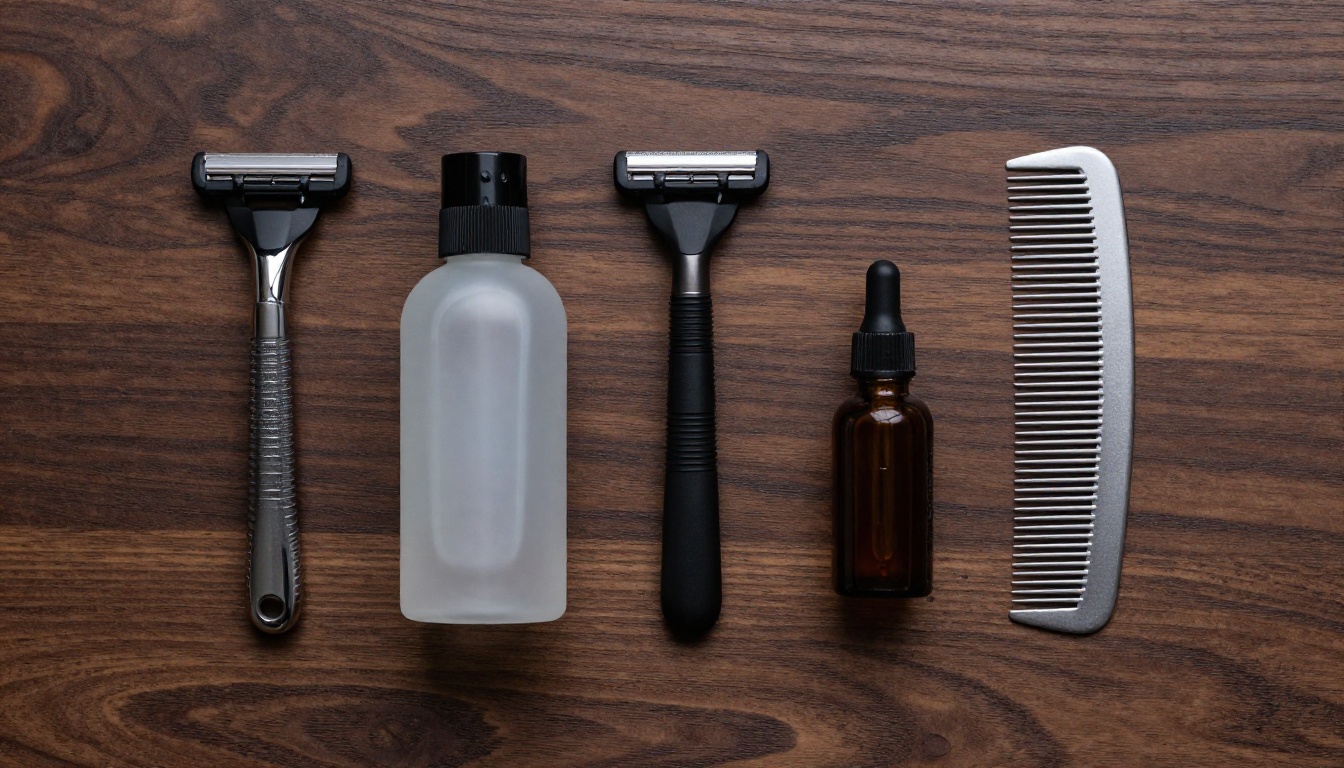
Sometimes you already have a product photo but it needs work. The background is wrong. The lighting is flat. You need the product placed in a different scene. AI photo editing models handle these scenarios without requiring a reshoot.
Qwen Image Edit Plus accepts an existing image and a text instruction, then modifies the image accordingly. Swap the background from studio white to a marble countertop. Change the lighting from overhead to golden hour. Add a prop or remove a distraction. It handles these edits while preserving the product itself with accuracy.
Qwen Image Edit Plus LoRA Relight handles relighting specifically. If you have a product image shot in flat, uninspiring light, this model lets you relight the entire scene via text description. Lighting is often the single biggest differentiator between a mediocre and an outstanding product photo, and this makes it controllable after the fact.
Fibo Edit by Bria AI enables surgical inpainting, editing specific regions of a product image without disturbing the rest. Useful when a product photo is mostly strong but has a specific problem: a reflection on glass, a crease in fabric, or a distracting element in the background corner.
Remove Backgrounds with AI
Why Clean Cutouts Are Non-Negotiable
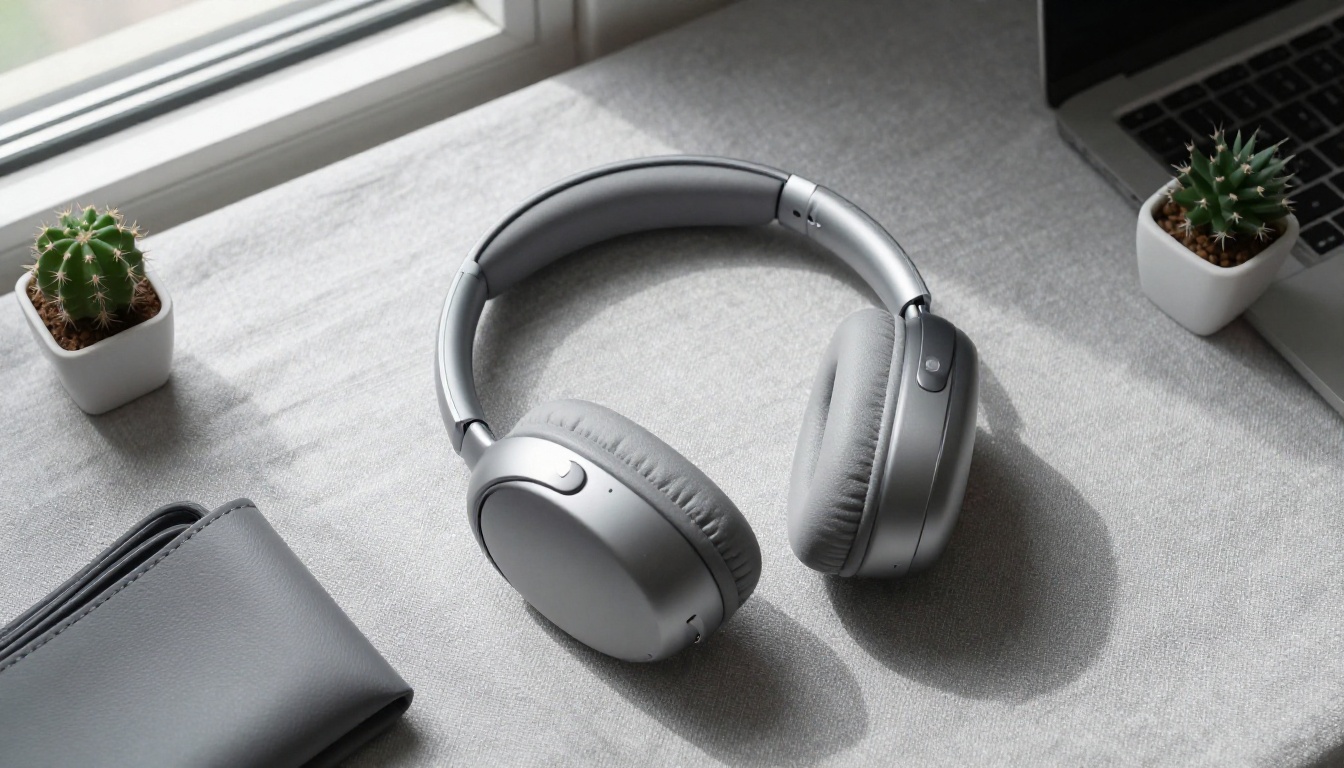
A cluttered background competes with the product for the buyer's attention. When the eye has to navigate an environment to find the product, the product loses. Clean white-background product photos consistently outperform lifestyle-only images on product detail pages because they give buyers an unambiguous view of what they're purchasing.
Beyond e-commerce listings, clean cutouts are the raw material for:
- Dropping products into lifestyle composites
- Building multi-product comparison grids
- Creating branded catalog layouts with consistent white backgrounds
- Exporting print-ready files with proper alpha transparency
Bria Remove Background
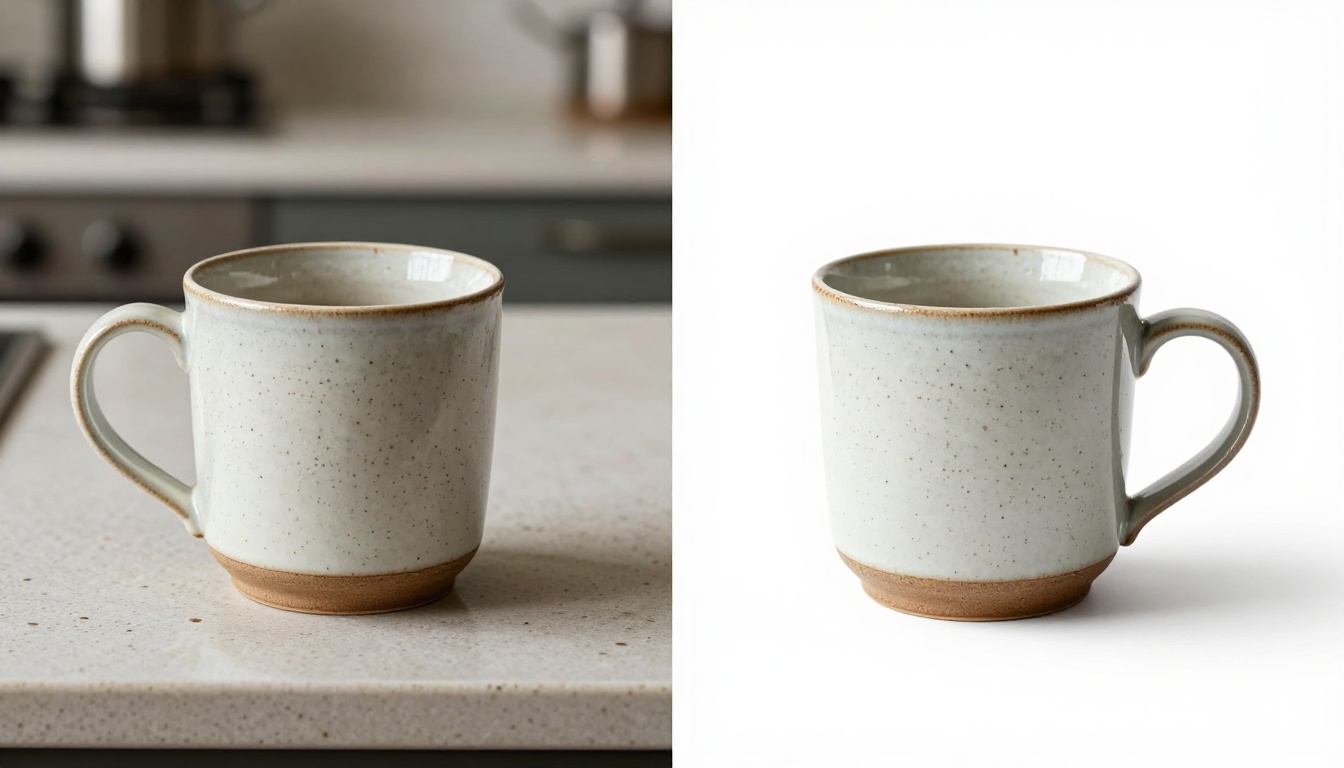
Bria Remove Background is the dedicated background removal model on PicassoIA, and it handles the genuinely difficult cases that simpler tools fail on: transparent glass bottles, jewelry with fine chains, fabrics with loose threads, and products photographed against backgrounds with similar tones.
What separates it from basic background removers is its understanding of product context versus environment. It correctly identifies which elements belong to the product and which belong to the scene, even in challenging configurations.
Where it excels:
- Transparent glass: Preserves the translucency of glass bottles without turning them solid or creating harsh edges
- Fine edges: Handles hair, fur, fabric fibers, and thin product elements without fraying
- Tone similarity: Works accurately even when product and background share similar color values
- Alpha channel output: Delivers clean PNG files compatible with Photoshop, Figma, Canva, and all major e-commerce platforms
💡 Tip: For best background removal results, provide an image where the product fills at least 60% of the frame. Small products on large backgrounds give edge detection algorithms less signal to work with, which can produce looser cutouts around fine edges.
Upscale Product Images Without Losing Detail
When to Upscale
Super-resolution upscaling is the most underused tool in the AI product photography stack. Even strong product photos often need a resolution boost before they're ready for their highest-value use cases. Upscaling makes practical sense in four situations:
- Older product photography taken before high-resolution digital cameras were standard
- AI-generated images that need a final push to reach print quality
- Vendor or supplier photos shot on phones at compressed JPEG quality
- Stock imagery licensed at web resolution that needs enlargement for print
The Best Upscaling Models on PicassoIA
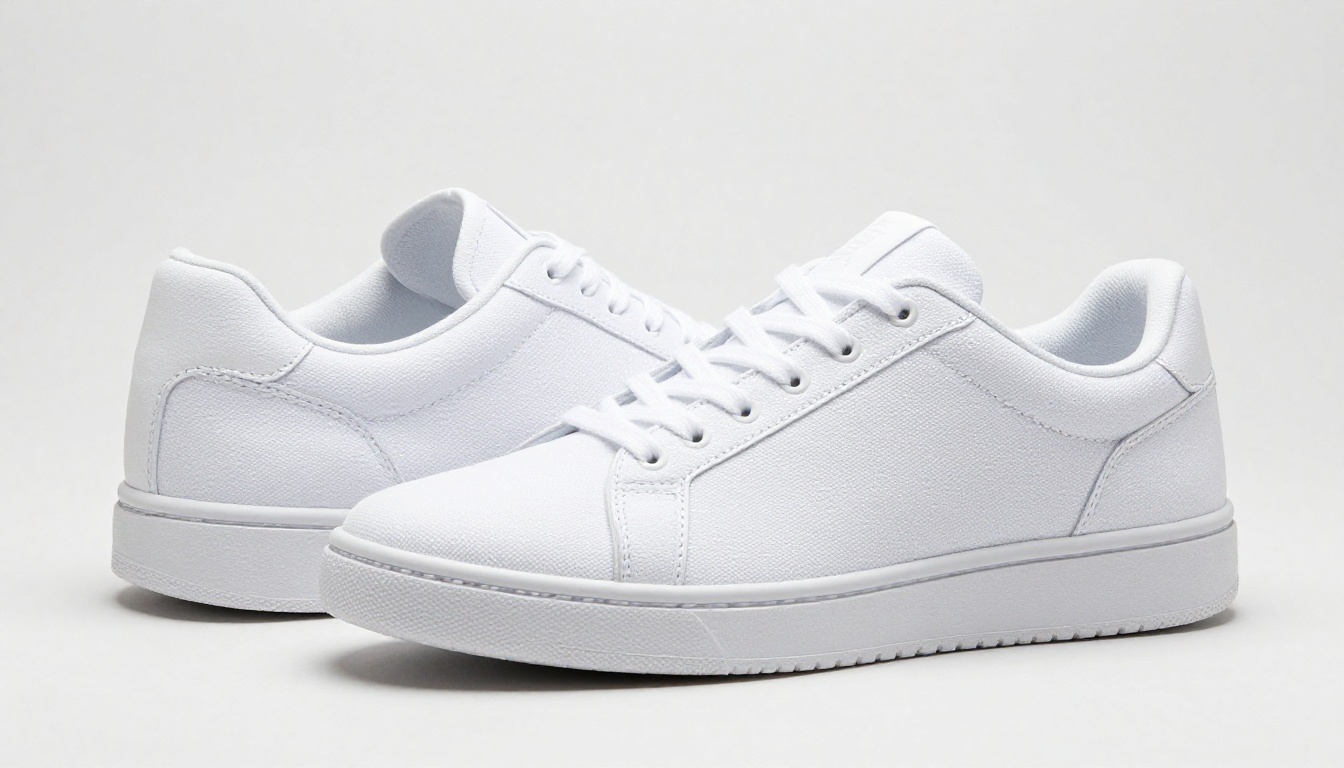
Clarity Pro Upscaler is the benchmark for photorealistic detail enhancement. It doesn't merely interpolate pixels — it adds plausible surface detail, making fabric weaves, product textures, and material surfaces visible at a microscopic level. This is the model for when visual quality is the top priority.
Topaz Image Upscale by Topaz Labs goes up to 6x, making it the right choice for large-format trade show banners, print catalogs, or billboard advertising where product photography must reach very large file sizes.
P Image Upscale by prunaai prioritizes speed without sacrificing quality. It delivers sharp, clean results in under a second, making it the right choice for batch processing large product catalogs where hundreds of images need upscaling on a deadline.
Google Upscaler excels at maintaining color accuracy across the upscale. For products where brand colors are critical, packaging with specific Pantone-matching requirements, or food photography where warmth must be preserved, this model produces the most accurate color output.
Real ESRGAN by nightmareai handles compressed and noisy source images better than most alternatives. When your input photos have JPEG artifacts from web scraping, email attachments, or heavy compression, Real ESRGAN cleans them up while upscaling rather than magnifying the artifacts.
Upscaling Model Comparison
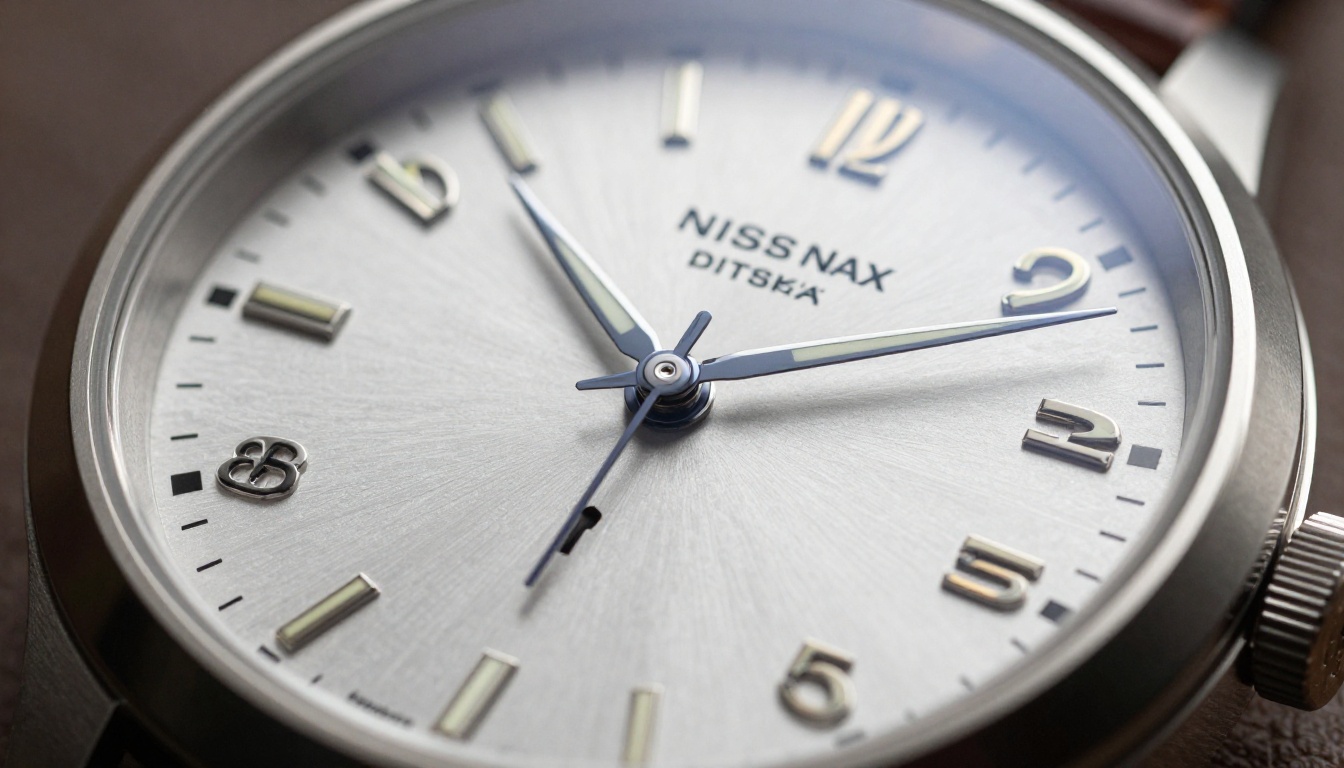
💡 Tip: Don't assume one upscaler works best for all your products. Run your hero product image through two or three models and compare at 100% zoom. Differences in texture rendering and edge sharpness are significant and often product-specific.
The Three-Step AI Product Photo Workflow
The real power here isn't any single model in isolation. It's running them in sequence. This workflow consistently produces catalog-ready product photos from prompt to finished asset:
Step 1: Generate with the Right Model
Write a detailed prompt matching the photographic conventions for your product category. Include the surface material, lighting direction, camera angle, focal length, and photographic style. Use Seedream 4.5 or Riverflow 2.0 Refsr for maximum product fidelity. Generate two to three variants before committing to a composition.
Step 2: Clean the Background
Run the chosen image through Bria Remove Background. Download the PNG with transparency. This gives you a versatile base asset that works on any background color, composite layout, or platform requirement.
Step 3: Upscale to Final Resolution
Choose an upscaler based on output needs. For Amazon listings and social media ads, P Image Upscale at 4x is fast and sufficient. For print catalogs or large-format displays, Topaz Image Upscale at 6x delivers the file sizes required by print production workflows.
This three-step process, which would have cost thousands of dollars and multiple days using traditional studio methods, completes in minutes.
Best Models by Product Category
Beauty and Skincare
Skincare products live or die by their ability to communicate luxury and efficacy. Glass refractions, metallic caps, label typography, and liquid translucency all matter. Seedream 4.5 handles these surface complexities exceptionally well. For relighting existing product shots with better ambiance, Qwen Image Edit Plus LoRA Relight is the most targeted post-shoot solution.
Electronics and Tech
Tech product photos demand precision. Buyers examine ports, buttons, finish quality, and scale indicators closely. Flat-lay compositions from directly above communicate product design clearly. Wan 2.7 Image Pro handles complex multi-item arrangements well. For the final upscaling pass, Google Upscaler maintains brand color accuracy across product branding elements.
Food and Lifestyle Products
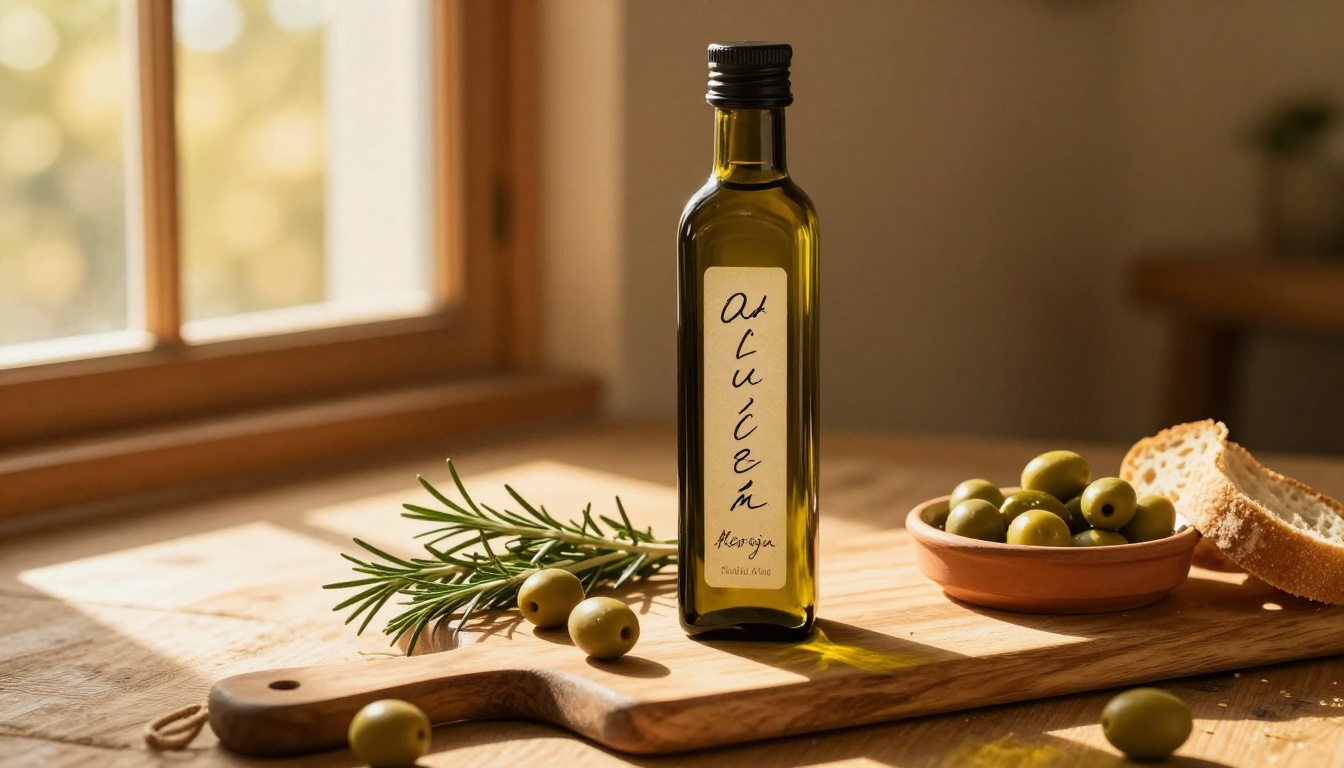
Food photography has a warmth that pure studio shots miss. Wooden boards, fresh herbs, natural textures, and golden hour light perform strongly in this category. Riverflow 2.0 Refsr produces true-to-life results in lifestyle contexts. For phone-shot food photos that need cleanup and resolution boost, Real ESRGAN handles compression artifacts effectively.
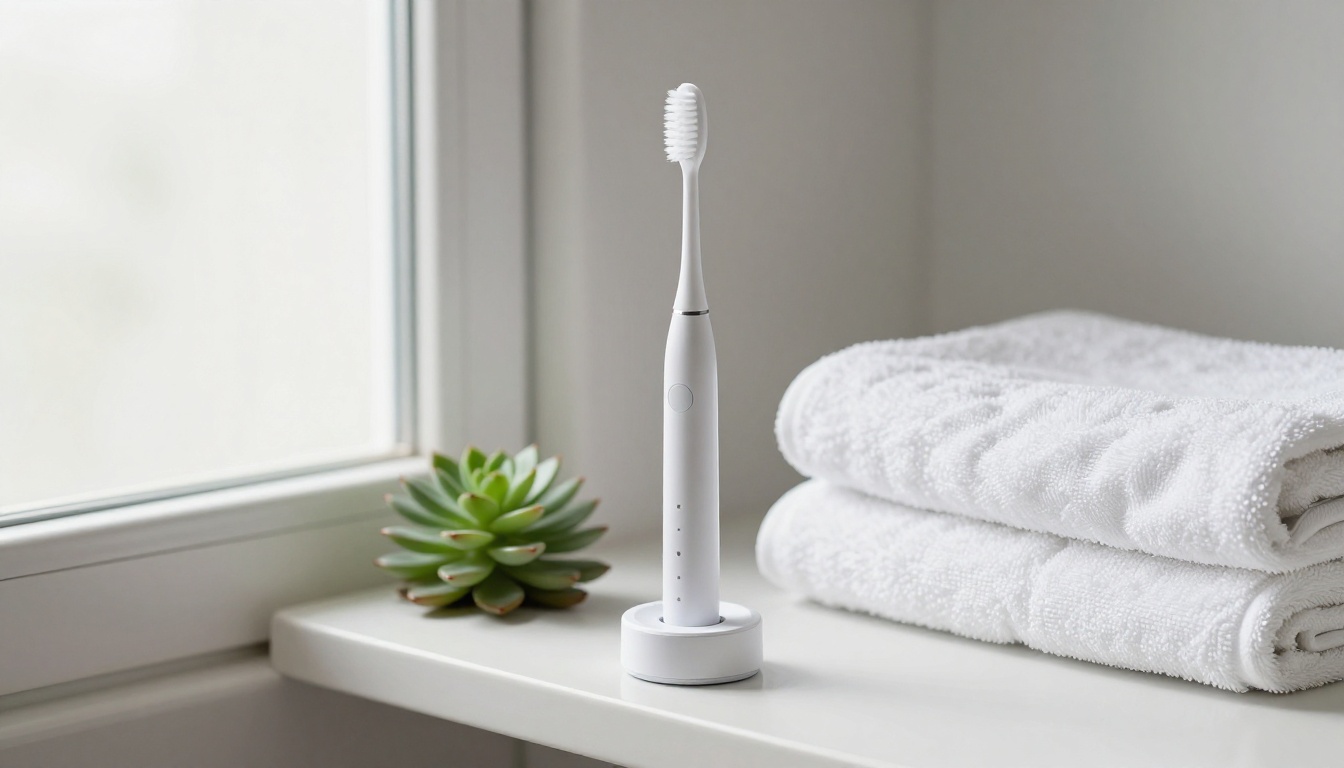
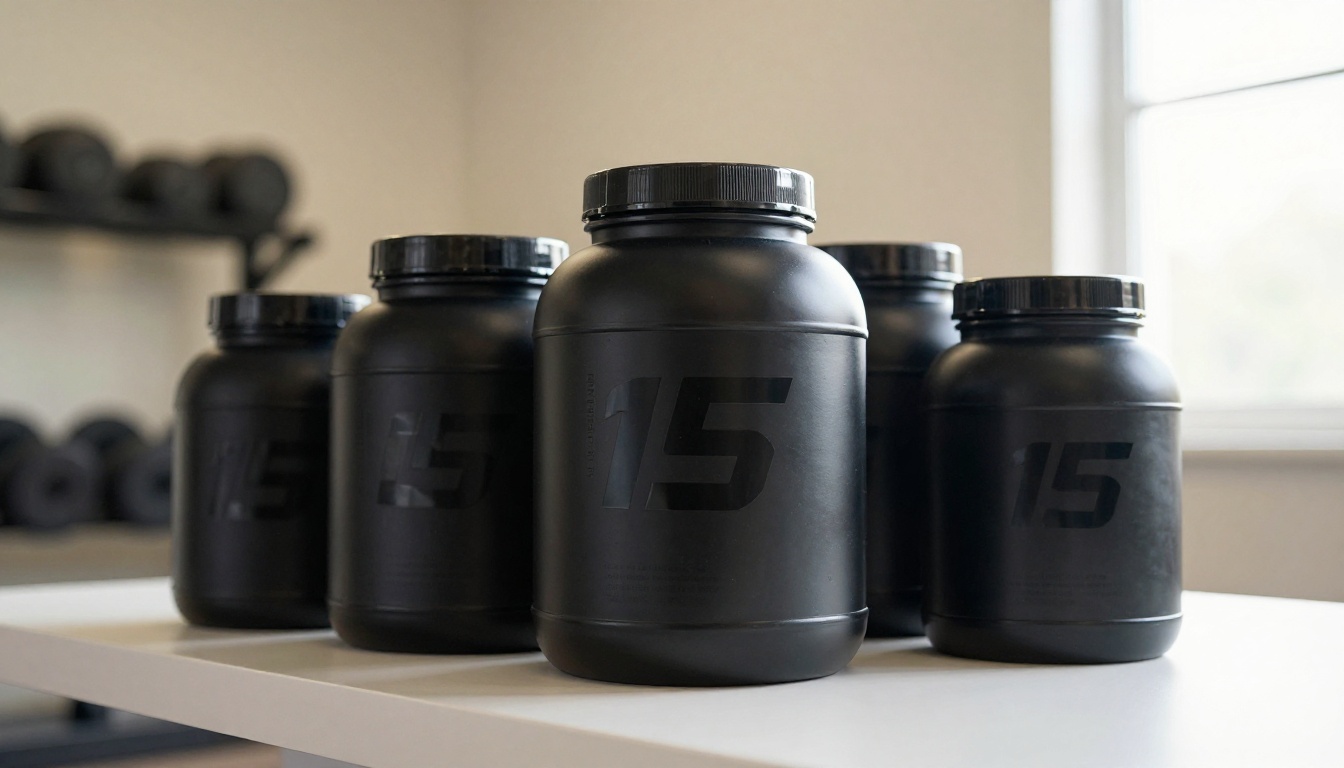
Supplements and Personal Care
This category needs to project both clinical authority and approachability. The PicassoIA Image Editor Pro offers unlimited generation, which matters when iterating across many SKUs in a product line without running up per-image costs. Crystal Upscaler performs strongly on products that feature human skin or body imagery in the product shot.
High-Volume Catalogs
For brands running large catalogs with hundreds of SKUs, batch efficiency matters as much as per-image quality. PicassoIA Image handles unlimited generation without per-image friction. P Image Upscale processes upscaling at near-instant speeds. Together, these two models form a practical pipeline for catalog-scale production.
Start Producing Product Photos Today
The picture is clear. The top AI models for product photos span three disciplines: generation, background removal, and upscaling. Each solves a distinct production problem, and used in sequence, they cover the entire product photography workflow from first prompt to finished file ready for any platform.
The barrier to professional-quality product photography has never been lower. A brand that couldn't afford a monthly studio retainer can now produce catalog imagery that competes directly with enterprise campaigns, using the same AI infrastructure.
PicassoIA puts all of these tools in one platform. With Seedream 4.5 and Riverflow 2.0 Refsr for generation, Bria Remove Background for clean cutouts, and Clarity Pro Upscaler or Topaz Image Upscale for maximum resolution output, the complete workflow is available without switching tabs.
Pick a product, write a detailed prompt, and see what the AI produces. The results will change how you think about product photography. Visit picassoia.com/en/all-models to start producing product photos today.


