Building a brand without a consistent visual identity is like opening a store with no signage. People walk past. They don't come back. The brands that stay in people's minds share one trait: every visual they put out feels intentional, cohesive, and high-quality. That used to require a six-figure agency retainer. Now, it takes the right AI tools and about thirty minutes.
The shift happening right now in brand identity design is not subtle. AI image generation has reached a level where the output is commercially usable, legally cleaner than stock photography, and infinitely more on-brand than anything you could license. The question is no longer whether to use AI for brand visuals. It is which tools, and how.
This breakdown covers the top AI tools for building a brand, with a focus on the ones that actually produce results: photorealistic photography-grade imagery, text-accurate logo concepts, scalable vector assets, and social media content that holds up at every screen size.
Why Most Brand Visuals Fall Flat
The Real Cost of Generic Imagery
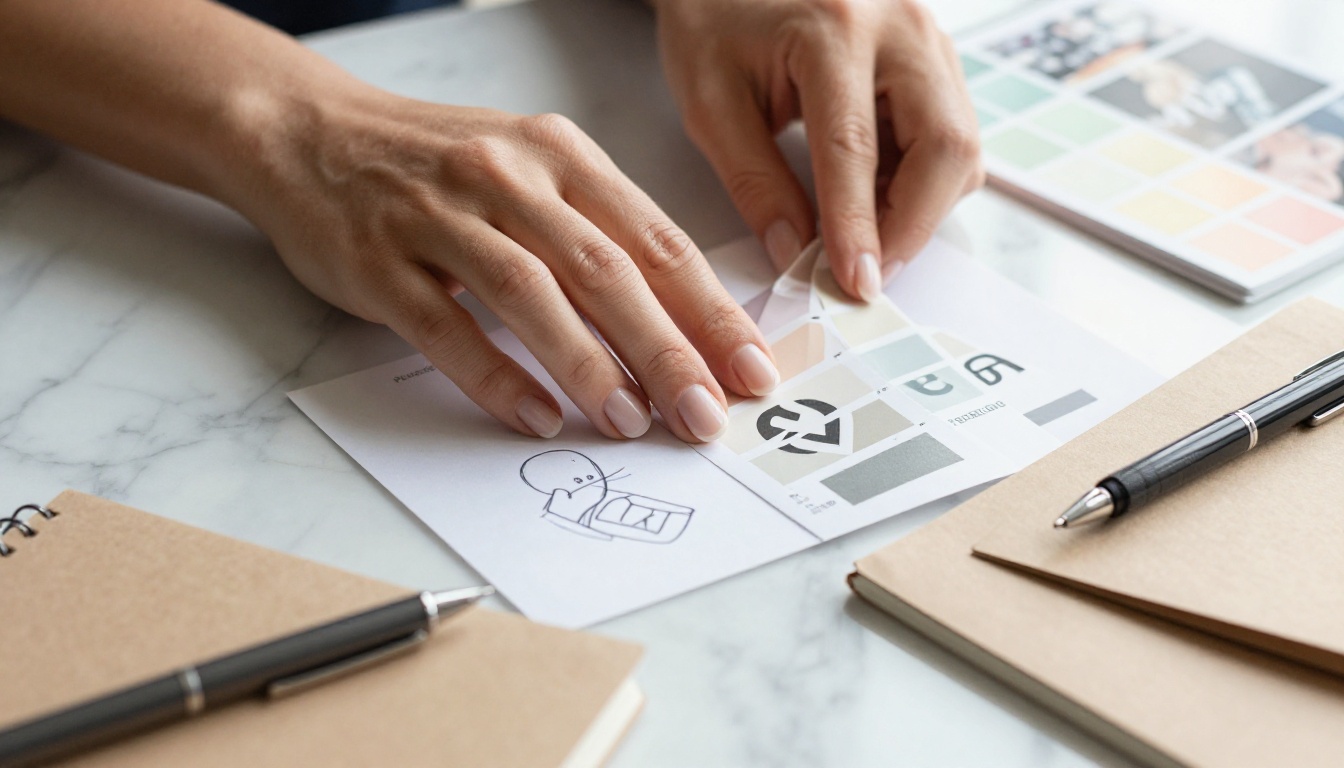
Stock photos have a look. That look is recognizable, and not in a good way. When your brand relies on images that ten thousand other companies also purchased, your visual identity stops being an identity. It becomes background noise.
Authentic brand imagery, the kind that makes someone stop scrolling, requires either a professional photography budget or AI image generation that is genuinely good. In 2027, the gap between those two options has narrowed significantly. Brands operating at every budget level now have access to photorealistic AI imagery that would have cost thousands to produce even three years ago.
Brand consistency is the other factor people underestimate. Inconsistent color palettes, mixed photography styles, and varying typography across touchpoints erode trust faster than almost any other brand signal. When someone sees your Instagram post, then visits your website, then opens your packaging, those three experiences should feel like they came from the same world.
What Changes When AI Enters the Picture
AI changes brand identity design in two specific ways. First, it removes the cost barrier for high-quality visual assets. Second, it dramatically speeds up the iteration cycle. Instead of briefing a photographer, waiting on a shoot, reviewing selects, and waiting on edits, you can test ten different visual directions in a single afternoon.
The brands winning right now are the ones using AI to generate options fast, pick the direction that resonates, and then produce a consistent library of on-brand images at scale. That is the workflow this article is built around.
The AI Models That Actually Produce Brand-Quality Visuals
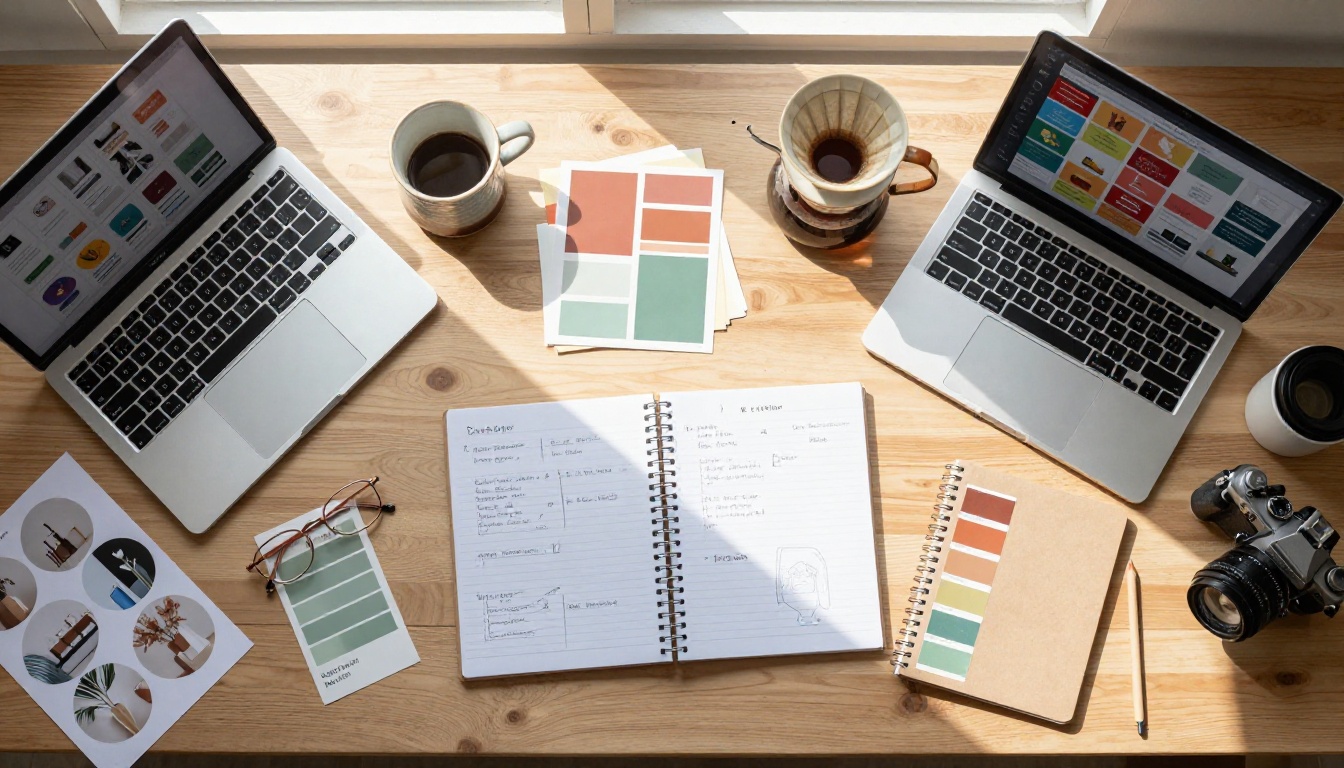
Not every AI image model is appropriate for brand work. Anime-style generators, pixel art tools, and abstract art models all have their place, but brand identity design demands photorealism, prompt precision, and reliable output consistency. Here are the models worth knowing.
Flux Pro for Photorealistic Brand Photography
Flux Pro from Black Forest Labs sits at the top of the photorealism category for a reason. Its ability to render skin texture, fabric, lighting, and spatial depth at a level indistinguishable from real photography makes it the default choice for brands that need lifestyle imagery, product-in-use shots, and team visuals without a camera crew.
For fashion and lifestyle brands specifically, Flux 1.1 Pro Ultra is worth the upgrade. It outputs at 4 megapixels with extraordinary fine detail, which means the images hold up when cropped for different formats, printed large, or used as hero images on a high-resolution display.
Flux 2 Pro adds the ability to start from a reference photo and guide the generation, which is particularly useful when you need brand imagery that includes a real product, a real space, or a real person's face as the baseline.
💡 Tip: When using Flux models for brand photography, always specify lighting direction, lens focal length, and film stock in your prompt. The difference between a generic output and a brand-ready image is almost always in those details.
Ideogram v3 for Brand Text and Logo Concepts
Text rendering has been the weak point of AI image generation since the beginning. Most models cannot produce readable, correctly spelled text inside an image. Ideogram v3 Quality solves that problem. It is the go-to model for generating logo concepts, wordmarks, typographic posters, and any brand asset where text needs to be legible and styled correctly.
For brands in the early stages of visual identity development, Ideogram is where you start. Generate ten different logo directions in the same afternoon. Pick the two or three that resonate, and refine from there. The speed of iteration at near-zero cost is genuinely transformative for early-stage brand building.
Ideogram v2 is also worth keeping in the toolkit for faster generation at slightly lower fidelity, useful when you are producing many variations quickly.
Recraft v4 Pro for Print-Ready Assets
Recraft v4 Pro is built specifically for commercial use cases. It outputs print-ready images with commercial licensing clarity, making it the right choice for packaging design, business collateral, brochure imagery, and anything that will be physically printed.
For vector outputs, specifically logos, icons, and illustrations that need to scale without quality loss, Recraft v4 Pro SVG and Recraft v3 SVG produce actual editable SVG files. That is something no other AI image tool in this category does at this quality level. If you are building a brand that needs a logo system, icon set, or scalable graphic elements, these two models are not optional.
How to Build a Visual Brand Identity with AI
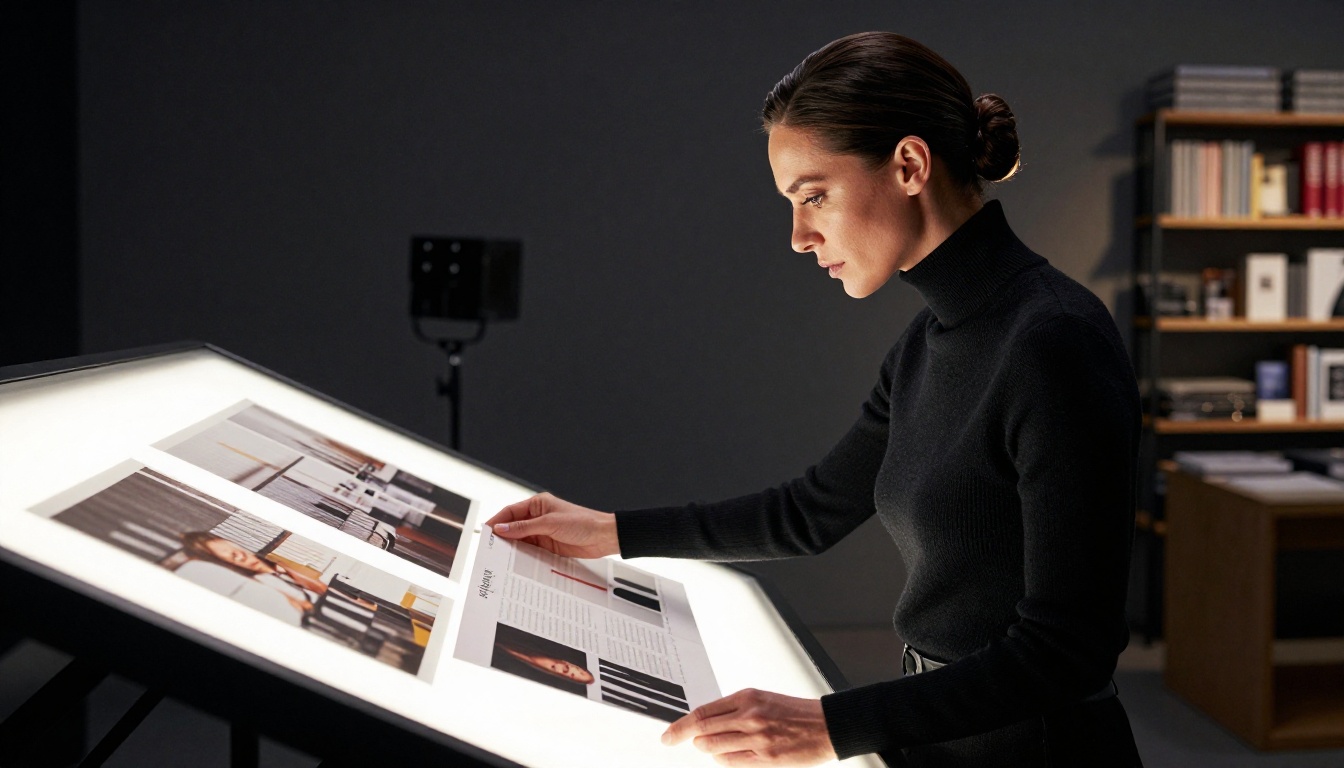
The workflow below works for a brand starting from scratch or one that needs to refresh its existing visual system. It is not theoretical. It is the actual sequence of steps that produces results.
Step 1: Lock In Your Brand Aesthetic First
Before generating a single image, you need to define the feeling your brand creates. This is not about colors and fonts yet. It is about the emotional territory your brand owns.
Ask these questions before you open any tool:
- What three adjectives would your ideal customer use to describe your brand?
- What does the texture of your brand feel like? Linen, marble, concrete, velvet?
- What time of day does your brand live in? Golden hour, cool noon, or moody midnight?
- What is the lighting temperature of your brand? Warm and intimate, or cool and clinical?
Once you have answers, you have the bones of your AI image prompt language. A luxury skincare brand with answers like "serene, elevated, warm" will generate completely different imagery than a tech brand with answers like "precise, cool, efficient."
Step 2: Generate Your Core Visual Library
Your core visual library needs at minimum:
Step 3: Create Consistent Product and Lifestyle Shots
This is where most brands lose consistency. They generate a great hero image, then generate product shots with a different model, different lighting, and a completely different color temperature. The result looks like three different brands fighting for the same space.
The fix is simple: write a base prompt that defines your visual constants, and use it as the foundation for every image you generate.
Example base prompt structure:
"[Subject], warm volumetric morning light from the left, 85mm f/1.4 shallow depth of field, [brand color palette] tones, Kodak Portra 400 film emulation, matte clean background, photorealistic 8K RAW"
Add the specific subject for each shot, but keep the lighting, lens, film emulation, and color reference constant. This is what professional photographers call a "look," and it is what makes a brand feel cohesive across every touchpoint.
AI Tools for Social Media and Marketing Content
Building a Cohesive Instagram Presence
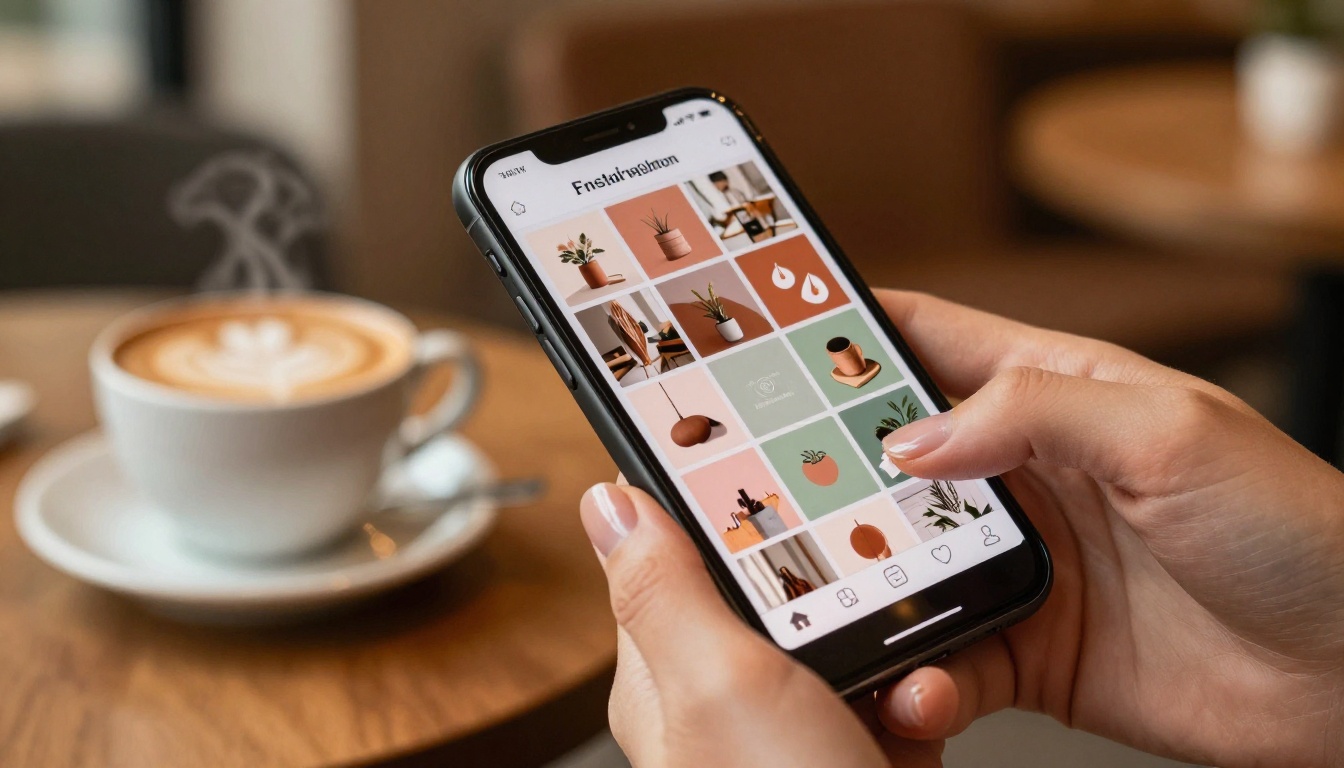
Social media is where brand consistency gets tested in real time. Every post needs to feel like it belongs to the same family, even when the subject matter changes from product shots to behind-the-scenes moments to promotional announcements.
Seedream 4 from ByteDance has become a strong choice for social media brand content because it handles a wide range of subjects, from people to products to environments, without drifting into the uncanny valley. The 4K output means images stay sharp on high-resolution mobile screens, which is where most people encounter your brand first.
For content that needs readable text directly in the image, return to Ideogram v3 Quality. Promotional posts, announcement graphics, and quote images all benefit from Ideogram's text accuracy.
💡 Tip: Generate your social media images in batches around a single visual theme. A week's worth of content from one generation session is far more consistent than generating image by image over time.
AI for Packaging, Business Cards, and Collateral
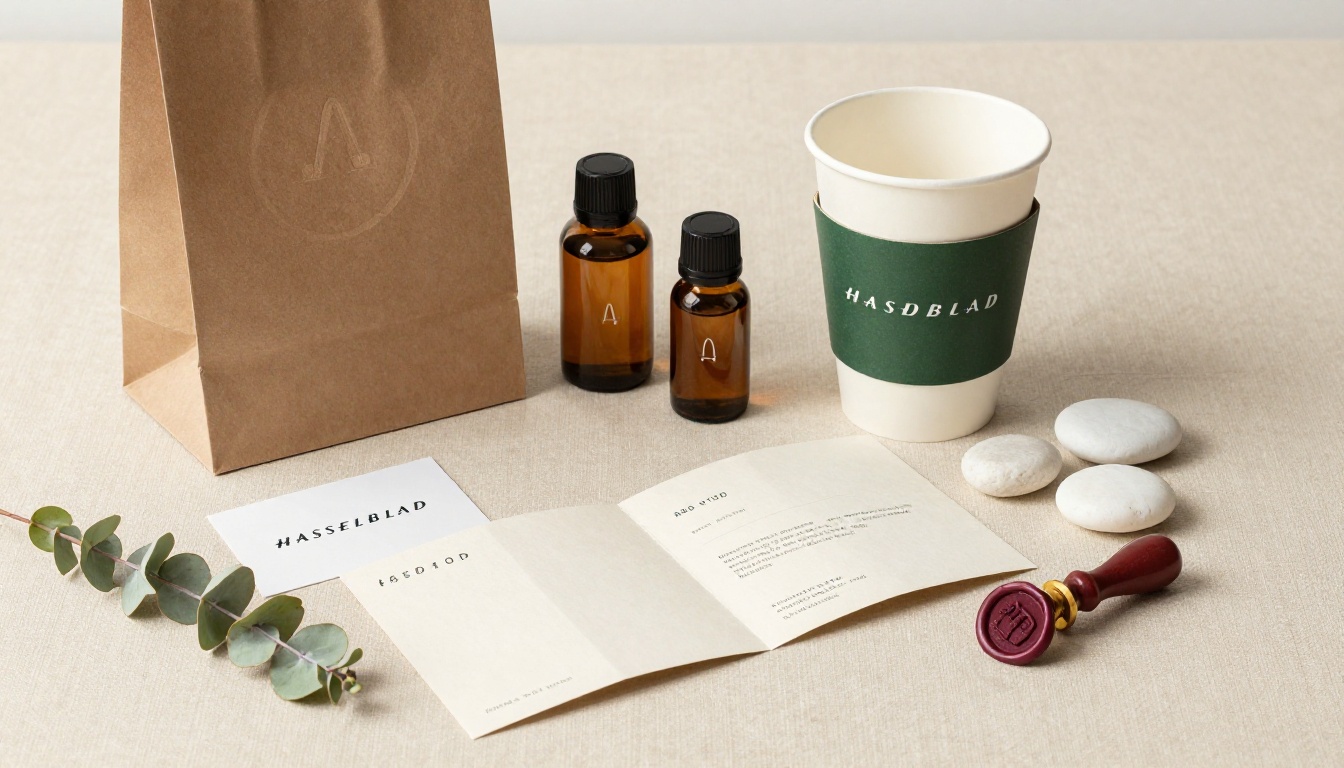
Physical brand materials carry a different weight than digital content. A well-designed business card, premium packaging, or a beautifully printed brochure creates a tactile impression that no screen can replicate.
GPT Image 1.5 from OpenAI handles transparency and precise compositional control particularly well, making it useful for packaging mockups where the image needs to work over different background colors or be composited into a product render.
For the actual print files, Recraft v4 Pro outputs at print-ready resolution and quality. Generate your packaging imagery here, then bring it into your design software to add the functional elements: barcodes, nutritional information, or size specifications.
The Right AI Model for Each Brand Type

Not every brand has the same visual needs. Here is a direct breakdown of which AI tools match which brand categories.
For Luxury and Fashion Brands
Luxury brands live or die by atmosphere. The lighting, the texture, the negative space in a photograph communicates price point before a customer reads a single word.
Best tools:
- Flux 1.1 Pro Ultra: For campaign-quality lifestyle and fashion imagery at 4 megapixel resolution
- Imagen 4 Ultra: For richly lit, highly detailed images with exceptional material and fabric rendering
- Flux Kontext Max: For refining existing brand imagery with text-guided edits while preserving the overall aesthetic
For a luxury brand, prompt craftsmanship matters more than it does for other categories. Specify the fabric texture ("raw silk with a slight sheen"), the lighting temperature ("warm 3200K tungsten backlight with cool fill"), and the camera system ("Leica SL2 with 90mm Summicron-SL f/2"). The precision of the input determines the quality of the output.
For Tech and SaaS Brands
Tech brands typically need clean, minimal imagery: people using products in realistic environments, abstract data concepts rendered as photography, and interface mockups in real-world settings.
Best tools:
- Flux Pro: For photorealistic human-plus-technology scenarios
- Flux 2 Pro: For starting from actual product screenshots or interface designs
- Flux Kontext Pro: For editing existing tech imagery with natural language instructions
💡 Tip: Tech brand photography often benefits from cooler color temperatures and architectural environments: glass offices, minimal desk setups, or clean urban outdoor locations. Specify this in every prompt to maintain that precise aesthetic.
For E-commerce and Product Brands
Product photography is the highest-ROI investment for e-commerce brands. Images directly affect add-to-cart rates. AI-generated product photography has reached a point where, for most product categories, it is indistinguishable from studio photography.

Best tools:
- Flux Pro: For lifestyle product-in-use shots with realistic human models
- Recraft v4 Pro: For clean product-on-background shots and packaged product photography
- Seedream 4: For high-volume social content featuring products in natural settings
For product photography specifically, the key variable is surface texture and lighting control. Describe the surface your product sits on (marble, linen, raw concrete), the light source direction, and whether you want hard or soft shadows. The difference in output quality between a vague prompt and a specific one is dramatic.

Mistake 1: Using one model for everything. Different AI models excel at different tasks. Using a photorealism model to generate logo concepts, or a text-focused model for lifestyle photography, produces mediocre results across the board. Match the tool to the task. The table in Step 2 above is a starting point for that.
Mistake 2: Skipping the prompt system. Brands that generate images one-off, with no consistent prompt framework, end up with a visual library that looks like it came from five different companies. Build a base prompt template that defines your visual constants, and apply it to every generation session.
Mistake 3: Generating at the wrong resolution for the use case. Social media, print, and web hero images have completely different resolution requirements. Always generate at the highest quality available, using models like Flux 1.1 Pro Ultra or Imagen 4 Ultra for hero imagery, then size down for each format. Going the other direction, trying to upscale a low-resolution output, degrades quality and makes the AI origin visible.
A fourth mistake worth naming: treating AI-generated visuals as a finished product without any creative direction. The brands producing the best results with AI are the ones where a human with strong aesthetic judgment is reviewing outputs, selecting the best, and iterating. AI accelerates the production. Human taste still determines the direction.
Your Brand's Visual Story Starts Here
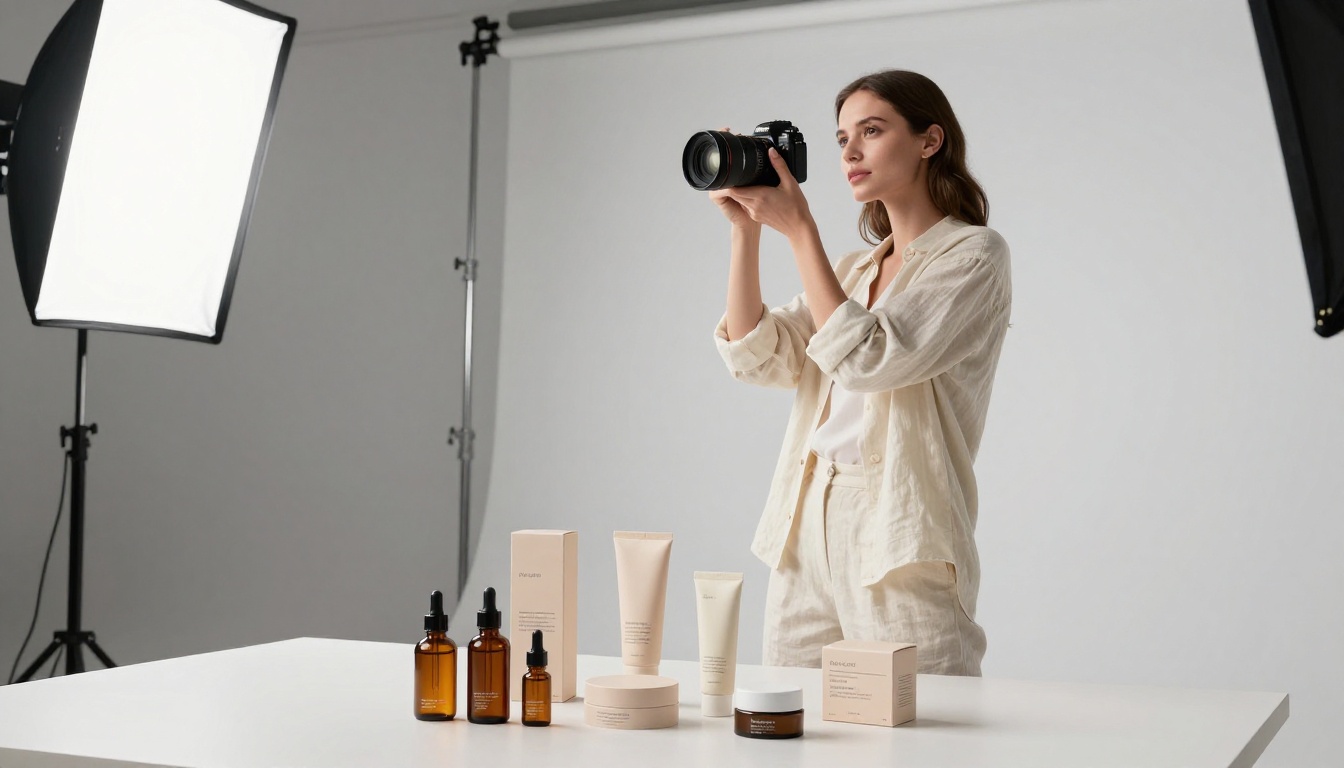
The brands that will define the next five years are being built right now, with AI tools that produce quality that was unthinkable even two years ago. The barrier is no longer budget or access to photographers or designers. The barrier is knowing which tools to use, and how to use them with intent.
Picasso IA brings together over 91 text-to-image models in one place, including every model covered in this article. Whether you are generating your first brand mood board, building a full product photography library, or refining your visual identity with precise image editing tools, the platform gives you access to Flux Pro, Flux 1.1 Pro Ultra, Ideogram v3 Quality, Recraft v4 Pro, Seedream 4, Imagen 4 Ultra, and many more, all without needing multiple subscriptions or accounts.
Start with one visual concept. Pick your aesthetic direction. Generate ten variations in an afternoon. The brand you have been trying to build is closer than it has ever been. Try your first image on Picasso IA today and see what your brand actually looks like.


