Every day brings new opportunities to work smarter, not harder. The right AI tools transform routine tasks from time-consuming chores into streamlined workflows. Whether you're creating content, managing projects, or simply trying to stay organized, artificial intelligence has become an indispensable companion.

The difference between struggling with manual processes and enjoying smooth automation often comes down to tool selection. I've spent months testing different platforms, comparing results, and measuring productivity gains. What emerges isn't just a list of cool technologies, but a practical framework for daily efficiency.
💡 Critical Insight: The most effective tools don't require technical expertise. They integrate naturally into existing workflows.
Visual content drives engagement across every platform. Creating professional images used to require Photoshop skills or hiring designers. Today, AI image generators deliver studio-quality results in seconds.

Primary Image Generators
Flux models dominate for consistent, high-quality outputs. The flux-2-klein-4b delivers rapid generation with impressive detail retention, while flux-2-pro offers enhanced fidelity for professional projects.
For everyday use, p-image provides the best balance of speed and quality. The interface feels intuitive, and results arrive in under 30 seconds for most prompts.
Specialized Image Tools
| Tool | Best For | Time Saved |
|---|
| z-image-turbo | Quick concept sketches | 5-10 minutes per image |
| qwen-image-2512 | Realistic product shots | 15-30 minutes vs photography |
| p-image-edit | Editing existing images | 20+ minutes for complex edits |
💡 Workflow Tip: Create a prompt library for recurring image types. Save descriptions for social media graphics, blog headers, and product visuals.
Video content consumption grows every year. Creating professional videos once required expensive equipment and editing skills. Modern AI video generators change this equation dramatically.
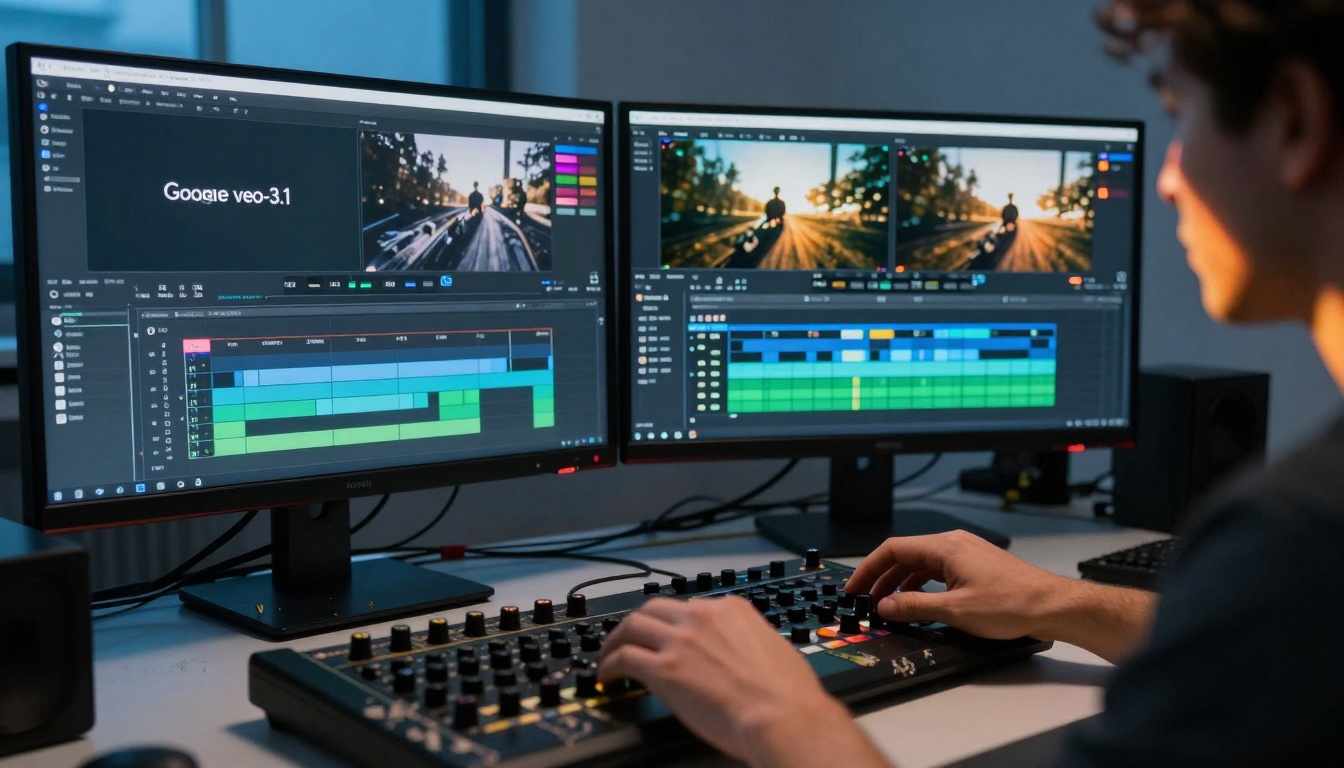
Top Video Generation Platforms
For cinematic quality, veo-3.1 delivers Hollywood-grade motion and lighting. The veo-3.1-fast version maintains quality while cutting generation time by 40%.
Social media creators prefer kling-v2.6 for its vertical format optimization and trendy visual style.
Practical daily use favors wan-2.6-t2v for its consistent output quality and reliable generation times.
Video Enhancement Tools
Writing and Research Assistance
The volume of writing required for modern work grows constantly. From emails to reports to content creation, AI writing tools reduce mental fatigue and improve output quality.

Language Model Selection
Daily writing tasks benefit from gpt-4o-mini for its speed and consistent quality. Email drafting, document summarization, and basic content creation feel effortless.
Complex research demands claude-3.7-sonnet. The extended context window handles lengthy documents, and the reasoning capabilities produce insightful analysis.
Budget-conscious users find meta-llama-3-8b-instruct delivers 80% of premium model performance at 20% of the cost.
Writing Workflow Optimization
- Draft generation: Start with AI to overcome blank page syndrome
- Tone adjustment: Use different models for different audiences
- Fact verification: Cross-reference AI suggestions with trusted sources
- Final polish: Human editing always improves AI-generated text
Audio and Music Production
Podcasts, videos, and presentations need quality audio. Professional recording equipment remains expensive, but AI audio tools democratize production quality.
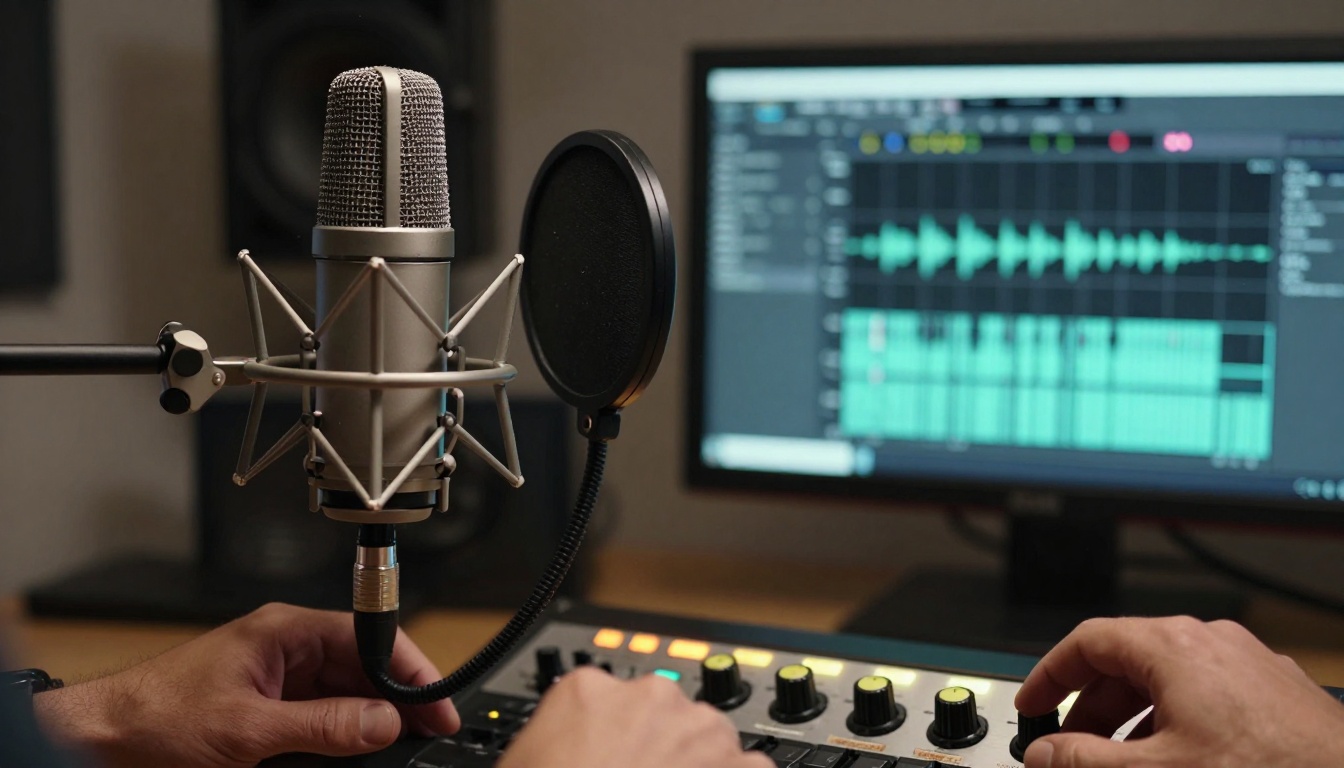
Voice and Music Generation
Podcast creators rely on speech-2.6-hd for consistent, natural-sounding narration. The emotional range matches professional voice actors.
Music production transformed with stable-audio-2.5. Generate background tracks, jingles, or full compositions in specific genres and moods.
Voice cloning through voice-cloning creates consistent brand voices across multiple projects and platforms.
Audio Processing Pipeline
- Transcription: gpt-4o-transcribe converts meetings and interviews into searchable text
- Noise reduction: Built into most AI voice tools
- Format conversion: Tools handle different output requirements automatically
Productivity Automation
The real power emerges when tools work together. Automation connects separate applications into cohesive workflows.
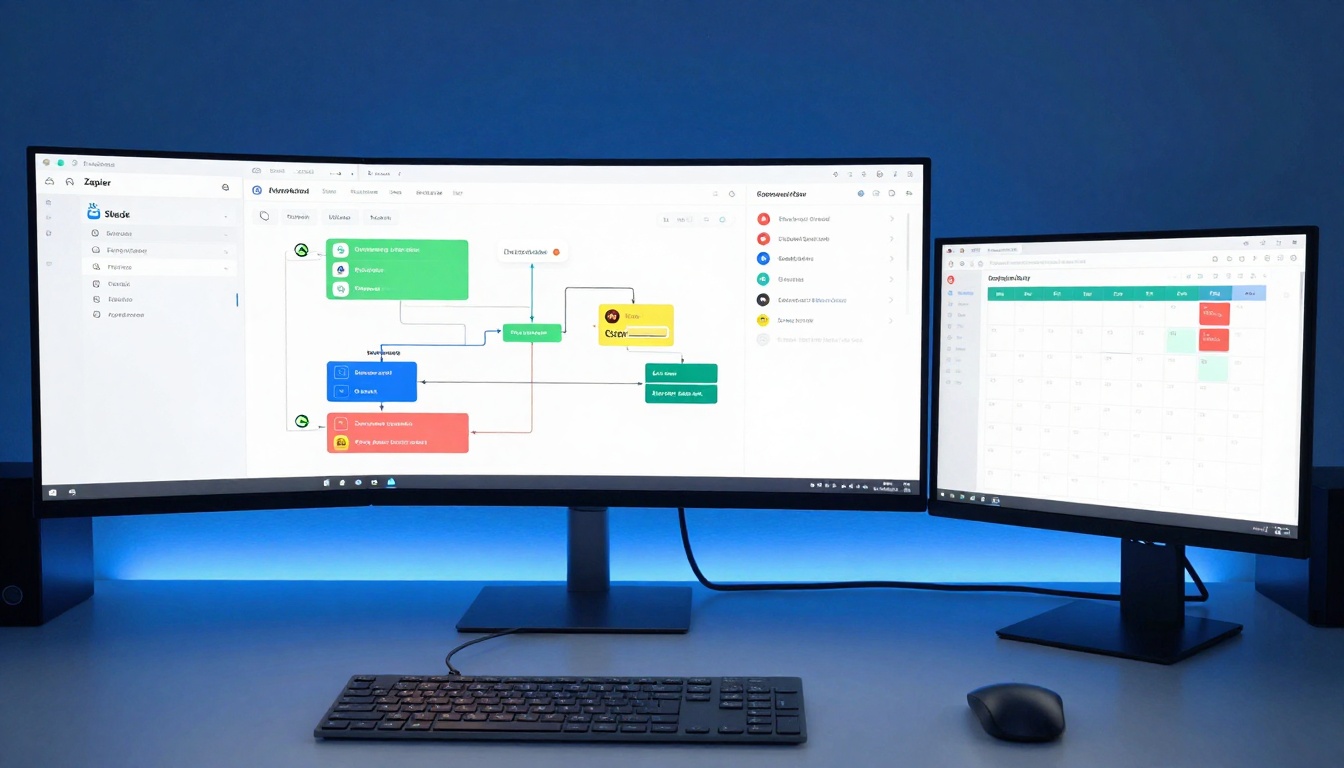
Daily Automation Examples
Content publishing workflow:
- AI generates blog post draft
- Images created automatically for each section
- SEO optimization applied
- Scheduled for publication across platforms
- Social media posts auto-generated
Meeting management:
- Calendar invites sent with AI-generated agendas
- Transcription during meeting
- Action items extracted and assigned
- Follow-up emails drafted
- Next meeting scheduled automatically
Integration Platforms
| Platform | Strength | Cost Efficiency |
|---|
| Native integrations | Seamless experience | Usually free |
| API connections | Maximum flexibility | Development time required |
| Middleware tools | Easy setup | Monthly subscription |
Content Organization Systems
Creating content represents only half the battle. Organizing, scheduling, and distributing content determines actual impact.
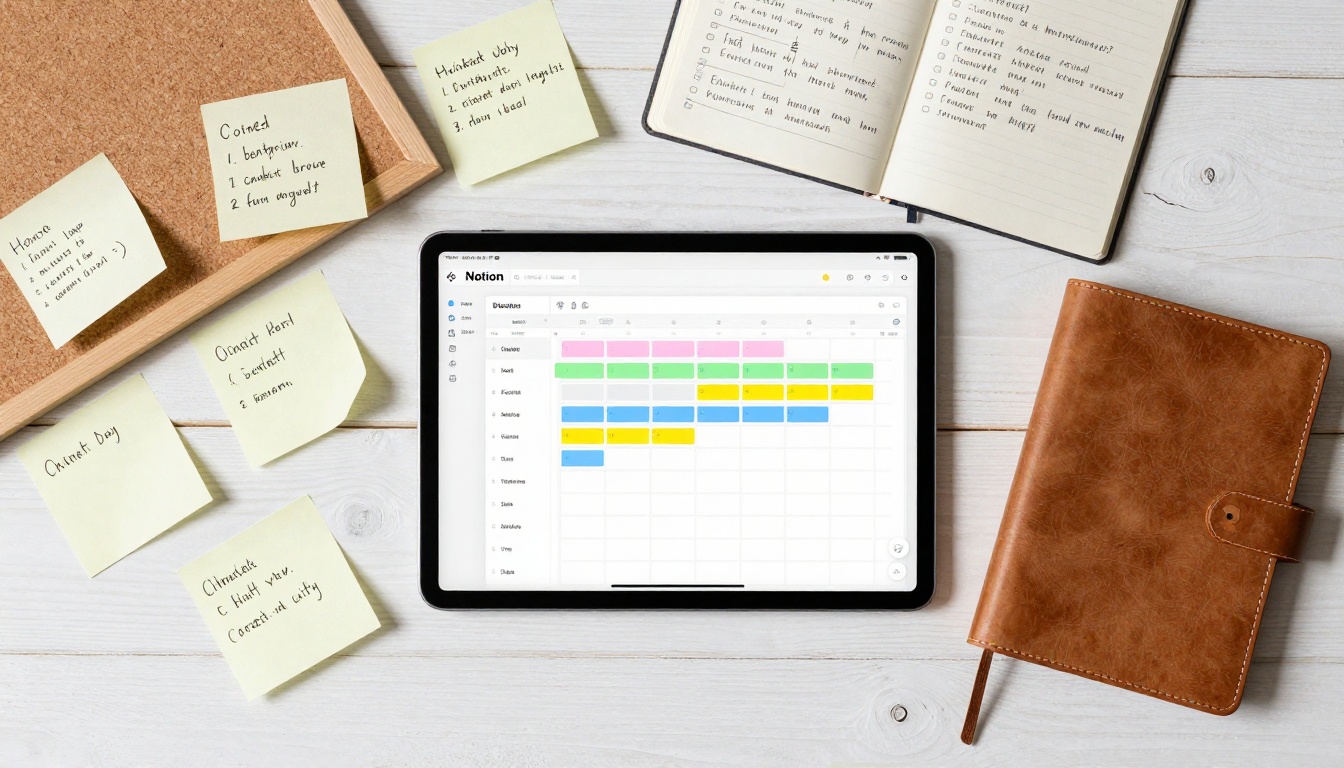
Organizational Framework
Central repository: All content assets stored in searchable database
Tagging system: AI automatically categorizes by topic, format, and audience
Calendar integration: Publishing schedule visible alongside other commitments
Performance tracking: Analytics connected to content library
AI-Assisted Organization
- Automatic tagging: AI analyzes content and applies relevant categories
- Duplicate detection: Identifies similar content to avoid repetition
- Gap analysis: Highlights missing content in your strategy
- Trend monitoring: Suggests topics based on current interest
Mobile AI Integration
The smartphone remains the most used computing device. AI tools optimized for mobile deliver convenience without sacrificing capability.

Mobile-First AI Tools
Voice assistants evolved beyond basic queries. Modern versions handle complex tasks:
- Schedule management with natural language
- Email composition during commute
- Meeting preparation from calendar invites
- Research summarization for quick decisions
Image creation works directly from photo libraries. Select existing images and apply:
- Style transfer for social media
- Background replacement for professional profiles
- Enhancement for product photography
- Batch processing for multiple images
Cross-Device Synchronization
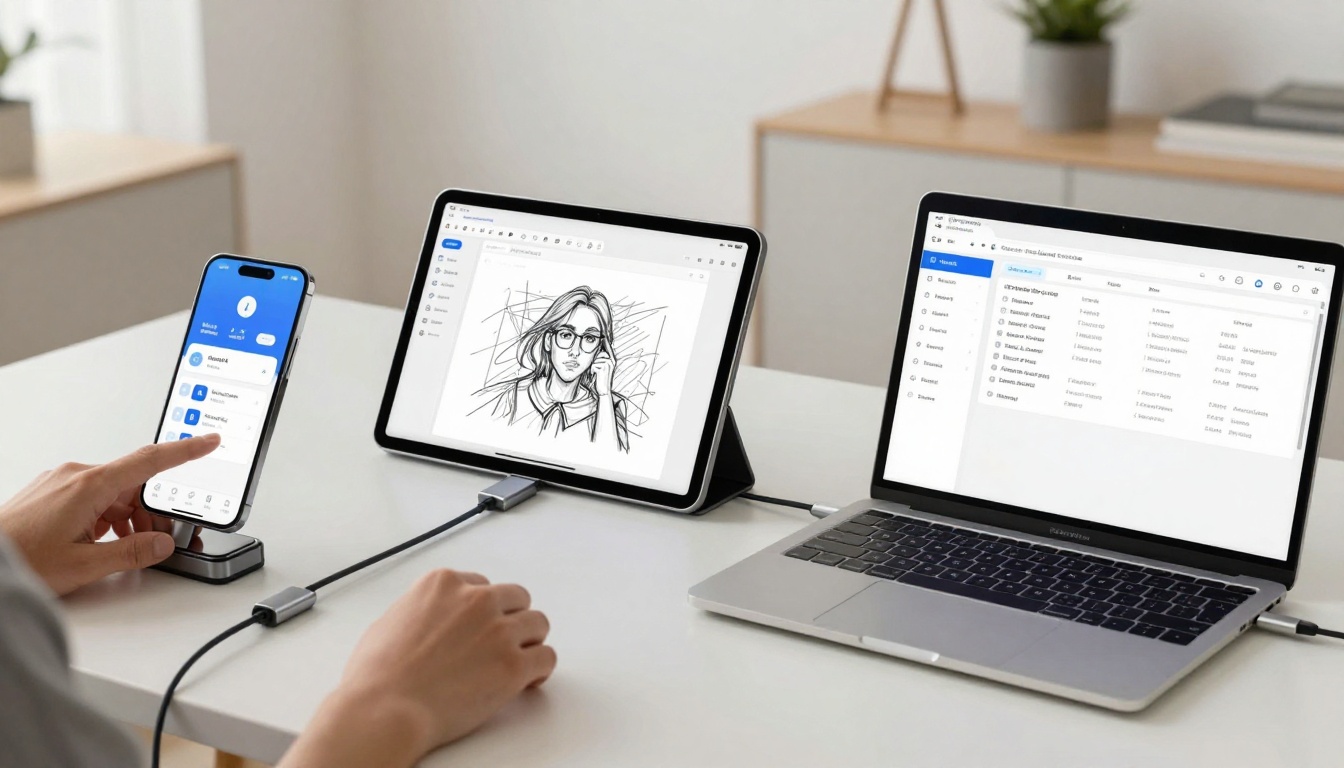
The seamless experience comes from consistent tool availability:
- Start on phone, continue on laptop
- Cloud synchronization maintains context
- Progressive enhancement based on device capabilities
- Offline functionality for travel or poor connectivity
Cost Considerations
Tool selection involves balancing capability against expense. The most expensive option rarely delivers proportional value.
Budget Allocation Strategy
Priority investment: Tools used daily deserve premium subscriptions
Occasional use: Pay-per-use models better for sporadic needs
Experimental tools: Free tiers sufficient for initial exploration
Team tools: Volume discounts often available for organizational use
Hidden Costs to Monitor
- Storage fees: Generated content consumes cloud space
- Processing limits: Monthly caps on generation quantity
- Export restrictions: Some platforms limit download formats
- Support access: Premium plans required for technical assistance
The AI tool landscape evolves rapidly. Current capabilities represent just the beginning.

Emerging Capabilities
Contextual understanding improves daily. Tools will anticipate needs based on:
- Current project status
- Time of day and energy levels
- Upcoming deadlines
- Personal working patterns
Cross-modal generation expands possibilities. Describe a concept verbally, receive:
- Written document with research citations
- Visual presentation with diagrams
- Video summary with narration
- Interactive prototype for feedback
Integration Depth
Future tools won't just work together—they'll feel like different facets of the same system. The distinction between "writing tool" and "design tool" and "scheduling tool" will blur into a cohesive creative environment.
The overwhelming options create paralysis for many. The practical approach begins small and expands gradually.
First Week Implementation
- Choose one pain point: Identify the most frustrating daily task
- Select a single tool: Find the best solution for that specific problem
- Integrate completely: Use the tool for everything related to that task
- Measure improvement: Track time saved and quality enhancement
Expansion Strategy
After initial success, add tools following this pattern:
- Related functionality: Tools that complement your first choice
- Workflow connections: Automation between successful tools
- Team adoption: Introduce tools that colleagues already use
- Skill development: Learn advanced features of mastered tools
Creating With PicassoIA
The tools mentioned throughout this article represent practical solutions for daily challenges. Each serves a specific purpose in a modern workflow.
For visual creation, explore the text-to-image collection to find models matching your style preferences. The flux-2-pro model delivers professional results for business visuals, while p-image offers speed for rapid iteration.
Video projects benefit from the text-to-video tools. Start with veo-3.1-fast for quick concept testing, then use kling-v2.6-motion-control for refined motion sequences.
The actual experience matters more than theoretical capability. Try generating a simple image with p-image, then create a short video from that image using wan-2.6-i2v. This end-to-end workflow demonstrates the practical power available today.
What separates successful tool adoption from abandoned subscriptions comes down to consistent use. The most sophisticated AI remains useless without regular engagement. Start with one task, master that workflow, then expand systematically. The compounding benefits transform daily work from obligation to opportunity.


