Selling online in 2027 means competing in a visual arms race. Shoppers scroll past thousands of products every day, and the difference between a click and a skip often comes down to a single image. Professional studio photography used to be the only way to win that battle, but AI tools have fundamentally changed the economics. Solo sellers and small teams can now produce catalog-quality visuals without a crew, a rented studio, or a five-figure budget.
Why Product Visuals Control Conversion Rates
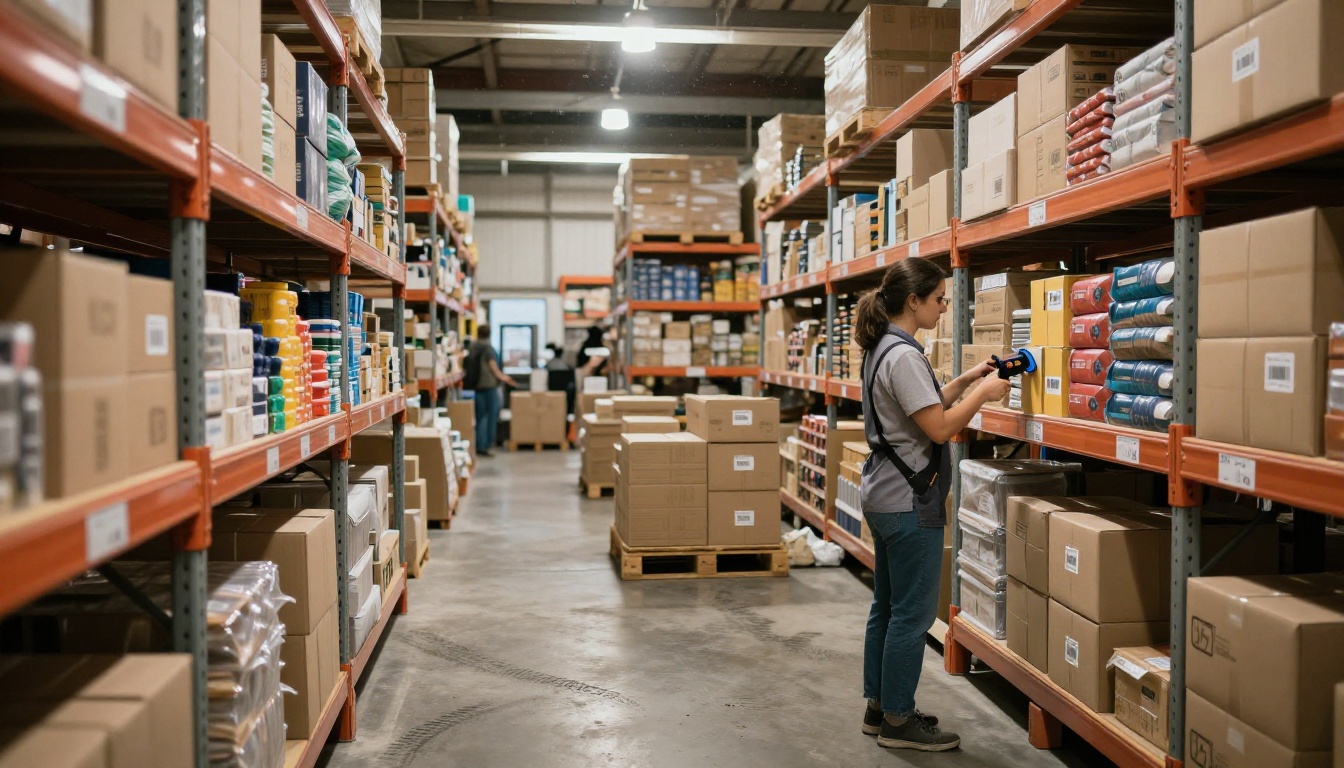
Consumer research consistently shows that product imagery is the single biggest driver of purchase decisions on e-commerce platforms. On Amazon, listings with at least seven high-quality images convert at rates significantly higher than those with two or three. On Shopify, brands report that upgrading product photography alone increases add-to-cart rates by 20% to 35% without changing a word of copy.
The visual expectation has risen sharply. Shoppers in 2027 are accustomed to seeing flawlessly lit hero shots, lifestyle images with clean backgrounds, and short-form product videos before making a buying decision. An AI-assisted visual stack is no longer optional for sellers who want to compete with established brands.
What Buyers Notice First
The visual hierarchy on a product listing is predictable. Shoppers process the primary image within the first 200 milliseconds of seeing a listing. After that, they look at secondary images for context, lifestyle shots for aspiration, and video for confidence. Each asset type has a specific job: the hero image earns a click, the lifestyle shot builds desire, and the close-up earns trust.
The good news is that all three can now be produced with AI, often in the time it used to take to schedule a photography session.
The Real Cost of Traditional Photography
A standard product photography session for 10 SKUs typically runs between $500 and $2,000, not including retouching, background removal, or reshoots when products change. For sellers managing a catalog of 50 to 200 products, that math becomes unsustainable. AI does not replace photography permanently for every seller, but it dramatically reduces how often you need it and how much you spend when you do.

AI Image Generation: Creating Product Photos Without a Camera
Text-to-image AI has reached photorealistic quality in 2027. The best models produce 8K-quality product images from written descriptions, with accurate lighting, surface reflections, depth of field, and natural textures that are indistinguishable from professional studio photography. This capability makes it possible to visualize a product in multiple settings and angles without physically moving a single item.
PicassoIA gives sellers access to over 91 text-to-image models in one place. That depth means you can choose models optimized for specific product types: fashion items, food and beverage, electronics, beauty products, or lifestyle goods, each with its own strengths in lighting and texture rendering.
Writing Prompts That Work for Products
The quality of AI-generated product photos depends heavily on how specific the prompt is. Vague prompts produce generic results. Specific prompts produce images that look intentionally composed.
Effective prompt structure:
- Subject: What the product is and how it is positioned
- Environment: Surface, background, and surrounding props
- Lighting: Direction, quality, and color temperature
- Camera: Lens focal length, aperture, and angle
- Style: Film stock, color grade, texture notes
For example: "A glass honey jar on a raw oak cutting board, morning diffused light from left, 85mm f/2.0 depth of field, honey visible through glass, Kodak Portra 400 color science, 8K RAW photography" will consistently produce a professional, usable product image.
💡 Tip: Add "film grain" and "8K RAW photography" to any product prompt to avoid the smooth, slightly artificial look that older AI image generators produced.
ControlNet for Existing Products
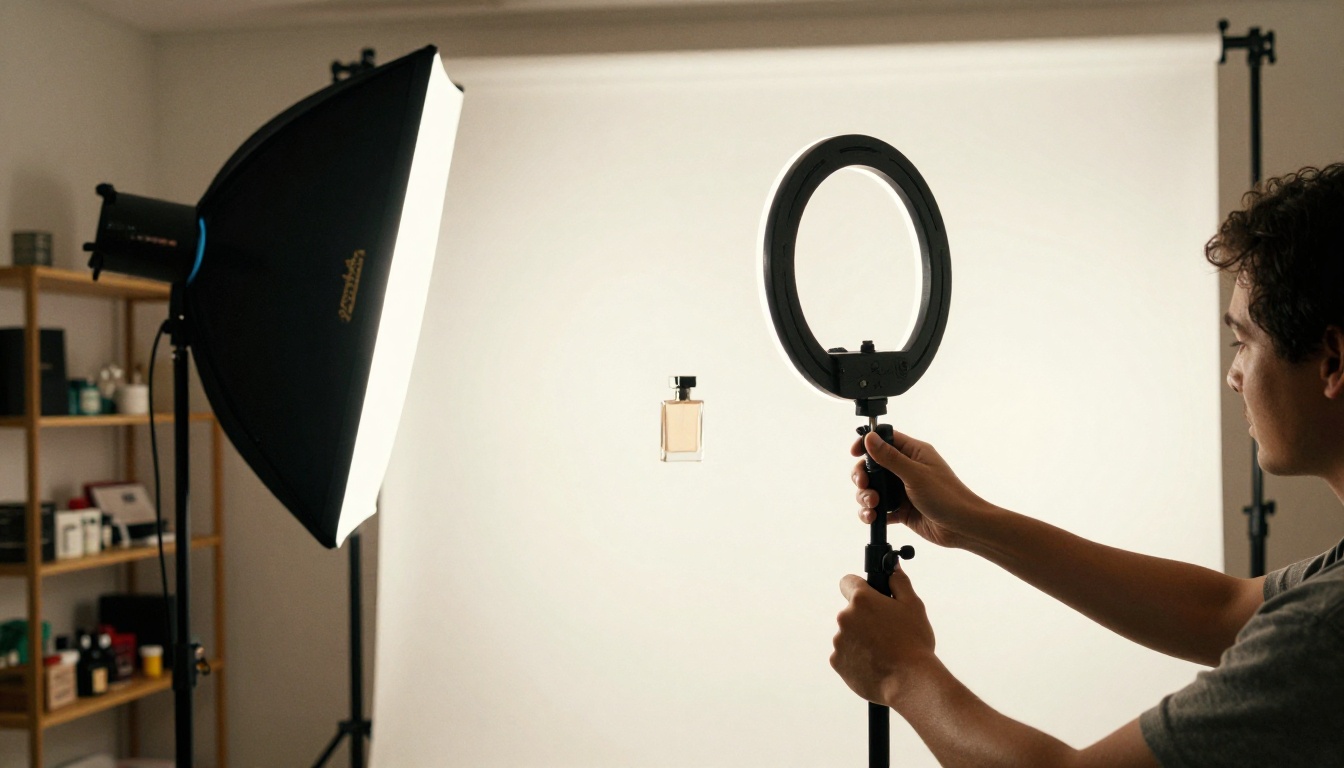
If you already have a photo of your product but the background or lighting does not meet platform requirements, ControlNet-based tools on PicassoIA let you preserve the product's shape and details while replacing everything around it. The tool uses pose and structure control to keep the product intact while the AI rebuilds the environment from your description.
This is particularly useful for sellers who have raw phone photos of their products and need them placed in professional settings, without any reshooting.
Background Removal at Scale
Clean backgrounds are a requirement on Amazon, a strong expectation on Etsy, and a brand standard for Shopify stores. Manually removing backgrounds in Photoshop requires skill and takes 10 to 30 minutes per image. AI handles it in under 15 seconds.
One-Click Precision Cutouts
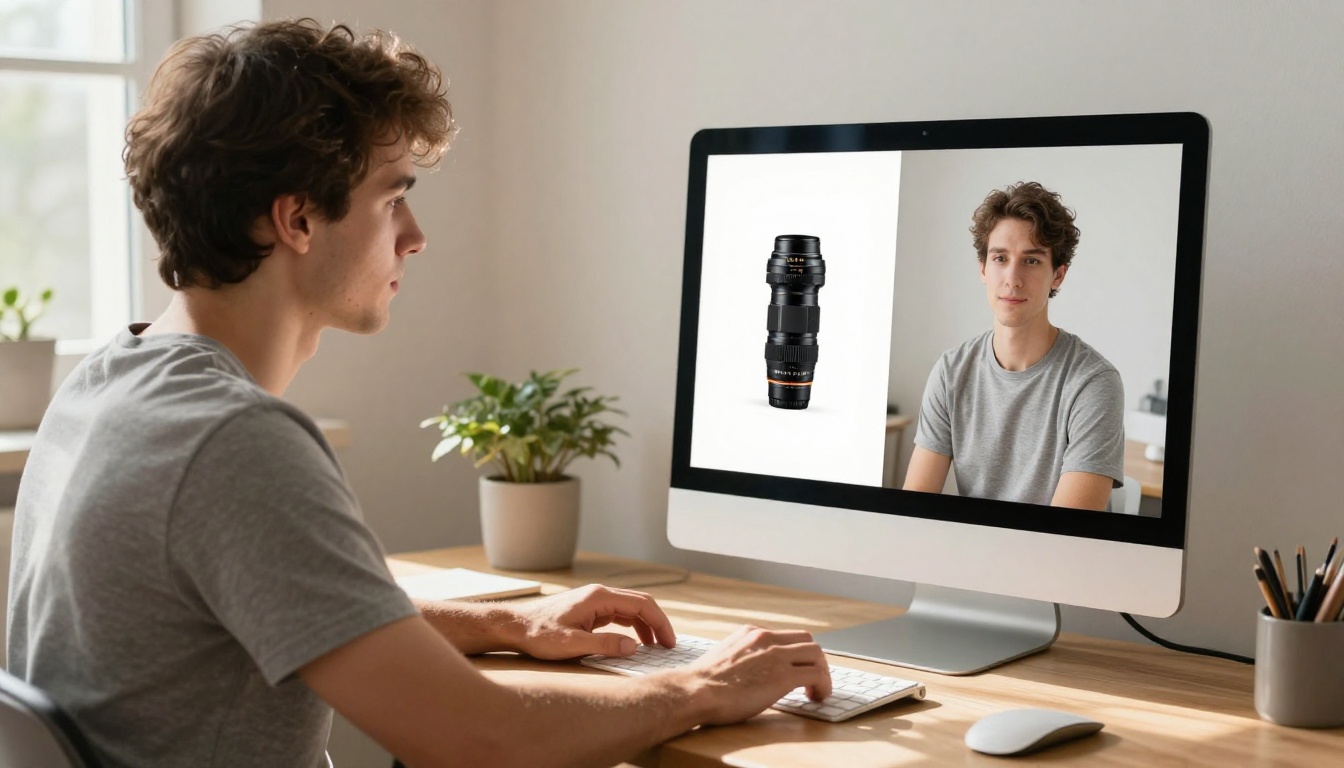
Remove Background by Bria handles complex edge cases that tripped up older tools: fine hair, translucent fabric, jewelry chains, product edges with shadow gradients, and reflective surfaces. The output is a clean PNG with a transparent background that drops into any platform template or branded background without additional editing.
For sellers dealing with hundreds of SKUs, this is the single highest-leverage AI tool available. It collapses a workflow that took an entire editing session down to a batch job.
💡 Tip: Process background removal before upscaling. A higher-resolution image after background removal will have cleaner edges and more detail to work with when you place the product on a new background.
Building a Batch Visual Pipeline
High-volume sellers benefit from treating their visual production as a pipeline rather than individual tasks:
- Generate or source raw product photos
- Remove backgrounds with Remove Background by Bria
- Place products on white, gradient, or lifestyle backgrounds
- Upscale and sharpen with Clarity Pro Upscaler or Image Upscale by Topaz Labs
- Animate one hero image into a short product video for each listing
Each step takes minutes with AI. The combined result is a full visual package for each SKU: white background hero shot, lifestyle placement, upscaled close-up, and a product video, ready for upload.

AI Video for Product Listings and Marketing
Short-form video is the fastest-growing discovery channel for e-commerce in 2027. Amazon's onsite video boosts listing visibility, TikTok Shop requires video to compete effectively, and Instagram Reels regularly surfaces product content to non-follower audiences. The barrier used to be production cost and time. AI has removed both.
From Product Photo to Video in Minutes
PicassoIA's video generation tools let you take a single product photo and animate it into a cinematic clip with realistic camera movement, product motion, and synchronized audio. This is not a slideshow effect or a simple pan. The AI generates genuine frame-by-frame motion that reads as intentionally filmed.

Best Video Models for E-commerce Sellers
For sellers just starting with video, Seedance 2.5 Lite is free and unlimited, making it the right starting point before committing to higher-resolution paid options.
Writing Video Prompts That Work
The same principle that applies to image generation applies to video: specificity produces better results. A good video motion prompt describes what moves, how the camera moves, and what happens over the clip's duration.
Good structure: [Product] + [starting position] + [motion over time] + [camera movement] + [lighting and atmosphere]
Example: "Glass skincare serum bottle on a marble surface, soft morning light, camera slowly dollies in from medium shot to close-up, subtle rotation of bottle revealing amber liquid inside, warm diffused backlight."
💡 Tip: Use Avatar V by HeyGen to create AI-powered spokesperson videos for your product page. A real-looking presenter explaining the product dramatically increases trust and time-on-page, both of which affect conversion rates.
Upscaling Low-Res Product Photos
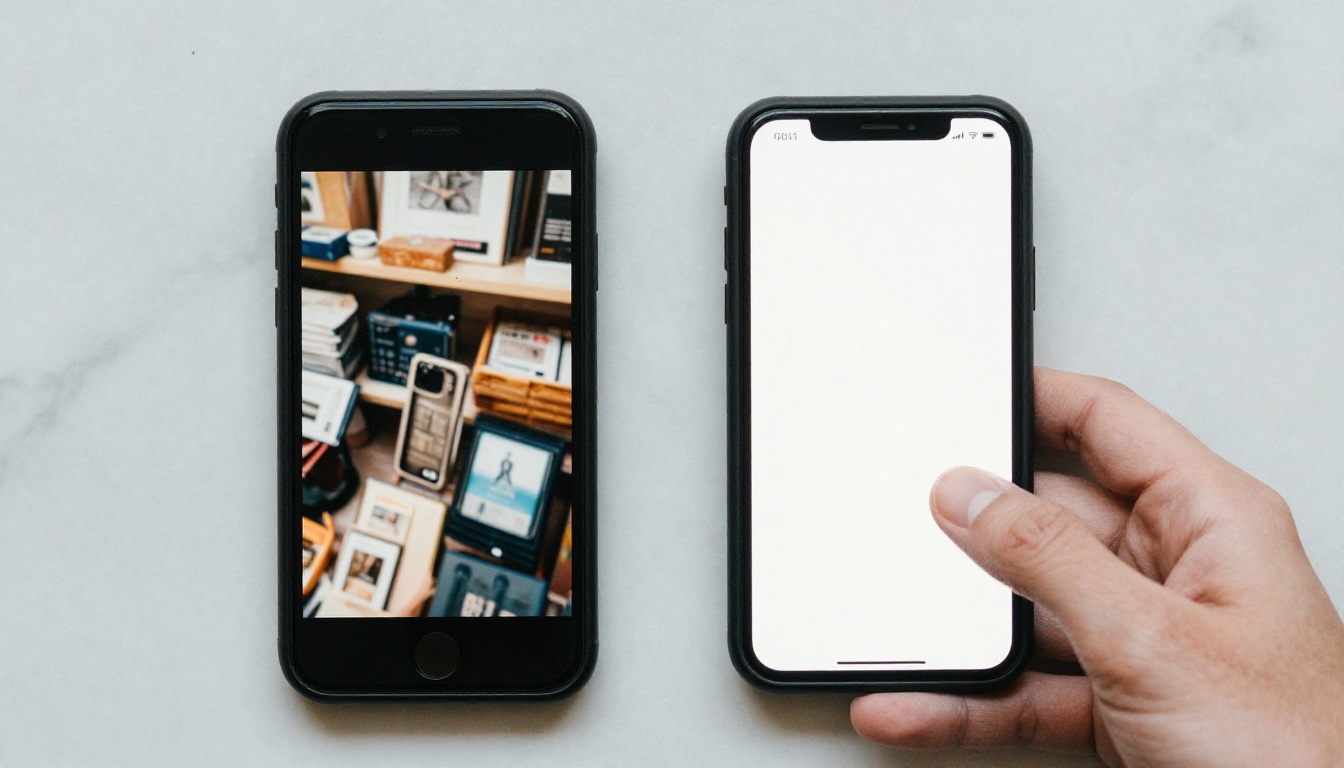
Many sellers have an existing catalog of images that are too small or too blurry for modern platform requirements. Amazon recommends images at 2000px minimum on the longest side. Google Shopping requires sufficient resolution for zoom functionality. AI upscaling restores these images without reshooting.
4x to 6x Upscaling in Seconds
Real ESRGAN is a fast, free option that handles standard product upscaling in seconds with 4x enlargement. It is particularly effective for items with defined texture, like fabric, ceramic, wood, and packaging materials.
Crystal Upscaler is optimized for portrait-style shots and lifestyle images featuring people or models. It preserves skin tone gradients and facial detail while keeping product edges crisp.
Image Upscale by Topaz Labs supports up to 6x enlargement with detail reconstruction, making it the strongest option for print catalog assets, large-format advertising, or any placement where every pixel matters.
Recraft Crisp Upscale delivers fast results with strong performance on geometric product shapes and packaging designs that include printed text.
When to Upscale vs. When to Regenerate
This is a practical decision most sellers face regularly:
- Upscale when: the composition, angle, and lighting are already correct but the file is too small for the platform requirement
- Regenerate when: the angle needs to change, the background is wrong, or the image has fundamental quality issues that upscaling cannot repair
Both options are available directly on PicassoIA, and the decision takes about 30 seconds of assessment per image.

Building a Repeatable Visual Workflow
The sellers seeing the biggest efficiency gains in 2026 are not the ones using the most AI tools. They are the ones who built a repeatable visual production system where each step flows directly into the next, and AI handles every mechanical decision.

Time Savings by Task
The efficiency numbers are significant enough to change how sellers structure their teams:
- Background removal: 15 to 30 minutes in Photoshop vs. 10 seconds with AI
- Image upscaling: 20 minutes of manual editing vs. 30 seconds with AI
- Product video: 1 to 2 days of filming and editing vs. 3 to 5 minutes with AI
- Lifestyle photo generation: $500 or more per photography session vs. a fraction of a cent per AI image
A catalog of 100 products with four images and one video per SKU represents what used to be a months-long production project. With AI, it becomes a week of organized effort, often done by one person without any external contractors.
Free vs. Paid: Where to Start
PicassoIA includes free access to tools that cover the basics. Real ESRGAN for upscaling and Seedance 2.5 Lite for video generation are both available without cost, giving sellers a no-risk starting point.
As volume increases and quality requirements rise, models like Image Upscale by Topaz Labs, LTX 2 Pro, and Kling v3 Video add the resolution and motion quality that premium placements demand.
How AI Visuals Affect Search Performance
AI-generated product visuals, when done well, also perform better in search. Google Shopping surfaces listings with higher-resolution images more frequently. Amazon's A9 algorithm factors in listing completeness, which includes having video, at least seven images, and a clean hero shot. High-quality imagery also reduces return rates because buyers have accurate expectations before they purchase, which is a metric that directly affects seller standing on most major platforms.
AI-powered product photos, at-scale background removal, and short-form video generation each address a different part of the visibility problem. Together, they address all of it.
Start Generating Your Own Product Images
Everything described in this article is available at PicassoIA: 91 image generation models, 87 video generation models, one-click background removal, multi-level upscaling, AI lipsync, AI music generation, and more, all without installing software or buying dedicated hardware.
Pick one task from your current workflow where visual quality or speed is holding you back. If it is background removal, start with Remove Background by Bria and process your first five SKUs in under two minutes. If it is image resolution, run your existing photos through Real ESRGAN and see the difference before committing to anything paid.
If you have never added video to a product listing, use Seedance 2.5 Lite for free. Animate one of your existing product photos into a 10-second clip and upload it to your highest-traffic listing. Most sellers see an immediate lift in time-on-page and, within a few weeks, a measurable improvement in conversion rate.
The sellers who adopted AI visual production early now have a catalog that looks like it came from a full creative agency. That same advantage is available right now at picassoia.com/en/all-models.


