The creative landscape has transformed dramatically in recent years, with artificial intelligence becoming an indispensable partner for professionals across image generation, video production, and music composition. These tools aren't replacing human creativity—they're amplifying it, providing new capabilities that were previously inaccessible or prohibitively expensive.

Modern creative studio integrating AI tools across three domains
Image Generation: From Concept to Photorealism
AI image generation has evolved from producing basic graphics to creating photorealistic artwork that challenges traditional photography. The current generation of tools offers unprecedented control over composition, lighting, and detail.
Leading Image Generation Models
💡 Pro Tip: Always start with detailed prompts describing lighting, composition, and atmosphere rather than just subject matter.
Photorealistic Excellence: flux-2-klein-4b delivers exceptional quality for professional applications, while gpt-image-1.5 offers remarkable consistency in human figures and complex scenes.
Speed and Efficiency: For rapid concept generation and iteration, z-image-turbo provides near-instant results without sacrificing quality, perfect for advertising agencies needing quick visual concepts.
Advanced Control: flux-2-pro and flux-2-flex offer granular control over every aspect of image generation, from specific lighting angles to precise material textures.
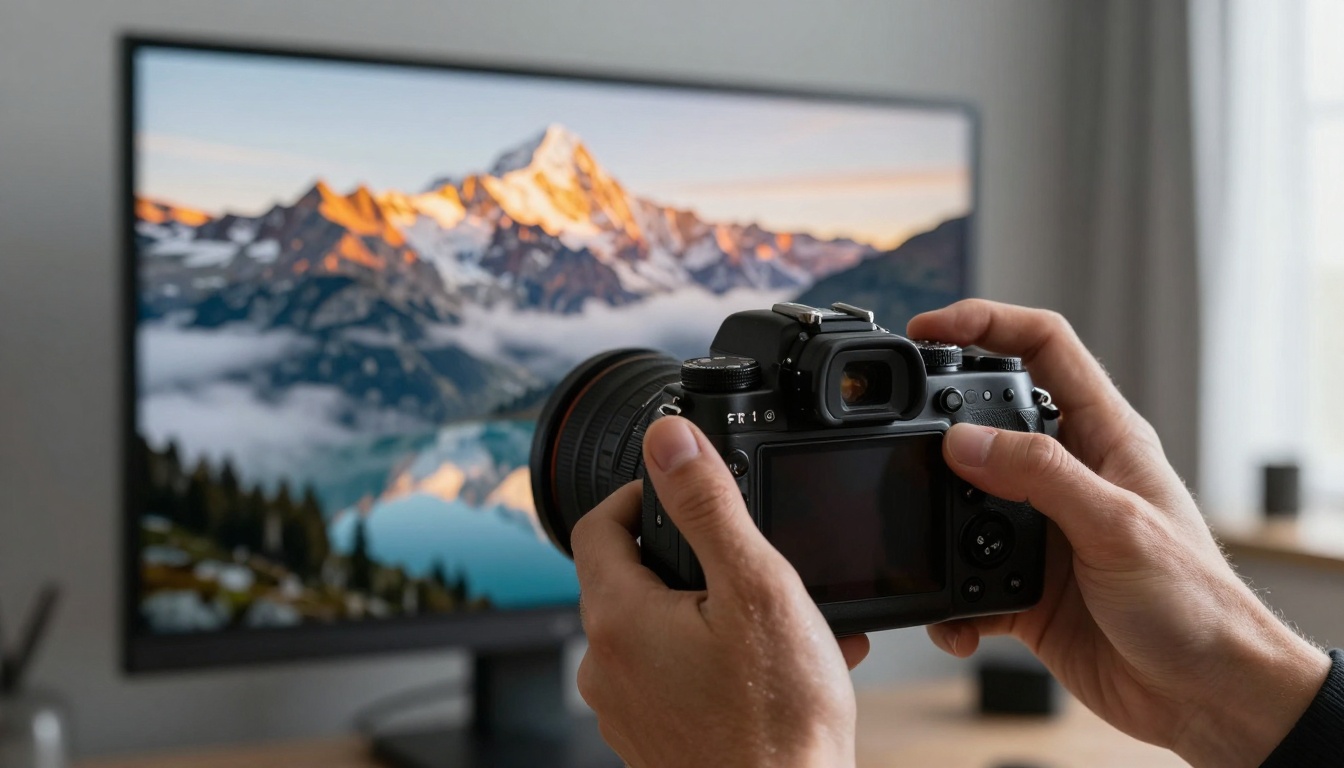
Professional photography workflow enhanced with AI image generation
Practical Applications
| Industry | Use Case | Recommended Model | Typical Savings |
|---|
| Advertising | Product visualization | p-image | 65-80% |
| Architecture | Concept renders | flux-2-max | 70-85% |
| Fashion | Lookbook creation | qwen-image-2512 | 60-75% |
| Publishing | Book covers | seedream-4.5 | 75-90% |
Editing and Refinement: The p-image-edit model allows precise adjustments to existing images—changing backgrounds, modifying colors, or adding elements without starting from scratch.
Video Production: Cinematic Quality at Scale
AI video generation has progressed from simple animations to full cinematic sequences with complex camera movements, lighting effects, and narrative coherence.
Top Video Generation Platforms
💡 Pro Tip: Use storyboard sequences with consistent character descriptions across frames for coherent narrative videos.
Professional Cinematics: kling-v2.6 produces studio-quality footage with natural motion physics, while sora-2-pro excels at complex multi-scene narratives.
Speed and Accessibility: veo-3.1-fast delivers rapid results for social media content, and wan-2.2-i2v-fast converts still images into dynamic videos efficiently.
Image-to-Video Specialists: wan-2.6-i2v and wan-2.5-i2v transform photographic compositions into animated sequences with impressive temporal consistency.
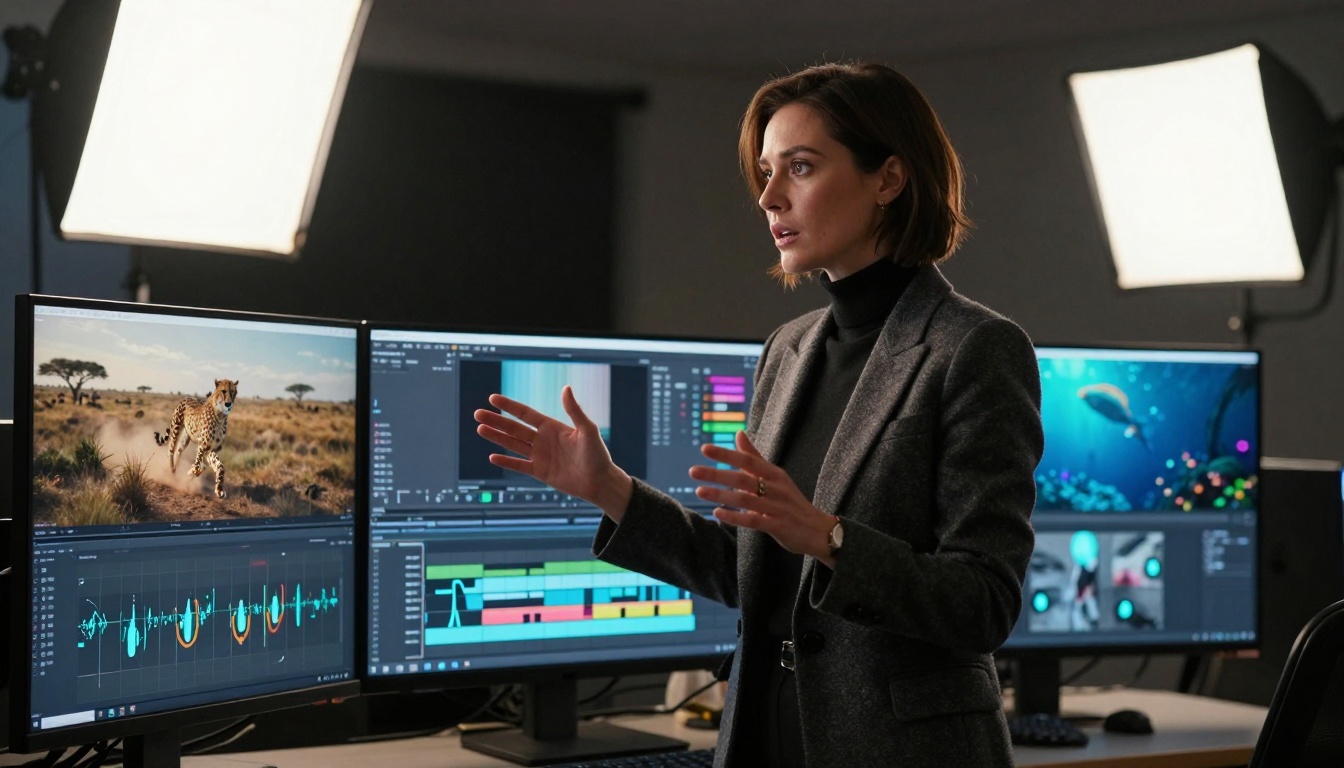
Professional video director utilizing AI-generated sequences
Production Workflow Integration
Pre-production: Use AI tools for concept visualization and storyboarding
Production: Generate background plates, establishing shots, and complex visual effects
Post-production: Create transitions, color grading reference frames, and motion graphics
Key Considerations for Video Projects:
- Consistency Across Frames: Maintain character descriptions, lighting conditions, and environmental details
- Camera Movement Planning: Specify shot types (close-up, medium, wide) and camera motions (pan, tilt, dolly)
- Temporal Coherence: Ensure objects maintain consistent appearance and position throughout sequences
- Audio-Visual Synchronization: Plan for music and sound effect integration during the generation phase
Music Composition: From Jingles to Symphonies
AI music generation has advanced beyond simple melody creation to complete compositions with complex harmonic structures, instrumentation, and emotional depth.
Leading Music Generation Tools
💡 Pro Tip: Specify genre, instrumentation, tempo, and emotional tone for best results—don't just describe the mood.
Professional Production: stable-audio-2.5 creates polished tracks suitable for commercial use, while music-01 offers rapid generation for content creation needs.
Vocal and Instrument Specialization: lyria-2 excels at vocal synthesis and complex arrangements, and music-1.5 provides versatile composition capabilities across multiple genres.
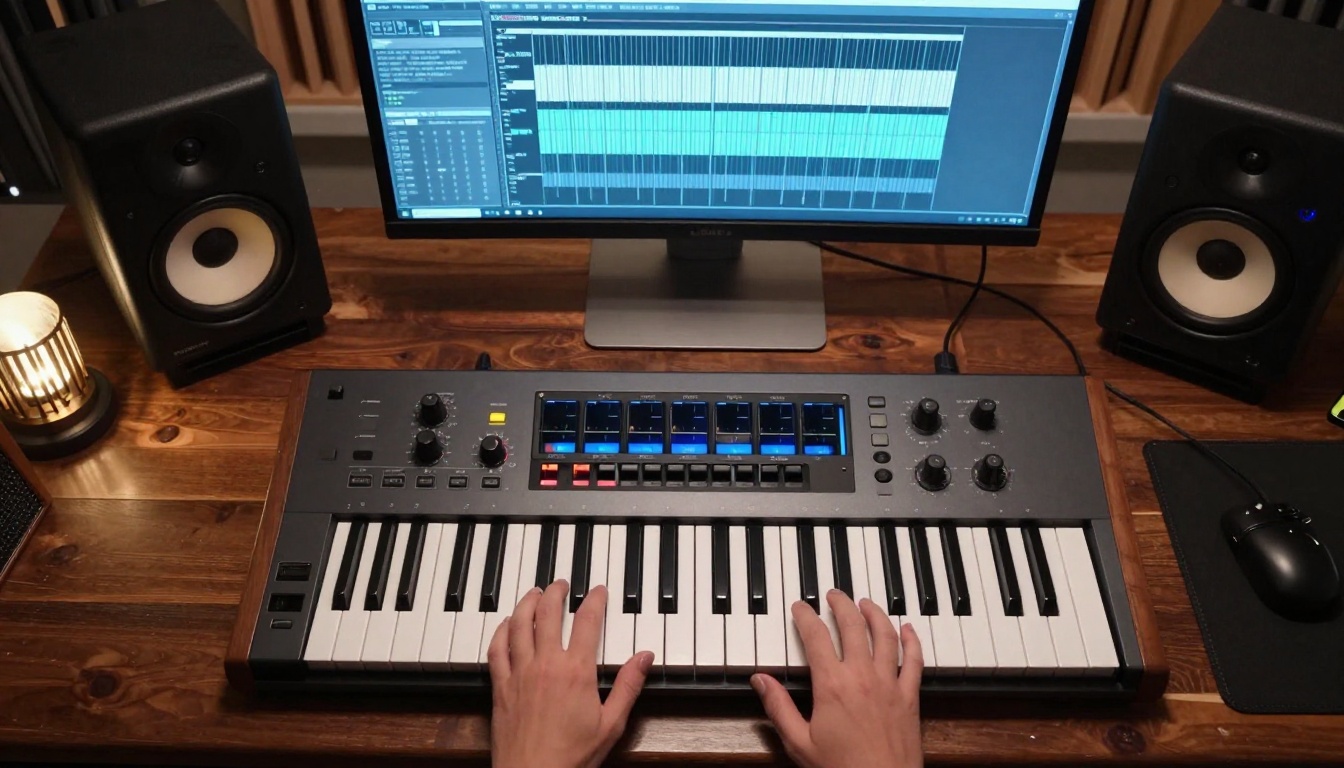
Professional music studio integrating AI composition tools
Music Generation Parameters
| Parameter | Description | Typical Values |
|---|
| Genre | Musical style | Classical, Electronic, Jazz, Pop, Rock |
| Tempo | Speed in BPM | 60-180 (specify exact or range) |
| Instrumentation | Featured instruments | Piano, Strings, Guitar, Drums, Synthesizer |
| Mood | Emotional quality | Joyful, Melancholic, Energetic, Calm |
| Duration | Track length | 30s, 60s, 90s, 180s, 300s |
| Complexity | Arrangement detail | Simple, Moderate, Complex, Orchestral |
Creative Applications:
- Advertising: Generate brand-specific jingles and background scores
- Film/TV: Create custom soundtracks matching scene emotional tones
- Games: Produce dynamic music that responds to gameplay events
- Podcasts: Design signature intros, outros, and transition music
Centralized platforms like PicassoIA provide access to multiple AI models across different creative domains, streamlining workflow and reducing operational complexity.
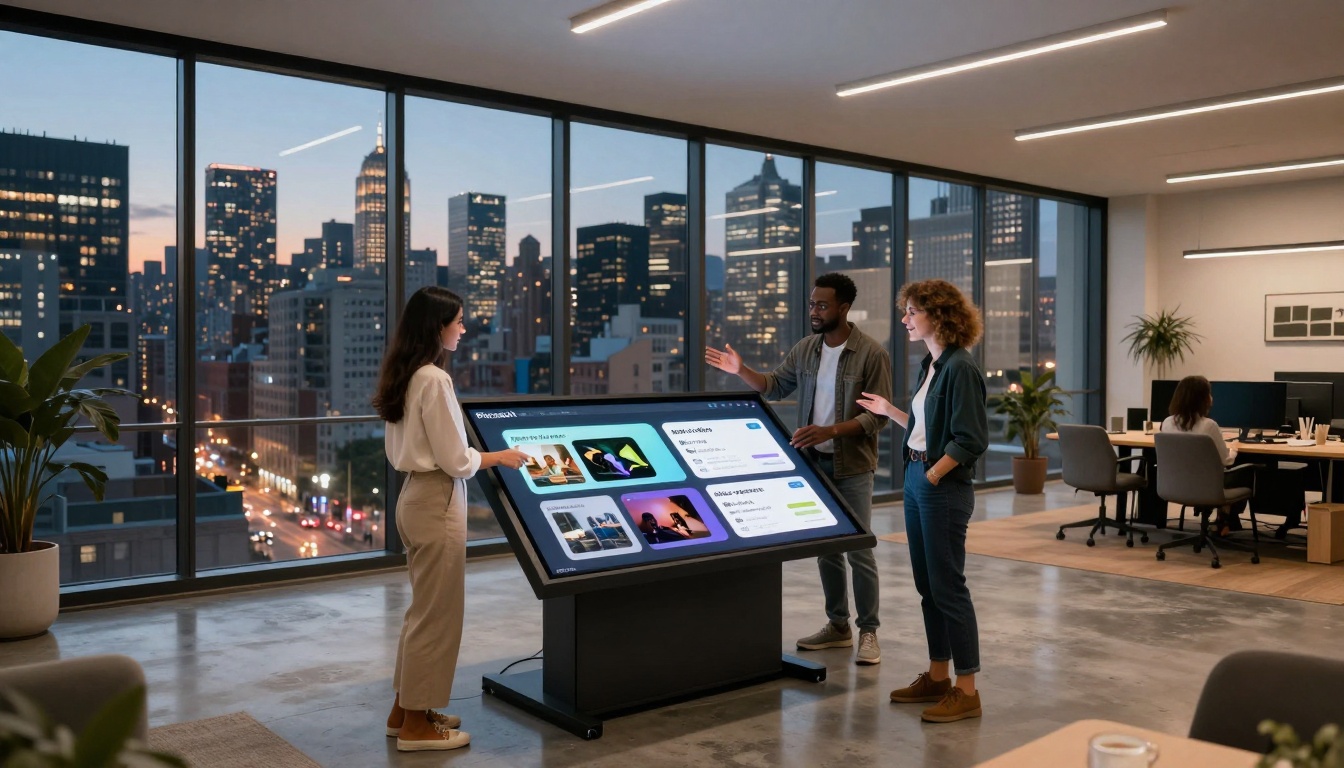
Collaborative workspace utilizing the PicassoIA platform
Platform Advantages
Unified Interface: Single dashboard for image, video, and music generation
Consistent Pricing: Transparent cost structures across different model types
Workflow Integration: Seamless movement between different creative tasks
Quality Consistency: Standardized output formats and quality controls
Model Categories Available:
- Text-to-Image: Photorealistic and artistic image generation
- Text-to-Video: Cinematic sequences and animations
- AI Music Generation: Complete musical compositions
- Super-Resolution: Image and video enhancement
- Background Removal: Professional isolation tools
- Lip Sync: Audio-visual synchronization
- Voice Generation: Text-to-speech and voice cloning
Cost Efficiency Analysis
💡 Pro Tip: Combine multiple models within the same platform to leverage volume discounts and unified billing.
Traditional Production vs. AI Generation:
| Production Type | Average Cost | Time Required | Revisions Included |
|---|
| Professional Photo Shoot | $2,500-$10,000 | 2-4 weeks | 2-3 rounds |
| AI Image Generation | $15-$150 | 2-48 hours | Unlimited iterations |
| Video Production Crew | $5,000-$50,000 | 4-12 weeks | Limited changes |
| AI Video Generation | $50-$500 | 1-7 days | Multiple variations |
| Music Composition | $1,000-$10,000 | 2-8 weeks | 1-2 revisions |
| AI Music Generation | $20-$200 | 1-24 hours | As many as needed |
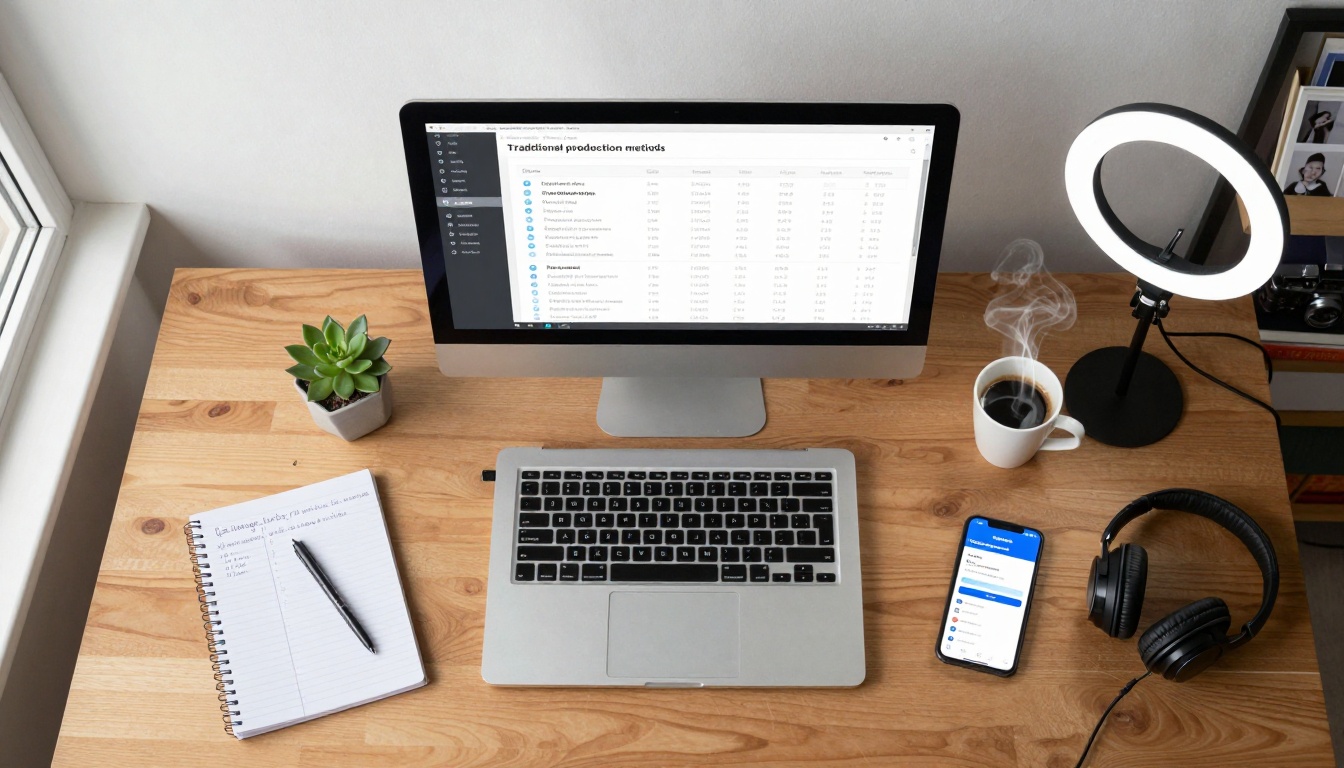
Freelance workspace demonstrating budget-friendly AI integration
Workflow Integration Strategies
Successful AI tool adoption requires thoughtful integration into existing creative processes rather than complete replacement of traditional methods.
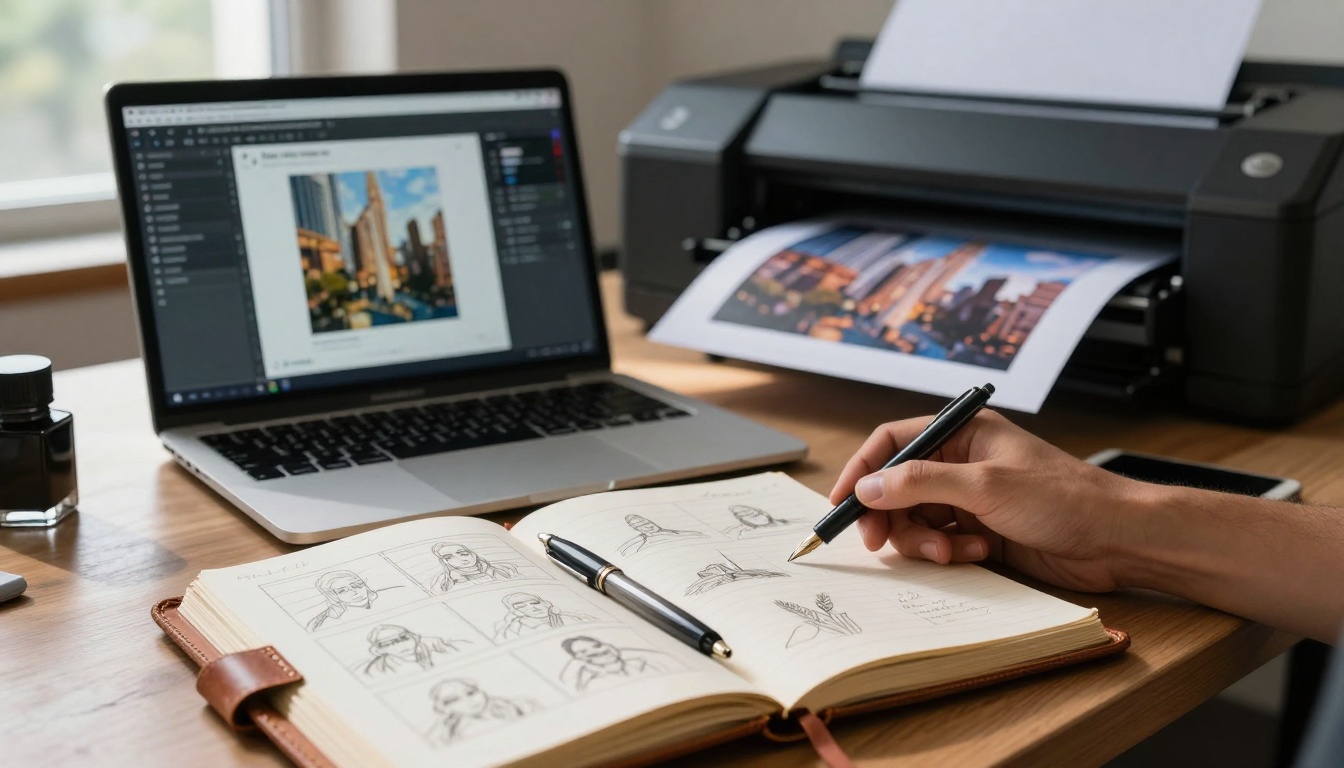
Traditional creative tools seamlessly integrated with AI platforms
Hybrid Creative Process
Phase 1: Concept Development
- Traditional sketching and brainstorming
- Mood board creation with reference images
- Narrative outlining for video projects
- Musical theme exploration
Phase 2: AI Generation
- Convert concepts into detailed prompts
- Generate multiple variations
- Refine based on initial results
- Combine different model outputs
Phase 3: Human Refinement
- Artistic adjustments and corrections
- Style consistency across assets
- Quality assurance and polishing
- Final integration into projects
Technical Integration Points
API Connectivity: Most platforms offer API access for automated workflows
File Format Compatibility: Ensure generated assets work with existing software
Metadata Preservation: Maintain generation parameters for future iterations
Version Control: Track different variations and their evolution
Real-World Application Case Studies
Practical implementation demonstrates the tangible benefits of AI creative tools across different industries and project scales.
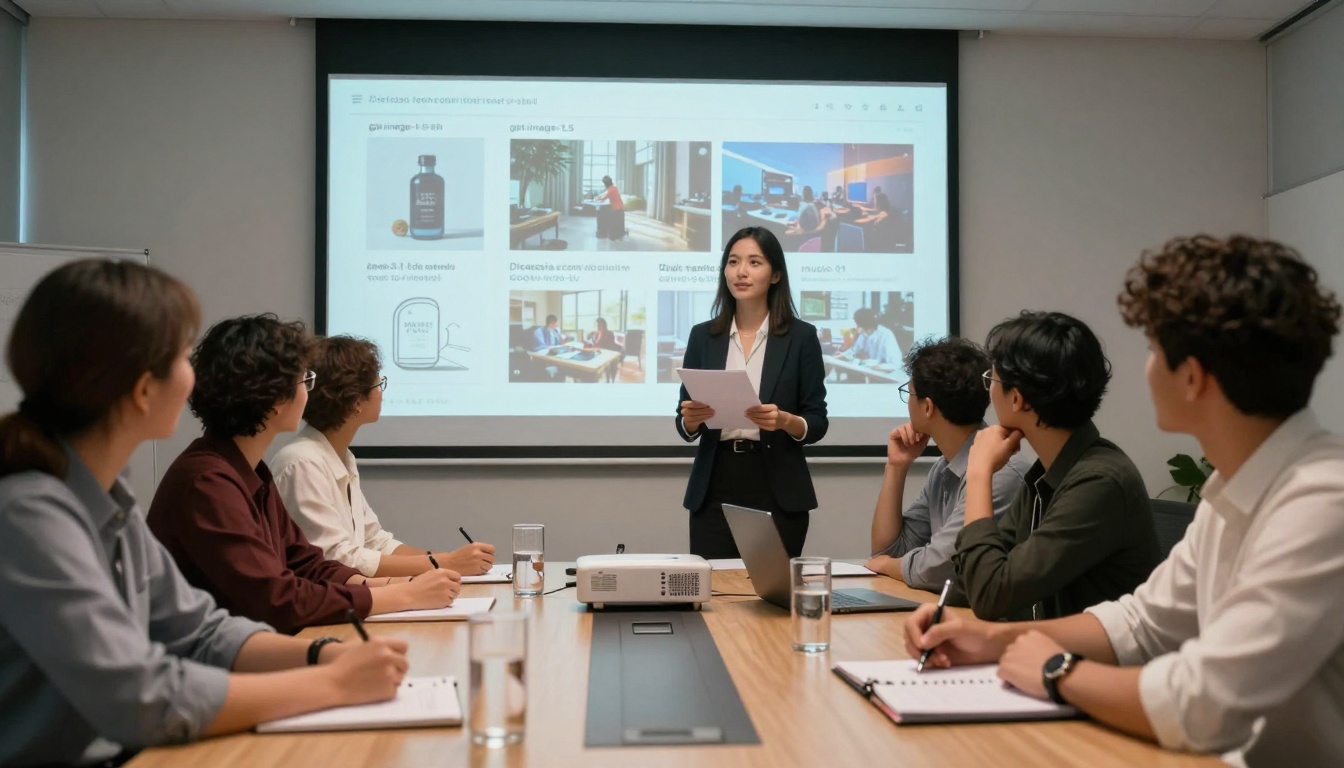
Advertising agency utilizing AI-generated campaign materials
Case Study 1: Fashion Brand Campaign
Challenge: Produce spring collection visuals across 15 product lines within 3 weeks
Solution: Used flux-2-klein-9b-base for model photography and veo-3.1 for motion content
Results: 85% cost reduction, 70% time savings, increased creative variations
Key Learning: Consistency across images requires detailed character and environment descriptions
Case Study 2: Educational Content Producer
Challenge: Create engaging science videos for digital learning platform
Solution: Combined sora-2 for complex visualizations with lyria-2 for explanatory soundtracks
Results: 300% increase in content production rate, improved student engagement metrics
Key Learning: Subject matter expertise combined with AI tools produces superior educational content
Case Study 3: Independent Game Developer
Challenge: Limited budget for character design, environment art, and soundtrack
Solution: qwen-image-edit-plus-lora for character variations, flux-2-dev for environments, stable-audio-2.5 for music
Results: Completed art and audio assets within 15% of original budget, accelerated development timeline
Key Learning: Iterative refinement with consistent style parameters produces cohesive game assets
Quality Control and Ethical Considerations
While AI tools offer tremendous creative potential, responsible use requires attention to quality standards and ethical guidelines.
Quality Assurance Protocols
Visual Consistency Checks:
- Character appearance maintenance across frames
- Environmental continuity in sequential images
- Lighting consistency throughout video sequences
- Color palette alignment across campaign assets
Technical Quality Standards:
- Resolution and detail level requirements
- File format compatibility with production pipelines
- Metadata inclusion for attribution and rights management
- Compression optimization for delivery platforms
Ethical Implementation Guidelines
Attribution and Rights: Clearly disclose AI-generated content when required
Bias Awareness: Monitor for and correct stereotypical representations
Originality Standards: Combine AI generation with human creative input
Transparency Practices: Maintain records of generation parameters and processes
Technical Specifications Comparison
Understanding the capabilities and limitations of different models informs appropriate tool selection for specific projects.
Image Generation Specifications
| Model | Resolution | Generation Time | Style Range | Best For |
|---|
| flux-2-klein-4b | Up to 1024px | 15-45 seconds | Photorealistic | Professional photography |
| gpt-image-1.5 | Up to 1024px | 20-60 seconds | Artistic/Realistic | Concept art |
| z-image-turbo | Up to 768px | 3-10 seconds | Versatile | Rapid iteration |
| p-image | Up to 1024px | 10-30 seconds | Photorealistic | Commercial work |
Video Generation Specifications
| Model | Resolution | Duration | Frame Rate | Best For |
|---|
| kling-v2.6 | 720p-1080p | 4-10 seconds | 24-30fps | Cinematic scenes |
| veo-3.1 | 720p-1080p | 5-15 seconds | 24fps | Narrative sequences |
| wan-2.6-i2v | 480p-720p | 3-8 seconds | 24fps | Image animation |
| seedance-1.5-pro | 480p-720p | 4-12 seconds | 24fps | Social content |
Music Generation Specifications
| Model | Output Format | Duration Options | Genre Support | Best For |
|---|
| stable-audio-2.5 | WAV, MP3 | 30-300 seconds | 15+ genres | Commercial music |
| music-01 | WAV, MP3 | 10-180 seconds | 10+ genres | Content creation |
| lyria-2 | WAV, MP3 | 30-600 seconds | 20+ genres | Film scoring |
Future Development Trends
The rapid evolution of AI creative tools suggests several emerging directions that will shape future capabilities and applications.
Research laboratory exploring next-generation AI creative systems
Technical Advancements Expected
Multi-Modal Integration: Combined image, video, and music generation within single workflows
Real-Time Generation: Instant creation and modification during creative sessions
Style Transfer Consistency: Maintain artistic style across different media types
Interactive Refinement: Direct manipulation of generated content through natural interfaces
Industry Impact Projections
Content Production: 50-80% reduction in production timelines by 2027
Cost Structures: 60-90% decrease in asset creation costs across creative industries
Skill Requirements: Shift from technical execution to creative direction and refinement
Market Expansion: New creative opportunities for individuals and small teams
Implementation Roadmap
For organizations and individuals adopting AI creative tools, a structured approach ensures successful integration and maximum benefit realization.
Phase 1: Assessment and Planning
Current Workflow Analysis: Identify pain points and opportunities
Tool Evaluation: Test different models for specific use cases
Skill Development: Train team members on prompt engineering and tool operation
Integration Planning: Design technical and workflow connections
Phase 2: Pilot Implementation
Limited Scope Projects: Apply AI tools to specific, contained projects
Performance Measurement: Track time, cost, and quality metrics
Process Refinement: Adjust workflows based on initial experiences
Team Feedback: Incorporate user experiences into tool selection
Phase 3: Full Integration
Scaled Implementation: Expand AI tool usage across broader project types
Workflow Optimization: Refine processes for maximum efficiency
Quality Standardization: Establish consistent output quality controls
Continuous Improvement: Regularly evaluate new tools and techniques
Beginning with AI creative tools requires thoughtful approach rather than immediate full-scale adoption.
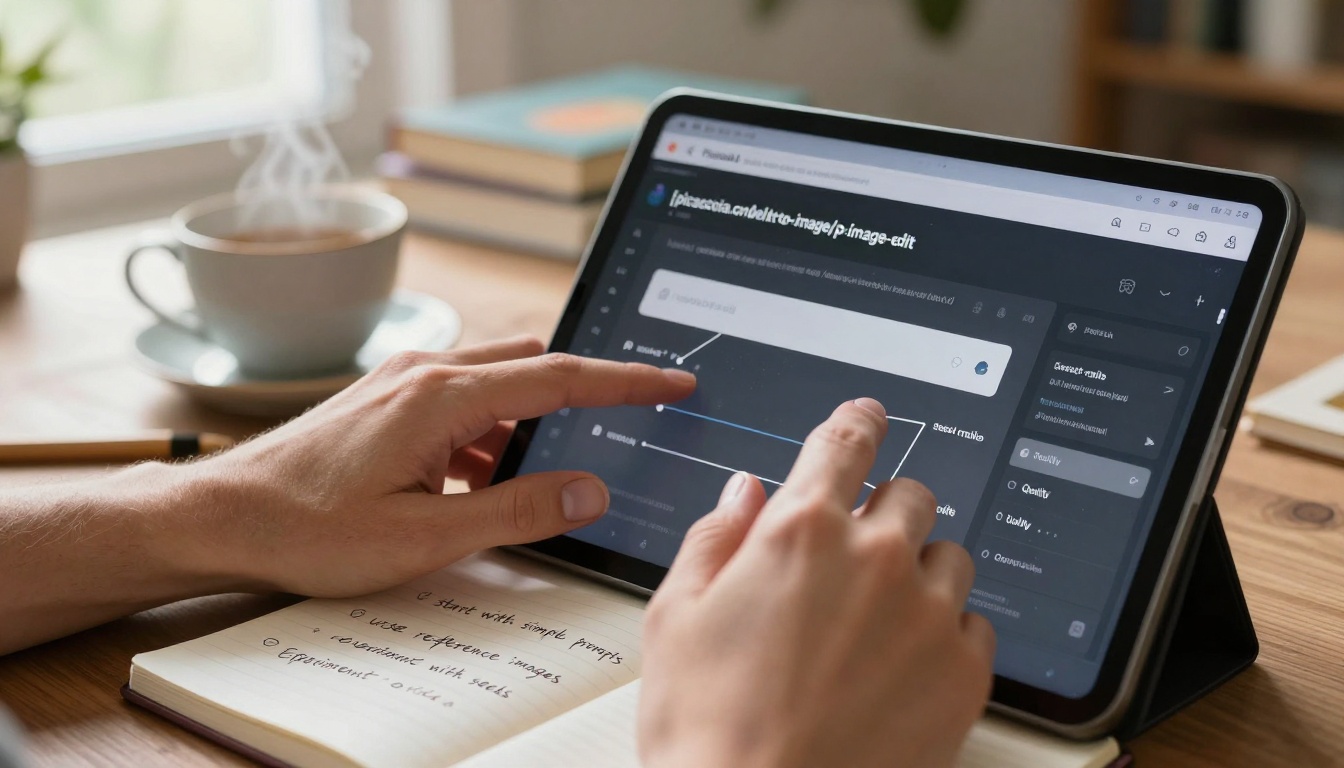
Hands-on learning approach for AI creative tool adoption
First Steps for Beginners
- Start with Single Domain: Choose image, video, or music generation initially
- Select Beginner-Friendly Models: p-image for images, wan-2.2-i2v-fast for videos, music-01 for music
- Practice Prompt Engineering: Learn descriptive language for desired outcomes
- Iterate and Refine: Generate multiple variations and learn from differences
- Combine with Traditional Skills: Use AI outputs as starting points for further refinement
Resource Recommendations
Learning Platforms: Online courses specific to AI creative tool mastery
Community Forums: Platforms for sharing techniques and troubleshooting
Template Libraries: Pre-built prompts and workflows for common scenarios
Documentation: Official model documentation and best practice guides
The integration of AI tools across image generation, video production, and music composition represents not the replacement of human creativity, but its augmentation. These technologies provide creative professionals with expanded capabilities, reduced production barriers, and new expressive possibilities. As the tools continue evolving, their most effective application will remain in partnership with human vision, expertise, and artistic sensibility—combining technological capability with creative intention to produce work that resonates emotionally while achieving practical objectives.
Explore these creative possibilities directly through platforms like PicassoIA, where models such as flux-2-pro for images, kling-v2.6 for videos, and stable-audio-2.5 for music await your creative direction. The tools are available—the creative vision remains uniquely human.


