If you are posting content on OnlyFans without AI, you are working twice as hard for half the results. The top creators in 2027 are not grinding alone. They are using AI tools to produce more content, faster, at higher quality, and on a budget that makes traditional production costs look absurd. Whether you shoot solo, work with a small team, or operate entirely behind the scenes, there is an AI tool that fits your workflow right now.
This article covers the actual tools that matter: image generation, photo editing, voice cloning, lipsync, and background removal. No filler. Just what works.
Why AI Is Changing Creator Income
The economics of content creation shifted the moment AI image generation hit photorealistic quality. Creators who used to spend hundreds on photographers, studios, and editors are now producing the same quality output in minutes. The barrier to entry dropped, but the ceiling on quality went up.
The numbers behind AI adoption
Surveys across creator communities confirm that over 60% of top earners on subscription platforms are now using AI tools in some part of their workflow. The common thread is not any single tool. It is the combination: generate images, upscale them, remove distracting backgrounds, clone voices for DMs, and sync lips to audio for video content.
The creators pulling in five figures a month are not necessarily more talented. They are more efficient.
What AI actually does for your content
💡 AI does not replace your personality or brand. It removes the technical barriers between your ideas and finished content.
Here is what the best AI tools for OnlyFans creators actually handle:
- Image generation: Create photorealistic visuals from a text description, no camera or studio required
- Photo upscaling: Turn a 1080p image into 4K without any visible quality loss
- Background removal: Clean, professional-looking shots without renting a studio
- Voice synthesis: Record DMs, voiceovers, and personal messages in a cloned version of your own voice
- Lipsync: Animate a portrait photo to speak or sync existing video to any audio track
- Image editing: Fix details, replace objects, extend the canvas, and retouch with surgical AI precision
The return on time invested is the reason adoption is accelerating. One hour of AI-assisted production replaces what used to take a full day with a professional crew.
AI Image Generation for Stunning Visuals
Photorealistic image generation is the anchor of any serious creator's AI toolkit. These are the models producing images that look like they came from a professional studio shoot.
GPT Image 2 for versatile prompting
GPT Image 2 by OpenAI sits at the top for prompt accuracy and photorealism. You describe a scene with specific lighting, wardrobe, and setting, and the output consistently delivers what you asked for. It handles skin tones, fabric textures, and lighting conditions with precision that older models routinely miss.
Best for: Creators who want precise control over scene composition without needing photography skills.
| Feature | GPT Image 2 |
|---|
| Output quality | Photorealistic, 4K capable |
| Prompt accuracy | Excellent |
| Skin and texture detail | Very high |
| Processing speed | Fast |
Seedream 4.5 for 4K detail
Seedream 4.5 by ByteDance pushes 4K resolution output with exceptional fine detail. It excels at generating images with realistic skin textures, natural hair detail, and believable environmental depth. If you want images that look like they were shot on a medium format camera, this is the model.
💡 Combine Seedream 4.5 with a super-resolution upscaler to deliver prints and high-resolution previews that justify premium subscription tiers.
Wan 2.7 Image Pro for professional quality
Wan 2.7 Image Pro generates 4K images with cinematic quality. It handles complex lighting setups, including rim lighting, volumetric shadows, and soft bokeh backgrounds, making it ideal for creators who want a polished, editorial feel to their content. The output holds up at full resolution, which matters when subscribers zoom in.
Upscaling and Enhancing Your Photos
You cannot post blurry content and expect subscribers to stay. AI upscalers take your existing photos and push them to resolutions that were previously only possible with expensive camera equipment and post-production hours.
Crystal Upscaler for portrait shots
Crystal Upscaler is purpose-built for portrait photography. It specifically handles skin texture recovery, eye detail sharpening, and hair strand separation at 4x resolution. For OnlyFans creators, this means your close-up shots look immaculate even when subscribers zoom in on the preview thumbnails.
The difference between a Crystal Upscaler output and a standard resized image is visible immediately. Skin pores, individual lashes, and fabric weave all appear with genuine photographic clarity.
Topaz Image Upscale for maximum resolution
Image Upscale by Topaz Labs scales photos up to 6x without pixelation or softening. It is the go-to for creators who shoot in lower resolution and need to deliver high-quality files for premium content tiers, print products, or subscriber wallpapers.
Real ESRGAN for fast batch processing
Real ESRGAN is the fast option. If you have a batch of images you need upscaled quickly, it processes them efficiently without sacrificing too much detail. Not as refined as Crystal Upscaler for close-up portraits, but significantly faster for bulk content production.
When to use each:
- Crystal Upscaler: Single hero images, close-up portraits, premium content
- Topaz Image Upscale: Maximum resolution output, wallpapers, print-ready files
- Real ESRGAN: Batches of 10 or more images where speed matters
Background Removal and Image Editing
Messy backgrounds kill otherwise great shots. A distracting background signals amateur production. AI background removal and editing tools fix this in seconds, and the results are indistinguishable from a studio shoot.
Remove Background for clean, professional shots
Remove Background by Bria delivers clean, precise cutouts even with complex hair detail and fine clothing like lace or mesh. You can swap in any background, from solid colors to custom lifestyle scenes, giving every photo a polished, professional look at zero production cost.
Fibo Edit for targeted corrections
Fibo Edit lets you select specific areas of an image and rewrite them with AI. Fix lighting on a face, replace a distracting object in the background, or adjust a wardrobe detail without reshooting the entire set. It is surgical, fast, and precise.
Creators use it to fix small issues that would otherwise require a full reshoot: a product visible in the background, a tag showing on a garment, or an expression that is slightly off on one image in a set.
P Image Edit LoRA for consistent style
P Image Edit LoRA combines LoRA-based style conditioning with image editing. You can apply consistent aesthetic treatments across a full set of images, which is useful for creators building a recognizable visual brand that subscribers immediately associate with their page.
AI Voice and Audio for DMs and Voiceovers
Personalized voice messages are one of the highest-converting formats on OnlyFans. Subscribers pay significantly more for content that feels direct and intimate. AI voice tools make this scalable without you recording every single message.
ElevenLabs V3 for natural voiceovers
V3 by ElevenLabs produces voice output that is genuinely difficult to distinguish from a real human recording. It handles emotional inflection, natural breathing patterns, and realistic pauses, making it ideal for personalized DMs, welcome messages, and exclusive audio content. You clone your own voice once, and then generate new messages from text without touching a microphone.
Minimax Voice Cloning for scalable personalization
Voice Cloning by Minimax lets you upload a short audio sample of your voice and reproduce it on demand. The output is a synthetic version of your voice you can use for unlimited content without scheduling recording sessions.
💡 Creators charging $5 to $20 per personalized voice message use voice cloning to fulfill requests in bulk. What used to take an hour of recording takes five minutes of text input.
Minimax Speech 2.8 HD for studio quality
Speech 2.8 HD delivers studio-grade audio quality for voiceovers. If you produce audio-only content, ASMR, or narrated video, the difference between standard TTS and Speech 2.8 HD is immediately audible to anyone wearing good headphones.
| Tool | Best For | Voice Cloning |
|---|
| ElevenLabs V3 | Natural personalized messages | Yes |
| Minimax Voice Cloning | Custom voice on demand | Yes |
| Speech 2.8 HD | Studio-quality audio content | Yes |
| ElevenLabs Flash v2.5 | Fast batch voiceovers | Yes |
ElevenLabs Flash v2.5 for speed
Flash v2.5 by ElevenLabs is the fast-turnaround option when you need voiceovers generated in seconds. Quality sits slightly below V3, but the speed makes it ideal for high-volume message batches where you are fulfilling dozens of requests at once.
Lipsync for Talking Photos and Video
Lipsync AI takes a still photo or existing video and synchronizes mouth movement to any audio track. For creators, this opens up a video format that was previously out of reach without a professional production setup.
Omni Human 1.5 for realistic animation
Omni Human 1.5 by ByteDance animates a single portrait photo into a realistic talking video. The output includes natural head movement, eye blinking, and lip synchronization that is genuinely difficult to distinguish from a real video recording. A creator can take one great photo and turn it into dozens of unique talking clips, each with different audio.
This is one of the highest-impact tools in this list for creators who are camera-shy or who want to produce video content without filming.
Lipsync 2 Pro for frame-perfect sync
Lipsync 2 Pro by Sync focuses on frame-perfect audio-to-mouth synchronization for video content. If you already have video footage and want to dub it with new audio, replace a voiceover, or sync a different language track, Lipsync 2 Pro handles it with professional accuracy.
Lipsync Precision for broadcast quality
Lipsync Precision by HeyGen is the broadcast-quality option. It handles lighting variations, partial face obstructions, and complex audio tracks that simpler lipsync models struggle with. Use this when quality is the priority and you are producing content for top-tier subscribers.
How to Create Full AI Content on PicassoIA
PicassoIA gives you access to all of the models above in one platform, with no separate accounts, no API setup, and no technical knowledge required. Here is how to produce a complete content piece in under 15 minutes.
Step 1: Generate your base image
Go to GPT Image 2 or Seedream 4.5 on PicassoIA. Write a detailed prompt describing your subject, setting, lighting, and wardrobe.
For best results:
- Be specific about lighting: "soft afternoon window light from the left" outperforms "good lighting"
- Describe the lens: "85mm f/1.4 shallow depth of field" tells the model the exact visual feel you want
- Include texture details: skin texture, fabric type, and background material all improve realism significantly
Step 2: Upscale your output
Take the generated image and run it through Crystal Upscaler or Topaz Image Upscale. Select 4x for standard content tiers, or 6x for premium previews and subscriber exclusives.
Step 3: Clean or swap the background
Use Remove Background to isolate your subject precisely. Drop in a new background: a luxury interior, outdoor lifestyle scene, or solid color that matches your brand palette.
Step 4: Add your voice
Use Voice Cloning by Minimax to generate a personalized audio message from text. Then attach it to your image using Omni Human 1.5 to create a talking photo that feels intimate and personal.
Step 5: Fine-tune the details
Use Fibo Edit to correct any detail that does not look right. Adjust the background, fix a lighting inconsistency, or update a wardrobe element without regenerating the entire image.
💡 Build a reusable prompt template and save it. Creators who use consistent prompts produce a cohesive visual brand that subscribers recognize across every piece of content.
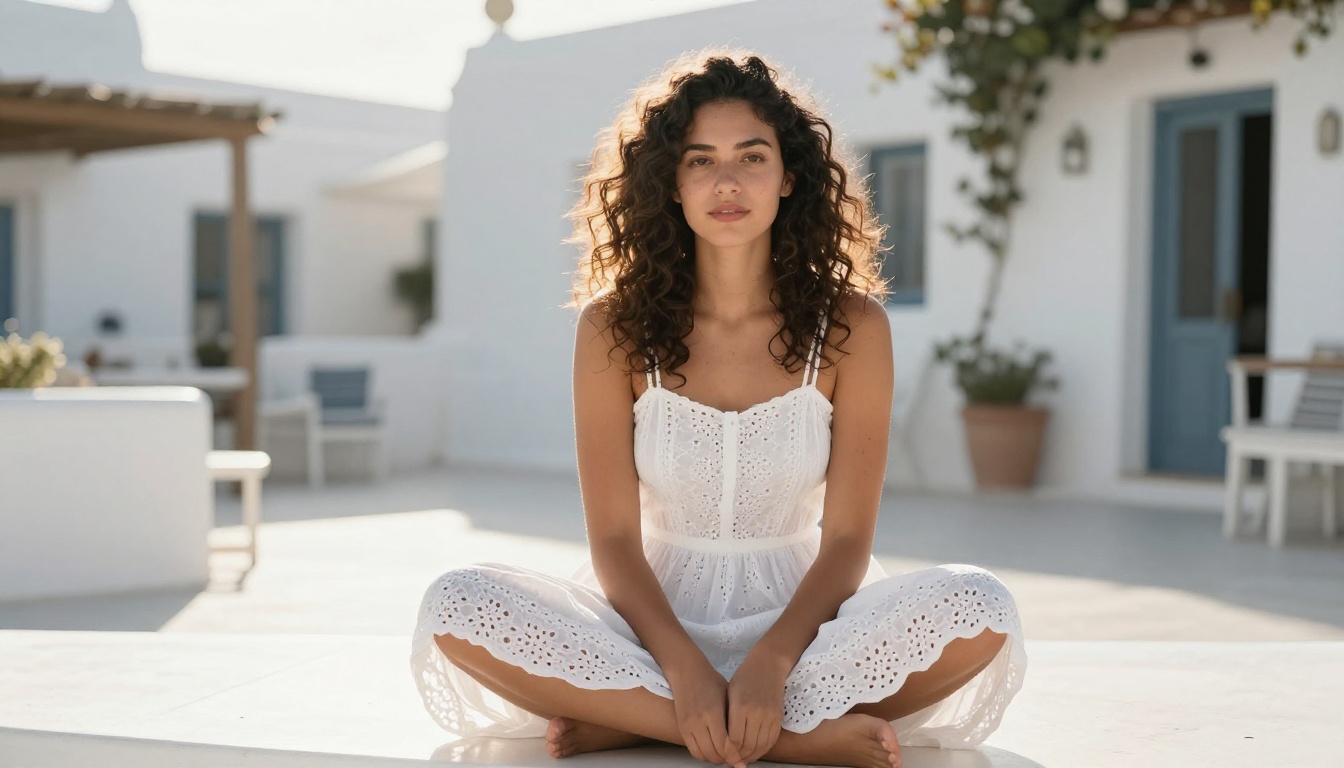
Not every AI tool delivers equal return on your time. Here is a direct comparison of the ones that have the most impact for OnlyFans creators specifically:
| AI Tool | Category | Creator Impact |
|---|
| GPT Image 2 | Image generation | Very high |
| Seedream 4.5 | Image generation | Very high |
| Wan 2.7 Image Pro | Image generation | High |
| Crystal Upscaler | Photo quality | High |
| Topaz Image Upscale | Photo quality | High |
| ElevenLabs V3 | Voice content | High |
| Omni Human 1.5 | Lipsync video | High |
| Remove Background | Photo editing | Medium |
| Fibo Edit | Photo correction | Medium |
| Lipsync 2 Pro | Video sync | Medium |
Every tool in this table is available on PicassoIA without separate subscriptions.
The highest-impact combination is image generation plus voice cloning plus lipsync. That stack produces content formats that very few creators are offering, which means less competition for subscriber attention.
Start Creating Right Now
The creators earning the most on OnlyFans are not necessarily the most talented photographers or videographers. They are the ones who found the tools that produce the best results for the least effort, and then built repeatable workflows around them.
PicassoIA puts every model from this article in one place. Start with GPT Image 2 or Seedream 4.5 to generate your first photorealistic image. Run it through Crystal Upscaler, clean the background with Remove Background, and add your voice with Minimax Voice Cloning.
Your first complete AI-produced content piece takes less than 15 minutes. After that, the workflow gets faster every time you run it. The creators doing this consistently are the ones pulling ahead.