Running a small business in 2027 means competing with brands that have full marketing departments, professional photographers, audio engineers, and paid ad specialists. You do not have those resources. But you do have access to the same AI tools they are using, and in many cases, the exact same models. That is the shift most small business owners have not fully absorbed yet: AI has made the skills gap nearly irrelevant. This breakdown covers the top AI tools for small business marketing right now, not theory, not a wish list, but the actual tools that handle copywriting, image creation, audio production, and customer feedback without requiring a team or a large budget.
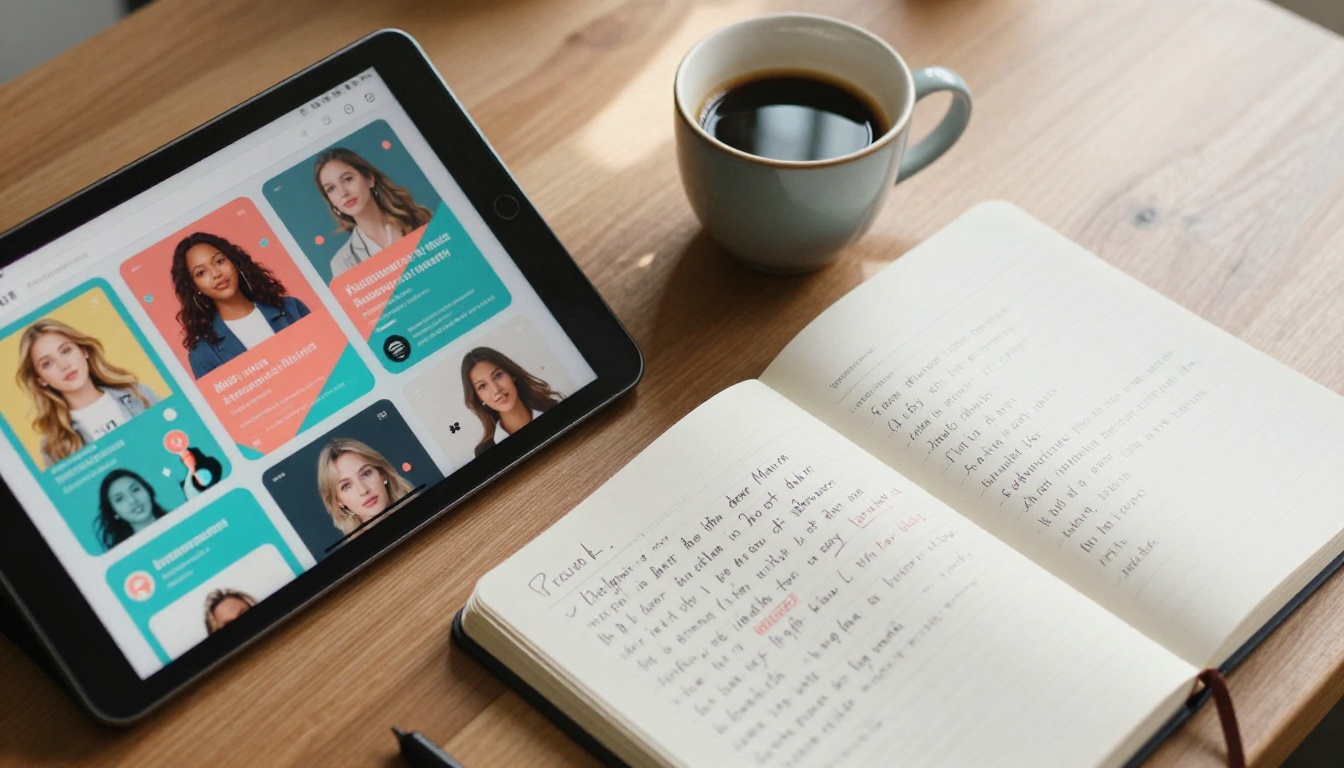
The most immediate return on AI investment for most small businesses comes from writing. Ad copy, email sequences, product descriptions, blog posts, social captions: all of it takes time, and all of it can be delegated to a model that does not sleep or charge by the hour.
Writing Ads That Actually Convert
The models doing serious work in this space include GPT-5 from OpenAI and Claude Opus 4.7 from Anthropic. Both handle direct response copy well because they have been trained on patterns that connect emotionally with readers before asking for the click.
What makes a real difference is giving the model actual context: your product, your customer's pain point, and the objection you want to overcome. A generic prompt gets generic copy. A specific brief gets specific results.
💡 Tip: Give your AI the exact words your customers use in reviews. Feed it three or four customer quotes and ask it to write copy in that voice. The output will feel human because it is anchored in real language.
Email Campaigns in Under 10 Minutes
Email remains the highest ROI marketing channel for most small businesses. The problem is that writing a 5-email welcome sequence, a promotional campaign, or a customer win-back series takes hours of focused writing time.
Claude 4 Sonnet and Gemini 3 Pro both produce strong email sequences when given a brand voice sample and a clear campaign objective. The output is not perfect on the first pass, but it is an 80% draft that takes 10 minutes to refine instead of two hours to write from scratch.
| Task | Time Without AI | Time With AI |
|---|
| 5-email welcome sequence | 3-4 hours | 20 minutes |
| Weekly newsletter | 1.5 hours | 15 minutes |
| Product launch campaign | 6+ hours | 45 minutes |
| 10 social media captions | 2 hours | 10 minutes |
| Product descriptions (20) | 4 hours | 25 minutes |
Social Media Captions at Scale
Consistency matters more than brilliance on social media. Most small business owners post sporadically because writing 30 captions a month feels exhausting. With Gemini 3 Flash or Llama 4 Maverick Instruct, you can generate an entire month of content in a single afternoon session, then schedule it and stay visible without the daily mental overhead.

AI Image Generation for Product Marketing
Professional product photography costs money. A basic shoot with a photographer, props, and editing runs hundreds to thousands depending on your market. For small businesses with physical products, AI image tools change this math significantly.
No Photo Studio Required
Text-to-image models on PicassoIA, with over 91 available, can generate product lifestyle imagery from a written description alone. You describe the setting, the mood, the lighting, and the model produces a photorealistic result that would have required a full studio setup not long ago.
The workflow is straightforward: write a detailed prompt describing your product in a specific environment, the AI generates several variations, and you pick the one that matches your brand. That single image can run across Instagram, your website, email headers, and paid ads.
Background Removal That Saves Hours
Every product marketer needs clean cutouts. The Remove Background model on PicassoIA handles this in seconds. Upload a product photo taken on any surface, and it returns a clean PNG with a transparent background ready for any template or composite.
This alone replaces the manual masking work that used to require Photoshop skills and an hour per image.
Upscaling Old Product Photos
Most small businesses have a backlog of usable product photos that are just too low-resolution for modern screens. The Clarity Pro Upscaler and Image Upscale from Topaz Labs take older images and scale them up to 4-6x without the pixelation that traditional upscaling produces.
The output is genuinely photorealistic because these models reconstruct detail rather than interpolate pixels. An image shot on an older smartphone three years ago can be made print-ready.
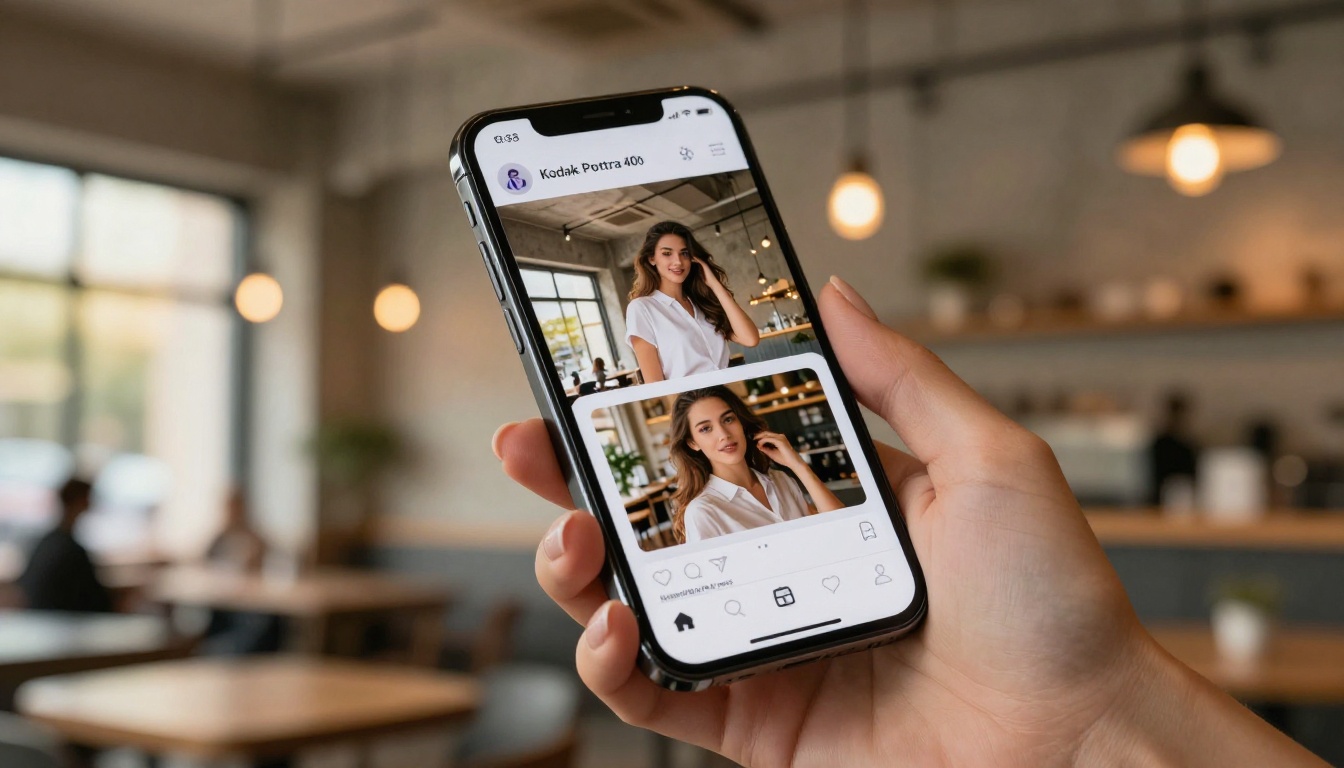
💡 Tip: Before spending money on a reshoot, run your existing product images through an AI upscaler first. You might already have everything you need.
AI Voice and Audio for Brand Storytelling
Audio content has outpaced written content in several categories of marketing. Podcast ads, product explainers, voiceovers for video content, and audio branding are areas where small businesses have traditionally been locked out by cost and technical barriers.
Podcast Voiceovers Without a Recording Studio
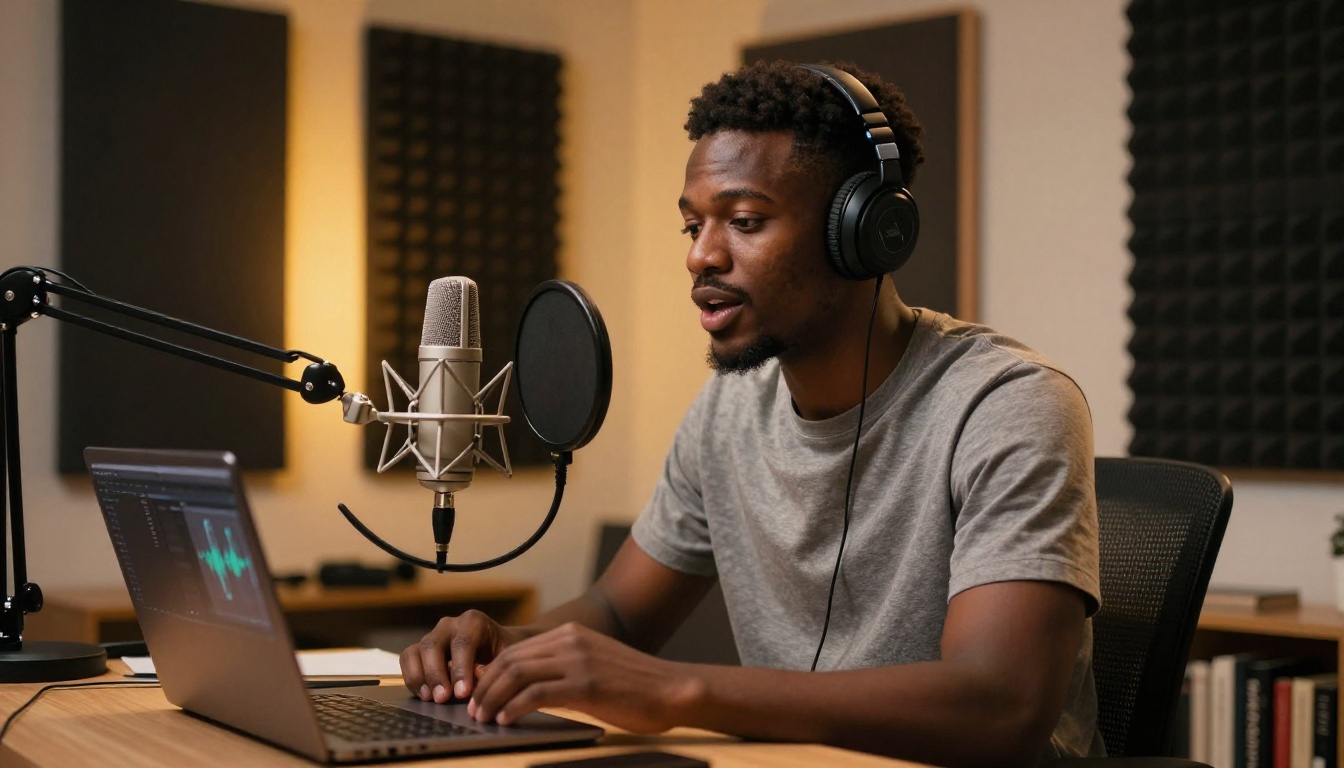
ElevenLabs v3 produces voice output that sounds indistinguishable from a professional voice actor for most use cases. You paste your script, choose a voice profile, and export in under a minute. The output works for podcast intros, ad reads, explainer videos, and YouTube content.
For faster turnaround on shorter scripts, Flash v2.5 from ElevenLabs gives you near-instant audio with slightly less depth but significantly faster processing. Both are available directly on PicassoIA without needing separate subscriptions to third-party tools.
If you need multilingual reach, Gemini 3.1 Flash TTS supports 70+ languages with 30 distinct voice options. For businesses with international customers or regional markets, this is a direct advantage that previously required expensive localization studios.
Ad Narration in Minutes
Short-form video is still the dominant format for small business paid advertising. The bottleneck is often not the visual but the audio. Most small business owners are uncomfortable recording their own voiceovers, and hiring a voice actor for every ad variation is not practical.
Minimax Speech 2.8 HD delivers studio-quality narration from a plain text script. The emotional range and pacing are controllable enough to match the tone of your specific ad: warm and approachable for a local service, authoritative for professional services, or energetic for retail.
AI for Social Media Content Planning
The challenge with social media is not creativity, it is consistency. Small business owners hit a wall after a few weeks of posting because the daily demands of content creation stack up on top of everything else.

Content Calendars on Autopilot
With Deepseek R1, you can build a 30-day content calendar in one session. Give the model your business category, target audience, seasonal events for the month, and three to five content pillars, and it returns a structured weekly posting plan with caption drafts for each day.
The output structures content by format (carousel, single image, story, reel), assigns days based on platform activity patterns, and writes captions with hashtag suggestions. What used to require a social media manager several hours of planning now takes about 20 minutes with the right model and prompt.
3 Mistakes Small Businesses Make With AI Social
1. Posting AI copy verbatim. The output is a draft. Read it aloud. If it sounds like it was written by software, add one specific detail about your business, your neighborhood, or your product that makes it authentic.
2. Ignoring images. Copy without visuals performs worse across every platform. Pair your AI-written captions with AI-generated product images for a consistent, professional post.
3. Using one prompt for everything. The model does not know your audience differs between your Instagram followers and your LinkedIn network. Write separate prompts with different tone instructions for each platform.

What Your Customers Are Actually Saying
Customer reviews are raw intelligence. Most small businesses read them occasionally and respond when they remember. AI changes how much you can extract from that data, and how fast you can act on it.
Reading Customer Sentiment Without a Data Team
GPT-5 and Kimi K2 Instruct can process batches of customer reviews and return structured insights: what customers praise most, which complaints appear repeatedly, what words customers use to describe your product, and which features they mention in five-star versus one-star reviews.
This is the kind of structured breakdown that marketing agencies charge thousands of dollars to produce in formal reports. You can get a working version in one afternoon by pasting your reviews into the model and asking for a theme-by-theme breakdown.
💡 Tip: After running your review breakdown, feed the output back into a copywriting prompt. The words your customers use in five-star reviews are the exact words that should appear in your ads and landing page copy.
Using AI to Read Reviews and Act Fast
The speed advantage here is underappreciated. When a new negative pattern appears, a small business without AI might notice it weeks later. With Gemini 3 Pro or Claude 4.5 Sonnet checking review batches weekly, you can spot a complaint trend within days and address it before it compounds into a reputation problem.

PicassoIA gives small businesses access to all of the above categories through a single platform: text-to-image generation with over 91 models, large language models for copywriting, voice generation, background removal, and super-resolution upscaling. The practical advantage is not having to manage five separate subscriptions and five separate logins for five separate tools.
How to Create Product Images Without a Photographer
Here is a working workflow for generating product marketing images on PicassoIA:
- Write a detailed prompt. Describe your product in a specific real-world setting. Include lighting, surface textures, and composition (flat-lay, lifestyle, close-up).
- Generate several variations. Run the prompt through a text-to-image model and review four to eight outputs.
- Pick the best two or three. Not every result will be usable. Select the images that match your brand's tone and color palette.
- Run through Super Resolution. Take your chosen images through Real ESRGAN or Clarity Pro Upscaler to bring them to print or screen quality.
- Remove backgrounds if needed. Feed product cutouts through Remove Background for clean compositing on white or brand-colored backgrounds.

What Each Tool Category Does for Your Marketing
| Category | Use Case | Models |
|---|
| Text-to-Image | Product shots, social visuals, ad creatives | 91 models |
| Large Language Models | Copywriting, email, captions, review processing | GPT-5, Claude Opus 4.7, Gemini 3 Pro |
| Text-to-Speech | Ad narration, podcast audio, explainer videos | ElevenLabs v3, Speech 2.8 HD |
| Super Resolution | Upscaling photos, sharpening visuals | Image Upscale, Clarity Pro |
| Background Removal | Product cutouts, composite images | Remove Background |

What to Try First, and What to Skip
Not every tool deserves your attention on day one. Prioritize based on where small businesses typically see the fastest return:
Start with these:
- AI copywriting for email and social media captions: fastest ROI, lowest friction to adopt
- AI image generation for product lifestyle shots: replaces expensive shoots immediately
- Background removal for existing product images: instant improvement to current assets
Add these next:
- Customer review processing: requires some data volume to be worth running regularly
- AI voice generation for ad narration: higher effort but a strong differentiator
- Content calendar generation: saves planning time once you have a solid brand voice
Save these for later:
- Multilingual campaigns: only relevant if you already have international customers
- Video AI tools: more setup required, with a larger initial learning curve
The rule is simple: start with the thing that removes the most friction from what you are already doing. If writing captions is what delays your posting schedule, start there. If product photography is the bottleneck, start there. AI tools work best when they slot into an existing gap rather than forcing a brand new workflow from scratch.
Start Creating With AI Today
The fastest way to see whether these tools fit your business is to run one real task through them. Pick a product you want to promote, write a prompt describing it in a specific setting, generate an image, and draft the caption with a language model. You will have a ready-to-publish post in about 15 minutes.
PicassoIA brings all of these tools into one place: text-to-image generation, large language models, voice generation, image upscaling, and background removal, with no separate subscriptions required. Try generating your first product image on the platform today and see how far a single prompt can take your marketing output.


