Social media content creation has evolved dramatically by 2026, with AI tools becoming indispensable partners for creators across every platform. The landscape has shifted from manual content production to intelligent collaboration systems that enhance creativity rather than replace it.
AI tools have moved from novelty to necessity for social media creators.
Social media algorithms in 2027 prioritize quality over quantity, making consistent high-quality content non-negotiable. Platforms reward engagement, watch time, and shareability—metrics that AI-enhanced content consistently outperforms on.
💡 The 2026 Reality: Creators using AI tools report 3x faster content production, 40% higher engagement rates, and 60% more consistent posting schedules.
The competitive landscape means creators need every advantage. AI tools provide that edge by handling repetitive tasks, suggesting optimizations, and generating content variations that would take hours manually.
Image Generation Powerhouses
Flux 2 Pro: The Visual Workhorse
Flux 2 Pro has become the industry standard for social media visuals by 2026. Its intuitive interface and consistent output quality make it ideal for creators who need reliable results.
What makes Flux 2 Pro essential:
- Style consistency across multiple posts
- Brand alignment with minimal parameter tuning
- Batch generation for content calendars
- Native aspect ratios for Instagram, TikTok, YouTube
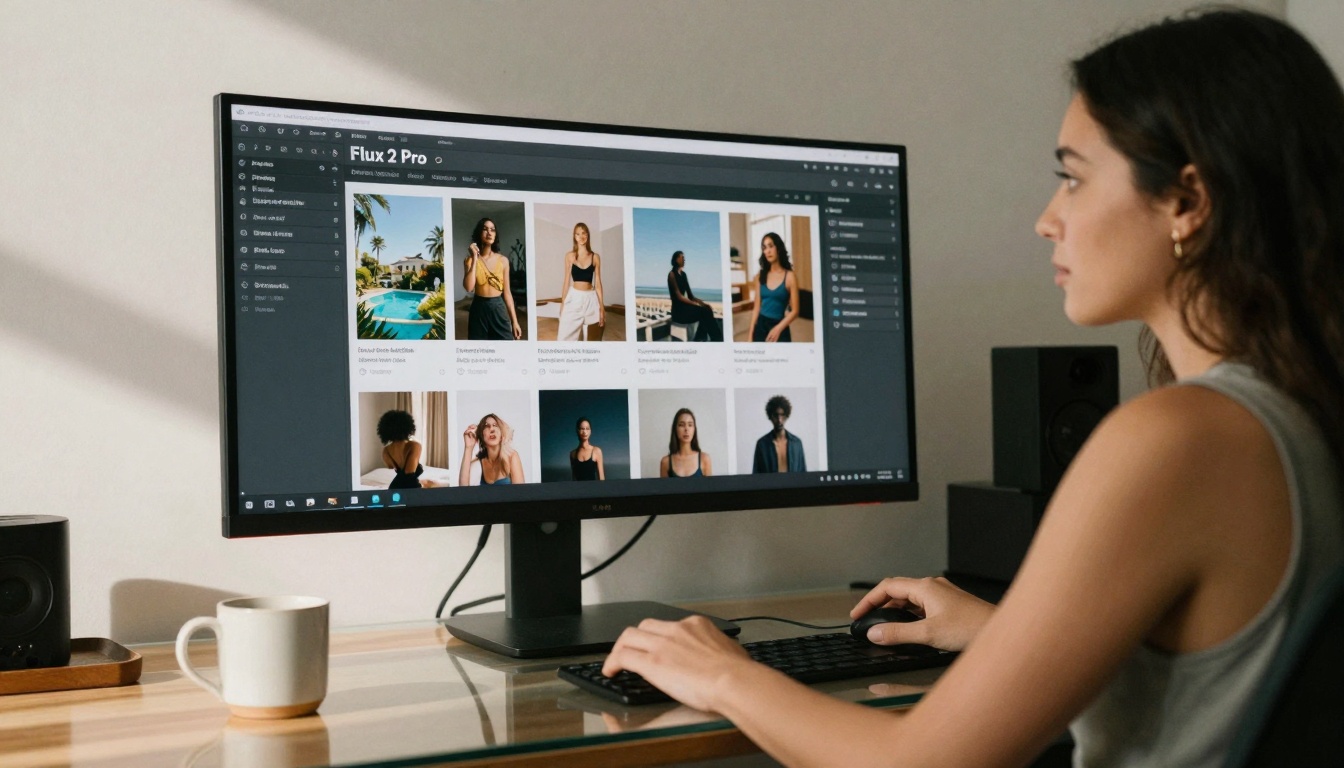
Flux 2 Pro's interface shows real-time generation of lifestyle content variations.
Practical workflow: Social media managers use Flux 2 Pro to generate weekly content batches—30 variations per prompt, sorted by platform requirements, with automatic color grading matching brand palettes.
GPT Image 1.5: Creative Exploration
GPT Image 1.5 excels at conceptual visualization and style experimentation. Its strength lies in understanding nuanced prompts and delivering unexpected creative directions.
Best uses for GPT Image 1.5:
- Mood board creation for campaign planning
- Concept testing before production
- Style mashups (e.g., "minimalist cyberpunk fashion")
- Abstract content for engagement hooks
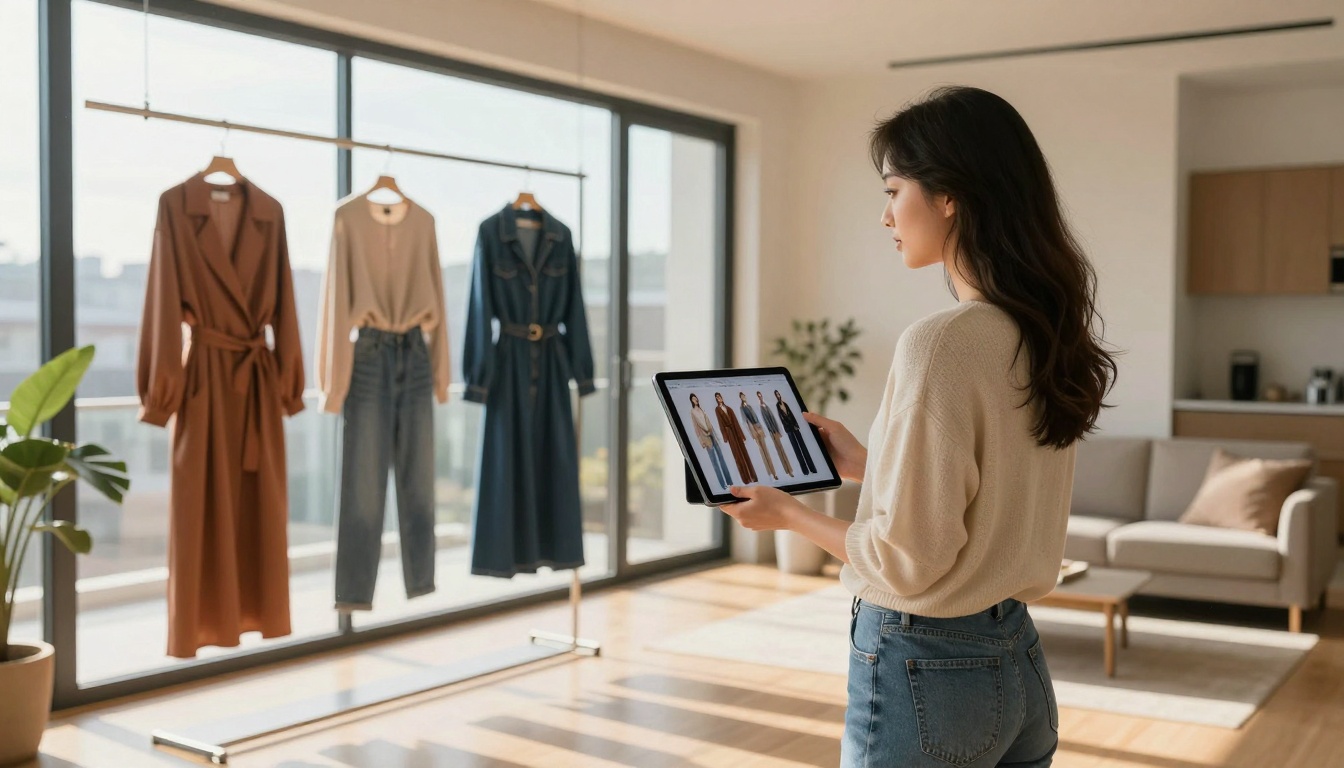
Real-time comparison between physical outfits and AI-generated concepts.
Creator tip: Use GPT Image 1.5 for Instagram carousel concepts—generate 5-10 variations of a core idea, then select the strongest for production.
P-Image Edit: Rapid Iteration
P-Image Edit revolutionized content editing workflows by providing real-time AI enhancements and batch processing capabilities.
Key features for social media:
- Background replacement in seconds
- Color grading presets for platform optimization
- Object removal/addition without complex editing
- Style transfer maintaining brand consistency
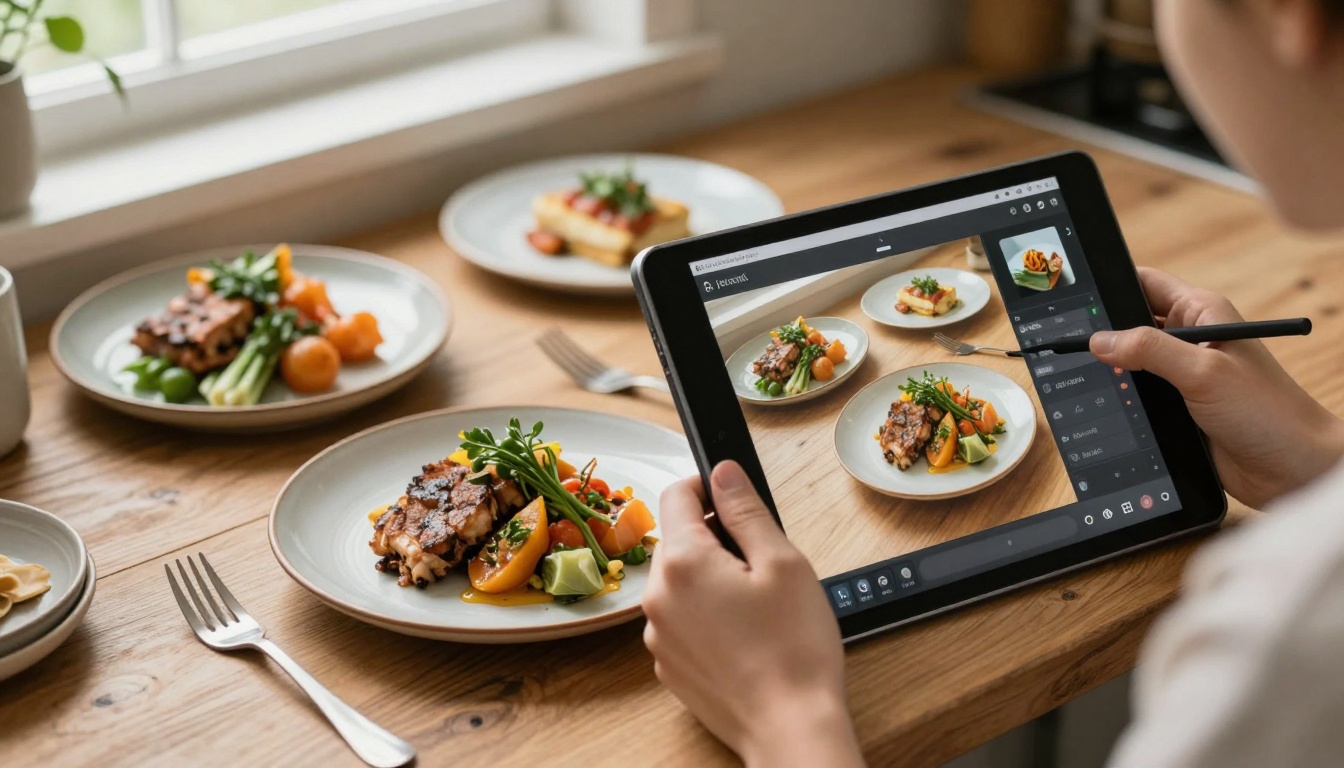
Simultaneous photography and AI editing streamlines content production.
Video Generation Evolution
Google Veo 3.1: Cinematic Quality
Google Veo 3.1 delivers film-quality video generation that rivals professional production for social media shorts and stories.
Why Veo 3.1 dominates YouTube/TikTok:
- Consistent character continuity across scenes
- Natural motion physics (hair, clothing, objects)
- Camera movement control (pan, zoom, dolly)
- Audio-aware generation for music videos

Remote creators use Veo 3.1 to generate location-specific content without travel.
Production workflow: Generate 15-second hooks with Veo 3.1, edit with traditional tools for pacing, add voiceover/text—complete viral-ready content in under 30 minutes.
Kling V2.6: Viral Content Engine
Kling V2.6 specializes in platform-optimized content with built-in virality factors understood by 2026's algorithms.
Kling's algorithmic advantages:
- Trend-aware generation (incorporates current memes/styles)
- Engagement prediction based on historical performance
- Platform-specific formatting (TikTok vs Reels vs Shorts)
- Collaborative workflow for team content creation
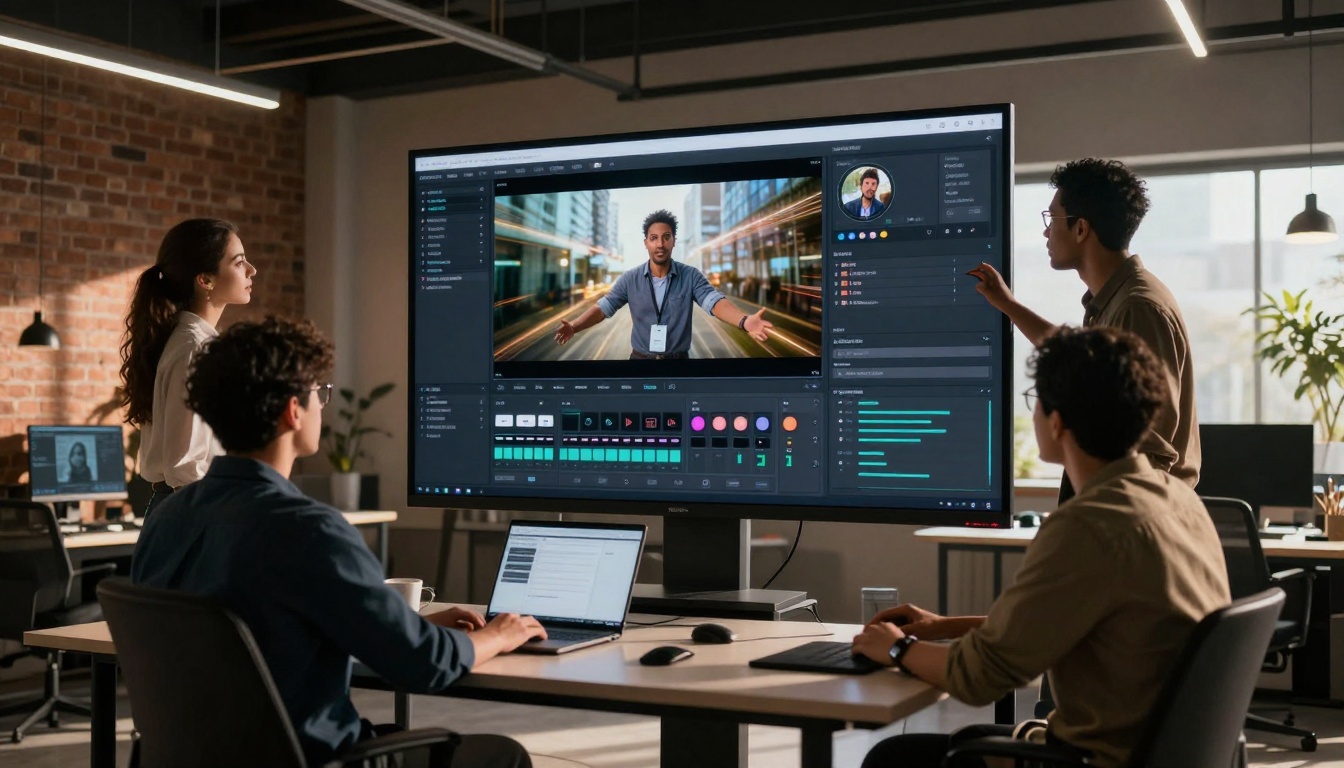
Agency teams use Kling's collaborative interface for rapid campaign iteration.
WAN 2.6 I2V: Content Transformation
WAN 2.6 I2V excels at repurposing existing content into engaging video formats—transforming static images into dynamic social media assets.
Repurposing applications:
- Photo-to-video conversion for Instagram Stories
- Product showcase animation for e-commerce
- Tutorial enhancement (static steps → animated demos)
- Historical content revitalization
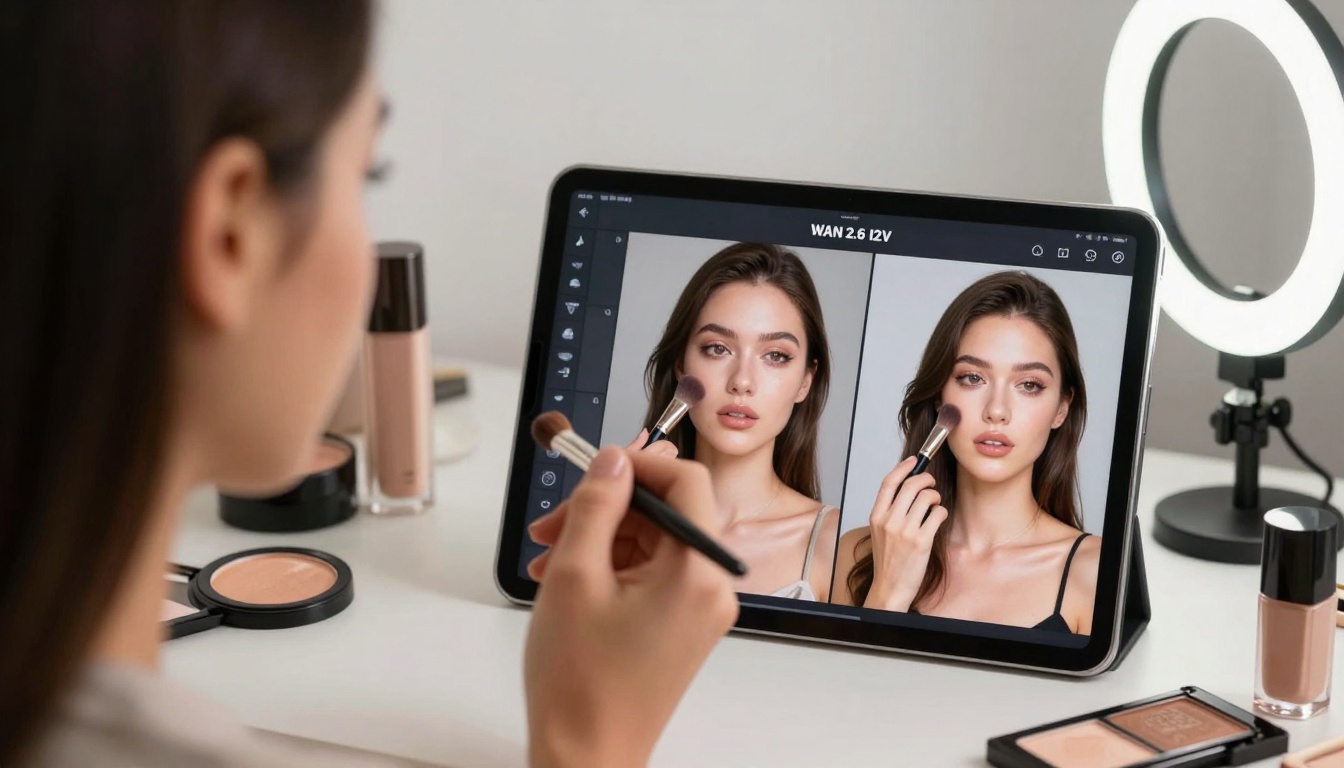
Makeup tutorials gain engagement through AI-enhanced video transformations.
Audio and Music Creation
Minimax Music 1.5: Social Soundtracks
Minimax Music 1.5 provides platform-specific audio optimized for social media's unique requirements—short loops, attention-grabbing intros, and background ambiance.
Audio needs by platform:
| Platform | Optimal Length | Key Characteristics | AI Generation Focus |
|---|
| TikTok | 15-60 seconds | Hook within 3 seconds, trending sounds | Viral potential, meme alignment |
| Instagram Reels | 15-90 seconds | Brand-aligned, mood-setting | Emotional tone, consistency |
| YouTube Shorts | 30-60 seconds | Narrative support, pacing | Scene transitions, buildup |
| Twitter/X Video | 30 seconds max | Attention-grabbing, concise | Immediate impact, clarity |
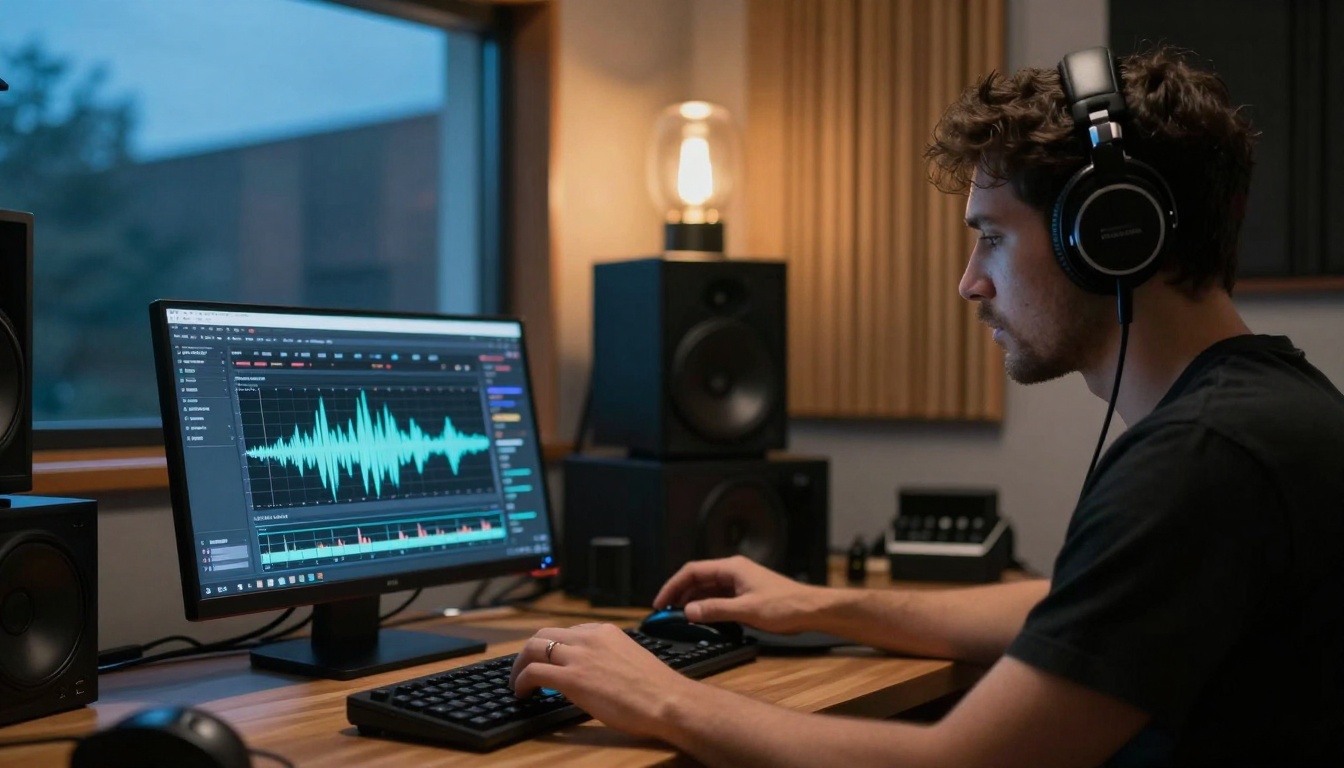
Professional-grade audio production accessible to all creators.
Workflow integration: Generate 5 variations of a 30-second track, test engagement with focus groups, select winner, create variations for different platform lengths.
Content Enhancement Tools
Real-ESRGAN: Quality Upscaling
Real-ESRGAN solves the quality consistency problem by enhancing lower-resolution footage to platform standards.
Critical use cases:
- Archive footage revitalization (old content → 4K)
- Mobile recording enhancement (phone footage → professional)
- Cross-platform optimization (one source, multiple resolutions)
- Compression artifact removal
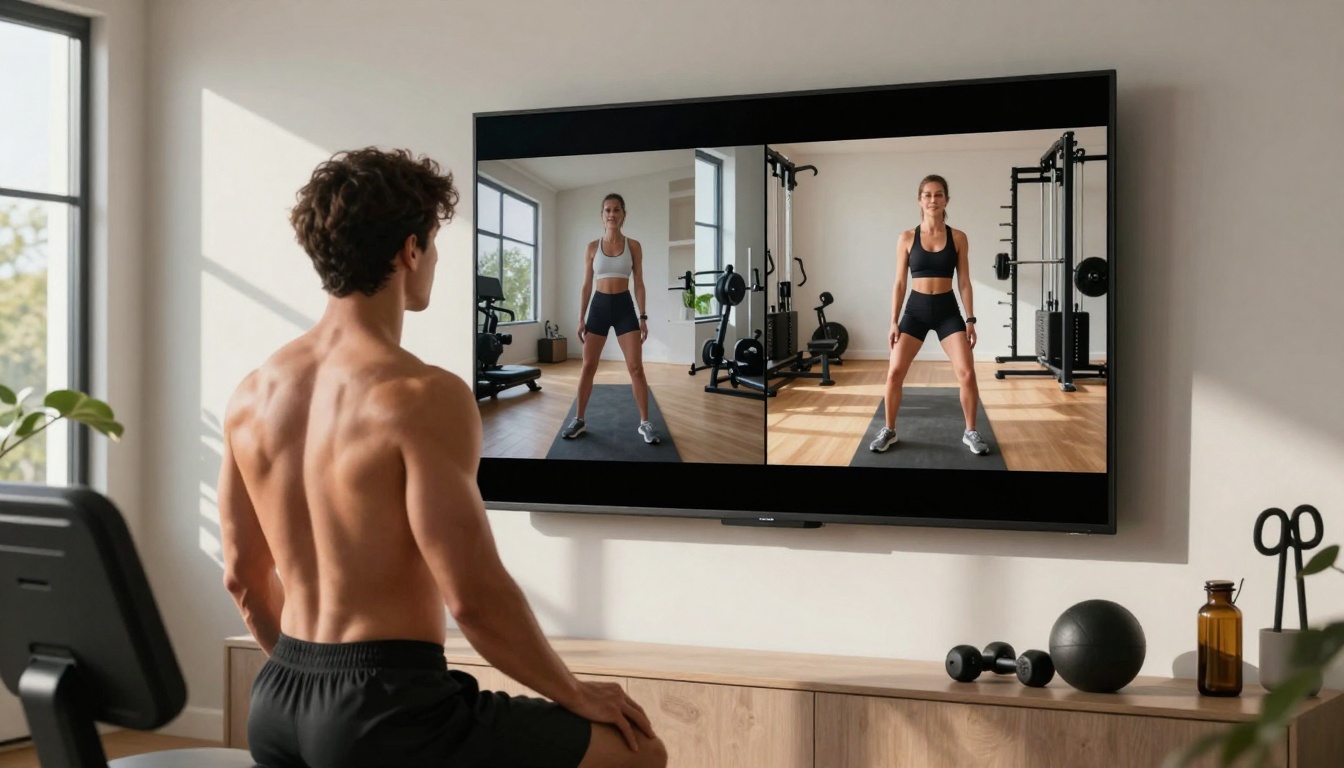
Before/after comparison shows dramatic quality improvement for workout content.
Platform requirements 2027:
- YouTube: 4K preferred, 1080p minimum
- Instagram: 1080p for feed, 720p for Stories
- TikTok: 1080p for maximum reach
- Twitter/X: 720p acceptable, 1080p recommended
BRIA Remove Background: Rapid Asset Creation
BRIA Remove Background handles the tedious editing task that consumes creator time—background isolation for product shots, portraits, and composite content.
Time savings quantified:
- Manual editing: 5-15 minutes per image
- AI processing: 2-3 seconds per image
- Batch processing: 100 images in under 5 minutes
Social media applications:
- E-commerce product showcases
- Portrait consistency across campaigns
- Composite content creation
- Template-based content systems
Strategy and Planning AI
Gemini 2.5 Flash: Content Strategy
Gemini 2.5 Flash provides strategic intelligence for content planning, caption generation, and performance prediction.
Strategic capabilities:
- Content calendar generation with optimal timing
- Caption variations for A/B testing
- Hashtag strategy based on performance data
- Cross-platform adaptation (same content, different formats)

Multi-screen workspace shows integrated content strategy development.
Data-driven insights:
- Best posting times by platform and audience
- Content length optimization for engagement
- Format preferences (video vs carousel vs single image)
- Trend prediction for proactive content creation
Integration Workflows
The 2027 Content Pipeline
Successful creators in 2027 don't use single tools—they build integrated workflows that leverage multiple AI systems simultaneously.
Typical workflow example:
- Strategy phase: Gemini 2.5 Flash generates content calendar
- Visual generation: Flux 2 Pro creates primary images
- Video creation: Google Veo 3.1 produces supporting videos
- Audio production: Minimax Music 1.5 adds soundtracks
- Enhancement: Real-ESRGAN upscales final assets
- Platform optimization: P-Image Edit formats for each platform
Time comparison:
| Task | Manual (2023) | AI-Assisted (2026) | Time Saved |
|---|
| Weekly content calendar | 4-6 hours | 30 minutes | 85% |
| 20 Instagram posts | 10-15 hours | 2 hours | 87% |
| 10 TikTok videos | 8-12 hours | 1.5 hours | 88% |
| Audio for 10 videos | 3-5 hours | 20 minutes | 93% |
Platform-Specific Tool Selection
Different platforms require different tool combinations in 2027:
Instagram-Focused Stack:
- Primary: Flux 2 Pro (feed consistency)
- Secondary: P-Image Edit (formatting)
- Supporting: Gemini 2.5 Flash (caption strategy)
TikTok/Reels Stack:
- Primary: Google Veo 3.1 (video quality)
- Secondary: Kling V2.6 (viral optimization)
- Supporting: Minimax Music 1.5 (audio hooks)
YouTube Stack:
- Primary: Real-ESRGAN (quality standards)
- Secondary: WAN 2.6 I2V (content repurposing)
- Supporting: BRIA Remove Background (clean composites)
Cost and Accessibility
Pricing Models 2027
AI tools have shifted to creator-friendly pricing with tiered access matching production volume:
Entry Tier ($20-50/month):
- Suitable for individual creators
- Limited generation credits
- Basic features only
- Single-platform optimization
Professional Tier ($100-300/month):
- Agency/team use
- Unlimited generations
- Advanced features
- Multi-platform workflows
- API access for automation
Enterprise Tier ($500+/month):
- Brand/corporate use
- Custom model training
- White-label solutions
- Dedicated support
- SLA guarantees
ROI Calculation
The return on investment for AI tools has become undeniable by 2026:
Direct financial impact:
- Content production cost: Reduced by 70-80%
- Engagement rates: Increased by 40-60%
- Monetization potential: 2-3x higher with consistent quality
- Audience growth: 30-50% faster with optimized content
Indirect benefits:
- Creative burnout reduction
- Skill gap bridging (non-designers producing quality content)
- Scalability (individual → team without quality drop)
- Competitive advantage in saturated markets
First Steps for New Creators
If you're new to AI-assisted content creation, start with proven workflows rather than experimental combinations:
Beginner recommendation:
- Start with one tool: Choose based on your primary content type
- Master basic workflows: Don't try advanced features immediately
- Measure impact: Track before/after metrics religiously
- Expand gradually: Add complementary tools one at a time
Common beginner mistakes to avoid:
- Overcomplication: Using too many tools simultaneously
- Quality obsession: Perfect is the enemy of consistent
- Platform confusion: Different tools for different purposes
- Cost misalignment: Paying for features you don't use
Advanced Creator Strategies
For established creators looking to maximize AI tools:
Optimization techniques:
- Batch processing: Generate monthly content in single sessions
- Template systems: Create reusable workflows for recurring content types
- Automation integration: Connect AI tools to scheduling platforms
- Performance feedback loops: Use analytics to refine AI parameters
Collaboration workflows:
- Team access management: Different roles, different tool access
- Version control: Track AI-generated asset iterations
- Approval systems: Human review before publishing
- Asset libraries: Organized storage of AI-generated content
The Human-AI Partnership
The most successful creators in 2027 understand that AI tools are collaborators, not replacements. The human element—creativity, emotional intelligence, strategic thinking—remains irreplaceable.
What humans do best:
- Creative direction and vision setting
- Emotional storytelling and audience connection
- Strategic adaptation to changing trends
- Quality judgment and final approval
What AI excels at:
- Routine execution of creative tasks
- Data analysis for optimization
- Consistent production at scale
- Technical quality assurance
The magic happens at the intersection—when human creativity directs AI capability toward meaningful social media content that resonates with audiences.
Your Next Steps
The AI tools available today through platforms like PicassoIA represent the most accessible creative technology ever available to social media creators. Whether you're a solo creator building your personal brand or a social media manager responsible for corporate accounts, these tools can transform your content production.
Immediate action items:
- Identify your biggest content bottleneck (visuals, video, audio, strategy)
- Select one primary AI tool to address that bottleneck
- Dedicate one week to mastering its basic workflow
- Measure the impact on your production time and engagement
- Expand systematically to complementary tools
The social media landscape will continue evolving, and AI tools will evolve with it. Creators who build fluency with these technologies today position themselves for success tomorrow—not just keeping up with trends, but setting them.
Start exploring the possibilities with PicassoIA's collection of AI tools—your most powerful creative partners for 2027 and beyond.


