Social media algorithms reward consistent, high-quality content—but creating that content daily can drain resources faster than a trending hashtag disappears. The solution? Artificial intelligence tools that transform text descriptions into professional visuals, automate editing workflows, and maintain brand consistency across platforms. This isn't about replacing human creativity; it's about augmenting your capabilities so you can produce more content, test more variations, and engage more audiences without sacrificing quality or burning out your creative team.
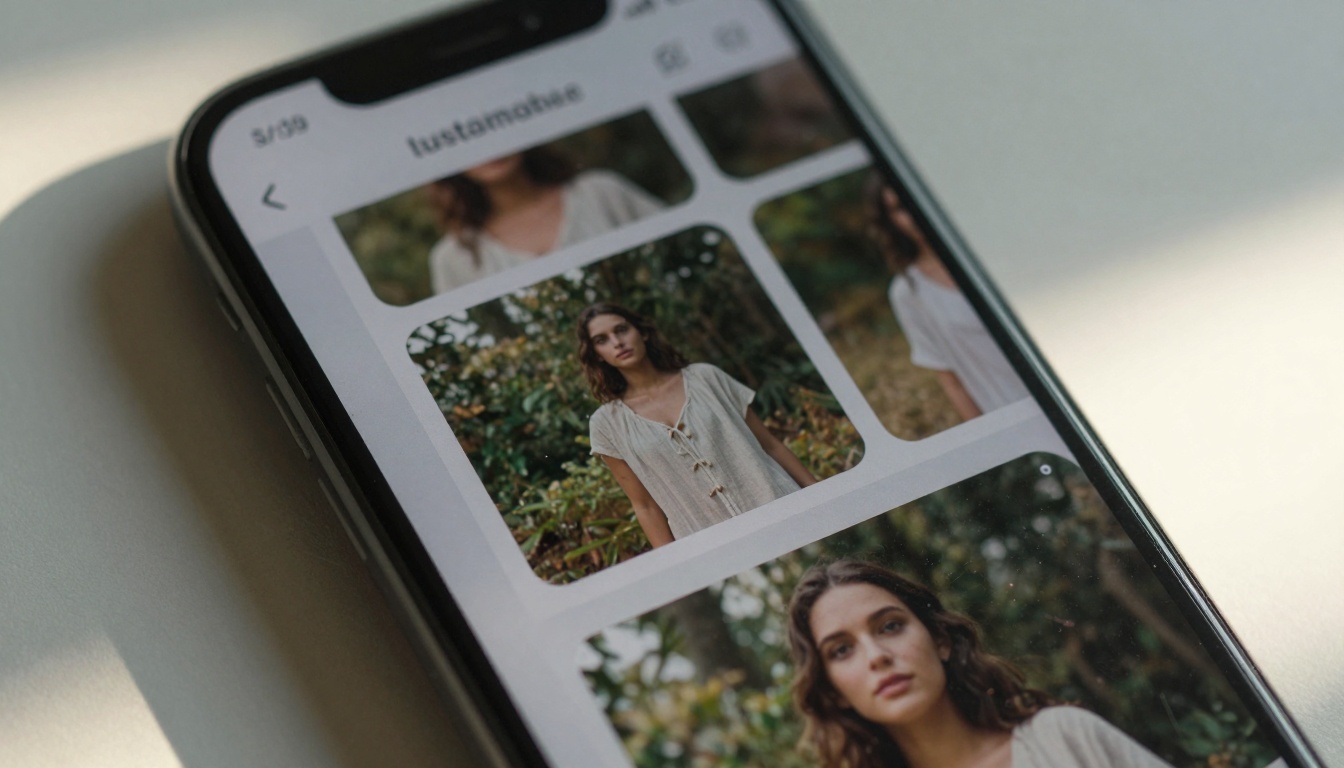
Close-up of AI-generated Instagram carousel showing sustainable fashion content
Why AI Content Matters for Social Media
Social media platforms process billions of pieces of content daily. To stand out, you need more than just good ideas—you need execution speed, visual consistency, and platform-specific optimization. AI tools address three critical pain points:
- Volume Requirements: Most platforms favor accounts that post consistently (Instagram: 3-5 times weekly, TikTok: 1-3 times daily, LinkedIn: 3-5 times weekly)
- Visual Quality: Posts with professional images receive 150% more engagement than amateur photos
- Resource Constraints: Small teams can't maintain photographer, videographer, and designer budgets indefinitely
💡 The Shift: Social media marketing has moved from "create content" to "create optimized content." AI helps you optimize for each platform's specific requirements while maintaining your unique voice.
Image Generation Tools for Visual Posts
Photorealistic images dominate engagement metrics across all platforms. Here's how AI image generators transform your social media presence:
GPT Image 1.5 for Instagram Photos
GPT Image 1.5 produces images with remarkable human-like quality and natural lighting. For Instagram, this means:
- Carousel Posts: Generate 3-5 related images that tell a story
- Product Shots: Create lifestyle context around your products
- Behind-the-Scenes: Show your process without scheduling photo shoots
Best For: Lifestyle brands, personal brands, and anyone needing human-centered imagery.
Flux Models for Consistent Branding
The Flux family of models excels at maintaining visual consistency across multiple posts:
- Style Transfer: Apply your brand's color palette and mood to new images
- Batch Generation: Create 10+ variations of the same concept for A/B testing
- Template Adaptation: Modify existing successful posts with new elements
Pro Tip: Save successful prompts as templates. When a particular image performs well, use the same prompt structure with different subjects or settings.
p-image for Speed and Variety
prunaai/p-image generates images in seconds, perfect for:
- Rapid Prototyping: Test visual concepts before committing to production
- Content Calendars: Fill gaps in your schedule with relevant imagery
- Hashtag Campaigns: Create unique visuals for trending topics
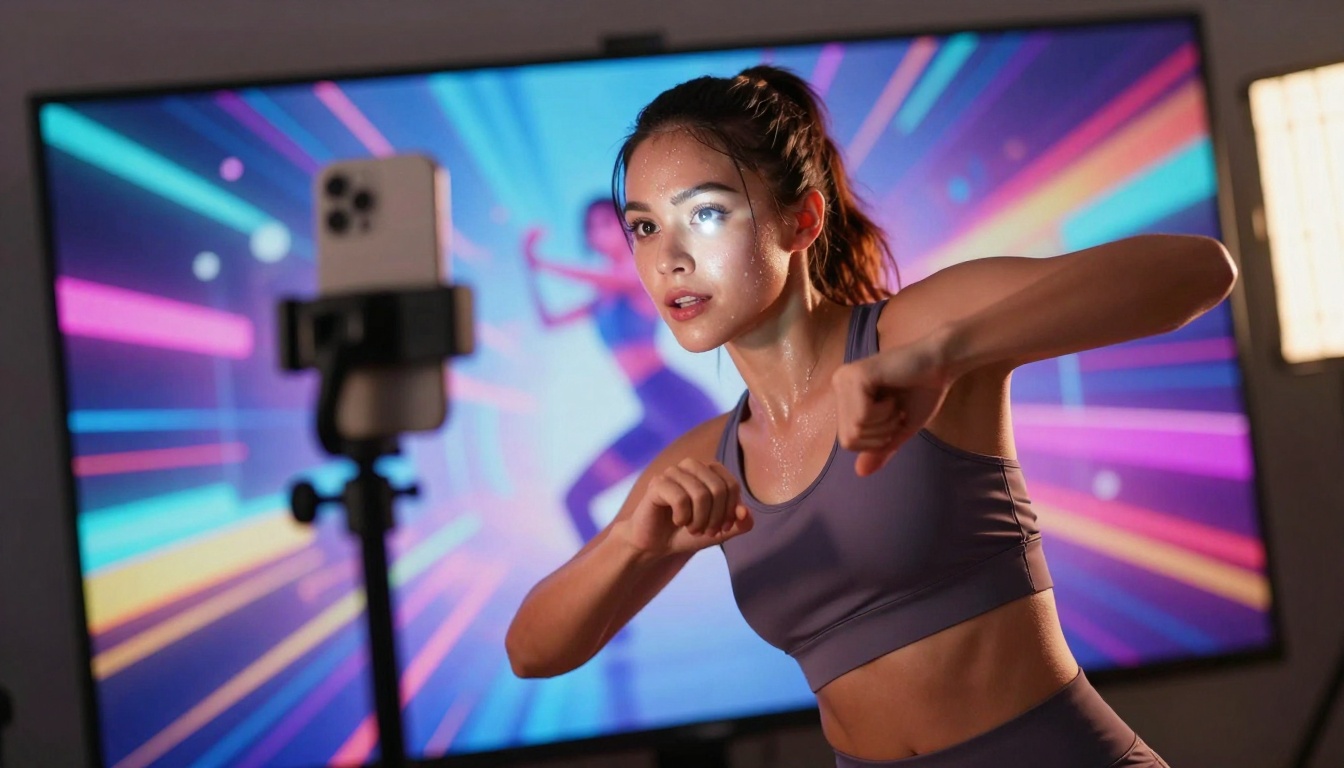
Dynamic AI background for TikTok content creation
Video Creation Platforms for Dynamic Content
Video content receives 3x more engagement than static images. AI video generators solve the production bottleneck:
Sora and Veo for TikTok Videos
OpenAI Sora 2 Pro and Google Veo 3.1 create professional-quality videos from text descriptions:
- TikTok Trends: Generate content that matches current platform aesthetics
- Educational Content: Transform blog posts into engaging video summaries
- Product Demonstrations: Show features without expensive videography
Key Advantage: Both platforms understand cinematic language. Phrases like "slow motion reveal" or "dolly zoom effect" produce predictable, professional results.
Kling for Short-Form Content
Kling models specialize in the 15-60 second format perfect for:
- Instagram Reels: Vertical video with platform-optimized pacing
- YouTube Shorts: Attention-grabbing openings and clear messaging
- Facebook Stories: Ephemeral content with high production value
Workflow Tip: Generate multiple 15-second clips, then stitch them together for longer content. This maintains viewer attention throughout.
Wan Video for Consistency
Wan Video models excel at maintaining character consistency and scene continuity:
- Series Content: Keep the same "host" or presenter across multiple videos
- Tutorial Series: Maintain visual style throughout educational content
- Brand Storytelling: Create episodic content with recurring visual elements
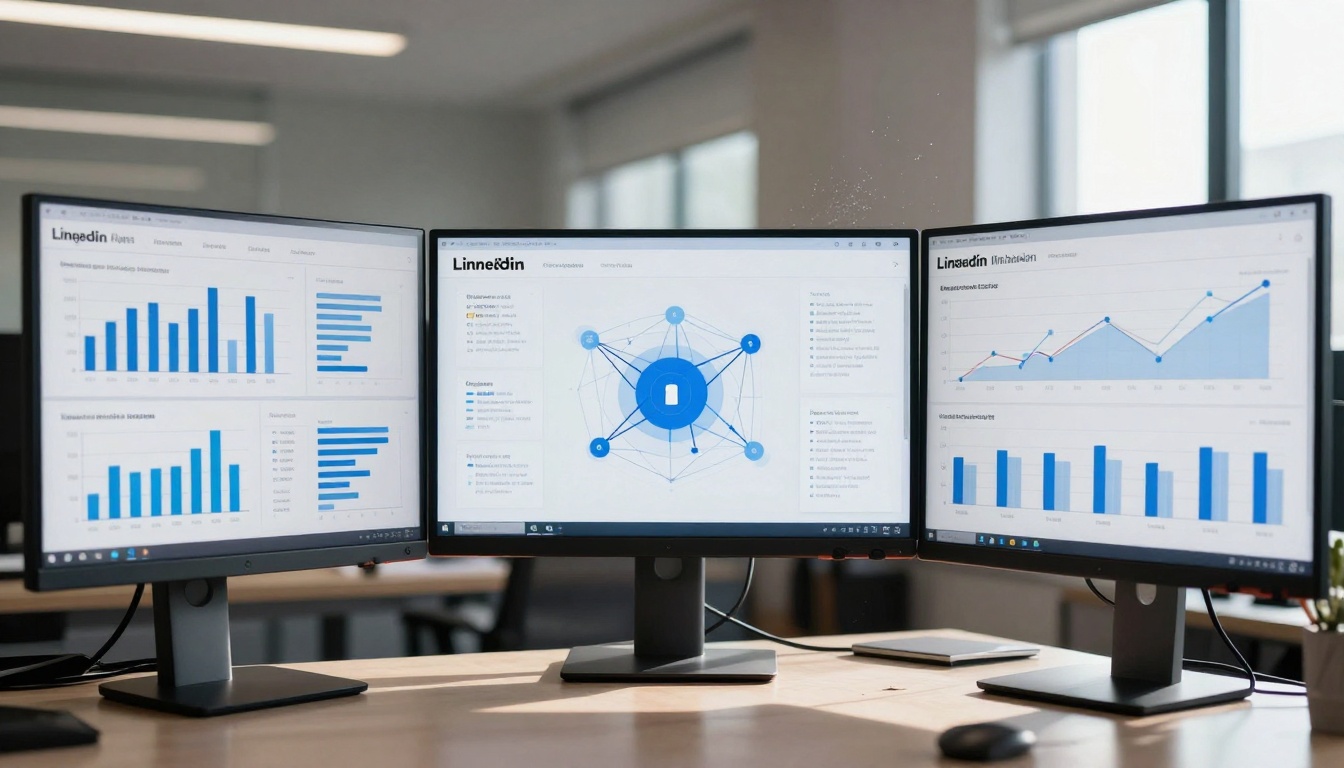
Professional workspace with AI-generated LinkedIn infographics
Editing and Enhancement Utilities
Raw AI-generated content often needs polishing. These tools bridge the gap between generation and publication:
Remove-Background Tools for Product Shots
bria/remove-background instantly isolates subjects:
- E-commerce: Clean product presentations against white or branded backgrounds
- Collage Creation: Combine multiple AI-generated elements
- Template Integration: Insert products into lifestyle scenes
Pro Workflow: Generate product images → Remove backgrounds → Place into template scenes → Add text overlays.
p-image-edit for Quick Modifications
prunaai/p-image-edit makes targeted changes without regenerating entire images:
- Brand Adjustments: Change colors to match new campaign palettes
- Text Addition: Insert minimal text overlays for quotes or statistics
- Element Replacement: Swap out objects while maintaining composition
Real-ESRGAN for Image Upscaling
nightmareai/real-esrgan enhances image quality:
- Social Media Compression: Counteract platform compression algorithms
- Print Quality: Prepare images for physical marketing materials
- Archive Enhancement: Improve older content for repurposing
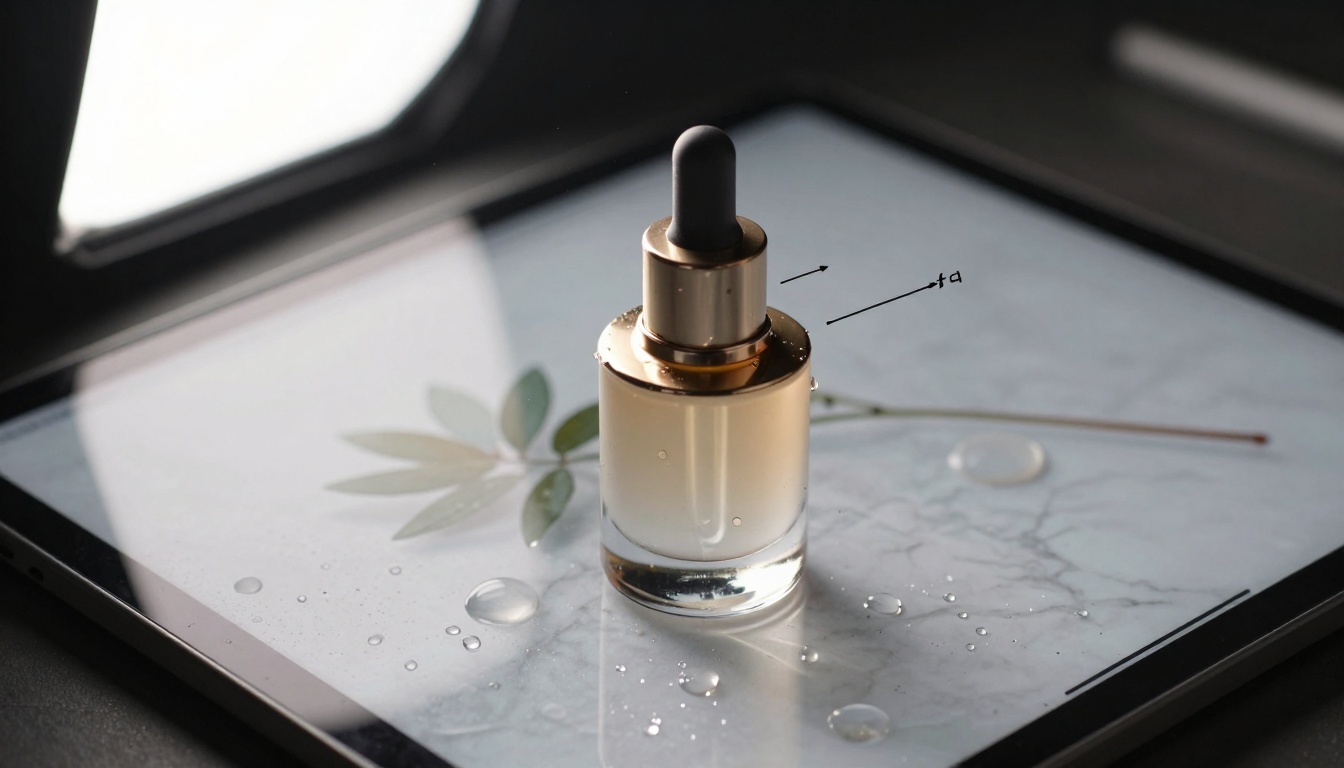
Extreme close-up of AI-generated product photography
Audio quality often determines whether viewers watch your entire video or scroll past:
Text-to-Speech for Voiceovers
minimax/speech-2.6-hd provides natural-sounding narration:
- Explainer Videos: Clear, consistent voiceovers for educational content
- Product Demos: Professional narration without recording sessions
- Accessibility: Generate captions and audio descriptions simultaneously
Voice Selection: Test different AI voices with your target audience. Some demographics prefer certain vocal characteristics.
Music Generation for Reels
minimax/music-01 creates original soundtracks:
- Platform-Specific: Generate music matching TikTok, Instagram, or YouTube trends
- Mood Matching: Create soundtracks that complement your visual content
- Brand Consistency: Develop a sonic identity across your content
Copyright Advantage: AI-generated music avoids licensing issues and DMCA takedowns.
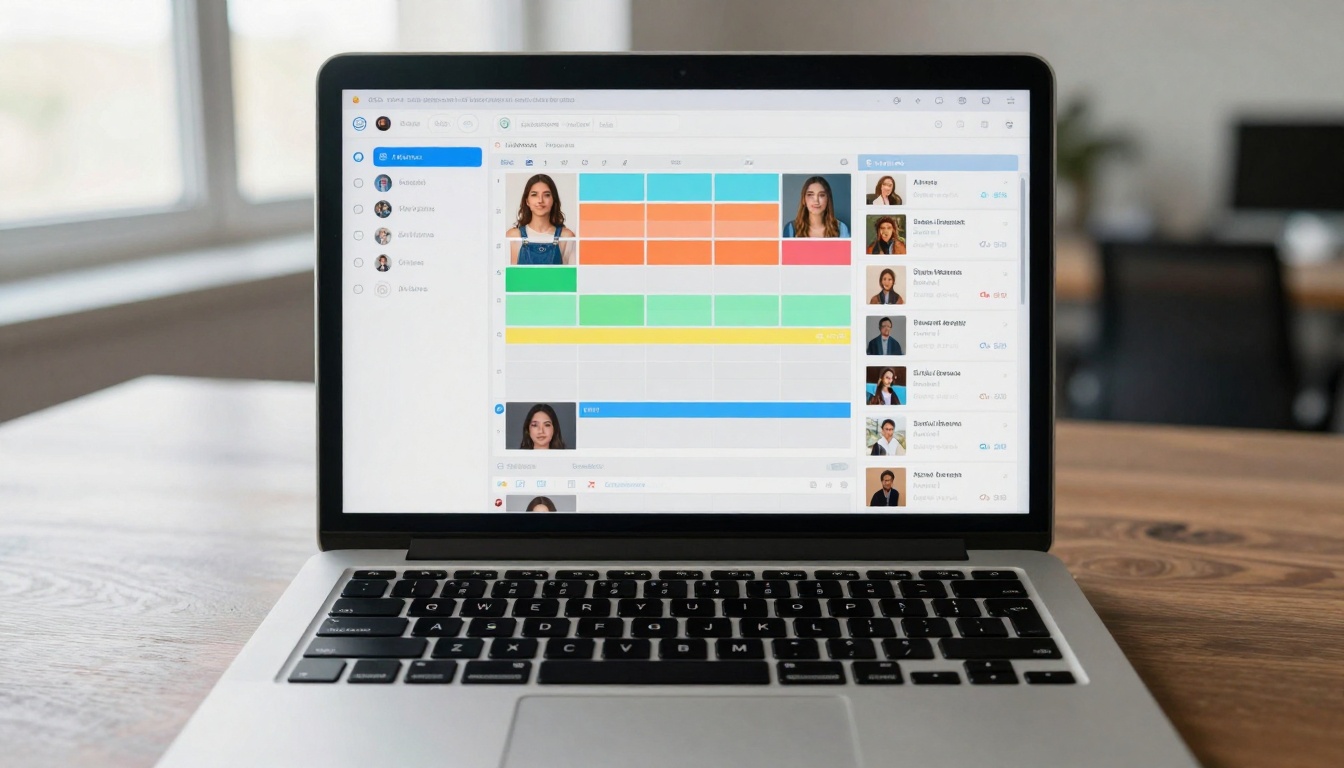
Aerial view of social media scheduling with AI content
Workflow Automation for Content Series
Consistency matters more than occasional brilliance. Here's how to systematize AI content creation:
Batch Processing Workflows
Hashtag Optimization with AI
Large language models analyze trending topics and suggest relevant hashtags:
- Platform Analysis: Different hashtag strategies work on Instagram vs. TikTok vs. LinkedIn
- Competitor Research: Identify which hashtags successful competitors use
- Volume Balancing: Mix high-volume and niche hashtags for optimal reach
A/B Testing Image Variations
Generate multiple versions of successful content:
- Control: Your best-performing post
- Variation A: Same concept, different visual style
- Variation B: Same visual style, different subject
- Variation C: Combined elements from multiple successful posts
Test across different audience segments to identify what resonates with each group.
Podcast recording with AI-generated audio visualization
AI tools work best when integrated thoughtfully into your existing strategy:
Platform-Specific Optimization
Each social platform has unique requirements:
Instagram
- Carousel Priority: 3+ image posts receive more reach
- Reels Format: 9:16 vertical video with text overlays
- Consistency: Grid aesthetics matter for profile visitors
TikTok
- Hook First: First 3 seconds determine viewer retention
- Trend Participation: Use trending sounds and formats
- Authenticity: "Raw" feels often outperform "polished"
LinkedIn
- Professional Tone: Business-appropriate imagery
- Data Visualization: Infographics perform exceptionally well
- Thought Leadership: Original insights over entertainment
Quality Control Measures
AI content needs human oversight:
- Brand Alignment Check: Does this match our visual identity?
- Message Clarity: Is the core message immediately apparent?
- Platform Optimization: Is this formatted correctly for the target platform?
- Accessibility Review: Are captions/descriptions adequate?
Ethical Considerations
Transparency builds trust:
- Disclose AI Use: When appropriate, mention AI assistance
- Avoid Misrepresentation: Don't present AI-generated content as "real" photography
- Respect Copyright: Use AI models trained on properly licensed data
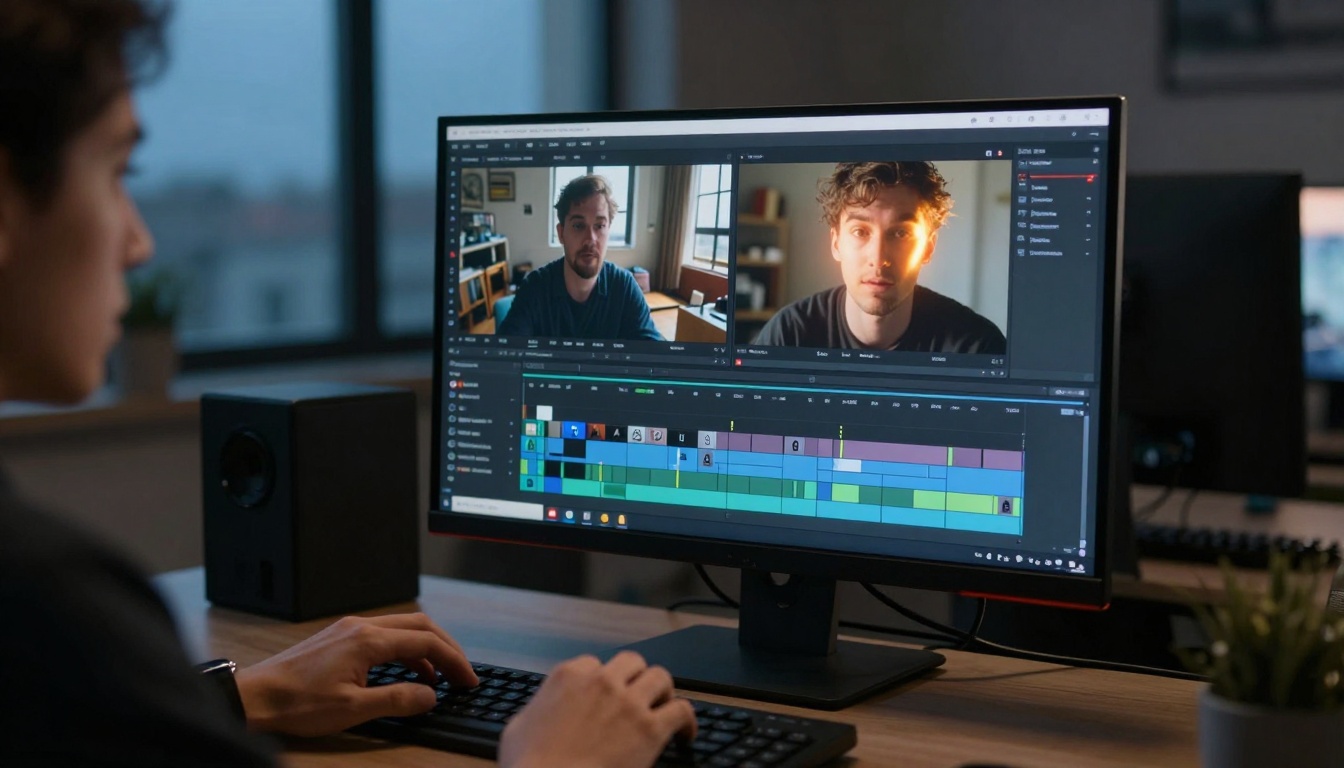
Video editor compositing AI-generated B-roll footage
Creating Your First AI-Generated Campaign
Ready to implement these tools? Start with a focused campaign:
Step 1: Define Your Goal
Choose one objective:
- Increase Instagram engagement by 25%
- Grow TikTok followers by 1,000
- Boost LinkedIn post clicks by 50%
Step 2: Select Primary Tools
Based on your goal:
Step 3: Develop Content Calendar
Create 2 weeks of content:
- Day 1-3: Generate core visual assets
- Day 4-7: Create supporting content variations
- Day 8-10: Produce educational/explainer content
- Day 11-14: Repurpose top performers
Step 4: Implement and Measure
Track these metrics:
- Engagement Rate: Likes, comments, shares relative to followers
- Reach: How many unique users see your content
- Conversion: Click-throughs to your website or landing page
- Audience Growth: New followers/subscribers gained
Step 5: Iterate Based on Results
Double down on what works:
- Successful Formats: Replicate and vary winning content types
- Optimal Timing: Post when your audience is most active
- Effective Hashtags: Build lists of consistently performing tags
- Audience Preferences: Note which visual styles resonate most
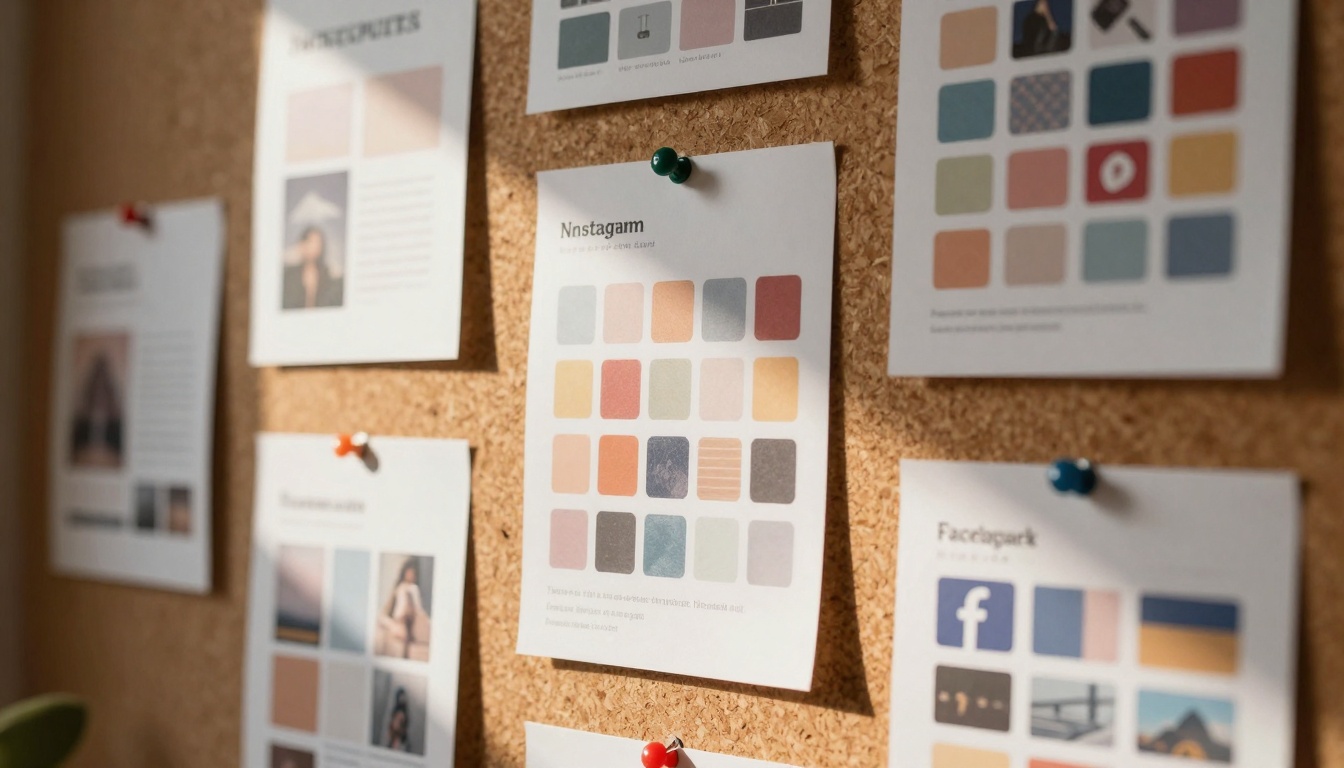
Physical mood board with AI-generated social media templates
What Comes Next
The most successful social media marketers treat AI as a collaborative partner rather than a replacement. These tools excel at handling repetitive tasks, generating variations, and maintaining consistency—freeing you to focus on strategy, community building, and creative direction.
Your next move? Experiment. Start with one tool that addresses your biggest content bottleneck. Generate 5-10 pieces of content and compare their performance against your existing posts. Track not just engagement numbers, but also the time and resources saved.
The platforms offering these AI capabilities—like PicassoIA's text-to-image models, video generation tools, and editing utilities—continue to evolve. New features emerge monthly, each designed to solve specific content creation challenges.
What separates effective social media presence from forgettable content isn't necessarily budget or team size anymore. It's strategic tool adoption combined with authentic audience connection. The AI handles production; you handle the human element.


