The voiceover industry has shifted faster than most people expected. What used to require a professional recording booth, a hired voice actor, and hours of post-production can now happen in seconds with an AI voiceover tool. The quality has crossed a threshold where many listeners simply cannot tell the difference between a real human voice and a well-configured AI voice.
This article breaks down the top AI tools for voiceovers available right now, rated on voice naturalness, language support, speed, and real-world usability. Whether you are narrating YouTube videos, producing corporate training content, running a podcast, or dubbing short-form clips, there is a model built exactly for what you need.
Why AI Voiceovers Changed Content Production
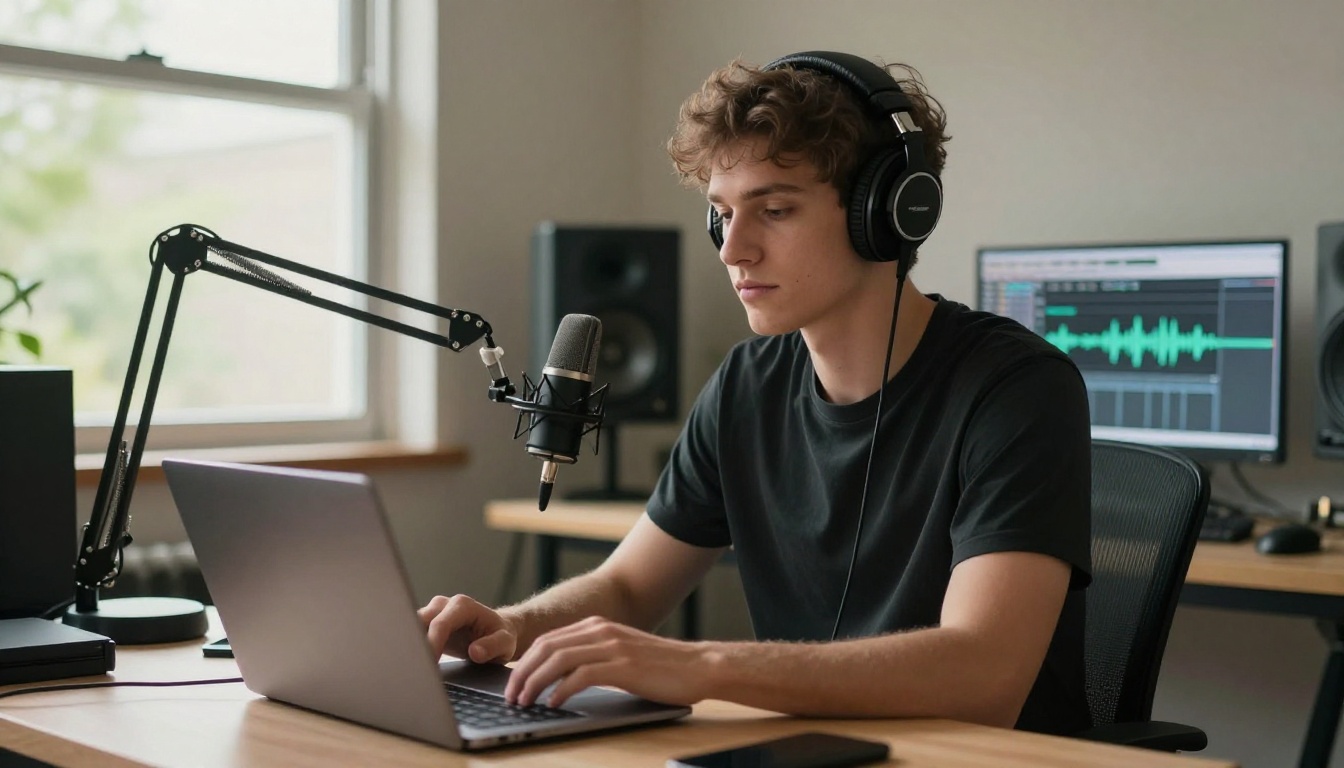
Three or four years ago, AI text-to-speech meant robotic, monotone output that no one wanted to hear for longer than thirty seconds. The pronunciation was off, the pacing felt wrong, and you could always spot the synthetic voice within a few words.
That era is over.
The models available in 2027 reproduce natural prosody, breathing patterns, emotional inflection, and even subtle regional accents with precision that was genuinely not possible before. The adoption curve has been steep: creators, agencies, corporate training platforms, and enterprise teams have moved significant portions of their audio production to AI voiceover tools because the output is good enough, it is much faster, and the cost difference is dramatic.
For a 10-minute explainer video, a professional voice actor typically charges between $200 and $600 plus revision fees. An AI voiceover tool generates the same length content in under a minute, with unlimited revisions, for a fraction of that cost.
💡 The real advantage is iteration speed. When a script changes at the last minute, AI voiceovers regenerate in seconds. With a human voice actor, every change means a new recording session.
Not all AI voiceover generators are equal. The gap between a mediocre TTS engine and a top-tier model is immediately audible. Before comparing specific tools, here are the criteria that actually matter.
Voice Naturalness Above Everything
The single most important factor is how natural the voice sounds at the sentence level. Individual words might sound fine in isolation, but the rhythm, stress, and emotion across longer passages reveal the true quality ceiling of a model.
The best models handle these well:
- Sentence-level prosody: rising and falling intonation that matches the content
- Emotional range: excitement, calm, authority, warmth without sounding forced
- Breathing and pauses: subtle breath sounds and natural micro-pauses
- Word-level emphasis: stressing the right syllables in technical or proper nouns
Language and Accent Coverage
A voiceover tool is only as useful as the languages it supports. For international content teams, multilingual support is non-negotiable.
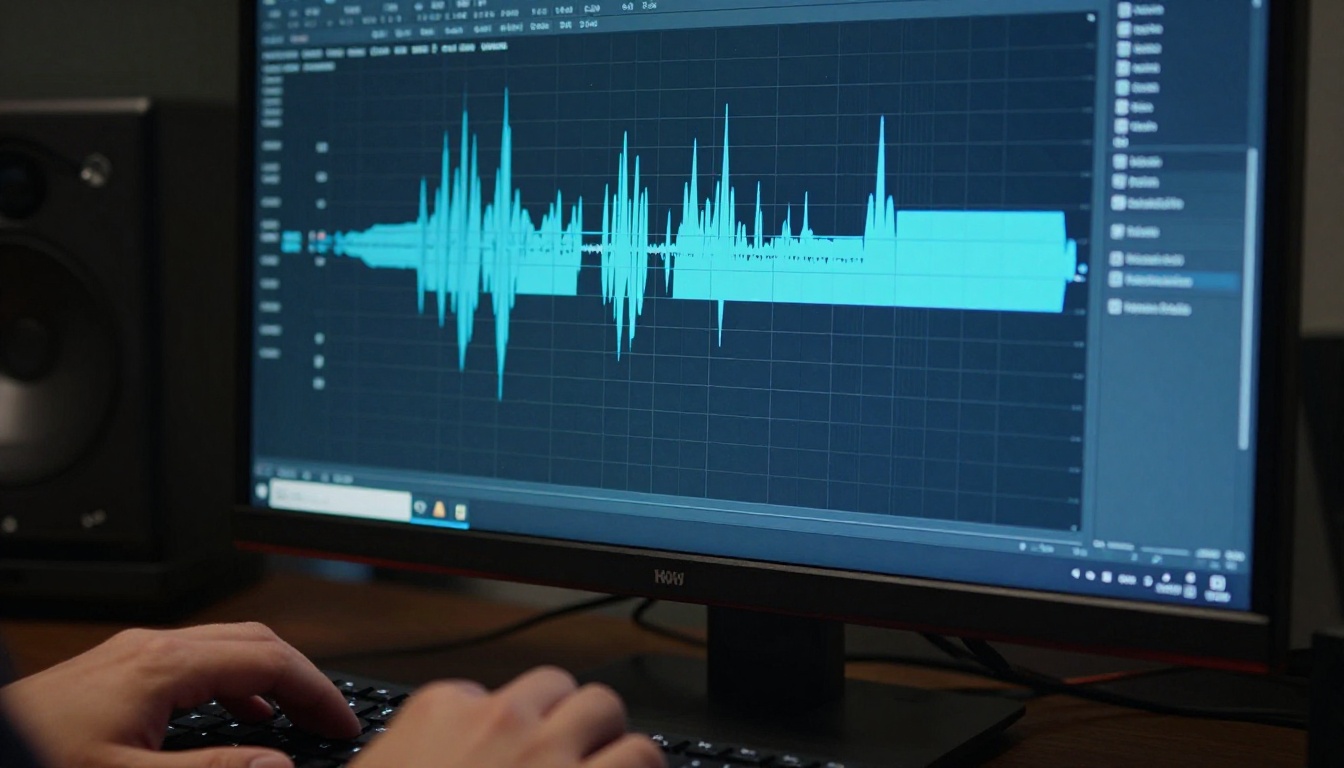
The top tools in this category now cover 30 to 70 languages, including non-Latin script languages like Arabic, Chinese, Japanese, and Hindi. Quality in secondary languages varies significantly between models, so testing with native-language scripts before committing to a platform is always worth doing.
Speed and Turnaround Time
Some workflows need real-time or near-real-time generation. Livestreamers, interactive applications, and responsive tools require low-latency models. Long-form content creators care more about batch processing speed.
The best tools now offer both: a fast turbo or flash variant for speed-sensitive applications, and a high-definition variant for maximum audio quality. Knowing which you need before choosing a model saves a lot of time.
ElevenLabs V3
ElevenLabs V3 sits at the top of most professional rankings for voice naturalness. It produces rich, emotionally expressive output that holds up across long scripts without the artificial flatness that plagues many TTS engines.
What makes V3 stand out is its handling of difficult content: technical documents, scripts with unusual proper nouns, and emotionally charged passages. The model interprets context rather than just converting phonemes. You will hear the difference immediately in content that requires nuance.
Best for: Audiobooks, long-form narration, professional voiceover work
Strengths:
- Best-in-class emotional expressiveness
- Handles complex scripts without mispronunciation
- Consistent output quality at any length
ElevenLabs V2 Multilingual
ElevenLabs V2 Multilingual extends the ElevenLabs quality standard to over 30 languages, making it the go-to choice for teams producing content in multiple markets. The multilingual capability is genuinely strong, not just a feature on paper: the output in Spanish, French, German, and Portuguese maintains the same naturalness as the English output.
Best for: International campaigns, multilingual content production, global brand audio
ElevenLabs Flash v2.5
When speed is the priority, Flash v2.5 delivers. It is ElevenLabs' fastest model, built for real-time applications and interactive experiences where waiting two seconds for audio to generate is not acceptable. Quality is slightly lower than V3 but still far above the threshold for most use cases.
💡 Flash v2.5 is the right pick for interactive tools, chatbots, and live content. For recorded content where quality matters more than speed, V3 is worth the extra generation time.
Minimax Speech 2.8 HD
Minimax Speech 2.8 HD is the studio-quality option from Minimax. The "HD" designation is not marketing: the audio fidelity is noticeably higher, with cleaner pronunciation and better high-frequency detail in the voice. It is particularly strong for content that will be played on high-quality speakers or headphones where audio artifacts become obvious.
Best for: Broadcast narration, premium brand content, audiophile audiences
Strengths:
- Studio-level audio fidelity
- Clean output with minimal artifacts
- Strong pronunciation across technical vocabulary
Minimax Speech 2.8 Turbo
Minimax Speech 2.8 Turbo is the speed-optimized version of the same architecture. For teams that need fast batch processing of large volumes of content, this model handles throughput at a level that lets you process entire script libraries in a fraction of the time that the HD variant requires.
Gemini 3.1 Flash TTS
Google's Gemini 3.1 Flash TTS brings something genuinely useful to the field: 30 distinct voice personas across 70+ languages. The language coverage is broader than most competitors, and the voice variety within a single model gives teams a lot of flexibility without switching tools.
The "Flash" in the name is accurate. Generation is fast, making it a strong option for high-volume multilingual workflows where you need consistency across many language outputs simultaneously.
Best for: Global content production, teams working across many markets, high-volume multilingual output
| Feature | Gemini 3.1 Flash TTS | ElevenLabs V2 Multilingual |
|---|
| Languages | 70+ | 30+ |
| Voice Options | 30 | Large library |
| Speed | Very fast | Moderate |
| Best Use | High-volume multilingual | Premium multilingual |
Qwen3 TTS
Qwen3 TTS is the most flexible voice cloning option in this list. You can clone an existing voice from a short audio reference, or design a custom voice from scratch by specifying characteristics like tone, pitch, and speech style. This level of control is rare and valuable for teams building branded audio identities.
Best for: Brand voice creation, custom voice agents, consistent voice across products
Resemble AI Chatterbox
Chatterbox from Resemble AI specializes in emotion control, something most TTS models handle clumsily if at all. With Chatterbox, you can specify the emotional tone of the output directly: confident, cheerful, concerned, neutral, serious. The model applies that emotion consistently across the generated audio rather than approximating it based on text sentiment alone.
💡 Emotion-controlled voiceovers are particularly valuable for video ads and training content where the wrong emotional tone in the narration directly undermines how effective the content is.
For teams that need even higher output quality, Chatterbox Pro delivers higher-fidelity audio from the same emotion-control architecture. For speed-sensitive applications, Chatterbox Turbo processes at a significantly faster rate with only a marginal reduction in quality.
PlayHT Play Dialog
Play Dialog solves a specific problem that most TTS tools ignore entirely: multi-speaker dialogue. When your script involves two or more speakers in conversation, most tools require you to generate each line separately and stitch them together manually. Play Dialog handles the full dialogue natively, with distinct voices for each speaker and natural conversational timing between turns.

Best for: Podcast simulations, dialogue-heavy scripts, interview-format content, fictional audio
Grok Text to Speech
Grok Text to Speech from xAI is built for speed and directness. For teams that need fast, clean, professional-sounding narration without complex configuration, Grok TTS delivers consistent results quickly. It is a strong option for straightforward informational content where production speed matters as much as voice nuance.
Voice Cloning vs. Pre-Built Voices
One of the most important decisions when choosing an AI voiceover tool is whether to use a pre-built voice or clone a custom voice.
When to Clone a Voice
Voice cloning makes sense in these situations:
- Brand consistency: You want every piece of audio content to sound like the same person
- Talent reuse: You have an existing voice actor and want to extend their work with AI
- Character work: Fictional content requires a specific character voice
- Accessibility: Creating audio versions of text content in someone's own voice
The best voice cloning options right now are Qwen3 TTS and Minimax Voice Cloning, both of which can capture voice characteristics from relatively short reference clips with high accuracy.
When Pre-Built Voices Work Better
Pre-built voices are faster to set up and often more consistent than cloned voices, especially when the reference audio has background noise or quality issues. For most content production workflows, choosing from a library of well-crafted synthetic voices gets you to a high-quality result faster than the cloning process.

The practical advice: start with a pre-built voice for most projects. Only move to cloning when brand consistency or character specificity genuinely requires it.
How to Generate Voiceovers on PicassoIA
PicassoIA gives you access to all of the models listed above in a single platform, without managing separate API keys or platform subscriptions.
Step 1: Pick Your Model
Browse the text-to-speech collection and choose the model that fits your use case. For general-purpose professional narration, start with ElevenLabs V3. For multilingual content, try Gemini 3.1 Flash TTS. For emotion-rich content, go with Chatterbox.
Step 2: Write Your Script
Paste your script into the input field. A few tips for better output:
- Break long scripts into paragraphs for more natural pacing
- Use punctuation to control rhythm: commas and periods create pauses
- Capitalize proper nouns so the model recognizes them correctly
- Add emphasis markers where you want specific words stressed
Step 3: Configure Voice and Generate
Select your voice, set the language and speed parameters, then generate. Most models on PicassoIA return results in under ten seconds for typical script lengths. Download the audio file directly from the platform and drop it straight into your video editor or podcast software.
💡 Test with a short excerpt first before generating a full long-form script. It takes thirty seconds to validate the voice and pacing before committing to the full run.
AI Voiceovers for Video Production
For video creators, voiceover quality directly affects watch time and audience retention. Viewers will tolerate average visuals far more readily than they will tolerate poor audio.

The combination of AI voiceover tools with video production creates an efficient audio workflow that requires minimal equipment and post-production effort. The process now looks like this:
- Write the script
- Generate voiceover with your chosen AI model
- Sync audio to video in your editing software
- Review and regenerate any sections that need adjustment
For content teams that produce high volumes of video, this workflow is significantly faster than any human-dependent alternative. There are no scheduling conflicts, no session fees, and no waiting on availability.
The answer depends entirely on what you are making.
For YouTube narration and explainer videos: ElevenLabs V3 or Minimax Speech 2.8 HD. Both produce output that holds up well in a video context and sound professional at first listen.
For corporate training and online courses: ElevenLabs V2 Multilingual or Gemini 3.1 Flash TTS, depending on how many languages your audience requires.
For podcasting and dialogue content: Play Dialog handles multi-speaker scripts better than any other option in this category.
For custom brand voices: Qwen3 TTS or Minimax Voice Cloning give you the most control over the output voice characteristics.
For interactive or real-time applications: ElevenLabs Flash v2.5 or Resemble AI Chatterbox Turbo are the fastest options without sacrificing too much quality.
Try It Yourself on PicassoIA
The models in this article represent the current state of the art in AI voiceover generation. They are all accessible on PicassoIA without separate subscriptions or API configuration.
The best way to find your preferred model is to test a few with the same script excerpt and compare the output side by side. Voice preference is partly subjective: what sounds right for a corporate training module is different from what works for a true-crime podcast or a children's story.

Pick a script you have already written, open the PicassoIA text-to-speech collection, and run your first voiceover in the next five minutes. Start with ElevenLabs V3 if you want the highest possible quality on your first attempt, or Gemini 3.1 Flash TTS if you are working across multiple languages. The quality difference from what was available even two years ago is worth experiencing directly, and your first professional AI voiceover is a few clicks away.


