YouTube Shorts crossed 70 billion daily views in 2024, and the creators earning that reach consistently share one characteristic: they produce and publish faster than everyone else in their niche. Manual video editing cannot sustain the 5 to 7 posts per week cadence that the Shorts algorithm rewards. AI video generators, automatic caption tools, smart reframing software, and resolution upscalers have changed the math entirely, making it possible to go from script to published Short in under 15 minutes.
The 9:16 vertical format operates on brutal economics. Viewers decide whether to stay or swipe within the first half-second, and the algorithm measures completion rate and rewatch rate as its primary signals. Most horizontal video workflows were not built with any of that in mind.
AI tools solve the pace problem in three distinct ways:
- Speed: Text-to-video models generate publish-ready clips in 30 to 90 seconds from a written prompt
- Consistency: Automated editing tools maintain visual quality across dozens of Shorts without a production team
- Iteration: Generating multiple visual interpretations of one hook idea costs seconds, not hours
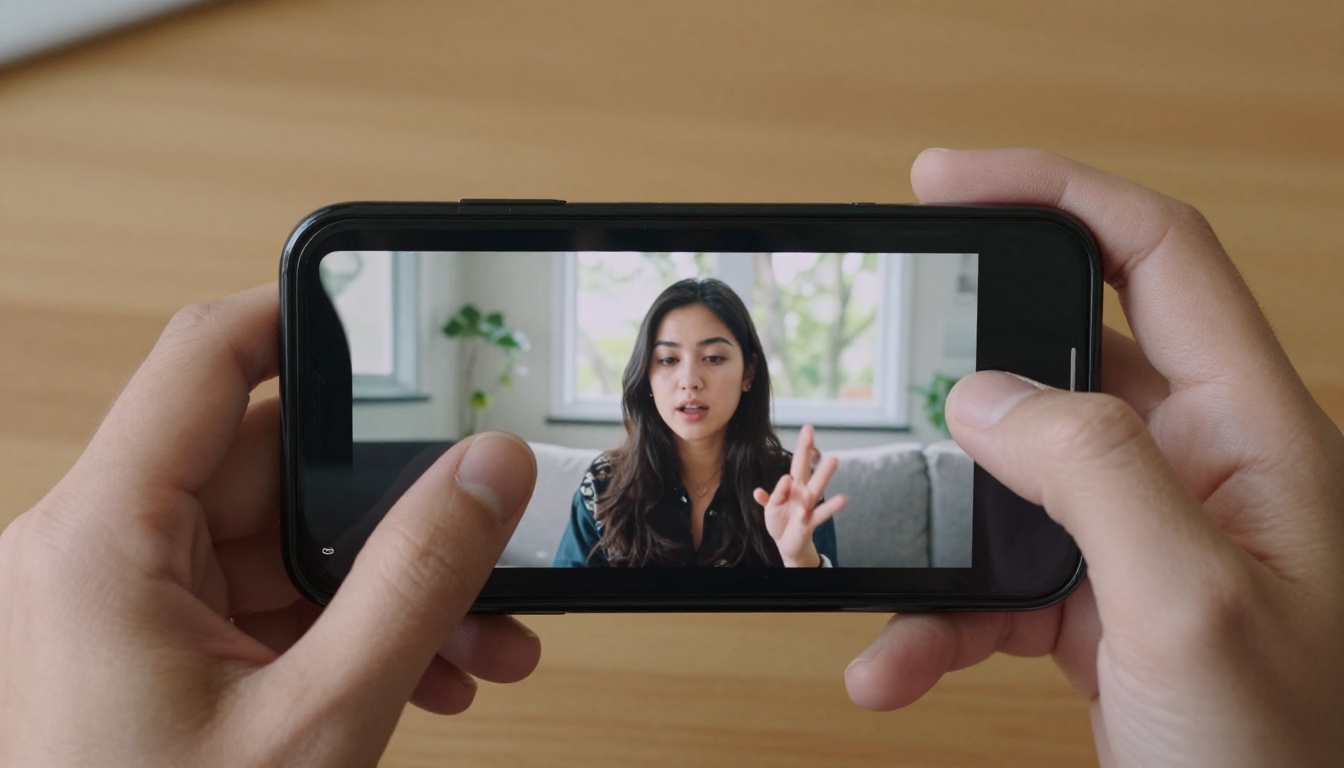
Platforms like PicassoIA gather over 87 text-to-video models alongside every editing tool you need in one browser-based environment, no API keys or local installs required.
Best AI Video Generators for Shorts
Seedance 2.0 Wins on Audio
Seedance 2.0 by ByteDance is the current gold standard for YouTube Shorts because it produces 1080p video with native synchronized audio. Sourcing royalty-free audio, timing sound effects, and syncing music to cuts typically accounts for 30 to 40% of Short editing time. Seedance eliminates that entirely.
Key advantages for short-form creators:
- Native audio generation tied directly to the visual action on screen
- Strong prompt adherence, meaning your hook idea appears as you described it
- High motion quality in the critical opening second where retention is won or lost
Seedance 2.0 Fast gives you the same model with accelerated inference for rapid concept testing before final render. For longer content and audio precision, Seedance 1.5 Pro extends those capabilities further.
💡 Prompt tip: Condense your Short's hook sentence directly into the Seedance prompt. The model translates narrative tension into motion more reliably than abstract descriptions. "A chef reacts in shock as a dish catches fire on a live cooking show" will outperform "cooking video, dramatic, kitchen."
Kling v3 for Cinematic Opening Frames
Kling v3 Video excels at camera motion control, which makes it particularly valuable for the opening frame of a Short. A slow push-in toward a subject, a reveal pan, or a low-angle upward shot signals production quality that retains viewers past the first second.
The Kling v3 family covers different needs across your workflow:
Kling runs slower than Seedance but produces outputs that justify the wait for your highest-traffic Shorts.
Veo 3 Fast for Realistic Human Scenes
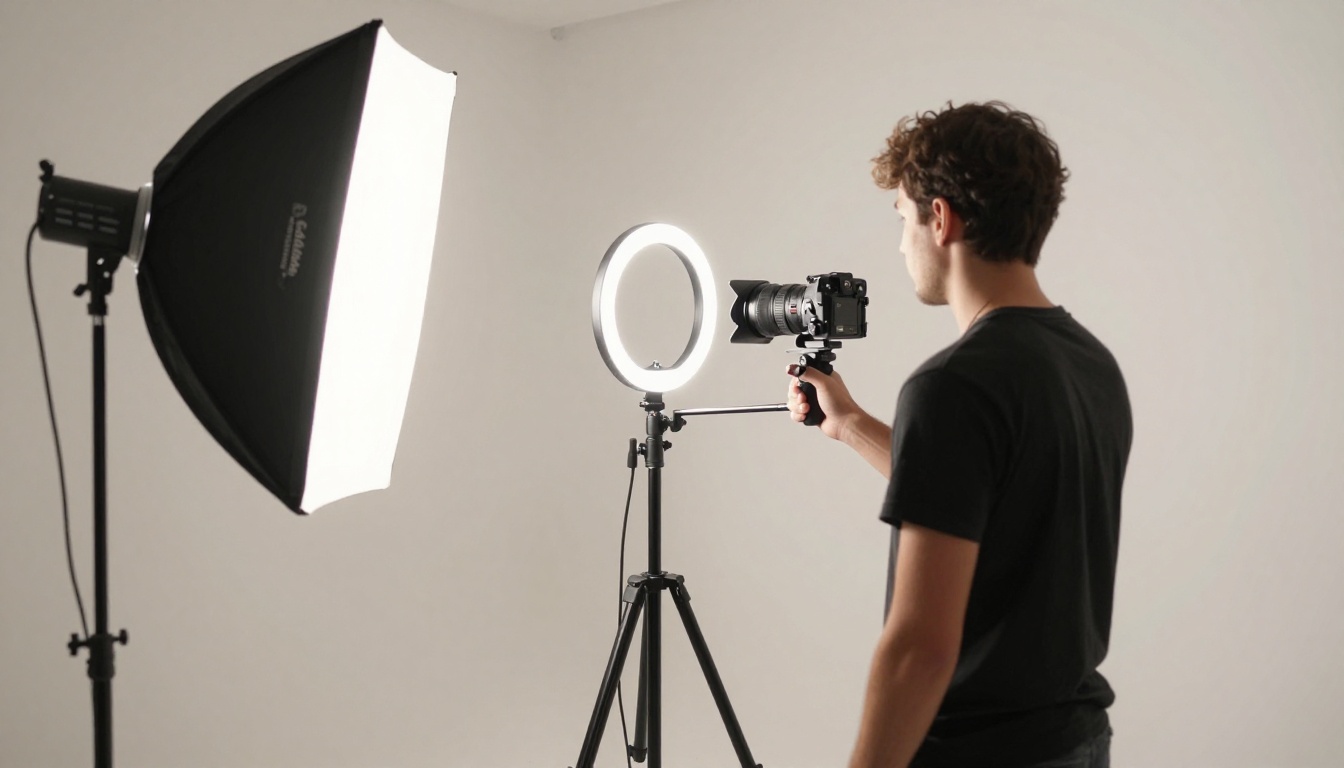
Google's Veo 3 Fast generates video that reads as photographed rather than synthesized, which is critical for lifestyle, travel, and educational content where authenticity directly affects viewer credibility. The base Veo 3 model adds precise audio-visual synchronization and full 1080p output, while Veo 3.1 Fast brings the latest improvements at accelerated speed.
Best use cases for Shorts:
- Outdoor and travel scenarios that require expensive location footage conventionally
- Talking-head style clips where lip movement and ambient sound need to feel natural
- Educational content where real-world visual references build authority

Hailuo 02 for High-Volume Posting
Hailuo 02 by MiniMax is the reliable production engine for creators posting 25 to 30 Shorts per month. Its low hallucination rate on object placement and scene composition means fewer failed renders and less iteration time. Clips maintain visual coherence across a batch, which matters for channel brand consistency.
Hailuo 02 Fast at 512p is fast enough to serve as a real-time scripting aid, letting you visualize hook ideas in near-real time before committing to a full-resolution render.
LTX 2.3 Fast for 4K Source Material
LTX 2.3 Fast from Lightricks is the resolution outlier: it generates 4K output when every other consumer AI video tool stops at 1080p. That extra resolution gives you aggressive cropping flexibility when converting 16:9 compositions to 9:16 vertical without visible quality loss on mobile screens. Its companion LTX 2.3 Pro handles more complex and longer scene descriptions.

Wan 2.7 and the Image-to-Video Workflow
Wan 2.7 T2V produces strong 1080p video from text, but the real productivity gain comes from Wan 2.7 I2V, its image-to-video counterpart. If you have a library of product photos, portraits, or AI-generated still images, Wan 2.7 I2V animates them into Short-ready clips in seconds.
💡 Workflow: Generate a detailed 16:9 still image with PicassoIA's text-to-image tools. Animate it with Wan 2.7 I2V. Crop to 9:16 during final editing. This three-step process gives you more visual control than prompting directly for vertical video.
Ray 2 720p by Luma fills the quick B-roll niche: fast 720p clips that work perfectly as atmospheric cutaways between your main talking points.
AI Editing Tools Built for Vertical Content
Autocaption Solves the Mute Problem
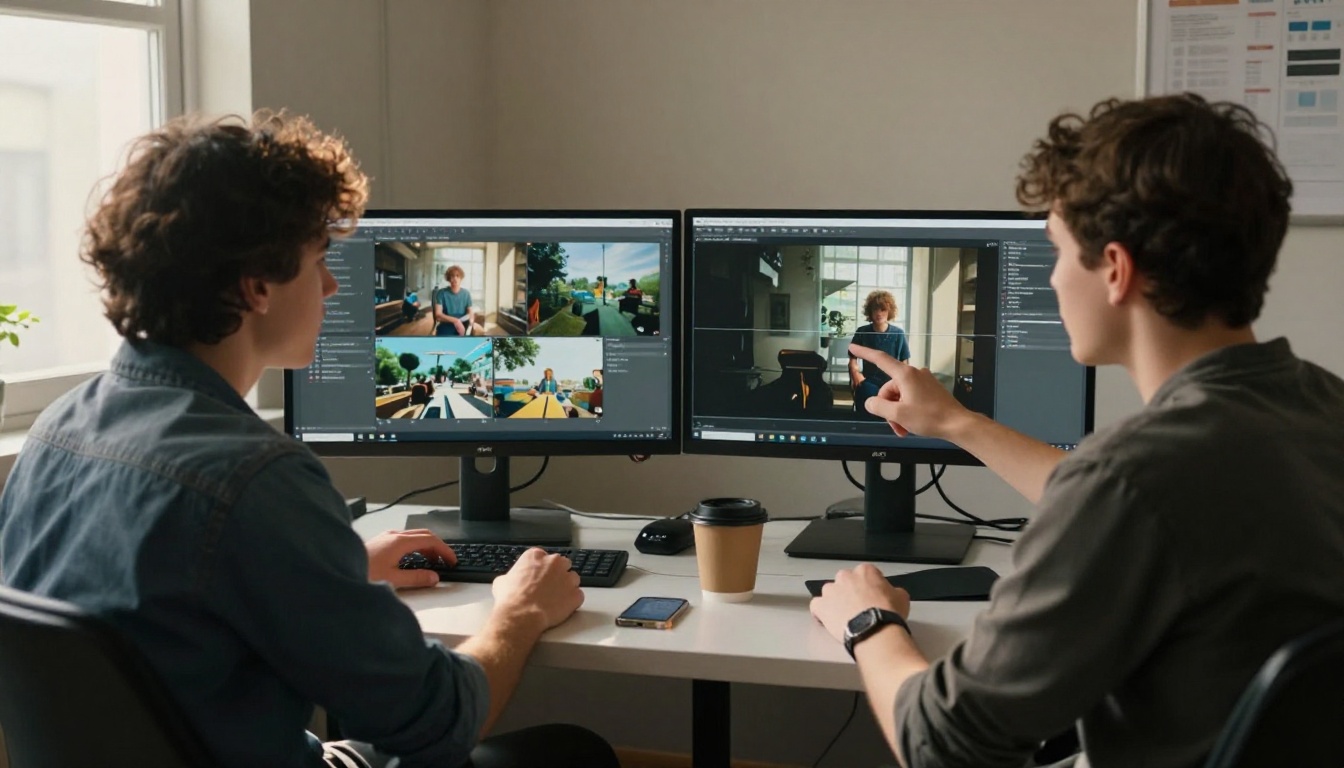
Autocaption handles the single highest-impact editing task for Shorts: captions. Research consistently shows 85% of social video is watched on mute, and the YouTube Shorts algorithm tracks watch time, not just views. Captions directly extend watch time by keeping viewers engaged when audio is off.
The tool generates word-level synchronized captions automatically, handles multiple languages, and outputs in vertical-optimized formatting. This task, done manually, takes 15 to 30 minutes per clip. Autocaption reduces it to under 60 seconds.
Reframe Video for Cross-Format Repurposing
If you produce horizontal video in any format, Reframe Video by Luma converts it to 9:16 by detecting and tracking the subject throughout the clip. This is far more accurate than a static center crop and removes the most tedious part of repurposing long-form content into Shorts.
Lucy Edit 2 for Text-Based Editing
Lucy Edit 2 takes natural language instructions and applies them as video edits. Remove a background, change a color grade, add a visual element: you type the instruction and the model executes. For creators who are not fluent in traditional editing software, this interface removes the learning curve entirely.
Wan 2.7 Videoedit for In-Clip Changes
Wan 2.7 Videoedit allows text-prompted changes to existing video clips, including character replacement, environment restyling, and object removal. The most practical Shorts use case is updating visual elements across a series of clips without re-generating everything from scratch.
Video Increase Resolution for Upload Quality
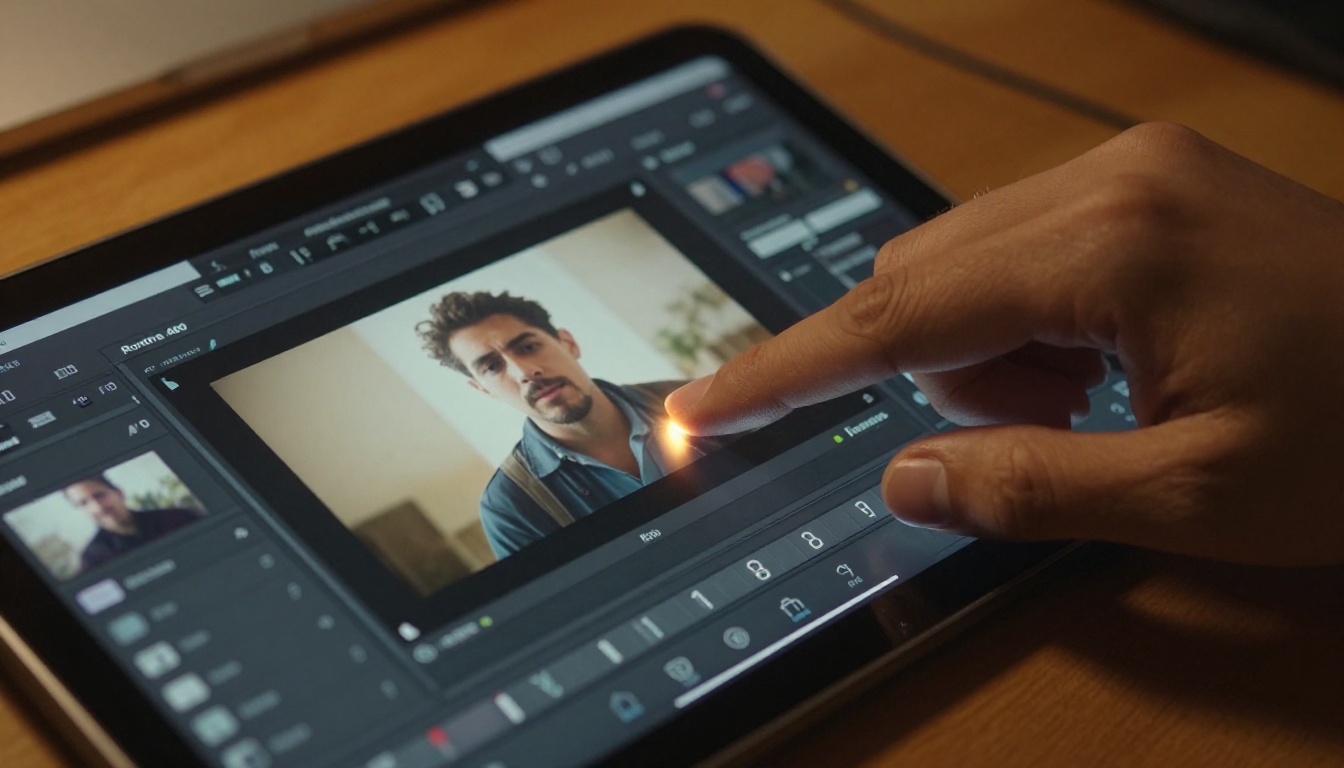
Video Increase Resolution by Bria AI upscales video to 8K before upload. YouTube's Shorts compression is aggressive on mobile screens, and providing higher-resolution source files consistently produces better published quality. Running your final clip through this tool before upload is a low-effort step that visibly improves output on screens over 6 inches.
The first half-second is a visual competition. Applying an effect to the opening frame that creates a pattern interrupt, something unexpected or visually arresting, holds attention long enough for your content to land.
PicassoIA's tool library includes several effects-focused capabilities directly relevant to Shorts:
- Video Remove Background: Place yourself in any generated environment without green screen hardware
- Kling Avatar v2: Animate a static face photo into a moving character for avatar-based content
- Pixverse v5: Generates cinematic 1080p clips with strong visual style that works well for attention-grabbing hooks

💡 Visual hook formula: Open with motion toward the camera, either a push-in or a zoom, paired with a bold caption in the first frame. Models like Kling v3 and Seedance 2.0 execute this in a single prompt. The psychological trigger of approaching movement holds attention longer than static opening compositions.
How to Build a Shorts Workflow with PicassoIA
This five-step workflow applies to any Short, from educational to entertainment to product content.
Step 1: Write the script
Before opening any tool, write three sentences: the hook (what you are about to show or tell), the value (the actual content), and the close (one action for the viewer). This gives you your generation prompt.
Step 2: Generate the video
Open PicassoIA Video, the platform's free unlimited generator. Run at 480p first to validate composition, then at 1080p for the final version. For audio-first content, switch to Seedance 2.0. For cinematic hooks, use Kling v3 Video.
Step 3: Add captions
Upload to Autocaption, select your language, choose a caption style that matches your channel aesthetic, and export.
Step 4: Reframe to vertical
If the source video is horizontal, run through Reframe Video for automatic subject-tracked 9:16 conversion.
Step 5: Upscale before upload
Run the final clip through Video Increase Resolution and upload to YouTube.
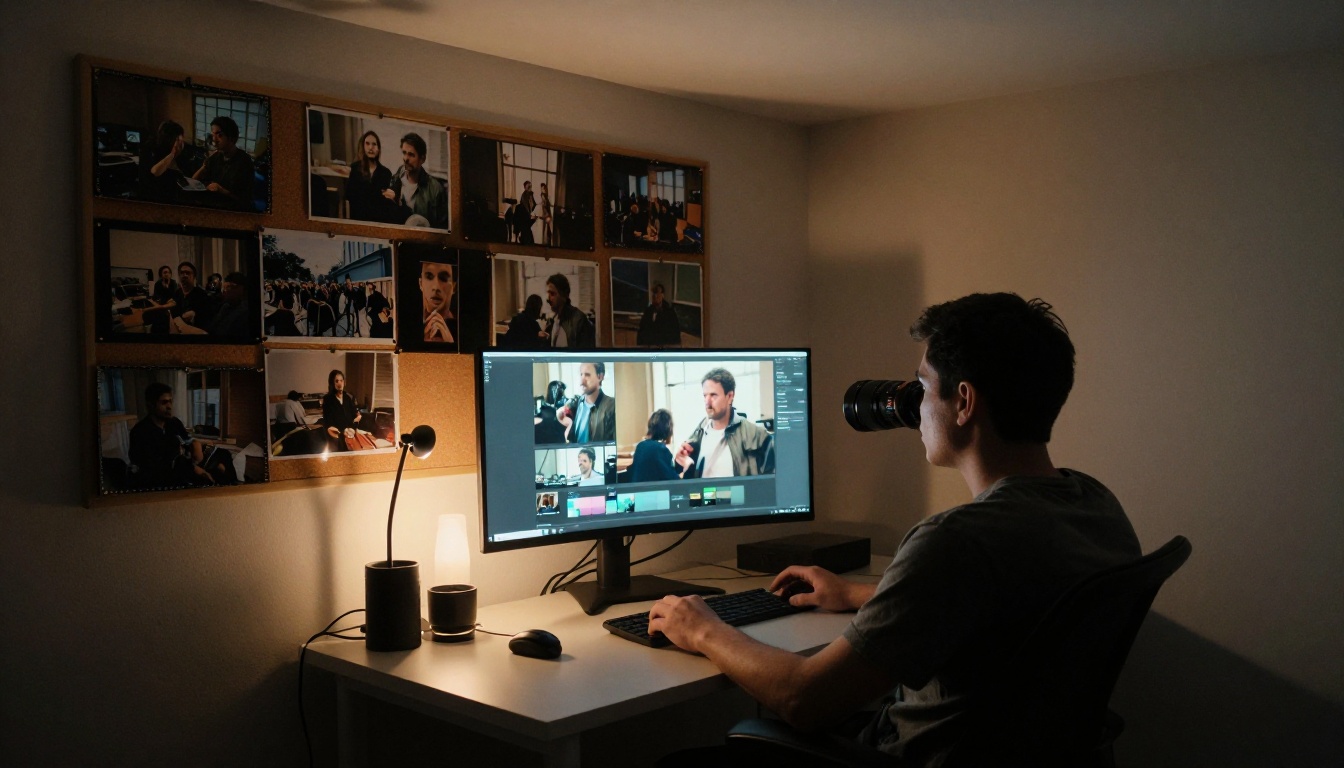
Total active time per Short: 10 to 20 minutes once the workflow is practiced. At five Shorts per week, that is under two hours of active production time weekly.
Speed vs Quality: Quick Reference
💡 Rule of thumb: Use fast models for concept validation and premium models for final publishable output. Never upload a concept-test render directly to YouTube.
3 Mistakes That Cost Views
Even with the right tools, these errors consistently suppress Shorts performance:
- Horizontal framing in prompts: AI models default to 16:9 framing. Add "vertical 9:16 composition, centered subject, close-up framing" to every Shorts-targeted generation prompt.
- No captions: You are writing off 85% of mobile viewers who watch on mute. Autocaption takes 60 seconds to fix this.
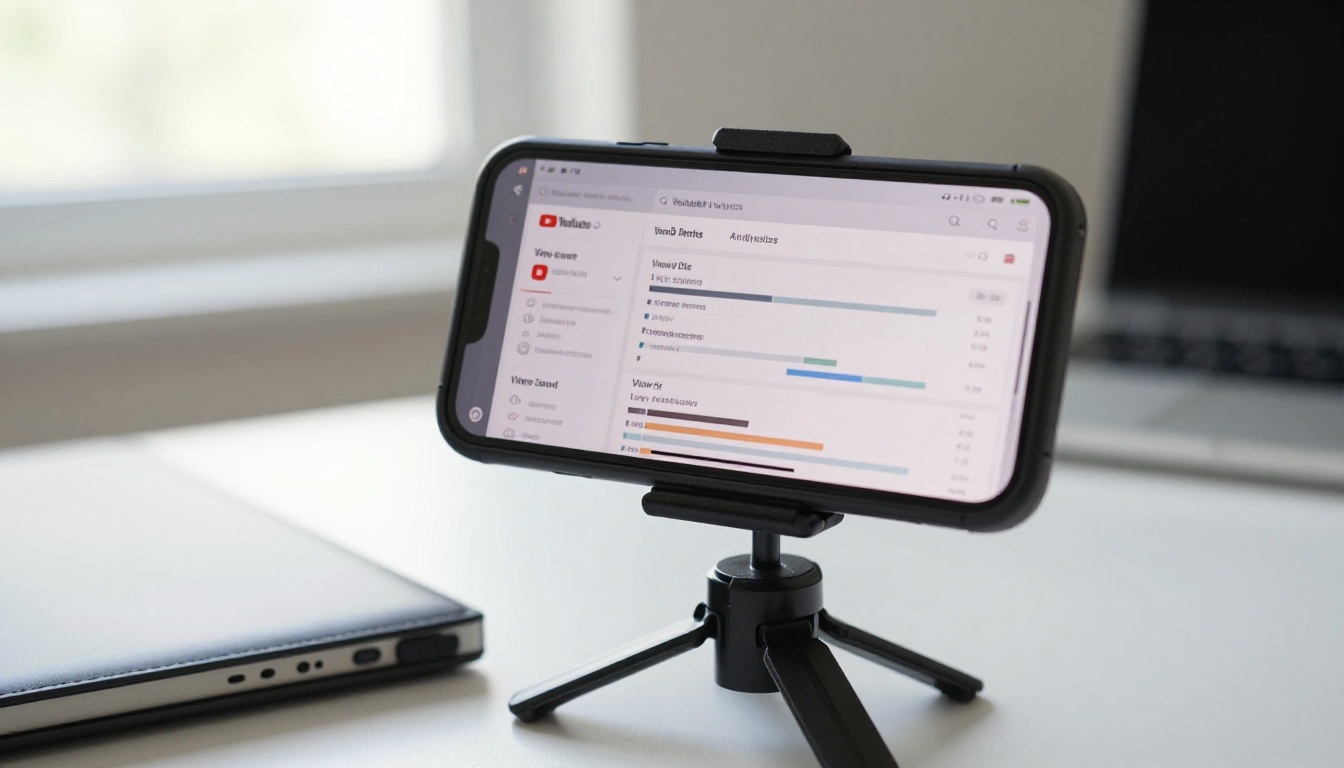
- Low-resolution source uploads: YouTube Shorts compression is aggressive. Always upscale with Video Increase Resolution before uploading.
Post Your First AI Short Today
The tools are live, browser-based, and require no technical setup. PicassoIA puts all of them in one place: 87 text-to-video generators, captioning, reframing, upscaling, background removal, and effects tools, all accessible without switching platforms or managing API credentials.
Pick one Short idea. Write the three-sentence script. Open PicassoIA Video or Seedance 2.0, run your first generation, add captions with Autocaption, and publish. The gap between creators using AI tools and those who are not is measurable in view counts, and it is only widening.


