Remote work is no longer an experiment. By 2026, distributed teams are the default at hundreds of thousands of companies, and the professionals thriving in that environment have one thing in common: they use AI deliberately, not casually. The top AI tools for remote workers in 2026 cover two categories that matter most, large language models for text and reasoning tasks, and audio transcription for capturing every meeting, call, and voice memo without lifting a finger to type.
This is not a list of every AI product that launched this year. It is a focused breakdown of what actually moves the needle when you work alone, across time zones, without a manager in the next room.

The remote worker's core problem has always been signal versus noise. You receive more messages, sit through more poorly-run video calls, and produce more written documentation than your in-office counterpart, because writing is how remote teams communicate by default. AI tools attack that problem directly.
Large language models now handle first drafts, meeting summaries, email replies, code reviews, and even strategic planning prompts at a quality level that was unimaginable two years ago. Audio transcription tools convert one-hour calls into timestamped, searchable text in under two minutes. Together, these two categories remove the friction that burns remote workers out.
💡 The productivity shift: Remote professionals who use AI for writing and transcription report saving an average of 8 to 14 hours per week on documentation and communication tasks alone.
The question is not whether to use AI tools. The question is which ones, for which tasks, at what cost.
The Best LLMs for Daily Work Tasks
Large language models have matured dramatically. The gap between the top models and the rest has widened, and for remote workers the choice of model affects output quality more than any prompt technique.
GPT 5 for Complex Reasoning
GPT 5 is OpenAI's flagship in 2027 and the strongest general-purpose LLM for remote workers who need breadth. It handles long documents, multi-step reasoning chains, and code generation without losing context. If your work involves analyzing reports, writing proposals, or building spreadsheet formulas, GPT 5 is the benchmark.
For structured output tasks, GPT 5 Structured delivers responses in clean JSON, which is invaluable if you pipe AI output into other tools or automations. And for quick iterations where you want faster responses at lower cost, GPT 5 Mini and GPT 5 Nano slot in below the flagship.
Claude Sonnet 5 for Writing and Code
Claude Sonnet 5 from Anthropic is the LLM remote workers reach for when writing quality matters most. Marketing copy, technical documentation, client proposals, and long-form reports all benefit from its precise, structured output style. Claude Sonnet 5 rarely over-generates or hallucinates filler, which means less editing after the fact.
For tasks requiring deeper reasoning or agentic behavior, Claude Opus 4.7 steps up with built-in reasoning and vision capabilities. It can analyze screenshots, review design mockups, and process complex multi-step instructions without breaking context.
DeepSeek R1 for Analytical Thinking
DeepSeek R1 is the model remote workers underestimate. Its chain-of-thought reasoning approach shows its work step by step, which makes it ideal for financial analysis, research synthesis, and any task where you need to verify how the model reached its conclusion. Open-source roots mean it also integrates well with self-hosted workflows.
DeepSeek v3.1 handles faster, less computationally intensive tasks with impressive output quality at lower cost.
Grok 4 for Real-Time Research
Grok 4 from xAI is built for complex reasoning and excels when you need to think through problems that have no clean answer. It is particularly strong at synthesizing conflicting information, which makes it valuable for competitive research, market analysis, and strategic planning prompts.
Gemini 3.5 Flash for Speed
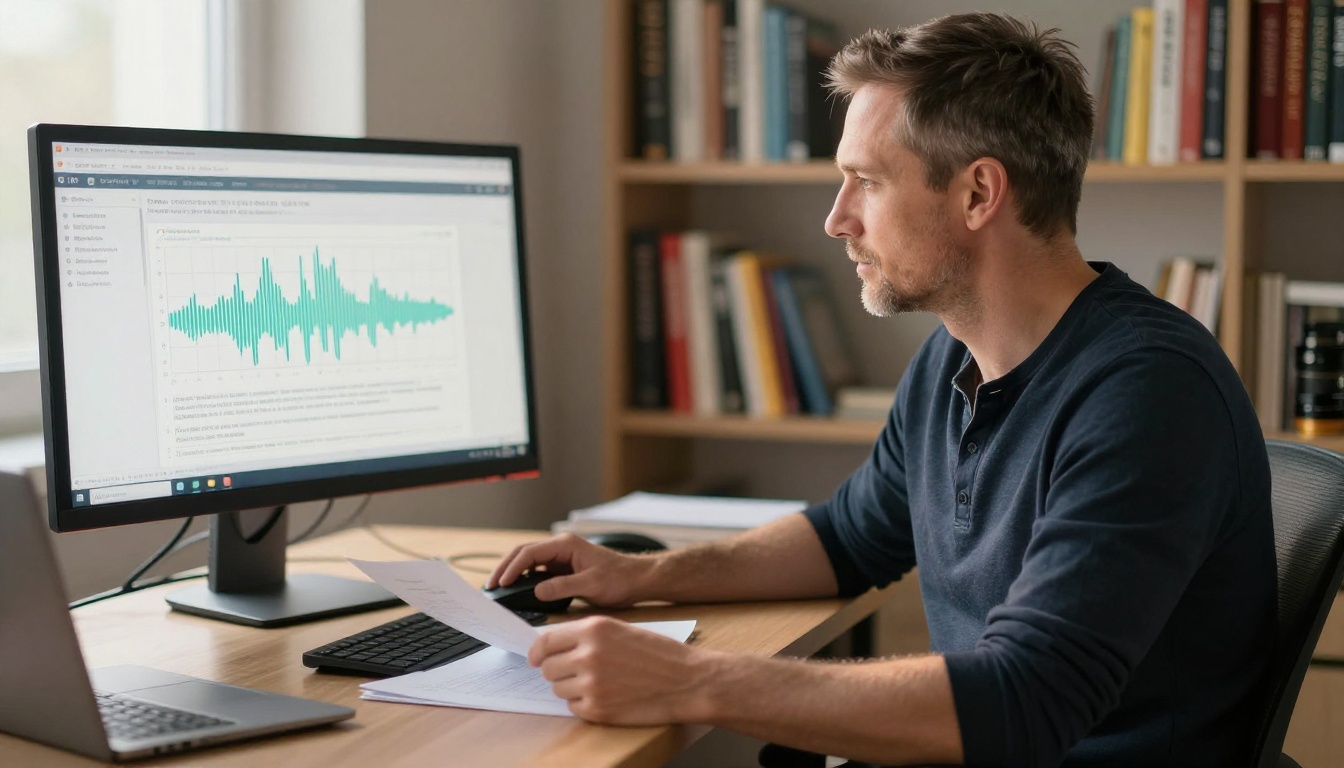
When you need an LLM that responds fast without sacrificing output quality, Gemini 3.5 Flash is the go-to. Google's multimodal model handles text, images, and code in a single interface, making it efficient for remote workers juggling multiple input types throughout the day. Its speed profile means less waiting and more iterating.
Gemini 3.1 Pro steps up for tasks that require deeper processing and longer context windows.
LLM Comparison at a Glance
| Model | Best For | Speed | Context Window |
|---|
| GPT 5 | General purpose, reports, code | Fast | Very long |
| Claude Sonnet 5 | Writing, documentation, editing | Fast | Long |
| DeepSeek R1 | Analysis, step-by-step reasoning | Moderate | Long |
| Grok 4 | Complex reasoning, research | Moderate | Very long |
| Gemini 3.5 Flash | Speed, multimodal tasks | Very fast | Long |
| Kimi K2.6 | Agentic tasks, coding | Fast | Very long |
💡 Tip: Do not lock yourself into one LLM. The smartest remote workers use two or three models for different task types and rotate based on output quality per task.
AI Audio Transcription for Remote Teams
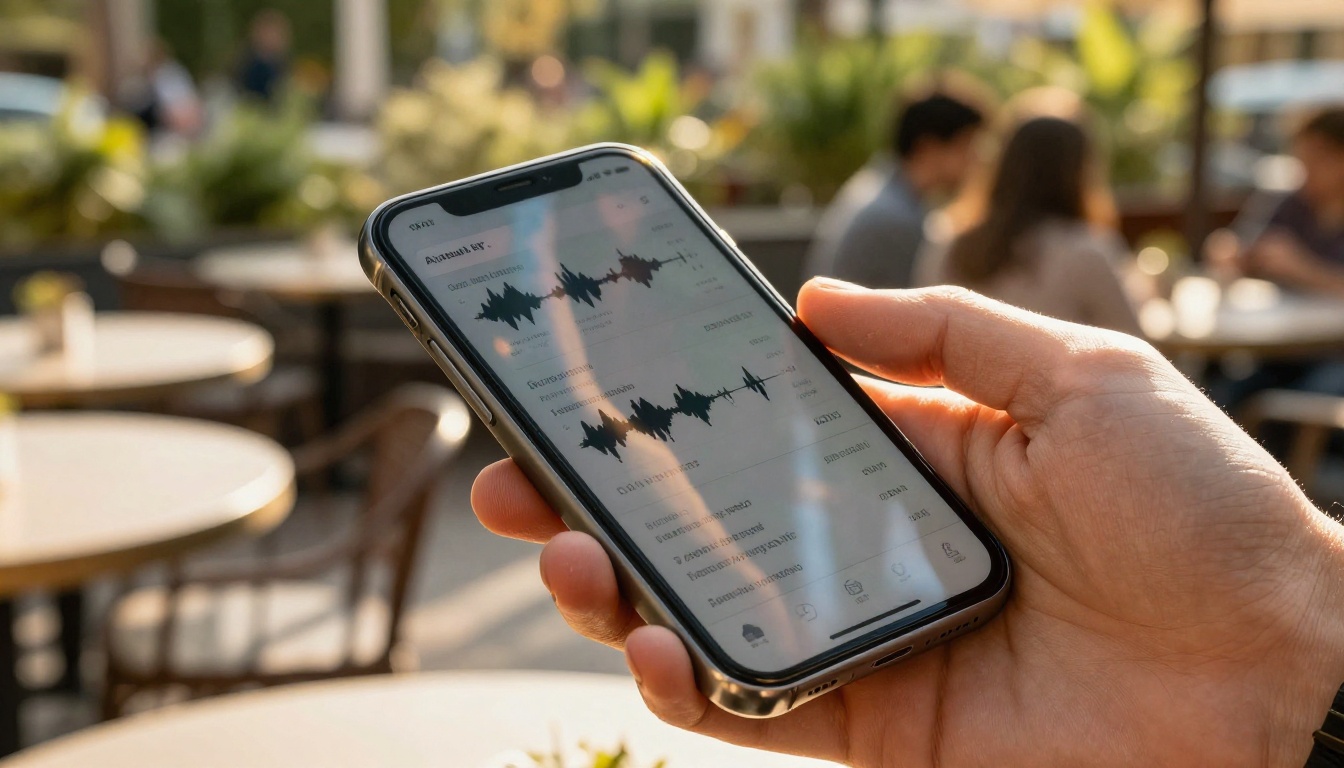
Meeting transcription is the single highest-ROI AI capability for remote workers. A one-hour call generates searchable, summarizable text in under two minutes. That eliminates the need for anyone to take notes, follow up on action items manually, or re-watch recordings.

GPT 4o Transcribe for Precision
GPT 4o Transcribe is the accuracy leader in 2027. It handles multiple accents, overlapping speakers, and technical vocabulary without the errors that plagued earlier speech-to-text models. For legal calls, client interviews, and technical debriefs where precision is non-negotiable, GPT 4o Transcribe is the right pick.
The model outputs clean timestamped text that you can feed directly into an LLM to generate summaries, extract action items, or produce meeting minutes without any manual cleanup.
GPT 4o Mini Transcribe for Volume
When you have a high volume of shorter recordings, podcasts, customer calls, quick voice memos, GPT 4o Mini Transcribe delivers strong accuracy at significantly lower cost per minute. It is the practical choice for teams transcribing dozens of recordings per day.
Gemini 3 Pro for Multilingual Teams
Gemini 3 Pro brings Google's multilingual capabilities to audio transcription. For distributed teams operating across languages, it handles non-English speech with better fidelity than most competitors. If your team calls span English, Spanish, Portuguese, or Mandarin in the same session, Gemini 3 Pro is worth testing.
Real Workflows That Cut Hours Every Week
Knowing which tools exist is not enough. The remote workers who extract real value from AI build it into repeatable daily workflows.
The Morning AI Briefing
Start each day by feeding your to-do list, any overnight messages, and a brief context note into GPT 5 or Claude Sonnet 5. Ask it to prioritize your tasks, flag dependencies, and draft a three-sentence status update for your team. This process takes four minutes and replaces a thirty-minute mental organizing session.
The Async Update Stack
Instead of writing async updates from scratch, record a two-minute voice memo summarizing your progress. Run it through GPT 4o Transcribe, then paste the transcript into DeepSeek v3.1 or Gemini 3.5 Flash with a simple prompt: "Turn this transcript into a concise async team update." The result is a clean, professional update in under three minutes total.
The Meeting-to-Action Pipeline
After every video call, transcribe the recording with GPT 4o Transcribe. Paste the transcript into Claude Sonnet 5 and prompt it to extract a numbered list of action items with owners and deadlines. Send the output to the team channel. No one needs to remember who said what.
💡 The 3-tool stack: Most remote workers need only three AI tools to cover 80% of their workday: one strong LLM, one fast LLM, and one transcription model. Pick from this list and stick with the stack for 30 days before evaluating.
AI Image Tools in a Remote Work Context
Remote professionals increasingly need visual assets: presentations, social media posts, team wikis, proposals, and client-facing documents all benefit from original imagery. Commissioning a photographer or designer for every need is neither fast nor affordable.

PicassoIA gives remote workers access to over 91 text-to-image models on a single platform, covering everything from photorealistic photography-style outputs to illustrated content. You can generate a cover image for a client proposal in under 60 seconds, then upscale it using PicassoIA's Super Resolution tool for print-quality output.
For workers who need to remove backgrounds from product photos, PicassoIA's Background Removal runs in one click. For team wikis and internal documentation where visuals clarify complex ideas, the platform's Image to Text captioning tool works in reverse, analyzing existing images and generating written descriptions automatically.
The practical use case for remote workers is speed. You do not need a creative team when you can generate a polished, contextually relevant image from a text prompt in under a minute. Explore the full model library at picassoia.com/en/all-models.
What Remote Workers Get Wrong About AI
The biggest mistakes are not technical. They are behavioral.

Treating LLMs Like Search Engines
LLMs are not search engines. Sending a vague one-line query to GPT 5 and expecting a polished answer produces mediocre results. The professionals getting the most out of LLMs treat the model like a skilled contractor: they give detailed context, specific output requirements, and an example of what "good" looks like. Three sentences of context at the start of a prompt changes the output quality more than switching models.
Skipping Transcription
Remote workers who take notes manually are leaving money on the table. GPT 4o Mini Transcribe costs a fraction of what manual note-taking costs in human time. The failure mode here is assuming transcription is only for long meetings. It works equally well for two-minute voice memos, client call recordings, and dictated first drafts of documents.
Using One Model for Everything
Kimi K2.6 is excellent for agentic coding tasks but overkill for writing a short client email. Gemini 3.5 Flash handles that email in half the time at lower cost. Using DeepSeek R1 for a quick social post is like hiring a consultant to answer a text message. Match the model to the task.
How to Build Your AI Stack This Week
The barrier to starting is much lower than most remote workers realize. Every model listed in this article is accessible through a browser with no installation required.
Here is a three-step starting point:
- Pick your primary LLM. If your work is writing-heavy, start with Claude Sonnet 5. If it is analysis and reasoning, start with DeepSeek R1. If you need a fast, general-purpose model, start with GPT 5.
- Add one transcription tool. GPT 4o Transcribe for accuracy-first use cases, GPT 4o Mini Transcribe for volume-first scenarios.
- Run your first workflow. Transcribe your next meeting. Feed the transcript to your LLM. Ask for action items. That first result will make the case for everything else.
For remote workers who also need visual assets, PicassoIA puts 91+ image generation models, background removal, super resolution, and AI image editing in one place. You can try generating images for your next presentation or proposal right now at picassoia.com/en/all-models and see in real time how fast AI-generated visuals slot into a professional workflow.
The top AI tools for remote workers in 2027 are not complicated. A strong LLM, a reliable transcription model, and a clear workflow are all it takes to reclaim hours every week. Start with one task, build the habit, and add tools only when a specific bottleneck appears. That is how the best remote professionals use AI: deliberately, not indiscriminately.


