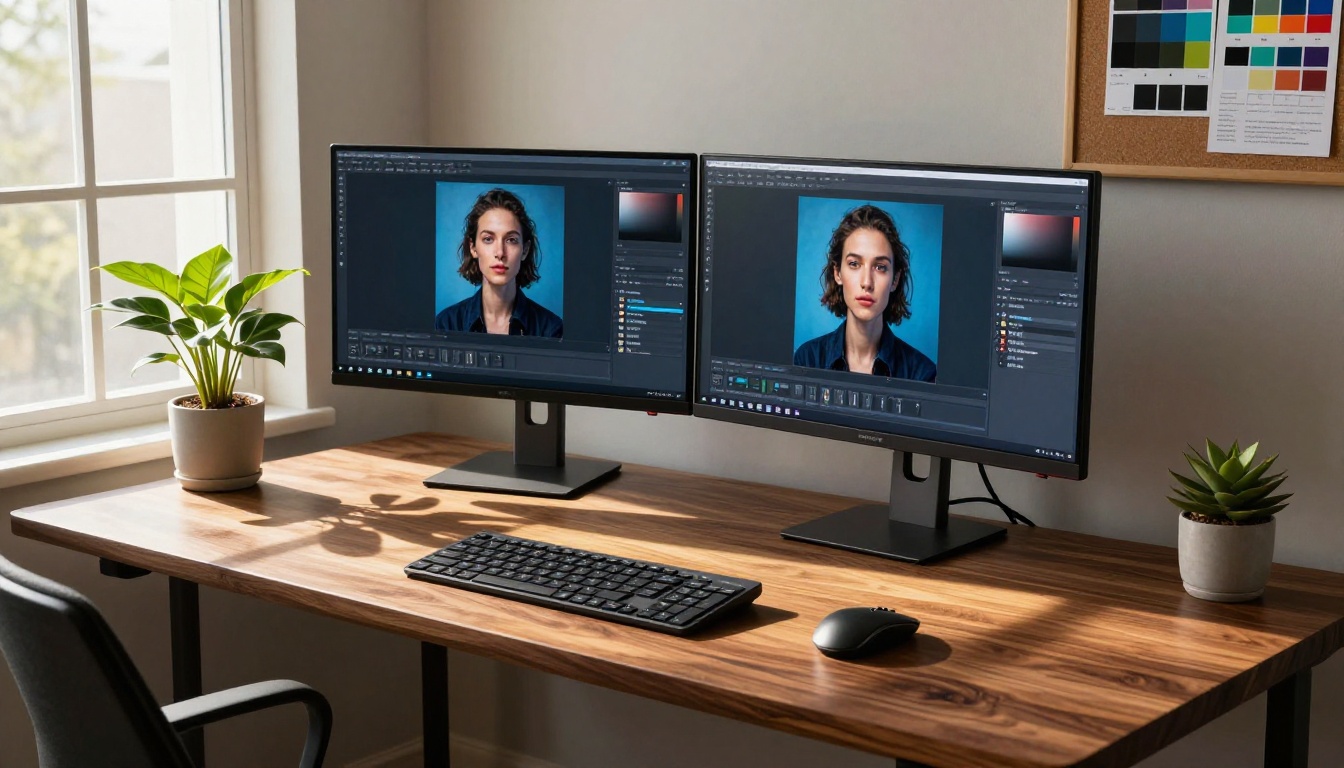
Photoshop has been the industry standard for image editing for over three decades. But something shifted in the last two years. AI-powered tools now do in seconds what used to take a trained designer 30 minutes: remove backgrounds, generate photorealistic images from text, upscale blurry photos to 4K, and edit entire compositions with a single written instruction. The monthly Adobe subscription is starting to feel optional.
Why Photoshop Is Losing Ground
The Subscription Problem
Adobe Creative Cloud doesn't come cheap. For individuals, the Photography plan runs around $19.99 per month. The full Creative Cloud suite tops $54.99 per month. For freelancers, small studios, or anyone who only needs image editing occasionally, that cost is hard to justify when free and low-cost AI alternatives now handle the bulk of common editing tasks.
The real blow landed when AI tools stopped being "good enough" and started being actually better at specific tasks. Removing a background in Photoshop still requires selecting your subject, refining the selection edge, and handling hair and fine details manually. AI background removal does this in under three seconds with near-perfect edge precision.
AI vs Manual Pixel Work
Traditional Photoshop workflows depend on human precision at every step: selecting layers, masking, painting corrections. AI tools flip this entirely. You describe what you want in plain language, and the model executes it. That shift is not just about speed. It changes who can do the work. A marketing manager with no design background can now produce production-quality visuals without opening a single software tutorial.

💡 Worth noting: Most of the AI tools covered in this article are accessible directly through a browser without any software installation or local hardware requirements.
Text to Image Has Changed Everything
The biggest category disrupting Photoshop is text-to-image generation. When you can type a description and receive a photorealistic 8K image in under 10 seconds, the traditional pipeline of sourcing stock photos, placing them into Photoshop, masking, and adjusting starts to look inefficient.
Flux Pro Sets a New Bar
Flux Pro from Black Forest Labs became the benchmark for photorealistic text-to-image generation. Its ability to render realistic textures, accurate lighting, and human anatomy without typical AI artifacts pushed it ahead of competitors. The upgraded Flux 1.1 Pro improved prompt adherence significantly, and Flux 1.1 Pro Ultra now outputs at 4MP resolution, which is large enough for print production.
For designers who previously opened Photoshop just to create a background or hero image for a website, Flux Dev offers an open-weight alternative that runs fast and requires no fine-tuning to produce usable results.
What Flux excels at:
- Photorealistic portraits with accurate skin texture and natural lighting
- Architectural and product photography-style renders
- Complex scenes with accurate perspective and spatial depth
- Fast iteration across multiple visual concepts in one session
Imagen 4 Ultra from Google
Google's Imagen 4 Ultra sits at the top of Google's image generation stack. The model produces images with remarkable fine-detail rendering, particularly in fabric textures, foliage, and water surfaces. Imagen 4 and its faster variant Imagen 4 Fast round out the suite for different speed-quality tradeoffs.
Where Imagen 4 Ultra particularly stands out is in lighting accuracy. Images look like they were shot with professional photography equipment rather than produced by a model. For commercial applications where photorealism is non-negotiable, that distinction matters.
GPT Image 1.5's Editing Power
OpenAI's GPT Image 1.5 brings a different capability set. Beyond generation, it handles transparency by outputting PNG with alpha channels, which was previously a Photoshop-exclusive workflow requirement. It also supports instruction-following edits: you can tell it to change the color of an object, remove an element, or add specific text to an image with natural language.
The Seedream 4 model from ByteDance is another strong contender in this space, producing 4K output with precise prompt adherence and strong color fidelity across diverse subjects.
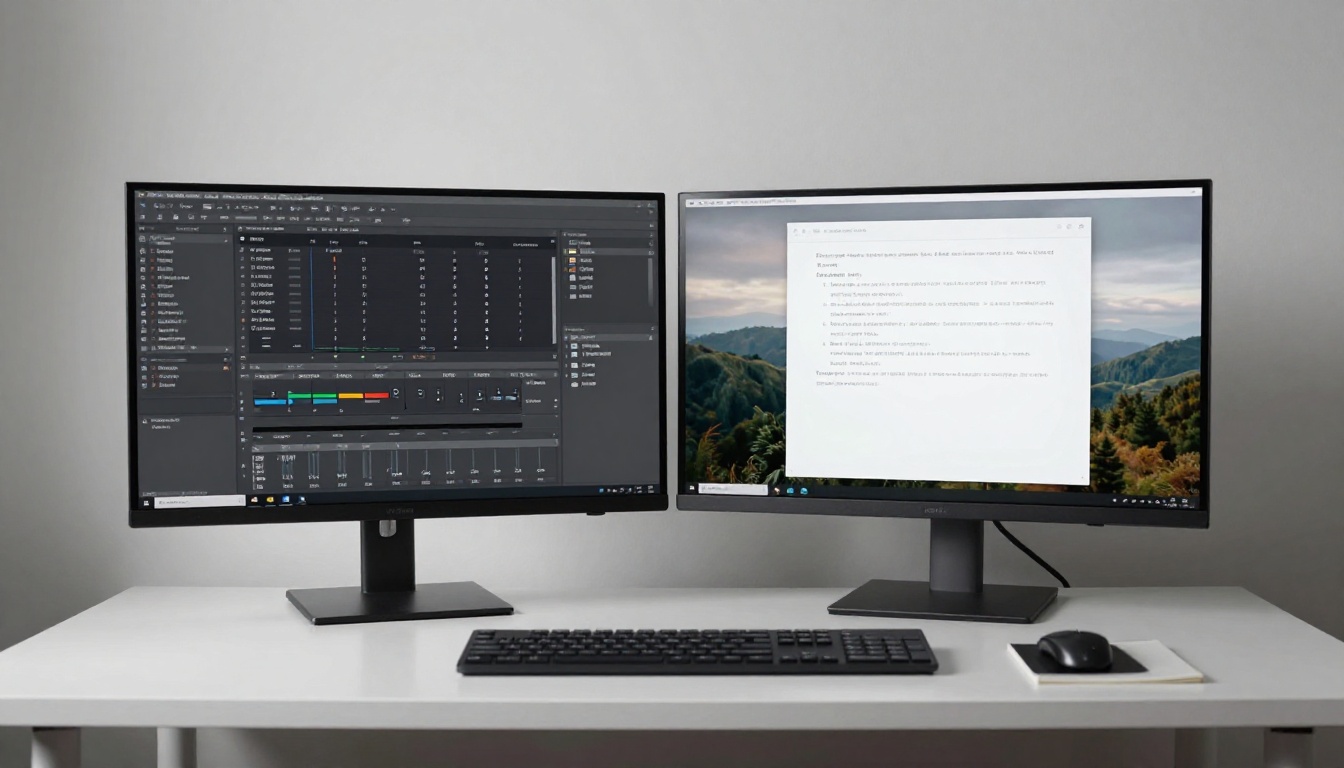
AI Image Editing Without Layers
Generating images from scratch is one thing. Editing existing photos without touching a layer panel is another, and this is where Photoshop's core value proposition gets challenged most directly.
Flux Kontext Pro
Flux Kontext Pro rewrites the image editing model entirely. You provide an image, write a text instruction, and the model makes targeted edits while preserving everything else. Change a red jacket to blue. Add a tree in the background. Remove the person on the right. These edits happen without manually selecting anything.
Flux Kontext Max pushes this further with higher resolution output and better adherence to complex multi-element instructions. For retouching workflows, this replaces what would otherwise require adjustment layers, smart objects, and clone stamp work in Photoshop.
Qwen Image Edit
Qwen Image Edit Plus LoRA from the Qwen team offers strong instruction-following for photo editing with the added ability to apply LoRA style weights. This is particularly useful for maintaining a consistent visual style across a series of edited photos without recreating the same Photoshop action manually for each image.
Inpainting and Outpainting
Two of Photoshop's most-used features, Content-Aware Fill and Generative Expand, have direct AI counterparts that frequently perform better. Inpainting lets you mask a region of an image and regenerate it with contextual coherence. Outpainting extends the canvas in any direction, filling in new content that matches the original image's perspective, lighting, and style.
Models like Flux 2 Pro and Flux 2 Dev support both workflows natively. The results routinely outperform Photoshop's generative tools on complex scenes with irregular textures.
💡 Practical tip: When using inpainting, leave slightly more area in your mask than you think you need. AI models fill with more coherence when they have context around the target region.
Background Removal in Seconds
One of the highest-friction tasks in Photoshop is clean subject isolation. Hair, transparent fabrics, and complex edges take significant time with traditional selection tools. AI background removal has effectively automated this entirely.
What Makes AI Better Than the Pen Tool
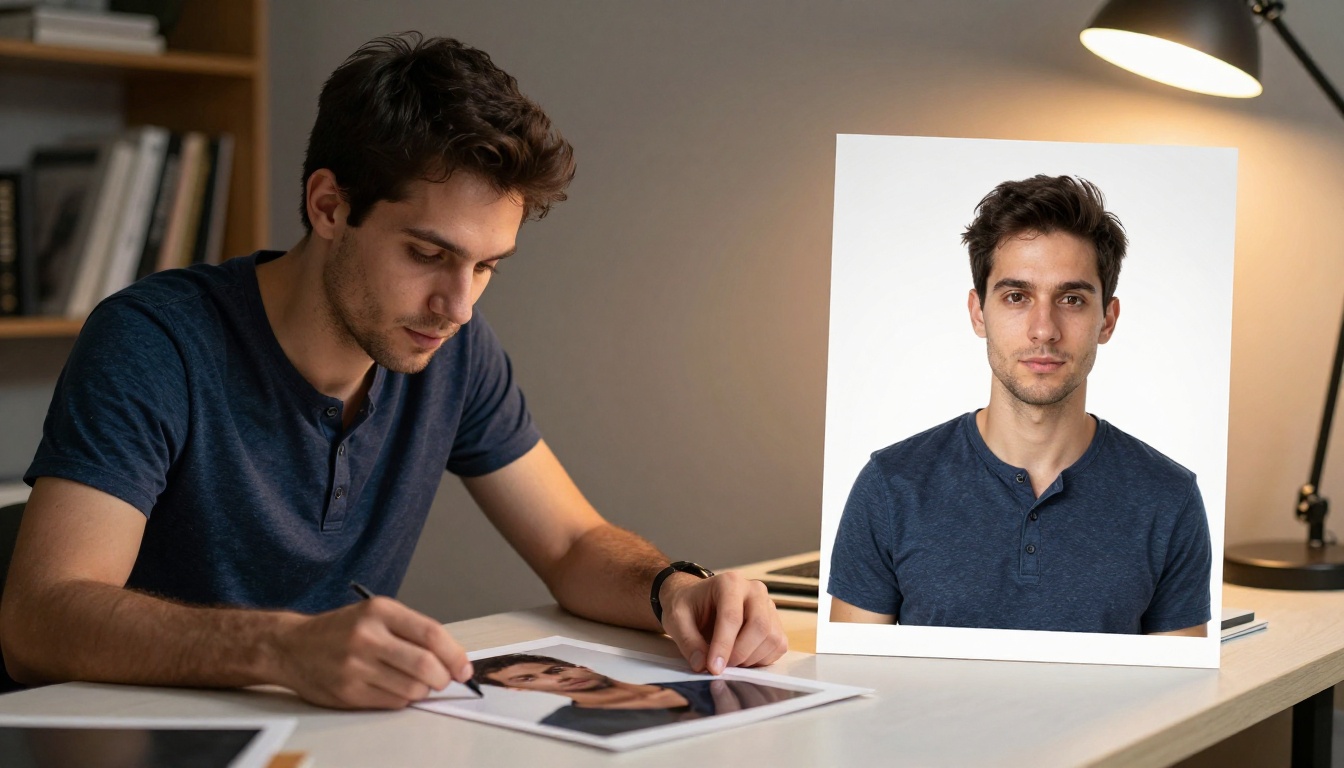
The Remove Background model by Bria processes images in seconds and handles fine hair, flyaway strands, and semi-transparent areas with accuracy that would require 20 to 30 minutes of careful manual masking in Photoshop. The output is a clean PNG with a preserved alpha channel, ready for immediate use in any layout.
For e-commerce teams shooting product photography at scale, this single capability alone replaces a significant portion of their post-processing pipeline. Batch processing through API removes the human bottleneck entirely.
Scenarios where AI beats the pen tool:
- Product photography on complex or textured backgrounds
- Portrait cutouts with flyaway hair and fine strand detail
- Fashion shots on natural surfaces with irregular edges
- Objects with reflective or semi-translucent material edges
Upscaling Without the Guesswork
Photoshop's Image Size dialog offers bicubic interpolation, which estimates missing pixel data using mathematical sampling. It works, but it softens detail and creates artifacts at high upscaling ratios. AI super-resolution models do something fundamentally different: they reconstruct plausible fine detail based on what the model learned about textures, surfaces, and structures from millions of images.
Real-ESRGAN and What It Does
Real-ESRGAN by NightmareAI remains one of the most reliable AI upscalers available. It handles photography, illustration, and compression artifact reduction with solid consistency across image types. For archival images or older photos that need 4x upscaling without blurring, it outperforms Photoshop at every ratio above 2x.
Topaz Upscale vs Photoshop Enlarge
The Image Upscale model from Topaz Labs goes up to 6x upscaling with detail preservation that Photoshop cannot match natively. The difference is most visible in areas with fine repeating textures: fabric weaves, leaf surfaces, concrete, and skin pores.
Other strong upscaling options include Recraft Crisp Upscale for sharp, artifact-free output, Recraft Creative Upscale for adding new detail during upscaling, and Crystal Upscaler which specializes in portrait enhancement at 4x.
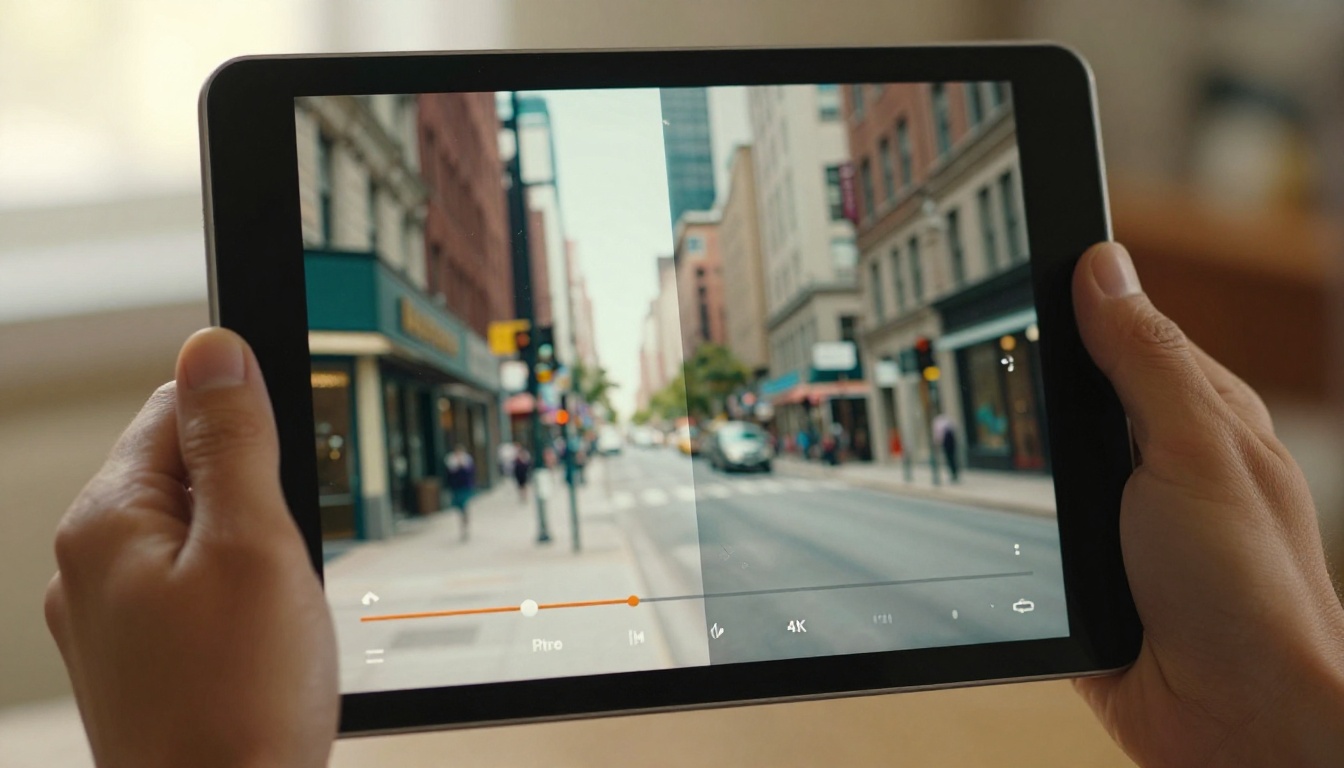
How to Use Flux Kontext Pro on PicassoIA
Flux Kontext Pro is directly available on PicassoIA and requires no software installation. Here is how to use it for photo editing:
- Open the model page: Go to Flux Kontext Pro on PicassoIA.
- Upload your image: Click the image upload field and select the photo you want to edit. JPG, PNG, and WebP are all supported.
- Write your instruction: In the prompt field, describe the edit in plain language. Be specific. Instead of "change the background," write "replace the background with a clean white studio backdrop."
- Set your aspect ratio: Choose 1:1 for social media, 16:9 for banners, or keep the original ratio of your photo.
- Run the generation: Click Generate. Flux Kontext Pro processes the edit while preserving the rest of your image untouched.
- Iterate on results: If the edit isn't precise enough, add more detail to your instruction. Describe what should stay the same as well as what should change.
💡 Pro tip: Flux Kontext Pro follows negative instructions. If you write "change the jacket to red, do not change the face or hair," it respects those constraints accurately and consistently.
What AI Still Can't Replace
Photoshop is not obsolete. It still has capabilities that AI tools do not fully replicate.
Where Photoshop holds an advantage:
- Precise vector mask drawing for complex print production with exact trim lines
- CMYK color mode management for offset printing workflows
- Layer-by-layer non-destructive editing with full revision history
- Raw file processing with Camera Raw profiles and lens correction
- Typography control for layout work requiring precise kerning and tracking
- Integration with Illustrator and InDesign in professional publishing pipelines
The honest position: AI tools and Photoshop are not fully interchangeable for every workflow today. For photographers who need raw file control, for prepress operators managing CMYK proofs, and for designers doing complex multilayer layout work, Photoshop remains relevant.
But for a growing majority of use cases, particularly content creation, social media visuals, marketing assets, and product photography, AI tools are faster, cheaper, and require far less technical skill to achieve professional results.
The Real Cost of Switching
The financial comparison is worth laying out directly.
Beyond cost, the switching cost in time is low. Unlike Photoshop, which requires learning shortcuts, understanding blending modes, and building a layer workflow, most AI tools have a single input: a text prompt. The barrier to getting useful results drops from days to minutes.
For teams and agencies, the calculation is even clearer. A photo editor who spent three hours per day doing background removals, retouching, and creating visual variants can now complete the same volume of work in under 30 minutes using AI tools. That time redirects toward strategy, creative direction, and client communication.

💡 For agencies: PicassoIA gives access to 91+ text-to-image models, 7 super-resolution upscalers, and background removal in a single platform. Running multiple tools from one place reduces account management and API integration overhead.
Start Creating Right Now
The tools described in this article are not hypothetical or in beta. They are available today, and many of them are free to try on PicassoIA without creating an account or installing software.
If you shoot product photography and spend time on cutouts, Remove Background eliminates that task entirely. If you produce marketing visuals and need hero images without stock photo licensing fees, Flux 1.1 Pro Ultra or Imagen 4 Ultra will deliver photorealistic results from a text description in seconds.
If you edit existing photos and want to stop wrestling with selection masks, Flux Kontext Pro handles it with a written instruction. And if you have older images at low resolution, Image Upscale or Real-ESRGAN will recover detail that Photoshop's interpolation cannot reconstruct.
Pick one workflow you currently do in Photoshop and try the AI alternative on PicassoIA. The gap between the two results is usually enough to make the decision clear.